



Consile
Freemium
Consile is an all-in-one team operations platform that integrates tasks, attendance, leave, and HR functions in a secure workspace.
 R
R
Recall is a personal AI knowledge base that helps you save, summarize, and engage with your content.
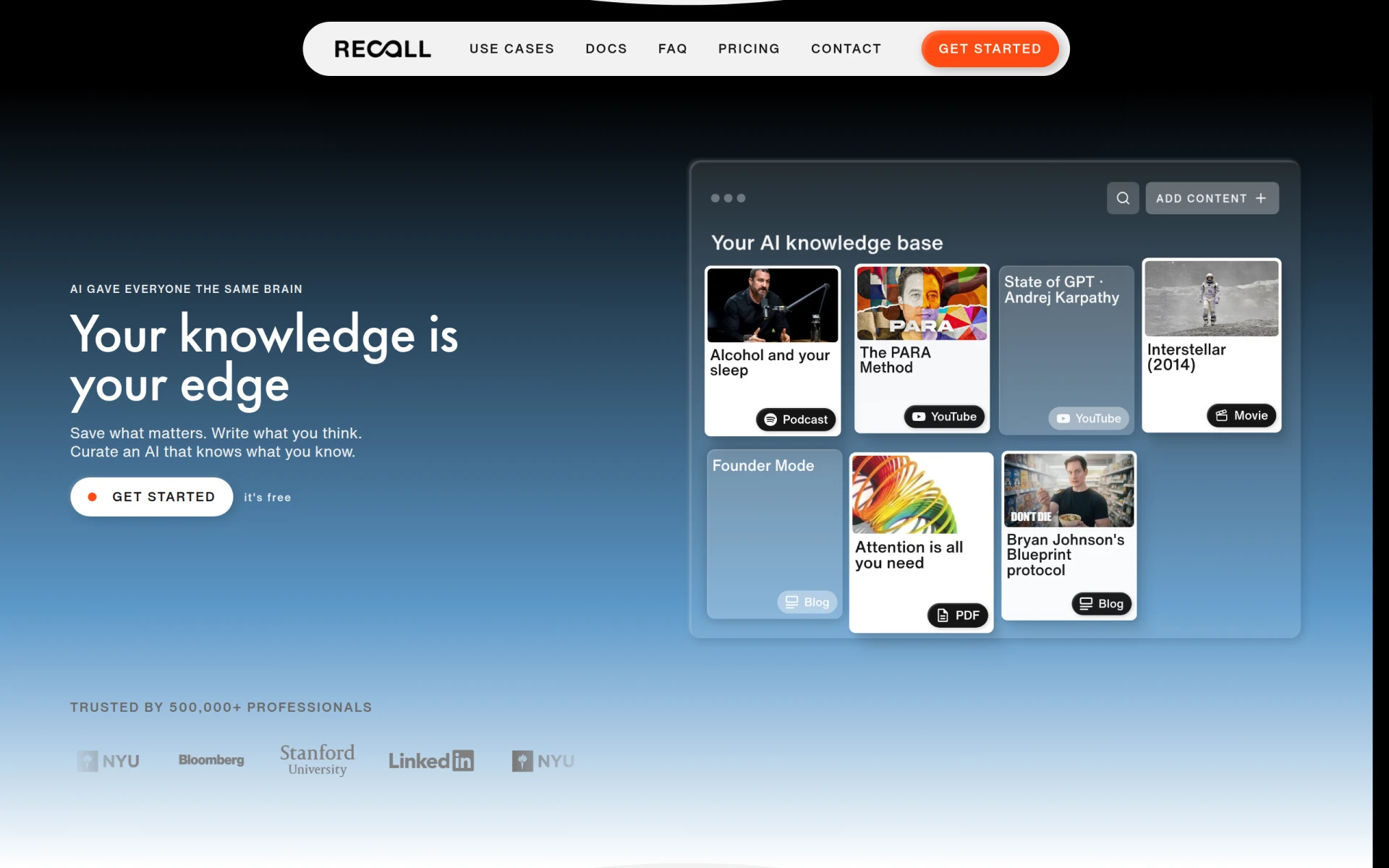
Recall is a personal AI knowledge base designed to help users save, summarize, and interact with various forms of content, including articles, videos, podcasts, PDFs, and personal notes. Its primary purpose is to empower users to manage their knowledge efficiently, allowing for easy retrieval and organization of information. Recall addresses common challenges faced by individuals who need to keep track of various resources and information sources, making it easier to learn and reference material without the clutter.
Using Recall provides tangible advantages for users looking to streamline their knowledge management. The AI summarization feature saves time by condensing long articles into digestible summaries, allowing users to grasp key points quickly. The ability to organize content effectively reduces the time spent searching for information, enhancing productivity. Interactive chat functionality enables users to clarify doubts and engage with their content in a conversational manner, making the learning process more dynamic. Furthermore, the visual knowledge graph helps users see connections between different pieces of information, fostering better understanding and retention.
Recall is well-suited for various scenarios, including:
Recall is ideal for lifelong learners, students, professionals, and anyone who regularly engages with diverse content types. It benefits users who appreciate having a centralized knowledge base for easy access and management of their information. However, it may not be the best fit for those who prefer traditional note-taking methods or those requiring extensive collaboration features that are not central to Recall's design.
Recall offers a free plan for personal note-taking, with options for paid tiers such as Plus and Max, which include additional features and AI summaries for a monthly fee.
Recall presents a robust solution for managing knowledge through an AI-powered interface, allowing users to save, summarize, and interact with their content efficiently. While it excels in personal knowledge management, users should consider their specific needs, particularly if they require advanced collaboration tools or prefer more conventional methods of note-taking. Overall, Recall is a valuable tool for anyone looking to enhance their learning and information retrieval processes.
Consile is an all-in-one team operations platform that integrates tasks, attendance, leave, and HR functions in a secure workspace.
A comprehensive guide to keyboard shortcuts for Windows, MacOS, and Linux, enhancing productivity and workflow efficiency.
Online Whiteboard is a free collaborative tool for brainstorming and visualizing ideas in real-time with teams.
Audioread converts text from articles, PDFs, and emails into natural-sounding audio for easy listening.
Ayfie is a personal assistant software that helps users manage tasks and improve productivity through intelligent automation.
AIApply is a job application tool that helps users create tailored resumes, cover letters, and auto-apply for jobs quickly.
Weekly roundup of new AI tools, launches, and trending software. No spam — unsubscribe anytime.
No credit card required · Cancel anytime
Weekly roundup of new AI tools, launches, and trending software. No spam — unsubscribe anytime.
No credit card required · Cancel anytime








