Composio
Freemium
Composio is a developer tool that enables secure access to over 1,500 applications through an easy-to-use SDK.
 R
R
Refraction AI is a developer tool that uses AI to generate, refactor, and document code efficiently.
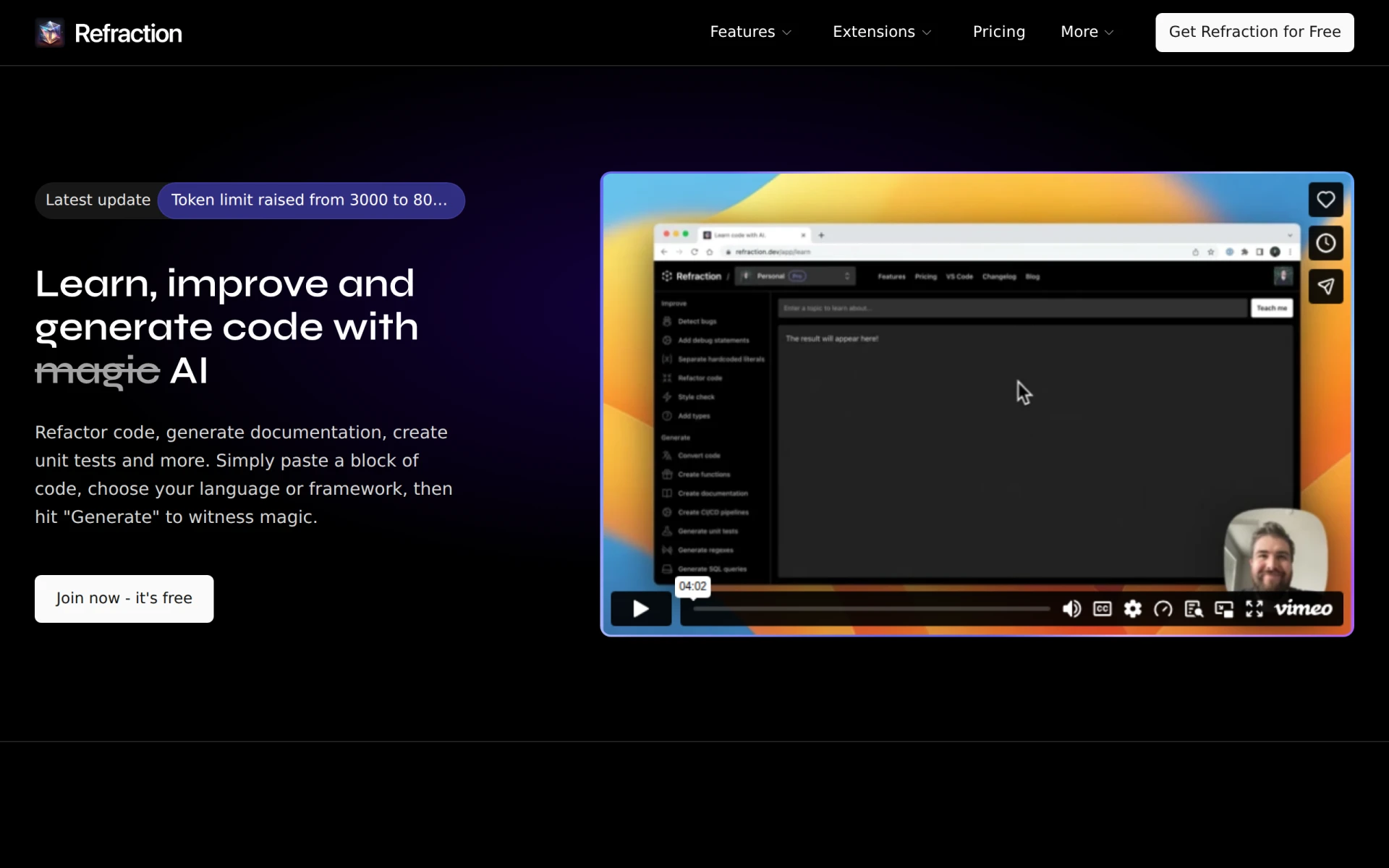
Refraction AI is a sophisticated developer tool designed to enhance coding efficiency through artificial intelligence. Its primary purpose is to assist developers by generating code snippets, refactoring existing code, and producing documentation automatically. By leveraging AI, Refraction addresses common challenges faced by programmers, such as the need for rapid code generation, maintaining code quality, and ensuring comprehensive documentation.
Refraction AI provides practical advantages by streamlining the coding process for developers. It reduces the time spent on repetitive tasks, allowing developers to focus on more complex problems. Additionally, it enhances code quality by ensuring that best practices are followed during code generation and refactoring. The automatic documentation feature supports better knowledge sharing within teams, ultimately improving collaboration and project outcomes.
Developers can benefit from Refraction AI in various scenarios:
Refraction AI is ideal for professional developers, software teams, and organizations looking to enhance their coding practices through automation. It is especially beneficial for teams with a high volume of repetitive coding tasks. However, it may not be the best fit for beginners who are just starting to learn coding fundamentals, as reliance on automated tools might hinder their learning process.
Refraction AI offers a straightforward pricing model, including a free trial and subscription plans tailored for individual developers and teams. The Hobby plan is free for casual users, while the Pro plan starts at $8 per month for professional developers and the Team plan is $14 per user per month.
Refraction AI presents a compelling solution for developers seeking to improve efficiency and code quality through AI-driven tools. While it excels in automating code generation and documentation, potential users should consider their specific needs and team dynamics before integrating it into their workflows. Overall, it stands out as a valuable tool in the developer toolkit, particularly for those involved in larger projects or teams.
Composio is a developer tool that enables secure access to over 1,500 applications through an easy-to-use SDK.
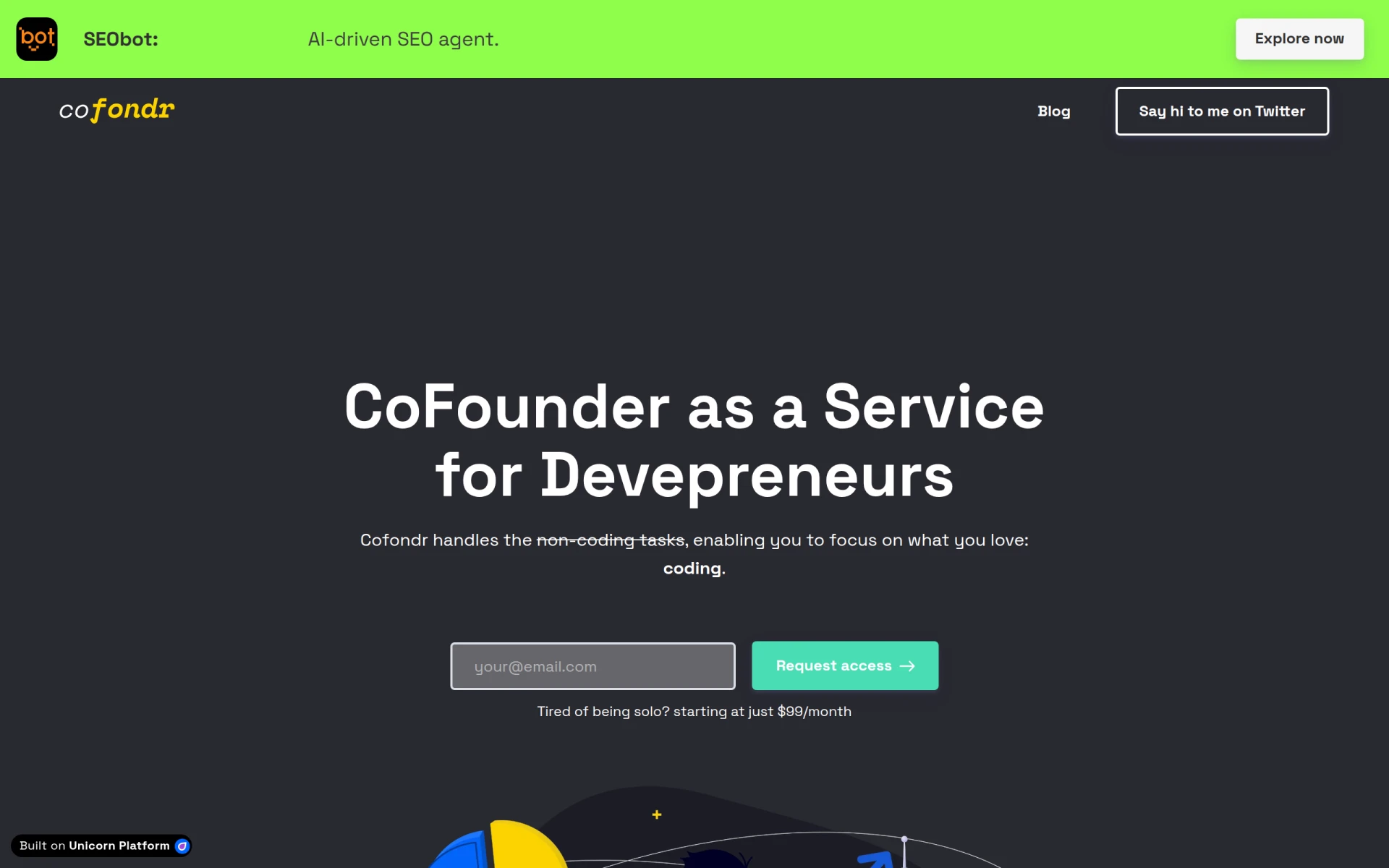
Cofondr simplifies non-coding tasks for developers, allowing them to focus on coding and marketing.
CodeMerge is a collaborative development tool designed to streamline code integration and version control for software teams.
Coding Assistant is a developer tool designed to enhance coding efficiency and accuracy through intelligent code suggestions and problem-solving.
ClutchClick offers custom app, website, and AI tool development with a senior-led team for streamlined project delivery.
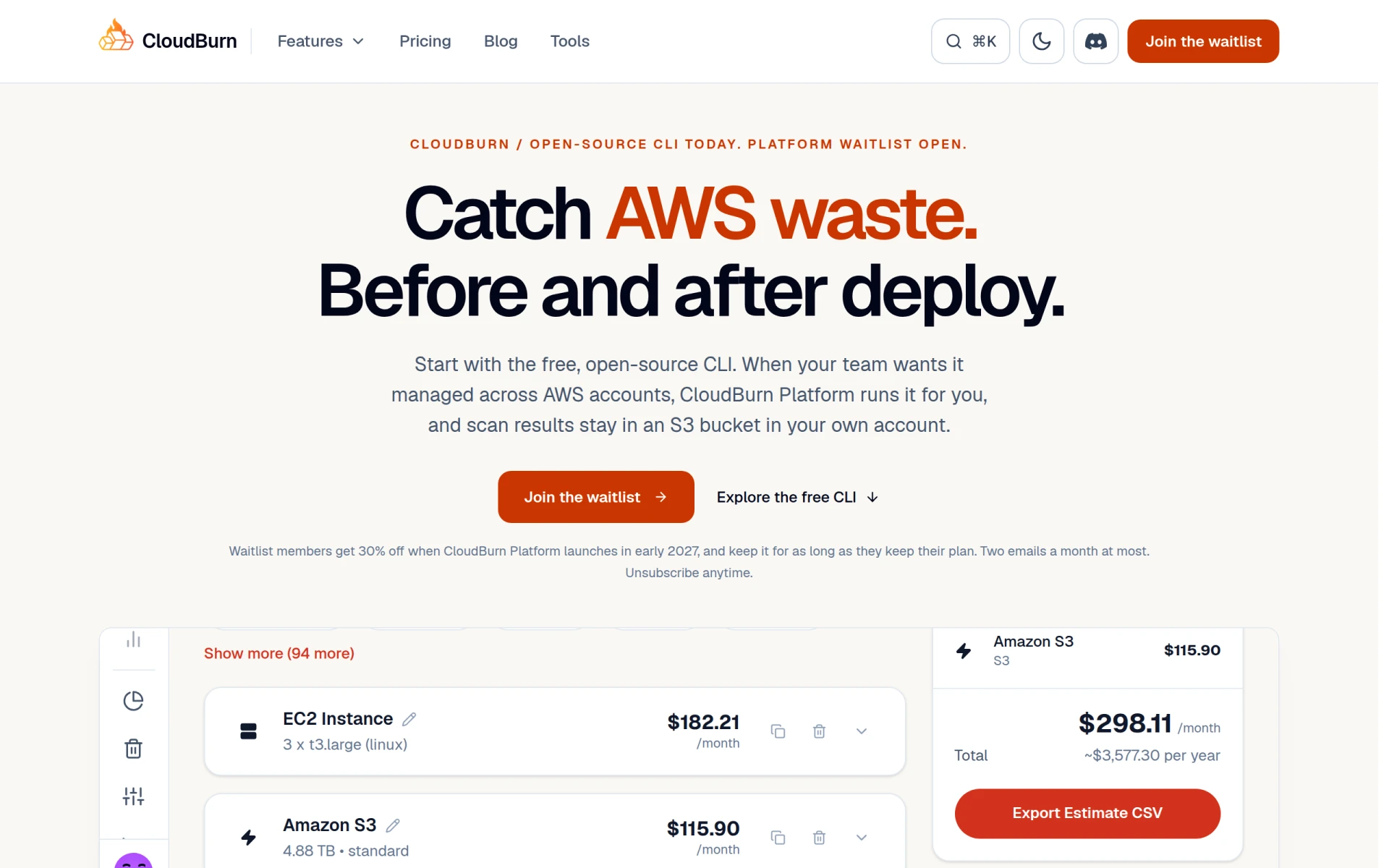
CloudBurn helps identify and optimize AWS costs through a free, open-source CLI tool for effective resource management.
Weekly roundup of new AI tools, launches, and trending software. No spam — unsubscribe anytime.
No credit card required · Cancel anytime
Weekly roundup of new AI tools, launches, and trending software. No spam — unsubscribe anytime.
No credit card required · Cancel anytime