Composio
Freemium
Composio is a developer tool that enables secure access to over 1,500 applications through an easy-to-use SDK.
 R
R
Replit is a collaborative platform that allows users to build and deploy applications and websites quickly, leveraging AI without coding skills.
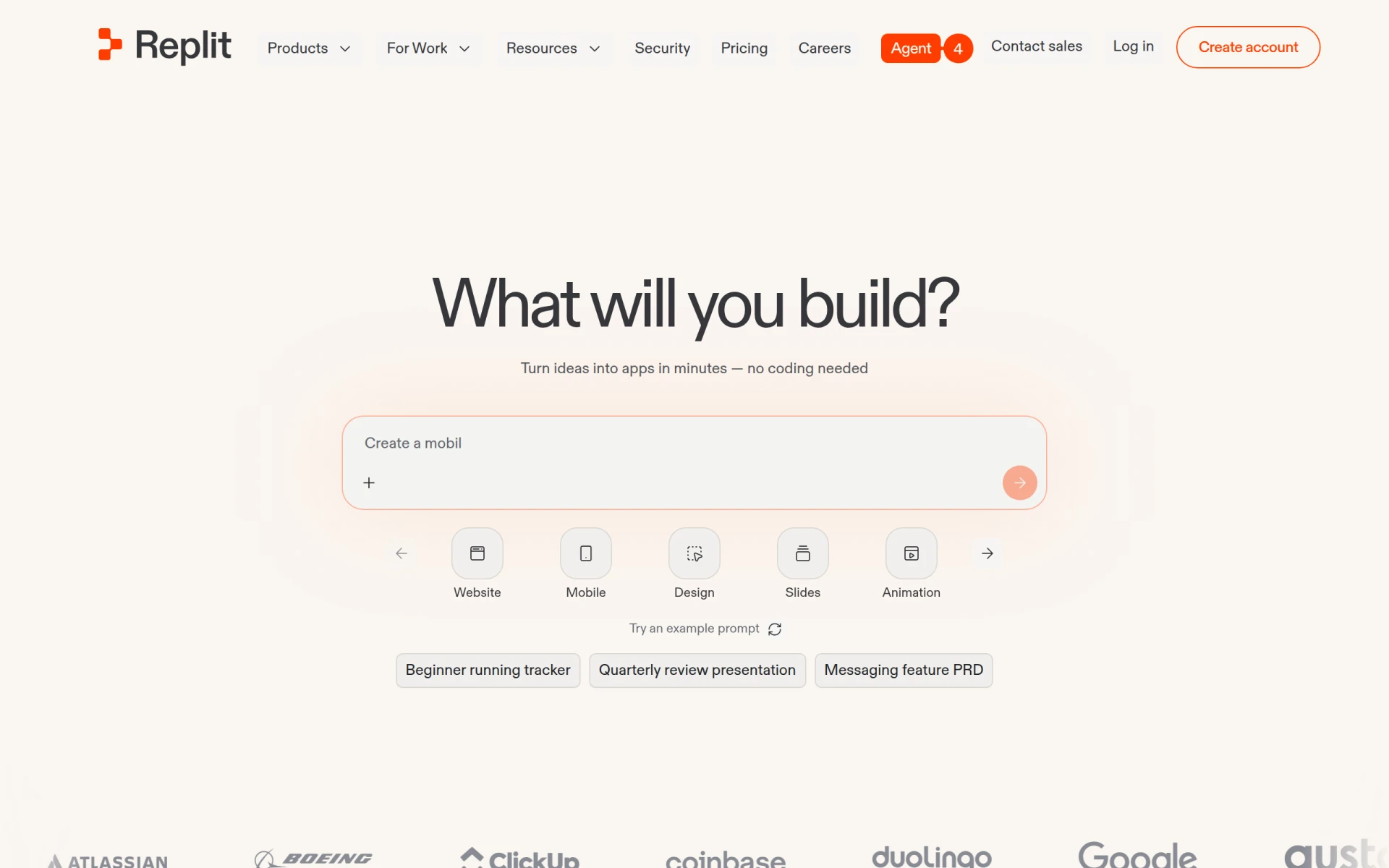
Replit is a collaborative online development environment that empowers users to create applications and websites efficiently, even without extensive coding knowledge. The primary purpose of Replit is to democratize software development, making it accessible to a broader audience, including those who may have little to no programming experience. It addresses several challenges in traditional software development, such as the steep learning curve associated with coding, the complexity of setting up development environments, and the need for collaboration among team members.
Replit provides significant advantages for users looking to create applications and websites. Its collaborative features enable teams to work together in real-time, which can enhance productivity and creativity. The integration of AI tools simplifies the development process, allowing users to focus on their ideas rather than technical hurdles. Furthermore, the platform's accessibility means that users can start building projects without the need for extensive setup or prior coding experience, facilitating faster prototyping and innovation.
Replit is versatile and can be employed in various scenarios. For instance, a startup might use Replit to quickly prototype an application and solicit feedback from potential users. Educators can leverage the platform to teach programming concepts in a hands-on manner, allowing students to build projects collaboratively. Freelancers could utilize Replit to deliver client projects efficiently without needing to set up complex local environments. Additionally, hobbyists may find it an excellent way to explore their coding interests by creating simple applications or games.
Replit is ideal for non-programmers, educators, and teams looking to collaborate on software projects. It is particularly beneficial for startups and small businesses that need to develop prototypes quickly without extensive resources. However, seasoned developers who require advanced features or finer control over their development environment may find Replit limiting compared to traditional IDEs.
Replit offers a variety of pricing plans, including a free tier for users to explore its capabilities. Paid plans provide additional features such as enhanced collaboration tools and increased resource limits.
Replit presents a compelling solution for individuals and teams looking to build and deploy applications quickly and collaboratively. Its user-friendly interface and AI integration make it a suitable choice for those without a programming background. While it may have limitations for more experienced developers, it successfully lowers the barrier to entry for software creation, making it a valuable tool in the developer ecosystem.
Composio is a developer tool that enables secure access to over 1,500 applications through an easy-to-use SDK.
Cofondr simplifies non-coding tasks for developers, allowing them to focus on coding and marketing.
CodeMerge is a collaborative development tool designed to streamline code integration and version control for software teams.
Coding Assistant is a developer tool designed to enhance coding efficiency and accuracy through intelligent code suggestions and problem-solving.
ClutchClick offers custom app, website, and AI tool development with a senior-led team for streamlined project delivery.
CloudBurn helps identify and optimize AWS costs through a free, open-source CLI tool for effective resource management.
Weekly roundup of new AI tools, launches, and trending software. No spam — unsubscribe anytime.
No credit card required · Cancel anytime
Weekly roundup of new AI tools, launches, and trending software. No spam — unsubscribe anytime.
No credit card required · Cancel anytime