Overview
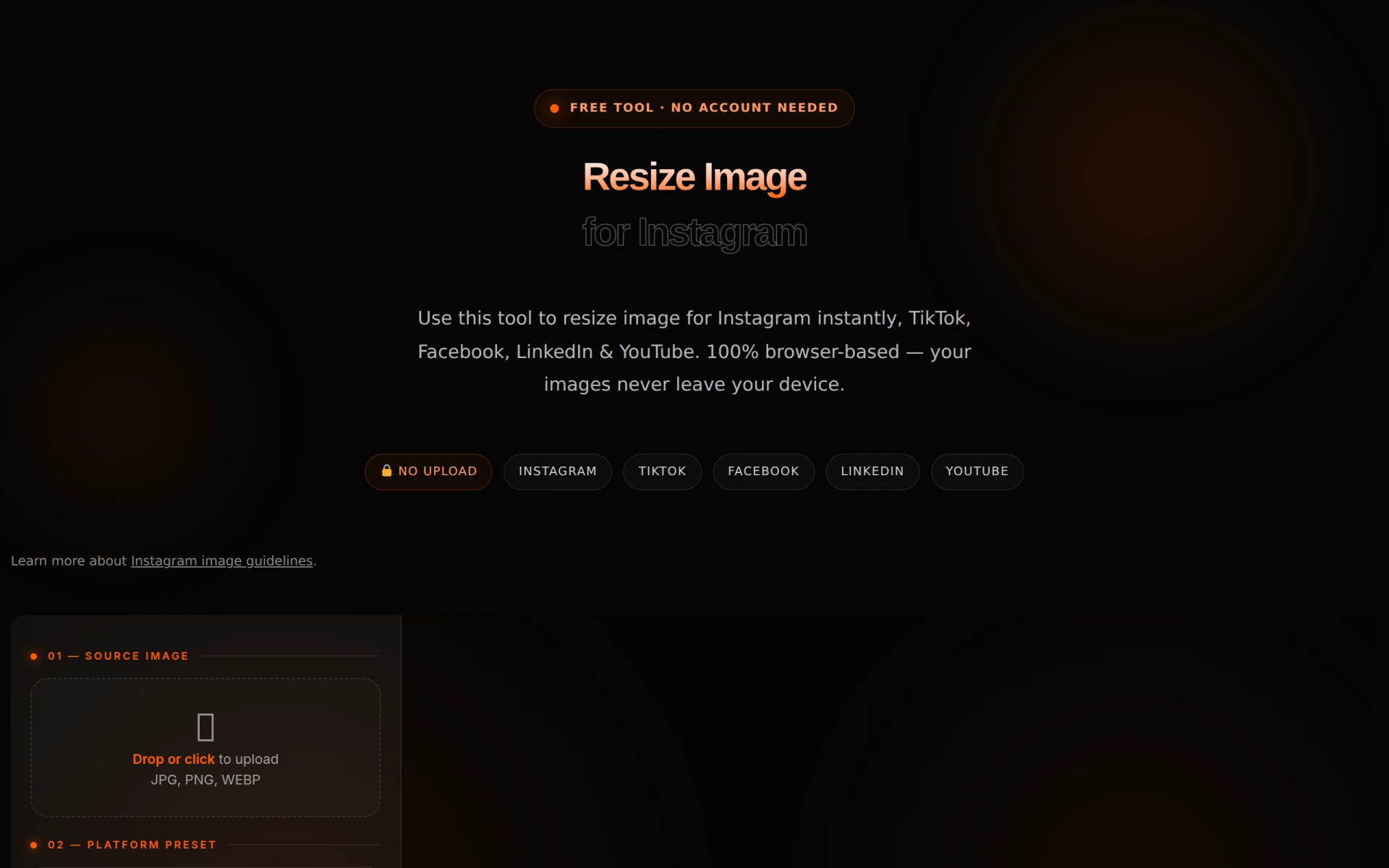
Resize Image for Instagram is an online tool designed to help users quickly and easily resize images to meet Instagram's specific requirements for posts, stories, and reels. The primary purpose of this tool is to ensure that images are displayed correctly on the platform, avoiding issues such as unintended cropping or loss of image quality. By providing the correct dimensions for various types of Instagram content, this tool helps users maintain the visual integrity of their images and enhances their social media presence.
The problems it solves include the challenges associated with uploading images that do not conform to Instagram's size specifications. Many users experience frustration when their images are automatically cropped or appear blurry because they are either too large or incorrectly proportioned. This tool eliminates those issues by offering a straightforward solution for resizing images without the need for complex software or extensive editing skills.
Key Features
- Image resizing for Instagram posts, stories, and reels
- Browser-based tool with no uploads required
- Supports common image formats such as JPG, PNG, and WebP
- Local processing ensures privacy and security of images
- Offers presets for various Instagram dimensions
- Quick and easy interface for immediate resizing
- No account needed to access the tool
- Compatible with resizing for other platforms like TikTok, Facebook, LinkedIn, and YouTube
Benefits
Using Resize Image for Instagram provides several practical advantages for social media users. First, the tool enhances the quality of images posted on Instagram, ensuring that visuals are crisp and well-framed. This is particularly important for businesses and influencers who rely on high-quality images to engage their audience. Additionally, the tool saves time by allowing users to resize images quickly without needing advanced graphic design skills or software. This user-friendly approach makes it accessible for everyone, from novice users to seasoned professionals.
Furthermore, the privacy aspect is a significant benefit, as the tool processes images locally without uploading them to a server, thus minimizing the risk of data breaches. Users can feel confident that their images and personal information remain secure while using this service.
Common Use Cases
Common use cases for Resize Image for Instagram include:
- A small business owner preparing promotional images for a new product launch on Instagram.
- A social media manager resizing multiple images for a client's Instagram campaign.
- An influencer looking to ensure that their personal brand's visuals adhere to Instagram's guidelines.
- A photographer wanting to share their portfolio on Instagram without compromising image quality.
- An individual preparing images for personal Instagram stories and highlights.
Who Should Use It
Resize Image for Instagram is ideal for a wide range of users, including:
- Small businesses looking to enhance their social media marketing efforts.
- Influencers and content creators wanting to maintain a visually appealing Instagram feed.
- Social media managers who need to process images quickly for client accounts.
- Photographers wishing to display their work on social media without losing detail.
However, it may not be the best fit for users seeking advanced editing features or those who need batch processing capabilities for large volumes of images simultaneously.
Pricing Overview
Resize Image for Instagram is a free tool, providing users access without any subscription or payment requirements.
Conclusion
In summary, Resize Image for Instagram is a practical and efficient tool for anyone looking to resize images for optimal display on Instagram. It addresses common issues related to image quality and resizing while offering a user-friendly experience. While it excels in its primary function, it may not cater to users needing advanced editing features. For those who prioritize quick and effective solutions for Instagram image resizing, this tool is worth considering.