



Consile
Freemium
Consile is an all-in-one team operations platform that integrates tasks, attendance, leave, and HR functions in a secure workspace.
Setapp offers a curated collection of Mac and iOS apps to enhance daily productivity and workflow efficiency.
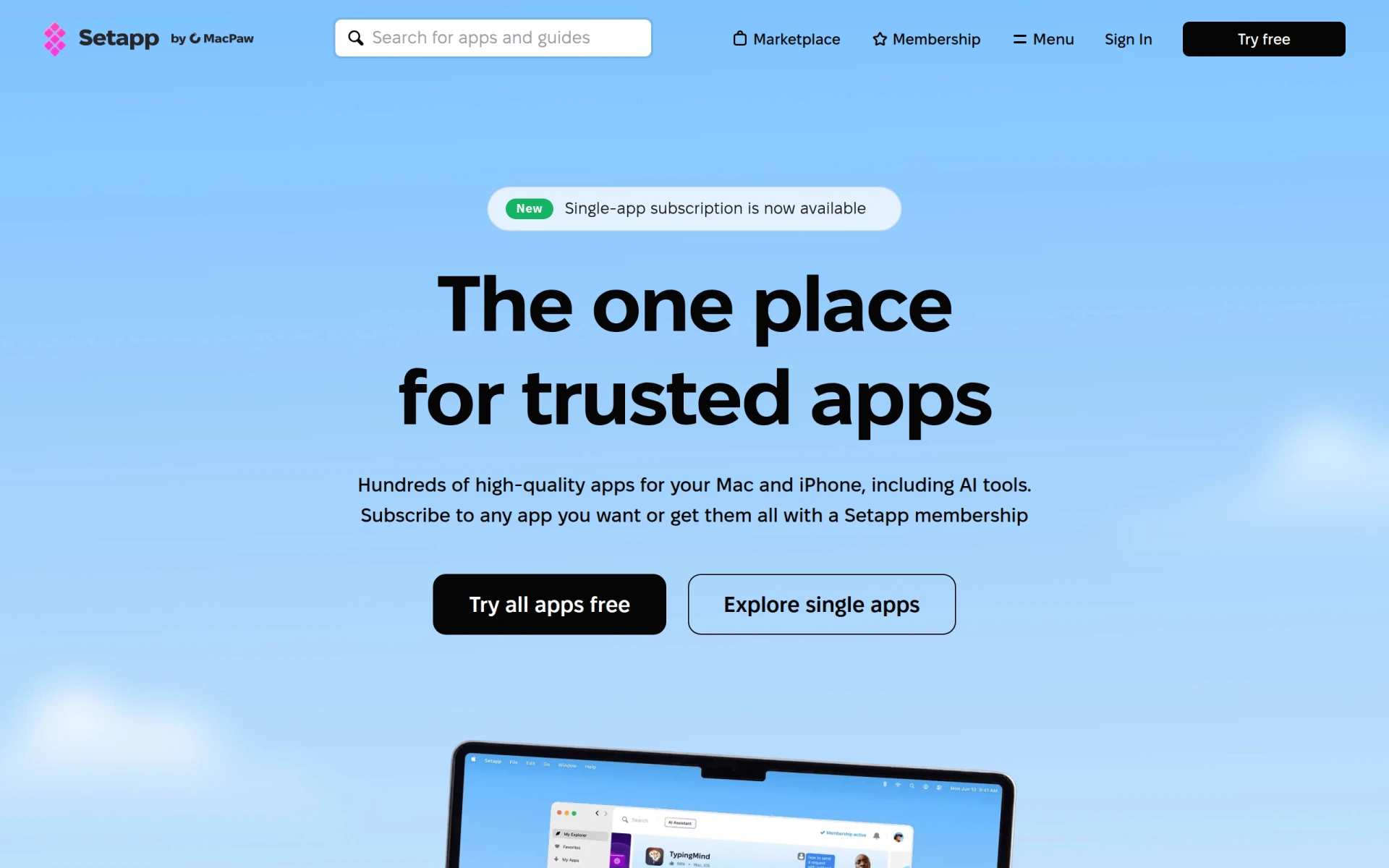
Setapp is a subscription-based service designed for Mac and iOS users, providing access to a curated selection of over 360 applications aimed at enhancing productivity and streamlining daily tasks. The primary purpose of Setapp is to simplify the software acquisition process by allowing users to access various tools under a single subscription, removing the need for individual purchases and installations. This approach addresses the common challenges of software management, such as finding reliable applications, managing licenses, and ensuring compatibility.
Utilizing Setapp can significantly reduce the time spent searching for and evaluating software solutions. By offering a diverse range of applications in one place, users can easily find the right tool for their specific tasks, whether they are looking for productivity enhancements, creative tools, or system utilities. Additionally, the subscription model ensures that users always have access to the latest versions of the apps without the need for additional purchases, which can be cost-effective for businesses and individual users alike.
Setapp is particularly beneficial for freelancers who require a wide array of tools for different projects without the financial burden of purchasing each application separately. Small businesses can also leverage Setapp to equip their teams with essential software for collaboration and project management. For developers, access to various coding and testing tools in one subscription can enhance efficiency and streamline workflows.
Setapp is ideal for individual Mac and iOS users who frequently use multiple applications and prefer a cost-effective solution for software management. It is also suitable for small to medium-sized businesses that need to equip employees with various tools without incurring high software costs. However, larger enterprises with specific software requirements or those that need highly specialized applications may find Setapp's offerings limited.
Setapp operates on a subscription model, offering a monthly fee for access to all included applications. Specific pricing details were not available at the time of writing.
In summary, Setapp provides a valuable service for Mac and iOS users by simplifying the software acquisition process and offering a wide range of applications under a single subscription. While it has many strengths, such as cost savings and convenience, potential users should consider their specific software needs and whether the available applications align with their requirements before committing to the service.
Consile is an all-in-one team operations platform that integrates tasks, attendance, leave, and HR functions in a secure workspace.
A comprehensive guide to keyboard shortcuts for Windows, MacOS, and Linux, enhancing productivity and workflow efficiency.
Online Whiteboard is a free collaborative tool for brainstorming and visualizing ideas in real-time with teams.
Audioread converts text from articles, PDFs, and emails into natural-sounding audio for easy listening.
Ayfie is a personal assistant software that helps users manage tasks and improve productivity through intelligent automation.
AIApply is a job application tool that helps users create tailored resumes, cover letters, and auto-apply for jobs quickly.
Weekly roundup of new AI tools, launches, and trending software. No spam — unsubscribe anytime.
No credit card required · Cancel anytime
Weekly roundup of new AI tools, launches, and trending software. No spam — unsubscribe anytime.
No credit card required · Cancel anytime








