



Consile
Freemium
Consile is an all-in-one team operations platform that integrates tasks, attendance, leave, and HR functions in a secure workspace.
 S
S
Sidekick is an AI-driven appointment scheduling tool that simplifies meeting coordination through email and web applications.
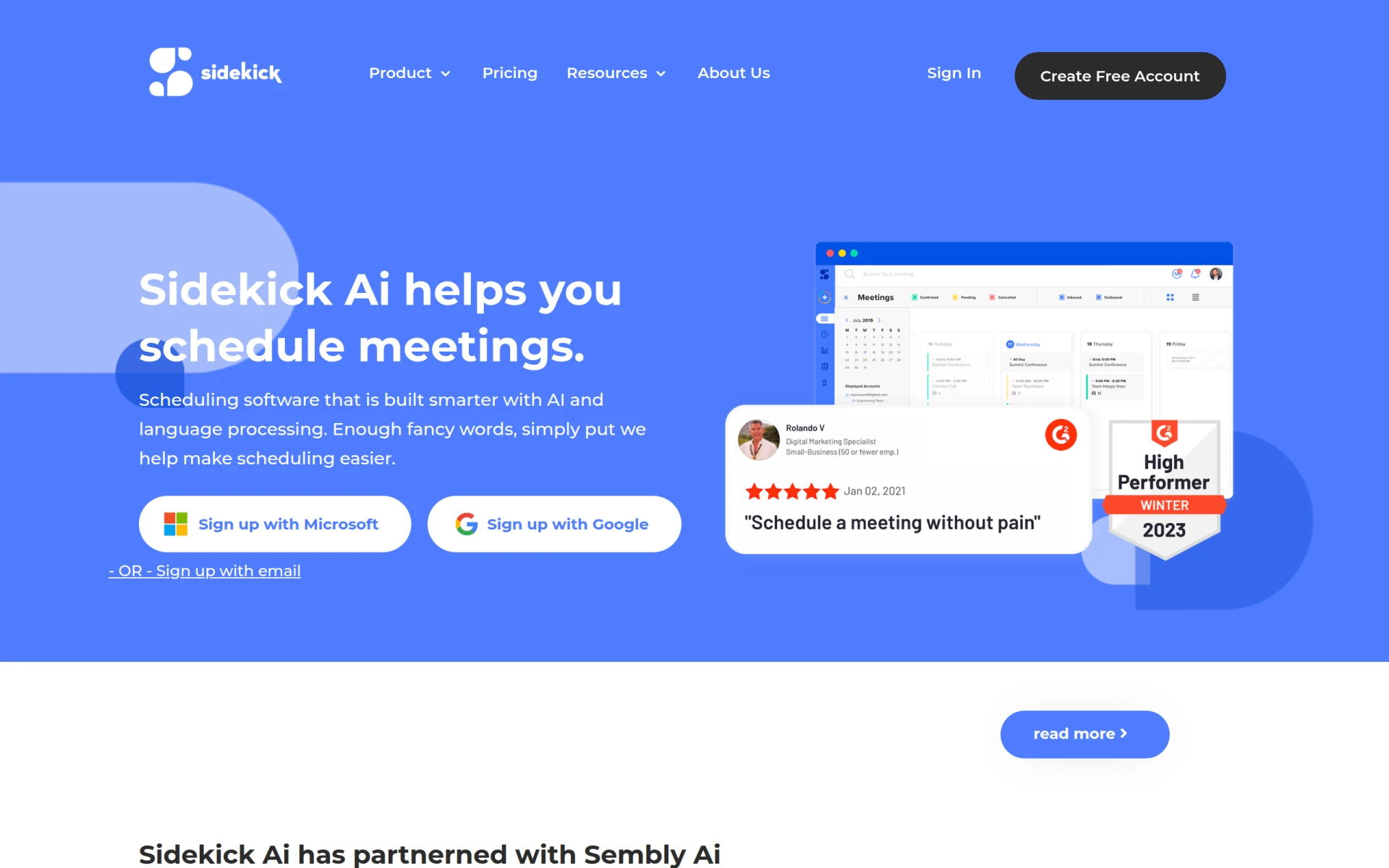
Sidekick is an AI-powered scheduling tool designed to streamline the process of booking meetings. Its primary function is to automate the scheduling process, reducing the back-and-forth communication that often delays meeting confirmations. By utilizing natural language processing, Sidekick communicates through email, enabling users to schedule appointments effortlessly. This software addresses common scheduling issues such as conflicting calendars, time zone differences, and the tedious task of finding mutually agreeable meeting times.
Sidekick enhances productivity by minimizing the time spent on scheduling meetings. Its automated features facilitate quicker confirmations and reduce the risk of double-booking. Users benefit from its integration with popular calendar systems, ensuring all their schedules are synchronized. The ability to customize scheduling pages allows users to present a professional image while maintaining control over their availability. Furthermore, Sidekick's AI capabilities continuously learn from user interactions, improving its scheduling efficiency over time.
Businesses often encounter challenges in scheduling meetings across different teams and departments. Sidekick is particularly useful for:
Sidekick is ideal for professionals who frequently arrange meetings, such as executives, team leaders, and administrative staff. Small to medium-sized businesses that seek an efficient scheduling solution will find it particularly beneficial. However, it may not be the best fit for organizations with unique scheduling needs that require highly customized solutions or integrations that Sidekick does not support.
Sidekick offers a free plan with essential features and a premium plan for $5 per month, which provides additional functionalities tailored for users seeking more comprehensive scheduling assistance.
In summary, Sidekick presents a practical solution for anyone looking to simplify the appointment scheduling process. While it excels in automation and ease of use, potential users should assess their specific needs and consider whether Sidekick's features align with their requirements. Overall, Sidekick is a noteworthy option in the productivity tools space, particularly for those who prioritize efficiency in scheduling.
Consile is an all-in-one team operations platform that integrates tasks, attendance, leave, and HR functions in a secure workspace.
A comprehensive guide to keyboard shortcuts for Windows, MacOS, and Linux, enhancing productivity and workflow efficiency.
Online Whiteboard is a free collaborative tool for brainstorming and visualizing ideas in real-time with teams.
Audioread converts text from articles, PDFs, and emails into natural-sounding audio for easy listening.
Ayfie is a personal assistant software that helps users manage tasks and improve productivity through intelligent automation.
AIApply is a job application tool that helps users create tailored resumes, cover letters, and auto-apply for jobs quickly.
Weekly roundup of new AI tools, launches, and trending software. No spam — unsubscribe anytime.
No credit card required · Cancel anytime
Weekly roundup of new AI tools, launches, and trending software. No spam — unsubscribe anytime.
No credit card required · Cancel anytime








