Composio
Freemium
Composio is a developer tool that enables secure access to over 1,500 applications through an easy-to-use SDK.
 S
S
SimCam enables developers to test camera features in the iOS Simulator by streaming from a Mac's camera without needing a physical device.
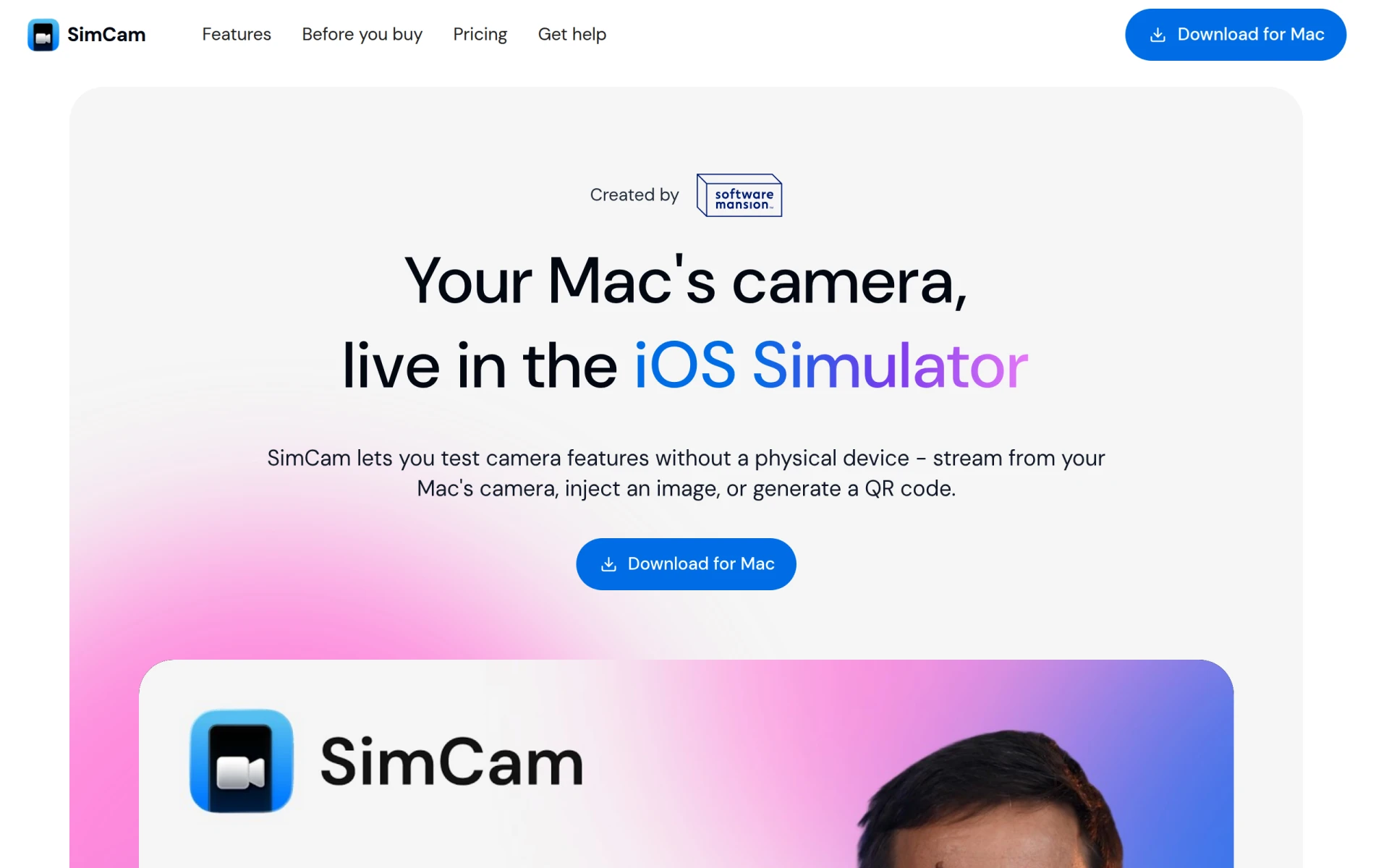
SimCam is a specialized tool designed for developers needing to test camera functionalities within the iOS Simulator. Its primary purpose is to provide a virtual camera feed that mimics the behavior of a physical device's camera, making it easier for developers to implement and test camera-related features. By eliminating the need for physical devices, SimCam addresses the challenges of testing applications that rely heavily on camera inputs, allowing for quicker iterations and more efficient development workflows.
SimCam offers several practical advantages that can significantly enhance a developer's workflow. By providing a virtual camera feed, it allows for immediate testing of camera features without needing physical devices, saving time and resources. The QR injection feature simplifies the testing of QR code scanning functionalities, eliminating the cumbersome process of holding a phone up to a screen. Moreover, the flexibility to use various media types as camera sources means developers can easily simulate diverse scenarios, leading to more robust application testing.
SimCam is particularly useful in various scenarios, such as:
SimCam is ideal for software developers and quality assurance teams who need to test applications involving camera use. It is especially beneficial for those working on mobile applications within the iOS ecosystem. However, it may not be the best fit for users who require comprehensive hardware integration testing or those who primarily develop applications for Android or other non-iOS platforms.
Pricing information for SimCam is currently unavailable.
In conclusion, SimCam is a valuable tool for developers focusing on iOS applications that require camera functionalities. It streamlines the testing process by providing a virtual camera feed, enabling quick iterations without needing physical devices. While it has some limitations regarding pricing transparency and platform compatibility, its unique features and benefits make it a worthwhile consideration for developers in the iOS space.
Composio is a developer tool that enables secure access to over 1,500 applications through an easy-to-use SDK.
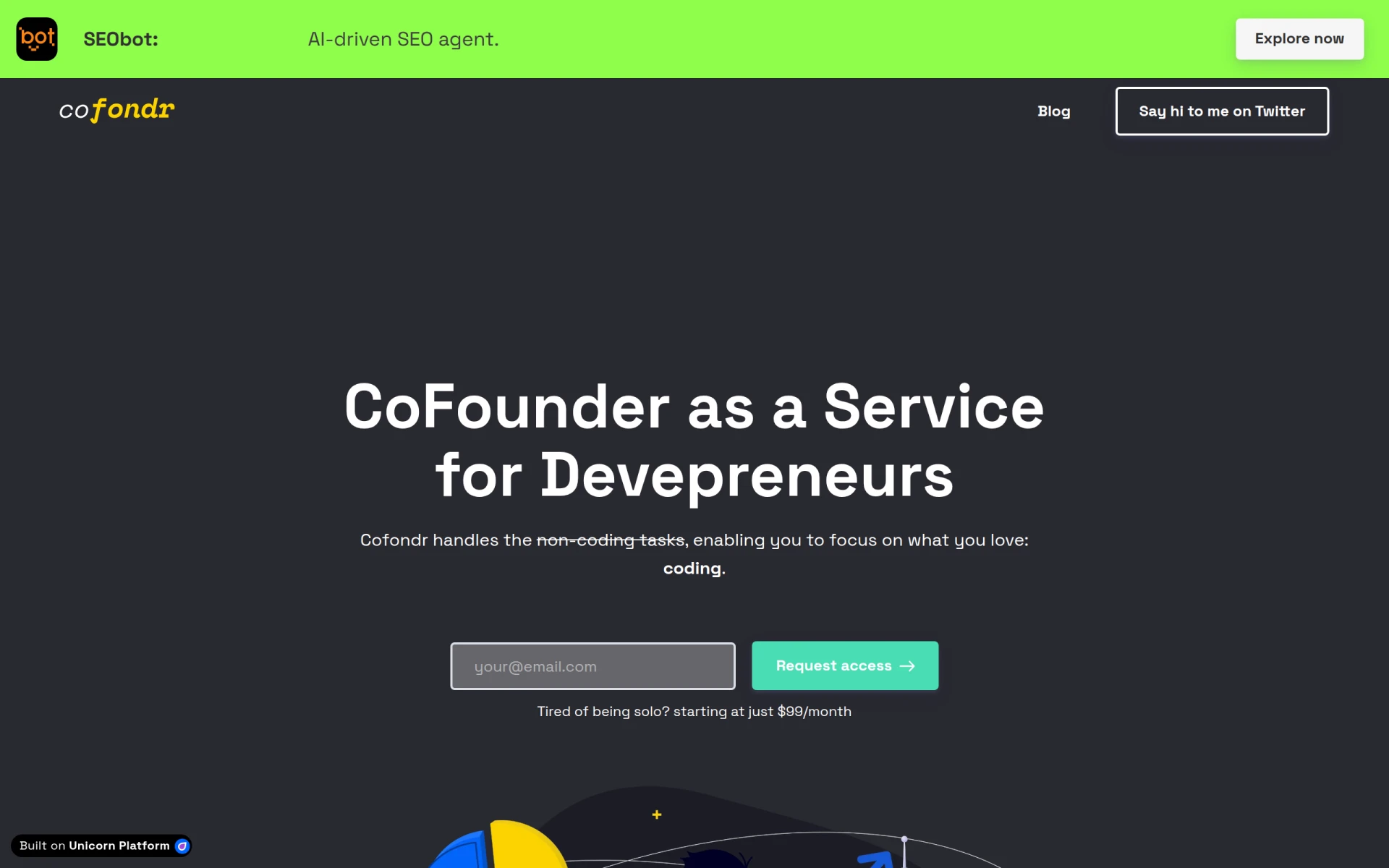
Cofondr simplifies non-coding tasks for developers, allowing them to focus on coding and marketing.
CodeMerge is a collaborative development tool designed to streamline code integration and version control for software teams.
Coding Assistant is a developer tool designed to enhance coding efficiency and accuracy through intelligent code suggestions and problem-solving.
ClutchClick offers custom app, website, and AI tool development with a senior-led team for streamlined project delivery.
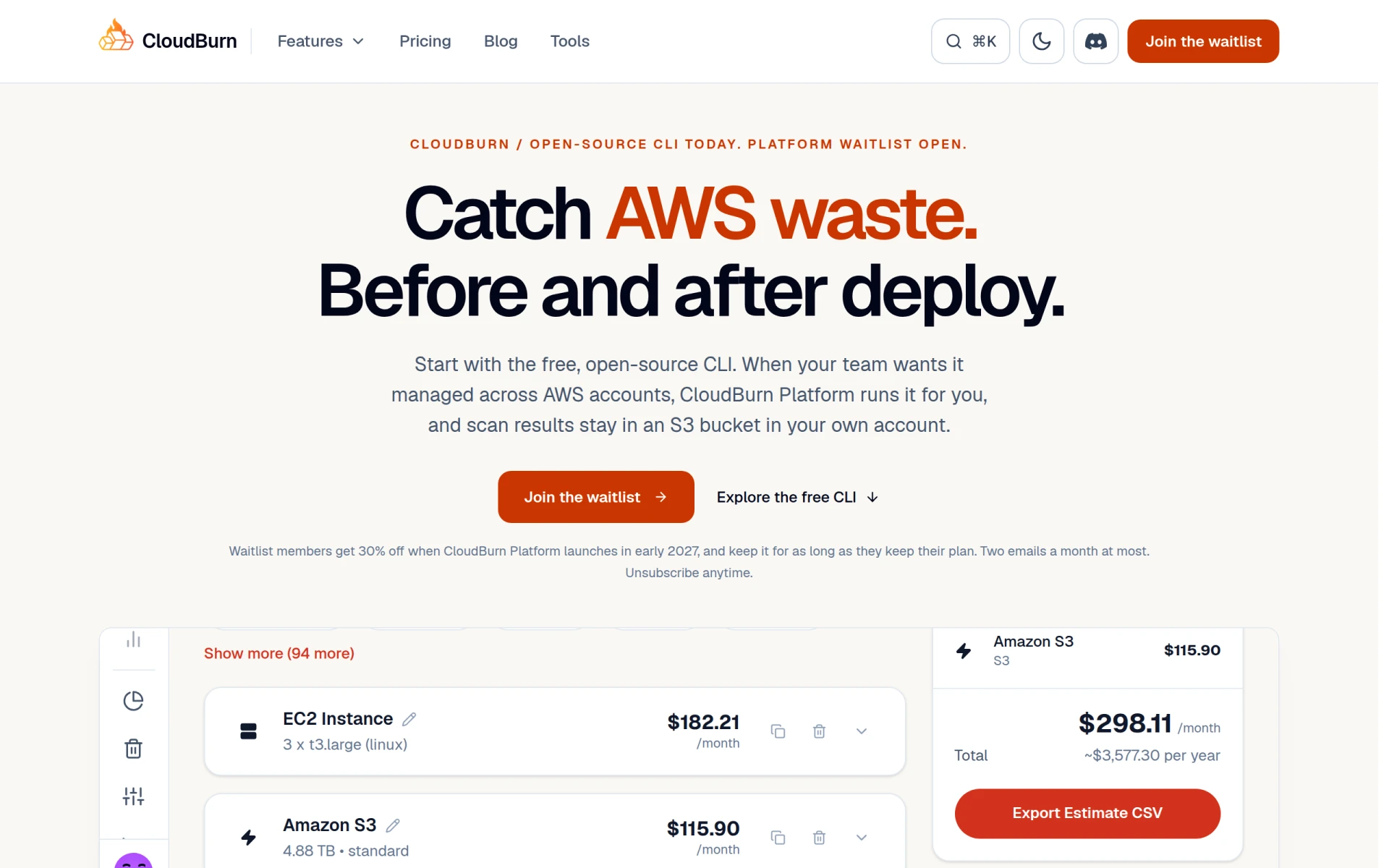
CloudBurn helps identify and optimize AWS costs through a free, open-source CLI tool for effective resource management.
Weekly roundup of new AI tools, launches, and trending software. No spam — unsubscribe anytime.
No credit card required · Cancel anytime
Weekly roundup of new AI tools, launches, and trending software. No spam — unsubscribe anytime.
No credit card required · Cancel anytime