Overview
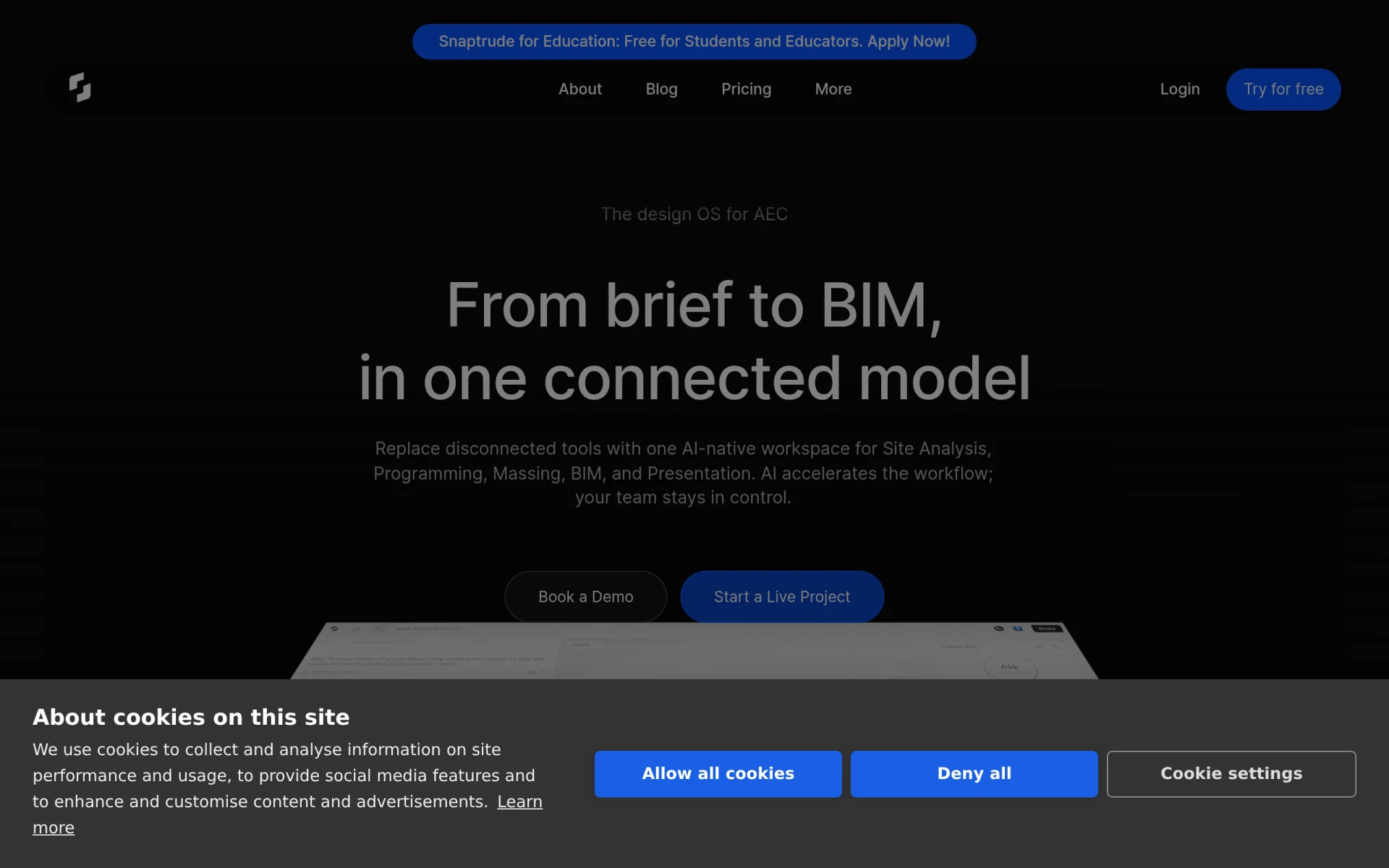
Snaptrude is an advanced Building Information Modeling (BIM) software tailored specifically for architects. Utilizing artificial intelligence, it aims to facilitate the design process from the initial concept stage all the way through to presentation and documentation. By integrating multiple aspects of architecture and design into a single platform, Snaptrude addresses common challenges such as collaboration issues, inefficient workflows, and the need for rapid project iterations.
The software provides a unified workspace that combines site analysis, programming, massing, and presentation, thus enabling architects to work more effectively and efficiently. Additionally, its cloud-based infrastructure supports collaboration among team members, making it easier to share ideas and designs in real time.
Key Features
- AI-Driven Design Assistance
- Integrated Site Analysis Tools
- Comprehensive BIM Modeling
- Massing Studies
- Presentation Output Generation
- Collaboration Features for Teams
- Basic BIM and Revit Export Capabilities
- Free Tier for Students and Educators
Benefits
Snaptrude offers practical advantages that enhance productivity and creativity in architectural design. The integration of AI allows architects to generate design proposals more quickly, freeing them to focus on creative aspects rather than administrative tasks. The platform's cloud-based nature ensures that all team members can access the latest project updates from anywhere, fostering collaboration and reducing delays caused by miscommunication. Furthermore, the software's educational offerings make it accessible for aspiring architects, thus supporting the next generation of design professionals.
Common Use Cases
Architects can use Snaptrude in various stages of their projects. For example, during the initial design phase, they can quickly generate and modify concepts based on site analysis data. In a team setting, multiple architects can collaborate on a single project, sharing ideas and feedback in real time. Additionally, educators can utilize Snaptrude in classrooms to teach students about modern BIM practices and design principles.
Who Should Use It
Snaptrude is ideal for architects, architecture firms, and educational institutions looking for a robust BIM software. It's particularly beneficial for small to mid-sized firms that need a cost-effective solution for comprehensive design management. However, larger firms with complex project requirements might find the lack of advanced enterprise features limiting.
Pricing Overview
Snaptrude offers a free tier for users who want to try out the platform, which includes three free projects and basic export options. For more extensive use, monthly subscriptions are available at $60 for individuals and $100 per month for organizations when billed annually.
Conclusion
In summary, Snaptrude presents a compelling option for architects aiming to enhance their design workflow through AI integration. While it excels in providing a user-friendly interface and collaborative capabilities, potential users should consider their specific needs and project scale, as larger firms may require more advanced features than Snaptrude currently offers.