Overview
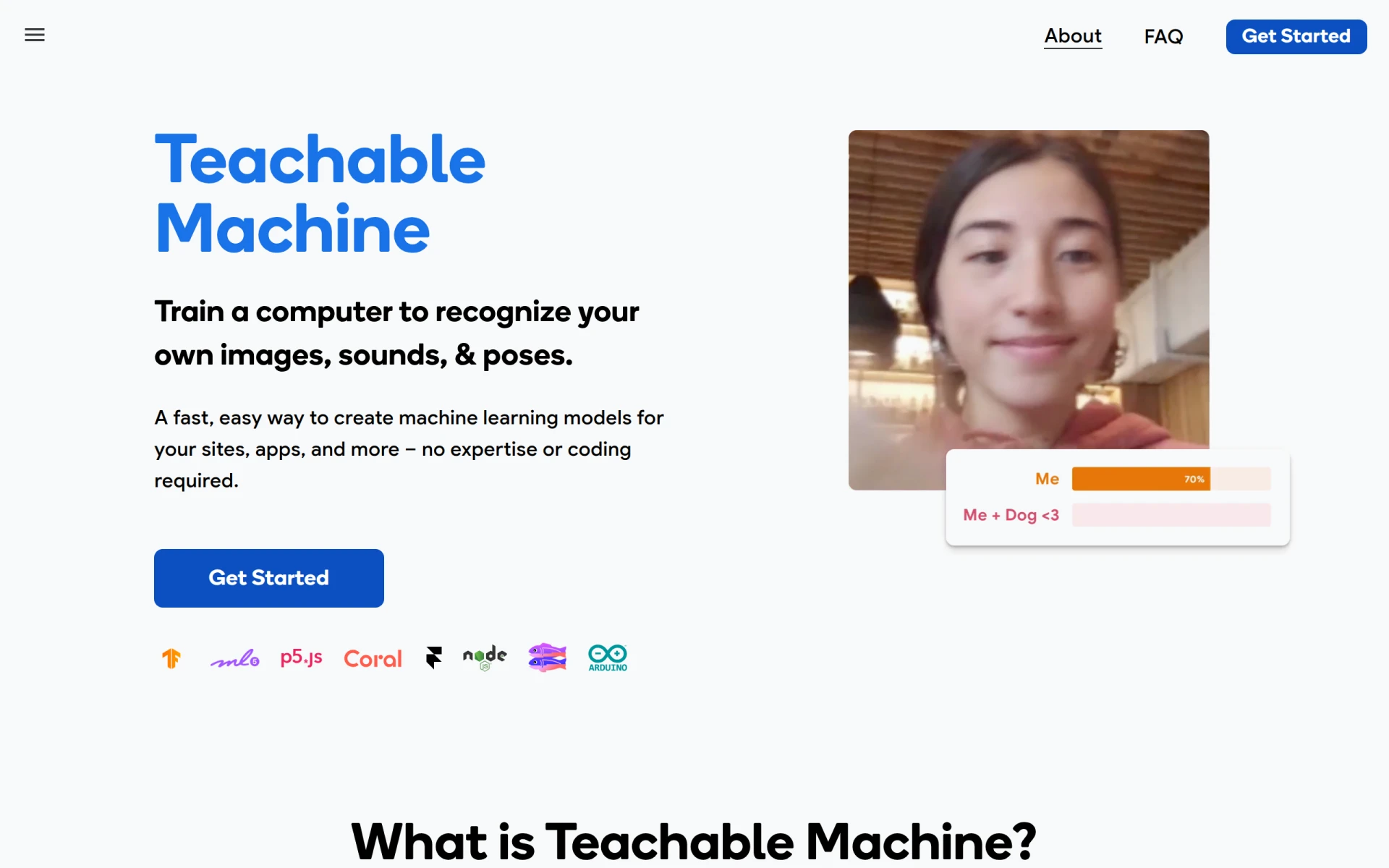
Teachable Machine is an intuitive web application developed by Google that enables users to create machine learning models effortlessly. The primary purpose of this tool is to facilitate the training of models to recognize specific images, sounds, and poses, making it accessible to users without any coding expertise. This software effectively addresses the challenge of incorporating machine learning capabilities into various applications and websites, thereby democratizing access to AI technologies. By allowing users to train models quickly, it opens up opportunities for creativity and innovation in diverse fields.
Key Features
- Image recognition: Train models to identify and classify images based on user-uploaded pictures.
- Sound recognition: Create models that can recognize different sounds or audio clips.
- Pose recognition: Utilize webcam input to train models that detect specific body poses.
- User-friendly interface: Simple drag-and-drop functionality for uploading training data.
- Real-time feedback: Instantly see how well the model performs with live input.
- Export options: Download trained models for use in various applications.
- Cross-platform compatibility: Accessible on different devices through web browsers.
- No coding required: Designed for users of all skill levels.
Benefits
Teachable Machine provides practical advantages that can significantly enhance the development of AI applications. Users can quickly prototype models, reducing the time and resources typically required for machine learning projects. Its ease of use encourages experimentation, allowing individuals and teams to explore AI without extensive training. Additionally, the ability to export models facilitates integration into existing applications, enabling users to leverage machine learning capabilities in their work effectively.
Common Use Cases
Teachable Machine is suitable for a variety of real-world applications. For instance, educators can use it to create interactive learning experiences by allowing students to train models that recognize specific objects or sounds. Artists and developers can prototype applications that respond to gestures or audio cues, fostering innovation in creative projects. Businesses can utilize it for customer engagement through interactive installations that recognize user input, enhancing user experience. Additionally, hobbyists can explore machine learning in fun and engaging ways, such as creating games or educational tools.
Who Should Use It
Teachable Machine is ideal for educators, students, artists, developers, and hobbyists who want to explore machine learning without a technical background. It caters to those looking to prototype ideas quickly and efficiently. However, it may not be the best fit for organizations requiring advanced machine learning capabilities or those needing extensive customization, as the tool is designed for straightforward use cases.
Pricing Overview
Teachable Machine is available for free, allowing users to access its features without any associated costs.
Conclusion
In summary, Teachable Machine is a valuable tool for anyone looking to leverage machine learning technology without the need for extensive coding knowledge. Its user-friendly design and versatile applications make it an excellent choice for educators, artists, and innovators alike. While it may not satisfy the needs of advanced users seeking highly customizable solutions, its accessibility and ease of use are significant strengths that make it worth considering for beginners and those exploring AI concepts.