Overview
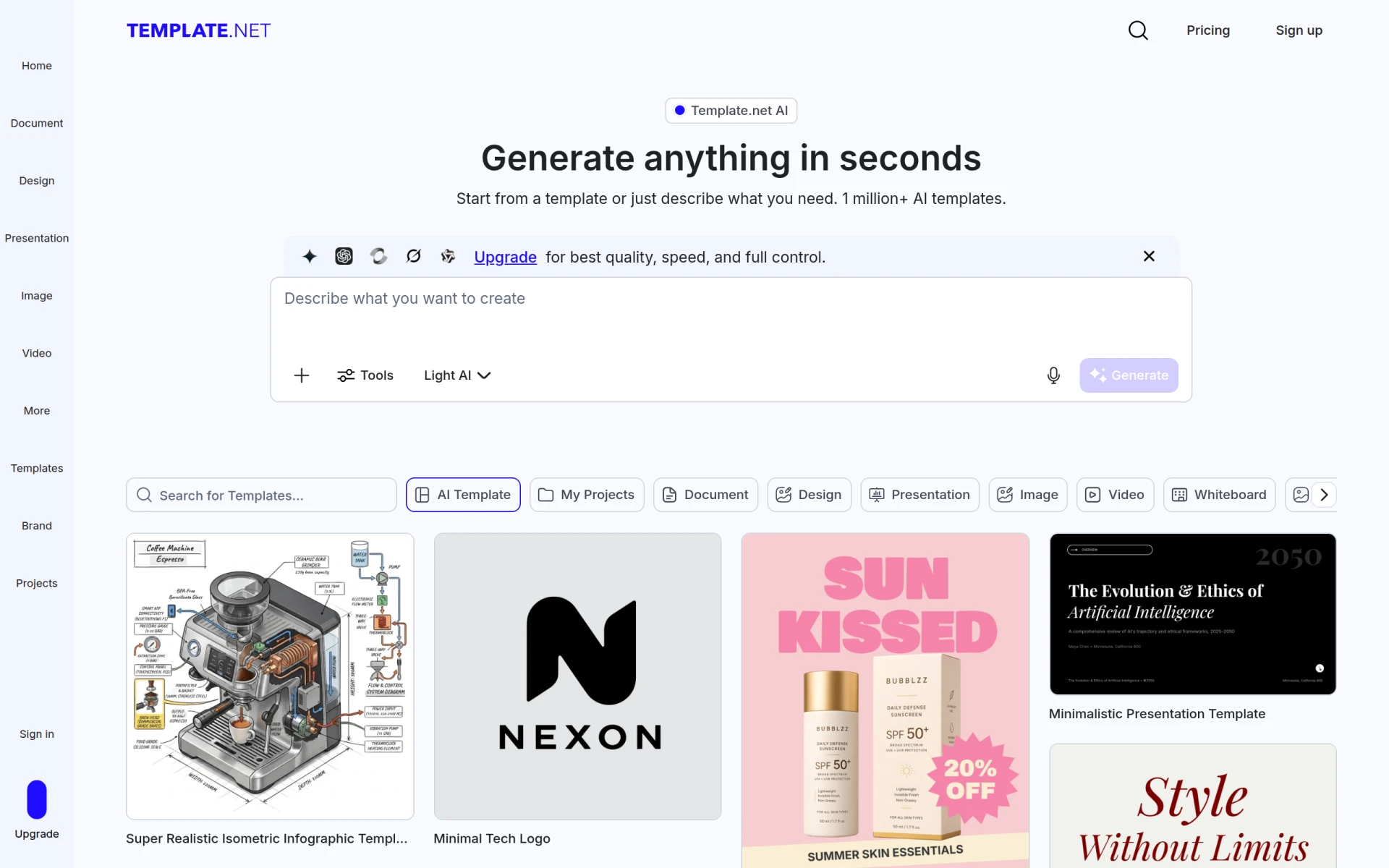
Template.net is a versatile design tool that allows users to generate a wide variety of digital assets ranging from documents to presentations using artificial intelligence. Its primary purpose is to simplify the process of creating customized templates by enabling users to input text prompts or select from a library of over one million pre-designed templates. This platform is particularly beneficial for individuals and organizations that require high-quality, branded content quickly and efficiently.
Template.net addresses several common challenges faced by users, including the time-consuming nature of graphic design, the need for customization in templates, and the limitation of design skills. By providing a user-friendly interface that facilitates both AI-generated and manually edited designs, it helps users produce professional-looking content without extensive design expertise.
Key Features
- AI Template Generation
- One Million+ Pre-designed Templates
- Export to multiple formats like PPT, SVG, Word, and HTML5
- Voice and text prompts for content generation
- Advanced editing tools for customization
- Background removal feature
- Image resizing capabilities
- Language translation options
- Integration with various file formats
- User-friendly interface with no signup required
Benefits
Template.net provides practical advantages such as reducing the time spent on design tasks, enabling users to create high-quality templates from scratch or based on existing designs. This flexibility allows teams to maintain branding consistency while saving valuable resources. The platform also enhances collaboration among team members, as it allows for easy sharing and editing of templates in real-time. Furthermore, the extensive library of templates caters to various needs, making it suitable for different industries and use cases.
Common Use Cases
Template.net is ideal for small businesses looking to create promotional materials like flyers, brochures, and social media posts without hiring a graphic designer. Marketing teams can utilize the platform for presentations and reports, while event planners might find it useful for generating invitations and event programs. Freelancers can leverage the tool to create personalized documents for clients, and educators might use it for lesson plans and student presentations. Additionally, non-profit organizations can benefit from the quick generation of fundraising materials and informational graphics.
Who Should Use It
This platform is best suited for individuals and small to medium-sized businesses that require quick and affordable design solutions. Marketing professionals, freelancers, and educators will find the tool particularly beneficial due to its ease of use and vast template library. However, larger organizations with more complex design needs or those requiring extensive customization may find limitations in the platform’s capabilities, especially if they require specialized design features.
Pricing Overview
Template.net offers a subscription-based pricing model, allowing users to choose between monthly or yearly plans. Specific pricing details were not disclosed.
Pros and Cons
Pros
- The platform allows for rapid generation of customizable templates.
- Users can export designs in multiple formats suitable for various applications.
- No signup is required, making it accessible for immediate use.
- The extensive library of templates caters to diverse design needs.
- The AI can generate designs based on user prompts, simplifying the design process.
Cons
- Advanced features may require a subscription for optimal use.
- The quality of AI-generated templates may vary based on the complexity of prompts.
- Larger organizations might find the platform lacking in extensive customization options.
Conclusion
Template.net serves as a valuable tool for those seeking to create high-quality designs efficiently. By combining AI technology with an extensive template library, it meets the needs of users who want to produce branded content without extensive design experience. While it excels in delivering quick and accessible design solutions, potential users should consider their specific requirements to determine if the platform aligns with their business goals.