Overview
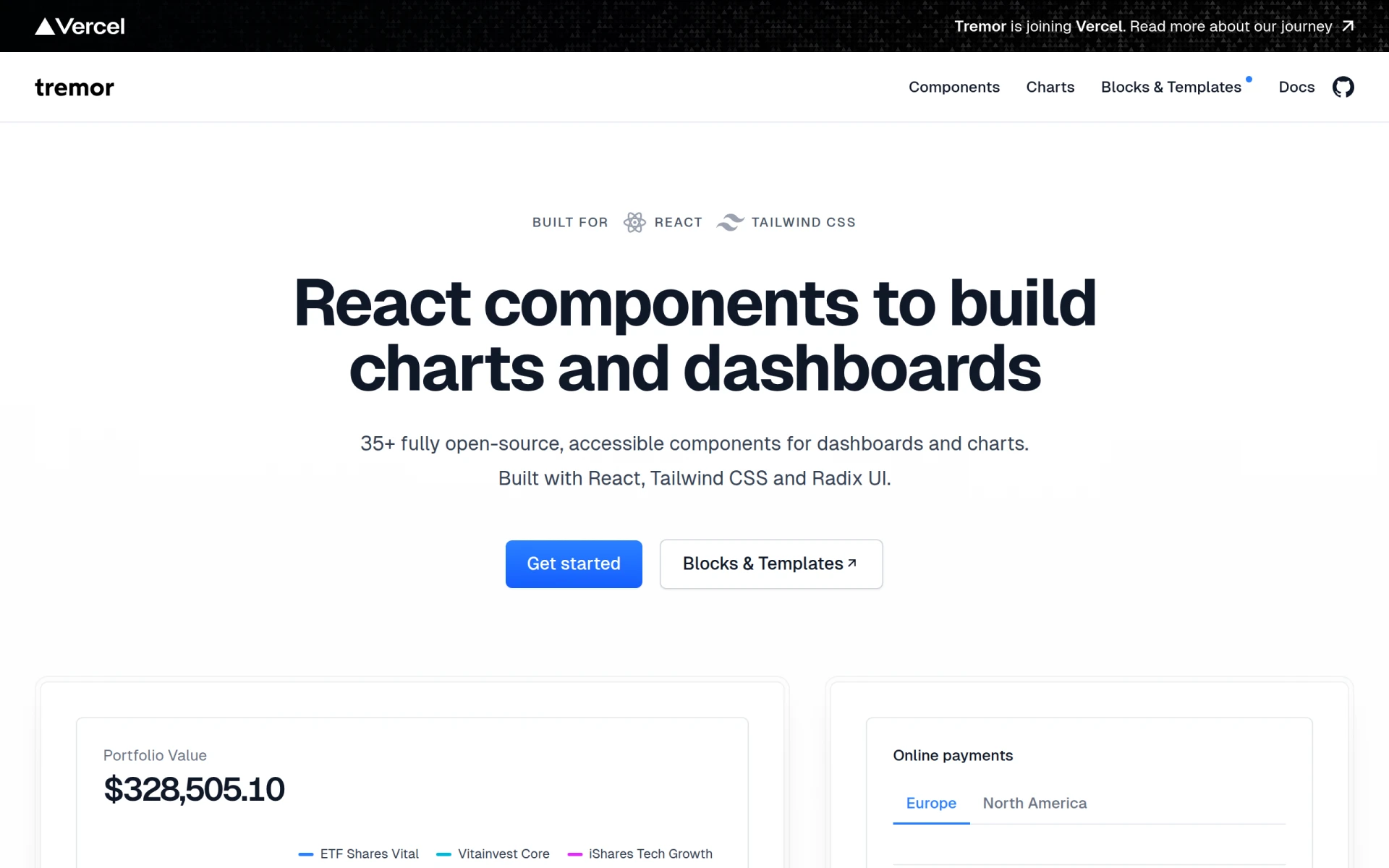
Tremor is a collection of open-source React UI components designed specifically for building charts and dashboards. Utilizing Tailwind CSS for styling, Tremor provides developers with a streamlined way to create visually appealing and user-friendly interfaces without extensive design work. By focusing on accessibility and ease of use, Tremor effectively addresses common challenges developers face when integrating complex visual data into their applications.
Key Features
- Open-source components for React applications
- Designed with Tailwind CSS for easy customization
- 35+ fully accessible UI components
- Built-in support for Radix UI for enhanced accessibility
- Pre-styled components for quick implementation
- Supports responsive design out of the box
- Comprehensive documentation for easy onboarding
- Regular updates and community support
Benefits
Tremor simplifies the development process by providing pre-built components that are both visually appealing and functional. This enables developers to focus on the core functionality of their applications rather than spending excessive time on UI design. The accessibility features ensure that applications built with Tremor cater to a broader audience, including users with disabilities. Additionally, the open-source nature of Tremor allows for customization and flexibility, which can be particularly beneficial for teams looking to maintain brand consistency in their applications.
Common Use Cases
Developers can use Tremor when building dashboards for data visualization in various applications, such as business intelligence tools, analytics platforms, or content management systems. For example, a marketing team may leverage Tremor to create a dashboard showcasing campaign performance metrics, while a finance team could utilize it to visualize stock market trends. In both cases, accelerative development can be achieved by using the pre-designed components, allowing teams to deliver projects faster.
Who Should Use It
Tremor is ideal for front-end developers and teams who are familiar with React and Tailwind CSS. It is particularly suited for those who require quick development of charts and dashboards while ensuring accessibility. Smaller startups and individual developers may find it beneficial due to its open-source nature and lack of licensing fees. However, it may not be the best fit for teams needing extensive customization beyond what the available components offer or those who require a larger ecosystem of integrations and tools.
Pricing Overview
Tremor is open-source and free to use, making it accessible to developers and organizations of all sizes.
Conclusion
Tremor stands out as a practical solution for developers looking to build accessible and visually appealing charts and dashboards using React. Its open-source model, combined with a focus on usability and accessibility, provides significant value. However, users should consider their specific needs regarding customization and integration capabilities when evaluating whether Tremor is the best fit for their projects.