Overview
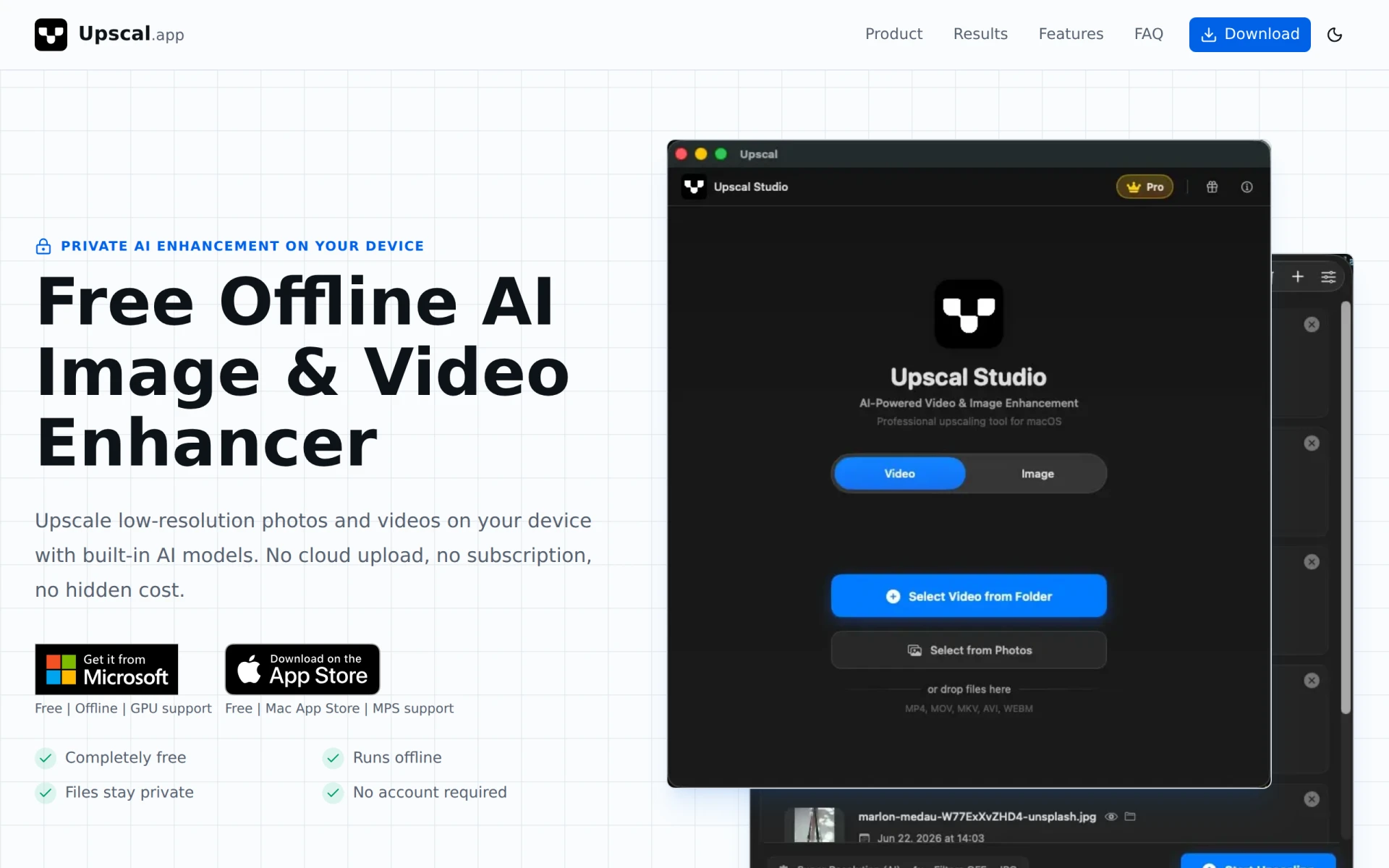
Upscal is a software tool designed to enhance low-resolution images and videos using artificial intelligence. Its primary purpose is to improve the quality of digital media by increasing resolution and sharpening details, making it suitable for various applications ranging from personal projects to professional media production. The software addresses common problems such as pixelation and lack of detail in low-quality images and videos, providing users with an effective solution for enhancing their visual content.
Key Features
- Free offline processing: Users can enhance images and videos without needing an internet connection.
- AI-powered upscaling: Utilizes advanced models for improving image resolution and detail.
- Private local processing: Ensures user files remain private without uploading to the cloud.
- Supports multiple platforms: Available on Mac, Windows, and iOS.
- Live drag comparison preview: Allows users to see before and after effects in real-time.
- Built-in enhancement models: Tailored options for different media types including portraits, illustrations, and nature photography.
- GPU support: Leverages GPU processing for faster enhancement times.
- No account required: Offers a straightforward user experience without the need for registration.
Benefits
The practical advantages of Upscal lie in its ability to significantly improve the quality of images and videos while keeping user data secure through offline processing. The software is completely free, which means users can enhance their media without incurring any costs. The live comparison feature allows for immediate feedback on enhancements, helping users make informed decisions about their edits. This can be particularly valuable for graphic designers, photographers, and content creators looking to elevate the quality of their work without expensive subscription fees or complicated software.
Common Use Cases
Upscal is versatile in its applications. For instance, a freelance graphic designer might use the tool to enhance low-res client images before incorporating them into marketing materials. A photographer could upscale old family photos for printing, improving their quality for preservation. Additionally, video editors can enhance clips to ensure high fidelity in presentations or social media content. Each of these scenarios highlights how Upscal can enhance the visual appeal of images and videos effectively.
Who Should Use It
Upscal is ideal for individuals and professionals involved in design, photography, and video production. Freelancers and small businesses that require quality enhancements without a hefty price tag will find it particularly beneficial. However, larger organizations with specific needs for batch processing or extensive collaboration might find the lack of cloud-based features limiting.
Pricing Overview
Upscal is completely free to use with no hidden costs or subscription fees.
Pros
Upscal operates offline which enhances user privacy. The software is user-friendly and does not require account creation. It provides real-time comparison previews for immediate feedback. The AI enhancement capabilities significantly improve image and video quality. Its support for multiple platforms enhances accessibility for users across different operating systems.
Cons
The software may lack some advanced features found in premium alternatives. Users looking for batch processing capabilities may be disappointed. The tool's offline nature limits collaborative features. Performance can be dependent on the user's hardware capabilities. There may be limitations on the types of media files that can be enhanced effectively.
Conclusion
Upscal offers a straightforward and effective solution for enhancing low-resolution images and videos. While it has its limitations, particularly in collaborative workflows and advanced features, its offline capabilities and free access make it a valuable tool for users looking to improve their digital media quality. Users should consider their specific needs and whether the software meets those before fully committing to its use.