Composio
Freemium
Composio is a developer tool that enables secure access to over 1,500 applications through an easy-to-use SDK.
Version Lens is a version management tool that helps developers track and manage software updates effectively.

Version Lens is a version management tool designed to assist developers in tracking, managing, and maintaining software dependencies. Its primary purpose is to simplify the process of updating libraries and frameworks in software projects, ensuring that developers can keep their applications secure and up-to-date. The tool addresses common challenges related to version conflicts, outdated dependencies, and the difficulty of maintaining consistency across development environments.
By using Version Lens, developers can significantly reduce the time and effort required to manage software dependencies. The ability to receive timely notifications about updates helps prevent security vulnerabilities that arise from using outdated libraries. Additionally, the compatibility checks ensure that updates do not break existing functionality, providing peace of mind during the development process. The visual representation of dependencies can also aid in understanding the project's architecture, making it easier to manage complex software environments.
Developers working on large projects often face challenges in managing numerous dependencies. For instance, a software team developing a web application might use Version Lens to keep track of various JavaScript libraries and frameworks, ensuring they are always using the latest secure versions. Another common scenario involves a startup that needs to maintain a consistent development environment across multiple team members; Version Lens can help streamline this process by providing a centralized view of dependency versions.
Version Lens is ideal for developers and software teams who regularly work with multiple dependencies in their projects. It is particularly beneficial for those managing large codebases or collaborating in teams where consistent software versions are critical. However, small-scale projects or solo developers who do not frequently update dependencies may find it less essential.
Pricing information for Version Lens is currently unavailable on their website.
Version Lens offers a valuable solution for developers seeking to manage software dependencies effectively. Its features address several common pain points in version management, from tracking updates to ensuring compatibility. However, potential users should consider their specific needs and the scale of their projects, as the tool may be more beneficial for larger teams and complex applications than for smaller projects with fewer dependencies.
Composio is a developer tool that enables secure access to over 1,500 applications through an easy-to-use SDK.
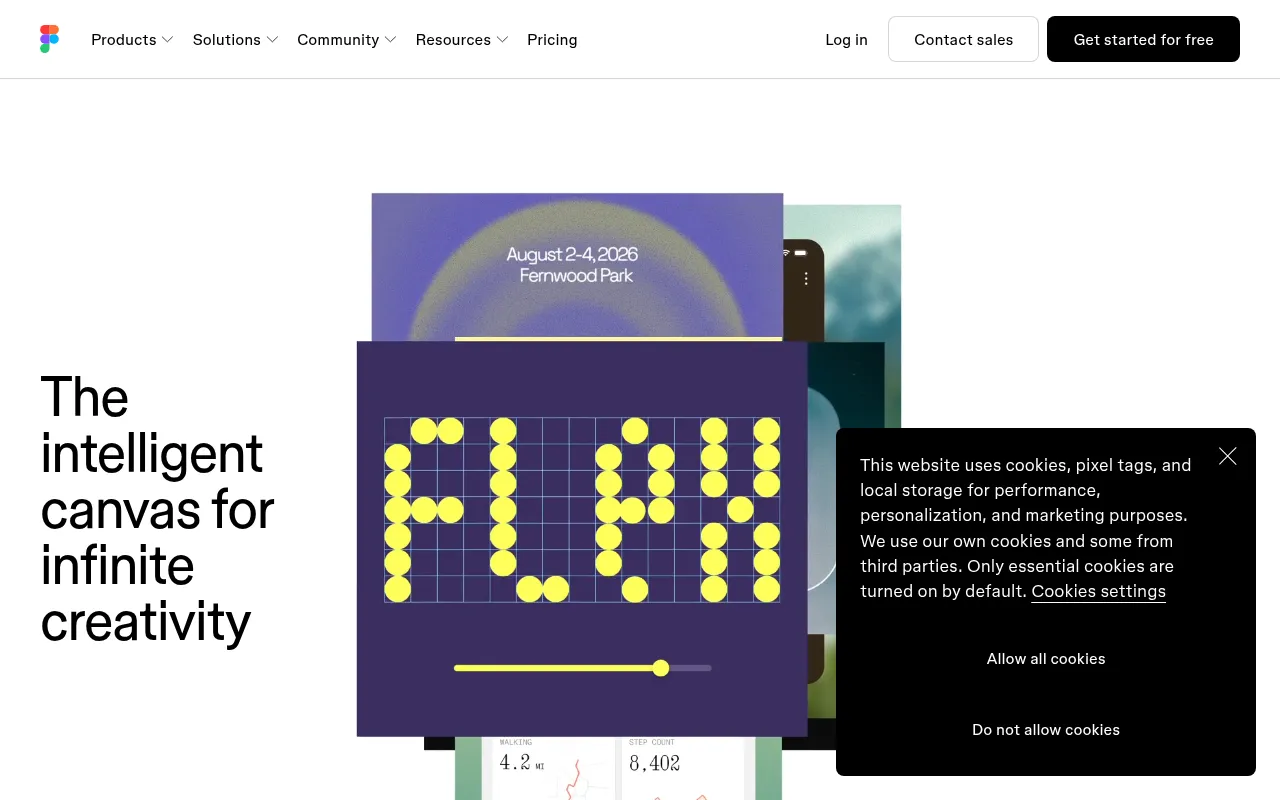
The collaborative design tool for teams. Design, prototype, and collaborate on UI/UX in real-time.
AI-powered code completion. Write code faster with intelligent suggestions in any programming language.
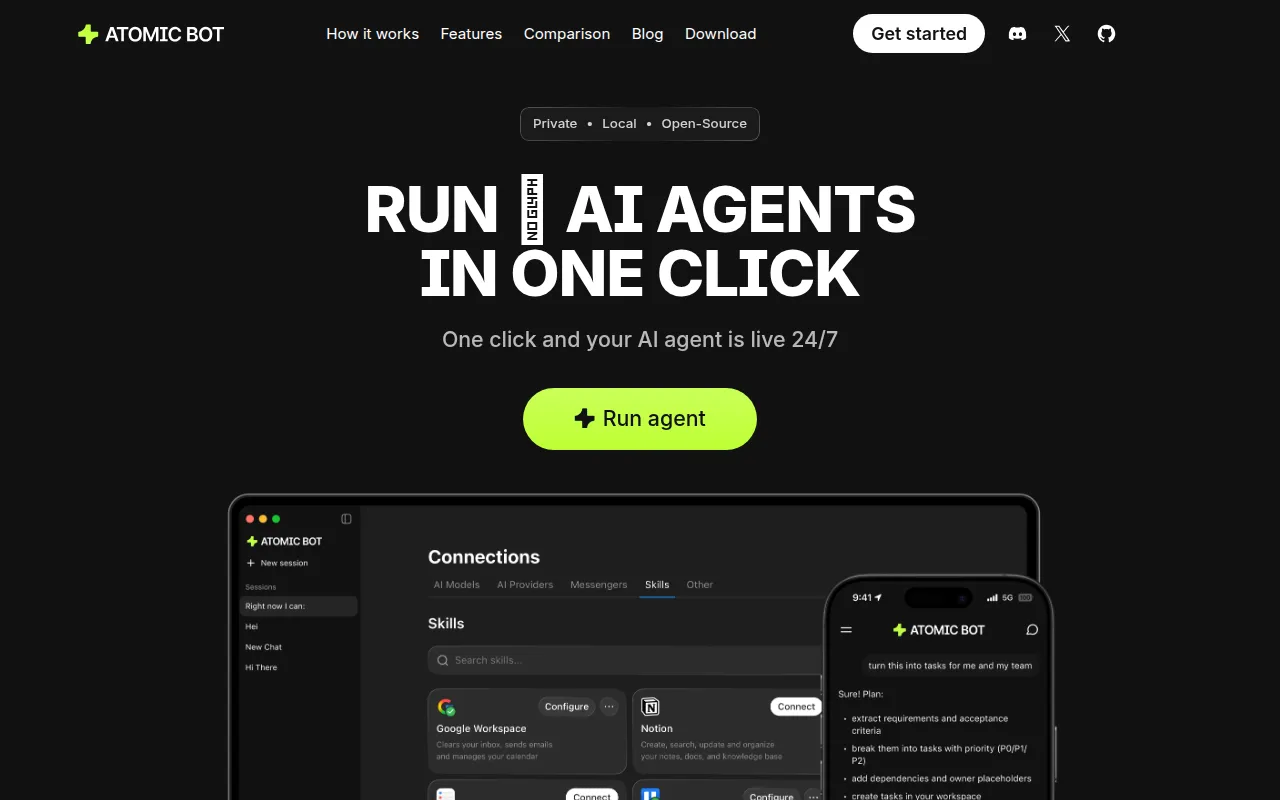
Atomic Bot is an open-source automation tool designed to simplify the execution of OpenClaw workflows.
Caffeine is an AI writing tool that enables developers to create applications and websites through a conversational interface.
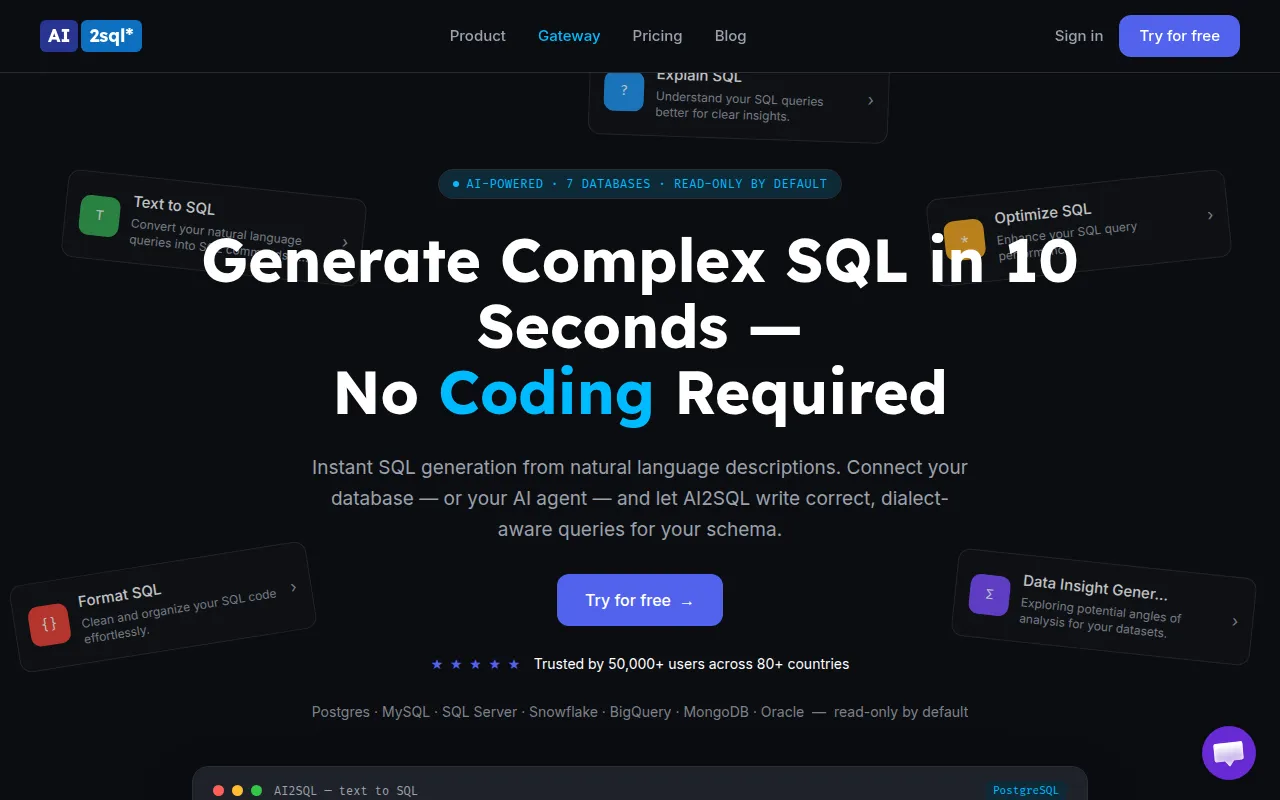
AI2sql is an AI-powered SQL query builder that enables users to generate SQL queries from natural language without prior SQL knowledge.
Weekly roundup of new AI tools, launches, and trending software. No spam — unsubscribe anytime.
No credit card required · Cancel anytime
What's inside
How to Choose the Right Project Management Software for Startups
Oct 25, 2026 · Productivity
Best AI Tools for Streamlining E-commerce Operations
Oct 25, 2026 · AI Tools
A Comprehensive Guide to Choosing Project Management Software for Remote Teams
Oct 24, 2026 · Productivity
Weekly roundup of new AI tools, launches, and trending software. No spam — unsubscribe anytime.
No credit card required · Cancel anytime
What's inside
How to Choose the Right Project Management Software for Startups
Oct 25, 2026 · Productivity
Best AI Tools for Streamlining E-commerce Operations
Oct 25, 2026 · AI Tools
A Comprehensive Guide to Choosing Project Management Software for Remote Teams
Oct 24, 2026 · Productivity