
Anavsan
Paid
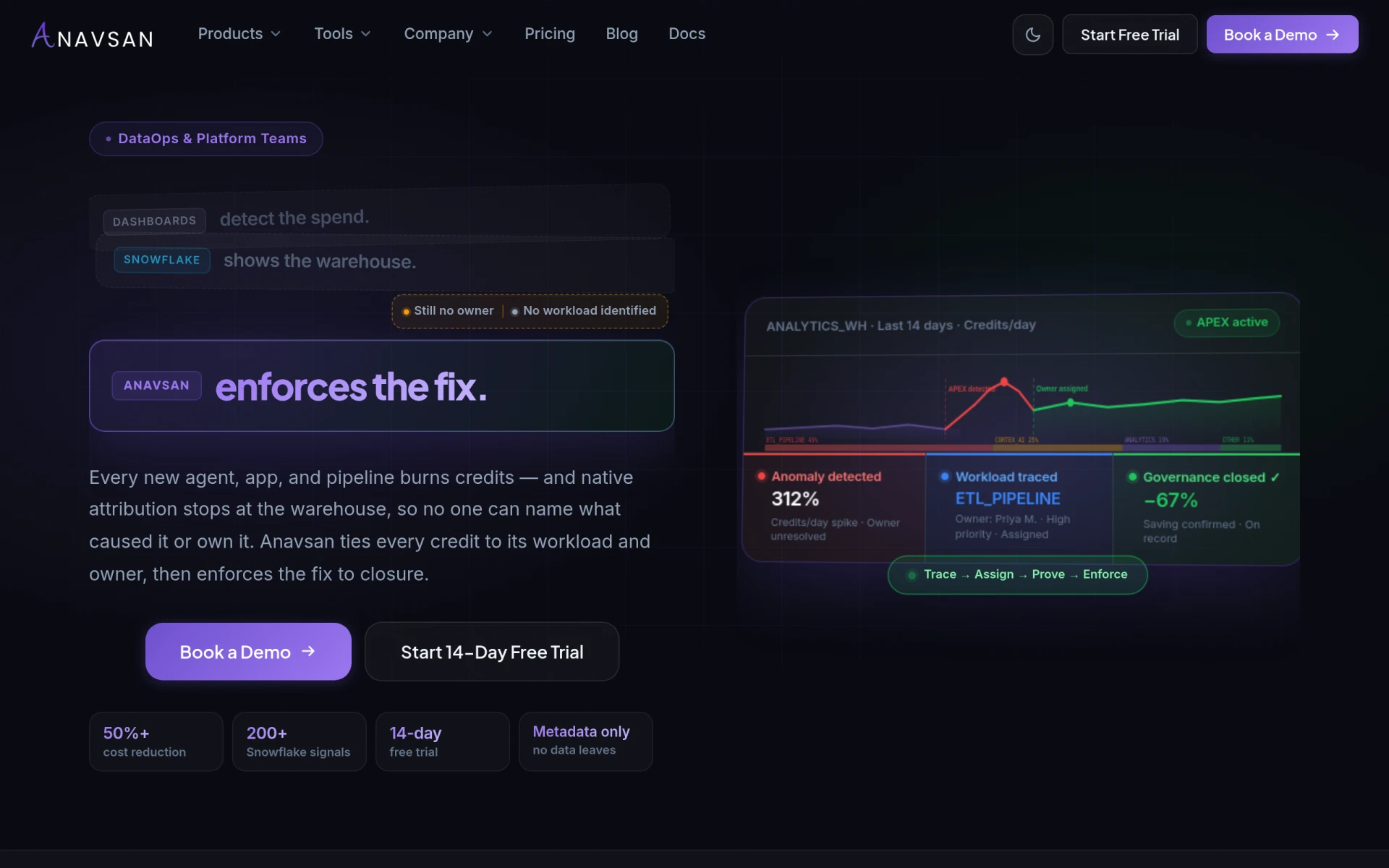
Anavsan is a cost optimization tool for Snowflake that helps organizations track and manage workload credits effectively.
 V
V
Visual Sentinel offers comprehensive website monitoring including uptime, performance, and visual changes to ensure optimal user experience.
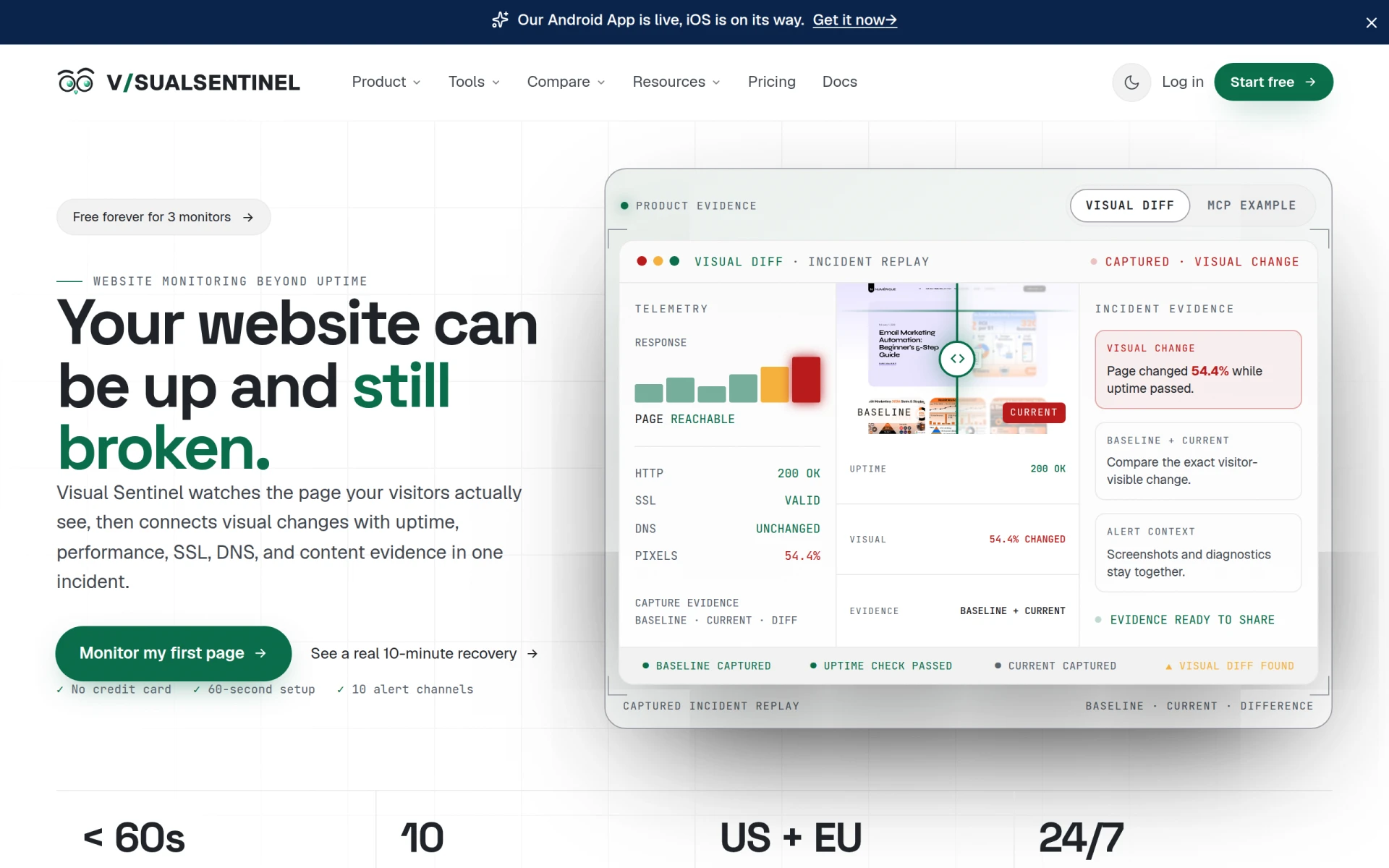
Visual Sentinel is a website monitoring tool designed to go beyond basic uptime checks. Its primary purpose is to ensure that websites are not only available but also functioning correctly. By monitoring aspects such as SSL certificates, DNS settings, performance metrics, visual changes, and content alterations, Visual Sentinel helps businesses identify potential issues that could impact user experience. This holistic approach helps to prevent problems that may arise even when a website appears to be operational.
Visual Sentinel provides practical advantages that can significantly enhance the reliability of a website. The ability to monitor multiple aspects of website performance allows businesses to quickly identify and address issues before they escalate. This proactive approach minimizes downtime, enhances user satisfaction, and protects brand reputation. Additionally, the integration of visual and performance monitoring aids in understanding the real user experience, providing actionable insights that can drive improvements.
Visual Sentinel is suitable for a variety of scenarios, including:
Visual Sentinel is ideal for businesses of all sizes, including:
Visual Sentinel offers a free plan for monitoring up to three websites, with additional paid tiers available for larger needs. Users can start with a free trial for the Business plan, which provides access to more advanced features for a limited time.
Visual Sentinel presents a robust solution for businesses seeking comprehensive website monitoring. By addressing multiple aspects of website performance and functionality, it empowers users to maintain optimal website health and user experience. While it is a strong option for many businesses, users with very specific needs may want to explore other solutions to ensure they find the best fit for their requirements.
Anavsan is a cost optimization tool for Snowflake that helps organizations track and manage workload credits effectively.
Mercury Crest Capital offers bespoke equity research for global investors, focusing on tailored analysis without institutional biases.
Crypto News Navigator offers real-time cryptocurrency prices, charts, and analytics for over 19,000 digital assets.
Crisp is an AI-powered multichannel messaging platform designed to enhance customer interactions through live chat and support solutions.
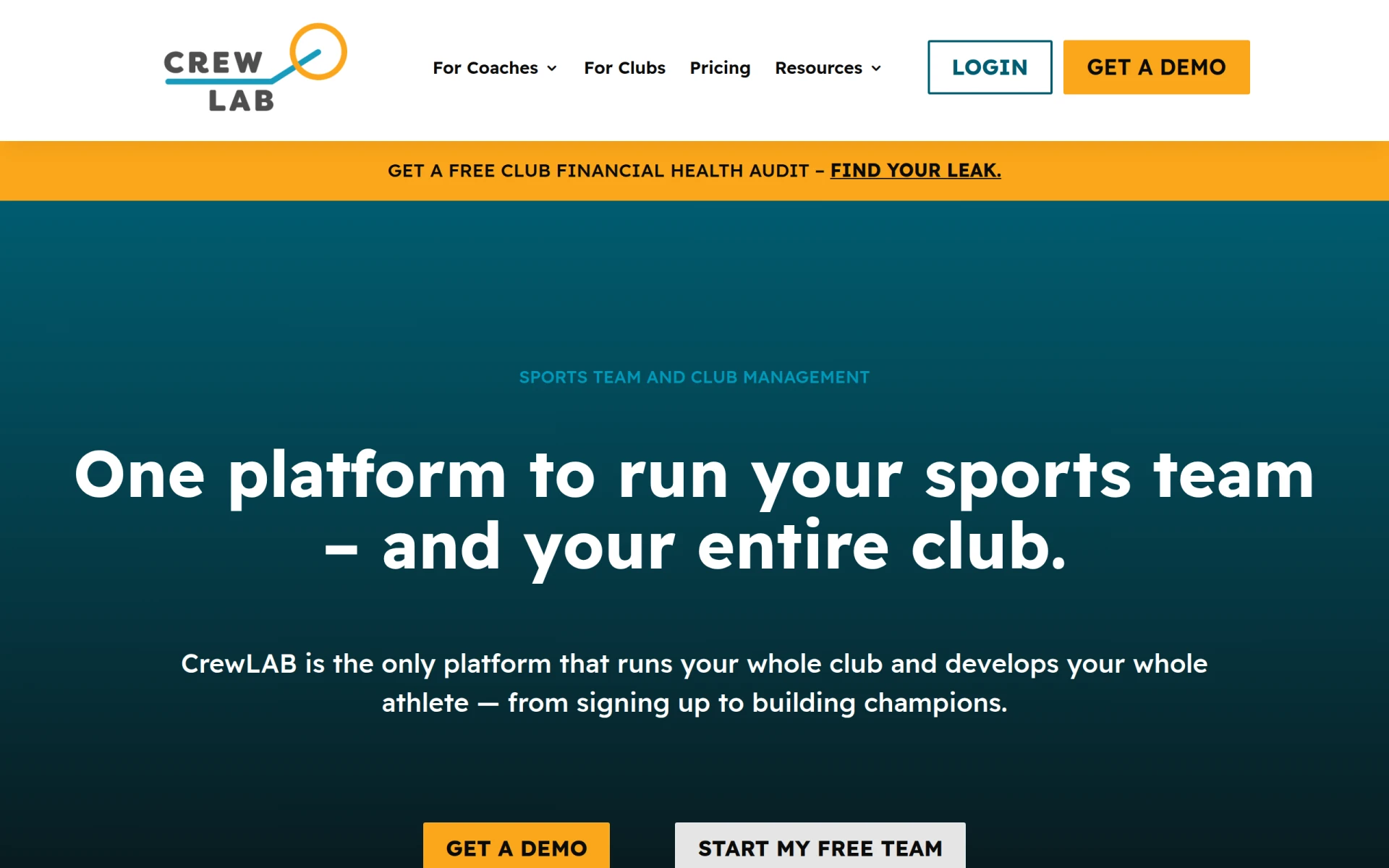
CrewLAB is a sports team management software designed to assist coaches with organizing and managing teams effectively.
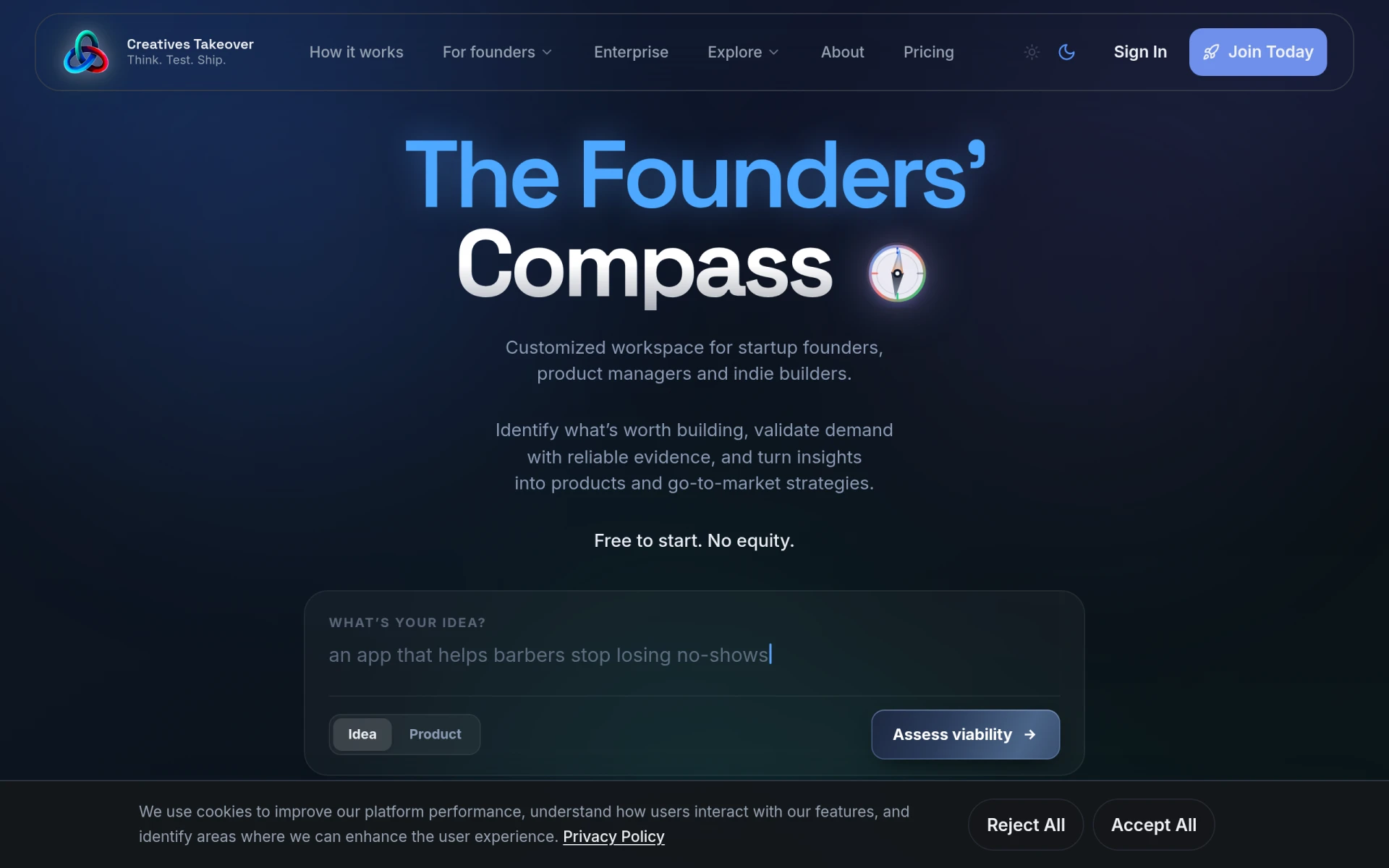
Creatives Takeover is a startup development platform that assists founders in validating ideas, building MVPs, and launching products.
Weekly roundup of new AI tools, launches, and trending software. No spam — unsubscribe anytime.
No credit card required · Cancel anytime
Weekly roundup of new AI tools, launches, and trending software. No spam — unsubscribe anytime.
No credit card required · Cancel anytime