Overview
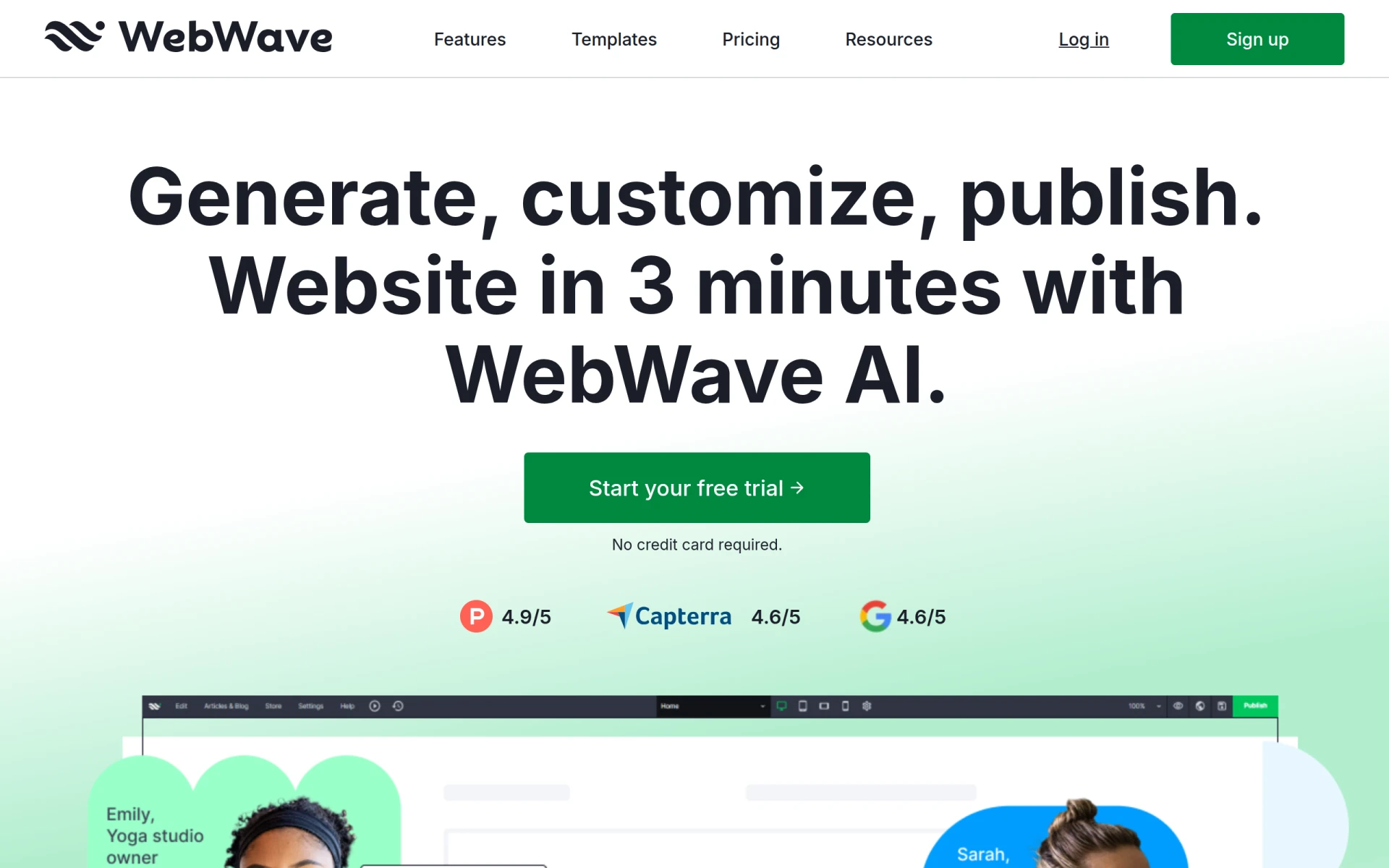
WebWave is an AI-driven website builder designed to simplify the process of creating websites. Its primary purpose is to enable users, particularly those without coding experience, to build functional and visually appealing websites in a matter of minutes. The software addresses common challenges faced by small businesses and freelancers, such as the need for a professional online presence and the lack of technical skills to develop a website from scratch.
Key Features
- AI Template Suggestions
- Drag-and-Drop Editor
- Customizable Content Blocks
- SEO Tools
- E-commerce Capabilities
- Mobile Responsiveness
- Analytics and Reporting
- White Label Solutions
Benefits
WebWave provides practical advantages, such as enabling users to launch websites faster, reducing the need for technical expertise, and offering a range of templates that cater to different industries. This allows small business owners and freelancers to focus on their core activities rather than getting bogged down by website development complexities. The built-in SEO tools help users improve their visibility online, while the analytics feature allows for tracking performance and making data-driven decisions.
Common Use Cases
WebWave is ideal for small businesses launching their first website, freelancers showcasing their portfolios, and entrepreneurs setting up e-commerce stores. For instance, a local bakery can create a visually appealing site to display their products and accept online orders, while a freelance graphic designer can use WebWave to build a portfolio site that highlights their best work. Additionally, marketing teams can leverage its features for campaign landing pages.
Who Should Use It
WebWave is best suited for individuals and small businesses that require a quick and easy way to establish an online presence. Ideal users include freelancers, small business owners, and marketing teams. However, larger organizations or those with complex website needs may find the platform limiting, particularly if advanced customization or extensive integrations are required.
Pricing Overview
Pricing details are not explicitly provided on the website. Users interested in WebWave should visit their pricing page for the most accurate and up-to-date information.
Conclusion
WebWave is a user-friendly website builder that empowers users to create and manage websites without coding. While it offers significant advantages for small businesses and freelancers looking for a straightforward solution, users with more complex needs may need to explore alternative platforms. Overall, WebWave presents a viable option for those seeking to establish an online presence quickly and efficiently.