1. Introduction
As a content creator, the need to produce engaging material efficiently has never been more critical. The rapid evolution of digital marketing means that staying relevant requires adopting innovative technologies. In 2024, AI-powered tools can significantly enhance your content creation process, helping you engage your audience more effectively. This guide aims to provide practical recommendations to help you navigate the landscape of AI content tools.
2. Quick Recommendations
3. How We Selected These Tools
Our evaluation criteria included features, ease of use, pricing, customer support, integrations, scalability, security, AI capabilities, and overall value. Each tool was thoroughly analyzed to ensure that it meets the diverse needs of content creators.
4. Why Content Creators Need Better Marketing Software
Content creators face several challenges in today’s fast-paced marketing environment. High competition, changing audience preferences, and the demand for high-quality content can strain resources. Efficient marketing software is crucial to enhance productivity, streamline workflows, and avoid common pitfalls like inconsistent branding or poor audience engagement.
5. What To Look For
- Features: Ensure the software includes essential features like content generation, scheduling, and analytics.
- Ease of Use: The tool should be user-friendly, allowing you to focus more on creation and less on navigating the software.
- Pricing: Look for options that fit your budget, including freemium models or scalable pricing plans.
- Support: Reliable customer support can make a significant difference, especially when learning a new tool.
- Integrations: Check if the tool integrates with other platforms you use, enhancing its utility.
- Scalability: Your chosen tool should grow with your business, accommodating more users or advanced features as needed.
- Security: Ensure that the software adheres to standard security practices to protect your data.
- AI Features: Look for tools that leverage AI to automate and enhance content creation, saving you time and effort.
6. Best AI-Powered Tools for Content Creation in 2024
Flick
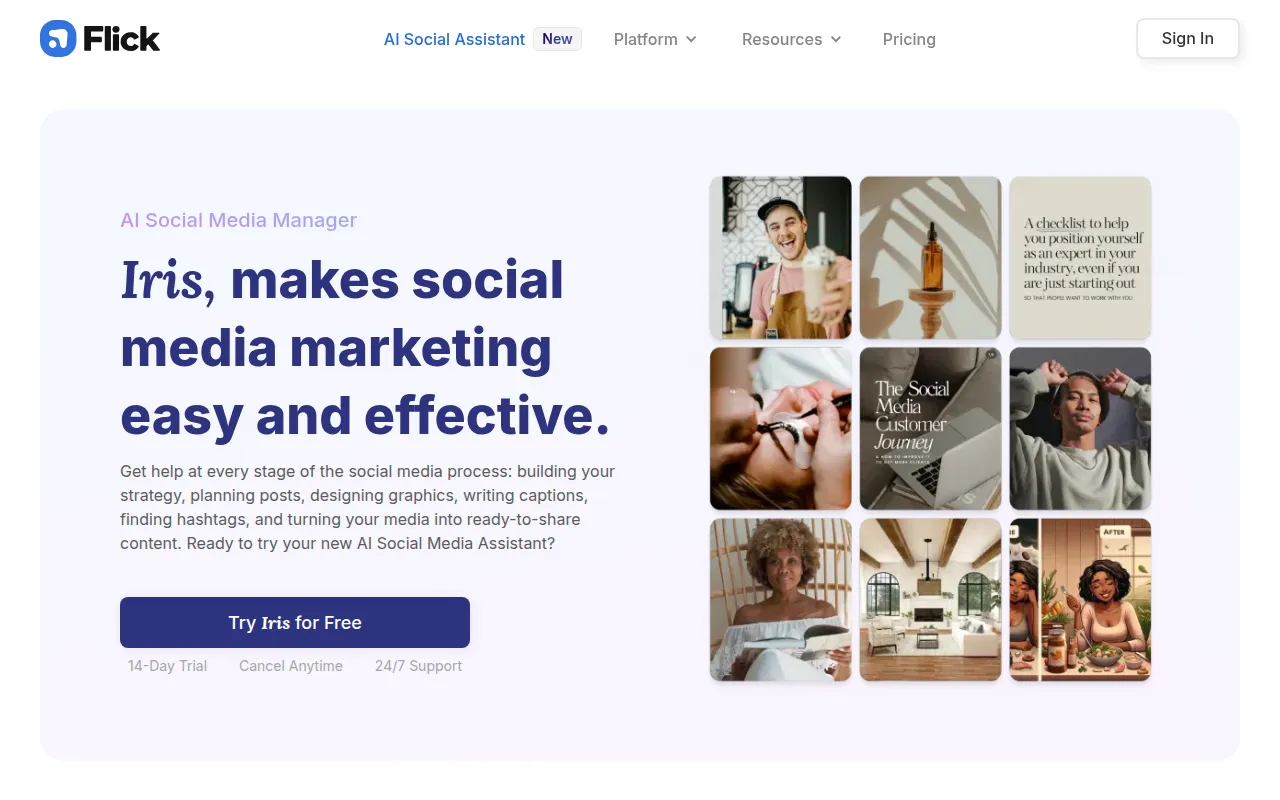
Flick is an AI-driven social media management tool designed to streamline content creation and engagement for brands.
Who should use it: Small businesses, freelancers, and marketing teams.
Who should avoid it: Larger enterprises with specific needs not covered by the tool.
Strengths: Excellent AI content generation and post scheduling features.
Weaknesses: Limited detailed analytics compared to competitors.
Key Features: AI Content Generation, Hashtag Suggestions, Post Scheduling, Analytics and Reporting, Caption Writing Assistance.
Pros: User-friendly interface, good for collaboration.
Cons: Pricing may vary. Check the vendor website for the latest information.
Pricing: Freemium - Flick offers a 7-day free trial with unspecified pricing details.
Integrations: Integrates with several social media platforms.
Ideal Team Size: Small to medium-sized teams.
Deployment: Cloud-based.
Learning Curve: Easy to moderate.
Support: Email and chat support available.
Overall Recommendation: Best for establishing a strong social media presence quickly.
Why choose it: Strong automation features help save time.
When not to choose it: If you need in-depth analytics features.
Simplified
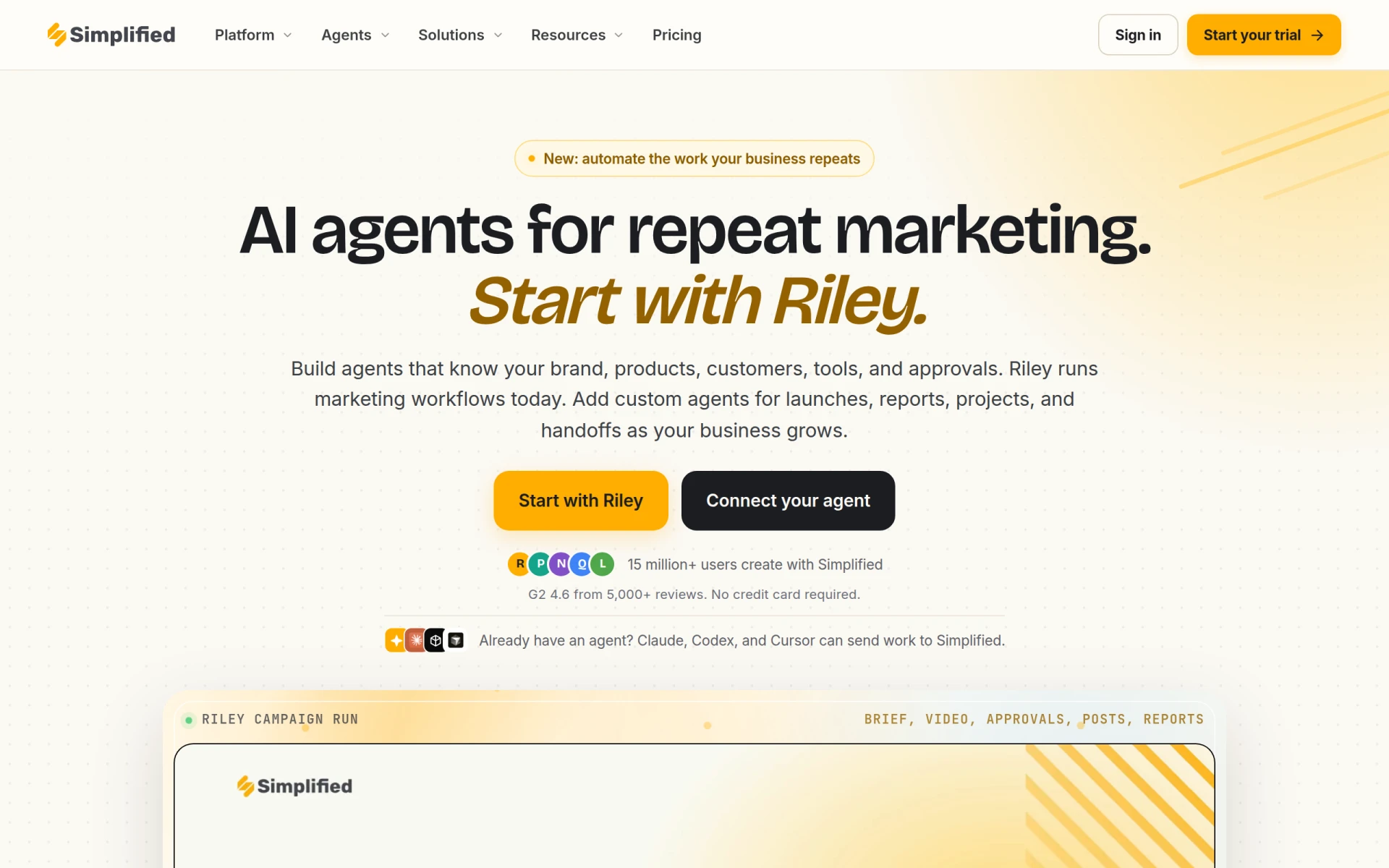
Simplified is an AI-powered marketing tool that streamlines content creation and publishing.
Who should use it: Small businesses and marketing teams needing efficient content creation tools.
Who should avoid it: Businesses requiring extensive customization options.
Strengths: Comprehensive brand kit and asset library.
Weaknesses: Limited advanced analytics features.
Key Features: AI Marketing Agent, Content Creation, Brand Kit, Template Library, Asset Library.
Pros: Affordable pricing plans, easy to use.
Cons: Pricing may vary. Check the vendor website for the latest information.
Pricing: Freemium - offers affordable pricing plans significantly lower than hiring a fractional CMO.
Integrations: Integrates with popular marketing tools.
Ideal Team Size: Small businesses and freelancers.
Deployment: Cloud-based.
Learning Curve: Easy.
Support: Online support and tutorials available.
Overall Recommendation: Best for those starting in content marketing.
Why choose it: Great for beginners, easy setup.
When not to choose it: If advanced features are required.
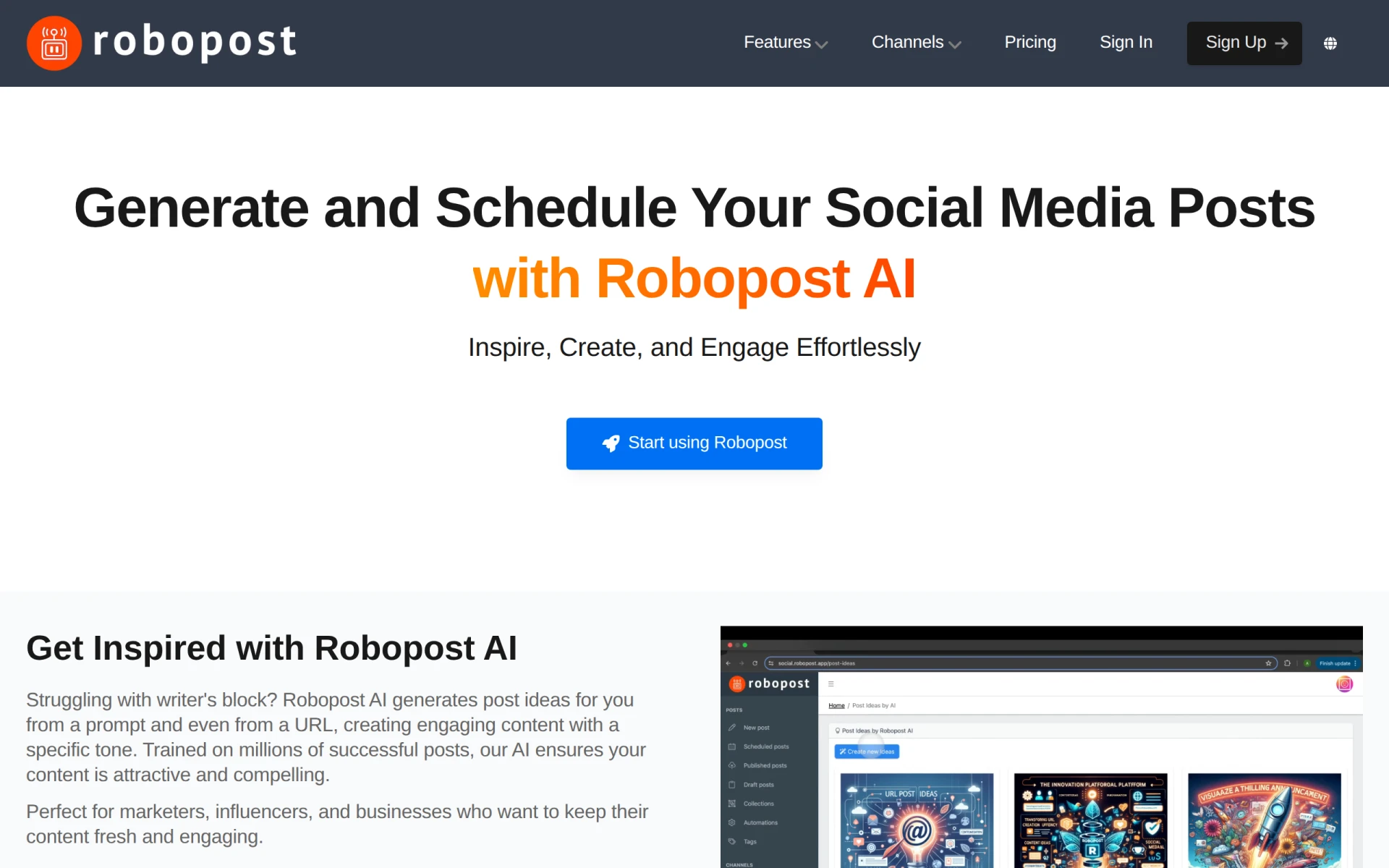
Robopost AI
Robopost AI is an AI-powered tool designed to create engaging social media posts.
Who should use it: Small businesses and freelancers looking to enhance their online presence.
Who should avoid it: Large enterprises needing more complex solutions.
Strengths: Great for multi-platform post creation.
Weaknesses: Lacks advanced analytics features.
Key Features: AI Content Generation, Multi-platform Support, Customizable Post Templates, Real-time Engagement Analytics, Scheduled Posting.
Pros: Simple to use, fast content generation.
Cons: Pricing may vary. Check the vendor website for the latest information.
Pricing: Freemium - pricing information is currently unavailable.
Integrations: Supports major social media networks.
Ideal Team Size: Small teams or solo entrepreneurs.
Deployment: Cloud-based.
Learning Curve: Easy.
Support: Community support available.
Overall Recommendation: Best for quick social media content generation.
Why choose it: Efficient for busy marketers.
When not to choose it: If in-depth reporting is needed.
Lumen5
Lumen5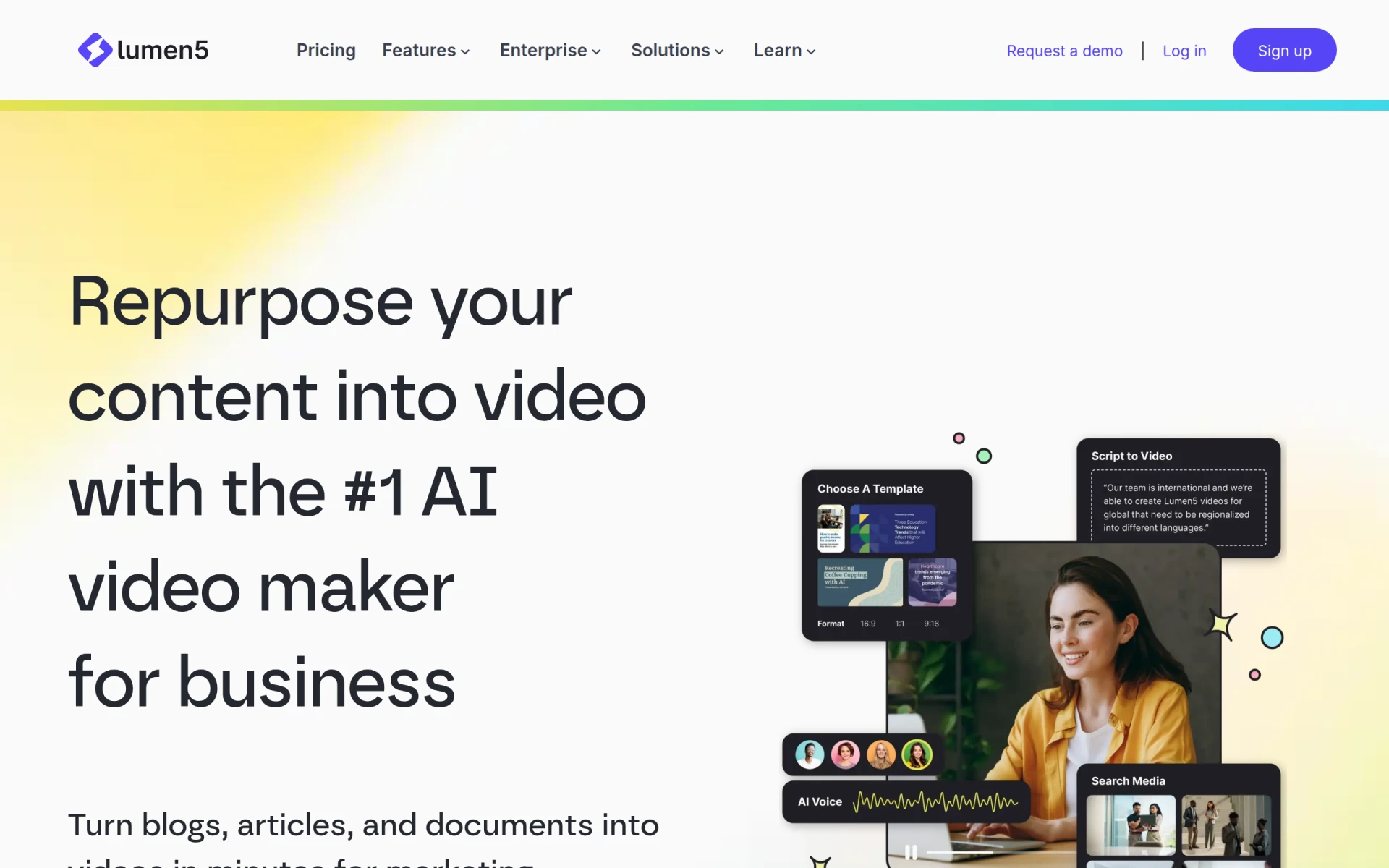 is an AI-powered video creation platform that allows users to transform text into engaging videos.
Who should use it: Marketers and content creators producing educational videos.
Who should avoid it: Those needing advanced video editing capabilities.
Strengths: Easy to create videos from text.
Weaknesses: Limited video editing features.
Key Features: AI-driven video creation, Text-to-video conversion, Customizable templates, Media library access, Drag-and-drop interface.
Pros: Quick video creation, user-friendly interface.
Cons: Pricing may vary. Check the vendor website for the latest information.
Pricing: Freemium - details not explicitly available.
Integrations: Integrates with content management systems.
Ideal Team Size: Marketing teams and solo creators.
Deployment: Cloud-based.
Learning Curve: Easy.
Support: Online resources and tutorials available.
Overall Recommendation: Best for quick video content production.
Why choose it: Ideal for converting blog posts into videos.
When not to choose it: If extensive editing features are required.
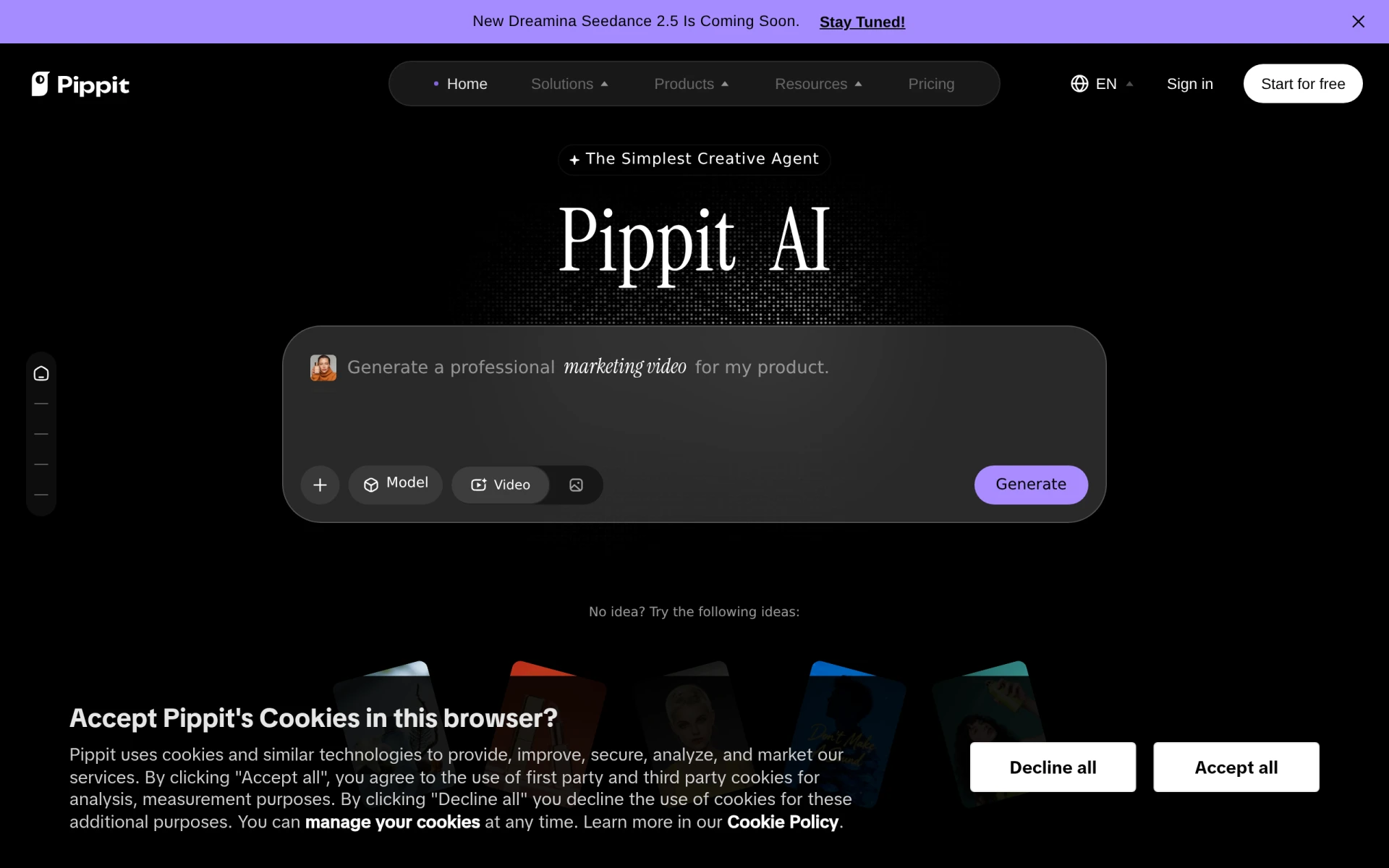
Pippit AI
Pippit AI simplifies the creation of videos, images, and ads.
Who should use it: Small businesses and freelancers needing quick promotional content.
Who should avoid it: Users needing advanced customization options.
Strengths: Versatile content creation capabilities.
Weaknesses: Limited advanced features for detailed edits.
Key Features: Video Generation, Image Creation, Ad Creation, Avatar Generation, Performance Tracking.
Pros: Affordable pricing, easy to use.
Cons: Pricing may vary. Check the vendor website for the latest information.
Pricing: Freemium - offers a free plan and a Starter plan priced at $120 monthly or $200 yearly.
Integrations: Integrates with marketing platforms.
Ideal Team Size: Small teams or individual marketers.
Deployment: Cloud-based.
Learning Curve: Moderate.
Support: Online help center available.
Overall Recommendation: Best for quick and simple ad creation.
Why choose it: Good for those needing rapid content production.
When not to choose it: If deep analytics are required.
Vidu AI
Vidu AI is an AI-powered video generator that creates videos from text and images.
Who should use it: Marketing professionals creating video ads and social media content.
Who should avoid it: Users needing high-quality video production features.
Strengths: Quick video creation from various formats.
Weaknesses: Basic video editing features.
Key Features: Text to Video, Image to Video, Reference Video Integration, AI Sound Effect Generator, AI Image Generator.
Pros: Fast and easy to use.
Cons: Pricing may vary. Check the vendor website for the latest information.
Pricing: Freemium - offers multiple pricing plans tailored to different user needs, details not available.
Integrations: Works with social media platforms.
Ideal Team Size: Small to medium-sized businesses.
Deployment: Cloud-based.
Learning Curve: Easy.
Support: Standard support options available.
Overall Recommendation: Best for quick video content creation.
Why choose it: Efficient for creating promotional videos.
When not to choose it: If you need advanced editing tools.
Pencil
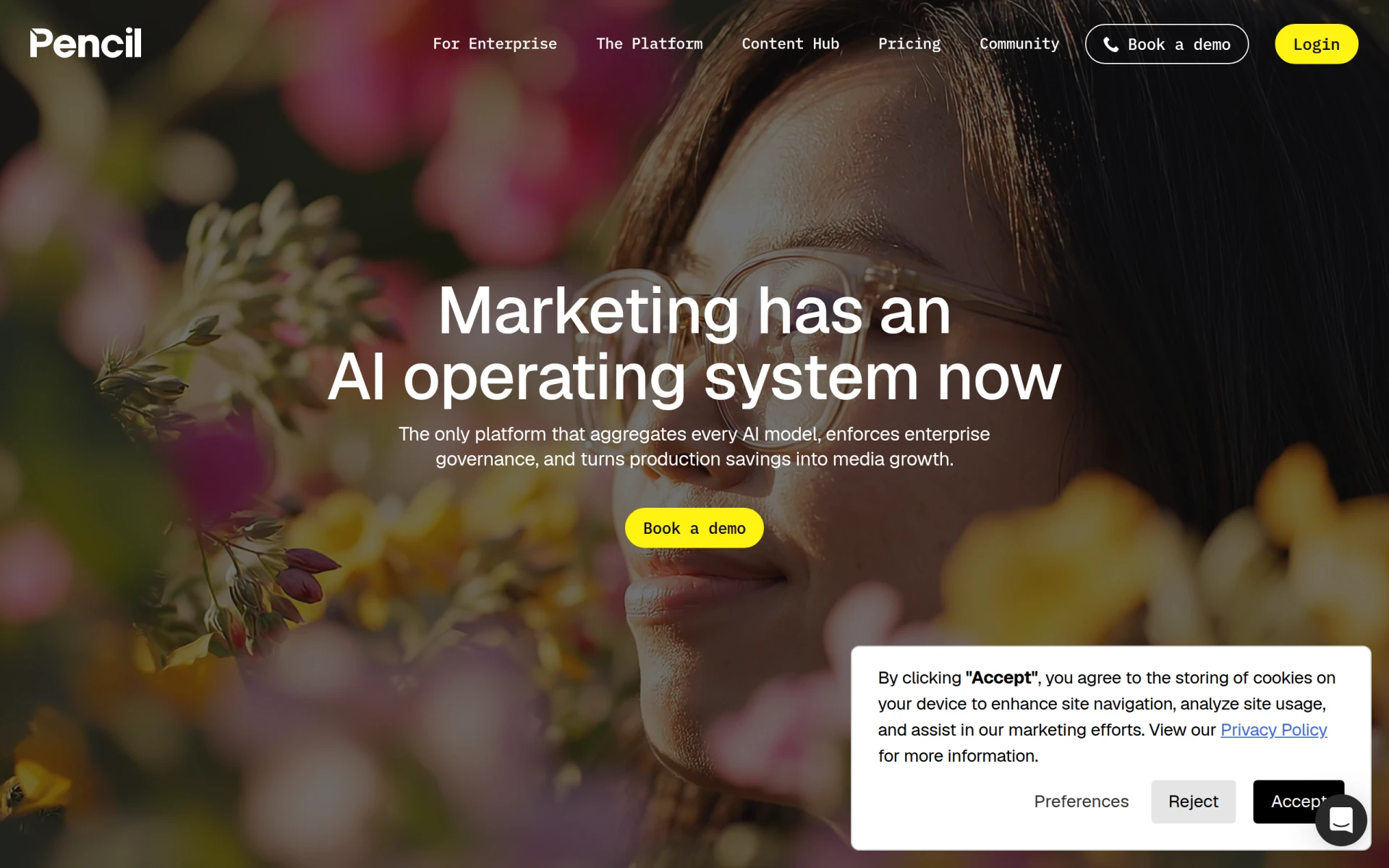
Pencil is an AI operating system for marketing, aggregating multiple AI models for ad creation.
Who should use it: Small to medium-sized marketing teams and digital agencies.
Who should avoid it: Individual users with limited needs.
Strengths: Comprehensive solution for ad management.
Weaknesses: Higher learning curve for beginners.
Key Features: Self-serve AI agents for generating text, images, videos, ad creatives; real-time insights; multi-channel ad launching.
Pros: Great for scaling marketing efforts.
Cons: Pricing may vary. Check the vendor website for the latest information.
Pricing: Paid - tiered pricing model starting at $14 per month for individuals.
Integrations: Integrates with major ad platforms.
Ideal Team Size: Medium to large teams.
Deployment: Cloud-based.
Learning Curve: Moderate to high.
Support: Comprehensive support available.
Overall Recommendation: Best for teams managing multiple clients and ad campaigns.
Why choose it: Excellent for collaborative marketing efforts.
When not to choose it: If you require a simple solution without complexity.
Anyword
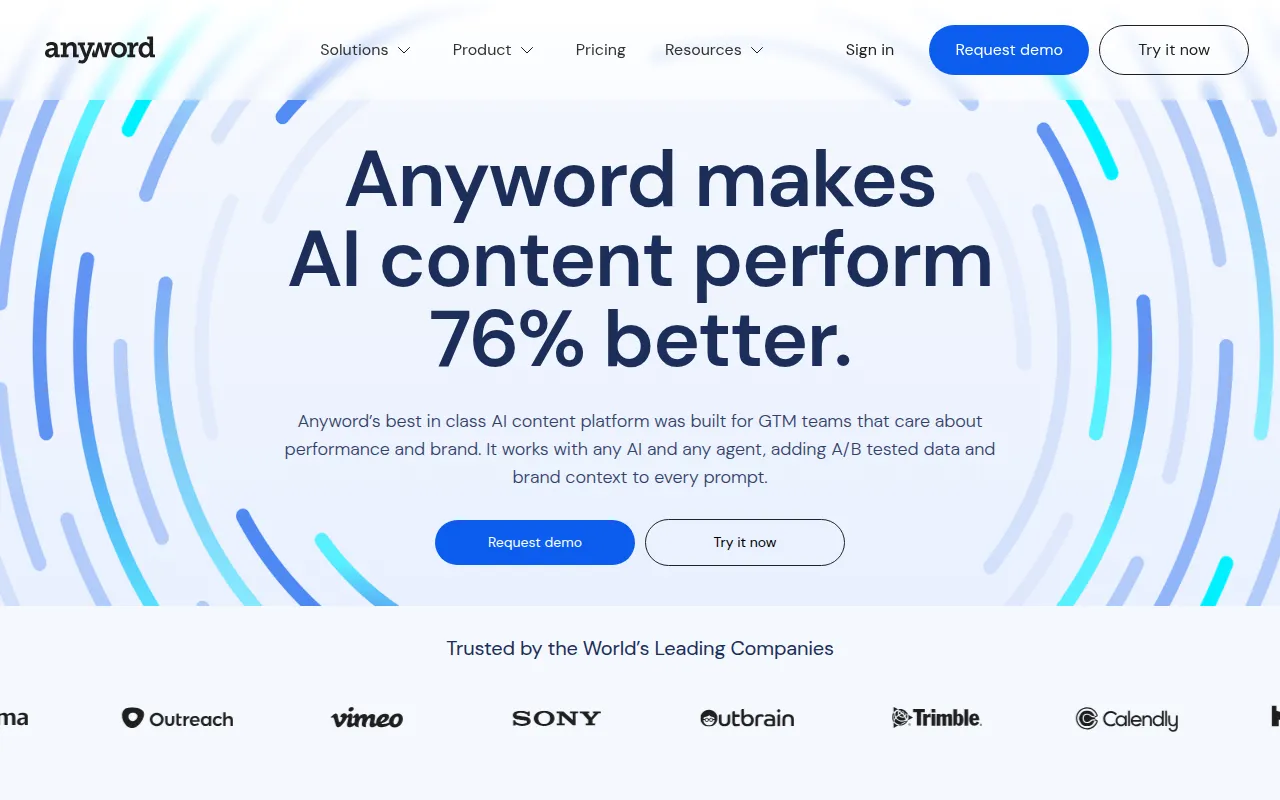
Anyword is an AI-driven content generation tool designed to enhance marketing performance.
Who should use it: Marketing teams of all sizes and freelancers.
Who should avoid it: Users needing basic content creation without analytics.
Strengths: Strong data-driven content creation capabilities.
Weaknesses: Can be overwhelming for beginners.
Key Features: AI Content Generation, A/B Testing Integration, Brand Contextualization, Performance Analytics.
Pros: Effective for generating optimized content quickly.
Cons: Pricing may vary. Check the vendor website for the latest information.
Pricing: Freemium - starter plan starting at $49 per month.
Integrations: Compatible with various content management systems.
Ideal Team Size: Small to large marketing teams.
Deployment: Cloud-based.
Learning Curve: Moderate.
Support: Responsive customer support available.
Overall Recommendation: Best for data-driven content strategies.
Why choose it: Great for marketers focused on performance.
When not to choose it: If you prefer simpler content generation tools.
ContentBot
ContentBot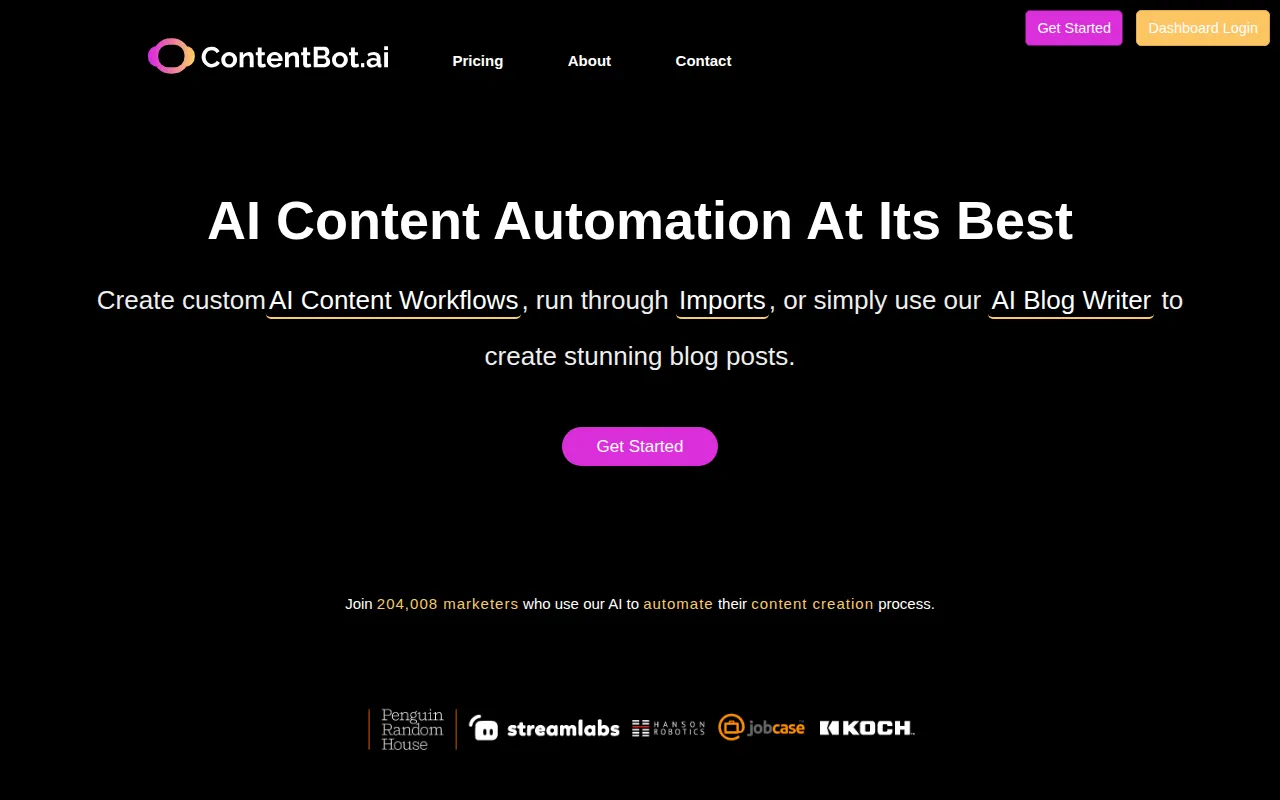 simplifies the content creation process for marketers and businesses.
Who should use it: Marketing teams needing regular content production.
Who should avoid it: Large enterprises needing extensive customization.
Strengths: Automates content workflows effectively.
Weaknesses: Limited customization options for advanced users.
Key Features: AI Blog Writer, AI Content Workflows, Intelligent linking features.
Pros: Fast content generation and easy to use.
Cons: Pricing information is not publicly available.
Pricing: Freemium - pricing information not publicly available.
Integrations: Works with various content platforms.
Ideal Team Size: Small to medium-sized teams.
Deployment: Cloud-based.
Learning Curve: Easy.
Support: Online help center.
Overall Recommendation: Best for marketers seeking to automate their content processes.
Why choose it: Efficient for regular content needs.
When not to choose it: If advanced customization is required.
Hypergro
Hypergro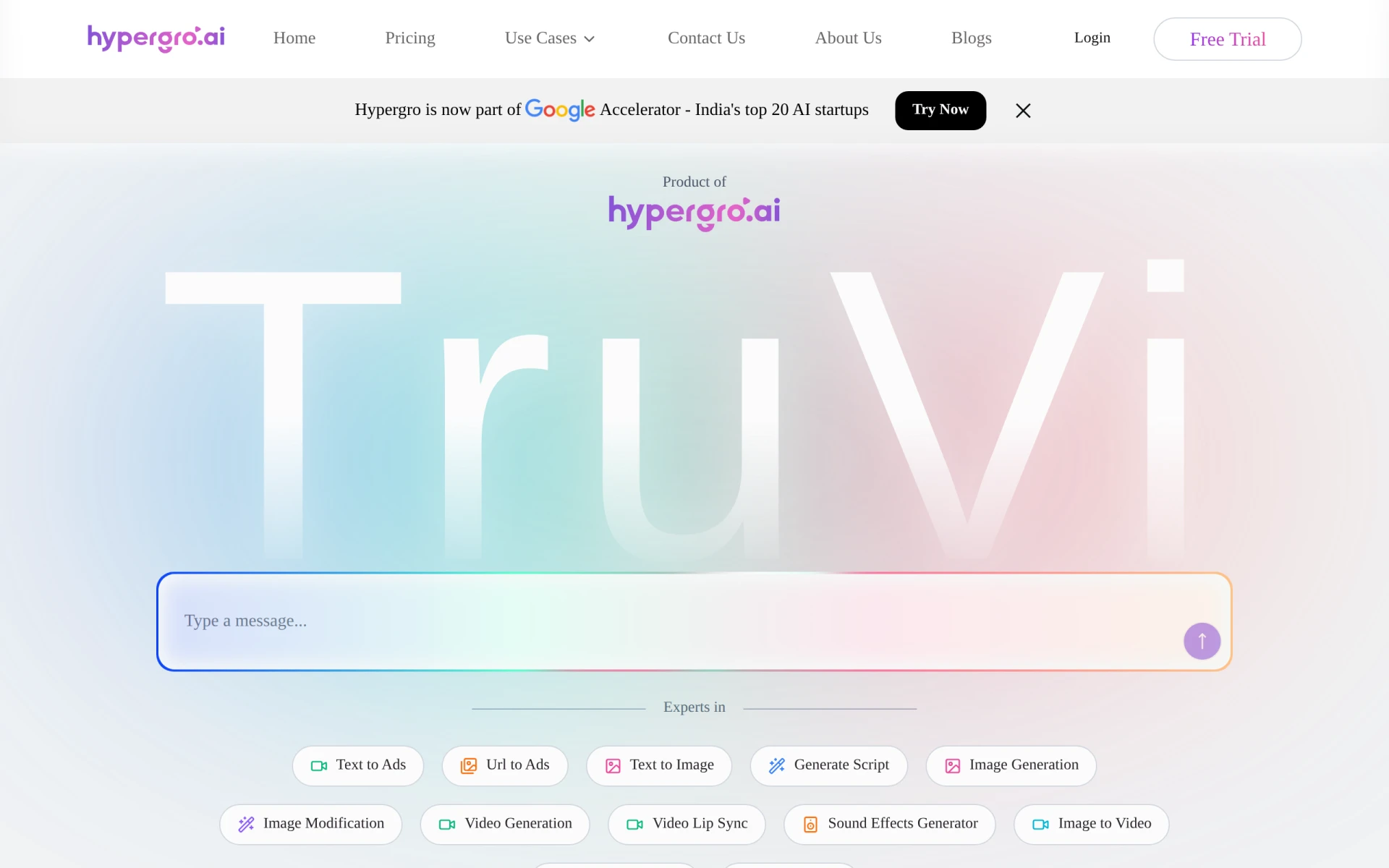 transforms text and images into engaging video ads.
Who should use it: Small to medium-sized businesses and marketing teams.
Who should avoid it: Users needing advanced video editing capabilities.
Strengths: Quick video creation from various content types.
Weaknesses: Basic video editing features.
Key Features: Text to Video, URL to Ad, Text to Image, Image Modification.
Pros: Fast and simple video ad creation.
Cons: Pricing may vary. Check the vendor website for the latest information.
Pricing: Freemium - offers a free trial and various pay-per-use and subscription pricing options.
Integrations: Works well with social media platforms.
Ideal Team Size: Small to medium-sized businesses.
Deployment: Cloud-based.
Learning Curve: Easy.
Support: Online support available.
Overall Recommendation: Best for creating quick video ads.
Why choose it: Ideal for marketers needing fast turnaround on video content.
When not to choose it: If extensive editing capabilities are essential.
7. Comparison Table
| Tool | Best For | Free Plan | Starting Price | AI Features | Rating |
|---|
| Flick | Small businesses | Yes | Freemium | AI Content Generation | 0.0/5 |
| Simplified | Small businesses | Yes | Freemium | AI Marketing Agent | 0.0/5 |
| Robopost AI | Small businesses | Yes | Freemium | AI Content Generation | 0.0/5 |
| Lumen5 | Marketers | Yes | Freemium | AI-driven video creation | 0.0/5 |
| Pippit AI | Small businesses | Yes | $120/month | Video Generation | 0.0/5 |
| Vidu AI | Marketing professionals | Yes | Freemium | Text to Video | 0.0/5 |
| Pencil | Marketing teams | No | $14/month | AI agents for ad creation | 0.0/5 |
| Anyword | Marketing teams | Yes | $49/month | AI Content Generation | 0.0/5 |
| ContentBot | Marketing teams | Yes | Freemium | AI Blog Writer | 0.0/5 |
| Hypergro | Small businesses | Yes | Freemium | Text to Video | 0.0/5 |
8. Decision Guide
When making your decision, consider:
- Best Overall: Flick
- Best Budget: Simplified
- Best Enterprise: Pencil
- Best AI: Anyword
- Best for Agencies: Pencil
- Best for Freelancers: Flick
- Best for Startups: Simplified
- Best for Large Businesses: Pencil
9. Buying Checklist
Before choosing software ask:
- What is my budget?
- How many people will use it?
- Do I need automation features?
- What integrations do I need?
- What level of security do I require?
- What is the scalability of the software?
- What kind of support is available?
10. Common Mistakes
- Not defining specific needs before choosing a tool.
- Ignoring integration capabilities with existing systems.
- Overlooking security features.
- Focusing solely on price rather than value.
- Neglecting to test tools during a free trial.
- Forgetting to consider team size and collaboration needs.
11. Final Recommendation
In a landscape where content engagement is pivotal, selecting the right AI-powered content creation tool is essential. Each tool offers unique strengths, catering to different needs and budgets. Whether you’re a freelancer, startup, or large enterprise, this guide has equipped you with the insights to make a confident decision.