Introduction
Inefficient workflows can drain productivity, leaving your team frustrated and resources squandered. In today's fast-paced work environment, harnessing the power of AI tools can dramatically enhance collaboration and streamline processes, ensuring your team operates at its best.
Why Professionals Struggle With Inefficient workflows lead to wasted time and resources.
Many professionals grapple with disorganized tasks and unclear communication channels. For instance, a marketing team may find themselves caught in endless email chains, struggling to keep track of campaign updates. Similarly, project managers often face delays due to misaligned tasks and insufficient resource allocation. These issues are not merely annoying; they can lead to missed deadlines, increased stress, and ultimately, a decline in overall productivity.
What to Look For in Business Tools
- User-Friendly Interface: A straightforward interface reduces the learning curve and allows teams to adopt tools quickly.
- Integration Capabilities: Tools that seamlessly integrate with existing software can minimize disruptions and enhance workflows.
- Collaboration Features: Effective tools should foster communication and collaboration among team members.
- Customization Options: The ability to tailor tools to fit specific team needs can improve usability and effectiveness.
- Analytics and Reporting: Insightful analytics help teams understand performance and make informed decisions.
Best AI Tools for Enhancing Productivity at Work
Manus - Best for Workflow Automation
Manus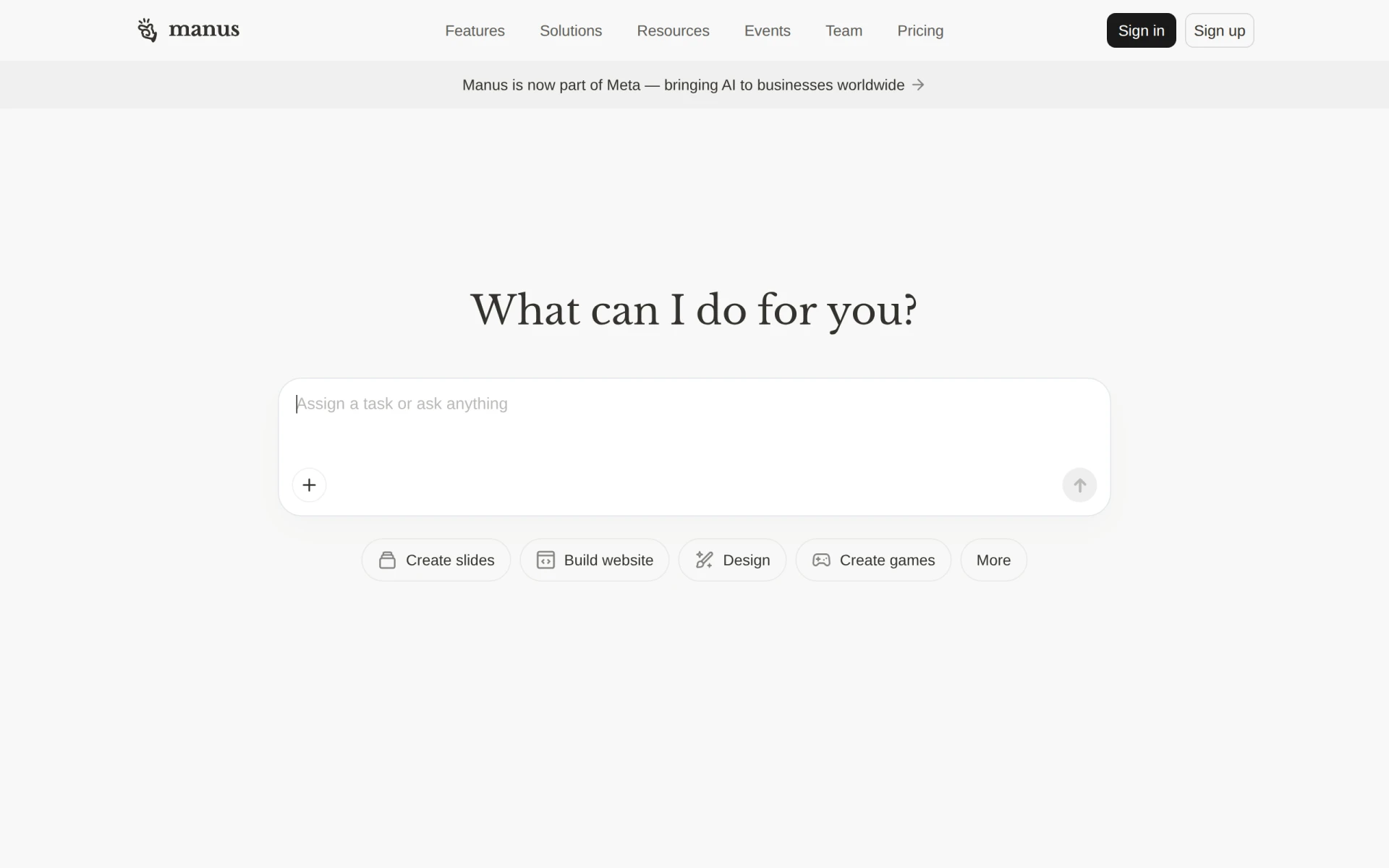 is an AI-driven tool that excels at automating workflows and executing tasks efficiently. Designed specifically for teams looking to boost productivity, Manus integrates seamlessly with communication platforms like Slack, making task management easier. Its ability to create documents and slides, along with website building tools, allows teams to focus on their creative outputs instead of getting bogged down by administrative tasks.
With Manus, project managers can streamline task management and enhance collaboration among team members. The AI Task Execution feature ensures that tasks are prioritized and completed, reducing the time spent on repetitive activities. This results in a more engaged and productive team environment.
- AI Task Execution: Automates task assignments and prioritization, ensuring efficiency.
- Workflow Automation: Simplifies complex processes, allowing teams to focus on core activities.
- Integration with Slack: Facilitates real-time communication and updates within the team.
- Document and Slide Creation: Helps teams produce professional materials quickly.
- Website Building Tools: Enables teams to create web content without technical expertise.
Pricing: Freemium - Pricing information for Manus is not publicly available. Best for: Small to medium-sized businesses, marketing teams needing to automate presentations, project managers looking to streamline task management.
Minduck - Best for Team Collaboration
Minduck is a project management tool crafted to enhance collaboration and efficiency within teams. With its robust task management features, Minduck allows team leaders to allocate resources effectively and monitor project timelines. The platform's project templates make it easy to kickstart new initiatives without starting from scratch, saving valuable time.
What sets Minduck apart is its emphasis on collaboration. The tool not only tracks tasks but also enables team members to communicate and share updates within the platform, reducing the need for external communication tools. This centralized approach enhances transparency and accountability, driving productivity.
- Task Management: Streamlines task organization, ensuring clarity in responsibilities.
- Team Collaboration: Facilitates communication among team members for better coordination.
- Time Tracking: Helps in monitoring project timelines and identifying bottlenecks.
- Resource Allocation: Enables optimal use of available resources for project success.
- Project Templates: Simplifies project initiation, saving time and effort.
Pricing: Contact - Pricing information for Minduck is currently unavailable. Best for: Project managers, team leaders, marketing teams.
ClickUp - Best for Comprehensive Project Management
ClickUp is a versatile project management and productivity tool designed to streamline collaboration and task management. Its comprehensive feature set allows teams to manage everything from tasks to goals and timelines in one place. ClickUp's customizable dashboards enable users to visualize their work in a way that suits their specific needs, enhancing overall efficiency.
This tool stands out for its robust time tracking and goal tracking features, which are essential for professionals managing multiple projects. With ClickUp, teams can monitor progress in real time, making it easier to stay on track and adjust plans as necessary.
- Task Management: Organizes tasks effectively, ensuring clarity in roles and deadlines.
- Time Tracking: Assists in monitoring hours spent on tasks for better accountability.
- Goal Tracking: Helps teams align their efforts with business objectives.
- Collaboration Tools: Enhances communication among team members, fostering teamwork.
- Customizable Dashboards: Allows users to visualize their workflow according to their preferences.
Pricing: Freemium - ClickUp offers pricing starting at $9 per user per month for the unlimited plan. Best for: Small to medium-sized businesses, marketing teams managing campaigns, project managers overseeing timelines and resources.
Cassidy - Best for Advanced Workflow Automation
Cassidy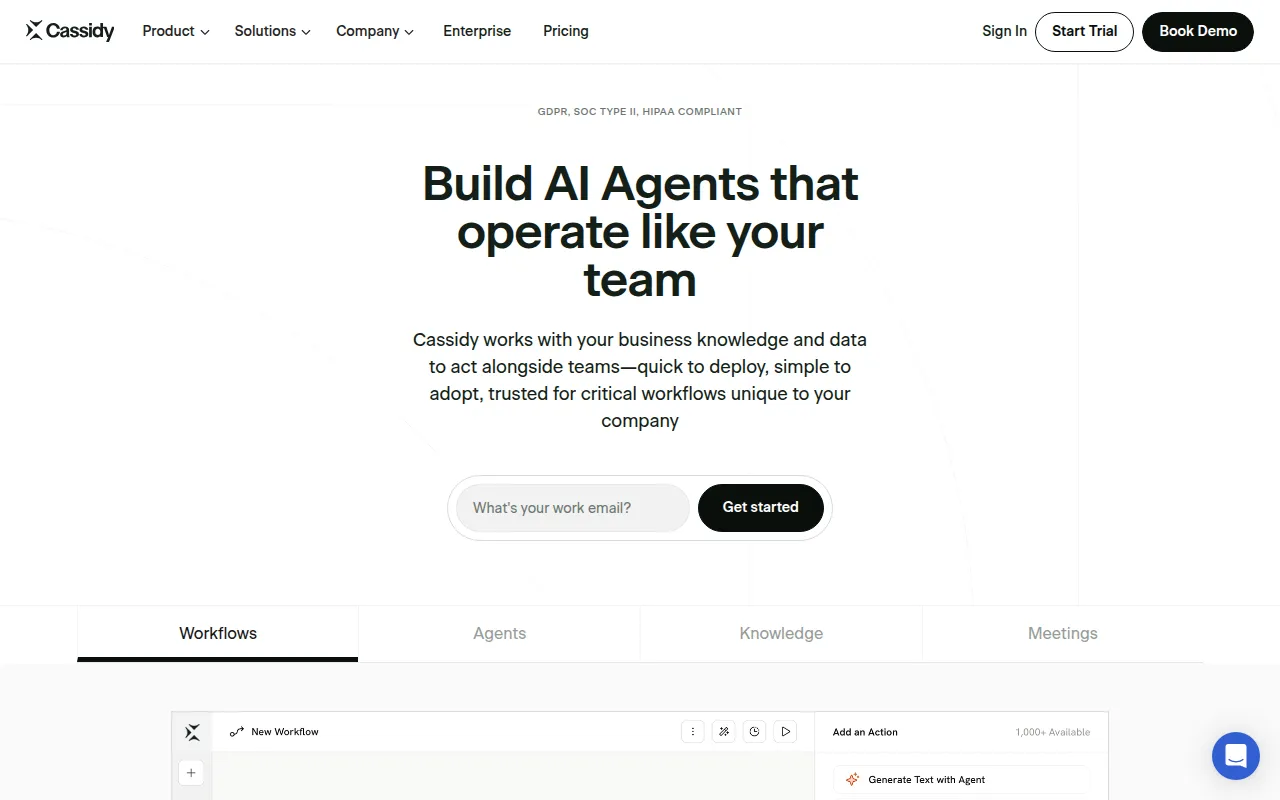 AI empowers businesses to create AI agents that automate workflows using existing knowledge and data. This tool is particularly beneficial for medium to large enterprises looking to enhance their workflow automation capabilities. Cassidy's ability to integrate knowledge into its AI agents enables organizations to tailor solutions to their specific processes, thereby improving efficiency and reducing manual effort.
One of Cassidy's standout features is its quick deployment capability. This allows businesses to implement automation solutions rapidly, minimizing disruption and helping teams achieve productivity gains sooner. Additionally, Cassidy's HIPAA compliance makes it an attractive option for healthcare organizations needing to maintain regulatory standards while optimizing workflows.
- AI Agent Creation: Enables custom automation solutions tailored to specific organizational needs.
- Workflow Automation: Streamlines processes, reducing manual tasks and increasing efficiency.
- Knowledge Integration: Leverages existing data for smarter automation decisions.
- Quick Deployment: Minimizes downtime during implementation, promoting quicker productivity gains.
- HIPAA Compliance: Ensures that healthcare organizations can use the tool while adhering to regulations.
Pricing: Freemium - Cassidy AI offers a free Starter plan and customizable Business plans for larger organizations. Best for: Medium to large enterprises seeking advanced workflow automation, HR departments in need of streamlined employee benefits management, marketing teams requiring data analysis and report generation.
Preswald - Best for Process Optimization
Preswald is a workflow automation tool designed to optimize business processes and improve overall efficiency. Its focus on collaboration tools means that teams can work together effectively while managing tasks and projects. Preswald's reporting and analytics features help businesses gain insight into their workflows, enabling data-driven decisions for continuous improvement.
With Preswald, small to medium-sized businesses can automate their processes, reducing the time spent on repetitive tasks. The integration with third-party applications enhances its functionality, allowing organizations to use their preferred tools while benefiting from Preswald's automation capabilities.
- Workflow Automation: Reduces manual effort and increases efficiency in processes.
- Task Management: Streamlines task assignments and tracking for better visibility.
- Collaboration Tools: Enhances teamwork and communication among team members.
- Reporting and Analytics: Provides insights into workflows for informed decision-making.
- Integration with Third-Party Applications: Allows businesses to connect with tools they already use.
Pricing: Contact - Pricing information for Preswald is currently unavailable. Best for: Small to medium-sized businesses, marketing teams seeking to automate campaign workflows, HR departments looking to streamline onboarding processes.
Quan1229 - Best for Task Automation
Quan1229 is a workflow automation tool designed to enhance business efficiency by automating repetitive tasks. It is particularly useful for small to medium-sized businesses looking to streamline processes and improve productivity. With features like task scheduling and real-time notifications, Quan1229 ensures that team members are always informed and accountable for their responsibilities.
What makes Quan1229 stand out is its focus on data reporting and analytics, allowing teams to measure the effectiveness of their workflows. This feature helps businesses identify areas for improvement and optimize their processes over time, leading to better resource allocation and enhanced productivity.
- Workflow Automation: Simplifies repetitive tasks, freeing up time for strategic activities.
- Task Scheduling: Ensures timely task execution and accountability among team members.
- Integration with Third-Party Applications: Enhances functionality by connecting with existing tools.
- Real-time Notifications: Keeps teams updated on task status and deadlines.
- Data Reporting and Analytics: Provides insights into workflow performance for continuous improvement.
Pricing: Freemium - Pricing information for Quan1229 is currently unavailable. Best for: Small to medium-sized businesses looking to automate processes, HR departments managing onboarding and training workflows, marketing teams automating campaign management and reporting.
Anyone.com - Best for Customizable Workflows
Anyone.com is a workflow automation tool that enhances team collaboration through customizable agents. This tool is particularly effective for small businesses looking to streamline their processes. Anyone.com allows teams to create tailored agents that can automate various tasks, improving efficiency and reducing manual effort.
The real-time collaboration features ensure that team members can work together seamlessly, regardless of their physical location. With workflow templates available, teams can quickly implement automation solutions without starting from scratch, making it an ideal choice for organizations that want to enhance productivity without a steep learning curve.
- Customizable Agents: Allows teams to create tailored automation solutions specific to their needs.
- Task Automation: Reduces manual effort, enabling teams to focus on core activities.
- Real-time Collaboration: Enhances teamwork and communication among team members.
- Integration with Third-party Tools: Expands functionality by connecting with existing tools.
- Workflow Templates: Simplifies the implementation of automation solutions.
Pricing: Freemium - Pricing information for Anyone.com is currently not available. Best for: Small businesses looking to automate workflow processes, marketing teams needing to track campaigns efficiently, sales teams wanting to improve lead management.
Latitude.io - Best for Project Tracking
Latitude.io is a project management tool designed to enhance team collaboration and streamline project tracking. With its intuitive task management features, Latitude.io allows project managers to visualize project timelines and share files easily. This tool is particularly effective for marketing teams coordinating complex campaigns.
The emphasis on time tracking ensures that projects remain on schedule, while the file-sharing capabilities enhance collaboration among team members. Latitude.io is an excellent choice for teams looking for a straightforward solution to manage projects and improve productivity.
- Task Management: Organizes tasks effectively to enhance clarity and accountability.
- Team Collaboration: Facilitates communication among team members for better teamwork.
- Time Tracking: Assists in monitoring project timelines and identifying delays.
- Project Timeline Visualization: Helps teams understand project progress at a glance.
- File Sharing: Enhances collaboration by allowing easy access to documents and resources.
Pricing: Freemium - Pricing information for Latitude.io is currently unavailable. Best for: Project managers overseeing complex projects, marketing teams coordinating campaign timelines, software development teams managing feature requests.
Flokzu - Best for Business Process Management
Flokzu is a workflow automation tool designed to streamline business processes and improve efficiency. Its workflow designer allows teams to create custom workflows that fit their specific needs, making it a flexible solution for small to medium-sized businesses. Flokzu's document management capabilities ensure that all team members have access to the information they need to perform their tasks effectively.
The notifications feature keeps team members informed about upcoming deadlines and task updates, promoting accountability and timely execution. With detailed reports and analytics, Flokzu helps businesses understand their workflow performance and identify areas for improvement.
- Workflow Designer: Enables the creation of custom workflows tailored to team processes.
- Document Management: Ensures easy access to important information among team members.
- Task Management: Streamlines task assignments and tracking for better visibility.
- Notifications: Keeps teams updated on task status and deadlines.
- Reports and Analytics: Provides insights into workflows for informed decision-making.
Pricing: Freemium - Pricing information is not publicly available and requires direct inquiry for a quote. Best for: Small to medium-sized businesses, finance departments automating expense approvals, HR teams managing employee onboarding.
FuseBase AI - Best for AI-Assisted Productivity
FuseBase AI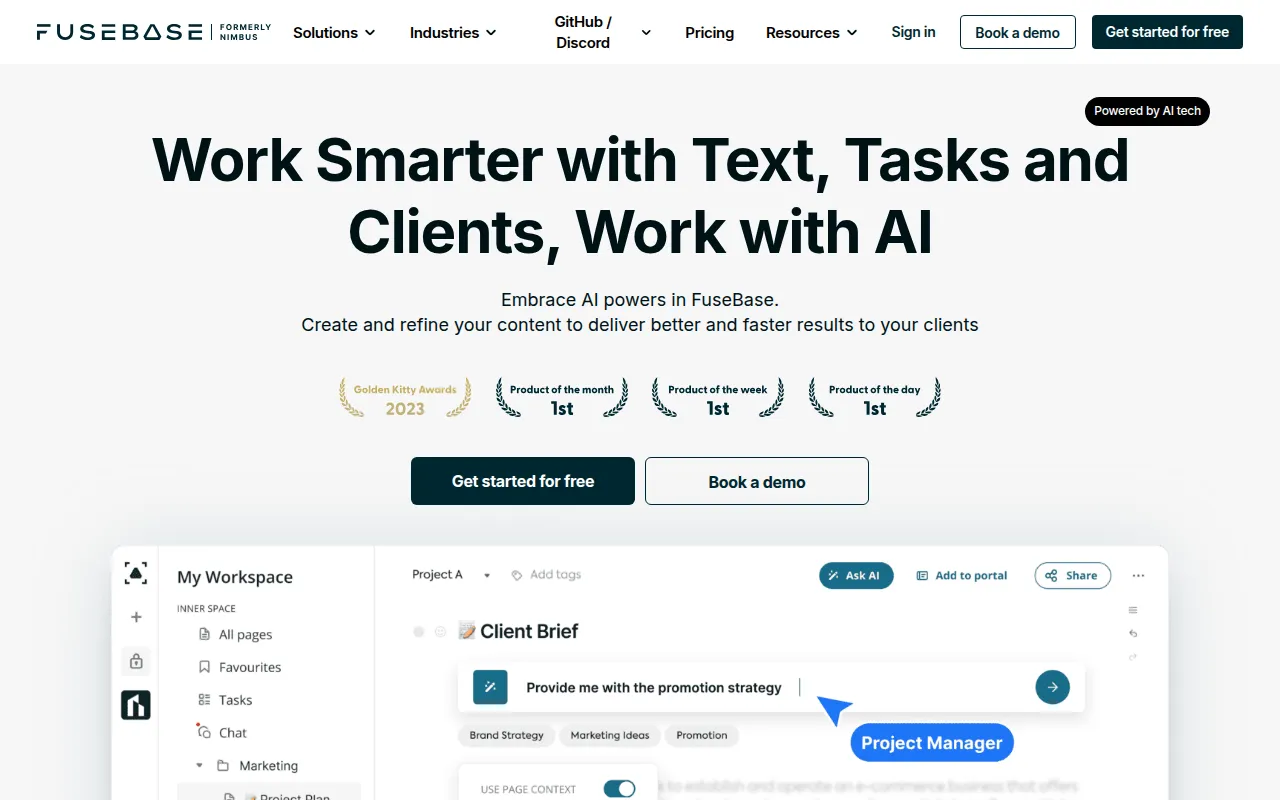 is a productivity-focused AI assistant designed to enhance workplace efficiency and collaboration. Its AI-driven task management features automate routine tasks, allowing team members to focus on higher-value work. The automated meeting scheduling feature ensures that team members can coordinate their calendars with minimal effort.
FuseBase AI's intelligent note-taking capabilities provide contextually relevant information during meetings, ensuring that nothing important is missed. This tool is perfect for small to medium-sized businesses looking to enhance their task oversight and collaboration.
- AI-driven Task Management: Automates routine tasks, freeing up time for strategic activities.
- Automated Meeting Scheduling: Simplifies coordination among team members.
- Intelligent Note-taking Capabilities: Captures important information during meetings for better follow-up.
- Contextual Information Retrieval: Provides relevant data during discussions for informed decision-making.
- Team Collaboration Tools: Enhances communication and teamwork among team members.
Pricing: Freemium - Pricing information for FuseBase AI is currently not available. Best for: Small to medium-sized businesses, project managers looking to enhance task oversight, marketing teams needing streamlined collaboration.
Quick Comparison
| Tool | Best For | Starting Price | Rating |
|---|
| Manus | Small to medium-sized businesses | Free | 0.0/5 |
| Minduck | Project managers, team leaders | Contact | 0.0/5 |
| ClickUp | Small to medium-sized businesses | $9/mo | 0.0/5 |
| Cassidy | Medium to large enterprises | Free | 0.0/5 |
| Preswald | Small to medium-sized businesses | Contact | 0.0/5 |
| Quan1229 | Small to medium-sized businesses | Free | 0.0/5 |
| Anyone.com | Small businesses | Free | 0.0/5 |
| Latitude.io | Project managers overseeing complex projects | Free | 0.0/5 |
| Flokzu | Small to medium-sized businesses | Free | 0.0/5 |
| FuseBase AI | Small to medium-sized businesses | Free | 0.0/5 |
Best Choice for Beginners
ClickUp is the best choice for beginners due to its user-friendly interface and comprehensive features. The freemium model allows new users to explore its capabilities without any financial commitment, making it easier to learn the tool. With customizable dashboards and integrated task management, beginners can quickly adapt to using ClickUp without feeling overwhelmed.
Best Choice for Professionals
Cassidy stands out as the best choice for professionals due to its advanced workflow automation capabilities. With features like AI agent creation and quick deployment, experienced users can leverage Cassidy to create tailored automation solutions that optimize complex processes. The ability to integrate existing knowledge makes it a powerful tool for professionals seeking efficiency.
Best Value Pick
FuseBase AI offers exceptional value with its freemium model and a robust set of features. The AI-driven task management and automated meeting scheduling provide a strong return on investment, especially for small to medium-sized businesses. By streamlining workflows and enhancing collaboration, FuseBase AI helps teams maximize their productivity without significant costs.
Conclusion
Improving productivity and collaboration in the workplace is essential for business success. By leveraging the right AI tools, your team can streamline workflows and focus on what truly matters. Explore these options and take a step toward enhanced efficiency today.