Asana
Freemium
AI
Asana is a project management tool that helps teams coordinate and manage their work efficiently.
Struggling to keep your remote team productive? Discover AI tools to enhance collaboration and efficiency.
Managing remote teams can feel like herding cats. With team members scattered across different locations, ensuring everyone stays productive and engaged is a constant challenge. In 2026, leveraging AI tools can be the key to enhancing collaboration and efficiency in your remote setup.
Remote teams face unique challenges that traditional office environments do not. The lack of face-to-face interaction can lead to miscommunication, feelings of isolation, and a struggle to stay aligned on goals. For instance, a marketing team may find it difficult to coordinate campaign efforts without a centralized platform for updates and feedback. Meanwhile, project managers might struggle to track progress effectively when team members are working from various locations and time zones.
Asana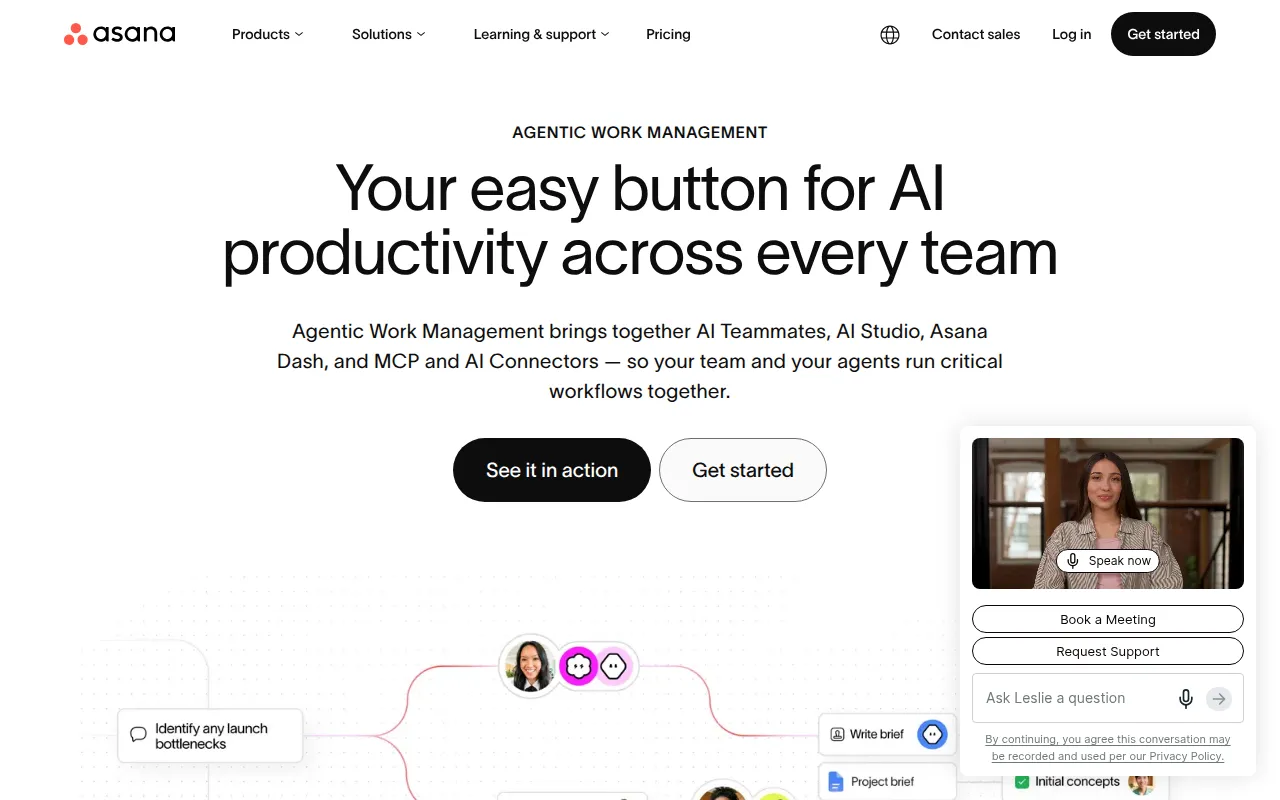 is a powerful project management tool that streamlines the coordination of tasks and projects for remote teams. Its standout feature is its task management capability, which allows teams to break down projects into manageable tasks, assign them to team members, and set deadlines. With customizable dashboards, teams can visualize project timelines and workloads, making it easier to adapt to changes quickly.
Pricing: Freemium - Offers a free plan and several paid plans starting at $10.99 per user per month. Best for: Marketing teams managing campaigns, software development teams tracking sprints, product management teams planning roadmaps.
ClickUp is an all-in-one productivity platform designed to enhance team collaboration across various tasks. It stands out for its extensive customization options and integration capabilities, allowing teams to create a workspace that fits their specific needs. Whether it's tracking goals or managing time, ClickUp helps teams stay organized and productive in a remote environment.
Pricing: Freemium - Pricing starts at $9 per user per month for the unlimited plan. Best for: Small to medium-sized businesses, marketing teams managing campaigns, project managers overseeing timelines and resources.
GEES is designed to streamline business processes through effective workflow automation. Its user-friendly interface and integration with third-party applications make it a great choice for remote teams looking to enhance productivity. By automating repetitive tasks, GEES allows teams to focus on strategic initiatives rather than mundane work.
Pricing: Freemium - Pricing details are not publicly available. Best for: Small to medium-sized businesses, marketing teams looking to automate campaigns, project managers needing efficient task tracking.
Heyday is a workflow automation tool that focuses on enhancing productivity by simplifying task management. Its real-time collaboration features ensure that team members can communicate effectively, making it a strong choice for small businesses. With Heyday, teams can automate their workflows and improve their overall efficiency.
Pricing: Freemium - Specific pricing details are not available. Best for: Project managers coordinating multiple tasks and deadlines, marketing teams tracking campaign progress, small businesses optimizing operational efficiency.
Liaise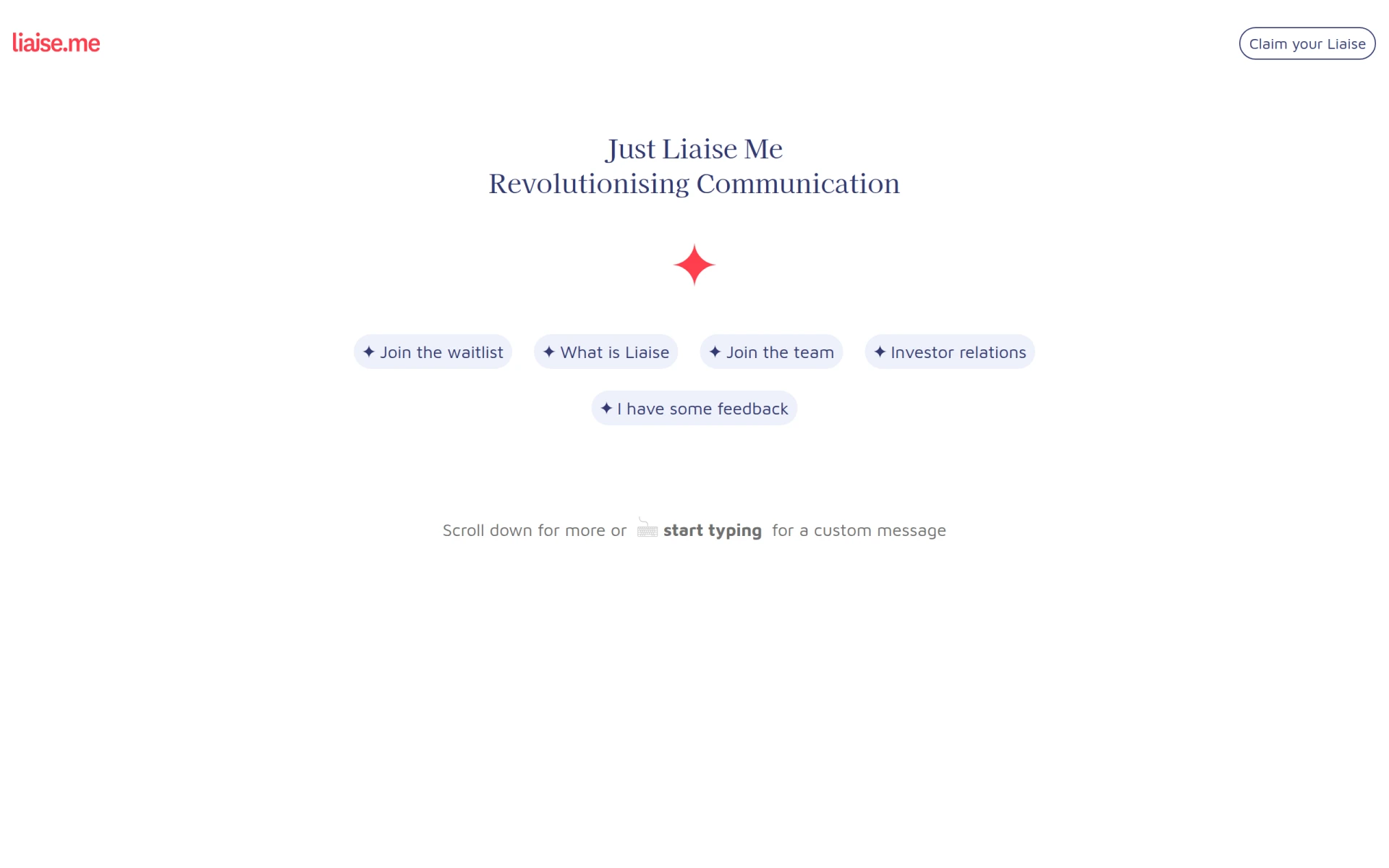 is a communication platform that enhances collaboration among remote teams. Its focus on task assignment and tracking ensures that projects stay on track. For project managers, Liaise provides a structured approach to managing team interactions and ensuring everyone is aligned on objectives.
Pricing: Contact - Pricing information is currently unavailable. Best for: Small to medium-sized businesses, marketing teams, project managers.
Manus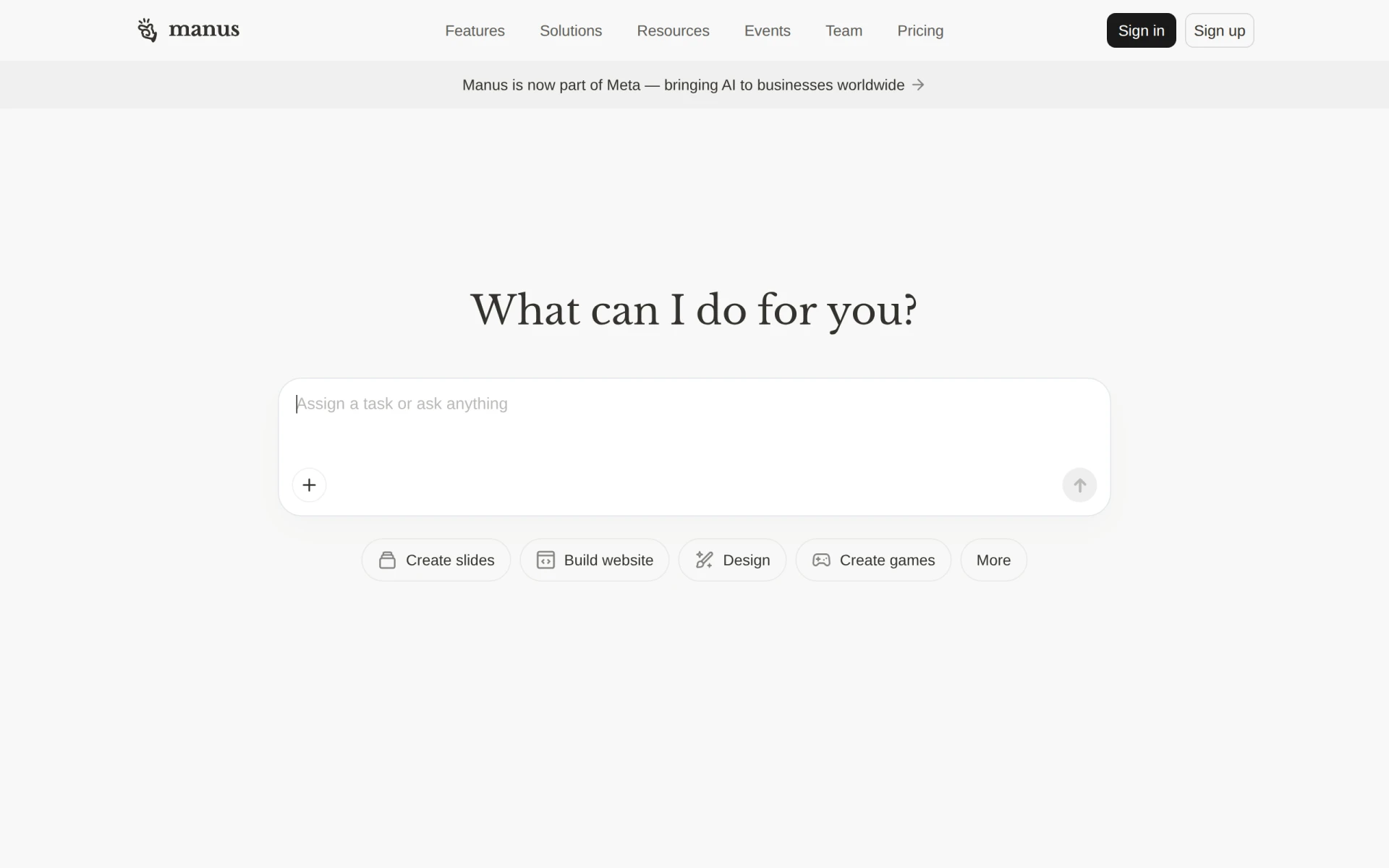 is an AI-driven tool that automates workflows and executes tasks, providing significant productivity enhancements for remote teams. Its capabilities for document and slide creation make it particularly valuable for project managers and marketing teams that need to produce high-quality presentations quickly.
Pricing: Freemium - Pricing information is not publicly available. Best for: Small to medium-sized businesses, marketing teams needing to automate presentations, project managers looking to streamline task management.
Minduck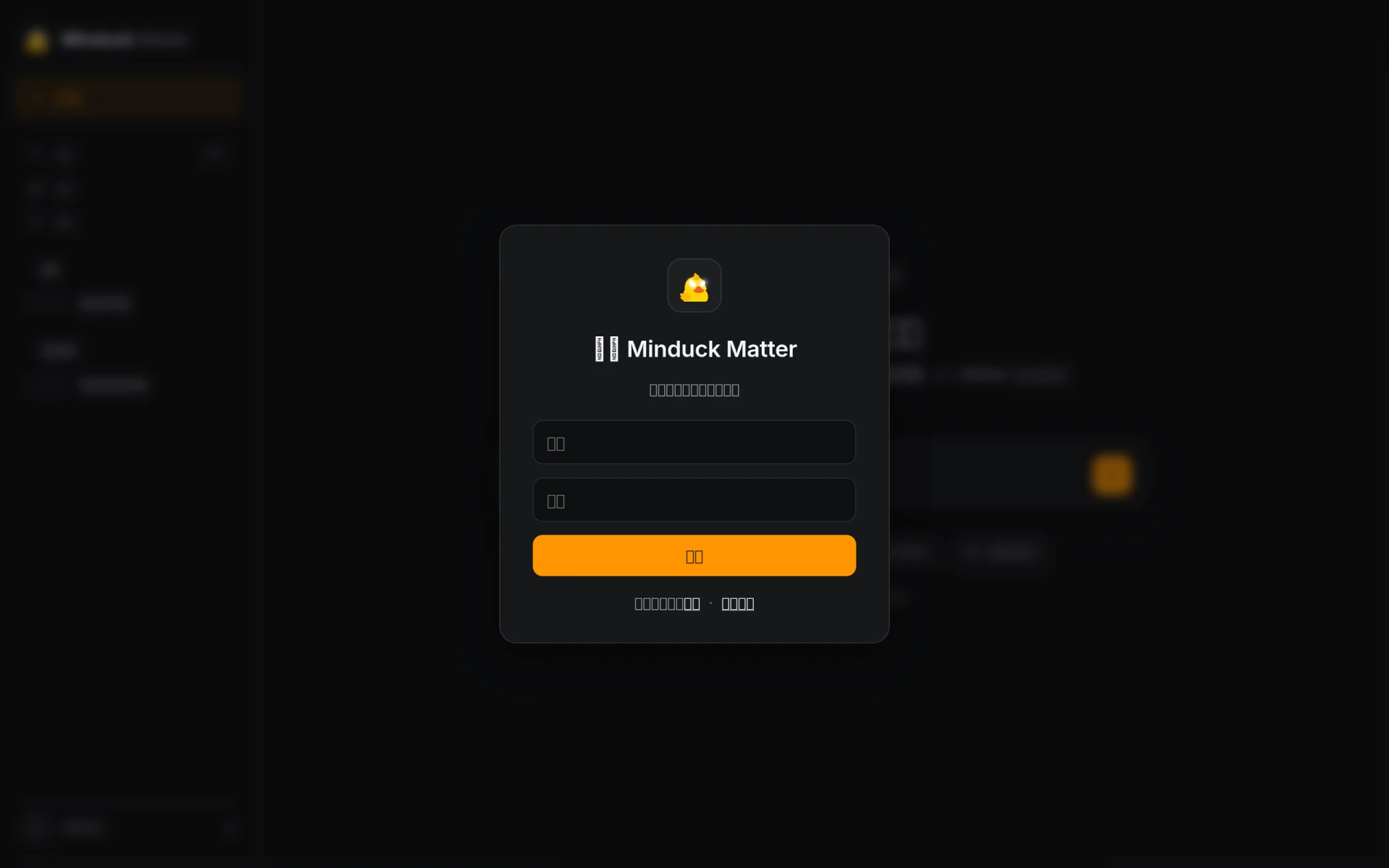 is a project management tool that enhances collaboration and efficiency in team workflows. Its focus on resource allocation and project templates makes it ideal for team leaders looking to optimize their operations. Minduck provides a centralized platform for managing tasks, ensuring teams stay aligned and productive.
Pricing: Contact - Pricing information is currently unavailable. Best for: Project managers, team leaders, marketing teams.
Off/Script is a workflow automation tool that enhances productivity through streamlined task management. Its integration with third-party applications makes it an excellent choice for sales departments looking to improve lead management. By automating workflows, Off/Script allows teams to focus on closing deals rather than managing processes.
Pricing: Freemium - Pricing information is not publicly available. Best for: Small to mid-sized businesses seeking automation solutions, marketing teams needing to streamline their workflows, sales departments looking to improve lead management.
Talus Network is a workflow automation tool designed to streamline business processes and enhance team collaboration. Its focus on task management and real-time collaboration makes it suitable for marketing teams that require efficient coordination. Talus Network helps teams automate workflows, ensuring they can focus on delivering impactful campaigns.
Pricing: Contact - Pricing details are currently not available. Best for: Small to medium-sized businesses, marketing teams looking for workflow efficiency, sales teams managing lead follow-ups.
Altera is a workflow automation tool designed to optimize business processes and enhance operational efficiency. With its focus on process mapping and real-time analytics, Altera is ideal for medium to large-sized businesses looking to improve productivity. The tool provides capabilities that help teams streamline workflows and gain insights into their operations.
Pricing: Freemium - Pricing information is currently unavailable. Best for: Medium to large-sized businesses, marketing teams looking to automate lead nurturing, project managers needing task management solutions.
| Tool | Best For | Starting Price | Rating |
|---|---|---|---|
| Asana | Marketing teams managing campaigns | Free / $10.99/mo | 0.0/5 |
| ClickUp | Small to medium-sized businesses | Free / $9/mo | 0.0/5 |
| GEES | Small to medium-sized businesses | Free | 0.0/5 |
| Heyday | Small businesses optimizing operational efficiency | Free | 0.0/5 |
| Liaise | Project managers | Contact | 0.0/5 |
| Manus | Marketing teams needing to automate presentations | Free | 0.0/5 |
| Minduck | Project managers | Contact | 0.0/5 |
| Off/Script | Sales departments | Free | 0.0/5 |
| Talus Network | Marketing teams | Contact | 0.0/5 |
| Altera | Medium to large-sized businesses | Free | 0.0/5 |
For beginners, Asana is the best choice. Its user-friendly interface and intuitive design make it easy to get started. The free plan provides ample features for small teams, allowing them to explore project management without financial commitment.
ClickUp stands out as the best choice for professionals due to its extensive feature set and customization options. Professionals can leverage its advanced capabilities, such as goal tracking and time management, to optimize their workflows and drive productivity.
ClickUp is also the best value pick, offering a robust free tier that allows teams to access a wide range of features without upfront costs. The price-to-feature ratio for paid plans is excellent, making it a cost-effective solution for organizations looking to enhance productivity.
In 2026, improving productivity and collaboration for remote teams is crucial for success. By leveraging the right AI tools, teams can streamline their workflows and enhance communication, ultimately driving better results. It's time to take action and find the tool that best fits your team's needs.
Asana is a project management tool that helps teams coordinate and manage their work efficiently.
ClickUp is a comprehensive project management and productivity tool designed to streamline team collaboration and task management.
GEES is a workflow automation tool designed to enhance productivity and streamline business processes.
Heyday is a workflow automation tool designed to enhance productivity by simplifying task management and collaboration.
Liaise is a communication platform designed to enhance collaboration and streamline interactions within teams and organizations.
Manus is an AI-driven tool designed to automate workflows and execute tasks, enhancing team productivity.
Minduck is a project management tool designed to enhance collaboration and efficiency in team workflows.
Off/Script is a workflow automation tool designed to enhance productivity through streamlined task management.
Talus Network is a workflow automation tool designed to streamline business processes and enhance team collaboration.
Altera is a workflow automation tool designed to optimize business processes and enhance operational efficiency.
The best AI tools include Asana, ClickUp, GEES, and Heyday, among others, each offering unique features to enhance collaboration and efficiency.
Consider factors like ease of use, integration capabilities, real-time collaboration features, customization options, and scalability to find the best fit.
Yes, many tools like Asana, ClickUp, and Heyday offer freemium models, allowing teams to start for free before committing to paid plans.
These tools facilitate real-time messaging, task assignments, and file sharing, ensuring team members can communicate effectively regardless of their location.
Asana is recommended for beginners due to its user-friendly interface and comprehensive free plan, making it easy for new users to adapt.
ClickUp is ideal for advanced users because it offers a wide range of features, including goal tracking and time management, allowing for greater customization and efficiency.
Many of these tools, like GEES and Manus, offer workflow automation features that can automate repetitive tasks, streamlining processes and enhancing productivity.
Weekly roundup of new AI tools, launches, and trending software. No spam — unsubscribe anytime.
No credit card required · Cancel anytime
What's inside
How to Choose the Right Project Management Software for Startups
Oct 25, 2026 · Productivity
Best AI Tools for Streamlining E-commerce Operations
Oct 25, 2026 · AI Tools
A Comprehensive Guide to Choosing Project Management Software for Remote Teams
Oct 24, 2026 · Productivity
Weekly roundup of new AI tools, launches, and trending software. No spam — unsubscribe anytime.
No credit card required · Cancel anytime
What's inside
How to Choose the Right Project Management Software for Startups
Oct 25, 2026 · Productivity
Best AI Tools for Streamlining E-commerce Operations
Oct 25, 2026 · AI Tools
A Comprehensive Guide to Choosing Project Management Software for Remote Teams
Oct 24, 2026 · Productivity