Introduction
Managing a remote team can be a daunting task, especially when it comes to ensuring effective communication and task management. The struggle to keep everyone on the same page while working from different locations can lead to delays, misunderstandings, and frustration.
Why Remote Team Managers Struggle With Remote teams struggle with collaboration and task management.
In a remote work environment, team members often rely heavily on digital communication tools, which can sometimes hinder genuine collaboration. The lack of face-to-face interactions can lead to misinterpretations of messages, resulting in decreased productivity. Additionally, without a centralized system for task management, team members may find themselves juggling multiple platforms, leading to confusion and missed deadlines. Real-world scenarios often illustrate how important timely updates and clarity are; for example, a marketing team may struggle to launch a campaign if the content creation process is not synchronized across all members.
What to Look For in Business Tools
- Ease of Use: Tools should have a user-friendly interface to minimize the learning curve for team members.
- Integration: The ability to integrate with other tools ensures a seamless workflow and reduces the time spent switching between applications.
- Collaboration Features: Look for tools that support real-time collaboration to facilitate communication and enhance teamwork.
- Task Management Capabilities: Effective task management features are crucial for tracking progress and deadlines.
- Customization Options: Tools that allow customization can better fit your team’s specific needs and workflows.
Best Automation Tools for Remote Teams
Manus - Best for AI-Driven Workflow Automation
Manus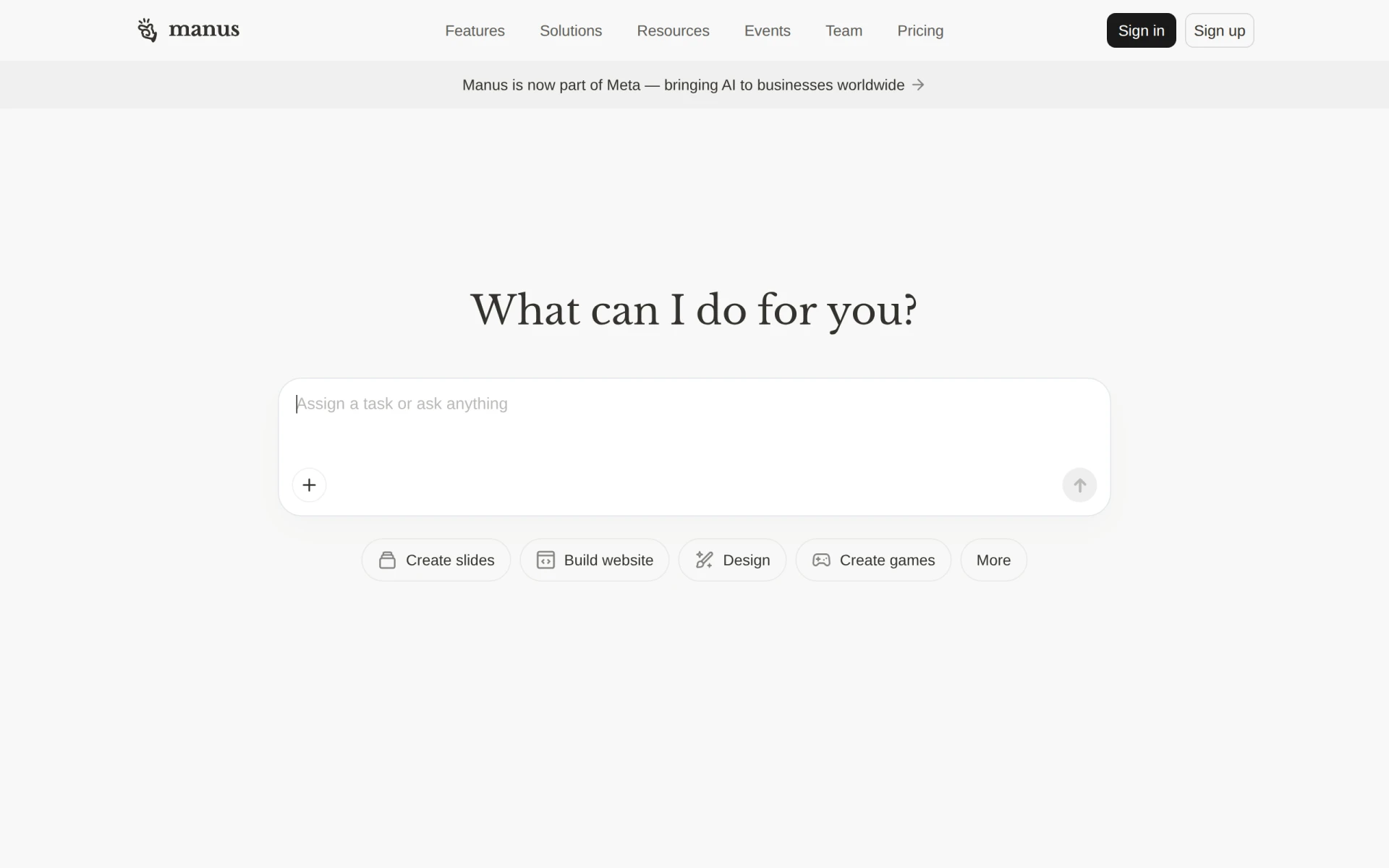 stands out as an AI-driven tool designed to automate workflows and execute tasks, significantly enhancing team productivity. Its ability to integrate seamlessly with Slack means that teams can receive updates and manage tasks directly within their existing communication platform, eliminating the need to switch between apps. This feature alone can save considerable time and streamline communication, a critical factor for remote teams.
Furthermore, Manus offers capabilities such as document and slide creation, as well as website building tools, making it versatile for various tasks. This tool is particularly beneficial for project managers and marketing teams who are looking to streamline their presentations and task management processes.
- AI Task Execution: Automates repetitive tasks, allowing teams to focus on high-value work.
- Workflow Automation: Simplifies complex processes, enhancing efficiency across the team.
- Integration with Slack: Keeps communication streamlined and efficient.
- Document and Slide Creation: Facilitates quick creation of professional presentations.
- Website Building Tools: Enables marketing teams to quickly launch campaigns.
Pricing: Freemium - Pricing information for Manus is not publicly available. Best for: Small to medium-sized businesses, marketing teams.
Humains - Best for Enhanced Team Collaboration
Humains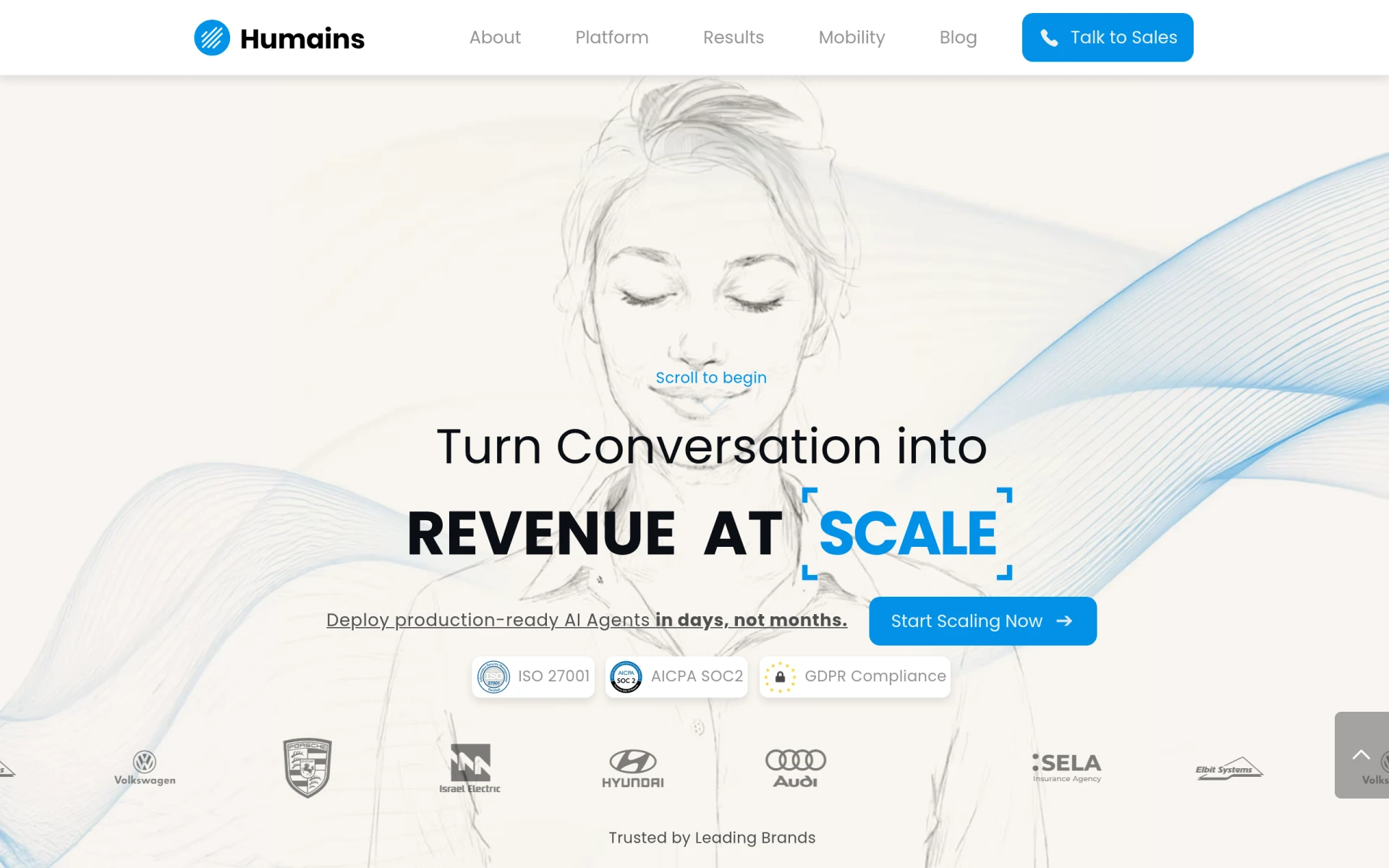 is a productivity tool specifically designed to enhance team collaboration and streamline project management processes. Its comprehensive task management features allow managers to assign tasks, track progress, and facilitate communication among team members. This ensures that everyone is aligned on project goals and deadlines, which is crucial for remote teams.
The platform also includes file-sharing capabilities and calendar integration, making it easier for teams to manage schedules and share important documents. Humains is particularly effective for small to medium-sized businesses looking to improve their project coordination.
- Task Management: Organizes tasks effectively, ensuring accountability among team members.
- Project Tracking: Keeps managers informed about the progress of various projects.
- Team Collaboration: Enhances communication and teamwork through shared platforms.
- File Sharing: Facilitates seamless sharing of documents and resources.
- Calendar Integration: Helps teams keep track of deadlines and meetings.
Pricing: Freemium - Pricing information for Humains is currently unavailable. Best for: Small to medium-sized businesses, project managers.
Liaise - Best for Streamlined Communication
Liaise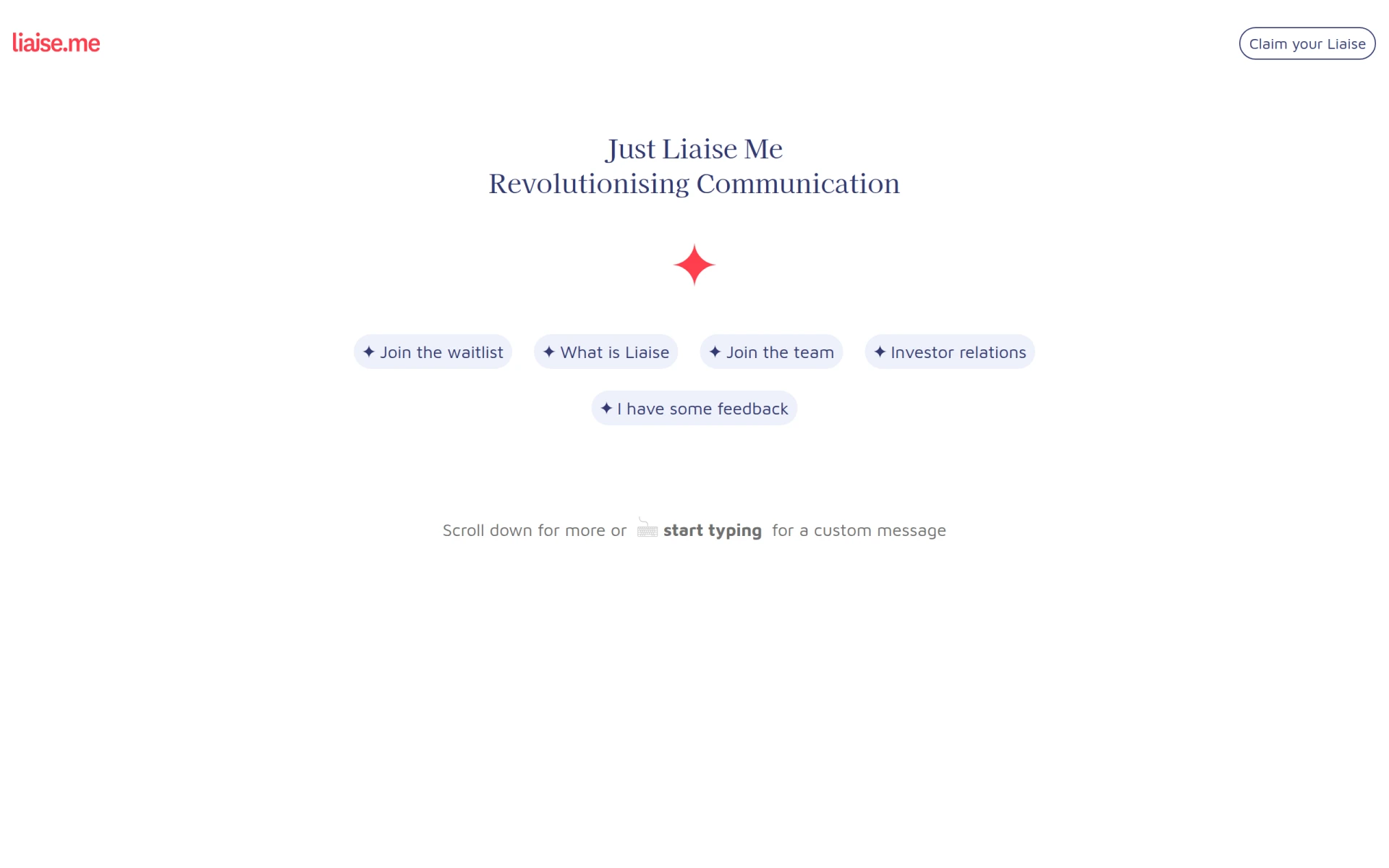 is designed specifically to enhance communication and streamline interactions within remote teams. With its focus on real-time messaging and task assignment, Liaise helps reduce the common communication barriers faced by remote teams. The ability to quickly assign and track tasks within the platform fosters accountability and ensures that no task falls through the cracks.
Moreover, Liaise’s file-sharing capabilities and integration with popular productivity tools allow team members to easily access the resources they need to complete their tasks. This tool is ideal for small to medium-sized businesses prioritizing effective communication in their workflows.
- Real-Time Messaging: Facilitates instant communication among team members.
- Task Assignment and Tracking: Ensures clarity and accountability in task management.
- File Sharing Capabilities: Enables easy access to necessary documents.
- Integration with Popular Productivity Tools: Simplifies workflows by connecting with other applications.
- Customizable User Profiles: Allows teams to tailor the platform to their needs.
Pricing: Contact - Pricing information for Liaise is currently unavailable. Best for: Small to medium-sized businesses, marketing teams.
Minduck - Best for Project Management Efficiency
Minduck is a project management tool focused on enhancing efficiency in team workflows. Its task management features allow project managers to allocate resources effectively and track time spent on various tasks. This is particularly beneficial for remote teams where visibility into each member's workload is essential for maintaining productivity.
Additionally, Minduck offers project templates that can save time during the planning phase, making it easier to launch new projects quickly. The combination of time tracking and resource allocation features makes Minduck a powerful choice for project managers looking to optimize their workflows.
- Task Management: Streamlines the assignment and tracking of tasks.
- Team Collaboration: Encourages communication and collaboration among team members.
- Time Tracking: Provides insights into how time is spent on tasks.
- Resource Allocation: Helps ensure that resources are used effectively.
- Project Templates: Speeds up the project initiation process.
Pricing: Contact - Pricing information for Minduck is currently unavailable. Best for: Project managers, team leaders.
Preswald - Best for Workflow Optimization
Preswald is a workflow automation tool aimed at optimizing business processes and improving efficiency. Its features allow teams to automate repetitive tasks and manage workflows seamlessly. This is particularly useful for remote teams that need to minimize manual effort and focus on core activities.
Preswald’s reporting and analytics capabilities provide valuable insights into team performance, enabling managers to make data-driven decisions about resource allocation and project prioritization. This makes it an excellent choice for small to medium-sized businesses looking to enhance operational efficiency.
- Workflow Automation: Automates repetitive tasks to save time.
- Task Management: Keeps track of tasks and deadlines effectively.
- Collaboration Tools: Enhances teamwork and communication.
- Reporting and Analytics: Provides insights into team performance.
- Integration with Third-Party Applications: Streamlines workflows by connecting with existing tools.
Pricing: Contact - Pricing information for Preswald is currently unavailable. Best for: Small to medium-sized businesses, marketing teams.
Cassidy - Best for Advanced Workflow Automation
Cassidy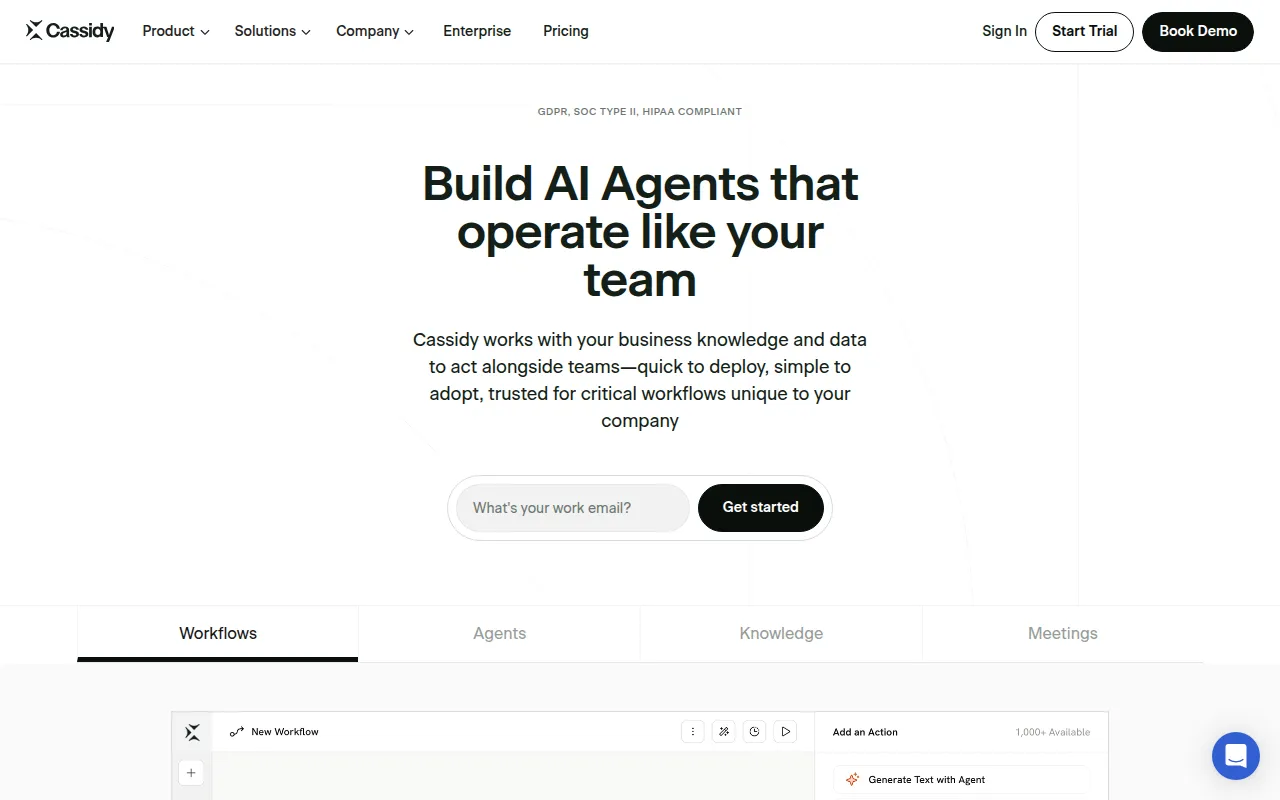 AI enables businesses to build AI agents that automate workflows using existing knowledge and data. This tool is particularly beneficial for medium to large enterprises looking to leverage advanced automation capabilities. The quick deployment feature allows teams to integrate Cassidy into their existing workflows with minimal disruption.
Additionally, Cassidy's HIPAA compliance makes it an excellent choice for industries where data security is paramount. Its capabilities in knowledge integration also mean that teams can make data-driven decisions more effectively, enhancing overall productivity.
- AI Agent Creation: Allows businesses to build custom agents for specific tasks.
- Workflow Automation: Streamlines processes by automating routine tasks.
- Knowledge Integration: Enhances decision-making through data-driven insights.
- Quick Deployment: Minimizes disruption during setup.
- HIPAA Compliance: Ensures data security for sensitive information.
Pricing: Freemium - Cassidy AI offers a free Starter plan and customizable Business plans for larger organizations. Best for: Medium to large enterprises.
ClickUp - Best for Comprehensive Project Management
ClickUp is a robust project management tool designed to streamline team collaboration and task management. Its comprehensive features enable teams to manage tasks, track time, set goals, and collaborate effectively. This makes it an ideal solution for remote teams that require a multifaceted tool to handle various aspects of project management.
Customizable dashboards in ClickUp allow users to tailor their workspace to specific project needs, ensuring that team members can focus on the most relevant information. This flexibility is particularly beneficial for marketing teams managing multiple campaigns simultaneously.
- Task Management: Provides a centralized place to assign and track tasks.
- Time Tracking: Helps teams monitor how long tasks take.
- Goal Tracking: Enables teams to set and track progress toward goals.
- Collaboration Tools: Encourages communication and teamwork.
- Customizable Dashboards: Allows users to create a workspace that suits their needs.
Pricing: Freemium - ClickUp offers pricing starting at $9 per user per month for the unlimited plan. Best for: Small to medium-sized businesses, marketing teams.
Off/Script - Best for Enhanced Productivity
Off/Script is a workflow automation tool designed to enhance productivity through streamlined task management. Its user-friendly interface and customizable templates make it easy for teams to create workflows that suit their specific needs. This is particularly important for remote teams that need to adapt quickly to changing project requirements.
Real-time collaboration features ensure that all team members can work together effectively, regardless of their location. This tool is ideal for small to mid-sized businesses seeking automation solutions to improve their efficiency.
- Workflow Automation: Reduces manual effort by automating tasks.
- Task Management: Keeps track of deadlines and responsibilities.
- Integration with Third-Party Applications: Connects with existing tools to enhance workflows.
- Customizable Templates: Simplifies the creation of workflows.
- Real-Time Collaboration: Facilitates teamwork and communication.
Pricing: Freemium - Pricing information for Off/Script is not publicly available. Best for: Small to mid-sized businesses.
Ark Fi - Best for Administrative Task Automation
Ark Fi is a workflow automation tool designed to enhance business efficiency through streamlined processes. Its task scheduling capabilities allow teams to automate administrative tasks, which can free up valuable time for more strategic initiatives. This is particularly useful for remote teams that may struggle with task delegation.
With customizable templates and real-time collaboration features, Ark Fi helps teams manage their workflows more effectively. This tool is particularly beneficial for marketing teams looking to streamline their campaign processes.
- Workflow Automation: Reduces manual effort in task management.
- Task Scheduling: Ensures tasks are assigned and completed on time.
- Integration with Popular Business Tools: Enhances functionality by connecting with existing apps.
- Customizable Templates: Allows for tailored workflows to fit specific needs.
- Real-Time Collaboration: Encourages effective teamwork.
Pricing: Freemium - Pricing information for Ark Fi is currently unavailable. Best for: Small businesses.
GEES - Best for Campaign Automation
GEES is a workflow automation tool designed to enhance productivity and streamline business processes. Its automation features allow teams to automate various aspects of their workflow, making it ideal for remote teams that require efficiency. The customizable templates help teams tailor their workflows to fit their specific needs, ensuring that every task is aligned with project goals.
By integrating with third-party applications, GEES simplifies the workflow process, allowing team members to focus on their work without the hassle of managing multiple tools. This makes it particularly appealing for marketing teams looking to automate their campaigns.
- Workflow Automation: Reduces manual tasks and improves efficiency.
- Task Management: Keeps tasks organized and on track.
- Integration with Third-Party Apps: Enhances functionality and streamlines processes.
- Customizable Templates: Allows for tailored workflows.
- Real-Time Collaboration Tools: Facilitates effective teamwork.
Pricing: Freemium - Pricing details for GEES are not publicly listed on their website. Best for: Small to medium-sized businesses, marketing teams.
Quick Comparison
| Tool | Best For | Starting Price | Rating |
|---|
| Manus | Small to medium-sized businesses | Freemium | 0.0/5 |
| Humains | Small to medium-sized businesses | Freemium | 0.0/5 |
| Liaise | Small to medium-sized businesses | Contact | 0.0/5 |
| Minduck | Project managers | Contact | 0.0/5 |
| Preswald | Small to medium-sized businesses | Contact | 0.0/5 |
| Cassidy | Medium to large enterprises | Freemium | 0.0/5 |
| ClickUp | Small to medium-sized businesses | $9/mo | 0.0/5 |
| Off/Script | Small to mid-sized businesses | Freemium | 0.0/5 |
| Ark Fi | Small businesses | Freemium | 0.0/5 |
| GEES | Small to medium-sized businesses | Freemium | 0.0/5 |
Best Choice for Beginners
For beginners, Manus is an excellent choice due to its user-friendly interface and AI-driven features. It simplifies the task execution process, allowing new users to quickly grasp how to automate workflows without getting overwhelmed by complex functionalities.
Best Choice for Professionals
Cassidy AI is the best choice for professionals seeking advanced workflow automation. Its capabilities for building AI agents and integrating knowledge into workflows provide power users with the tools they need to optimize complex processes efficiently.
Best Value Pick
ClickUp offers the best value with its comprehensive features at a starting price of $9 per user per month. The combination of task management, time tracking, and collaboration tools provides a strong ROI, particularly for small to medium-sized businesses.
Conclusion
To streamline communication and productivity in remote work environments, leveraging the right automation tools is essential. Explore the options presented in this guide and choose the tools that best meet your team’s specific needs.