Coursebox
Freemium
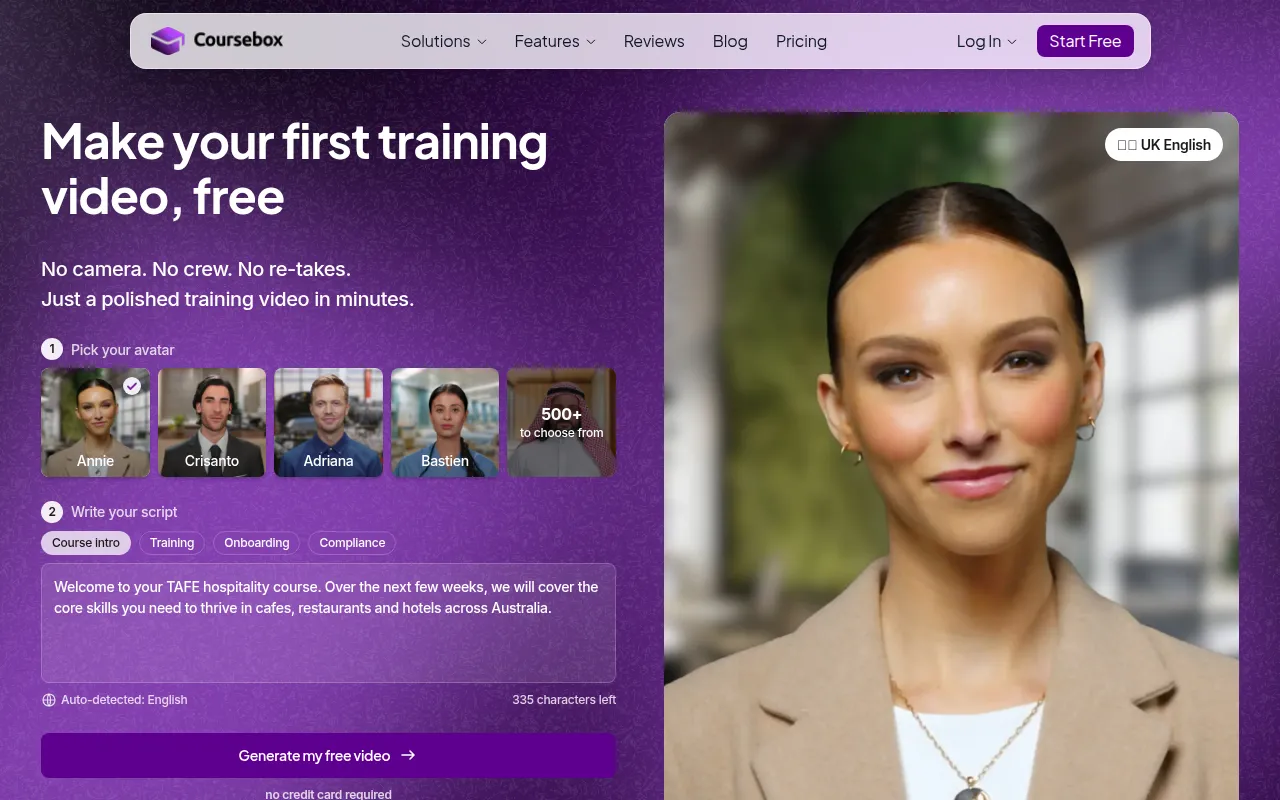
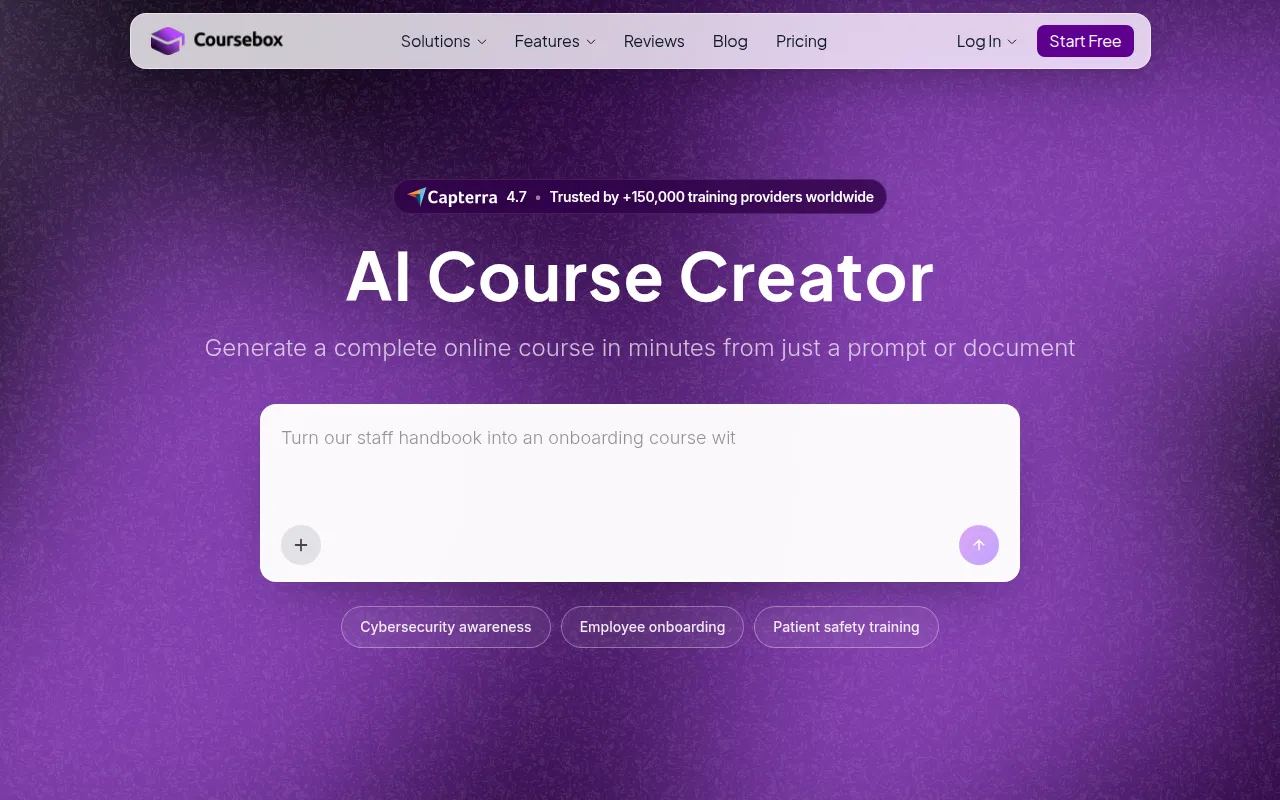
Coursebox is an online learning platform designed for creating and managing educational courses easily and effectively.
E-learning course creation can be tedious. Discover automation tools that simplify and enhance your workflow.
Creating online courses can be a daunting task, often bogged down by time-consuming setups that sap your productivity. If you're an e-learning course creator, you're likely all too familiar with the struggle of managing content, assessments, and student engagement without the right tools at your disposal.
The world of e-learning is rapidly evolving, but many course creators still face significant hurdles when it comes to setting up and delivering their courses. For instance, educators often spend countless hours compiling materials, creating assessments, and ensuring that every piece of content aligns with their learning objectives. This can lead to frustration and burnout, especially if you're juggling multiple courses or trying to meet tight deadlines.
Moreover, the complexity of integrating various tools for video, quizzes, and student engagement can further complicate the process. Many course creators find themselves caught in a web of applications that don’t seamlessly connect, leading to inefficiencies and wasted time. As a result, the dream of a smooth course delivery can quickly turn into a logistical nightmare.
Coursebox stands out as an excellent choice for educational institutions looking to create and manage online courses effortlessly. With its robust course creation tools, it allows educators to craft compelling learning experiences that cater to various learning styles. The platform supports multimedia content, enabling the integration of videos, images, and interactive elements, which can significantly enhance student engagement.
Additionally, Coursebox offers progress tracking and analytics features that empower educators to monitor student performance effectively. This insight can lead to timely interventions and help improve course outcomes. Whether you are part of a corporate training department or a freelance educator, Coursebox provides a comprehensive solution to streamline the course creation process.
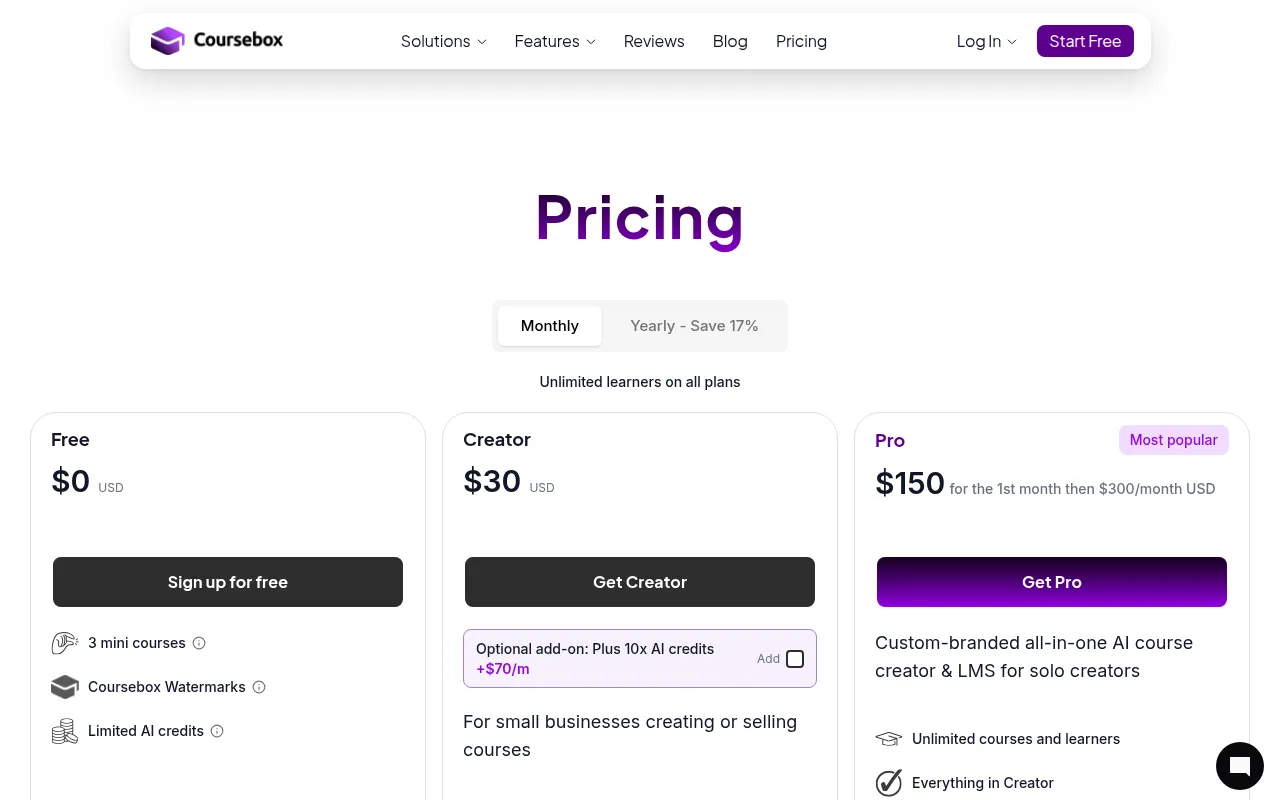
Pricing: Freemium - Pricing information for Coursebox is currently unavailable. Best for: Educational institutions offering online courses, corporate training departments, freelance educators.
The AI Video Course Generator by Coursebox is designed for educators who need to produce video courses swiftly without compromising quality. This innovative tool leverages AI technology to generate comprehensive video content, allowing course creators to focus on teaching rather than technical production challenges. With customizable templates, users can create visually appealing videos tailored to their specific audience.
Moreover, the integration of voiceover and interactive elements enhances the learning experience, making it more engaging for students. Whether you are developing courses for platforms like Udemy or creating onboarding materials for a corporate setting, this tool can significantly reduce the time spent on video production.
Pricing: Freemium - Pricing information for AI Video Course Generator by Coursebox is currently unavailable. Best for: Online educators, corporate trainers, content creators.
The AI Quiz Generator by Coursebox is an invaluable resource for educators looking to streamline the assessment process. This tool utilizes artificial intelligence to help create customized quizzes that cater to specific learning objectives and student needs. By offering various question types, educators can formulate assessments that effectively gauge understanding and retention.
Additionally, the automatic grading system significantly reduces the time spent on evaluating student performance. This feature is particularly beneficial for busy educators who juggle multiple responsibilities and need to maximize their efficiency. The integration with Learning Management Systems ensures that quizzes are easily accessible to students, further enhancing the learning experience.
Pricing: Freemium - Pricing details for the AI Quiz Generator are not publicly available. Best for: K-12 teachers, university professors, corporate trainers.
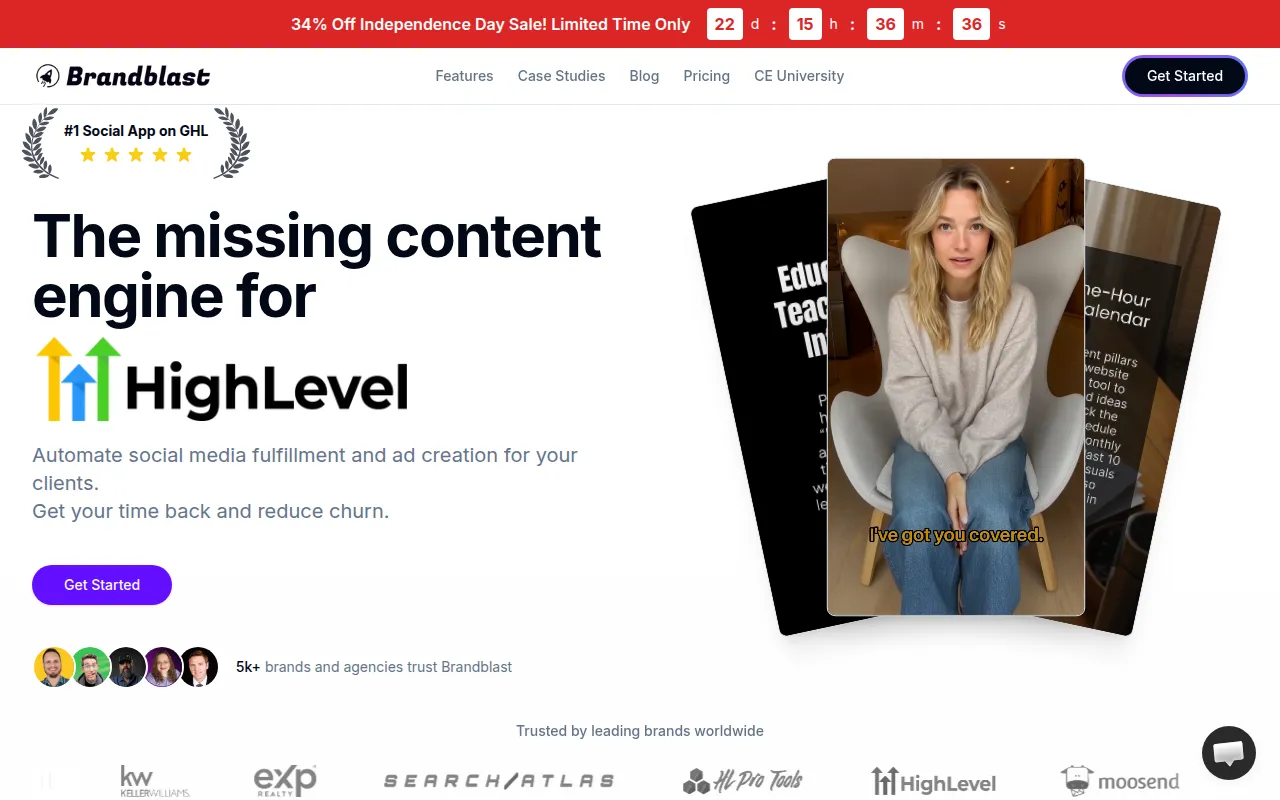
Brandblast.ai is a powerful automation tool designed specifically for marketing agencies, but it can also be a game-changer for e-learning course creators. As you develop and promote your online courses, creating engaging social media content is essential. This tool automates the content generation process, allowing you to maintain a consistent online presence without the hassle of manual creation.
With brand voice customization options, you can ensure your posts resonate with your target audience. The social media scheduling feature allows you to plan your content in advance, which is particularly useful when launching new courses or marketing campaigns. The analytics dashboard provides valuable insights into performance, helping you refine your strategy over time.
Pricing: Paid - Brandblast.ai offers tiered pricing starting from $39 per month. Best for: Marketing agencies, social media managers, content creators.
Flick is an AI-driven social media management tool that simplifies content creation and engagement for brands, including e-learning course creators. With its AI content generation feature, you can quickly produce engaging posts that capture your audience's attention. The platform also offers hashtag suggestions, ensuring your content reaches a wider audience.
In addition, Flick's post scheduling function allows you to plan ahead, making it easier to maintain a consistent online presence. The analytics and reporting features provide insights into engagement metrics, helping you understand what resonates with your audience and adjust your strategies accordingly.
Pricing: Freemium - Flick offers a 7-day free trial with unspecified pricing details. Best for: Small businesses, freelancers, marketing teams.
GEES is designed to enhance productivity through workflow automation, making it a valuable tool for e-learning course creators who often juggle multiple tasks. With its task management capabilities, you can organize your course development process, ensuring that nothing falls through the cracks. The tool's integration with third-party applications allows for seamless data transfer, which can save you time and effort in managing course logistics.
Additionally, GEES offers customizable templates, enabling you to create workflows that align with your specific needs. Real-time collaboration tools enhance teamwork, making it easier to work with colleagues or co-creators on course materials.
Pricing: Freemium - Pricing details for GEES are not publicly listed. Best for: Small to medium-sized businesses, marketing teams, project managers.
AlbertBro is an innovative online math solver that can assist educators in creating engaging math courses. By allowing users to input images of math problems, it provides step-by-step solutions, making it an excellent teaching aid. This functionality can be particularly beneficial for math educators looking to enhance their instructional materials and help students grasp complex concepts.
With its user-friendly interface and multi-language support, AlbertBro makes math accessible to a broader audience, ensuring that learners of all backgrounds can benefit from its capabilities. This tool can also serve as a homework aid for students, promoting independent learning and problem-solving skills.
Pricing: Freemium - Pricing details for AlbertBro are not publicly available. Best for: Students, educators, parents.
Ayfie serves as a personal assistant software, designed to help you manage tasks and improve productivity through intelligent automation. For e-learning course creators, this means having a dedicated tool that can help you keep track of your to-do lists, manage documents, and synchronize your calendar—all in one place. This level of organization is crucial for staying on top of course development timelines.
The software’s intelligent data processing capabilities allow you to streamline your workflow, ensuring that you can focus on creative aspects of course creation while routine tasks are handled efficiently. This can significantly reduce the time spent on administrative duties, allowing more time for content creation.
Pricing: Contact - Pricing information for Ayfie is currently unavailable. Best for: Project managers, marketing teams, freelancers.
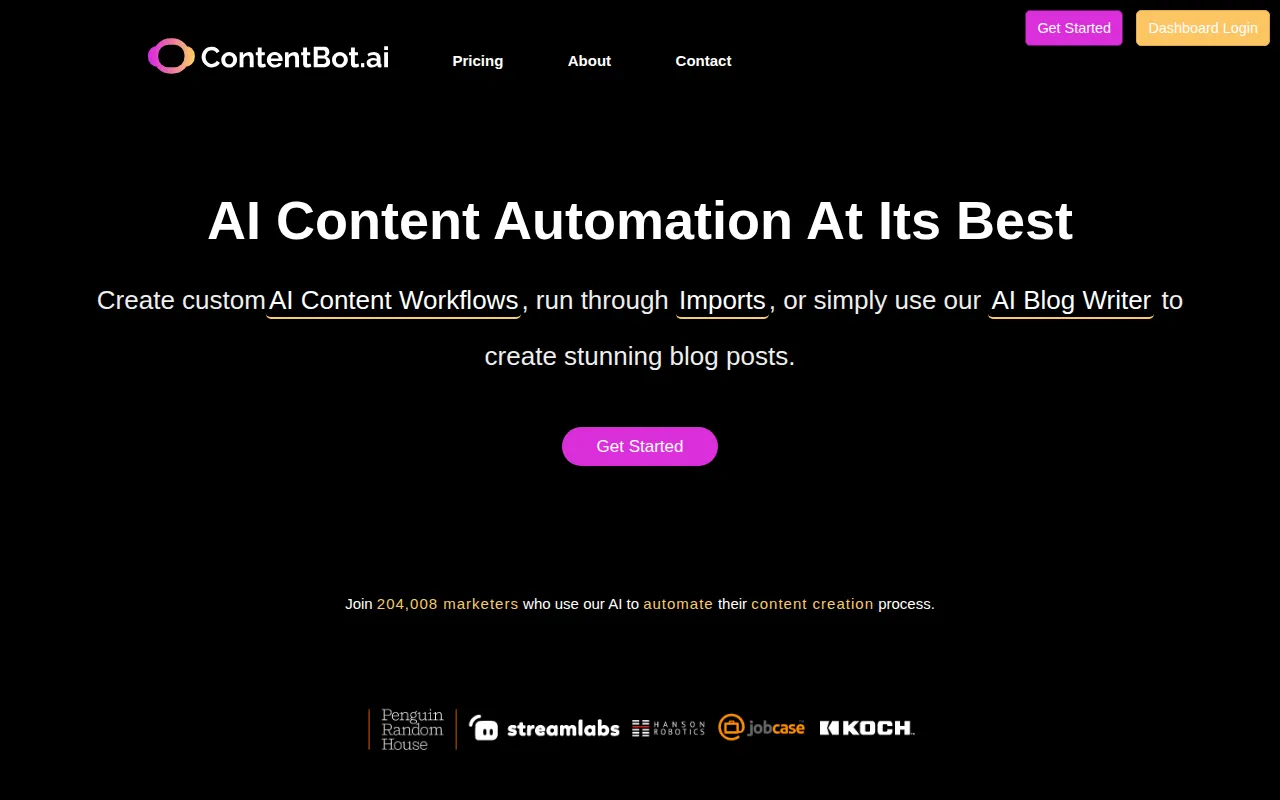
ContentBot is an AI-driven content automation tool that can simplify the content creation process for e-learning course creators. With its AI blog writer and customizable workflows, it allows for rapid content generation, enabling you to focus on other aspects of course development. The intelligent linking features ensure that your content remains relevant and connected, which is vital for creating cohesive learning experiences.
This tool is particularly advantageous for marketers and course creators who require regular content production, as it significantly reduces the time invested in writing and editing. The customizable AI flows allow you to tailor the content creation process to your specific needs, making it a versatile addition to your toolkit.
Pricing: Freemium - Pricing information for ContentBot is not publicly available. Best for: Marketing teams, small business owners, freelancers.
| Tool | Best For | Starting Price | Rating |
|---|---|---|---|
| Coursebox | Educational Institutions | Free | 0.0/5 |
| AI Video Course Generator by Coursebox | Quick Video Creation | Free | 0.0/5 |
| AI Quiz Generator by Coursebox | Custom Assessments | Free | 0.0/5 |
| Brandblast.ai | Social Media Marketing | $39/mo | 0.0/5 |
| Flick | Engaging Social Media Content | Free | 0.0/5 |
| GEES | Workflow Automation | Free | 0.0/5 |
| AlbertBro | Math Education | Free | 0.0/5 |
| Ayfie | Personal Task Management | Contact | 0.0/5 |
| ContentBot | Content Creation Automation | Free | 0.0/5 |
For beginners, Coursebox is the ideal choice due to its user-friendly interface and comprehensive features. It allows new educators to dive right into course creation without feeling overwhelmed by complex tools. The multimedia support and analytics features provide a solid foundation for developing engaging courses that resonate with learners.
For professionals, the AI Video Course Generator by Coursebox offers powerful features that cater to advanced needs. Its AI-driven technology allows for rapid video production, while customizable templates and integration capabilities enhance the overall course experience. This tool is perfect for seasoned educators looking to elevate their course delivery.
The best value pick is the AI Quiz Generator by Coursebox. With its freemium model, educators can access a robust tool for creating customized quizzes without any initial investment. The time saved through automated grading and quiz generation provides an excellent return on investment, making it a wise choice for budget-conscious course creators.
In the competitive world of e-learning, streamlining course creation and delivery is essential for success. By leveraging the right automation tools, you can enhance your productivity, create engaging content, and ultimately deliver a better learning experience for your students. Don't let time-consuming processes hold you back—explore these tools and take your e-learning courses to the next level.
Coursebox is an online learning platform designed for creating and managing educational courses easily and effectively.
AI Video Course Generator by Coursebox enables users to create comprehensive video courses using AI technology.
AI Quiz Generator by Coursebox helps educators create customized quizzes using artificial intelligence, streamlining assessment creation.
Brandblast.ai automates social media content creation for marketing agencies, helping them generate posts quickly and efficiently.
Flick is an AI-driven social media management tool designed to streamline content creation and engagement for brands.
GEES is a workflow automation tool designed to enhance productivity and streamline business processes.
AlbertBro is an online math solver that assists users in solving math problems through image inputs.
Ayfie is a personal assistant software that helps users manage tasks and improve productivity through intelligent automation.
ContentBot is an AI-driven content automation tool that simplifies the content creation process for marketers and businesses.
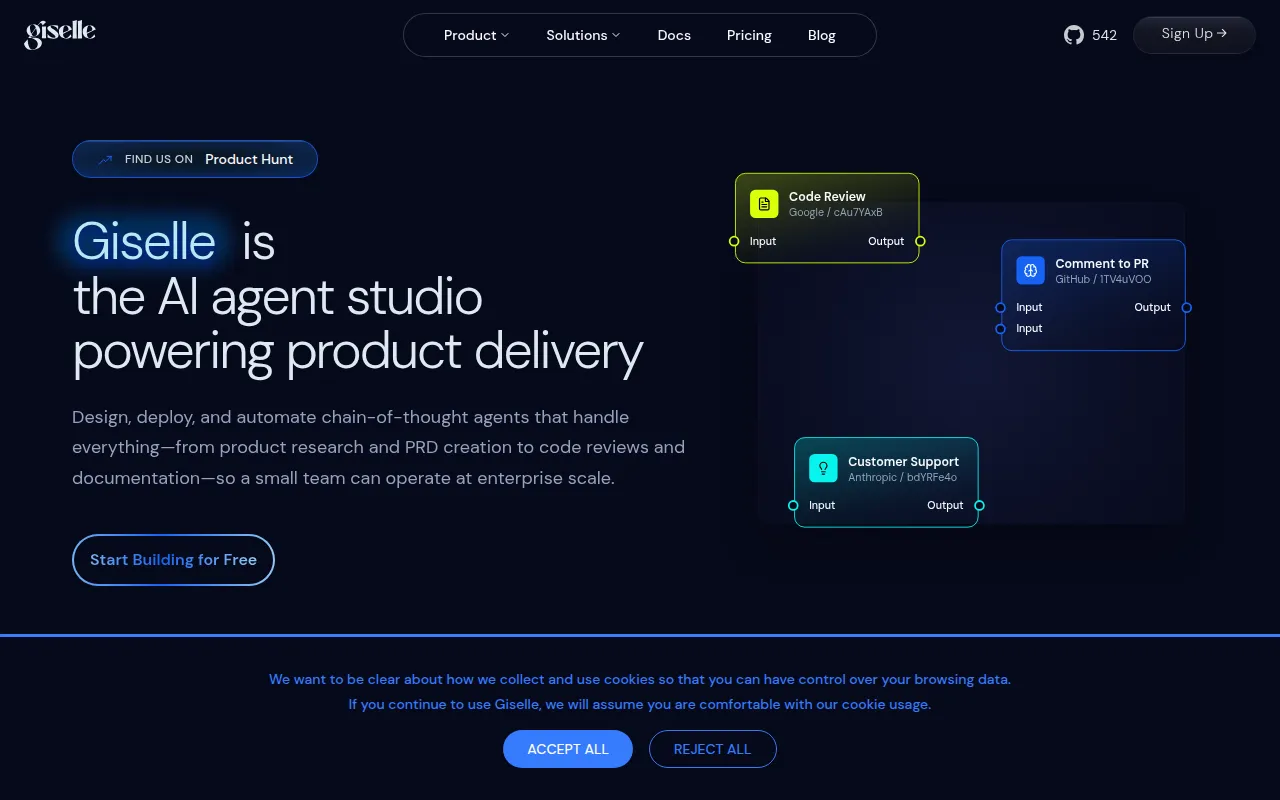
Giselle is an AI app builder that enables users to create custom AI applications without coding, enhancing productivity through automation.
Some of the best tools for creating e-learning courses include Coursebox, the AI Video Course Generator by Coursebox, and the AI Quiz Generator by Coursebox. These tools offer a variety of features that streamline course creation, multimedia integration, and assessment.
Automation tools can significantly enhance your course creation process by reducing the time spent on repetitive tasks, enabling you to focus on content quality and teaching. Features like automated grading, video generation, and task management help streamline workflows.
Yes, several tools offer freemium pricing models, including Coursebox, the AI Video Course Generator, and the AI Quiz Generator. These tools provide valuable features at no cost, allowing you to start creating courses without a financial commitment.
Coursebox is highly recommended for beginners due to its user-friendly interface and comprehensive features. It allows new course creators to easily navigate the course creation process while providing essential tools for engagement and assessment.
To choose the right automation tool, assess your specific needs such as course type, target audience, and desired features. Consider factors like user-friendliness, integration capabilities, and whether the tool supports multimedia content.
Many of the recommended tools, such as the AI Quiz Generator and Coursebox, offer integration capabilities with various Learning Management Systems (LMS). This ensures a seamless experience for both educators and students.
When selecting an e-learning tool, prioritize features like course creation ease, multimedia support, analytics, and customization options. These aspects are crucial for creating engaging and effective online courses.
Weekly roundup of new AI tools, launches, and trending software. No spam — unsubscribe anytime.
No credit card required · Cancel anytime
Weekly roundup of new AI tools, launches, and trending software. No spam — unsubscribe anytime.
No credit card required · Cancel anytime