Introduction
Managing finances as a freelance designer can often feel overwhelming. Juggling multiple clients, invoices, and expenses while trying to maintain creative momentum is a daunting task. If you've ever found yourself lost in spreadsheets or worrying about missed payments, you're not alone.
Why Freelance Designers Struggle With Tracking finances manually is tedious and error-prone
Freelance designers often face unique challenges when it comes to managing their finances. With fluctuating income streams, irregular payment schedules, and diverse project expenses, tracking finances manually can become a nightmare. For instance, a designer may complete several projects in a month but only receive payment for some, leading to uncertainty regarding cash flow. This inconsistency can result in missed opportunities or expenses being overlooked, ultimately affecting profitability.
Moreover, many freelance designers are not accountants; thus, they might find themselves spending excessive time trying to understand financial statements or invoices rather than focusing on their creative work. Traditional methods of finance management, like spreadsheets, can lead to errors that might go unnoticed until it’s too late. This scenario creates a cycle of stress and inefficiency, which can stifle creativity and affect overall business growth.
What to Look For in Finance Tools
- Ease of Use: Freelance designers need tools that are intuitive and user-friendly, allowing them to quickly learn and start tracking their finances without extensive training.
- Integration Capabilities: Tools that can integrate with existing software, such as design platforms or invoicing systems, help streamline workflows and reduce manual entry.
- Reporting Features: Comprehensive reporting tools allow designers to easily visualize their financial health, helping them make informed decisions.
- Expense Tracking: Automatic expense tracking features can simplify the process of logging costs associated with projects, reducing the risk of overlooking essential expenses.
- Customizability: The ability to tailor reports and dashboards to fit specific needs can be invaluable for freelance designers who manage various clients and projects.
Best Best Financial Tools for Freelance Designers
DataRails - Best for advanced financial reporting
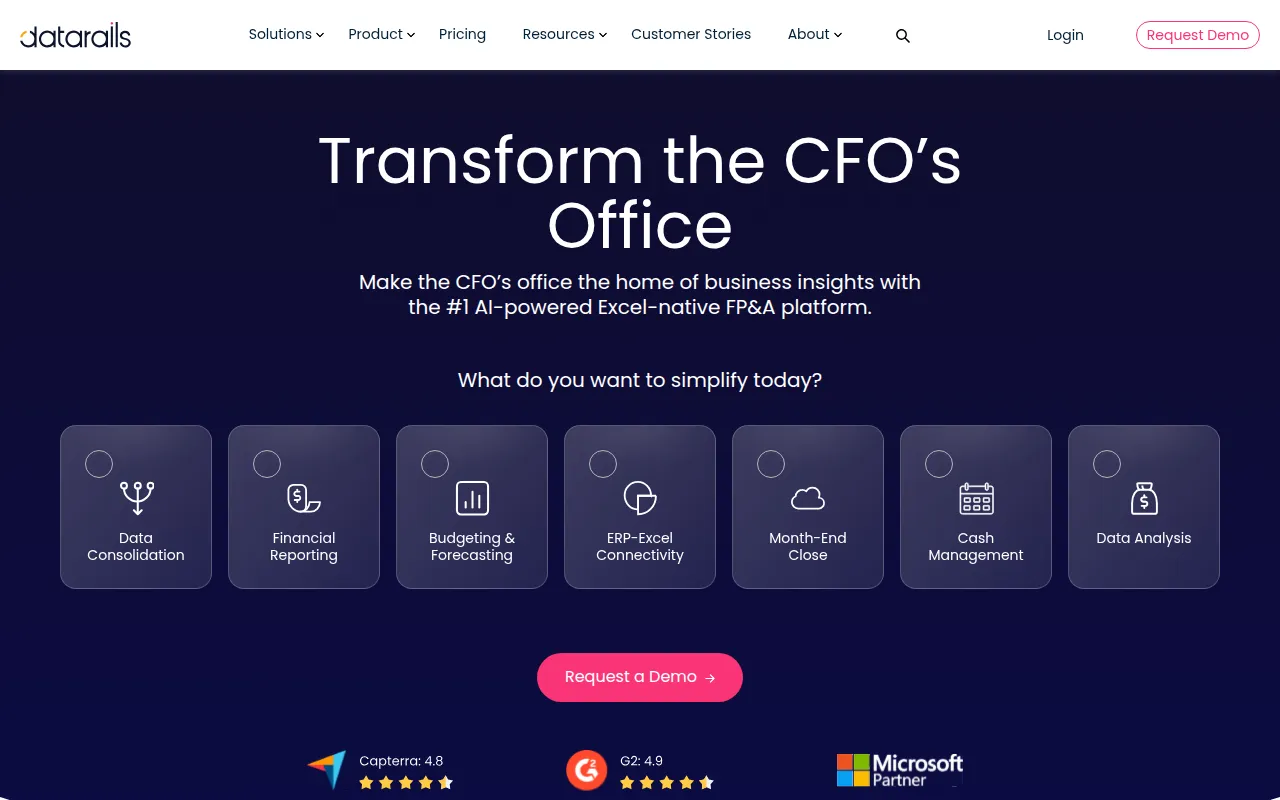
DataRails is an Excel-native FP&A platform that enhances financial planning and reporting for businesses, making it ideal for freelance designers who require detailed financial insights. Its seamless integration with Excel means that designers can continue using a familiar interface while benefiting from powerful financial analytics tools.
What sets DataRails apart is its ability to consolidate data from multiple sources, providing a holistic view of a designer's financial status. This feature allows freelance designers to create custom reports, perform scenario planning, and collaborate with others on their financial strategy, all while minimizing the risk of errors typically associated with manual tracking.
- Excel Integration: Allows designers to work within a familiar environment while leveraging advanced analytics.
- Data Consolidation: Compiles data from various sources to provide a comprehensive financial overview.
- Reporting Tools: Enables the creation of detailed financial reports tailored to specific needs.
- Scenario Planning: Helps designers plan for different financial scenarios, aiding in strategic decision-making.
- Collaboration Tools: Facilitates teamwork, which can be beneficial for designers working with partners or clients.
Pricing: Contact - Pricing details for DataRails are available upon request from the company. Best for: Medium to large enterprises with complex financial reporting needs.
AI Credit Repair - Best for improving credit scores
AI Credit Repair provides automated solutions that help individuals enhance their credit scores efficiently. For freelance designers, maintaining a good credit score is crucial, especially if they plan to invest in new tools or resources for their business.
This tool stands out with its automated dispute generation, which can save freelancers time and effort when dealing with inaccuracies in their credit reports. Additionally, AI Credit Repair offers personalized credit improvement plans tailored to individual financial situations, making it a helpful ally for designers looking to build or restore their credit history.
- Automated Dispute Generation: Streamlines the process of correcting errors on credit reports.
- Credit Monitoring Alerts: Keeps users informed about changes to their credit scores.
- Personalized Credit Improvement Plans: Offers tailored strategies to enhance credit scores effectively.
- Comprehensive Credit Report Analysis: Provides insights into areas needing improvement.
- User-friendly Dashboard: Simplifies navigation and tracking of credit score progress.
Pricing: Contact - Pricing information for AI Credit Repair is currently unavailable on their website. Best for: Individuals looking to improve their credit scores quickly.
Danelfin - Best for project management
Danelfin is a project management tool designed to enhance team collaboration and streamline project tracking. For freelance designers, managing multiple projects simultaneously can be challenging, and Danelfin helps in organizing tasks and deadlines effectively.
What makes Danelfin particularly attractive is its collaboration tools, which facilitate communication among team members and clients. By using Danelfin, designers can ensure everyone is on the same page, reducing the likelihood of misunderstandings and missed deadlines.
- Task Management: Allows for easy organization of tasks associated with various projects.
- Collaboration Tools: Enhances communication between team members and clients.
- Progress Tracking: Helps designers monitor the status of projects in real-time.
- Reporting: Provides insights into project performance and resource allocation.
- Calendar Integration: Syncs deadlines with calendars for better time management.
Pricing: Freemium - Pricing information for Danelfin is currently unavailable. Best for: Small to medium-sized businesses.
40h - Best for time tracking
40h is a time management tool designed to help users track and optimize their work hours effectively. For freelance designers, accurately tracking billable hours is crucial for ensuring they are compensated fairly for their time.
This tool stands out with its user-friendly interface and task categorization, making it easy for designers to log hours against specific projects or clients. Additionally, 40h allows users to set reminders, ensuring that time tracking becomes a seamless part of their daily routine.
- Time Tracking: Simplifies the process of logging hours worked on various projects.
- Reporting: Provides insights into time spent on different tasks, aiding in project evaluation.
- User-friendly Interface: Ensures ease of use for designers of all skill levels.
- Task Categorization: Helps organize time tracking by specific clients or projects.
- Reminders: Ensures timely logging of hours worked.
Pricing: Freemium - Pricing information for 40h is currently unavailable. Best for: Freelancers looking to track billable hours.
Bluesheets - Best for data preparation
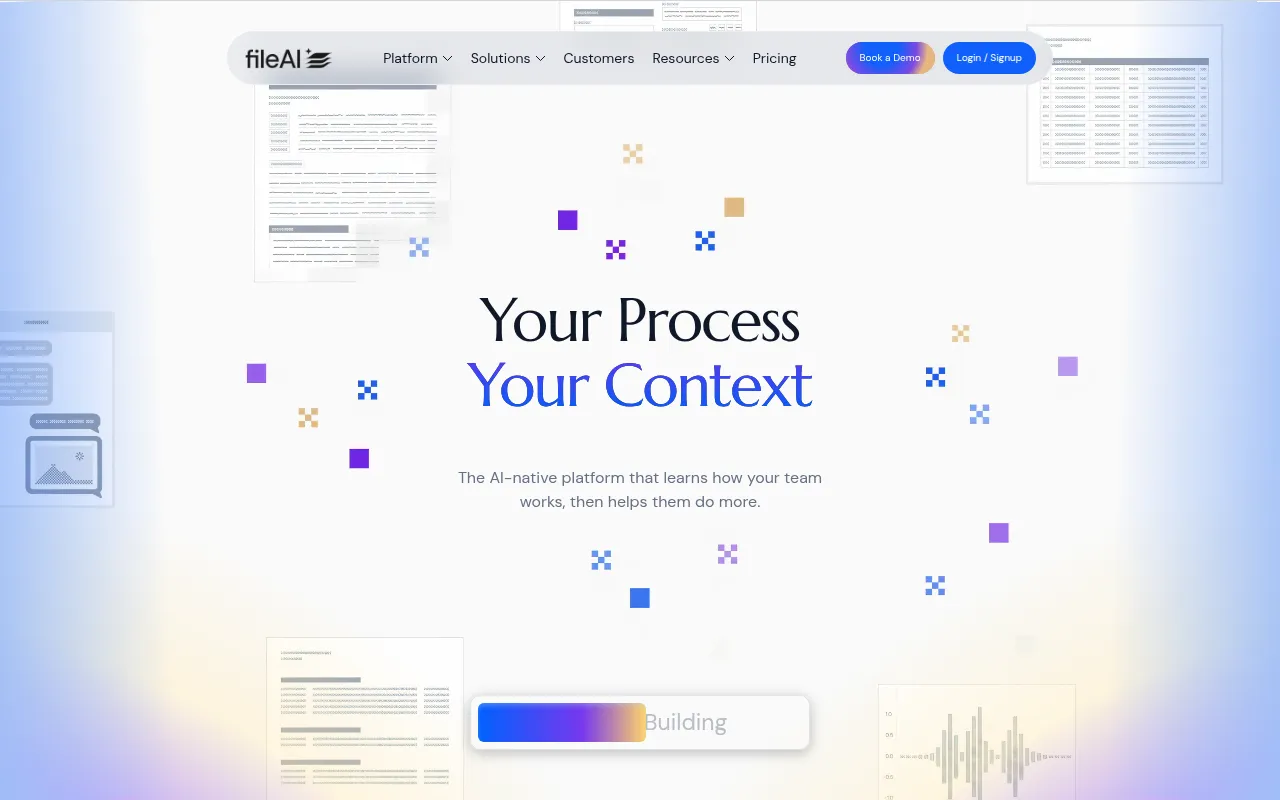
Bluesheets is an AI-native data preparation and workflow automation platform designed to streamline data processes. For freelance designers managing their finances, Bluesheets can automate repetitive data tasks, allowing them to focus on their creative work.
This platform excels in its ability to validate and extract data automatically, significantly reducing the risk of errors often associated with manual entry. By integrating Bluesheets into their workflow, designers can improve the accuracy of their financial reporting and save time on data management.
- AI-driven Data Validation: Ensures the accuracy of data collected from various sources.
- Automated Data Extraction: Reduces the time spent on manual data entry.
- Integration with Various Data Sources: Allows for seamless data consolidation from different platforms.
- Customizable Workflow Automation: Tailors data processes to fit specific business needs.
- Data Transformation Capabilities: Enhances the usability of data for financial reporting.
Pricing: Contact - Pricing information for Bluesheets is not publicly available. Best for: Data analysts looking to automate repetitive tasks.
ClickUp - Best for comprehensive project management
ClickUp is a comprehensive project management and productivity tool designed for team collaboration and task management. Freelance designers can benefit from ClickUp’s customizable dashboards and robust features that facilitate project oversight and resource management.
The platform allows users to manage tasks, track time spent on projects, and set goals, making it a versatile choice for freelancers. With its collaborative features, ClickUp helps designers ensure that all aspects of a project are aligned, enhancing overall productivity.
- Task Management: Helps organize tasks efficiently across multiple projects.
- Time Tracking: Enables designers to log hours worked directly within the platform.
- Goal Tracking: Assists in monitoring progress toward specific project milestones.
- Collaboration Tools: Facilitates communication between team members and clients.
- Customizable Dashboards: Allows users to tailor their workspace according to their specific needs.
Pricing: Freemium - ClickUp offers pricing starting at $9 per user per month for the unlimited plan. Best for: Small to medium-sized businesses.
DataSnipper - Best for audit and finance teams
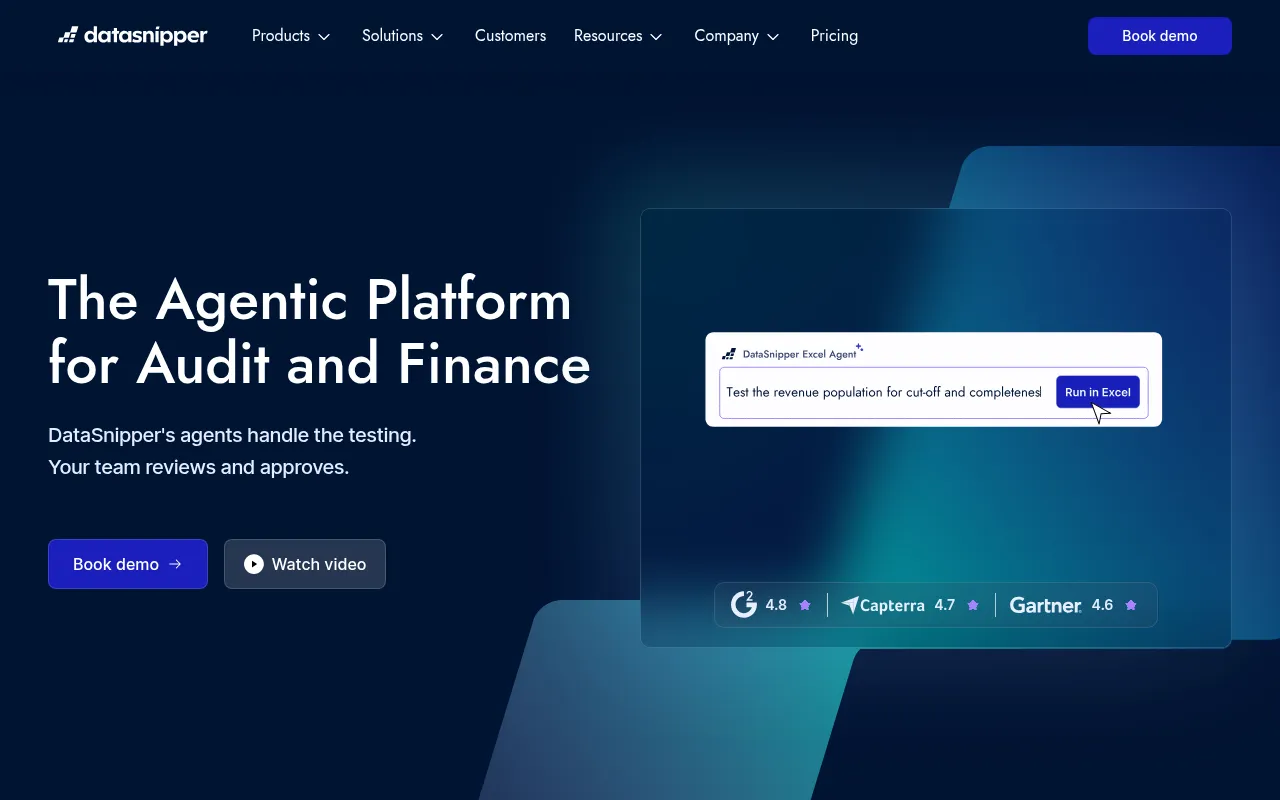
DataSnipper is an AI-driven platform designed for audit and finance teams, automating testing and analysis within Excel. For freelance designers who may work with clients requiring detailed financial audits, DataSnipper can streamline this process significantly.
This tool provides features such as document matching and version comparison, which can save time and reduce errors when preparing financial documents. By leveraging DataSnipper, freelance designers can enhance their financial reporting capabilities, making them more attractive to potential clients.
- Form Extraction: Automates the extraction of data from forms, reducing manual entry.
- Document Matching: Ensures accuracy by comparing financial documents quickly.
- Version Comparison: Allows users to track changes in financial documents over time.
- Find All Sums: Simplifies the process of checking financial calculations.
- Comments and Markup: Facilitates collaboration on financial documents.
Pricing: Contact - Pricing for DataSnipper varies based on user needs and is available upon request through a demo. Best for: Large accounting firms.
AI Consulting Tools - Best for financial modeling
AI Consulting Tools offers solutions for data analysis and financial modeling, helping businesses enhance their strategic decision-making. Freelance designers can use this tool to improve their financial planning and forecasting capabilities.
With features designed to automate data analysis and provide performance tracking, AI Consulting Tools is ideal for freelance designers looking to optimize their financial strategies and make informed business decisions.
- Financial Modeling Assistance: Helps designers create accurate financial models for their projects.
- Data Analysis Automation: Streamlines the process of analyzing financial data.
- Performance Tracking Tools: Allows designers to monitor their financial performance effectively.
- Strategic Decision Support: Provides insights that aid in making informed business choices.
- User-friendly Interface: Ensures ease of use for designers at all experience levels.
Pricing: Contact - Pricing information for AI Consulting Tools is currently not available. Best for: Financial consultants and small to medium-sized businesses.
CICube - Best for cost optimization
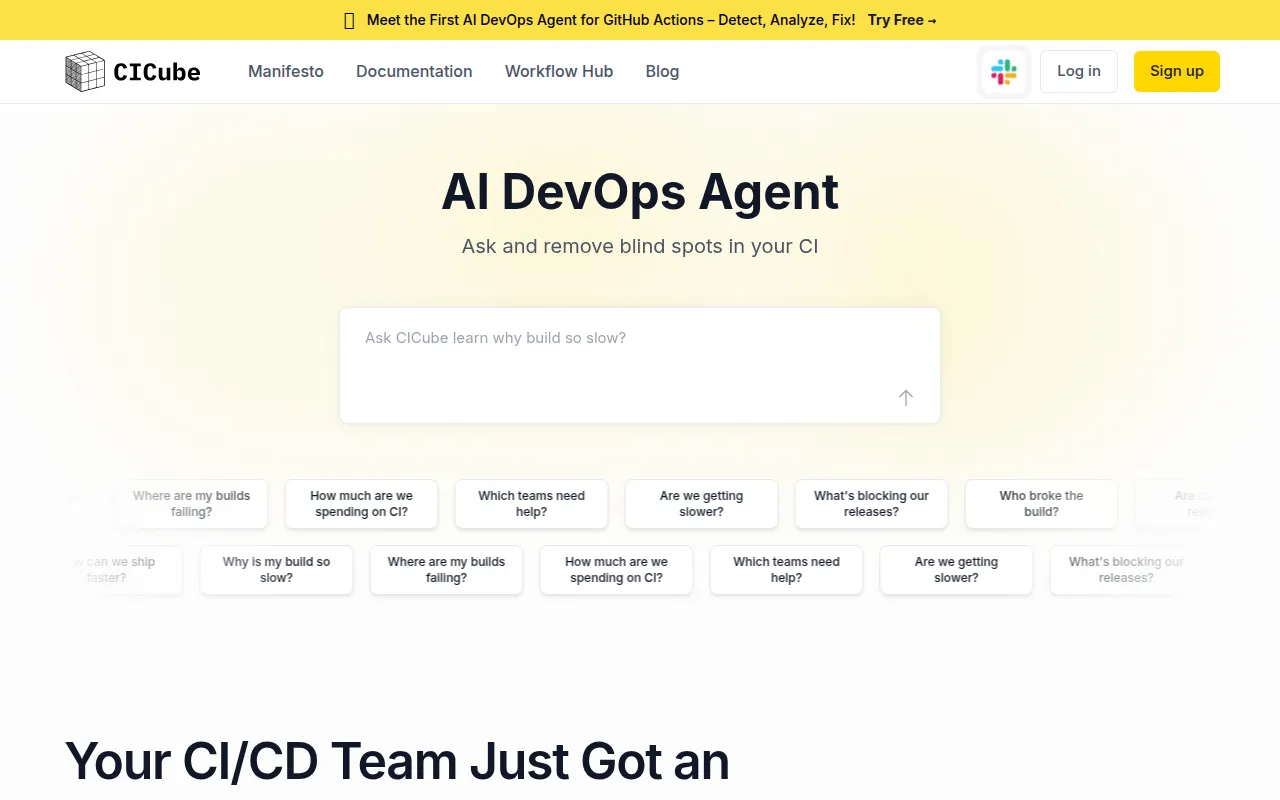
CICube optimizes CI costs by providing targeted insights and deep analysis across multiple tools and teams. Freelance designers often need to manage costs effectively, and CICube can help identify areas where resources can be better allocated.
This tool’s features, such as CI cost analysis and bottleneck identification, provide valuable insights that can lead to more efficient financial management for freelancers. By using CICube, designers can make data-driven decisions to enhance their profitability.
- CI Cost Analysis: Offers insights into continuous integration costs, helping designers manage budgets.
- Bottleneck Identification: Helps pinpoint areas of inefficiency in workflows.
- Team Performance Insights: Provides analytics on team productivity and resource allocation.
- Build Failure Detection: Alerts users to problems that could impact project timelines.
- Infrastructure Health Monitoring: Ensures systems are operating efficiently.
Pricing: Freemium - Pricing information for CICube is not publicly available. Best for: Medium to large software development teams.
Quick Comparison
| Tool | Best For | Starting Price | Rating |
|---|
| DataRails | Medium to large enterprises | Contact | 0.0/5 |
| AI Credit Repair | Individuals improving credit scores | Contact | 0.0/5 |
| Danelfin | Small to medium-sized businesses | Freemium | 0.0/5 |
| 40h | Freelancers tracking billable hours | Freemium | 0.0/5 |
| Bluesheets | Data analysts | Contact | 0.0/5 |
| ClickUp | Small to medium-sized businesses | $9/mo | 0.0/5 |
| DataSnipper | Large accounting firms | Contact | 0.0/5 |
| AI Consulting Tools | Financial consultants | Contact | 0.0/5 |
| CICube | Medium to large software teams | Freemium | 0.0/5 |
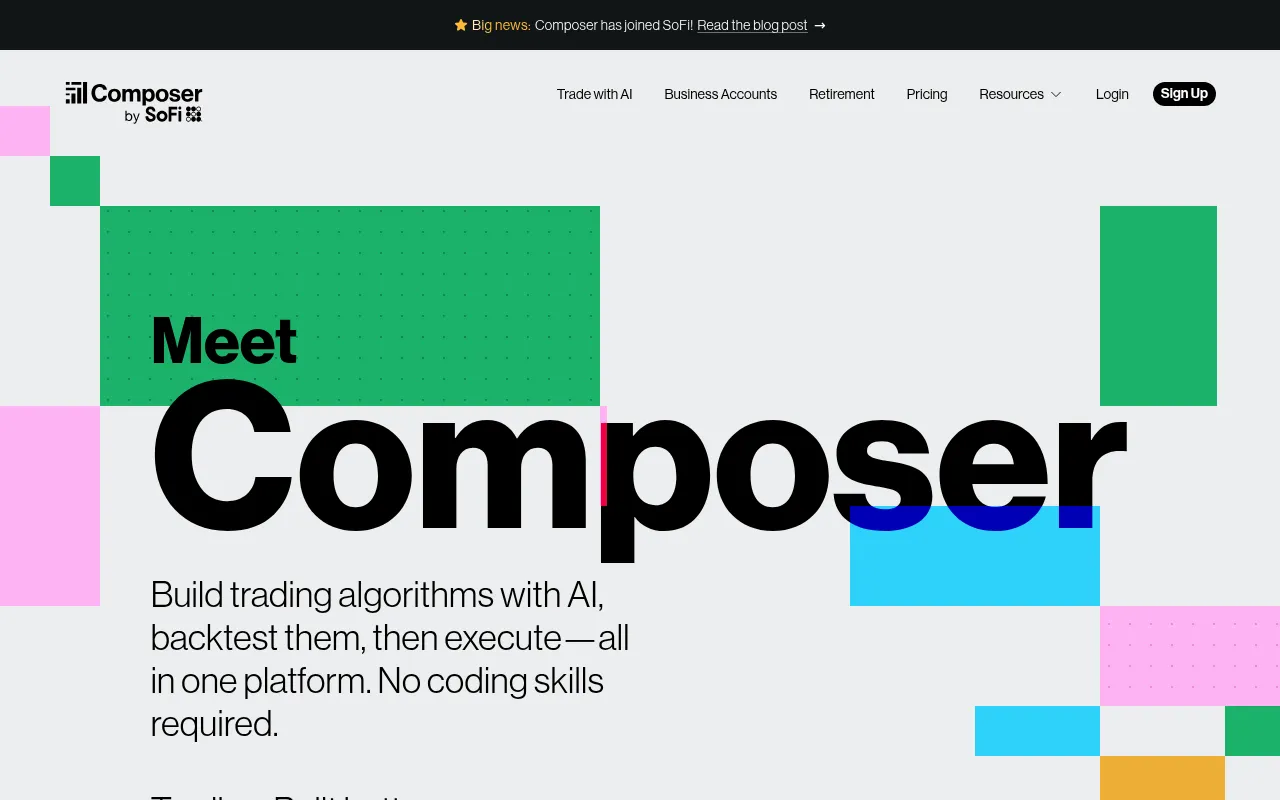
| Composer | Individual investors | $32/mo | 0.0/5 |
Best Choice for Beginners
40h is the best choice for beginners because it offers a freemium model that allows users to start tracking their time without any upfront costs. Its user-friendly interface makes it easy for new freelancers to log hours and understand their productivity without feeling overwhelmed by complex features.
Best Choice for Professionals
DataRails stands out as the best choice for professionals due to its advanced financial modeling capabilities and ability to integrate seamlessly with Excel. This tool empowers experienced freelance designers to manage complex financial scenarios and create detailed reports that support strategic decision-making.
Best Value Pick
ClickUp is the best value pick because it offers a comprehensive suite of tools at an affordable starting price of $9 per user per month. With its robust features for task management, time tracking, and collaboration, freelance designers can maximize their productivity without breaking the bank.
Conclusion
For freelance designers, effective financial management is crucial for success. By leveraging the right tools, you can simplify income and expense tracking, allowing you to focus on what you do best—creating exceptional designs. Take the first step towards better financial management today.