Asana
Freemium
AI
Asana is a project management tool that helps teams coordinate and manage their work efficiently.
Remote teams often struggle with project visibility. Find the best project management software to enhance collaboration and tracking in 2026.
Maintaining project visibility can feel like navigating a maze for remote teams. When your workforce is scattered across different locations, ensuring that everyone stays on the same page becomes a daunting challenge.
The hurdles faced by remote teams are numerous. First, the lack of face-to-face communication can lead to misunderstandings about project goals and deadlines. Imagine a marketing team spread across multiple time zones, where a critical campaign update is discussed in a meeting that some members miss due to scheduling conflicts. This disconnect can lead to missed deadlines and confusion about tasks.
Additionally, the absence of a centralized platform for tracking progress can result in duplicated efforts or, worse, tasks falling through the cracks. For instance, a software development team may find that different members are working on similar features without realizing it, wasting both time and resources. These real-world scenarios underscore the urgent need for effective project management tools that cater specifically to the needs of remote teams.
Asana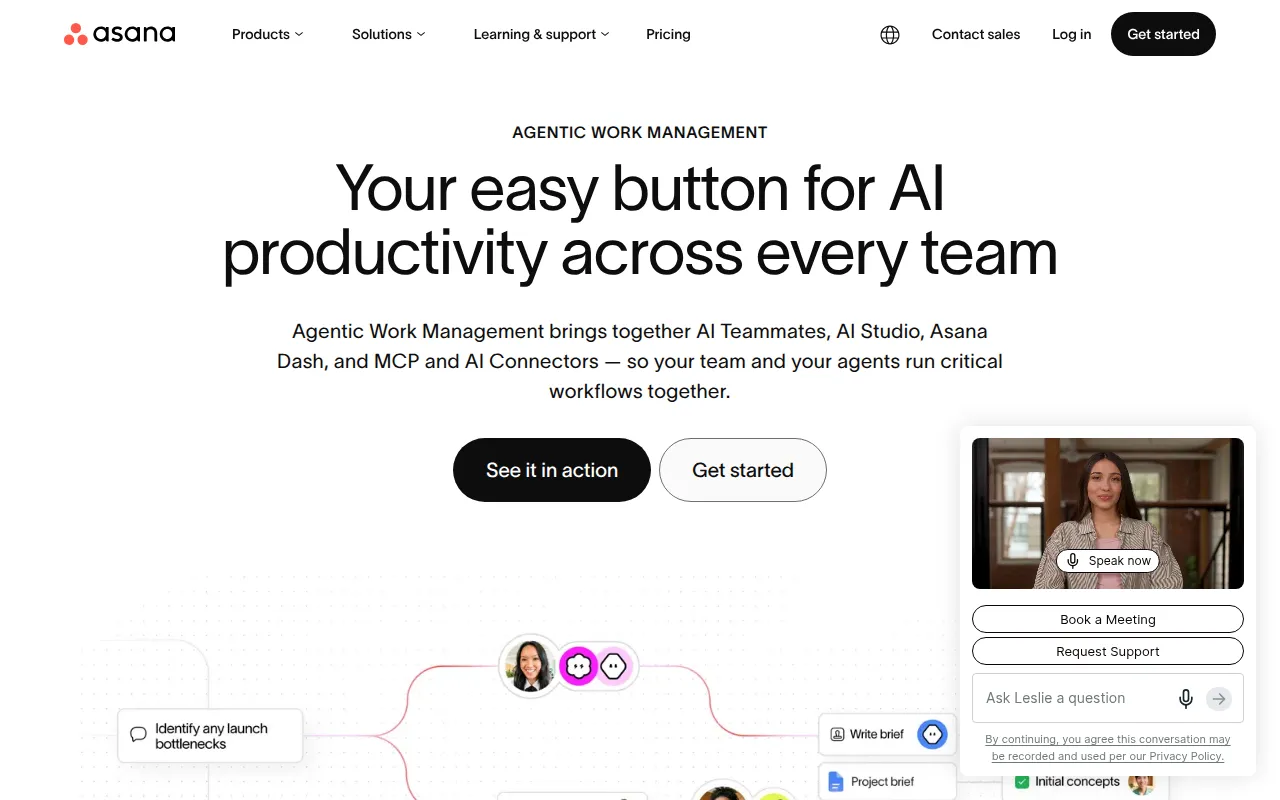 stands out as a robust project management tool, particularly for marketing teams orchestrating campaigns. Its intuitive interface allows teams to create tasks, set deadlines, and assign responsibilities seamlessly, making it easier to keep everyone aligned. Asana's customizable dashboards enable teams to visualize their projects, track progress in real-time, and quickly pivot when necessary.
Moreover, Asana’s workflow automation features are a game-changer for remote teams, helping to eliminate repetitive tasks and streamline processes. This allows teams to focus more on creative and strategic work rather than getting bogged down in administrative duties.
Pricing: Freemium - Asana offers a free plan and several paid plans with varying features. Best for: Marketing teams managing campaigns.
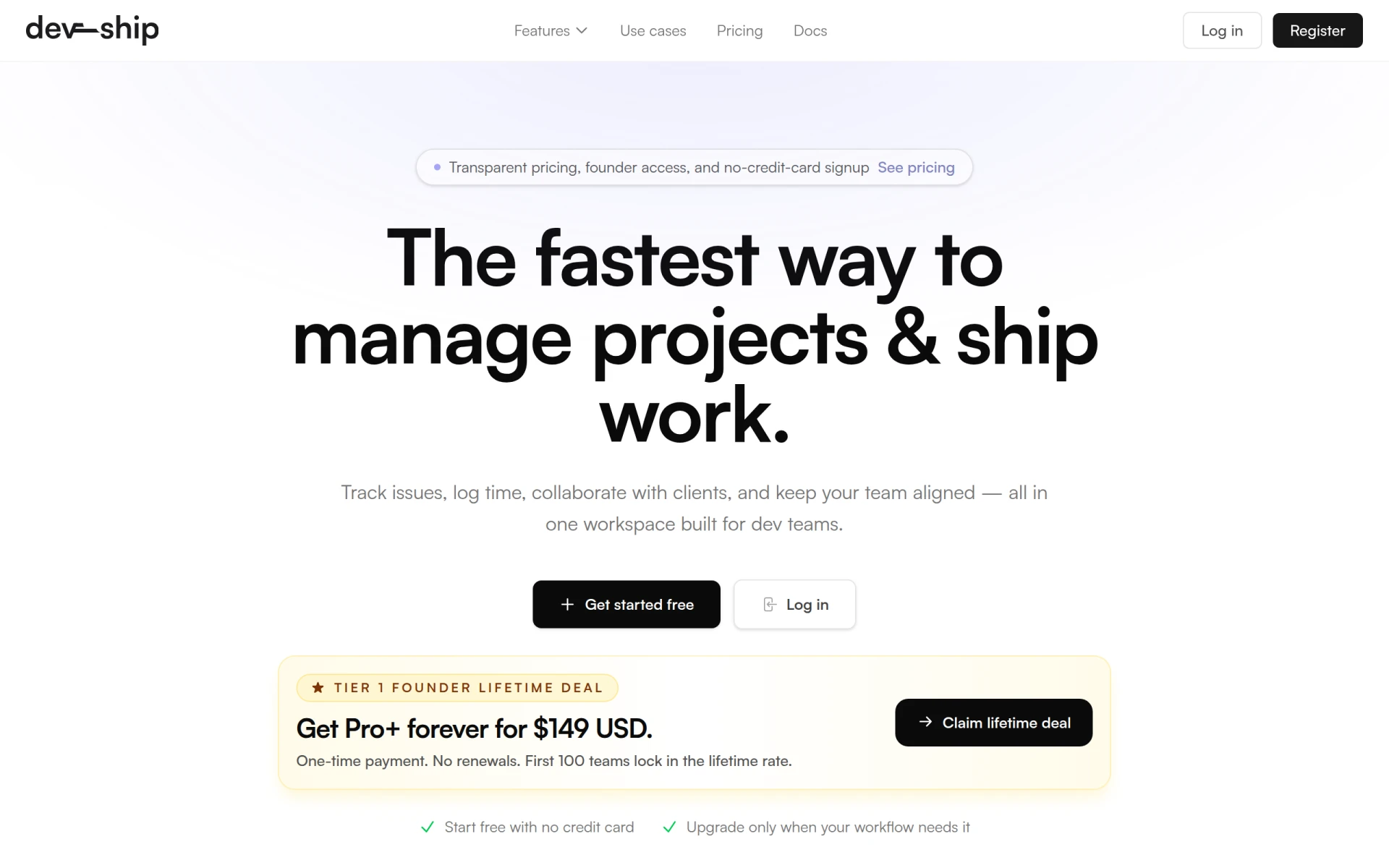
DevShip is tailored specifically for development teams, making it an excellent choice for those needing to track issues and log time efficiently. Its focus on client collaboration and team alignment tools ensures that all stakeholders are kept in the loop, even when working remotely. The integration with Slack enhances real-time communication, which is crucial for development sprints and issue resolution.
Additionally, DevShip's time logging feature allows freelancers and agencies to manage client projects effectively, providing transparency in hours worked and progress achieved. This is particularly beneficial for teams that juggle multiple clients and need to maintain visibility across various projects.
Pricing: Freemium - DevShip offers a free plan and paid plans starting from $29 per month. Best for: Small development teams looking for efficient project management.
ClickUp offers a comprehensive solution for small to medium-sized businesses looking to streamline their project management processes. Its versatility allows teams to manage tasks, track time, and set goals all within one platform. ClickUp's collaboration tools enable team members to comment on tasks, share documents, and work together seamlessly, regardless of their location.
The customizable dashboards are particularly beneficial for project managers, as they can tailor their views to monitor timelines, resources, and team performance. This flexibility allows for quick adjustments as project priorities shift, ensuring that remote teams can stay agile and responsive.
Pricing: Freemium - ClickUp offers pricing starting at $9 per user per month for the unlimited plan. Best for: Small to medium-sized businesses.
Danelfin is designed to enhance team collaboration and streamline project tracking, making it a solid choice for marketing teams. Its task management features allow users to break down complex campaigns into manageable tasks, ensuring that nothing slips through the cracks. The collaboration tools facilitate communication among team members, fostering a connected work environment even in a remote setting.
The progress tracking and reporting features enable teams to keep stakeholders informed about project status, which is crucial for maintaining transparency and accountability. With calendar integration, Danelfin helps teams stay organized and on schedule, making it easier to coordinate campaign launches and updates.
Pricing: Freemium - Pricing information for Danelfin is currently unavailable. Best for: Marketing teams.
Humains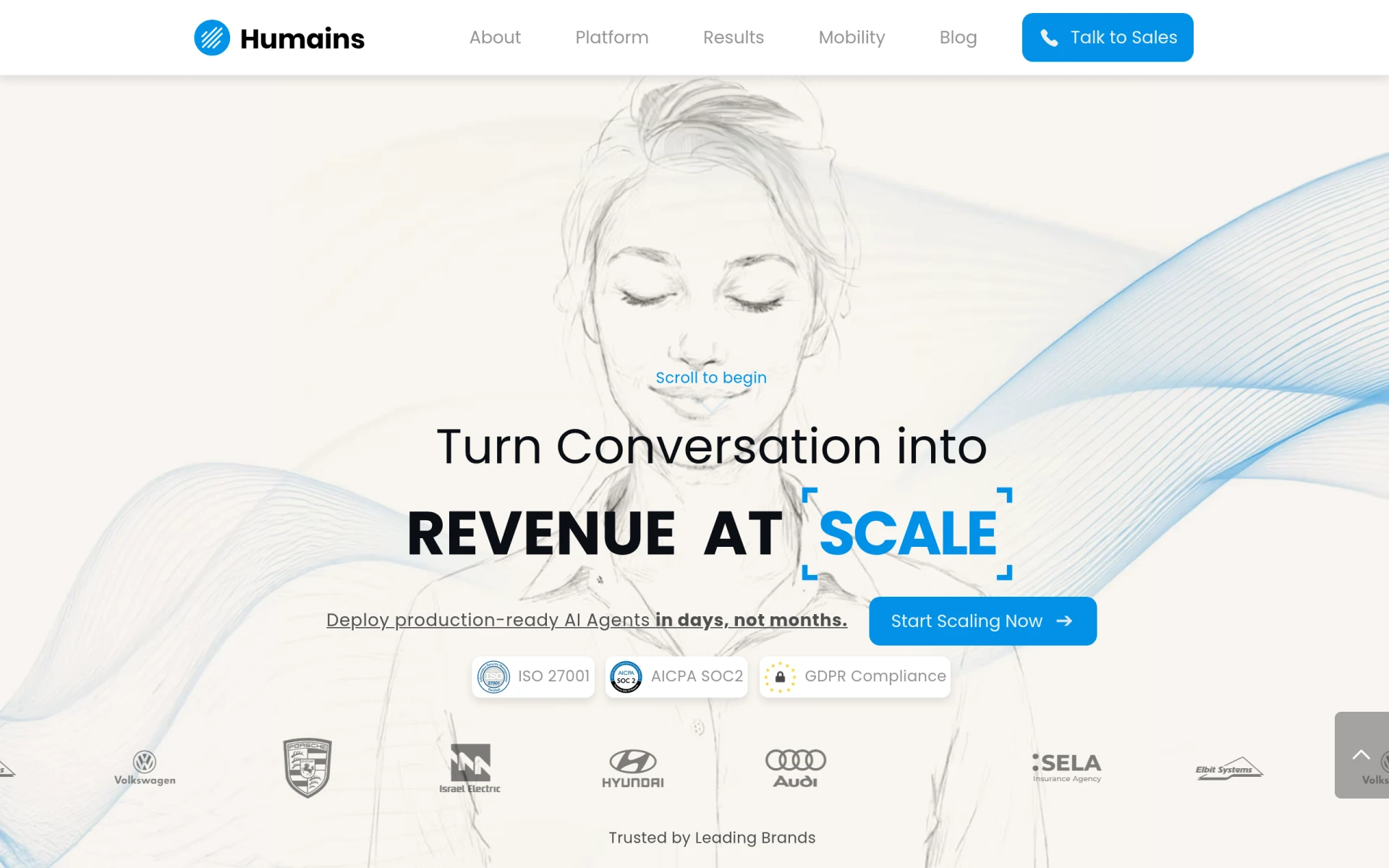 is another excellent tool for enhancing team collaboration and streamlining project management processes. Designed with project managers in mind, it provides a structured approach to task management while simplifying communication within the team. The file-sharing feature is especially beneficial for remote teams that rely on shared resources, ensuring everyone has access to the latest documents and information.
With project tracking capabilities, Humains allows project managers to keep a close eye on task completion and team performance. This visibility is essential for identifying bottlenecks early and ensuring that projects stay on track.
Pricing: Freemium - Pricing information for Humains is currently unavailable. Best for: Project managers seeking to organize tasks.
Mastt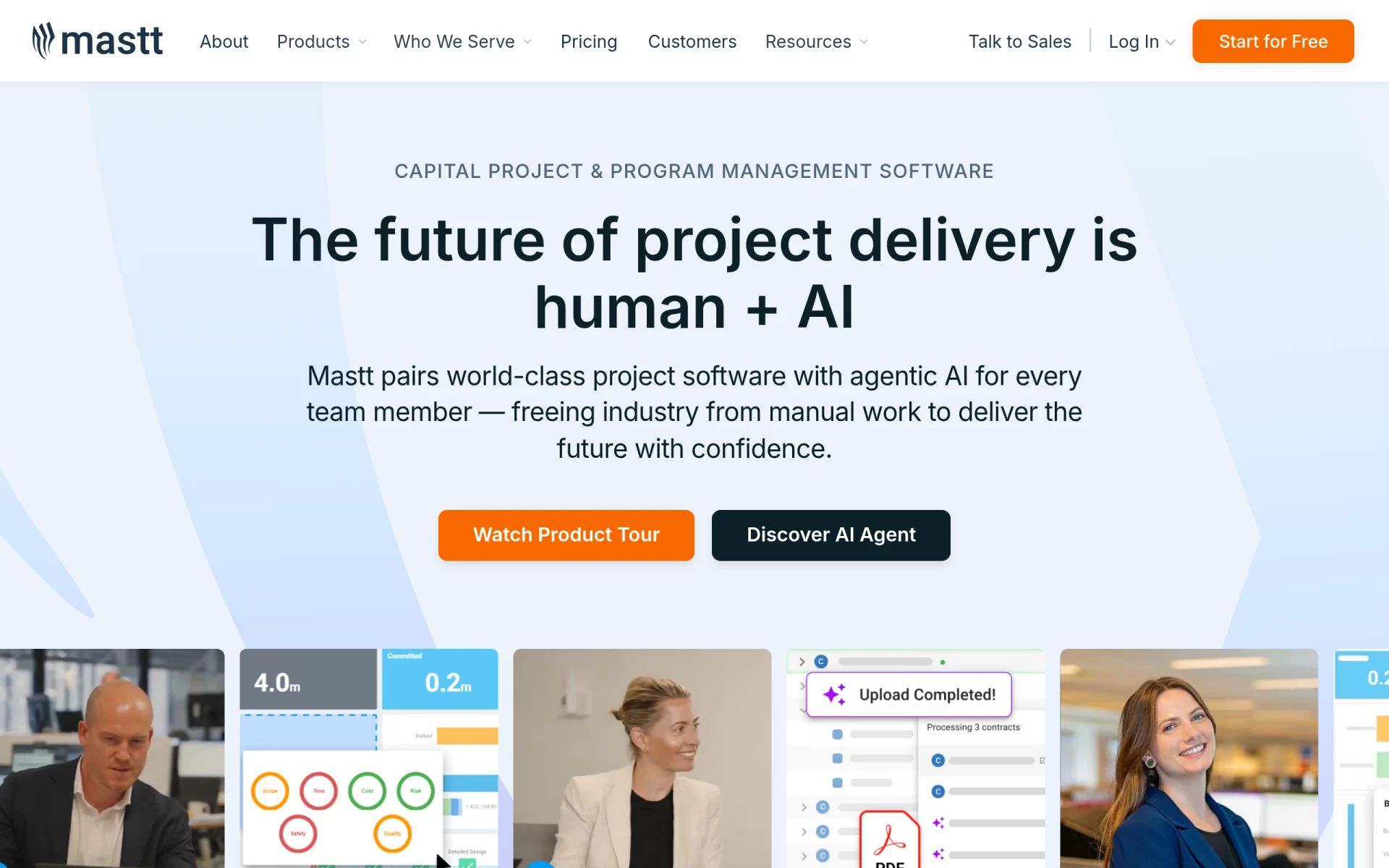 is a specialized project management software designed for construction professionals. Its AI-powered data entry and project monitoring features enhance project delivery, making it a valuable tool for construction project managers. The budget management capabilities ensure that projects are completed within financial constraints, which is crucial in the construction industry.
Additionally, Mastt's collaboration tools facilitate communication among various stakeholders, including contractors and clients. This level of transparency is essential for keeping all parties informed and engaged throughout the project lifecycle.
Pricing: Freemium - Mastt offers a free starter plan with core tools for users to begin without a credit card. Best for: Construction project managers.
Plane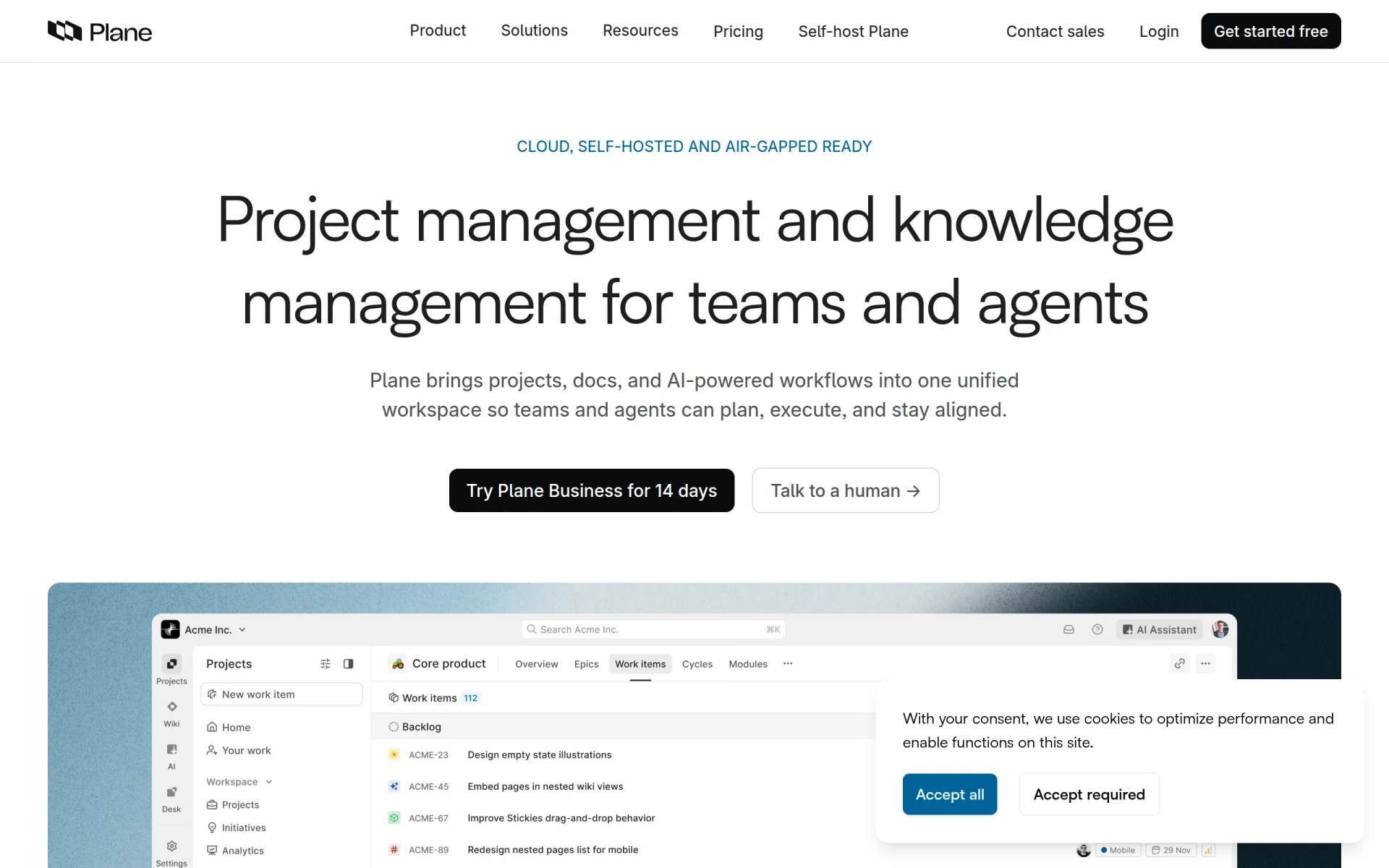 is an AI-native project management tool that integrates projects, documentation, and workflows into one cohesive workspace. This makes it an ideal choice for medium to large organizations that require robust project management capabilities. Plane's AI-driven workflows allow teams to optimize their processes, improving efficiency and reducing manual work.
The wiki integration feature ensures that all project documentation is easily accessible, fostering a culture of knowledge sharing among team members. This is particularly beneficial for remote teams that need to rely on documented processes and guidelines to stay aligned.
Pricing: Freemium - Plane's pricing is based on a straightforward per-seat subscription model. Best for: Medium to large organizations.
TaskFlow is a workflow automation tool that simplifies task management and process optimization. It is particularly useful for small to medium-sized businesses looking to enhance their operational efficiency. TaskFlow's automation workflows allow teams to streamline repetitive tasks, freeing up time for more strategic initiatives.
The customizable templates enable teams to create workflows that fit their specific needs, ensuring that all tasks are managed effectively. With integrations to other software tools, TaskFlow enhances overall productivity, making it easier for teams to collaborate and maintain project visibility.
Pricing: Freemium - Pricing information for TaskFlow is currently unavailable. Best for: Small to medium-sized businesses.
Smartsheet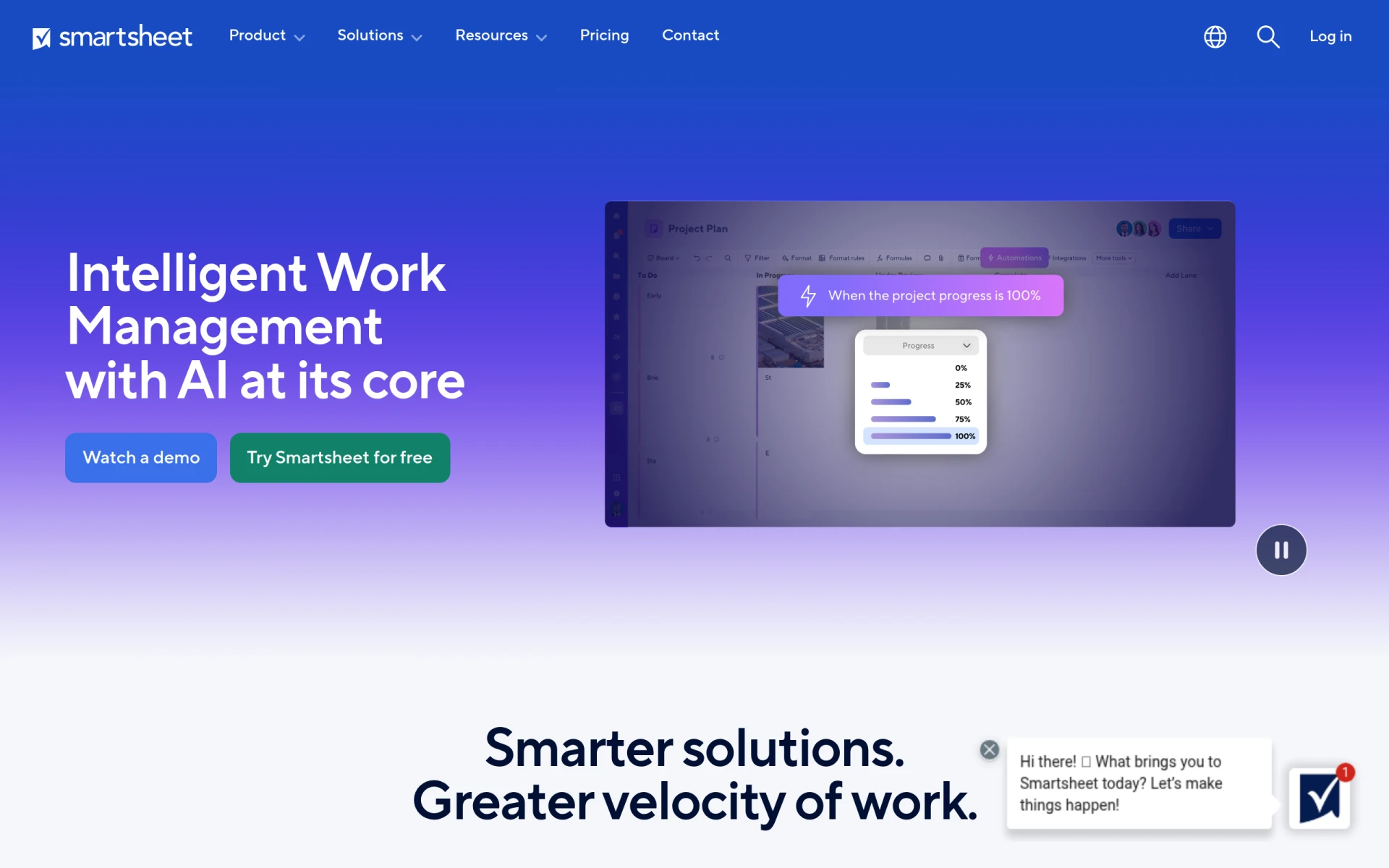 is an intelligent work management platform that enhances project collaboration and streamlines workflows. Its project and portfolio management capabilities provide real-time visibility into project status, which is essential for project managers overseeing multiple initiatives. Smartsheet’s AI-powered analytics deliver insights that help teams make data-driven decisions.
The customizable dashboards allow project managers to track key performance indicators and adjust strategies as needed. This flexibility is particularly beneficial for managing complex projects that require constant monitoring and adjustments.
Pricing: Freemium - Smartsheet pricing starts at $129 per member per month with flexible billing options. Best for: Project managers.
Dart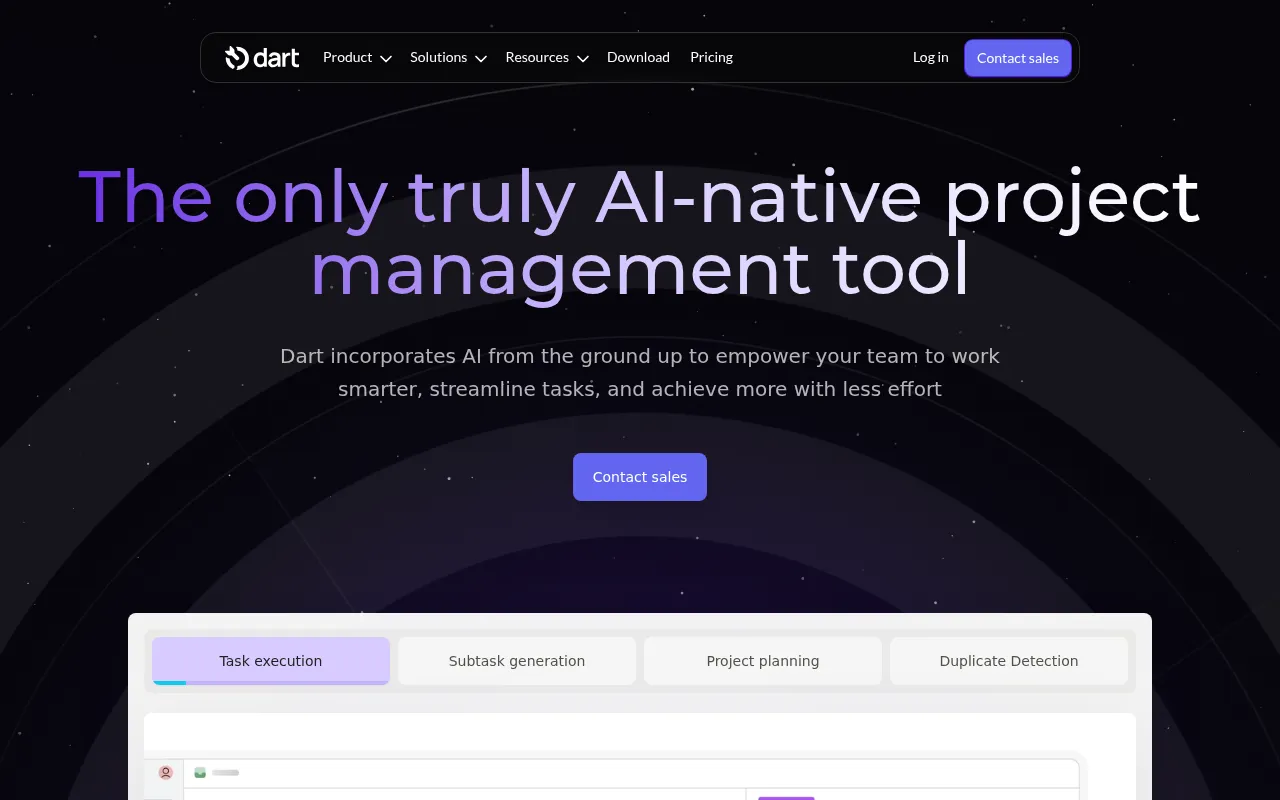 is an AI-driven project management tool that enhances team collaboration and task management. It is particularly beneficial for small to medium-sized businesses aiming to optimize their project workflows. Dart's AI task execution feature automates repetitive tasks, allowing teams to focus on higher-priority activities.
The ability to generate AI reports provides valuable insights into project progress, helping teams stay aligned and informed. This feature is especially useful for marketing teams that need to track campaign performance and adjust strategies in real-time.
Pricing: Freemium - Dart offers a free plan for up to four teammates and a premium plan priced at $8 per teammate per month. Best for: Small to medium-sized businesses.
| Tool | Best For | Starting Price | Rating |
|---|---|---|---|
| Asana | Marketing teams managing campaigns | Free / $X/month | 0.0/5 |
| DevShip | Small development teams | Free / $29/month | 0.0/5 |
| ClickUp | Small to medium-sized businesses | Free / $9/user/month | 0.0/5 |
| Danelfin | Marketing teams | Free / N/A | 0.0/5 |
| Humains | Project managers | Free / N/A | 0.0/5 |
| Mastt | Construction project managers | Free / N/A | 0.0/5 |
| Plane | Medium to large organizations | Free / N/A | 0.0/5 |
| TaskFlow | Small to medium-sized businesses | Free / N/A | 0.0/5 |
| Smartsheet | Project managers | $129/member/month | 0.0/5 |
| Dart | Small to medium-sized businesses | Free / $8/user/month | 0.0/5 |
For beginners, Asana is the best choice due to its user-friendly interface and intuitive design. New users will find it easy to navigate, making task management and project tracking straightforward without overwhelming complexity.
ClickUp stands out as the best choice for professionals, offering advanced features like goal tracking and customizable dashboards. Its flexibility allows power users to tailor the tool to their specific project management needs.
Dart is the best value pick, offering a free tier for up to four teammates and a premium plan at an affordable price. This makes it an excellent option for small to medium-sized businesses looking to maximize their ROI.
Finding the right project management software is crucial for remote teams seeking to enhance collaboration and project visibility. Evaluate the tools listed above to choose the one that best fits your team's needs and start improving your workflows today.
Asana is a project management tool that helps teams coordinate and manage their work efficiently.
DevShip is a project management tool designed for development teams to track issues, log time, and collaborate seamlessly.
ClickUp is a comprehensive project management and productivity tool designed to streamline team collaboration and task management.
Danelfin is a project management tool designed to enhance team collaboration and streamline project tracking.
Humains is a productivity tool designed to enhance team collaboration and streamline project management processes.
Mastt is a capital project and program management software designed for construction professionals to enhance project delivery through AI integration.
Plane is an AI-native project management tool that integrates projects, documentation, and workflows in one unified workspace.
TaskFlow is a workflow automation tool designed to enhance productivity by simplifying task management and process optimization.
Smartsheet is an intelligent work management platform designed to enhance project collaboration and streamline workflows.
Dart is an AI-driven project management tool designed to enhance team collaboration and task management.
Look for task management, collaboration tools, customizable dashboards, integration capabilities, and analytics to ensure smooth project tracking and team communication.
These tools centralize project information, allowing all team members to see updates, deadlines, and tasks in real-time, which enhances accountability and transparency.
Pricing varies widely depending on the software, with many options offering freemium models. Paid plans generally start around $8 to $129 per user per month.
Yes, several tools like Asana, DevShip, and Dart offer free plans with basic features, making them suitable for small teams or those just starting.
Asana is often recommended for beginners due to its intuitive interface and straightforward task management features that help new users get up to speed quickly.
Consider your team's size, specific needs, and the features that are most important for your workflow, such as collaboration, reporting, or task management capabilities.
Many project management tools offer integration capabilities with popular software like Slack, Google Drive, and others, enhancing overall productivity and workflow efficiency.
Weekly roundup of new AI tools, launches, and trending software. No spam — unsubscribe anytime.
No credit card required · Cancel anytime
Weekly roundup of new AI tools, launches, and trending software. No spam — unsubscribe anytime.
No credit card required · Cancel anytime