Introduction
In today's remote work environment, communication gaps can severely hinder team collaboration and productivity. Remote workers often find themselves battling misunderstandings and delays due to a lack of effective tools that facilitate seamless interaction.
Why Remote Workers Struggle With Communication gaps in remote teams
Remote teams often experience a disconnect that can lead to frustration and reduced efficiency. Without the face-to-face interactions common in traditional workplaces, miscommunication can easily occur, resulting in misaligned goals and project delays. For instance, a team member might overlook a crucial update on a project status, which can cascade into missed deadlines and decreased morale.
Additionally, the diverse backgrounds and time zones of remote team members can complicate communication further. Workers may struggle to find common ground, leading to isolated workflows and a lack of synergy. This fragmentation can prevent teams from realizing their full collaborative potential, causing productivity to plummet.
What to Look For in Business Tools
- User-Friendly Interface: A clean and intuitive design helps remote workers navigate tools easily, reducing the learning curve.
- Real-Time Collaboration: Tools that allow simultaneous editing and feedback are vital for keeping everyone on the same page.
- Integration Capabilities: The ability to integrate with existing software can streamline workflows and reduce tool fatigue.
- Mobile Accessibility: Remote workers often need to access tools on-the-go, making mobile-friendly options essential.
- Robust Communication Features: Built-in chat, comments, or video calling features can enhance direct communication between team members.
Best Best Project Management Tools for Remote Workers
Notion - Best for All-in-One Collaboration
Notion serves as an all-in-one workspace that combines notes, tasks, wikis, and databases into a single platform. Its flexibility makes it particularly beneficial for remote workers who require a comprehensive solution that adapts to their varied needs. Teams can create customized workflows and documentation that align with their projects, ensuring that everyone has access to the information they need when they need it.
What sets Notion apart is its ability to foster team collaboration through shared wikis and collaborative databases. This ensures that information is not siloed, allowing for a more integrated approach to project management. With Notion AI, teams can streamline their task management, enabling them to focus on more critical aspects of their projects.
- Flexible databases: Organize and manage information in a way that suits your workflow.
- Notion AI: Automate repetitive tasks and enhance productivity with AI assistance.
- Team wikis: Create collaborative knowledge bases that keep everyone informed.
- API access: Integrate Notion with other tools in your tech stack for improved workflows.
- Mobile apps: Stay connected and manage tasks from anywhere.
Pricing: Freemium - Free for personal use. Plus plan $10/month, Team plan $15/user/month. Best for: Teams looking for a versatile, all-in-one workspace.
Figma - Best for Design Collaboration
Figma is a leading collaborative design tool that allows teams to design, prototype, and collaborate on UI/UX projects in real-time. Its unique cloud-based platform enables remote teams to work simultaneously, making it ideal for designers who need to iterate quickly based on team feedback. This real-time collaboration feature eliminates the traditional barriers of design handoffs, allowing for a more fluid creative process.
Figma stands out for its user-friendly interface and extensive component libraries, which make design work easier and more efficient. Teams can create design systems that enhance consistency across projects, while the Dev Mode feature streamlines the handoff to developers, ensuring designs are implemented accurately.
- Real-time collaboration: Allows multiple users to work on designs simultaneously, facilitating instant feedback.
- Prototyping: Easily create interactive prototypes to visualize user flows.
- Component libraries: Keep design assets consistent and easily accessible for all team members.
- Dev Mode: Simplifies the transition between design and development with detailed specifications.
- Plugin ecosystem: Extend functionality with a wide range of community-developed plugins.
Pricing: Freemium - Free for 3 projects. Professional $15/editor/mo, Organization $45/editor/mo. Best for: Design teams that require real-time collaboration and prototyping capabilities.
Jasper AI - Best for Content Creation
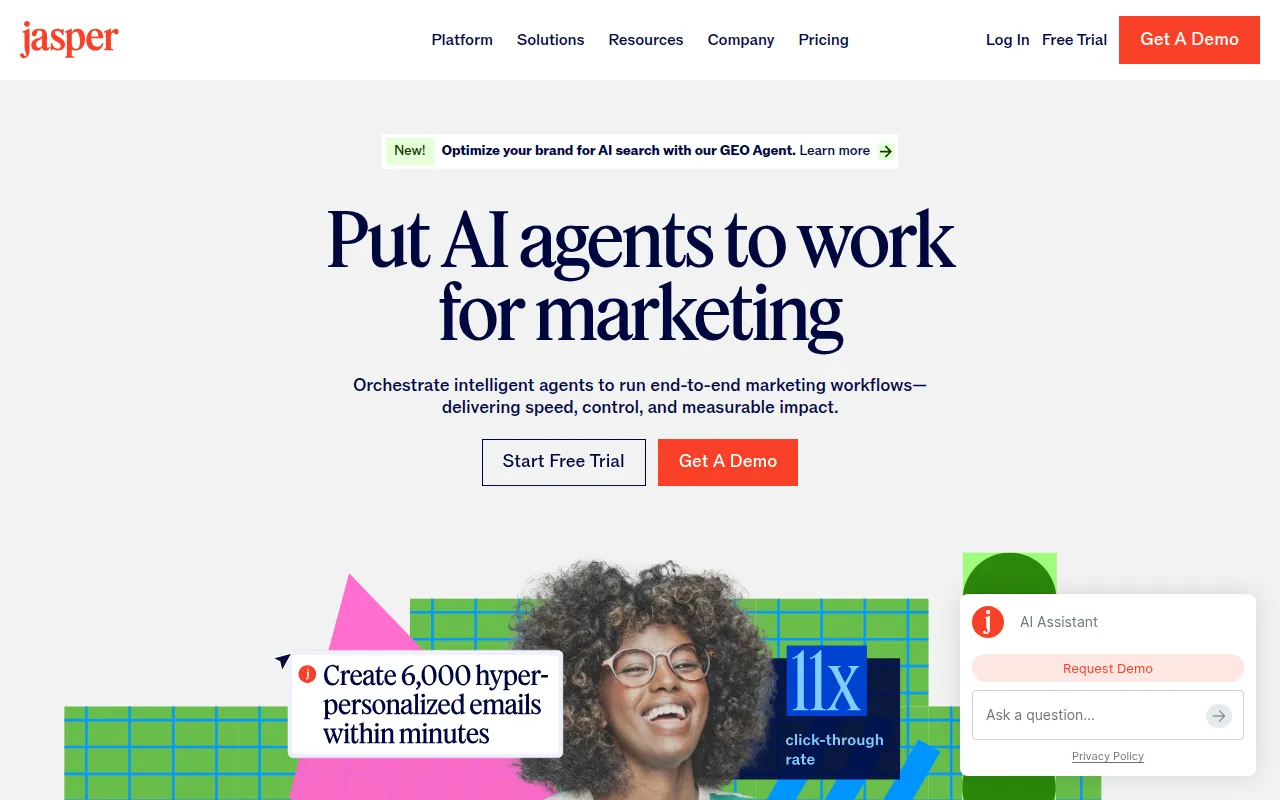
Jasper AI is a powerful AI content platform that streamlines the content creation process for marketing teams. It allows remote workers to generate blog posts, ad copy, and social media content up to five times faster than traditional methods. This efficiency means teams can focus on strategy and execution rather than getting bogged down in content production.
What makes Jasper AI particularly valuable is its Brand Voice feature, which helps maintain brand consistency across all content produced. With over 50 templates available, teams can easily create tailored content that resonates with their audience while ensuring adherence to SEO best practices.
- Brand Voice AI: Customize the tone and style of generated content to reflect your brand identity.
- 50+ templates: Quickly generate content tailored to various formats and platforms.
- AI Art: Create visuals that accompany your written content without needing external tools.
- SEO mode: Optimize content for search engines effortlessly.
- Team collaboration: Work together on content projects with real-time editing.
Pricing: Paid - Creator $49/mo, Teams $125/mo (3 seats), Business custom pricing. Best for: Marketing teams looking to enhance content creation speed and quality.
Buffer - Best for Social Media Management
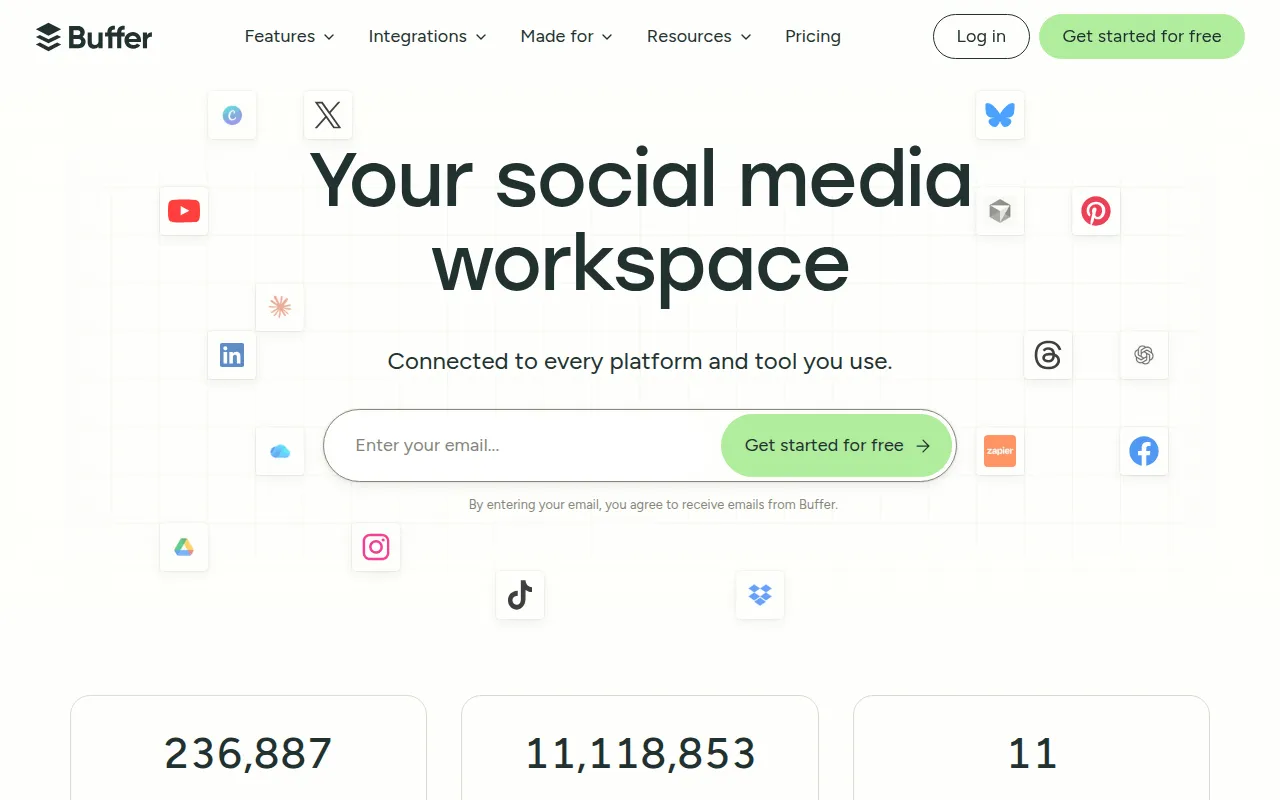
Buffer is a comprehensive social media management tool that enables remote workers to plan, schedule, and analyze content for all their social channels. Its user-friendly interface simplifies the scheduling process, allowing teams to maintain a consistent online presence without the hassle of manual posting. This is particularly useful for remote teams that may be spread across different time zones.
One key feature of Buffer is its analytics dashboard, which provides insights into post performance and audience engagement. This data-driven approach allows teams to refine their social media strategy based on real-time feedback, ensuring that their content resonates with their target audience.
- Multi-platform scheduling: Schedule posts across different social media networks from one central dashboard.
- Content calendar: Visualize and manage your social media strategy effectively.
- Analytics: Track performance metrics to optimize future content.
- AI captions: Generate engaging captions automatically to save time.
- Link in bio: Centralize links for better audience engagement.
Pricing: Freemium - Free for 3 channels. Essentials $6/channel/mo, Team $12/channel/mo. Best for: Teams looking for an efficient way to manage social media across multiple platforms.
Ahrefs - Best for SEO Analysis
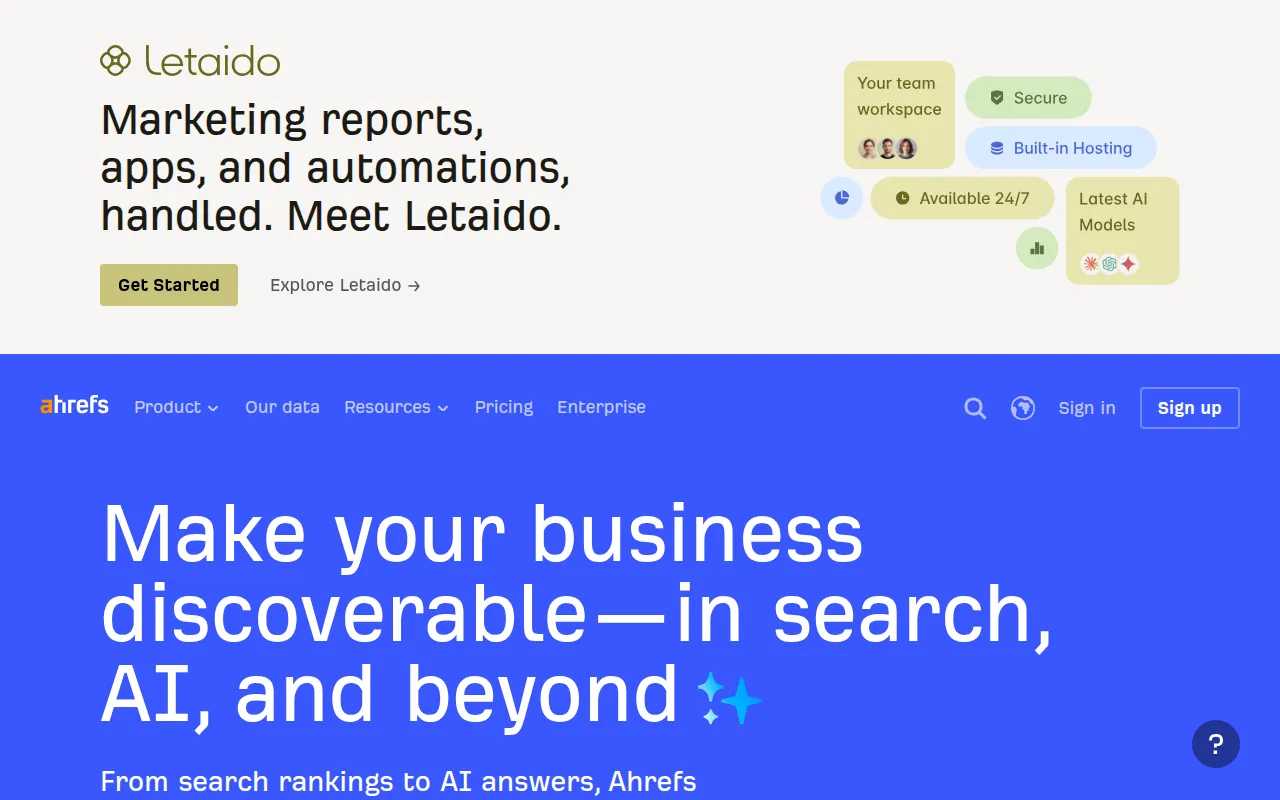
Ahrefs is one of the most comprehensive SEO toolsets available, making it an essential resource for remote teams focused on digital marketing. Its capabilities in keyword research, backlink analysis, and site audits provide teams with the insights needed to enhance their online visibility. This is crucial for companies aiming to increase traffic and engagement through effective SEO strategies.
What sets Ahrefs apart is its robust data analytics, allowing teams to track competitors and understand market dynamics. With its user-friendly interface, remote workers can easily navigate the platform and extract valuable insights without extensive training.
- Backlink analysis: Gain insights into your backlink profile and discover opportunities for improvement.
- Keyword research: Identify the best keywords to target for your content strategy.
- Site audit: Regularly check your website for SEO issues and monitor performance.
- Rank tracker: Keep track of your rankings over time for targeted keywords.
- Content explorer: Find top-performing content in your niche for inspiration.
Pricing: Paid - Lite $99/mo, Standard $199/mo, Advanced $399/mo. Best for: Teams needing in-depth SEO analysis and competitor insights.
Semrush - Best for Comprehensive Digital Marketing
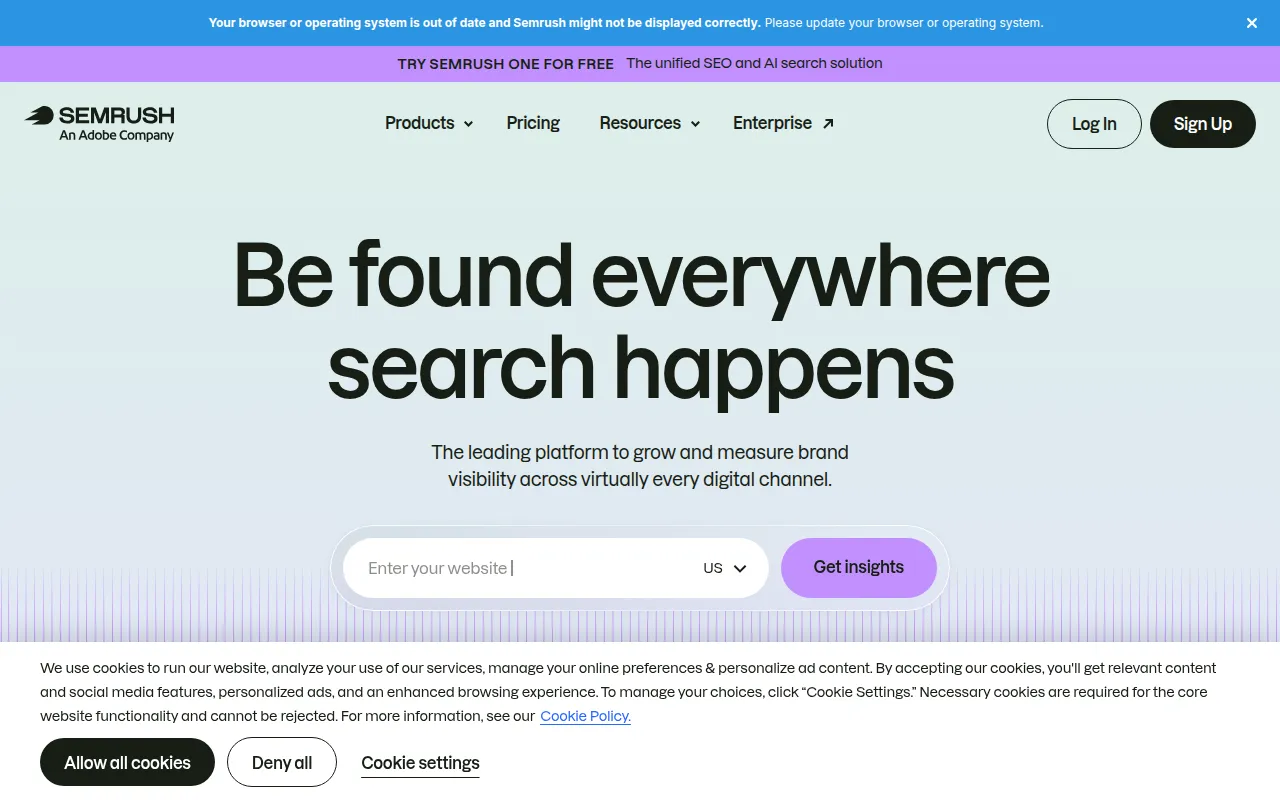
Semrush is a complete SEO and digital marketing suite that covers everything from keyword research to competitor analysis and PPC tools. For remote teams focused on enhancing their digital presence, Semrush provides a wealth of resources to create and monitor effective marketing campaigns. Its multi-faceted approach helps teams streamline their marketing efforts across various channels.
The platform's user-friendly dashboard allows teams to manage their campaigns efficiently. Additionally, its social media tools enable remote workers to monitor their brand's online presence and engage with their audience effectively, making it an all-encompassing solution for digital marketing.
- Keyword research: Discover high-potential keywords for SEO and PPC strategies.
- Competitor analysis: Analyze competitors’ strategies to identify market opportunities.
- PPC tools: Optimize paid advertising campaigns for better ROI.
- Social media: Track and manage social media campaigns from the platform.
- Content marketing: Plan and execute content strategies based on data insights.
Pricing: Paid - Pro $119.95/mo, Guru $229.95/mo, Business $449.95/mo. Best for: Marketing teams seeking a comprehensive suite for digital marketing efforts.
ChatGPT - Best for AI-Assisted Automation
ChatGPT is the leading AI chatbot developed by OpenAI, designed to generate content, code, and automate various tasks. For remote workers, this tool is invaluable in streamlining communication and enhancing productivity. By automating routine inquiries and tasks, ChatGPT frees up team members to focus on more strategic initiatives.
The versatility of ChatGPT makes it suitable for various applications, from drafting emails to generating code snippets. Its ability to learn and adapt to different contexts allows remote teams to leverage its capabilities across multiple projects, ensuring consistency and efficiency.
- GPT-4 access: Utilize one of the most advanced AI models for diverse applications.
- Code interpreter: Automate coding tasks and generate code snippets quickly.
- Image generation: Create visuals to support written content without needing design skills.
- API access: Integrate ChatGPT into existing workflows for enhanced functionality.
- Plugin ecosystem: Extend capabilities with a variety of plugins for different tasks.
Pricing: Freemium - Free tier available. ChatGPT Plus at $20/month unlocks GPT-4. Best for: Teams looking for AI-driven automation to enhance efficiency.
Canva - Best for Graphic Design
Canva is the easiest graphic design platform available, making it perfect for remote teams that need to create stunning visuals without professional design skills. With thousands of templates and an intuitive drag-and-drop interface, Canva empowers users to produce high-quality graphics for social media, presentations, and marketing materials quickly.
The platform’s collaborative features allow team members to work together on designs in real-time, ensuring consistency and alignment in branding efforts. Canva’s AI Magic Design also helps users generate design ideas based on their input, making it easier to create visually appealing content.
- 10,000+ templates: Access a vast library of customizable design templates for various needs.
- AI Magic Design: Generate design suggestions based on your preferences.
- Brand Kit: Maintain brand consistency by storing brand assets in one place.
- Video editor: Create engaging videos alongside graphics.
- Team collaboration: Work together on designs with real-time editing capabilities.
Pricing: Freemium - Free forever plan. Canva Pro at $15/month per person. Best for: Teams needing an easy-to-use graphic design tool for creating marketing materials.
Mailchimp - Best for Email Marketing
Mailchimp is the leading email marketing platform that allows remote teams to create, send, and analyze email campaigns with powerful automation features. For teams focused on nurturing leads and maintaining customer engagement, Mailchimp provides robust tools that streamline the email marketing process.
The platform’s segmentation features enable teams to tailor their messages to specific audiences, increasing the effectiveness of their campaigns. Additionally, Mailchimp’s analytics dashboard provides insights into campaign performance, allowing teams to refine their strategies based on data-driven decisions.
- Email campaigns: Easily create and manage targeted email campaigns.
- Marketing automation: Automate repetitive email tasks for efficiency.
- Segmentation: Target specific audience segments for personalized communication.
- A/B testing: Test different versions of emails to optimize performance.
- Landing pages: Create dedicated landing pages to enhance lead generation.
Pricing: Freemium - Free up to 500 contacts. Essentials from $13/mo, Standard from $20/mo. Best for: Marketing teams seeking an efficient platform for email campaigns.
Midjourney - Best for AI-Driven Imagery
Midjourney is an advanced AI image generation tool that allows users to create stunning artwork and images from text descriptions. For remote workers in creative industries, this tool provides an innovative way to produce high-quality visuals without the need for extensive design skills. Its ability to generate images from simple prompts makes it a valuable asset for teams looking to enhance their visual content.
What sets Midjourney apart is its focus on high-resolution outputs and style control, allowing users to customize the artistic direction of their creations. This flexibility makes it ideal for marketing teams that need on-brand visuals quickly and efficiently.
- Text-to-image AI: Generate images directly from text prompts for quick visual content creation.
- High resolution output: Produce high-quality images suitable for various formats and uses.
- Style control: Customize the artistic style and direction of generated images.
- Commercial license: Use generated images for commercial purposes without restrictions.
Pricing: Paid - Basic $10/mo (200 images), Standard $30/mo (unlimited), Pro $60/mo. Best for: Creative teams looking for an efficient way to generate visuals for marketing.
Quick Comparison
| Tool | Best For | Starting Price | Rating |
|---|
| Notion | All-in-One Collaboration | Free | 4.6/5 |
| Figma | Design Collaboration | Free | 4.8/5 |
| Jasper AI | Content Creation | $49/mo | 4.5/5 |
| Buffer | Social Media Management | Free | 4.4/5 |
| Ahrefs | SEO Analysis | $99/mo | 4.7/5 |
| Semrush | Comprehensive Digital Marketing | $119.95/mo | 4.6/5 |
| ChatGPT | AI-Assisted Automation | Free | 4.8/5 |
| Canva | Graphic Design | Free | 4.9/5 |
| Mailchimp | Email Marketing | Free | 4.4/5 |
| Midjourney | AI-Driven Imagery | $10/mo | 4.7/5 |
Best Choice for Beginners
For beginners, Notion is the ideal choice due to its user-friendly interface and extensive resources for learning. Its flexibility allows users to gradually explore its features, making it easy to tailor the workspace to their specific needs without feeling overwhelmed.
Best Choice for Professionals
For professionals, Ahrefs stands out as the best choice due to its in-depth SEO analysis and robust data capabilities. Its advanced features enable seasoned marketers to extract valuable insights and refine their strategies effectively, making it a powerful tool for driving results.
Best Value Pick
Buffer offers the best value pick, particularly with its freemium model. The ability to manage multiple social media accounts for free allows teams to assess its effectiveness before committing to a paid plan, ensuring they get the most out of their investment.
Conclusion
Choosing the right project management tools can significantly enhance communication and collaboration for remote workers. By leveraging these tools, teams can overcome common challenges and drive productivity forward. Take action today to empower your remote team with the right resources for success.