
Asana
Freemium
AI
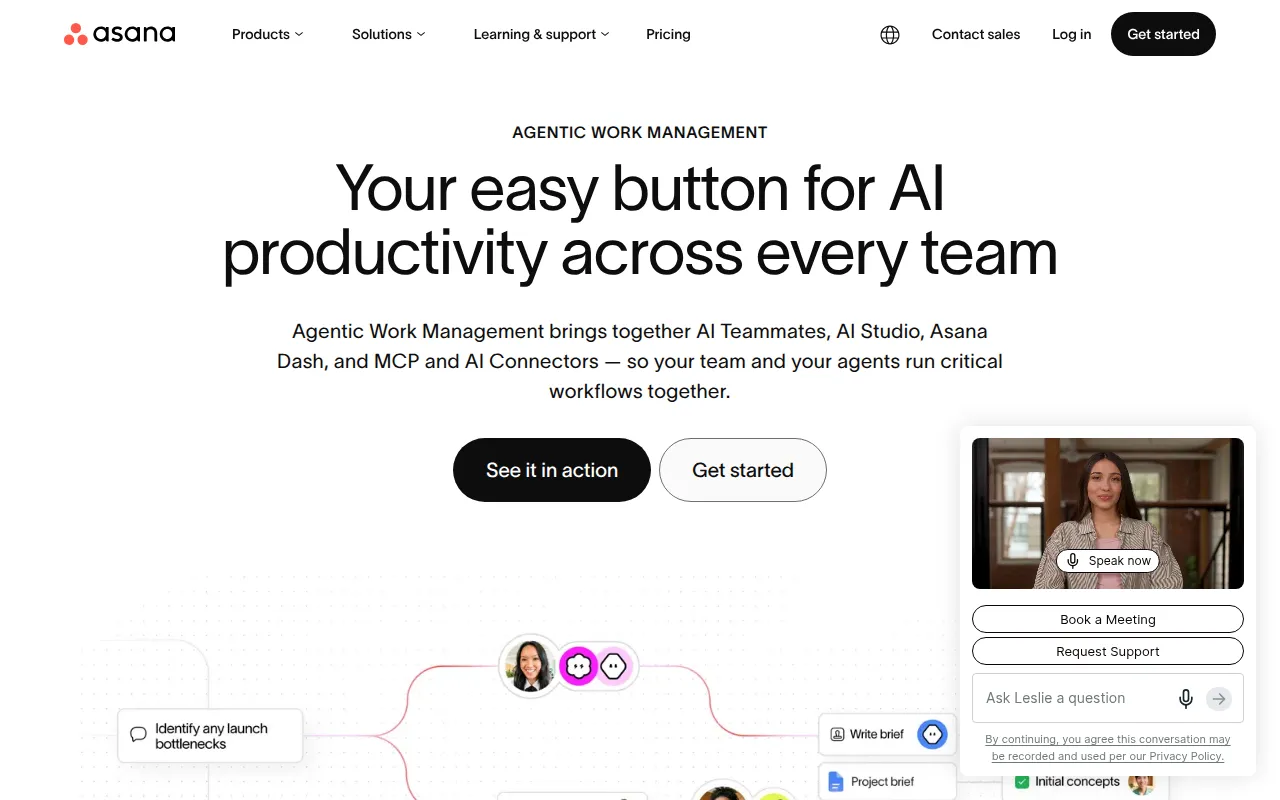
Asana is a project management tool that helps teams coordinate and manage their work efficiently.
Disorganized communication can lead to missed deadlines. Discover top project management tools to streamline your software development workflow.
Disorganized communication can lead to missed deadlines, a nightmare scenario for software development teams. As developers, you need clarity, organization, and seamless collaboration to keep your projects on track.
In the fast-paced world of software development, the stakes are high. Teams often juggle multiple tasks, face shifting priorities, and are required to meet tight deadlines. Disorganized communication can manifest in various ways, such as unclear responsibilities, missed updates on task progress, or lack of feedback loops. For instance, when a developer does not receive timely input from a designer, it can derail the entire project timeline, resulting in costly delays and frustrated stakeholders. This disarray not only affects productivity but also diminishes team morale, leading to burnout and turnover.
Asana stands out as a powerful project management tool that helps software development teams coordinate and manage their work efficiently. Its intuitive user interface makes it easy for teams to create tasks, assign responsibilities, and track progress. Developers benefit from Asana’s ability to streamline workflows, ensuring that everyone is aligned on project goals and timelines.
One of Asana’s key advantages is its customizable dashboards, which allow teams to visualize their work in a way that makes sense for them. This feature is particularly useful for developers who want to see their tasks and dependencies at a glance, reducing the chance of miscommunication and missed deadlines.
Pricing: Freemium - Asana offers a free plan and several paid plans with varying features. Best for: Marketing teams managing campaigns, Software development teams tracking sprints, Product management teams planning roadmaps.
ClickUp is a comprehensive project management and productivity tool designed to streamline team collaboration and task management. It stands out for its versatility, enabling software development teams to adapt the tool to their specific needs. With ClickUp, teams can manage tasks, track time, and set goals all in one platform, making it an all-in-one solution for developers.
The highlight of ClickUp is its goal tracking feature, which allows teams to set measurable objectives and monitor their progress. This is particularly beneficial for software developers working on long-term projects, as it helps maintain focus on overarching goals while managing daily tasks.
Pricing: Freemium - ClickUp offers pricing starting at $9 per user per month for the unlimited plan. Best for: Small to medium-sized businesses, Marketing teams managing campaigns, Project managers overseeing timelines and resources.
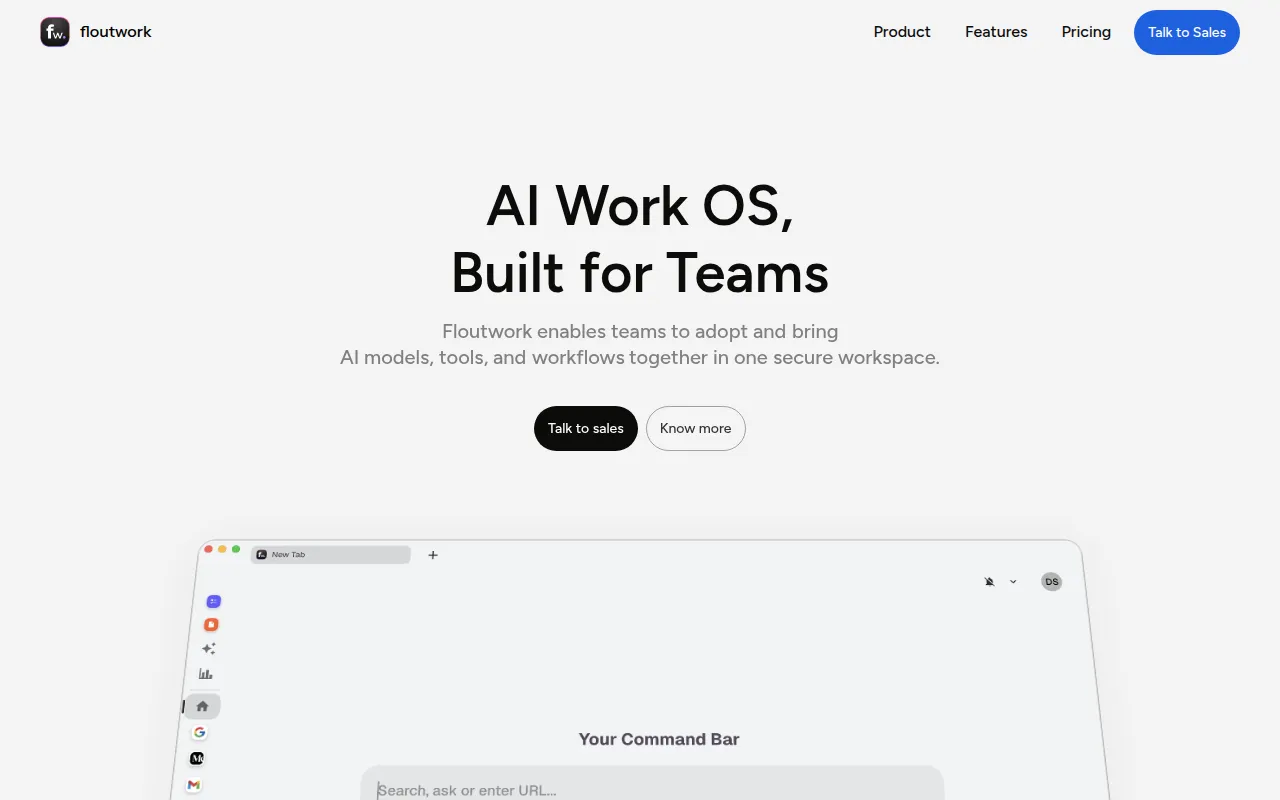
Floutwork is an AI-powered work operating system designed to enhance team collaboration and streamline workflows. It uniquely integrates artificial intelligence to assist teams in managing their tasks and projects effectively. This makes Floutwork particularly useful for software development teams that require innovative solutions to improve efficiency.
One of Floutwork’s standout features is its centralized workspace, which fosters collaboration by bringing all project-related information into one accessible location. This feature helps eliminate the confusion that can arise from using multiple tools or platforms, ensuring that team members have everything they need at their fingertips.
Pricing: Freemium - Specific pricing details for Floutwork are currently not available. Best for: Marketing teams coordinating multiple campaigns, Software development teams managing tasks and collaboration, HR departments streamlining new hire onboarding.
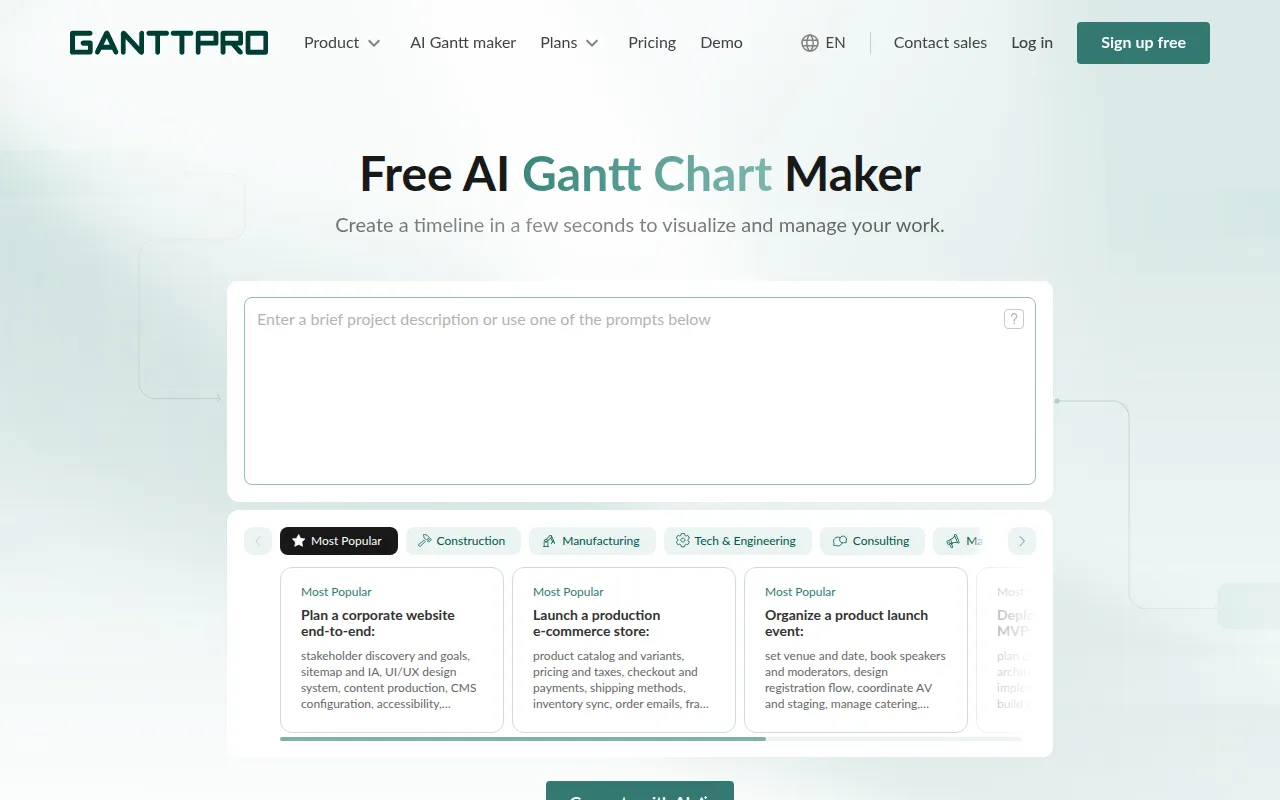
GanttPRO offers an AI-powered Gantt chart maker designed for project management and productivity enhancement. It is particularly useful for software development teams that prefer visual tools to manage their projects. Gantt charts help developers understand project timelines and dependencies, making it easier to spot potential bottlenecks before they become issues.
The tool’s timeline visualization feature enables teams to see the entire project at a glance, facilitating better planning and coordination. This is especially important in software development, where timelines can shift rapidly due to scope changes or unexpected challenges.
Pricing: Freemium - Pricing information for GanttPRO is not provided. Best for: Project managers needing visual timeline tools, Marketing teams planning campaigns, Freelancers managing multiple projects.
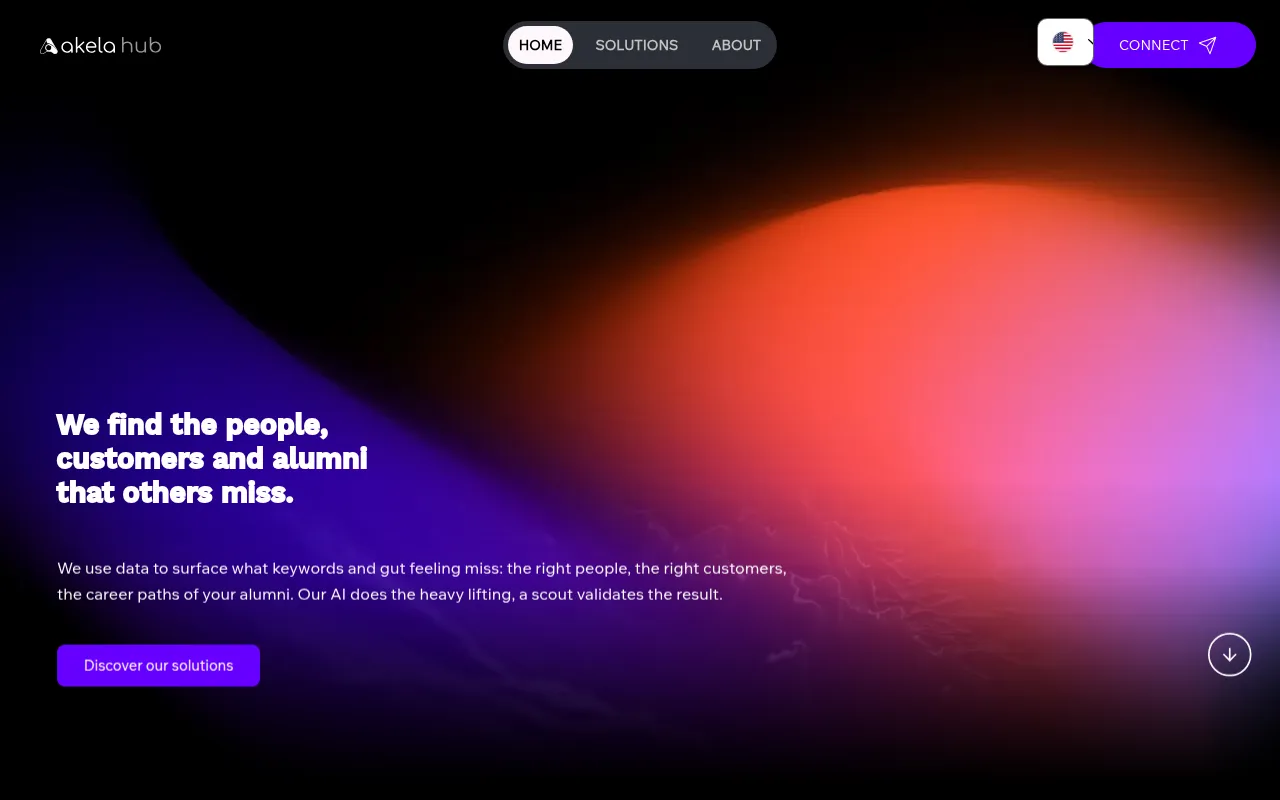
Akela Hub is a workflow automation tool designed to streamline repetitive tasks for developers and teams. Its focus on automation makes it a valuable asset for software development teams looking to free up time for more strategic work. By automating routine tasks, Akela Hub helps reduce errors and improve overall efficiency.
One of the key features of Akela Hub is its integration with popular tools and APIs, allowing teams to create custom workflows that fit their unique processes. This flexibility is crucial for software developers who often work with various technologies and tools.
Pricing: Freemium - Pricing information for Akela Hub is currently unavailable. Best for: Development teams looking to automate deployment processes, Marketing teams wanting to schedule social media posts, Project managers needing real-time task monitoring.
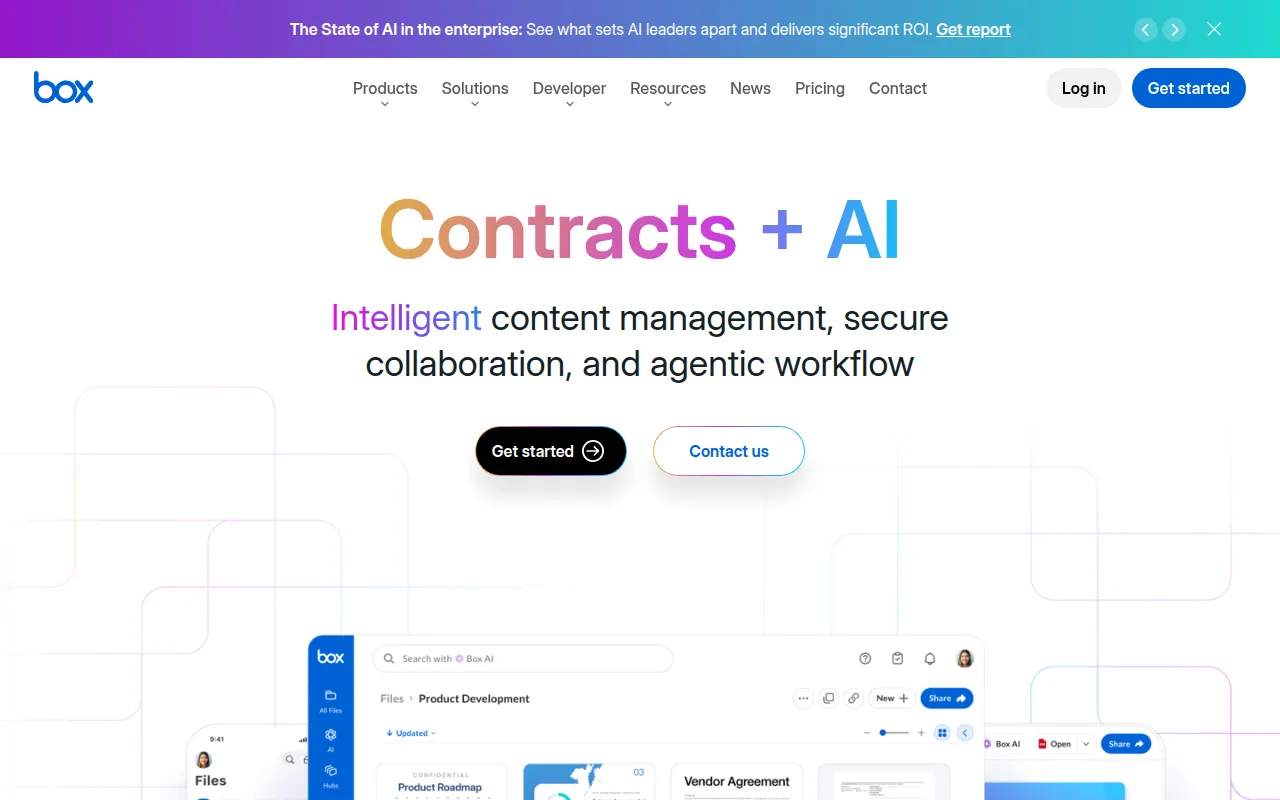
Box is a content management platform that facilitates workflow automation and secure collaboration for businesses of all sizes. For software development teams, Box offers a robust solution for managing documents and files while ensuring data security. The platform is designed to protect sensitive information, making it ideal for teams working on proprietary software projects.
Box’s collaboration tools allow team members to work together seamlessly, sharing files and feedback in real-time. This feature helps prevent miscommunication and ensures that everyone is on the same page, which is essential for meeting project deadlines.
Pricing: Contact - Pricing details for Box are not publicly available; users should contact Box for specific pricing information. Best for: Medium to large enterprises, Marketing teams, Project managers.
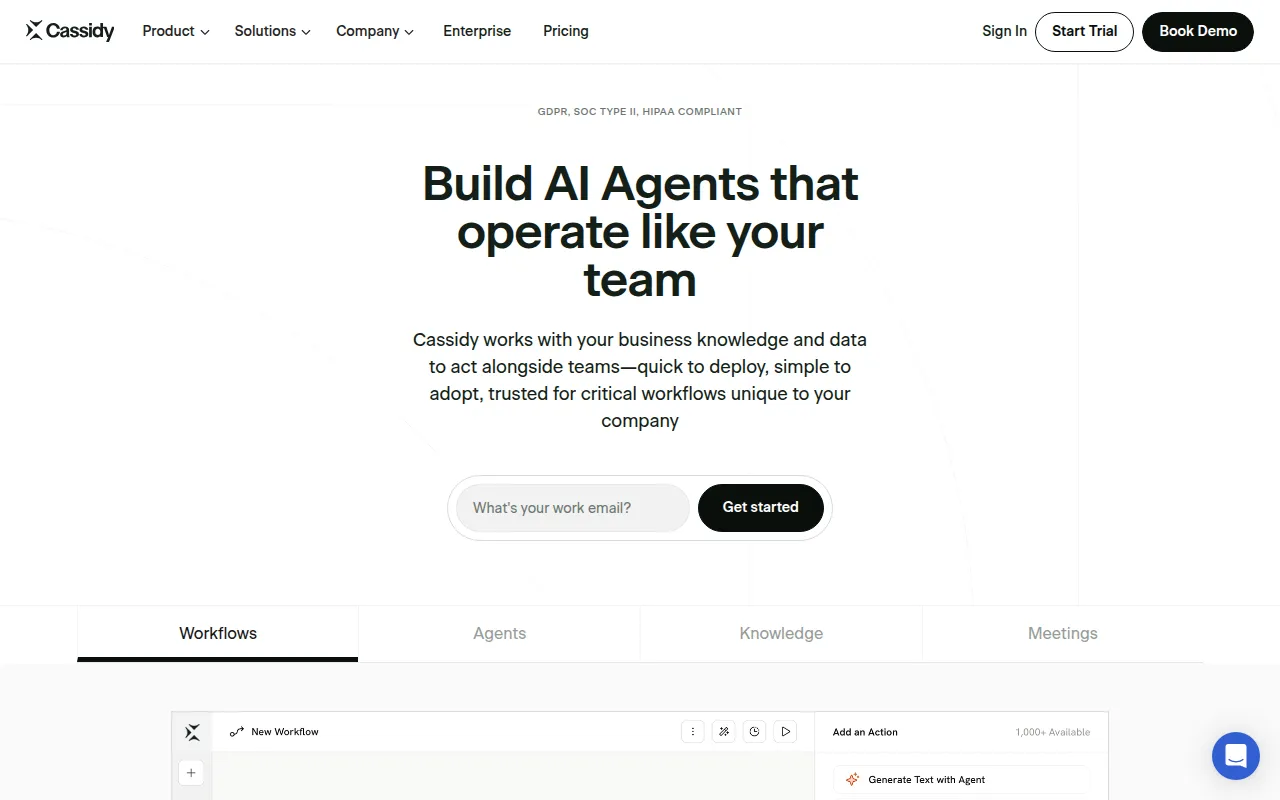
Cassidy AI enables businesses to build AI agents that automate workflows using existing knowledge and data. For software development teams, Cassidy provides an innovative approach to project management by leveraging AI to enhance productivity. This capability is particularly useful for teams that handle large volumes of data and require efficient ways to manage processes.
The tool’s AI agent creation feature allows teams to automate repetitive tasks and streamline workflows, freeing developers to focus on more critical aspects of their projects. This can significantly increase overall efficiency and reduce the chances of errors caused by manual processes.
Pricing: Freemium - Cassidy AI offers a free Starter plan and customizable Business plans for larger organizations. Best for: Medium to large enterprises seeking advanced workflow automation, HR departments in need of streamlined employee benefits management, Marketing teams requiring data analysis and report generation.
Danelfin is a project management tool designed to enhance team collaboration and streamline project tracking. Its focus on collaboration makes it ideal for software development teams, where clear communication is vital for success. Danelfin allows team members to work together effectively, reducing the chances of miscommunication that can lead to missed deadlines.
The platform’s progress tracking feature enables teams to monitor their performance and identify areas for improvement. This is particularly valuable for software developers who need to ensure they are staying on track with their project timelines and deliverables.
Pricing: Freemium - Pricing information for Danelfin is currently unavailable. Best for: Small to medium-sized businesses, Marketing teams, Software development teams.
Clevis is a workflow automation tool designed to optimize productivity by integrating various applications and automating repetitive tasks. For software development teams, Clevis helps streamline processes and improve efficiency. This is crucial in a field where time is often of the essence, and delays can have significant consequences.
The platform’s customizable templates allow teams to create workflows that fit their specific needs, helping to reduce the time spent on manual tasks. This feature is particularly beneficial for software developers who often find themselves juggling multiple projects and deadlines.
Pricing: Freemium - Pricing information for Clevis is currently not available on their website. Best for: Small to medium-sized businesses looking to optimize workflows, Marketing teams seeking to automate their campaigns, IT professionals needing to streamline operations.
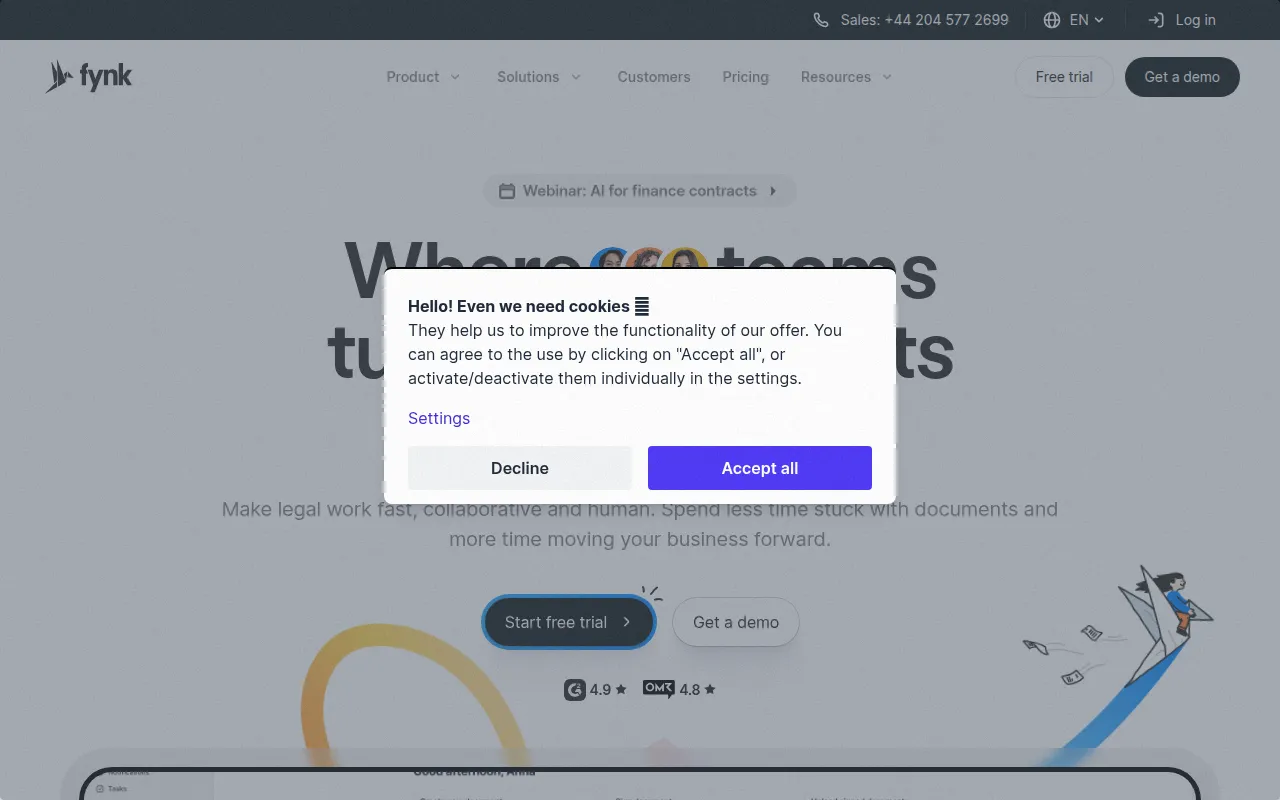
Fynk is an AI-driven contract management software that streamlines legal workflows, enabling faster contract creation and collaboration. While not a traditional project management tool, Fynk is invaluable for software development teams that need to manage contracts and legal documents efficiently. Its AI-driven document analysis helps teams quickly assess contractual obligations and ensure compliance.
Fynk’s centralized contract repository simplifies document management, allowing developers to access necessary contracts without delays. This feature ensures that all team members are on the same page regarding project agreements, reducing the risk of misunderstandings.
Pricing: Freemium - Pricing information is not publicly available; interested users should contact Fynk for details. Best for: Legal teams managing vendor contracts, HR departments handling employment agreements, Sales professionals closing deals with e-signatures.
| Tool | Best For | Starting Price | Rating |
|---|---|---|---|
| Asana | Task Management | Free / $10/mo | 0.0/5 |
| ClickUp | Comprehensive Task Management | Free / $9/mo | 0.0/5 |
| Floutwork | AI-Enhanced Collaboration | Free | 0.0/5 |
| GanttPRO | Visual Project Management | Free | 0.0/5 |
| Akela Hub | Workflow Automation | Free | 0.0/5 |
| Box | Secure Collaboration | Contact | 0.0/5 |
| Cassidy | AI Workflow Automation | Free | 0.0/5 |
| Danelfin | Team Collaboration | Free | 0.0/5 |
| Clevis | Optimizing Workflows | Free | 0.0/5 |
| Fynk | Contract Management | Free | 0.0/5 |
Asana is the best choice for beginners due to its intuitive interface and straightforward task management features. New users can easily navigate the platform, creating tasks and assigning them without feeling overwhelmed, making it ideal for teams just starting with project management tools.
ClickUp is the best choice for professionals, offering advanced features like goal tracking and time tracking that cater to power users. Its comprehensive nature allows seasoned developers to customize their workflows and track progress with precision, making it perfect for experienced teams.
Floutwork stands out as the best value pick, offering a range of features for free. Its AI-powered capabilities and centralized workspace provide significant ROI, especially for teams looking to enhance collaboration without incurring high costs.
Streamlining project workflow and enhancing team collaboration is crucial for software development teams facing deadlines. By leveraging the right project management tools, you can eliminate disorganized communication and ensure that your projects stay on track.
Asana is a project management tool that helps teams coordinate and manage their work efficiently.
ClickUp is a comprehensive project management and productivity tool designed to streamline team collaboration and task management.
Floutwork is an AI-powered work operating system designed to enhance team collaboration and streamline workflows.
GanttPRO offers an AI-powered Gantt chart maker designed for project management and productivity enhancement.
Akela Hub is a workflow automation tool designed to streamline repetitive tasks for developers and teams.
Box is a content management platform that facilitates workflow automation and secure collaboration for businesses of all sizes.
Cassidy AI enables businesses to build AI agents that automate workflows using existing knowledge and data.
Danelfin is a project management tool designed to enhance team collaboration and streamline project tracking.
Clevis is a workflow automation tool designed to optimize productivity by integrating various applications and automating repetitive tasks.
Fynk is an AI-driven contract management software that streamlines legal workflows, enabling faster contract creation and collaboration.
The best project management tools for software development teams include Asana, ClickUp, Floutwork, and GanttPRO. Each tool offers unique features tailored to enhance collaboration, task management, and project tracking.
When choosing a project management tool, consider features like task management, collaboration capabilities, integration options, customization, and reporting tools. It's essential to select a tool that aligns with your team's specific needs.
Yes, many project management tools offer free plans, including Asana, ClickUp, Floutwork, and Akela Hub. These free tiers provide essential features, making them suitable for small teams or startups.
Pricing for project management tools varies widely. Some offer freemium models, while others charge per user per month. For example, ClickUp starts at $9 per user per month, whereas Asana has both free and paid plans.
Absolutely! Project management tools like Asana and ClickUp are designed to enhance remote team collaboration by providing a centralized platform for communication, task assignment, and progress tracking.
Must-have features include task management, collaboration tools, integration capabilities, customizable workflows, and reporting functionalities. These features help ensure that development teams can effectively manage their projects.
To get started, choose a tool that fits your team's needs and sign up for a free trial if available. Familiarize your team with the platform, set up your projects, and begin creating tasks to enhance workflow and collaboration.
Weekly roundup of new AI tools, launches, and trending software. No spam — unsubscribe anytime.
No credit card required · Cancel anytime
What's inside
The Ultimate Guide to Automating E-commerce Customer Support
Oct 12, 2026 · Business
Best AI Tools for Healthcare Administrators: Streamline Patient Management
Oct 12, 2026 · AI Tools
Top E-commerce Automation Tools for Streamlining Operations
Oct 11, 2026 · Business
Weekly roundup of new AI tools, launches, and trending software. No spam — unsubscribe anytime.
No credit card required · Cancel anytime
What's inside
The Ultimate Guide to Automating E-commerce Customer Support
Oct 12, 2026 · Business
Best AI Tools for Healthcare Administrators: Streamline Patient Management
Oct 12, 2026 · AI Tools
Top E-commerce Automation Tools for Streamlining Operations
Oct 11, 2026 · Business