Coursebox
Freemium
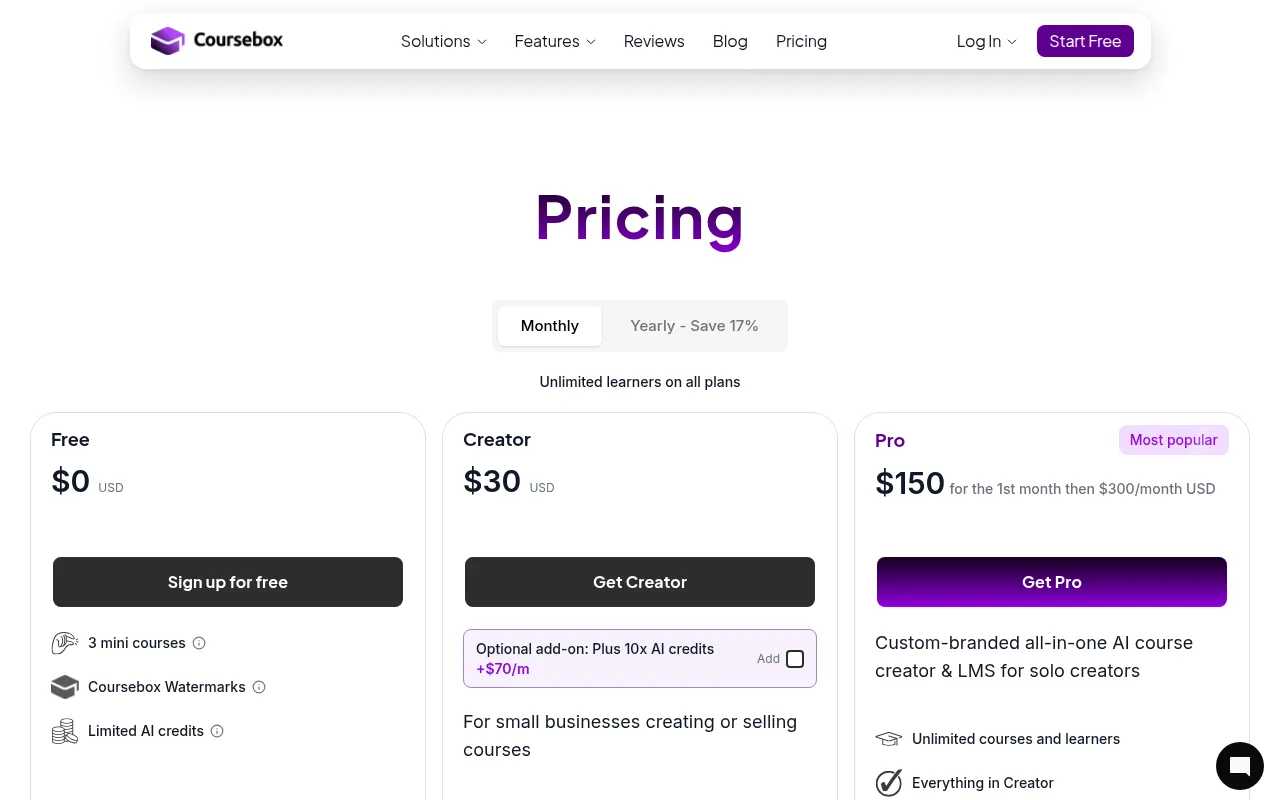
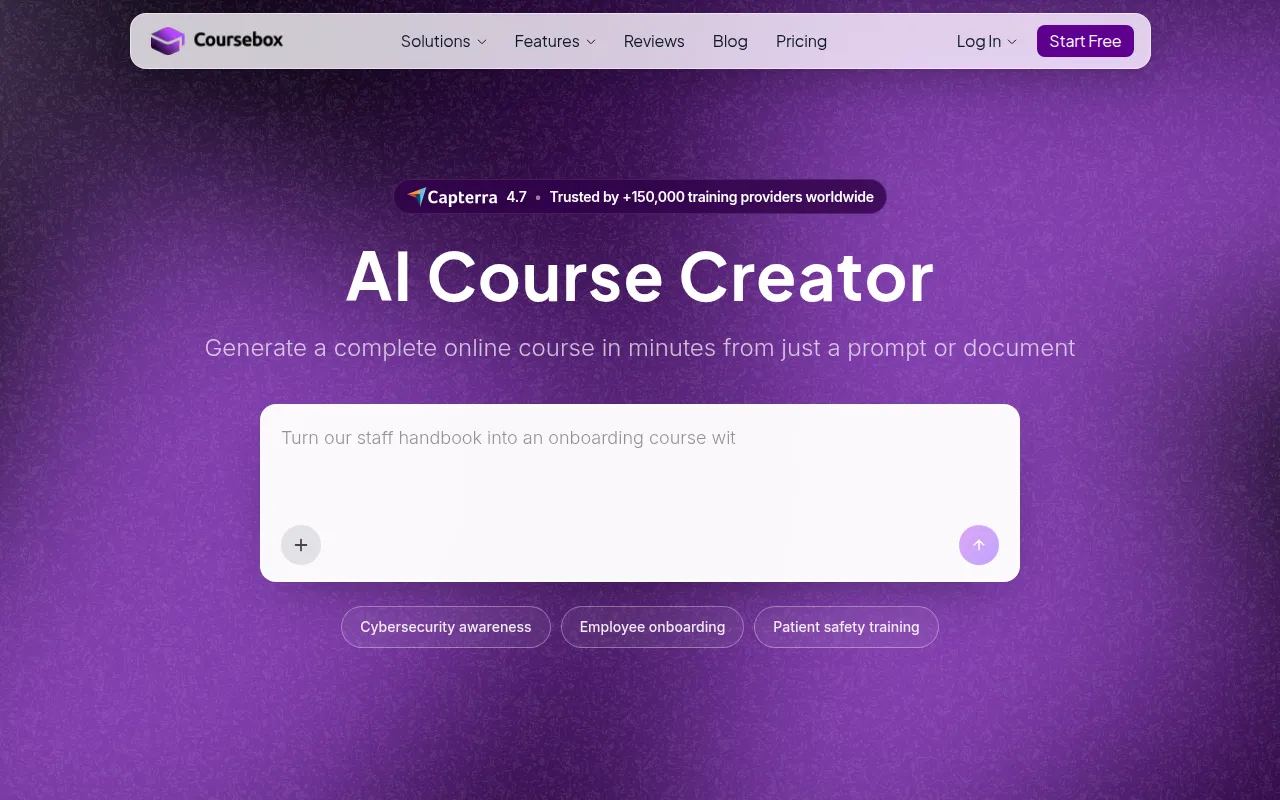
Coursebox is an online learning platform designed for creating and managing educational courses easily and effectively.
Struggling to keep up with coursework? Discover top tools to enhance your virtual learning experience now.
Are you finding it difficult to keep up with your coursework while also engaging with your peers in the virtual learning environment? You're not alone. Many college students face these challenges, but the right tools can significantly enhance your online learning experience.
College is a time of exploration and growth, but the transition to online learning can feel overwhelming. With lectures, assignments, and group projects all happening virtually, students often struggle to stay organized and connected. The lack of face-to-face interactions can lead to feelings of isolation, making it hard to engage meaningfully with class materials and fellow students. Additionally, the flexibility of online courses can sometimes result in procrastination, leaving students scrambling to keep up with deadlines.
Coursebox is an online learning platform specifically designed to help educators create and manage courses seamlessly. Its user-friendly interface allows instructors to build engaging courses with ease, making it an excellent choice for college students seeking structured learning. With features like interactive quizzes and multimedia support, Coursebox enhances the overall educational experience.
For students, Coursebox provides a centralized location to access course materials, track progress, and receive analytics on their performance. This makes it easier to stay organized and engaged, addressing the common struggle of keeping up with coursework.
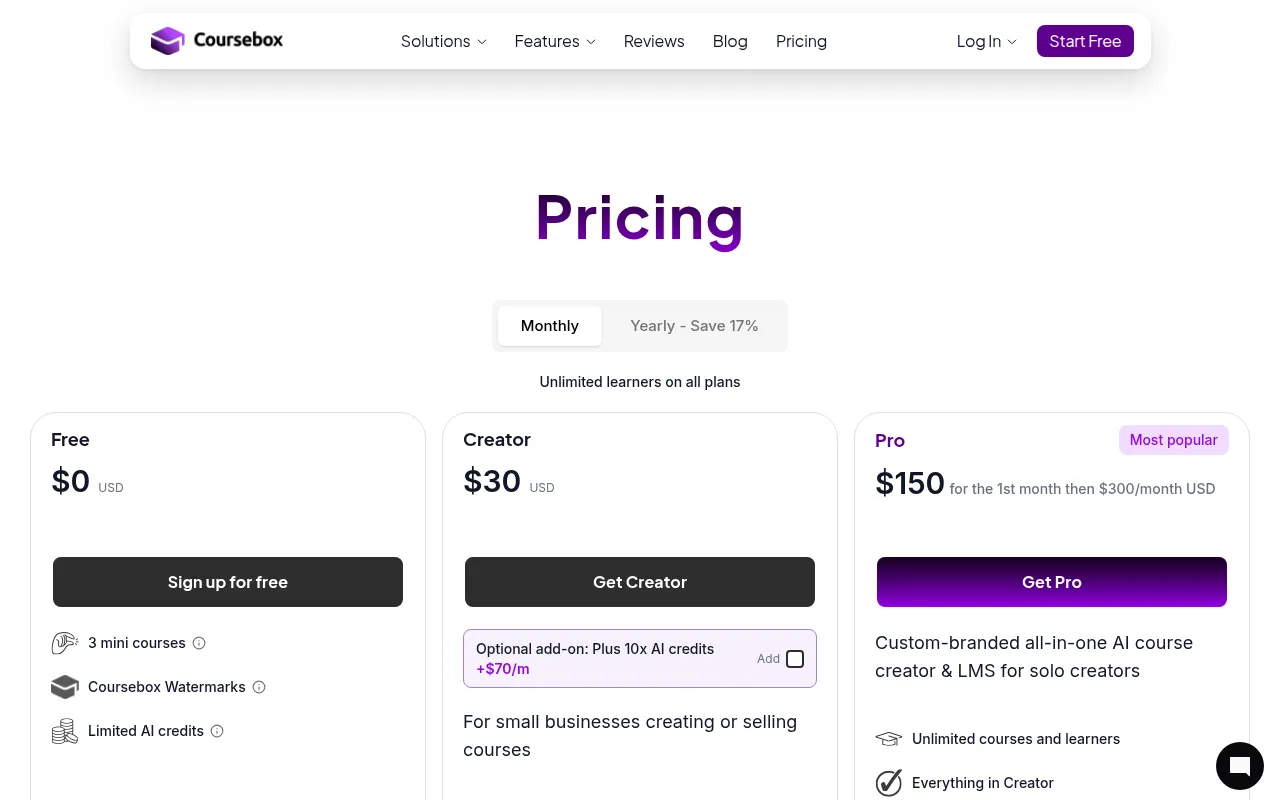
Pricing: Freemium - Pricing information for Coursebox is currently unavailable. Best for: Educational institutions, corporate training departments, and freelance educators.
Book Summaries offers concise audio and text summaries of popular books, making it an ideal tool for busy college students who need to maximize their learning time. With the option to listen to audio summaries or read text versions, students can choose how they want to consume information, fitting their schedule and preferences. This flexibility is crucial for keeping up with extensive reading lists.
The platform covers diverse genres, ensuring that students can find relevant materials no matter their field of study. Bookmarking features allow easy access to favorite summaries, making it simple to revisit important concepts before exams or presentations.
Pricing: Freemium - Pricing information for Book Summaries is currently unavailable. Best for: Busy professionals and students preparing for exams.
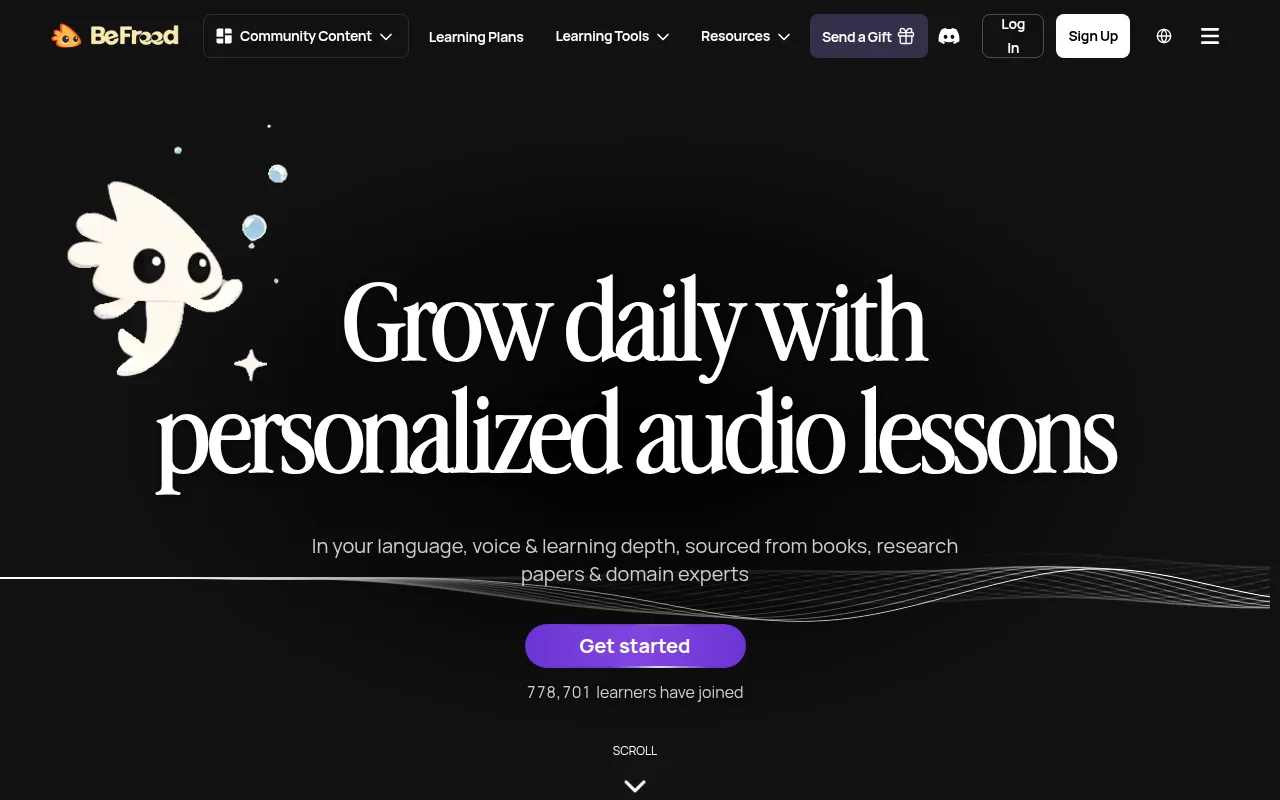
BeFreed stands out with its personalized audio learning experiences, making it perfect for students preparing for exams. The platform curates audio lessons from books and research papers, allowing users to absorb knowledge at their own pace. With multiple voice options for narration, students can choose the voice that keeps them most engaged, enhancing their overall learning experience.
The interactive learning feature, which enables chat capabilities, fosters a sense of community and collaboration among users. Progress tracking ensures that students can monitor their learning journey, addressing the challenge of staying engaged and retaining information.
Pricing: Freemium - BeFreed offers a premium subscription starting at $7.49 per month when billed annually. Best for: Students preparing for exams and professionals seeking continuous learning.
The AI Flashcard Maker by Coursebox is an invaluable tool for students looking to enhance their revision techniques. By utilizing AI technology, this tool assists users in creating customized flashcards that cater to their specific learning needs. This personal touch can significantly improve retention and understanding of complex subjects.
With the ability to add images and audio to flashcards, students can use multisensory learning methods to boost memory. Cloud storage ensures that flashcards are easily accessible across devices, making it simple to study anytime, anywhere.
Pricing: Freemium - Pricing information for AI Flashcard Maker is currently unavailable. Best for: High school and college students and educators seeking efficient teaching tools.
AlbertBro is an innovative online math solver that assists students in solving problems through image inputs. This feature is particularly beneficial for college students who may struggle with complex equations and need quick, reliable answers. The step-by-step solutions provided by AlbertBro help students understand the methodology behind the answers, promoting deeper learning.
Its user-friendly interface ensures that even those who aren't tech-savvy can navigate the tool with ease. With multi-language support, AlbertBro is accessible to a diverse student population, making it an excellent resource for international learners.
Pricing: Freemium - Pricing details for AlbertBro are not publicly available. Best for: Students needing help with math homework and educators looking for teaching aids.
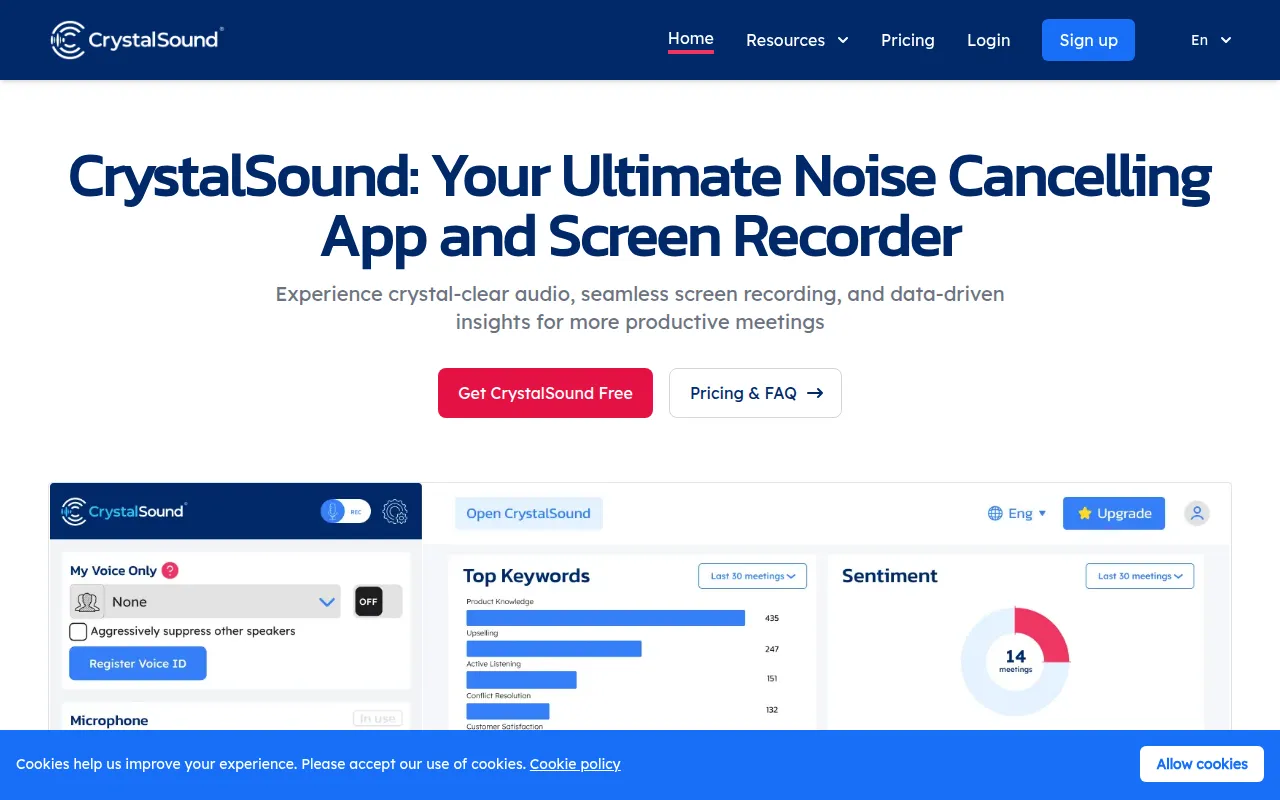
CrystalSound is an advanced tool that enhances virtual meetings with its bi-directional noise cancellation and screen recording capabilities. For college students attending online classes or group discussions, clear audio is crucial for effective communication. CrystalSound minimizes background distractions, allowing for a more focused learning environment.
The ability to generate meeting minutes enhances accountability among group members, ensuring that important points are noted and followed up on. This feature is especially useful for collaborative projects where everyone must stay on the same page.
Pricing: Freemium - CrystalSound offers a promotional pricing model with a buy-one-get-one-free subscription offer. Best for: Remote workers and project managers needing clear audio during meetings.
The AI Quiz Generator by Coursebox is a powerful tool for educators looking to streamline the assessment process. By utilizing AI technology, this tool enables educators to create customized quizzes quickly, ensuring that assessments are aligned with the learning objectives of their courses. For college students, this means receiving assessments that are more relevant and tailored to their learning experiences.
Its automatic grading system saves time for educators, allowing them to focus more on teaching and less on administrative tasks. Additionally, integration with learning management systems ensures that quizzes can be seamlessly incorporated into existing courses.
Pricing: Freemium - Pricing details for the AI Quiz Generator are not publicly available. Best for: K-12 teachers, university professors, and corporate trainers.
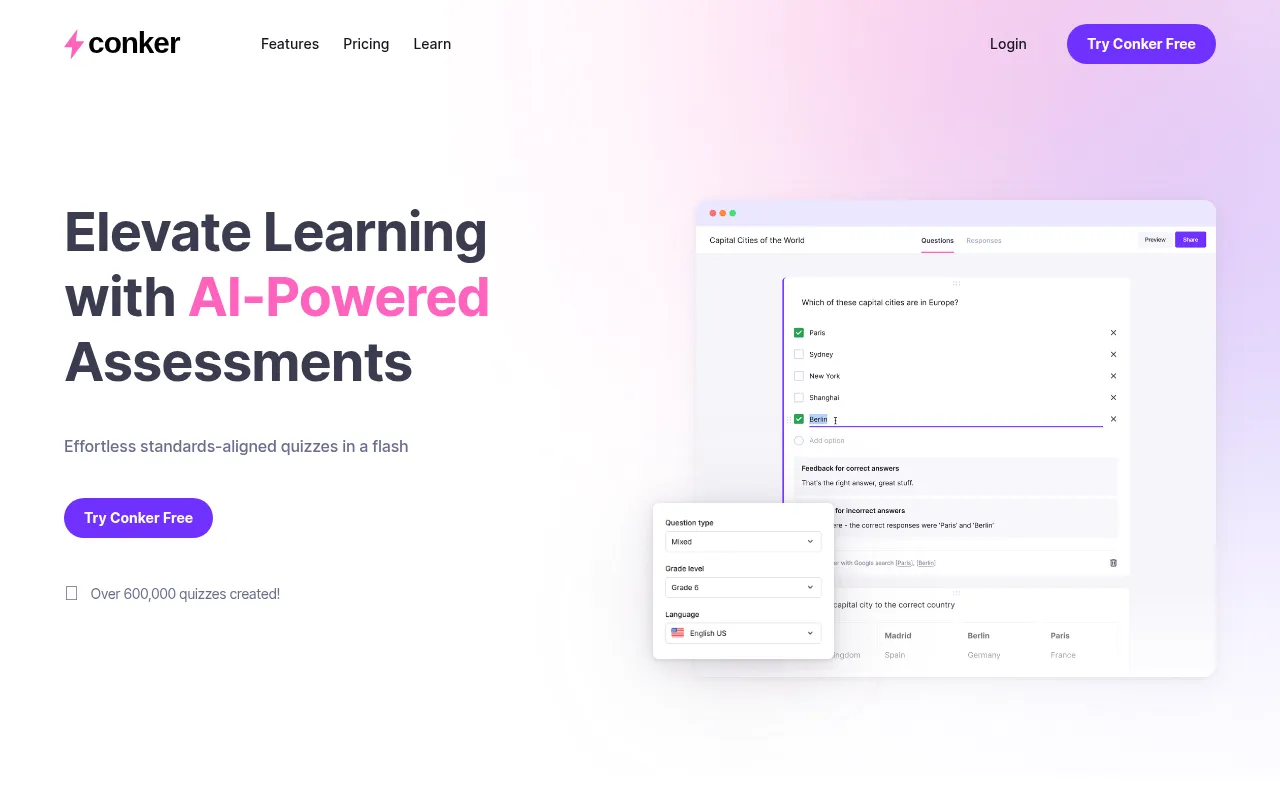
Conker is an intuitive tool designed for creating AI-powered quizzes and assessments. This tool stands out for its customizable template options, allowing educators to design assessments that align with their specific curriculum and learning outcomes. For college students, this means more relevant and engaging quizzes that reflect the material they are studying.
Conker's real-time analytics provide immediate feedback on student performance, enabling educators to identify areas where students may be struggling. This feature is crucial for ensuring that students receive the support they need in their learning journey.
Pricing: Freemium - Pricing information for Conker is currently unavailable on the website. Best for: Educators and corporate trainers assessing learning outcomes.
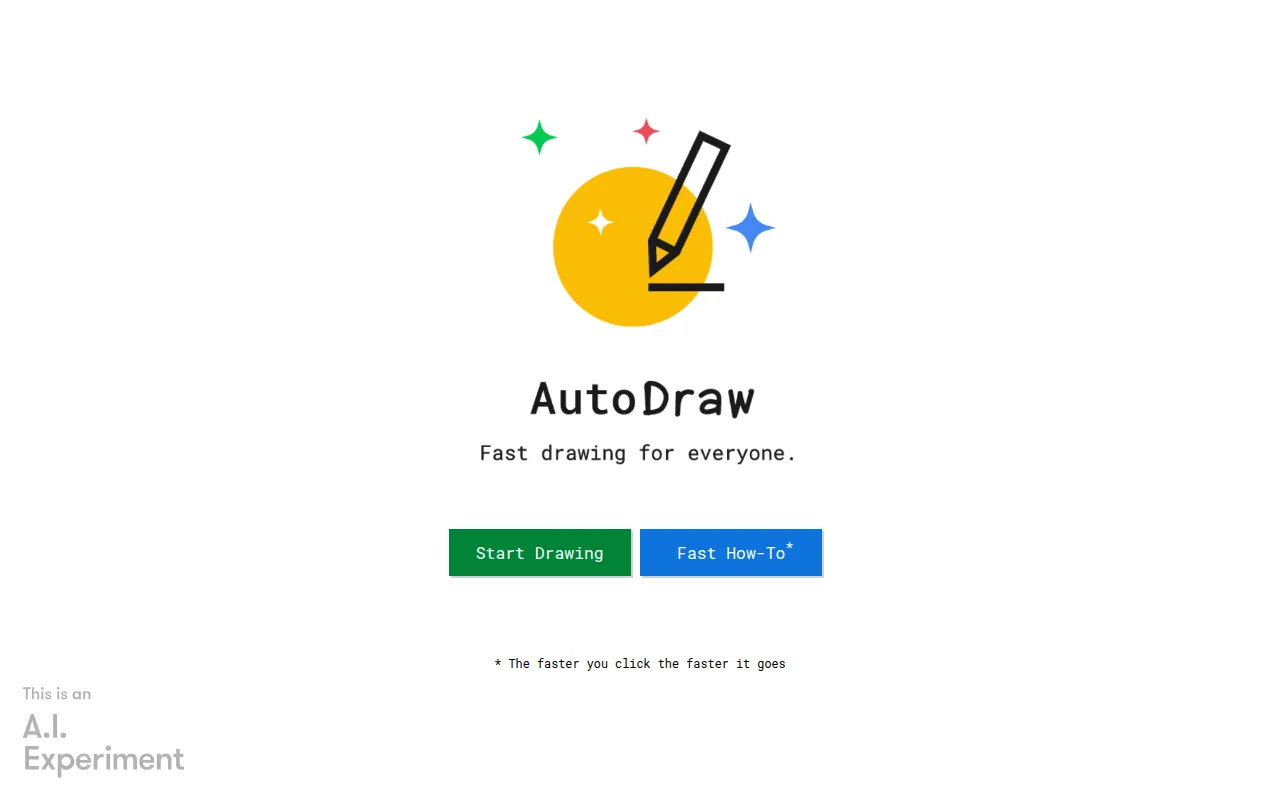
AutoDraw is an innovative online drawing tool that leverages machine learning to assist users in creating quick sketches and drawings. For college students, especially those in creative fields, this tool is invaluable for brainstorming and visualizing ideas. Its user-friendly interface allows even beginners to create impressive designs without needing advanced skills.
The machine learning assistance and artist-generated suggestions help students develop their drawing abilities while saving time. With cloud-based accessibility, students can access their sketches from any device, ensuring that creativity is never limited by location.
Pricing: Free - AutoDraw is completely free to use, making it an accessible tool for all students. Best for: Educators and freelancers needing efficient sketching tools.
Casablanca is a virtual camera software that enhances video calls by restoring natural eye contact without requiring additional hardware. This feature is especially beneficial for college students who rely on online communication for classes and group projects. By making virtual interactions feel more personal, Casablanca helps students engage more effectively with peers and instructors.
The AI-powered adjustments ensure that video quality remains high, providing a professional appearance during online meetings. This is crucial for maintaining rapport and connection in a remote learning environment.
Pricing: Freemium - Pricing details for Casablanca are not explicitly listed on the website. Best for: Remote workers and educators seeking to enhance communication.
| Tool | Best For | Starting Price | Rating |
|---|---|---|---|
| Coursebox | Course management | Freemium | 0.0/5 |
| Book Summaries | Quick learning | Freemium | 0.0/5 |
| BeFreed | Personalized audio learning | Free / $7.49/month | 0.0/5 |
| AI Flashcard Maker by Coursebox | Effective revision | Freemium | 0.0/5 |
| AlbertBro | Math assistance | Freemium | 0.0/5 |
| CrystalSound | Focused virtual meetings | Freemium | 0.0/5 |
| AI Quiz Generator by Coursebox | Assessment creation | Freemium | 0.0/5 |
| Conker | Quick assessments | Freemium | 0.0/5 |
| Autodraw | Quick sketches | Free | 0.0/5 |
| Casablanca | Enhancing video calls | Freemium | 0.0/5 |
For beginners, the AI Flashcard Maker by Coursebox is an excellent choice. Its user-friendly interface and simple flashcard creation process make it easy for new users to start studying effectively. The customization options allow students to tailor their learning experience, making it accessible for anyone, regardless of their familiarity with digital tools.
For professionals, BeFreed stands out due to its personalized audio learning experiences and curated content. The ability to interact with audio lessons and track progress makes it ideal for busy professionals seeking to gain knowledge efficiently while balancing work and study.
The best value pick is Book Summaries. With its freemium model, students can access a wealth of knowledge without incurring any costs, making it a cost-effective solution for quick learning and comprehension.
In today's fast-paced educational environment, leveraging the right virtual learning tools is essential for success. By choosing the tools that best fit your needs, you can enhance your online learning experience and stay engaged with your coursework.
Coursebox is an online learning platform designed for creating and managing educational courses easily and effectively.
Book Summaries offers concise audio and text summaries of popular books to enhance learning and comprehension.
BeFreed offers personalized audio learning experiences, helping users absorb knowledge through curated audio lessons.
AI Flashcard Maker by Coursebox helps users create customized flashcards using AI technology for effective learning.
AlbertBro is an online math solver that assists users in solving math problems through image inputs.
CrystalSound offers advanced noise cancellation and screen recording tools designed to enhance virtual meetings and focus.
AI Quiz Generator by Coursebox helps educators create customized quizzes using artificial intelligence, streamlining assessment creation.
Conker is an intuitive tool for creating AI-powered quizzes and assessments, designed for educators and trainers.
AutoDraw is an online drawing tool that uses machine learning to help users create quick sketches and drawings.
Casablanca is a virtual camera software that enhances video calls by restoring natural eye contact without needing additional hardware.
The best virtual learning tools for college students include Coursebox, BeFreed, and Book Summaries, each offering unique features that cater to different learning needs.
Consider factors like user-friendliness, collaboration features, multimedia support, and cost-effectiveness when selecting a virtual learning tool that suits your needs.
Yes, many virtual learning tools like AutoDraw and Book Summaries offer free access, making them accessible for students on a budget.
Absolutely! Tools like the AI Flashcard Maker and BeFreed provide tailored resources for effective exam preparation.
Many tools, such as Coursebox and CrystalSound, include features designed to enhance collaboration among peers, making group projects easier to manage.
Most tools offer a freemium model, meaning basic features are free while advanced features may require a subscription, like BeFreed's premium plan starting at $7.49 per month.
Simply visit the tool's website, sign up for an account, and begin exploring the features that best fit your learning style and needs.
Weekly roundup of new AI tools, launches, and trending software. No spam — unsubscribe anytime.
No credit card required · Cancel anytime
Weekly roundup of new AI tools, launches, and trending software. No spam — unsubscribe anytime.
No credit card required · Cancel anytime