Introduction
Building a website for your startup can feel overwhelming, especially when you're limited by time and budget. You need effective tools that let you create a professional-looking site without breaking the bank.
Why Startup Founders Struggle With Limited budget and resources for web development
As a startup founder, you often juggle multiple roles, and web development can slip down the priority list. The traditional route involves hiring developers, which can be prohibitively expensive. Many startups find themselves in a position where they need to establish an online presence quickly but lack the technical skills or funds to do so. This can lead to missed opportunities and the inability to connect with potential customers.
What to Look For in Technology Tools
- User-Friendly Interface: For busy founders, a straightforward, intuitive design can save time and reduce frustration.
- Cost-Effectiveness: Look for tools that offer a balance of features and affordability, especially with freemium or low-cost plans.
- Mobile Responsiveness: With more users accessing websites via mobile devices, having responsive designs is crucial for capturing a wider audience.
- SEO Capabilities: Built-in SEO features can help your startup increase visibility without needing expert knowledge.
- E-commerce Integration: If you’re selling products, tools with e-commerce capabilities can streamline your launch process.
Best Best Web Development Tools for Startups
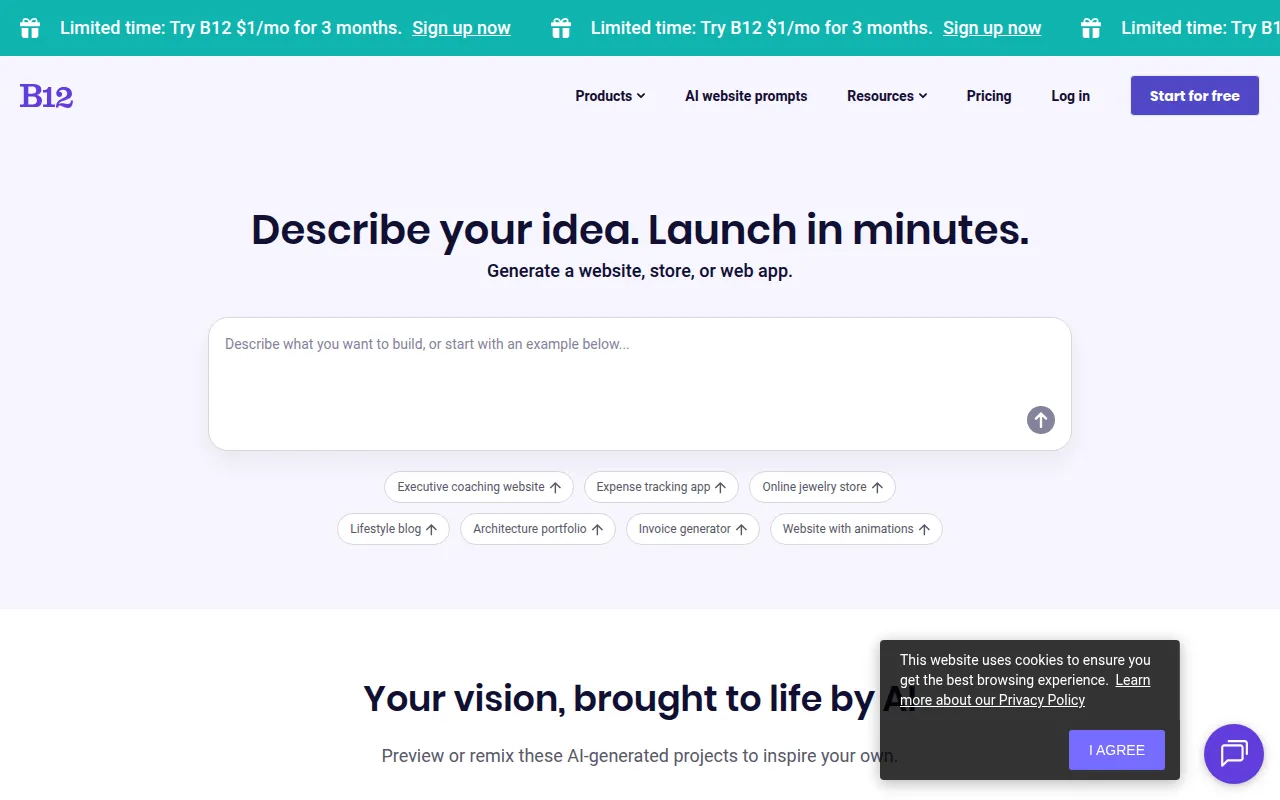
B12 - Best for rapid website creation
B12 is an AI-driven website builder that empowers startups to create professional websites quickly and easily. Its standout feature is the AI-driven design assistance, which helps users select the best layout and visual elements that suit their brand, even without prior design experience. The drag-and-drop interface makes it incredibly user-friendly, allowing you to make changes in real time without touching a line of code.
With mobile-responsive templates, your website will look great on any device, which is essential for today’s users. B12 also offers integrated SEO tools that help optimize your site for better visibility in search engines, crucial for attracting initial traffic. Furthermore, it includes e-commerce capabilities, allowing startups to launch online stores seamlessly.
- AI-driven design assistance: Tailors your website to your brand effortlessly.
- Easy drag-and-drop interface: No coding skills required, speeding up the design process.
- Mobile-responsive templates: Ensures a great user experience across devices.
- Integrated SEO tools: Helps you rank higher on search engines.
- E-commerce capabilities: Sell products directly from your site.
Pricing: Freemium - $1 per month for the first three months, then standard pricing. Best for: Small businesses, freelancers, and startups.
Appypie - Best for no-code enthusiasts
Appy Pie is a no-code website builder that enables users to create and publish websites easily with a drag-and-drop interface. This platform stands out due to its extensive library of over 200 professionally designed templates, making it easy for startups to find a design that fits their brand without extensive customization. The built-in SEO tools help ensure that your site gains the visibility it needs to attract customers.
Appy Pie is particularly beneficial for those looking to create e-commerce sites, as it offers various e-commerce capabilities. This means you can set up an online store to start selling products almost immediately. The responsive design features ensure your site looks great on all devices, which is essential for user engagement.
- Drag-and-drop editor: Simplifies the design process, allowing for quick edits.
- 200+ templates: Provides a range of options to suit different industries.
- Built-in SEO tools: Enhances your website's visibility on search engines.
- E-commerce capabilities: Launch an online store without technical expertise.
- Responsive design: Guarantees a mobile-friendly experience.
Pricing: Freemium - Pricing information is currently not publicly available. Best for: Small business owners, freelancers, and local restaurants.
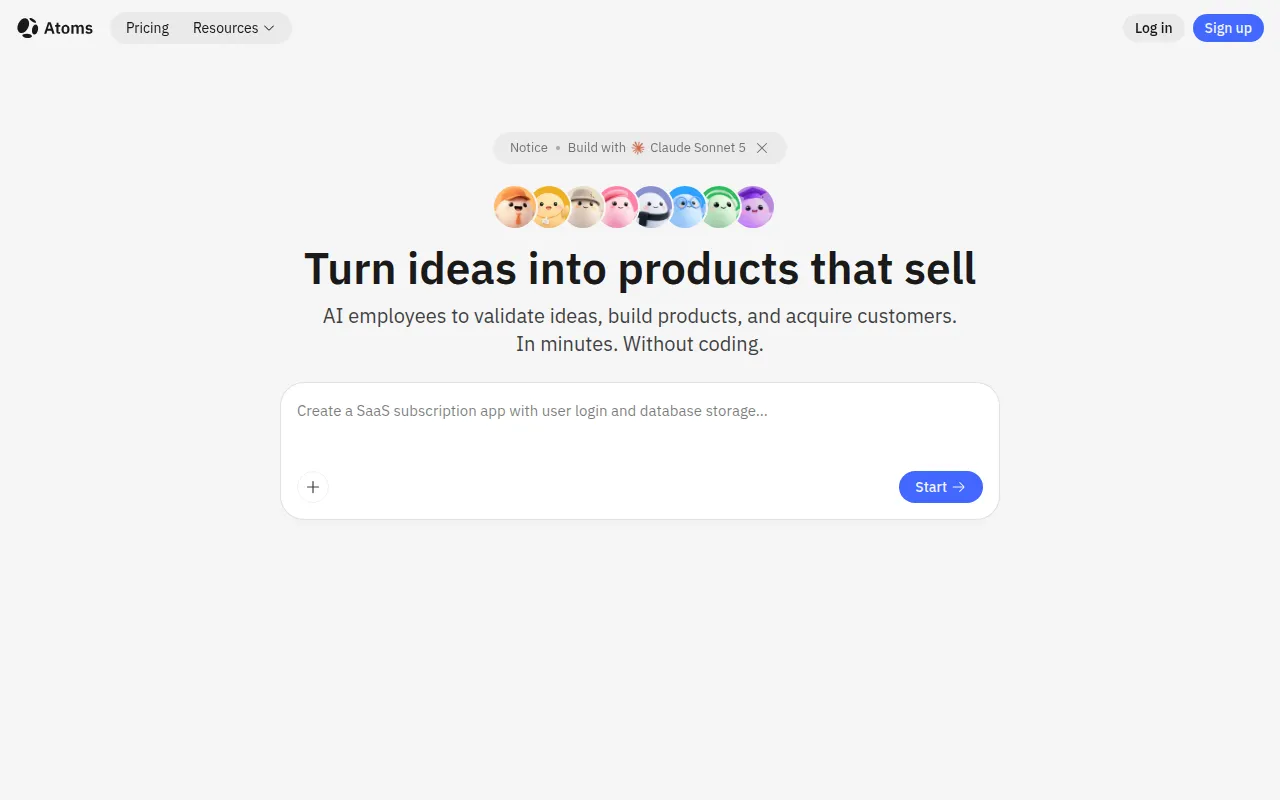
Atoms - Best for quick app and website launches
Atoms is an AI-driven website builder designed for those who want to create websites and applications without any coding skills. Its AI-powered capabilities allow users to build websites or apps quickly, which is crucial for startups looking to launch their digital products. The template library provides users with quick-start options, saving time during the design phase.
Additionally, Atoms offers customizable SaaS applications and e-commerce integration options, making it a versatile choice for startups. The platform also supports internal tools development, which can be beneficial for startups looking to streamline their operations and improve efficiency.
- AI-Powered Website and App Builder: Enables users to create digital products without coding.
- Template Library: Quick-start options for faster launches.
- Customizable SaaS Applications: Tailor your applications to meet your specific needs.
- E-commerce Integration Options: Easily set up online selling capabilities.
- Internal Tools Development: Build tools to enhance operational efficiency.
Pricing: Freemium - Free plan available, paid plans starting at $20 per month. Best for: Entrepreneurs and small business owners.
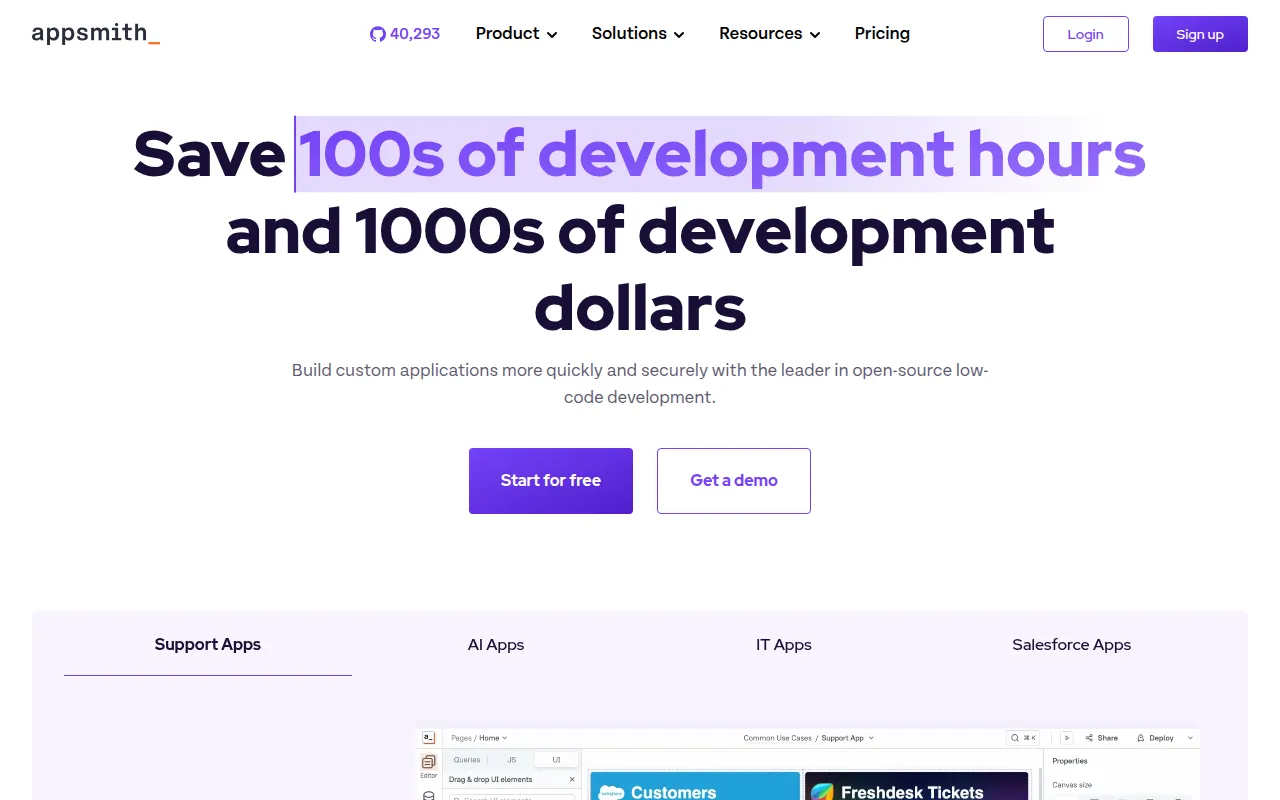
Appsmith AI - Best for custom software development
Appsmith AI is an open-source low-code application platform that enables developers to build custom software quickly and efficiently. This tool is especially valuable for startups that need to prototype applications swiftly. The drag-and-drop UI builder makes it easy to create user interfaces without extensive coding knowledge, allowing founders to focus on functionality rather than design.
With broad data source connectivity, Appsmith AI can integrate various databases and services, providing startups with the flexibility to build applications that meet their unique needs. Additionally, the complete JavaScript customization allows for advanced functionality, making it a powerful tool for development teams.
- Open-source platform: Offers customization and flexibility for unique projects.
- Drag-and-drop UI builder: Simplifies application design for non-developers.
- Broad data source connectivity: Integrates with various databases for robust applications.
- Complete JavaScript customization: Allows for advanced features and functionality.
- CI/CD integration with Git: Streamlines deployment processes.
Pricing: Freemium - Free plan for individuals; Business plan at $15 per month per user. Best for: Small businesses and development teams.
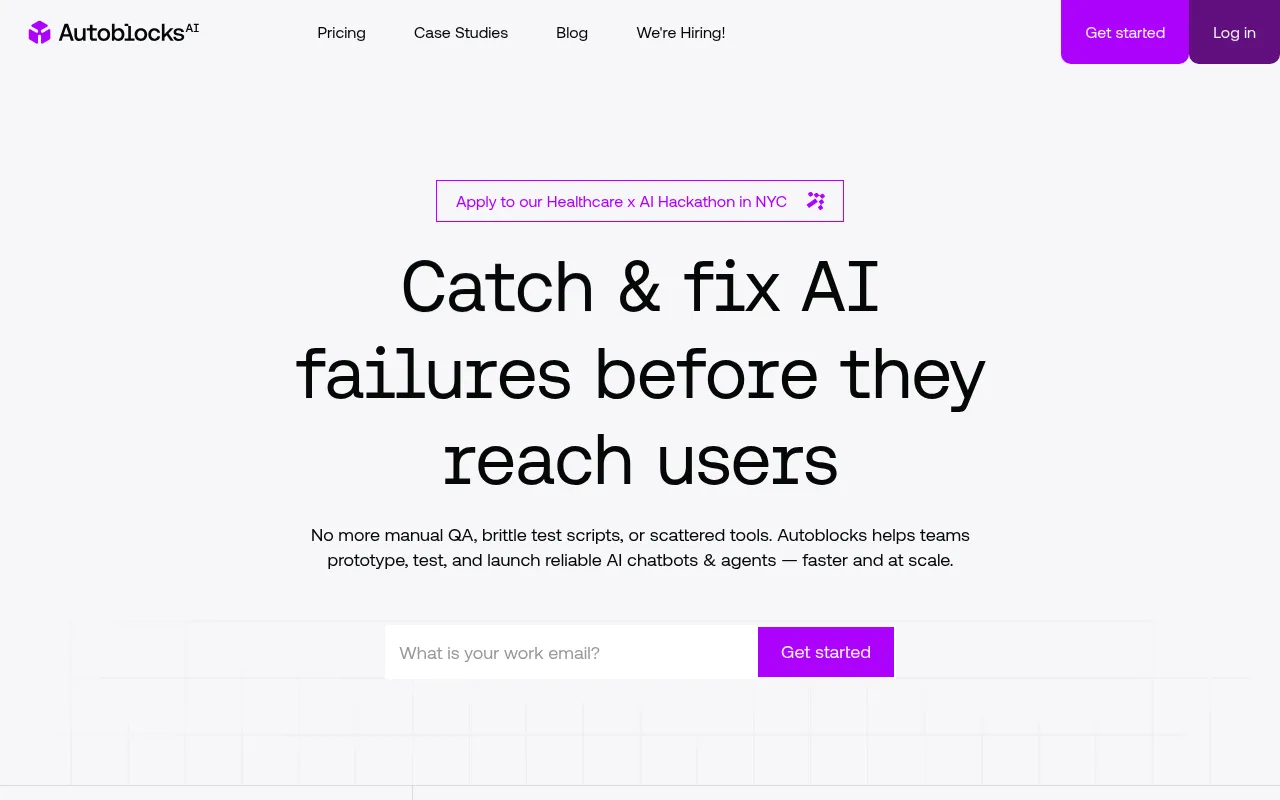
Autoblocks AI - Best for AI application development
Autoblocks AI helps teams build and deploy reliable AI applications with tools for collaboration and quality assurance. This platform is particularly useful for development teams working on AI projects, providing collaboration tools that enhance teamwork. The integrated testing frameworks ensure application reliability, which is essential when deploying AI models.
With workflow management capabilities, Autoblocks AI streamlines the development process, allowing teams to focus on building quality applications. It also supports multiple programming languages and frameworks, making it versatile for various development needs.
- Collaboration tools: Facilitates teamwork and project management.
- Integrated testing frameworks: Ensures reliable application performance.
- Workflow management capabilities: Streamlines the development process.
- Evaluation tools for AI models: Helps assess model performance.
- Support for multiple programming languages: Increases versatility in development.
Pricing: Freemium - Pricing information is currently unavailable. Best for: Software development teams and data scientists.
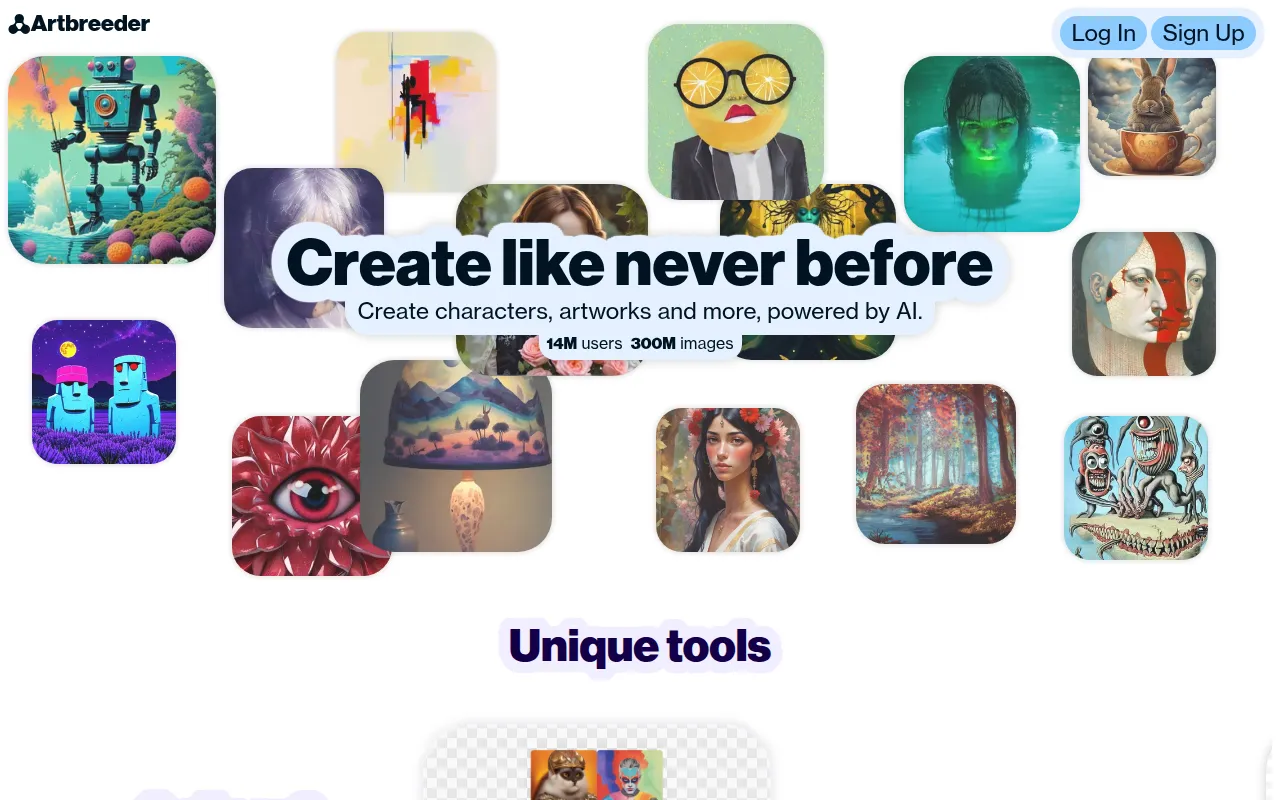
Artbreeder - Best for unique visual content creation
Artbreeder is an AI-driven collaborative tool for creating and exploring unique images through user collaboration. This platform is particularly useful for graphic designers and marketing teams looking for unique visuals to enhance their branding. Artbreeder allows users to blend images and adjust features, resulting in original artwork that stands out.
The collaboration tools enable teams to work together on visual assets, making it easier to generate ideas and iterate on designs. With high-resolution downloads available, users can utilize these creations across various platforms and marketing materials.
- Image blending: Allows for unique visual creation through collaboration.
- Feature adjustment: Customize images to fit brand needs.
- Collaboration tools: Enhance teamwork in design processes.
- High-resolution downloads: Suitable for professional use.
- Privacy controls: Manage who can view or edit your creations.
Pricing: Freemium - Various pricing plans starting from a free tier. Best for: Graphic designers and marketing teams.
ArkDesign - Best for simplifying design processes
ArkDesign is a graphic design tool that simplifies the design process with AI-driven features for users of all skill levels. It is great for small businesses that need marketing materials but may not have a dedicated designer on staff. The AI design assistance ensures that users can create appealing visuals with minimal effort.
The extensive template library and image editing tools make it easy to create professional-quality designs for social media, websites, and print materials. Collaboration features also allow teams to work together on designs, enhancing creativity and efficiency.
- AI Design Assistance: Helps users create appealing visuals quickly.
- Template Library: Provides pre-designed templates for various needs.
- Image Editing Tools: Allows for customization of graphics and photos.
- Collaboration Features: Enhances teamwork in design projects.
- Export Options: Save designs in various formats for different uses.
Pricing: Freemium - Pricing information is currently not available. Best for: Small businesses and freelancers.
Beloga - Best for research and insights
Beloga is a resource platform providing information and insights on various topics of general interest. While not a traditional web development tool, it can be beneficial for startup founders looking for research materials. The user-friendly interface and search functionality make it easy to find relevant information quickly.
This platform can provide valuable insights into industry trends and competitor analysis, supporting informed decision-making for web development projects. Regular updates ensure that users have access to the latest information.
- Information Resources: Offers a wealth of knowledge on diverse topics.
- User-Friendly Interface: Facilitates easy navigation and information retrieval.
- Search Functionality: Quick access to relevant research materials.
- Topic Variety: Covers a broad range of interests.
- Regular Updates: Ensures access to current information.
Pricing: Free - Pricing information is not available. Best for: Students and professionals.
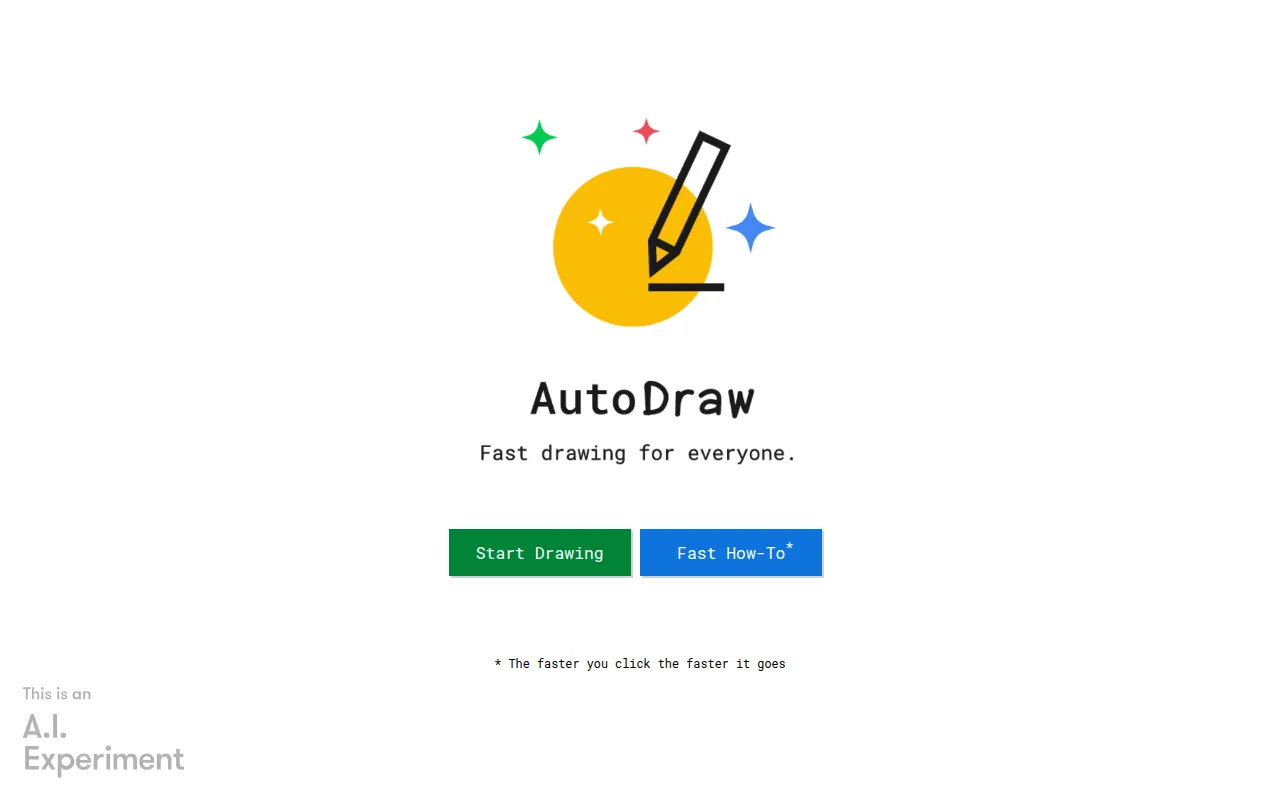
Autodraw - Best for quick sketching
AutoDraw is an online drawing tool that uses machine learning to help users create quick sketches and drawings. This tool is particularly useful for startup founders who need to draft visual ideas quickly but may not have artistic skills. The machine learning assistance provides artist-generated suggestions, enhancing the quality of sketches.
The user-friendly interface and quick sketch recognition make it easy for anyone to create visuals, whether for brainstorming sessions or client presentations. This tool can help startups convey ideas visually, making communication more effective.
- Machine Learning Assistance: Generates suggestions to improve sketches.
- Artist-Generated Suggestions: Provides high-quality visual ideas.
- User-Friendly Interface: Simplifies the drawing process.
- Quick Sketch Recognition: Allows for fast visual idea generation.
- Cloud-Based Accessibility: Use it anywhere, anytime.
Pricing: Free - Autodraw is free to use. Best for: Educators and small business owners.
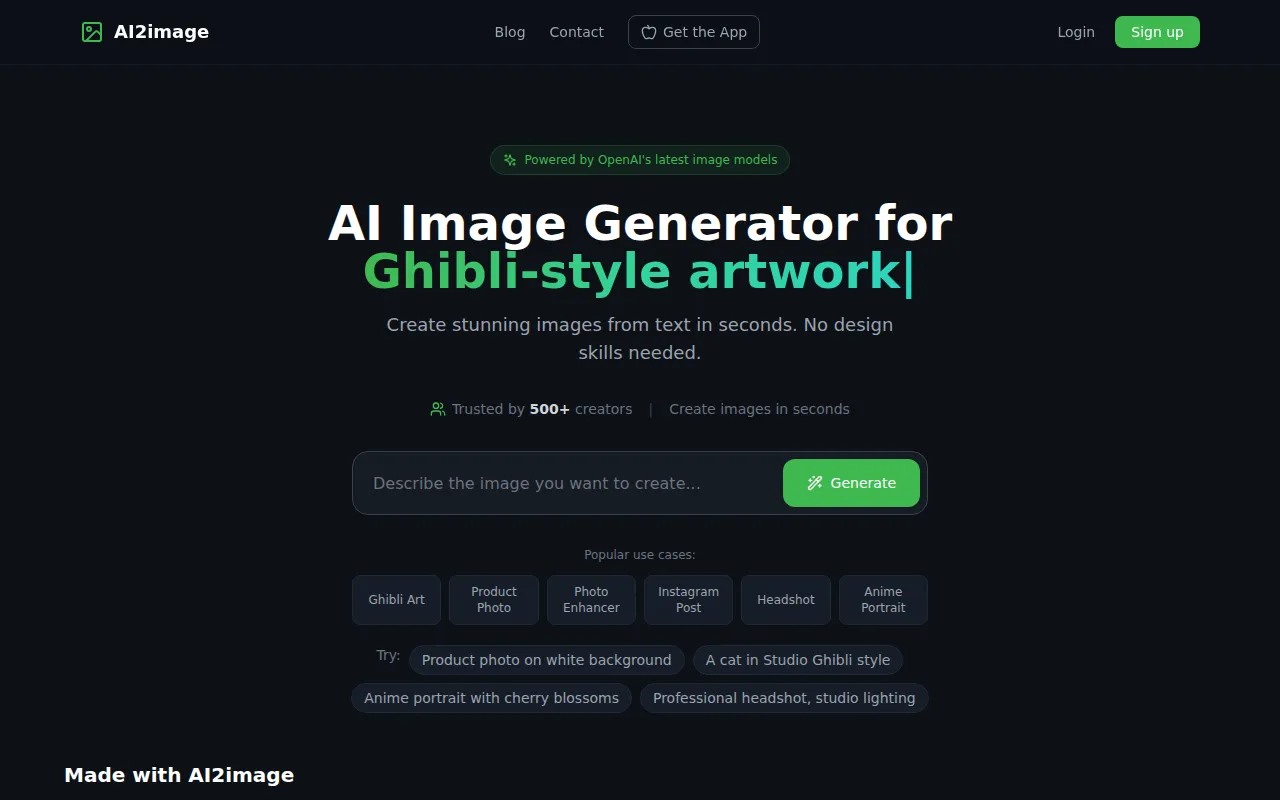
AI2image - Best for unique visuals without sign-up
AI2image is a free AI image generator that transforms text prompts into stunning visuals without requiring sign-up. This tool can be a game-changer for startup founders who need eye-catching graphics quickly without the hassle of creating accounts. Its ability to generate images based on prompts allows for creativity and customization, making it useful for marketing and branding efforts.
With capabilities for creating Ghibli-style artwork, anime characters, and logos, AI2image caters to a wide range of visual needs. This flexibility can help startups maintain a strong visual identity without incurring high costs or extensive design time.
- AI Art Generation: Quickly creates stunning visuals from text prompts.
- Ghibli Style Artwork: Unique artistic styles for branding.
- Anime Character Creation: Appeals to specific demographic groups.
- Logo Design Capabilities: Generate professional logos easily.
- Headshot Generation: Create personalized visuals for team profiles.
Pricing: Free - No sign-up required. Best for: Content creators and marketing teams.
Quick Comparison
| Tool | Best For | Starting Price | Rating |
|---|
| B12 | Rapid website creation | $1/mo | 0.0/5 |
| Appypie | No-code enthusiasts | Free | 0.0/5 |
| Atoms | Quick app and website launches | Free | 0.0/5 |
| Appsmith AI | Custom software development | Free | 0.0/5 |
| Autoblocks AI | AI application development | Free | 0.0/5 |
| Artbreeder | Unique visual content creation | Free | 0.0/5 |
| ArkDesign | Simplifying design processes | Free | 0.0/5 |
| Beloga | Research and insights | Free | 0.0/5 |
| Autodraw | Quick sketching | Free | 0.0/5 |
| AI2image | Unique visuals without sign-up | Free | 0.0/5 |
Best Choice for Beginners
B12 is the best choice for beginners. Its AI-driven design assistance and user-friendly drag-and-drop interface make it easy for anyone to create a professional website without prior experience.
Best Choice for Professionals
Appsmith AI stands out as the best choice for professionals. Its open-source nature and advanced JavaScript customization options allow experienced developers to build highly tailored applications efficiently.
Best Value Pick
Atoms is the best value pick due to its freemium model and comprehensive features, making it a cost-effective solution for startups needing both websites and applications.
Conclusion
With the right tools, building a website for your startup can be a straightforward process. Explore these options and take the first step toward establishing your online presence.