Introduction
In the fast-paced world of remote work, communication gaps can hinder collaboration and lead to inefficiencies. As teams spread across different locations, finding the right tools to foster teamwork and enhance productivity becomes crucial.
Why Remote Teams Struggle With Remote work can lead to communication gaps and inefficiencies
Remote teams often face unique challenges that can create obstacles in their workflows. Without face-to-face interactions, messages can be misinterpreted, and important information may slip through the cracks. For instance, a marketing team disbursed across various time zones may struggle to synchronize campaigns due to time delays in communication, leading to missed deadlines and fragmented efforts. Additionally, the lack of effective task management tools can cause confusion about who is responsible for what, resulting in duplicated efforts or overlooked tasks.
What to Look For in Business Tools
- Ease of Use: Tools should be intuitive, allowing team members to onboard quickly without extensive training.
- Integration Capabilities: The ability to connect with existing tools can streamline workflows and reduce friction.
- Collaboration Features: Look for tools that facilitate real-time collaboration, ensuring everyone stays on the same page.
- Scalability: Choose tools that can grow with your team, accommodating changes in size and complexity.
- Support and Resources: Good customer support and available resources can make a significant difference when issues arise.
Best Essential Productivity Tools for Remote Teams
Liaise - Best for Team Communication
Liaise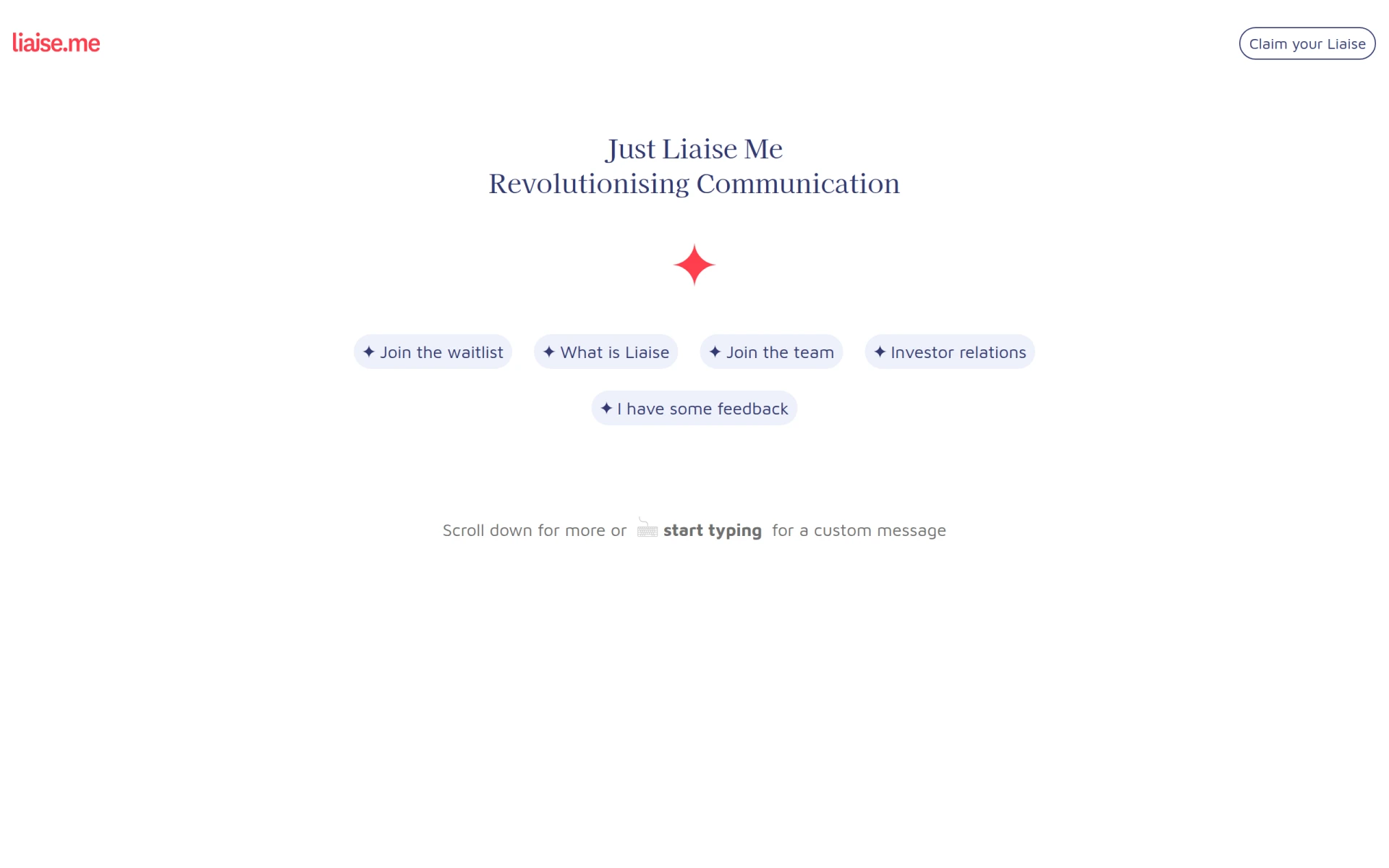 is a robust communication platform that enhances collaboration among remote teams. It allows for real-time messaging, ensuring team members can communicate instantly, regardless of their location. With its task assignment and tracking features, team leaders can delegate responsibilities effectively and monitor progress seamlessly.
Moreover, Liaise integrates with popular productivity tools, making it easier for teams to centralize their tasks and communication in one place. The customizable user profiles allow team members to personalize their experience, which can improve engagement and collaboration. However, as a newer tool, some features may still be in development, which could limit its overall functionality.
- Real-time messaging: Facilitates immediate communication, reducing delays in responses.
- Task assignment and tracking: Helps teams manage their responsibilities and deadlines effectively.
- File sharing capabilities: Enables easy sharing of documents, streamlining collaboration.
- Integration with popular productivity tools: Reduces friction by connecting with existing software your team already uses.
- Customizable user profiles: Enhances user experience and engagement.
Pricing: Contact for details. Best for: Small to medium-sized businesses, marketing teams, project managers.
Manus - Best for Workflow Automation
Manus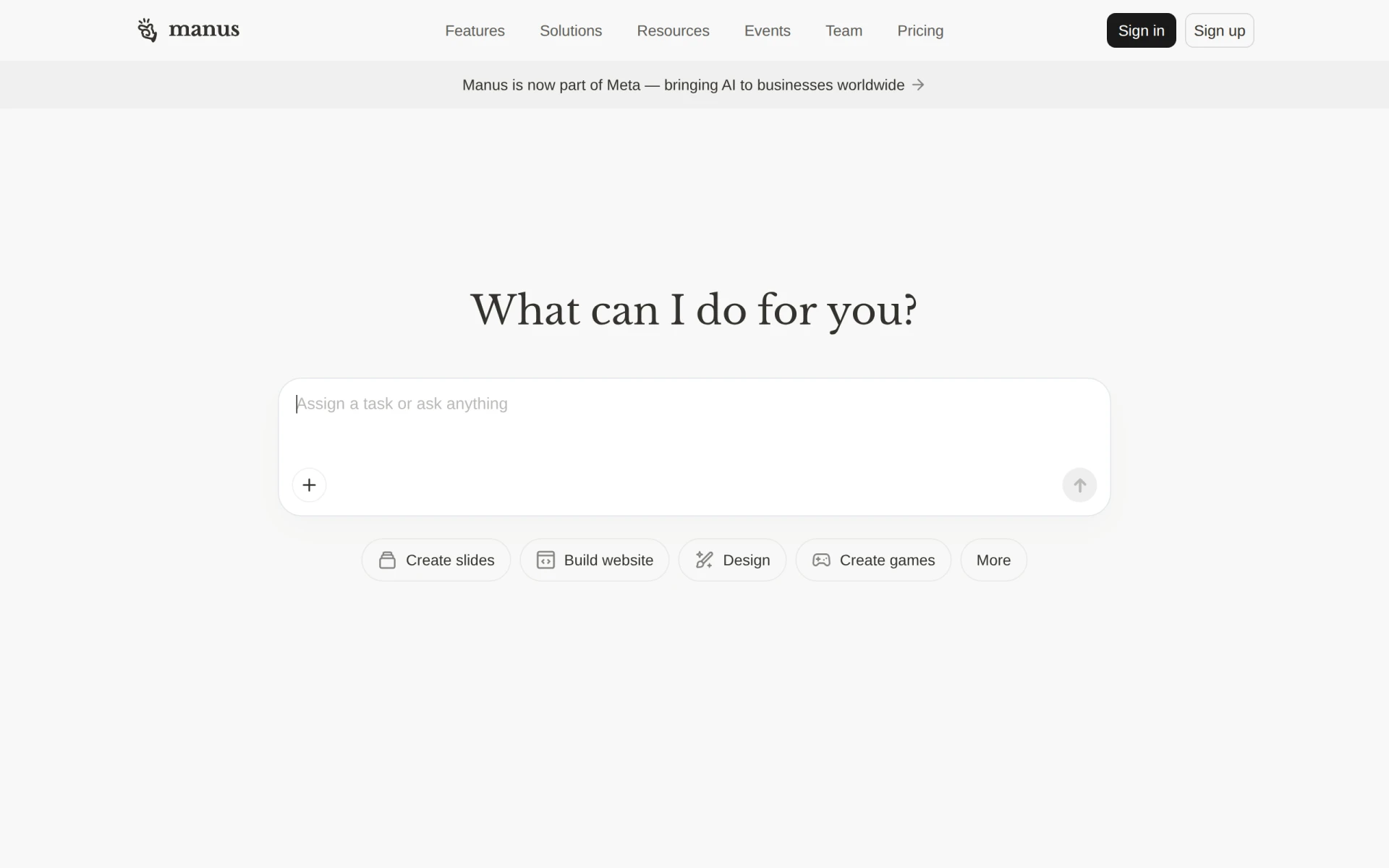 stands out as an AI-driven tool that automates workflows and enhances team productivity. Its AI task execution feature can take on repetitive tasks, freeing up team members to focus on more strategic initiatives. This is especially beneficial for teams involved in marketing, where creating presentations and managing projects can be time-consuming.
Additionally, Manus integrates with Slack, which many teams already use for communication, allowing for a seamless transition into automated workflows. The document and slide creation features also make it easier for teams to produce high-quality materials quickly. However, being a newer application means it might lack some advanced features found in more established tools.
- AI Task Execution: Automates repetitive tasks, saving time and increasing efficiency.
- Workflow Automation: Streamlines processes, allowing teams to focus on high-impact activities.
- Integration with Slack: Facilitates communication and task management within an existing platform.
- Document and Slide Creation: Makes it easy to produce professional materials quickly.
- Website Building Tools: Provides additional resources for teams needing to create online presences.
Pricing: Freemium - specifics not publicly available. Best for: Small to medium-sized businesses and marketing teams needing to automate tasks.
Minduck - Best for Project Management
Minduck serves as a comprehensive project management tool aimed at enhancing collaboration and efficiency within teams. Its task management feature allows teams to break down projects into manageable tasks and assign them to team members, ensuring accountability and clarity. Moreover, the time tracking feature helps in monitoring productivity levels, which is crucial for remote teams striving for maximum efficiency.
The resource allocation feature enables team leaders to optimize the use of their human resources, ensuring that workloads are evenly distributed. Minduck also offers project templates that can save time when starting new projects, although some users may find the learning curve steep when first using the platform.
- Task Management: Helps teams break projects down into actionable items.
- Team Collaboration: Facilitates discussions and updates within the platform.
- Time Tracking: Monitors productivity, helping teams stay on schedule.
- Resource Allocation: Ensures an even distribution of workloads among team members.
- Project Templates: Saves time on project initiation.
Pricing: Contact for details. Best for: Project managers and team leaders.
Merlin - Best for Automation
Merlin is a powerful workflow automation tool designed to enhance business efficiency. Its task management capabilities allow teams to track individual tasks and milestones, ensuring everyone knows what needs to be done and by when. The integration with third-party applications means that teams can leverage their existing toolsets to create a more cohesive workflow.
Real-time collaboration features allow teams to work together seamlessly, regardless of their physical location. Merlin’s customizable templates also help teams streamline repetitive processes, although some users may find the setup process a bit complex at first.
- Workflow Automation: Increases efficiency by automating repetitive tasks.
- Task Management: Keeps track of individual responsibilities and deadlines.
- Integration with Third-Party Applications: Reduces friction by connecting with tools teams already use.
- Customizable Templates: Saves time on repetitive tasks.
- Real-Time Collaboration: Facilitates teamwork regardless of location.
Pricing: Freemium - specifics not publicly available. Best for: Small to medium-sized businesses and project managers.
Nexus - Clay - Best for Networking
Nexus - Clay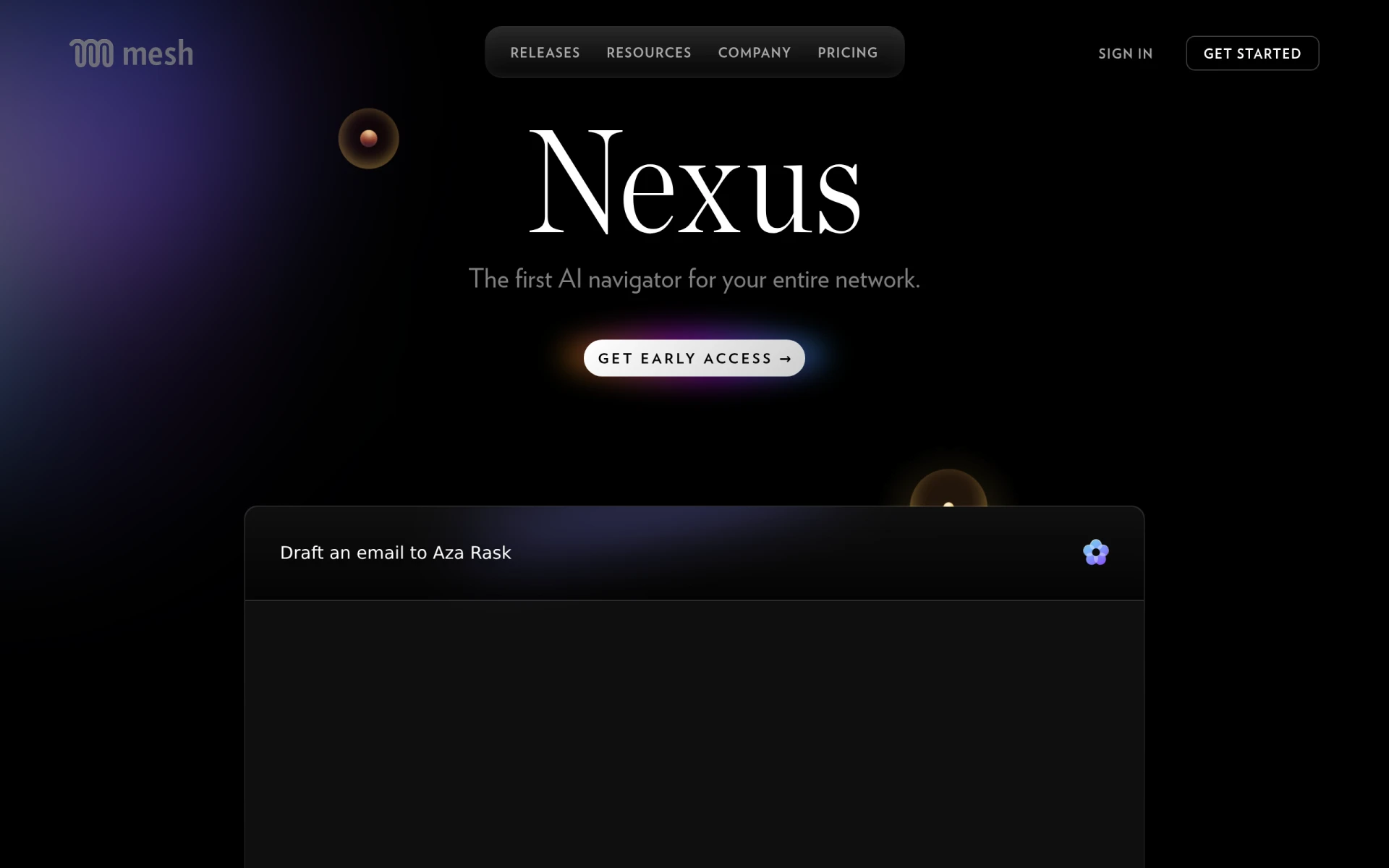 is an AI navigator that aids users in managing and engaging with their professional networks effectively. Its AI-powered navigation allows teams to identify connections and potential leads, which is especially useful for sales teams looking to expand their client base. The collaborative networking features enable team members to work together in managing relationships, ensuring that no opportunities are missed.
The user-friendly interface makes it easy for teams to adopt the tool quickly, while cross-platform availability ensures that team members can access their networks from anywhere. However, as with many AI-driven tools, there may be a learning curve as the software adapts to user behaviors.
- AI-Powered Navigation for Networks: Helps teams identify potential leads and opportunities.
- Integration with Popular Tools: Enhances workflow by connecting with existing systems.
- Collaborative Networking Features: Promotes teamwork in managing professional relationships.
- User-Friendly Interface: Ensures quick adoption by team members.
- Cross-Platform Availability: Provides access from any device.
Pricing: Freemium - specifics not publicly available. Best for: Sales teams and project managers coordinating with various stakeholders.
FuseBase AI - Best for AI Assistance
FuseBase AI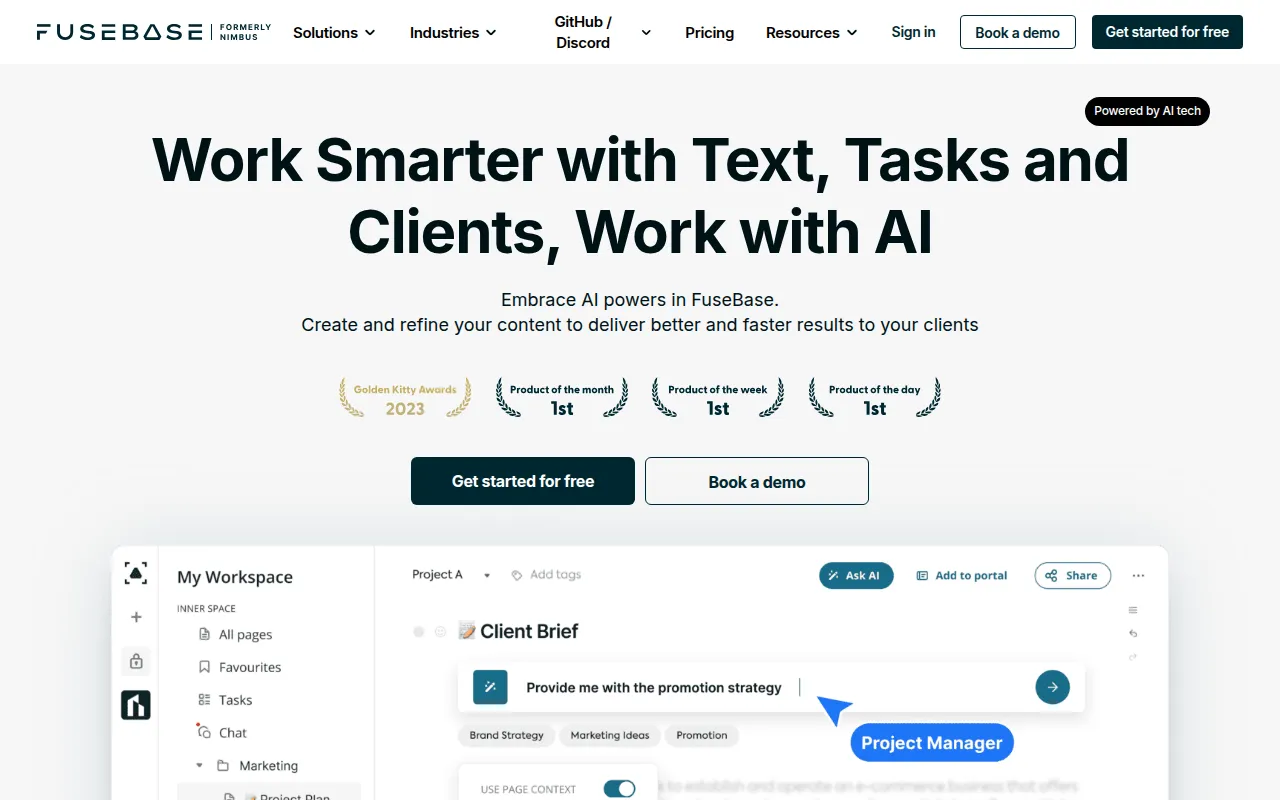 is a productivity-focused AI assistant that is designed to enhance workplace efficiency through intelligent automation. Its AI-driven task management feature helps teams prioritize tasks based on urgency and importance, ensuring that critical work gets done first. Additionally, the automated meeting scheduling feature saves valuable time for team members, allowing them to focus on their core responsibilities.
The intelligent note-taking capabilities and contextual information retrieval allow teams to keep track of important discussions and details, which is especially useful for remote teams that need to document decisions made during virtual meetings. However, as an emerging tool, it may not have all the features required by larger organizations.
- AI-driven task management: Prioritizes tasks based on urgency and importance.
- Automated meeting scheduling: Saves time and reduces scheduling conflicts.
- Intelligent note-taking capabilities: Keeps track of important discussions and decisions.
- Contextual information retrieval: Provides relevant information as needed.
- Team collaboration tools: Facilitates seamless communication among team members.
Pricing: Freemium - specifics not publicly available. Best for: Small to medium-sized businesses and project managers.
IBM BPM - Best for Enterprises
IBM BPM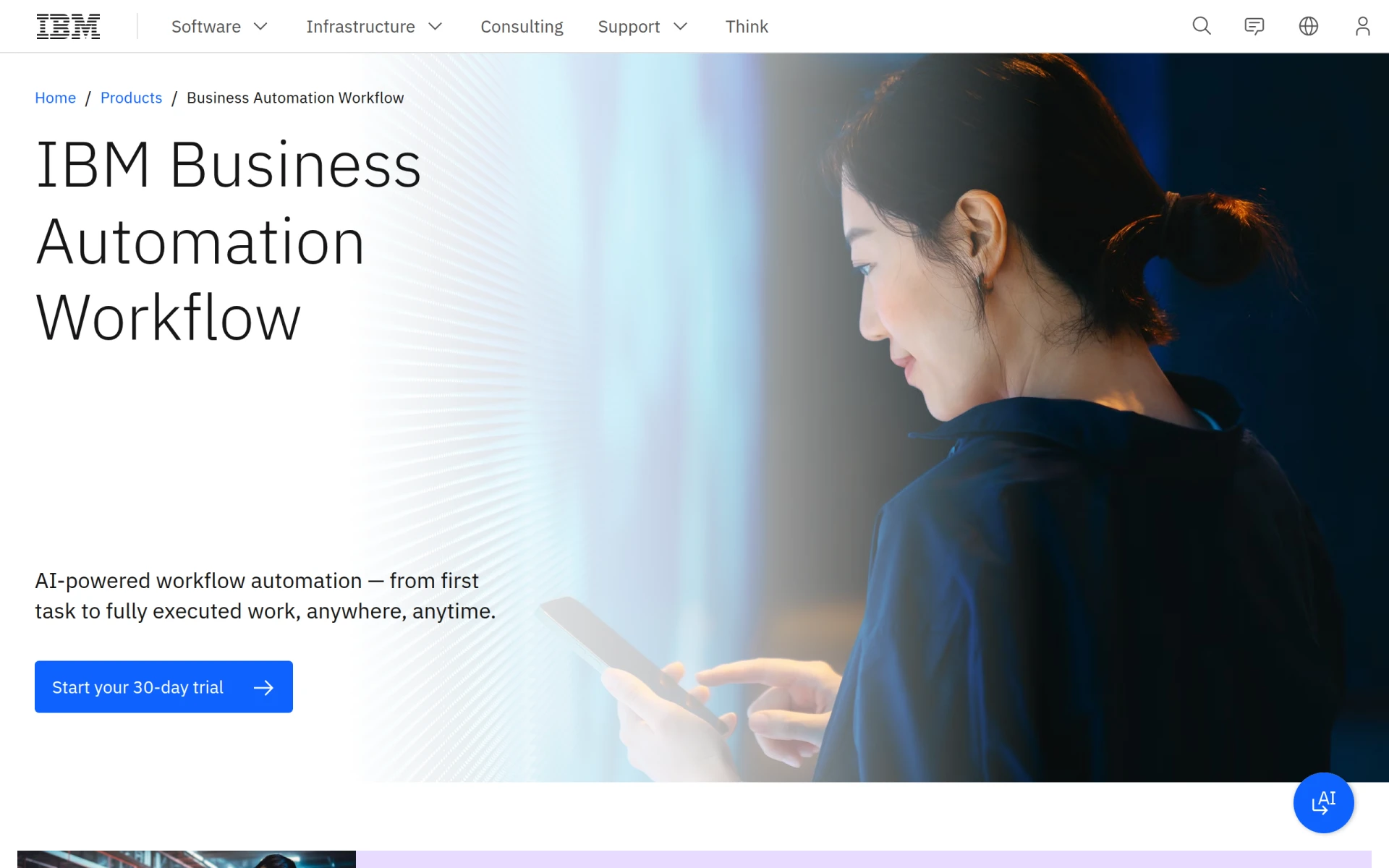 is a robust tool that helps automate digital workflows and enhances productivity across various environments. Its AI-driven workflow automation simplifies complex processes, allowing teams to focus on high-value tasks. With process mapping and modeling tools, teams can visualize workflows, identify bottlenecks, and optimize their operations for maximum efficiency.
The integration with IBM Cloud Pak for Business Automation provides a comprehensive solution for enterprises looking to streamline their digital workflows. However, its complexity may be overwhelming for smaller teams or those without dedicated IT support.
- AI-driven workflow automation: Streamlines processes and reduces manual effort.
- Integration with IBM Cloud Pak for Business Automation: Enhances functionality and provides a complete solution.
- Process mapping and modeling tools: Allows teams to visualize and optimize workflows.
- Real-time analytics and reporting: Helps teams track performance and make data-driven decisions.
- Support for both on-premises and cloud deployment: Provides flexibility in deployment options.
Pricing: Freemium - specifics not publicly available. Best for: Medium to large enterprises, particularly in finance and healthcare.
Jitera - Best for AI Context Management
Jitera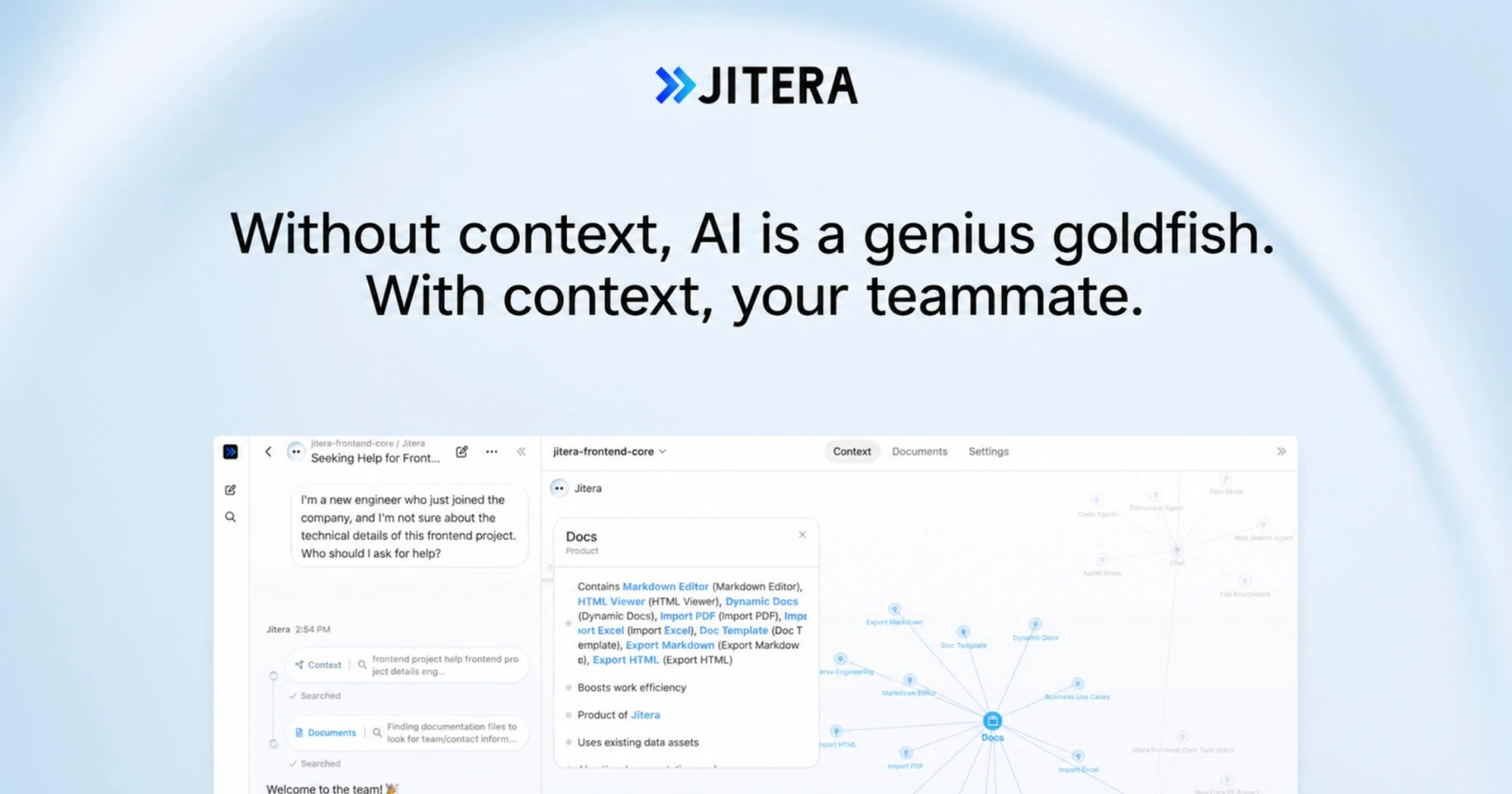 is an innovative AI workspace that enhances team collaboration by integrating AI agents to manage context and information flow. Its collaborative workspace allows teams to share real-time updates and information, ensuring that everyone is aligned and informed. The customizable AI agents learn from team interactions, providing tailored insights and recommendations that can help improve workflows.
Additionally, Jitera's version control for documents ensures that teams can track changes and maintain the integrity of their files. While it can be a powerful tool for large teams, some users may find that it requires a significant investment of time to set up effectively.
- AI-driven context management: Helps teams manage information flow and context.
- Integration with existing documentation and communication tools: Streamlines workflows by connecting with the tools teams already use.
- Collaborative workspace for real-time updates: Keeps everyone informed and aligned.
- Customizable AI agents: Provides tailored insights based on team interactions.
- Version control for documents: Maintains the integrity of files and tracks changes.
Pricing: Contact for details. Best for: Medium to large teams in dynamic environments.
BizCard - Best for Digital Networking
BizCard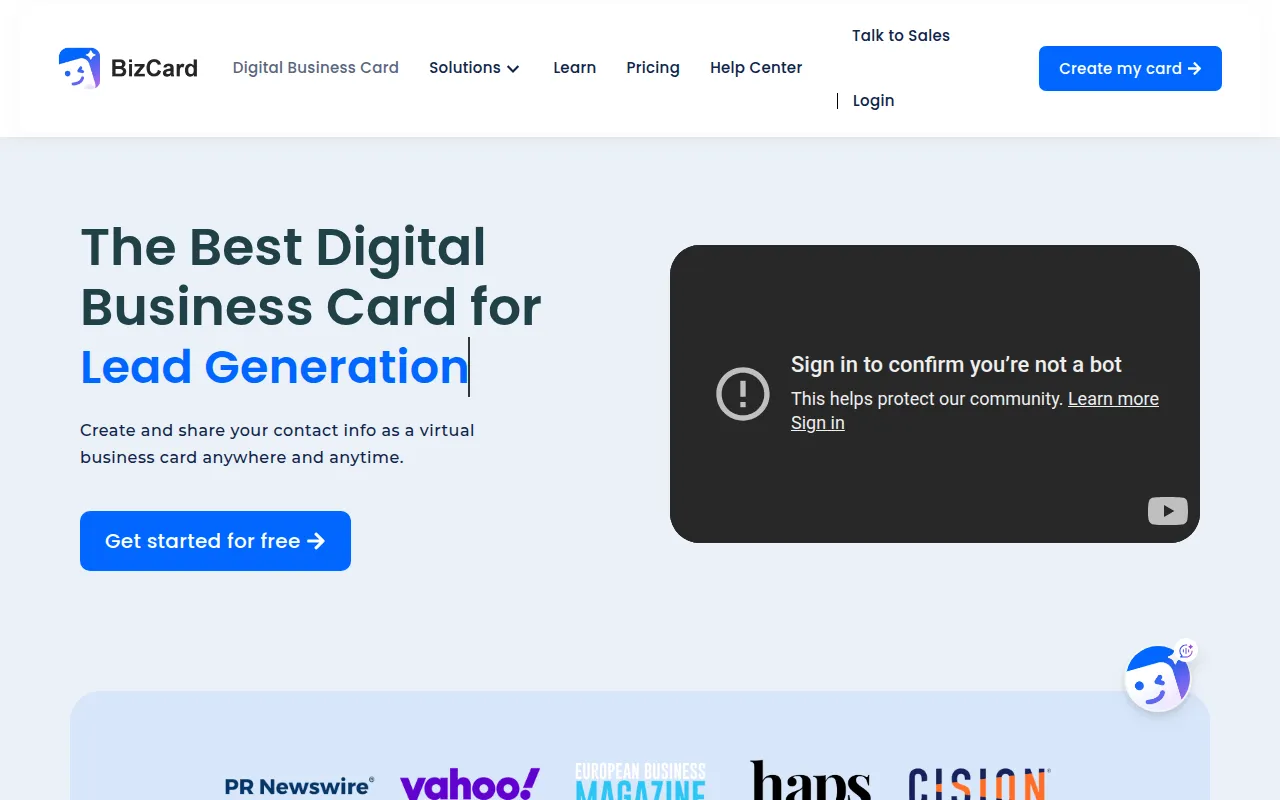 offers a unique solution for individuals and small businesses looking to share contact information seamlessly. This digital business card platform enables users to create customizable digital cards that can be shared via QR codes, making networking more efficient. Its integration with Google Wallet and Apple Wallet provides added convenience, allowing users to store and access contact information easily.
The freemium model allows users to create basic digital cards at no cost, which is particularly appealing for freelancers and small businesses looking to establish their online presence without a large investment. However, advanced features may require a paid plan, which could limit access for those on tight budgets.
- Digital business card creation: Simplifies sharing contact information.
- QR code sharing: Makes networking efficient and modern.
- Integration with Google Wallet: Allows easy access to contact information.
- Integration with Apple Wallet: Provides additional convenience for Apple users.
- Customizable templates: Enables personalized branding.
Pricing: Freemium - free tier available, with additional features in paid plans. Best for: Small businesses and freelancers.
Preswald - Best for Process Optimization
Preswald focuses on workflow automation to optimize business processes and improve overall efficiency. Its task management features allow teams to track individual tasks and collaborate effectively, ensuring accountability within the group. The reporting and analytics capabilities provide insights into team performance, enabling leaders to make informed decisions.
As a newer player in the market, Preswald might not have the extensive feature set of more established tools, but its focus on optimizing workflows makes it a valuable option for small to medium-sized businesses. However, some users may find the user interface less intuitive than competitors.
- Workflow Automation: Increases overall efficiency by streamlining processes.
- Task Management: Helps teams stay organized and accountable.
- Collaboration Tools: Facilitates teamwork and communication.
- Reporting and Analytics: Provides insights into performance and productivity.
- Integration with Third-Party Applications: Enhances functionality by connecting with existing tools.
Pricing: Contact for details. Best for: Small to medium-sized businesses and marketing teams.
Quick Comparison
| Tool | Best For | Starting Price | Rating |
|---|
| Liaise | Team Communication | Contact | 0.0/5 |
| Manus | Workflow Automation | Freemium | 0.0/5 |
| Minduck | Project Management | Contact | 0.0/5 |
| Merlin | Automation | Freemium | 0.0/5 |
| Nexus - Clay | Networking | Freemium | 0.0/5 |
| FuseBase AI | AI Assistance | Freemium | 0.0/5 |
| IBM BPM | Enterprises | Freemium | 0.0/5 |
| Jitera | AI Context Management | Contact | 0.0/5 |
| BizCard | Digital Networking | Freemium | 0.0/5 |
| Preswald | Process Optimization | Contact | 0.0/5 |
Best Choice for Beginners
For beginners, Liaise is the best choice due to its intuitive interface and straightforward communication features. Its real-time messaging and task assignment capabilities allow new users to quickly adapt to a collaborative environment without feeling overwhelmed.
Best Choice for Professionals
For professionals, Manus offers powerful automation features that can significantly enhance productivity for experienced users. Its AI task execution and workflow automation capabilities provide advanced tools for managing complex projects effectively.
Best Value Pick
BizCard is the best value pick due to its freemium model, allowing users to create digital business cards at no cost. This makes it an excellent choice for small businesses and freelancers looking to establish their professional presence without a financial commitment.
Conclusion
To succeed in a remote work environment, selecting the right productivity tools is essential. By leveraging the tools mentioned in this guide, you can enhance your team's collaboration and efficiency, ultimately driving better results.