Introduction
As a legal professional, you understand the burden of time-consuming paperwork. These tedious tasks can slow down your practice, making it difficult to focus on what truly matters—your clients and their cases.
Why Legal Professionals Struggle With Time-consuming paperwork slows down legal processes
The legal field is notorious for its reliance on documentation. From drafting contracts to managing case files, the sheer volume of paperwork can be overwhelming. Many attorneys find themselves buried under a mountain of documents, which leads to missed deadlines, client dissatisfaction, and ultimately, lost cases. For example, a personal injury lawyer might spend hours sifting through client records and drafting motions, time that could be better spent preparing for court or meeting with clients. This not only hampers productivity but also increases stress levels, resulting in burnout and decreased job satisfaction.
What to Look For in Legal Tools
- Ease of Use: Legal professionals need tools that are intuitive and require minimal training to maximize adoption and efficiency.
- Document Automation: Look for features that streamline document creation, allowing for quick drafting and editing to save time.
- Integration Capabilities: Ensure the tool can integrate with existing legal software and databases to facilitate seamless workflows.
- AI-Powered Features: AI can assist in tasks such as document analysis and research, making processes faster and more accurate.
- Real-Time Collaboration: Tools that allow multiple users to collaborate in real-time can enhance communication and improve case management.
Best Top Automation Tools for Legal Professionals
Paxton AI - Best for Document Drafting and Analysis
Paxton AI is an all-in-one AI legal assistant designed to enhance legal practice through efficient document drafting and analysis. Its ability to create quick-start drafts and provide comprehensive document analysis makes it an invaluable tool for legal professionals. By leveraging AI-driven insights, attorneys can focus on strategic decision-making rather than getting bogged down in paperwork.
What sets Paxton AI apart is its contextual research feature, which allows attorneys to perform targeted legal research relevant to their specific cases. This can significantly reduce the time spent searching for precedents and applicable laws, thus expediting the entire legal process.
- Quick-Start Drafting: Enables rapid creation of legal documents.
- Comprehensive Document Analysis: Analyzes documents for compliance and potential issues.
- Contextual Research: Facilitates targeted searches for relevant legal precedents.
- Thought Partnership: Acts as a collaborator for brainstorming and strategy sessions.
- AI-Driven Legal Insights: Provides actionable insights based on data analysis.
Pricing: $499 per user per month with a 7-day free trial. Best for: Individual attorneys, small to medium-sized law firms, and corporate legal departments.
Bluesheets - Best for Data Preparation
Bluesheets is an AI-native data preparation and workflow automation platform designed to streamline data processes for businesses. For legal professionals, this tool is particularly useful in automating data extraction and validation, which can save countless hours traditionally spent on manual data entry and management. Its customizable workflow automation features allow law firms to tailor the tool to their specific needs, ensuring a more efficient process.
With Bluesheets, legal teams can easily integrate various data sources, enabling a seamless flow of information across different platforms. This not only reduces the risk of errors but also enhances overall productivity, allowing legal professionals to focus on higher-value tasks.
- AI-driven data validation: Ensures accuracy and reliability of data collected.
- Automated data extraction: Reduces time spent on manual data entry.
- Integration with various data sources: Facilitates seamless data management.
- Customizable workflow automation: Tailors processes to specific legal needs.
- Data transformation capabilities: Allows for efficient data processing and analysis.
Pricing: Contact for pricing information. Best for: Data analysts, marketing teams, and financial departments.
Eve Legal - Best for Case Management
Eve Legal is an AI-driven software tailored for plaintiff law firms to streamline case management. Its powerful features are designed to enhance operational efficiency by automating case intake and providing real-time performance analytics. This allows legal professionals to manage high volumes of cases without compromising on quality or client service.
One of the standout features of Eve Legal is its customizable dashboards, which provide attorneys with quick access to important metrics and case data. This level of oversight enables better decision-making and ensures that no crucial details are overlooked, ultimately improving the chances of favorable outcomes for clients.
- AI-Powered Case Management: Streamlines case tracking and management.
- 24/7 Case Intake: Allows for constant client engagement.
- Real-Time Performance Analytics: Provides insights into case progress and team efficiency.
- Automated Reporting: Saves time on report generation.
- Customizable Dashboards: Tailors metrics to individual user needs.
Pricing: Contact for pricing details. Best for: Plaintiff law firms and medium to large law firms.
Ark Fi - Best for Workflow Automation
Ark Fi is a workflow automation tool designed to enhance business efficiency through streamlined processes. For legal professionals, this means automating administrative tasks that can often become a bottleneck in daily operations. The task scheduling feature allows teams to manage deadlines effectively, ensuring that no critical tasks fall through the cracks.
Moreover, Ark Fi's integration with popular business tools means that legal professionals can use it alongside their existing software, making the transition to automated workflows smoother and more intuitive. This capability is particularly beneficial for small businesses that lack extensive resources but still need to maintain efficiency.
- Workflow automation: Simplifies repetitive tasks and processes.
- Task scheduling: Ensures that important deadlines are met.
- Integration with popular business tools: Enhances usability and adoption.
- Customizable templates: Tailors workflows to specific legal tasks.
- Real-time collaboration: Facilitates teamwork and communication.
Pricing: Freemium. Best for: Small businesses and project managers.
Hona AI - Best for Personal Injury Law Firms
Hona AI provides an AI-driven case management solution that enhances client communication and case tracking specifically for personal injury law firms. Its unique features are designed to improve client engagement through a dedicated client portal, allowing clients to stay updated on their case status and communicate directly with their attorneys.
The two-way messaging feature is particularly beneficial, as it fosters clear and open lines of communication, which is essential for maintaining client trust and satisfaction. Additionally, Hona AI's appointment tracking and document-sharing capabilities ensure that all parties are on the same page throughout the legal process.
- AI Case Management: Streamlines management of personal injury cases.
- Client Portal: Enhances client engagement and communication.
- Two-Way Messaging: Facilitates direct communication with clients.
- Appointment Tracking: Keeps attorneys organized and on schedule.
- Document Sharing: Ensures easy access to important case documents.
Pricing: Contact for pricing details. Best for: Personal injury law firms and attorneys managing multiple cases.
fileAI - Best for Data Management
fileAI is an AI-native platform designed for data preparation and workflow automation across various industries, including legal. Its intelligent case management features enable lawyers to efficiently manage large amounts of data associated with their cases, reducing the time spent on data entry and validation.
Legal professionals can benefit significantly from fileAI's automation capabilities, which allow for streamlined financial operations and enhanced data validation. This is particularly useful in legal practices that handle complex financial cases requiring meticulous data accuracy.
- AI-Powered Data Preparation: Simplifies and automates data entry tasks.
- Workflow Automation: Enhances efficiency in case management.
- Data Validation and Extraction: Ensures accuracy of critical case data.
- Intelligent Case Management: Streamlines complex case handling.
- Financial Operations Automation: Improves accuracy in financial reporting.
Pricing: Contact for pricing information. Best for: Financial institutions, insurance companies, and banking organizations.
Scribe - Best for Documentation Automation
Scribe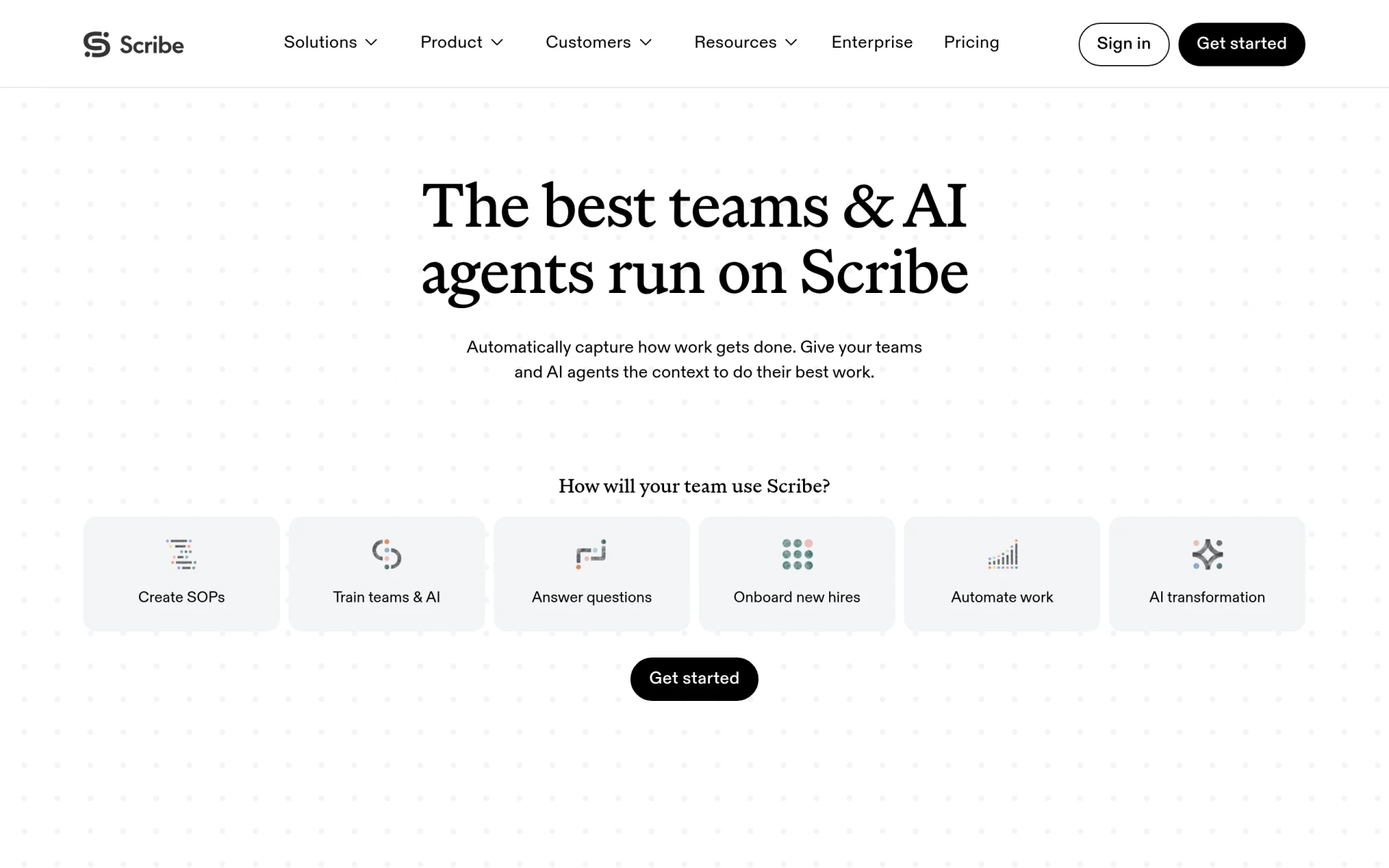 is a workflow automation tool that provides AI-driven documentation and process optimization. Legal professionals can significantly benefit from its documentation automation features, which can save time and reduce errors in legal writing. This allows attorneys to focus more on strategizing and client interactions rather than getting bogged down by paperwork.
The integration capabilities of Scribe make it an attractive option for legal teams, as it can work seamlessly with other tools already in use. This enhances the overall workflow and ensures that documentation efforts are consistently efficient across various cases.
- Documentation automation: Reduces time spent on drafting documents.
- Workflow optimization: Streamlines processes for better efficiency.
- Integration capabilities: Works well with existing legal software.
- Team collaboration: Enhances communication among team members.
- AI-powered insights: Provides actionable suggestions for documentation.
Pricing: Freemium. Best for: Small to medium-sized businesses and HR departments.
TaxGPT - Best for Tax Preparation
TaxGPT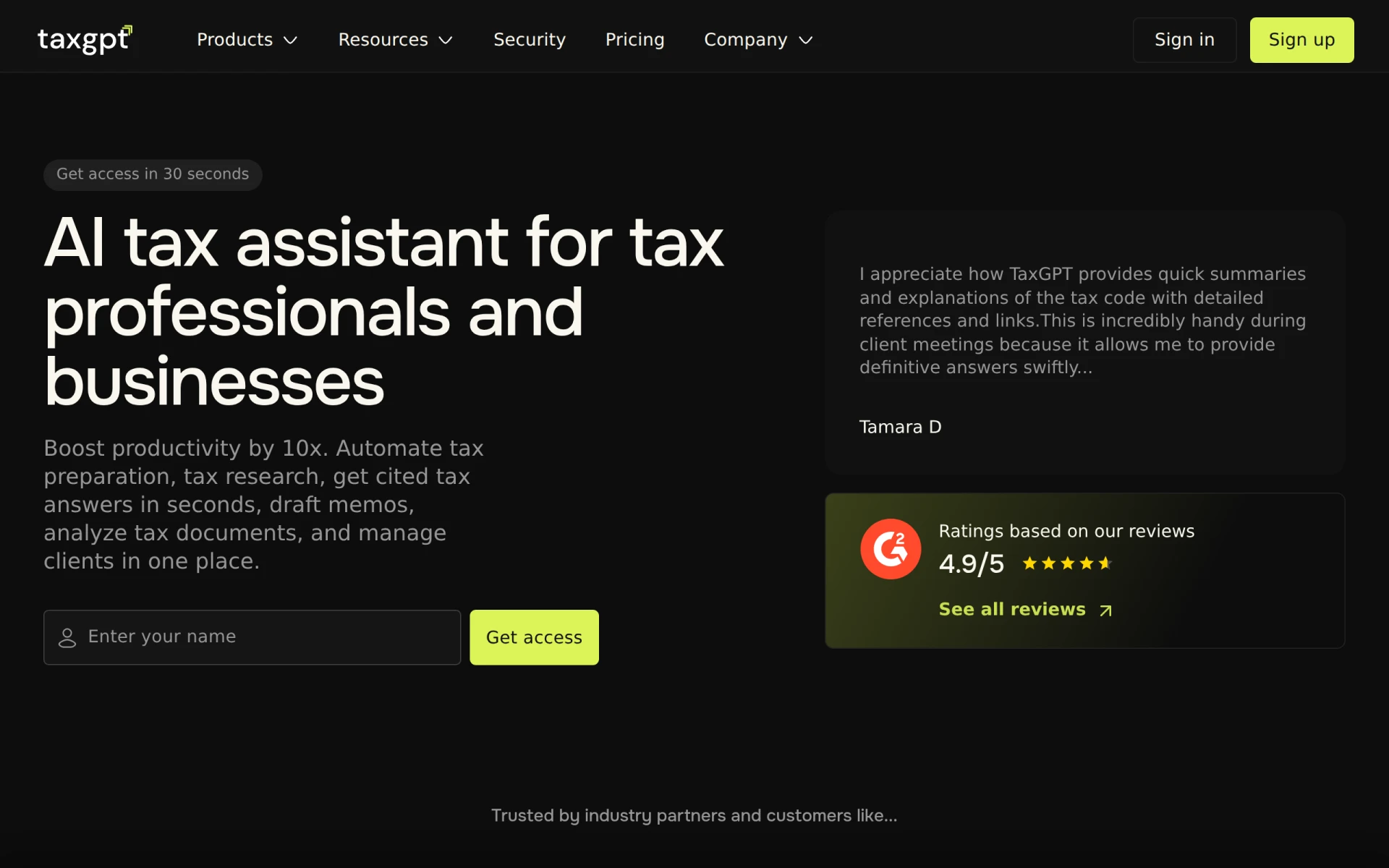 is an AI-powered tax assistant designed for accountants and tax professionals, making it easier to manage tax preparation and research. For legal professionals who also handle tax-related matters, TaxGPT offers automated research capabilities and instant access to cited tax answers, which can significantly speed up the preparation process.
The memo drafting tools and document analysis features are also useful for legal professionals, ensuring that all tax documents are thoroughly vetted and compliant with current regulations, thus reducing the risk of errors and potential legal issues.
- AI-driven tax preparation assistance: Simplifies and speeds up tax preparation tasks.
- Automated tax research capabilities: Reduces time spent on manual research.
- Instant access to cited tax answers: Enhances efficiency in addressing tax queries.
- Memo drafting tools: Assists in creating accurate tax memos.
- Document analysis features for tax documents: Ensures compliance and accuracy.
Pricing: Freemium with various paid options. Best for: Small accounting firms and independent tax consultants.
Jestor - Best for Process Management
Jestor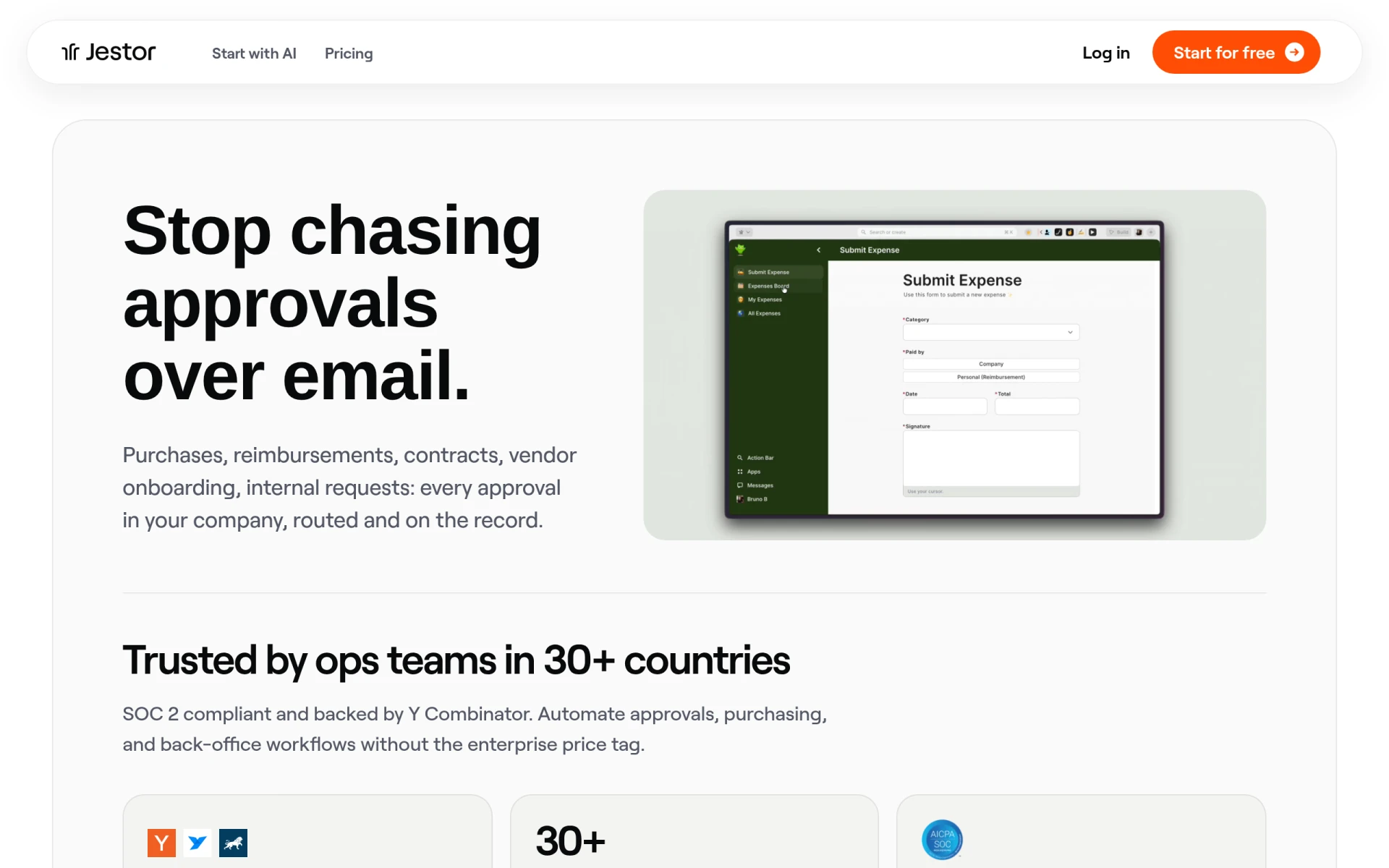 is a workflow automation platform that helps businesses manage and automate processes without extensive engineering resources. For legal professionals, this can mean automating approval processes and streamlining internal workflows, which can significantly enhance operational efficiency.
Jestor's AI Workflow Builder is particularly valuable as it allows legal teams to create custom workflows tailored to their needs without needing specialized technical skills. This empowers legal professionals to optimize their processes and reduce approval times, ultimately leading to better client service.
- AI Workflow Builder: Enhances workflow creation with AI assistance.
- Custom Tables: Allows for tailored data management.
- Form Creation: Simplifies data collection processes.
- Dashboards: Provides oversight of workflow efficiency.
- Approval Automation: Speeds up the approval process.
Pricing: Freemium with paid plans starting at $10 per user per month. Best for: Small businesses and project managers.
Fynk - Best for Contract Management
Fynk is an AI-driven contract management software that streamlines legal workflows, enabling faster contract creation and collaboration. For legal professionals dealing with numerous contracts, Fynk offers a centralized contract repository that simplifies document access and management.
The AI-driven document analysis feature helps identify potential issues in contracts, allowing legal teams to address concerns proactively. This not only enhances efficiency but also mitigates risks associated with contract management.
- Centralized contract repository: Simplifies access to all contracts.
- AI-driven document analysis: Identifies issues in contracts quickly.
- Automated contract reminders: Ensures deadlines are met.
- Customizable templates: Speeds up contract creation.
- Real-time collaboration tools: Enhances teamwork on contract negotiations.
Pricing: Freemium. Best for: Legal teams managing vendor contracts and HR departments.
Quick Comparison
| Tool | Best For | Starting Price | Rating |
|---|
| Paxton AI | Document Drafting and Analysis | $499/mo | 0.0/5 |
| Bluesheets | Data Preparation | Contact | 0.0/5 |
| Eve Legal | Case Management | Contact | 0.0/5 |
| Ark Fi | Workflow Automation | Freemium | 0.0/5 |
| Hona AI | Personal Injury Law Firms | Contact | 0.0/5 |
| fileAI | Data Management | Contact | 0.0/5 |
| Scribe | Documentation Automation | Freemium | 0.0/5 |
| TaxGPT | Tax Preparation | Freemium | 0.0/5 |
| Jestor | Process Management | Freemium | 0.0/5 |
| Fynk | Contract Management | Freemium | 0.0/5 |
Best Choice for Beginners
For beginners, Ark Fi is the ideal choice due to its freemium pricing model and user-friendly interface. It allows new users to explore workflow automation features without any upfront investment, making it easy to adopt and integrate into existing processes.
Best Choice for Professionals
For seasoned professionals, Paxton AI stands out as the best choice. Its advanced AI-driven insights, comprehensive document analysis, and quick-start drafting make it a powerful tool for enhancing legal practices and improving overall efficiency.
Best Value Pick
Bluesheets offers excellent value for legal professionals needing data preparation and workflow automation. While pricing is not publicly available, the ability to streamline data processes and reduce manual tasks can lead to significant time savings and increased productivity, justifying the investment.
Conclusion
In 2026, legal professionals must embrace automation tools to streamline case management and documentation. By selecting the right solution, you can significantly reduce the burden of paperwork and focus on delivering exceptional legal services.