Asana
Freemium
AI
Asana is a project management tool that helps teams coordinate and manage their work efficiently.
Remote teams often struggle with collaboration and productivity. Discover top apps to enhance teamwork across distances.
Remote teams face unique challenges that can hinder collaboration and productivity. With team members spread across various locations, effective communication and task management often become daunting tasks. Discovering the right productivity tools can transform your team's workflow and enhance overall performance.
Remote teams often grapple with a lack of face-to-face interaction, leading to miscommunication and a sense of isolation. When team members are not physically present, it becomes easy for tasks to fall through the cracks, deadlines to be missed, and collaboration to suffer. For instance, without regular check-ins, a marketing team might struggle to align on campaign strategies, resulting in inconsistent messaging and wasted resources.
Moreover, different time zones can complicate synchronous communication, leaving team members feeling disconnected. This disconnection can diminish team morale and lead to burnout, particularly when employees feel they are constantly working without the necessary support. Thus, finding tools that facilitate seamless collaboration and enhance productivity is crucial for any remote team.
Asana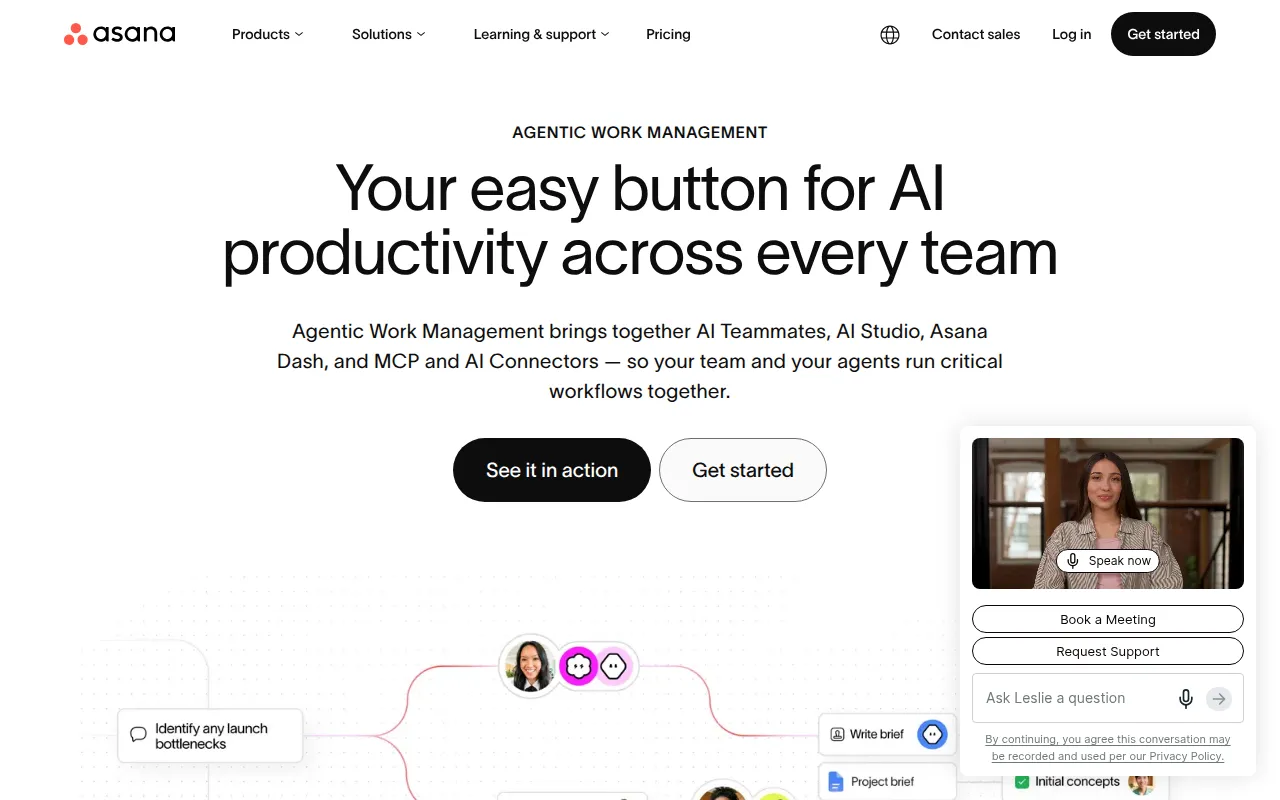 stands out as a leading project management tool that helps remote teams coordinate and manage their work effectively. With its user-friendly interface, teams can create tasks, assign them to team members, and track project progress in real-time. Asana’s visual project tracking features, including boards and timelines, provide clarity on project status, ensuring everyone is on the same page.
Moreover, Asana allows for customizable dashboards and workflow automation, which can save time and reduce manual work. This flexibility makes it ideal for various teams, whether they are managing marketing campaigns or planning product roadmaps.
Pricing: Freemium - Asana offers a free plan and several paid plans with varying features. Best for: Marketing teams managing campaigns, software development teams tracking sprints, product management teams planning roadmaps.
FuseBase AI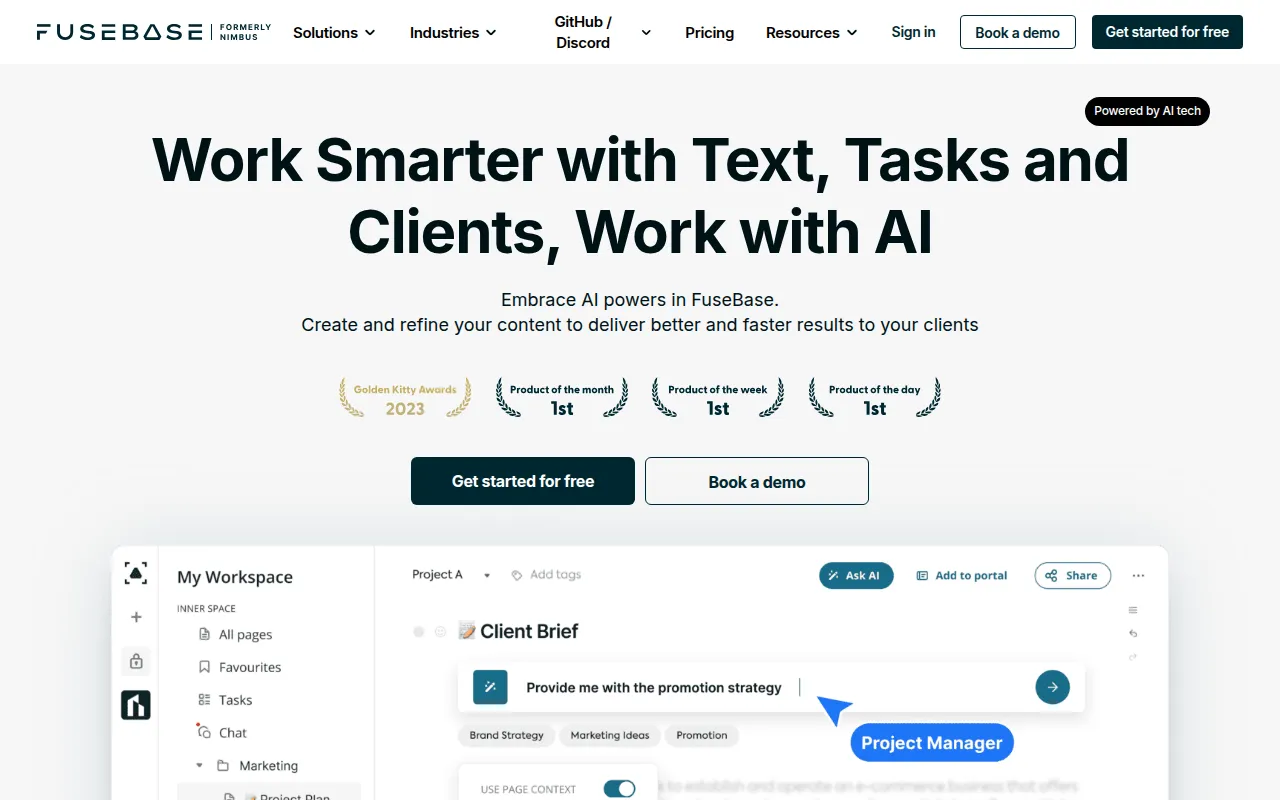 is an innovative productivity-focused AI assistant designed to enhance workplace efficiency and collaboration. By utilizing AI-driven task management, it simplifies the process of organizing work, making it easier for teams to stay on track. FuseBase AI's automated meeting scheduling and intelligent note-taking capabilities ensure that team members can focus on what matters most—getting the job done.
This tool is especially beneficial for small to medium-sized businesses looking to streamline their workflows and improve collaboration among team members. By providing contextual information retrieval, FuseBase AI helps teams access the information they need at the right time, fostering a more productive environment.
Pricing: Freemium - Pricing information for FuseBase AI is currently not available. Best for: Small to medium-sized businesses, project managers looking to enhance task oversight, marketing teams needing streamlined collaboration.
Off/Script is a powerful workflow automation tool designed to enhance productivity through streamlined task management. It provides users with customizable templates to create workflows that fit their specific needs, making it particularly appealing for teams that require flexibility in managing their tasks. With real-time collaboration features, team members can work together seamlessly, regardless of their location.
This tool is especially useful for small to mid-sized businesses seeking to automate repetitive tasks and improve operational efficiency. By integrating with third-party applications, Off/Script can centralize various processes, allowing teams to focus on higher-value work.
Pricing: Freemium - Pricing information for Off/Script is not publicly available. Best for: Small to mid-sized businesses seeking automation solutions, marketing teams needing to streamline their workflows, sales departments looking to improve lead management.
Heyday is another excellent workflow automation tool that focuses on simplifying task management and enhancing collaboration among remote teams. With real-time collaboration capabilities, it allows team members to update tasks and share information instantly, reducing delays caused by communication gaps. Heyday's customizable templates enable teams to design workflows that reflect their operational processes, making task management more intuitive.
This tool is particularly beneficial for project managers who coordinate multiple tasks and deadlines, as it provides visibility into project status and team performance. By streamlining workflows, Heyday helps teams optimize their operational efficiency.
Pricing: Freemium - Specific pricing details for Heyday are not available. Best for: Project managers coordinating multiple tasks and deadlines, marketing teams tracking campaign progress, small businesses optimizing operational efficiency.
Supernormal is designed to simplify the process of generating meeting notes and summaries without disrupting workflows. By automatically summarizing discussions, it helps remote teams keep track of key points and action items, ensuring that everyone is aligned after meetings. This tool's integration with video conferencing tools allows for seamless transitions from discussions to documentation.
Supernormal is particularly useful for project managers and sales teams who need to maintain clear communication and ensure that all team members are informed of important decisions and next steps. Its customizable templates for different meeting types make it adaptable to various business needs.
Pricing: Freemium - Pricing information for Supernormal is currently not available. Best for: Project managers, sales teams, remote workers.
Ark is a project management tool designed to enhance team collaboration and streamline project workflows. With its robust task management features, teams can assign tasks, set deadlines, and track progress efficiently. Ark's collaboration tools allow team members to communicate directly within the platform, reducing the need for external communication tools.
This tool is ideal for marketing teams seeking to manage campaigns effectively, as well as software development teams tracking feature development and bug fixes. Ark's time tracking and custom workflows provide additional layers of organization, ensuring that projects stay on track.
Pricing: Freemium - Pricing information for Ark is currently unavailable. Best for: Marketing teams seeking to manage campaigns effectively, software development teams tracking feature development and bug fixes, project managers overseeing multiple projects at once.
Minduck is a project management tool that enhances collaboration and efficiency in team workflows. Its features support task management and resource allocation, making it an excellent choice for teams that need to optimize their workflow. Minduck's time tracking capabilities allow teams to monitor how resources are utilized, ensuring that projects are completed on time and within budget.
This tool is particularly beneficial for project managers and team leaders who require clear visibility into team performance and project progress. By providing project templates, Minduck simplifies the planning process, allowing teams to hit the ground running.
Pricing: Contact - Pricing information for Minduck is currently unavailable. Best for: Project managers, team leaders, marketing teams.
Anyone.com is a workflow automation tool that enhances team collaboration and efficiency through customizable agents. By allowing users to create and automate tasks tailored to their workflows, Anyone.com empowers teams to focus on high-priority tasks. Its real-time collaboration features facilitate seamless communication among team members, increasing productivity.
This tool is ideal for small businesses looking to automate workflow processes and marketing teams needing to track campaigns efficiently. Anyone.com’s integration capabilities with third-party tools further simplify workflows, making it a versatile choice for various projects.
Pricing: Freemium - Pricing information for Anyone.com is currently not available. Best for: Small businesses looking to automate workflow processes, marketing teams needing to track campaigns efficiently, sales teams wanting to improve lead management.
Achiv is a project management tool that enhances team collaboration and streamlines project tracking. Its straightforward task management features make it easy for teams to organize their work and monitor progress. Achiv's timeline view allows teams to visualize project deadlines, ensuring that everyone is aware of their responsibilities.
This tool is particularly effective for project managers seeking a simple yet efficient management solution. By offering collaboration tools and reporting features, Achiv supports teams in making data-driven decisions and improving their workflows.
Pricing: Freemium - Pricing information for Achiv is not publicly available. Best for: Project managers seeking a straightforward management tool, small to medium-sized teams requiring efficient collaboration, marketing teams coordinating multiple project deliverables.
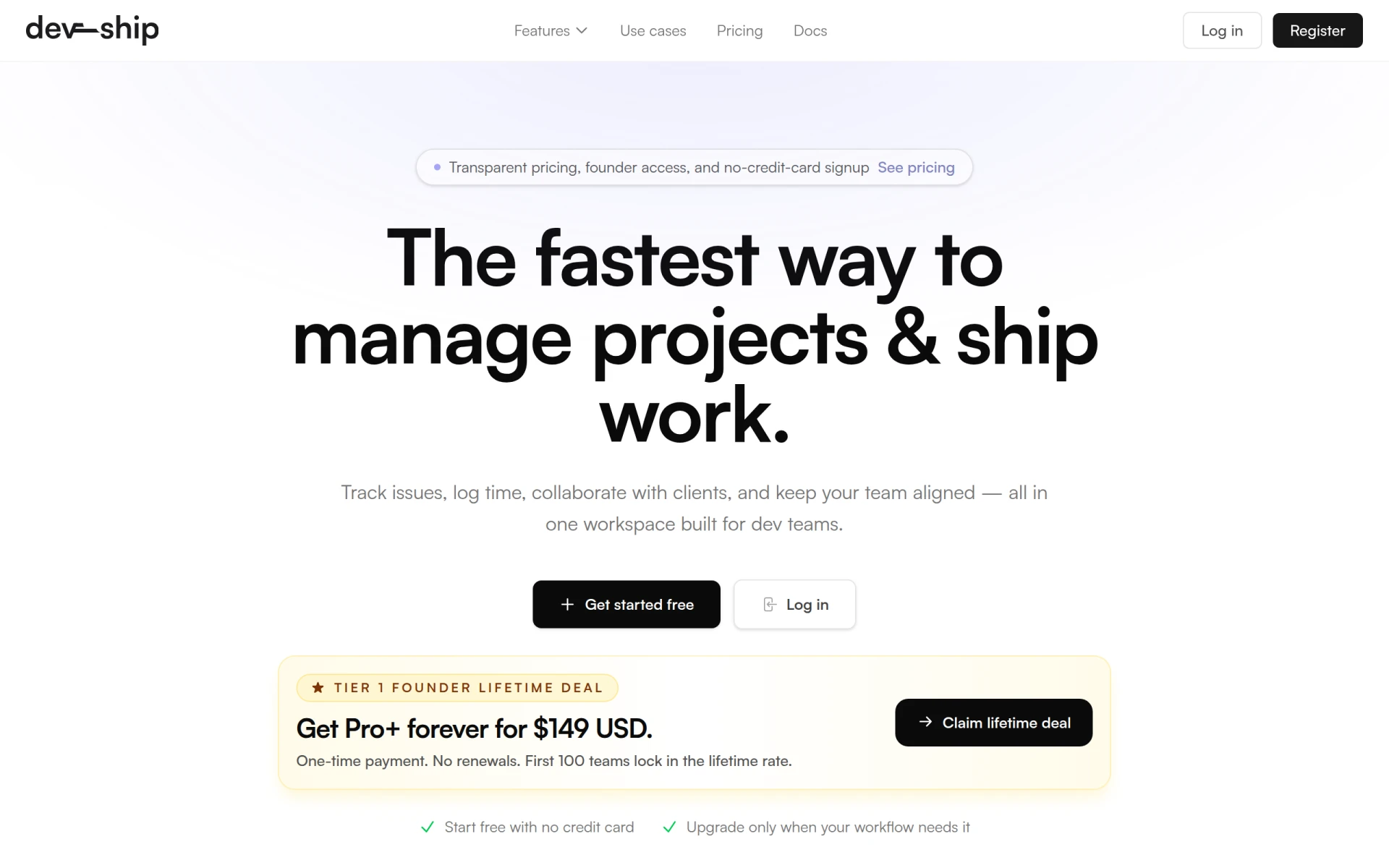
DevShip is a project management tool designed specifically for development teams to track issues, log time, and collaborate seamlessly. With its issue tracking capabilities, teams can prioritize bugs and feature requests effectively, ensuring that development stays on track. DevShip’s time logging features allow for accurate tracking of work completed, making it easier to manage resources and deadlines.
This tool is ideal for small development teams looking for an efficient project management solution, as well as freelancers needing to track time and manage client projects. By offering client collaboration tools, DevShip facilitates clear communication between developers and clients, enhancing project outcomes.
Pricing: Freemium - DevShip offers a free plan and paid plans starting from $29 per month. Best for: Small development teams looking for efficient project management, freelancers needing to track time and manage client projects, agencies managing multiple client projects with clear visibility.
| Tool | Best For | Starting Price | Rating |
|---|---|---|---|
| Asana | Marketing teams managing campaigns | Free | 0.0/5 |
| FuseBase AI | Project managers looking to enhance task oversight | Free | 0.0/5 |
| Off/Script | Small to mid-sized businesses seeking automation solutions | Free | 0.0/5 |
| Heyday | Project managers coordinating multiple tasks | Free | 0.0/5 |
| Supernormal | Sales teams needing efficient meeting management | Free | 0.0/5 |
| Ark | Marketing teams managing campaigns effectively | Free | 0.0/5 |
| Minduck | Project managers and team leaders | Contact | 0.0/5 |
| Anyone.com | Small businesses looking to automate workflows | Free | 0.0/5 |
| Achiv | Project managers needing straightforward management | Free | 0.0/5 |
| DevShip | Small development teams managing projects | Free / $29 | 0.0/5 |
Asana is the best choice for beginners due to its user-friendly interface and extensive resources for onboarding. With its free plan, new users can explore essential features without any financial commitment. The intuitive design allows teams to quickly learn how to manage tasks and projects effectively.
FuseBase AI is the top choice for professionals looking for advanced features that enhance productivity. Its AI-driven task management and automated meeting scheduling provide power users with tools that save time and improve efficiency, making it a valuable asset for busy teams.
Anyone.com stands out as the best value pick because it offers comprehensive workflow automation features at no cost. The ability to customize agents and automate tasks significantly enhances productivity while providing a strong return on investment for small businesses.
Improving collaboration and productivity among remote teams is essential for success in today's work environment. By selecting the right productivity tools, teams can overcome the challenges of remote work and thrive. Explore the options discussed in this guide to find the best fit for your team's needs.
Asana is a project management tool that helps teams coordinate and manage their work efficiently.
FuseBase AI is a productivity-focused AI assistant designed to enhance workplace efficiency and collaboration.
Off/Script is a workflow automation tool designed to enhance productivity through streamlined task management.
Heyday is a workflow automation tool designed to enhance productivity by simplifying task management and collaboration.
Supernormal is a productivity tool designed to generate meeting notes and summaries efficiently without disrupting workflows.
Ark is a project management tool designed to enhance team collaboration and streamline project workflows.
Minduck is a project management tool designed to enhance collaboration and efficiency in team workflows.
Anyone.com is a workflow automation tool designed to enhance team collaboration and efficiency through customizable agents.
Achiv is a project management tool designed to enhance team collaboration and streamline project tracking.
DevShip is a project management tool designed for development teams to track issues, log time, and collaborate seamlessly.
The best productivity apps for remote teams include Asana, FuseBase AI, Off/Script, Heyday, and Supernormal, each designed to enhance collaboration and streamline workflows.
Productivity tools improve collaboration by providing real-time communication, task management, and workflow automation, which help remote teams stay aligned and organized.
Yes, many productivity tools like Asana, FuseBase AI, and Anyone.com offer free plans, allowing teams to start using them without any upfront costs.
Consider factors like ease of use, integration capabilities, workflow customization, and whether the tool fits your team's specific needs and size.
Look for user-friendly interfaces, real-time collaboration features, integration with existing tools, customizable workflows, and scalability to adapt as your team grows.
Absolutely! Many productivity tools are specifically designed for project management, offering features like task tracking, timelines, and collaboration tools to keep projects on track.
Asana is an excellent choice for beginners due to its intuitive interface and free plan, making it easy for new users to learn and effectively manage their tasks.
Weekly roundup of new AI tools, launches, and trending software. No spam — unsubscribe anytime.
No credit card required · Cancel anytime
Weekly roundup of new AI tools, launches, and trending software. No spam — unsubscribe anytime.
No credit card required · Cancel anytime