Introduction
As a freelancer, your time is invaluable. Yet, the tedious task of managing invoices can eat away at your productivity and delay cash flow. Fortunately, the right invoicing tools can transform this process, allowing you to focus on what you do best.
Why Freelancers Struggle With Time-consuming invoicing leads to cash flow delays
Freelancers often juggle multiple clients, projects, and deadlines, making it difficult to allocate time for invoicing. Mistakes in invoicing, such as miscalculations or missed deadlines, can lead to delayed payments and frustrated clients. This not only affects cash flow but can also tarnish your professional reputation. Additionally, without an organized system, tracking payment statuses can become a chaotic endeavor, leading to extra hours spent following up instead of doing actual work.
What to Look For in Freelancing Tools
- User-Friendly Interface: A simple, intuitive interface reduces the learning curve and helps you get started quickly without feeling overwhelmed.
- Automated Invoicing: Look for tools that can automatically generate and send invoices based on your billable hours or project milestones, saving you time and minimizing errors.
- Payment Tracking: Ensure the tool can track payments in real-time, allowing you to see which invoices are paid and which are outstanding, helping maintain healthy cash flows.
- Integration Capabilities: Your invoicing tool should easily integrate with other applications you use, such as project management software or accounting tools, to streamline your workflow.
- Customizable Templates: Choose tools that offer customizable invoice templates to maintain brand consistency and professionalism.
Best Top Tools for Automating Invoice Management for Freelancers
cashwerk.io - Best for Integrated Management
cashwerk.io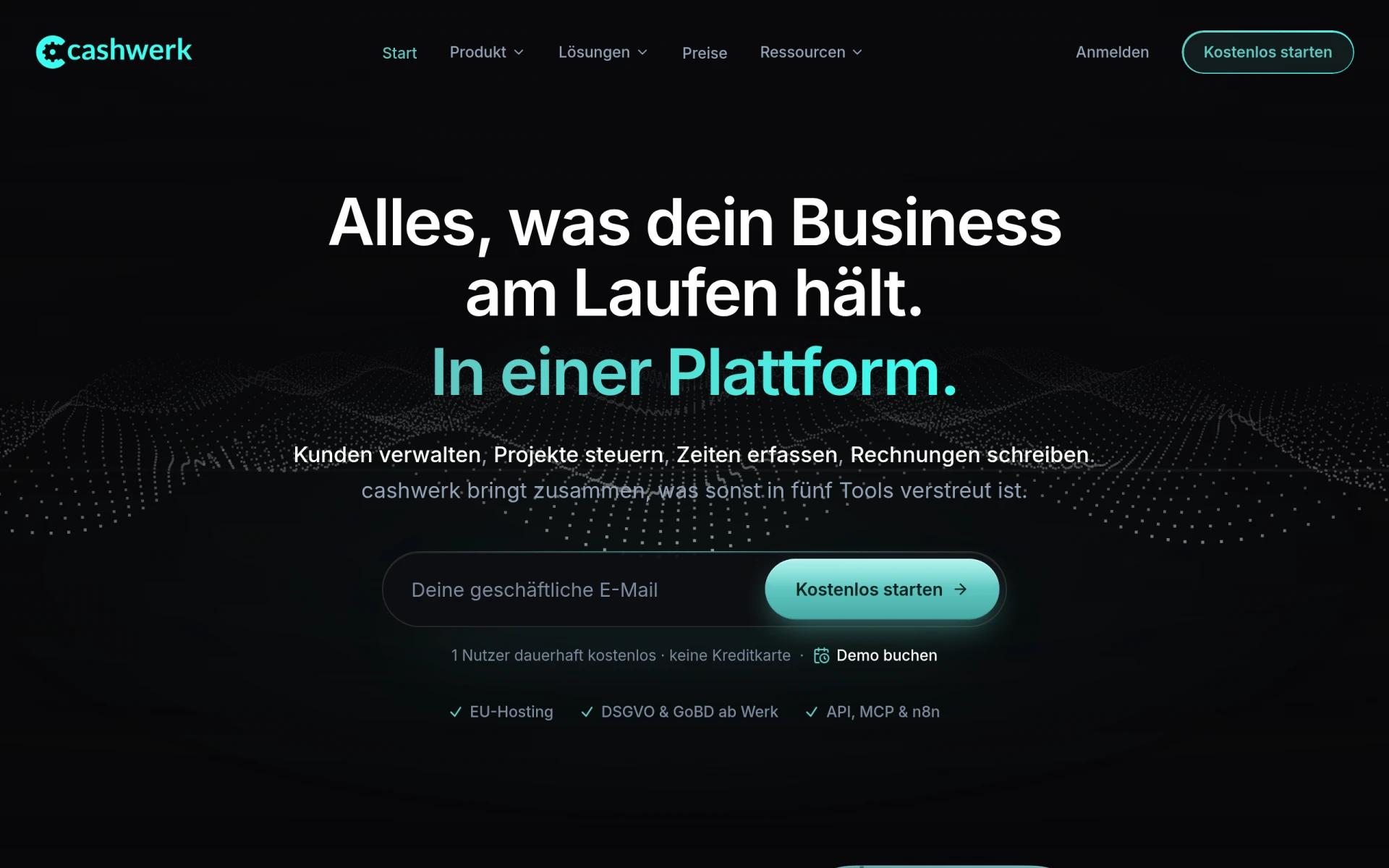 stands out as an all-in-one platform that combines CRM, project management, time tracking, and invoicing functionalities. This is particularly beneficial for freelancers who need to manage various aspects of their business in one place. Instead of switching between multiple apps, cashwerk.io allows you to handle client interactions, project progress, and invoicing seamlessly, reducing the potential for errors and time wastage.
With cashwerk.io, you can easily track the hours spent on specific tasks, ensuring accurate billing. The integrated AI assistant helps automate routine tasks, providing insights to enhance your productivity. This can be a game changer for freelancers who often find themselves overwhelmed with administrative tasks.
- CRM Functionality: Manage customer interactions and data efficiently, enhancing client relationships.
- Project Management Tools: Plan and track project progress, helping ensure timely delivery and billing.
- Time Tracking: Monitor hours spent on tasks, ensuring accurate invoicing and maximizing billable hours.
- Invoicing Capabilities: Create and send professional invoices directly from the platform.
- AI Assistant: Automate routine tasks and gain insights into your workflow for improved efficiency.
Pricing: Freemium - Pricing information is currently unavailable on their website. Best for: Freelancers looking for an integrated tool to manage projects and invoices.
ClickUp - Best for Comprehensive Project Management
ClickUp is a versatile productivity tool that can help freelancers manage their projects, tasks, and invoicing efficiently. Its robust task management features allow users to create, assign, and track tasks effortlessly, making it ideal for freelancers who juggle multiple projects at once. With ClickUp, you can set due dates, priorities, and even track time spent on each task, ensuring you stay on top of your billing.
The collaboration tools within ClickUp enable seamless communication with clients or team members, which is essential for freelancers. The customizable dashboards provide a quick overview of your projects, deadlines, and finances, making it easier to manage your workload. However, new users may find the extensive features slightly overwhelming at first.
- Task Management: Create and manage tasks with ease, ensuring nothing falls through the cracks.
- Time Tracking: Keep track of how much time you spend on each project, ensuring accurate invoicing.
- Goal Tracking: Set and monitor goals to ensure your projects align with your overall business objectives.
- Collaboration Tools: Facilitate communication with clients and team members directly within the platform.
- Customizable Dashboards: Tailor your dashboard to display the most relevant information at a glance.
Pricing: Freemium - Starting at $9 per user per month for the unlimited plan. Best for: Small to medium-sized businesses and marketing teams managing campaigns.
monday.com - Best for Visual Project Tracking
monday.com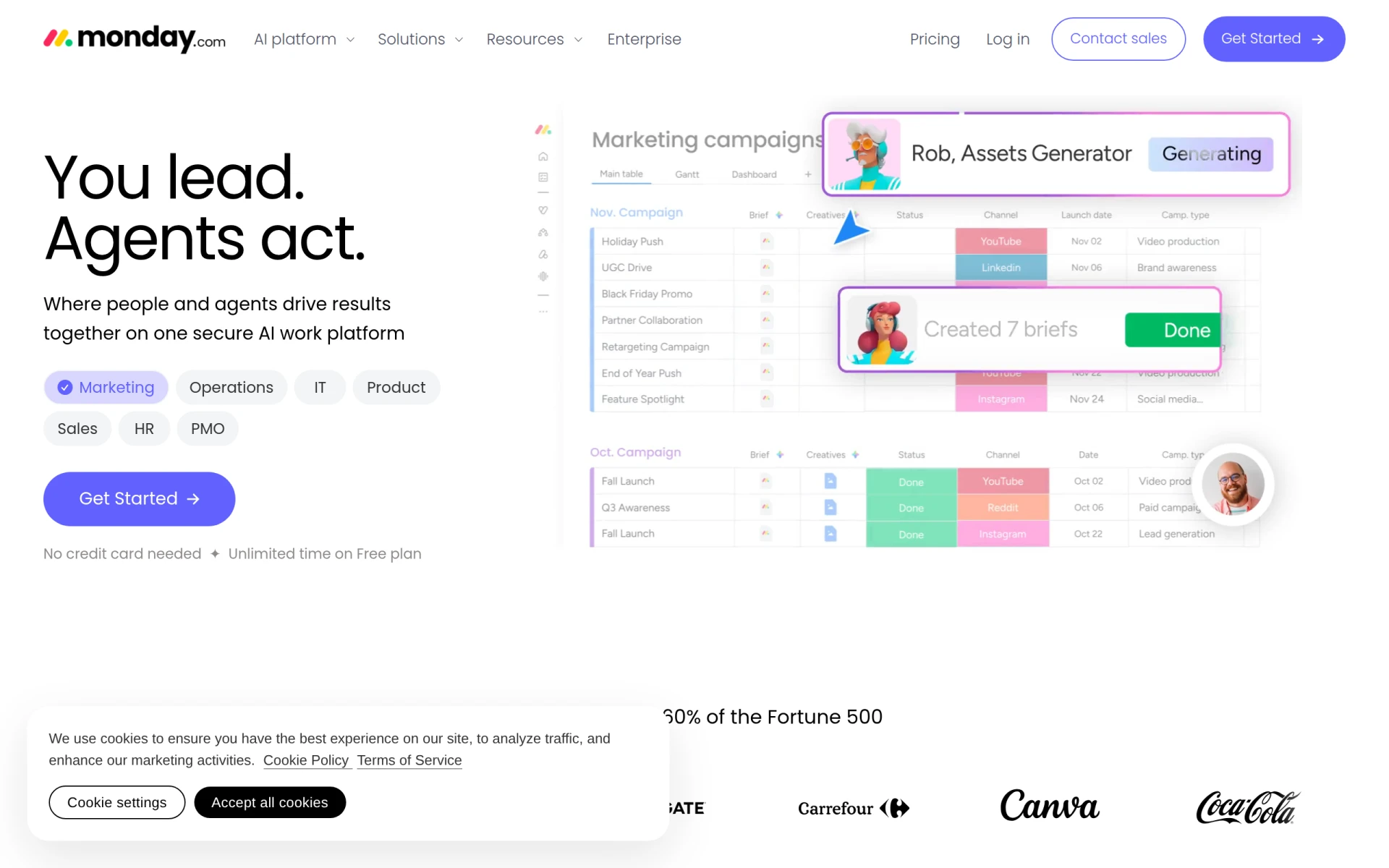 is designed to help freelancers visualize their projects and tasks, making it an excellent choice for those who prefer a more graphical approach to project management. With its colorful boards and customizable views, you can easily track the status of your projects at a glance. This is particularly beneficial for freelancers who manage multiple clients and projects simultaneously.
The platform allows for extensive automation of repetitive tasks, which can save freelancers valuable time. Additionally, the integration capabilities with other tools can enhance your workflow and ensure that your invoicing process is as streamlined as possible. However, some users may find the pricing to be on the higher end, especially if they require advanced features.
- Visual Project Tracking: Easily see the status of all your projects with visual boards that enhance clarity.
- Automation: Set up automated workflows to minimize manual tasks, allowing you to focus on your work.
- Integrations: Connect with various apps to streamline your workflow and invoicing processes.
- Dashboards: Create dashboards that provide insights into your project progress and finances.
- Collaboration Tools: Work collaboratively with clients and team members, enhancing communication.
Pricing: Freemium - Tiered pricing based on features and user count. Best for: Marketing teams planning and executing campaigns.
TaskFlow - Best for Workflow Automation
TaskFlow is specifically designed to enhance productivity through workflow automation. For freelancers, this means you can streamline repetitive tasks associated with invoicing, allowing you to focus on your creative work. TaskFlow's customizable templates can help you set up your invoicing and project management processes in a way that suits your unique needs.
The tool also supports team collaboration, which can be particularly useful for freelancers who occasionally work with other professionals. The automation workflows ensure that tasks are completed on time, reducing the risk of missing deadlines or invoices. However, some users may find that the freemium model limits access to advanced features without upgrading.
- Task Management: Efficiently manage tasks to keep your projects organized.
- Automation Workflows: Automate routine tasks to save time and reduce errors in invoicing.
- Team Collaboration: Work effectively with others on projects, enhancing productivity.
- Customizable Templates: Set up templates that fit your specific invoicing needs.
- Integrations: Connect with other tools to enhance your workflow.
Pricing: Freemium - Pricing information is currently unavailable. Best for: Small to medium-sized businesses looking to improve workflow efficiency.
40h - Best for Time Management
40h is a straightforward time management tool that helps freelancers track and optimize their work hours. This is particularly beneficial for those who need to ensure that every billable hour is accounted for. With features like task categorization and reminders, 40h helps freelancers stay on task and manage their time effectively.
The user-friendly interface allows for quick entry of time and tasks, making it less likely that you will overlook billable hours. However, while it excels in time tracking, it does not offer extensive project management features, which may limit its utility for some freelancers.
- Time Tracking: Easily track your billable hours to ensure accurate invoicing.
- Reporting: Generate reports to analyze how you spend your time.
- User-Friendly Interface: Quick and easy to use, minimizing the time spent on tracking.
- Task Categorization: Organize your tasks to better analyze productivity.
- Reminders: Set reminders to keep you on track with deadlines.
Pricing: Freemium - Pricing information is currently unavailable. Best for: Freelancers looking to track billable hours.
Humains - Best for Team Collaboration
Humains focuses on enhancing team collaboration and streamlining project management processes, making it an ideal choice for freelancers who often collaborate with others. The tool offers features for task management and project tracking, allowing you to keep everything organized in one place.
With file sharing and calendar integration features, Humains facilitates seamless communication and coordination among team members. However, some freelancers may find that it lacks advanced invoicing capabilities, making it necessary to use additional tools for that aspect of their business.
- Task Management: Keep your tasks organized and easily manageable.
- Project Tracking: Monitor project progress effectively.
- Team Collaboration: Work closely with others, enhancing overall productivity.
- File Sharing: Share files easily within your team to streamline communication.
- Calendar Integration: Sync your tasks with your calendar for better time management.
Pricing: Freemium - Pricing information is currently unavailable. Best for: Small to medium-sized businesses looking to improve collaboration.
Ark Fi - Best for Administrative Task Automation
Ark Fi is designed to enhance business efficiency through workflow automation, making it a great choice for freelancers looking to automate administrative tasks. This can significantly reduce the time spent on invoicing and follow-up communications.
The tool's customizable templates allow you to create tailored workflows that suit your specific invoicing needs, while its real-time collaboration features facilitate better communication with clients or team members. However, users may find that the freemium model limits access to certain advanced features.
- Workflow Automation: Streamline administrative tasks to improve efficiency.
- Task Scheduling: Schedule tasks to ensure timely completion.
- Integration with Popular Business Tools: Connect with other applications for a seamless experience.
- Customizable Templates: Create workflows that fit your specific needs.
- Real-Time Collaboration: Work together with clients or team members effectively.
Pricing: Freemium - Pricing information is currently unavailable. Best for: Small businesses looking to automate administrative tasks.
Danelfin - Best for Project Tracking
Danelfin is designed to enhance team collaboration and streamline project tracking, making it suitable for freelancers who need to manage multiple projects. Its task management features allow you to assign tasks and keep track of deadlines effectively.
With its reporting capabilities, Danelfin provides insights into project progress, which can help freelancers stay organized and on track with their invoicing. However, it may not have the comprehensive invoicing features that some freelancers require, potentially necessitating the use of additional tools.
- Task Management: Organize and assign tasks easily.
- Collaboration Tools: Enhance teamwork and communication.
- Progress Tracking: Monitor project timelines and deadlines.
- Reporting: Gain insights into project performance.
- Calendar Integration: Sync tasks with your calendar for better organization.
Pricing: Freemium - Pricing information is currently unavailable. Best for: Small to medium-sized businesses needing project management.
Tabs - Best for Revenue Automation
Tabs is an AI-powered revenue automation platform that focuses on streamlining invoicing, payments, and reporting for B2B businesses. For freelancers working with multiple clients, this tool can significantly reduce the time spent on invoicing and payment tracking.
With automated invoicing and payment processing features, Tabs removes the manual processes that can lead to errors and delays. The reporting and analytics tools provide valuable insights into your revenue streams, helping freelancers make informed business decisions. However, pricing information is not publicly available, which may make it difficult for freelancers to assess its affordability.
- Automated Invoicing: Generate and send invoices automatically, saving time.
- Payment Processing: Streamline payment collection, reducing delays.
- Collections Management: Manage outstanding payments effectively.
- Revenue Recognition: Gain insights into your revenue streams.
- Reporting and Analytics: Analyze your financial performance for better decision-making.
Pricing: Contact - Pricing information is not publicly available. Best for: Small to medium-sized B2B companies looking to automate processes.
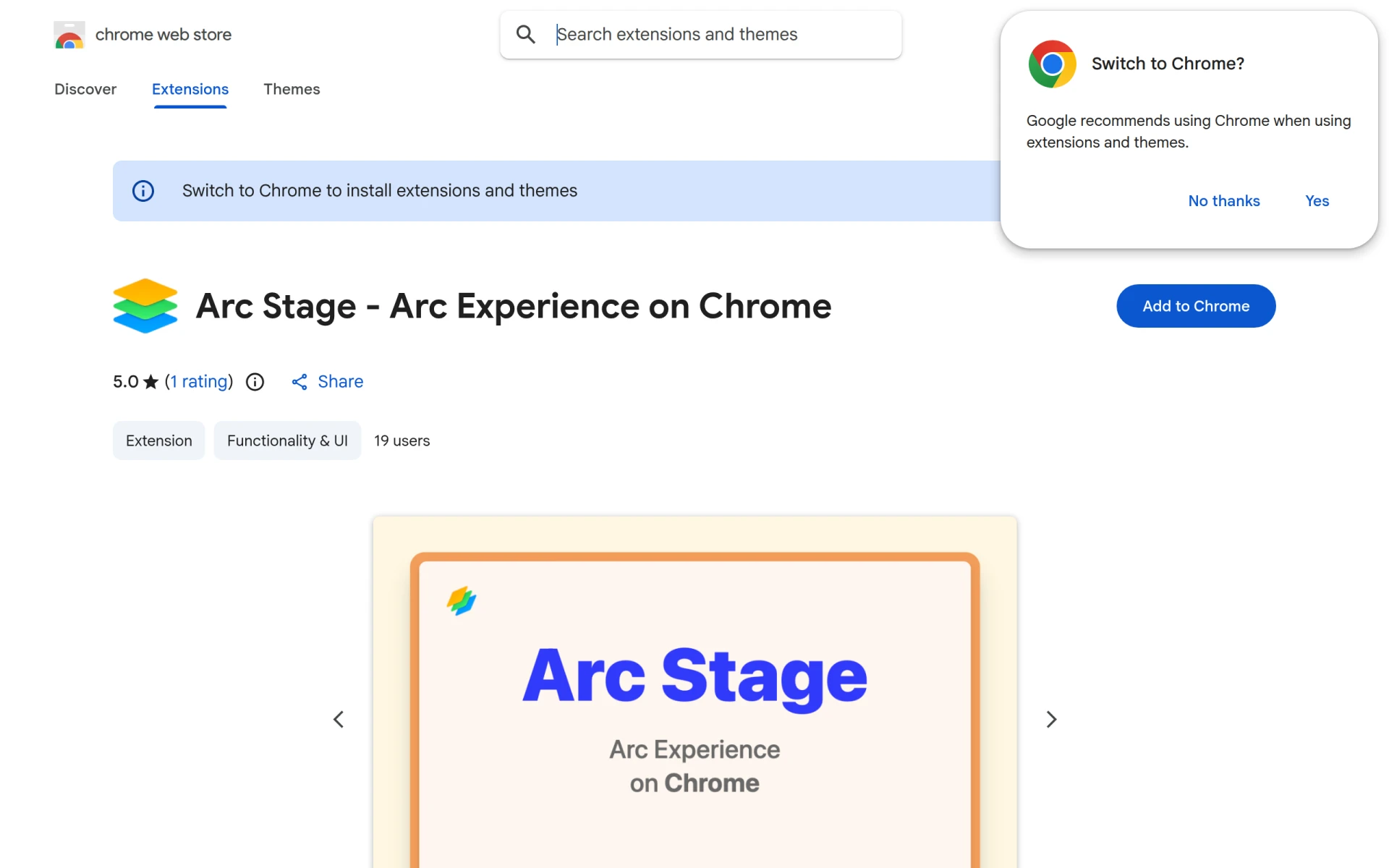
Arc Stage - Arc experience on Chrome - Best for Chrome Users
Arc Stage enhances productivity by streamlining workflow automation directly in your Chrome browser, making it ideal for freelancers who spend a lot of time online. The user-friendly interface allows for easy task scheduling and automation, helping you manage your invoicing tasks without switching between applications.
With customizable workflows, Arc Stage can adapt to your specific needs, allowing you to optimize your invoicing process. However, it may not offer as robust invoicing features as some other dedicated tools, so consider your specific requirements before choosing this option.
- Workflow Automation: Automate repetitive tasks to save time.
- User-Friendly Interface: Easy to navigate, enhancing productivity.
- Customizable Workflows: Tailor workflows to fit your invoicing needs.
- Integration Capabilities: Connect with other tools you use for seamless management.
- Task Scheduling: Schedule tasks to stay organized and on track.
Pricing: Free - Pricing information is currently unavailable. Best for: Freelancers managing multiple clients and projects simultaneously.
Quick Comparison
| Tool | Best For | Starting Price | Rating |
|---|
| cashwerk.io | Integrated Management | Freemium | 0.0/5 |
| ClickUp | Comprehensive Project Management | $9/mo | 0.0/5 |
| monday.com | Visual Project Tracking | Freemium | 0.0/5 |
| TaskFlow | Workflow Automation | Freemium | 0.0/5 |
| 40h | Time Management | Freemium | 0.0/5 |
| Humains | Team Collaboration | Freemium | 0.0/5 |
| Ark Fi | Administrative Task Automation | Freemium | 0.0/5 |
| Danelfin | Project Tracking | Freemium | 0.0/5 |
| Tabs | Revenue Automation | Contact | 0.0/5 |
| Arc Stage | Chrome Users | Free | 0.0/5 |
Best Choice for Beginners
For beginners, cashwerk.io is the ideal choice due to its integrated platform that combines CRM, project management, time tracking, and invoicing in one user-friendly interface. This makes it easy for newcomers to manage their freelance business without feeling overwhelmed by multiple tools.
Best Choice for Professionals
The best choice for professionals is ClickUp. It offers advanced features like goal tracking, comprehensive task management, and robust collaboration tools, catering to the needs of seasoned freelancers who require a more sophisticated approach to project management and invoicing.
Best Value Pick
TaskFlow is the best value pick due to its freemium model, which allows you to access essential features without upfront costs. The automation workflows and collaboration tools provide significant ROI by saving time and enhancing productivity.
Conclusion
Streamlining your invoicing and payment tracking processes is crucial for maintaining a healthy cash flow as a freelancer. By leveraging the right tools, you can save time, reduce errors, and focus more on your core work. Choose a solution that fits your needs and take control of your invoicing today.