Introduction
Creating engaging video content can be daunting for beginners, especially when it comes to choosing the right video editing software. With so many options available, it’s easy to feel overwhelmed and unsure of where to start.
Why YouTubers Struggle With Beginners struggle to find user-friendly video editing software.
Many beginner YouTubers find themselves overwhelmed by complex video editing software that promises advanced features but lacks intuitive usability. Imagine spending hours learning a complicated interface only to realize it doesn't meet your basic editing needs. This struggle is compounded by the pressure to produce high-quality videos that compete with seasoned creators. As a result, many beginners abandon their video projects or settle for subpar content, ultimately hindering their growth on the platform.
What to Look For in Media & Content Creation Tools
- User-Friendly Interface: An intuitive design allows beginners to navigate the software easily without a steep learning curve.
- Essential Editing Features: Look for tools that offer basic editing functions like trimming, splitting, and adding transitions to help create polished videos.
- AI Capabilities: AI tools can automate repetitive tasks, such as cutting unnecessary footage or enhancing audio, saving time for creators.
- Media Library Access: A built-in library with stock footage and music can enhance videos without needing external resources.
- Exporting Options: Ensure the software supports various formats and resolutions, allowing seamless uploads to platforms like YouTube.
Best Top Video Editing Software for Beginners
Gling - Best for quick editing solutions
Gling is an AI-driven video editing software designed specifically for YouTube creators. It stands out for its ability to streamline the video creation process, making it a great choice for beginners who want to produce engaging content efficiently. With features like automatic pause detection and viral clip generation, Gling allows users to focus on their creative process without getting bogged down by complex editing tasks.
Additionally, Gling's link-based video creation feature makes it easy to collaborate with others and share projects. This flexibility is particularly beneficial for beginners who may not have advanced editing skills but want to create professional-looking videos quickly.
- AI-driven video editing: Reduces the time spent on manual editing, allowing creators to focus on content.
- Automatic pause detection: Helps to eliminate dead air in videos, ensuring a smooth viewing experience.
- Viral clip generation from longer videos: Automatically identifies and suggests clips that are likely to engage viewers.
- Easy link-based video creation: Simplifies collaboration with other creators, making the editing process more efficient.
- Support for various video formats: Ensures compatibility with different platforms, particularly YouTube.
Pricing: Freemium - Gling offers a free trial to explore its features, with specific pricing details currently unavailable. Best for: YouTube content creators, vloggers needing quick editing solutions, beginners in video editing.
Wondershare Filmora - Best for high-quality video creation
Wondershare Filmora is designed with beginners in mind, featuring a user-friendly interface that allows for easy navigation. This software is perfect for creating high-quality videos without the need for extensive editing knowledge. The extensive media library includes stock footage and music, enabling creators to enhance their videos and achieve a professional finish effortlessly.
Filmora also offers a range of essential editing features, such as video trimming, splitting, and audio editing tools, which are particularly useful for YouTubers wanting to refine their content. With its motion graphics and titles customization, users can easily add engaging elements to their videos, making it a versatile tool for beginners.
- Video trimming and splitting: Simplifies the editing process, allowing for precise cuts and edits.
- Audio editing tools: Helps to enhance the audio quality of videos, ensuring a better viewer experience.
- Color tuning options: Allows users to adjust the visual aesthetics of their videos, making them more appealing.
- Extensive media library with stock footage and music: Provides a wealth of resources to enhance video content without additional costs.
- Motion graphics and titles customization: Enables users to add engaging texts and animations easily.
Pricing: Freemium - Wondershare Filmora offers a subscription-based pricing model along with a one-time purchase option. Best for: Small businesses creating promotional videos, content creators editing YouTube vlogs, educators producing online courses.
Argil - Best for creative avatars and dynamic editing
Argil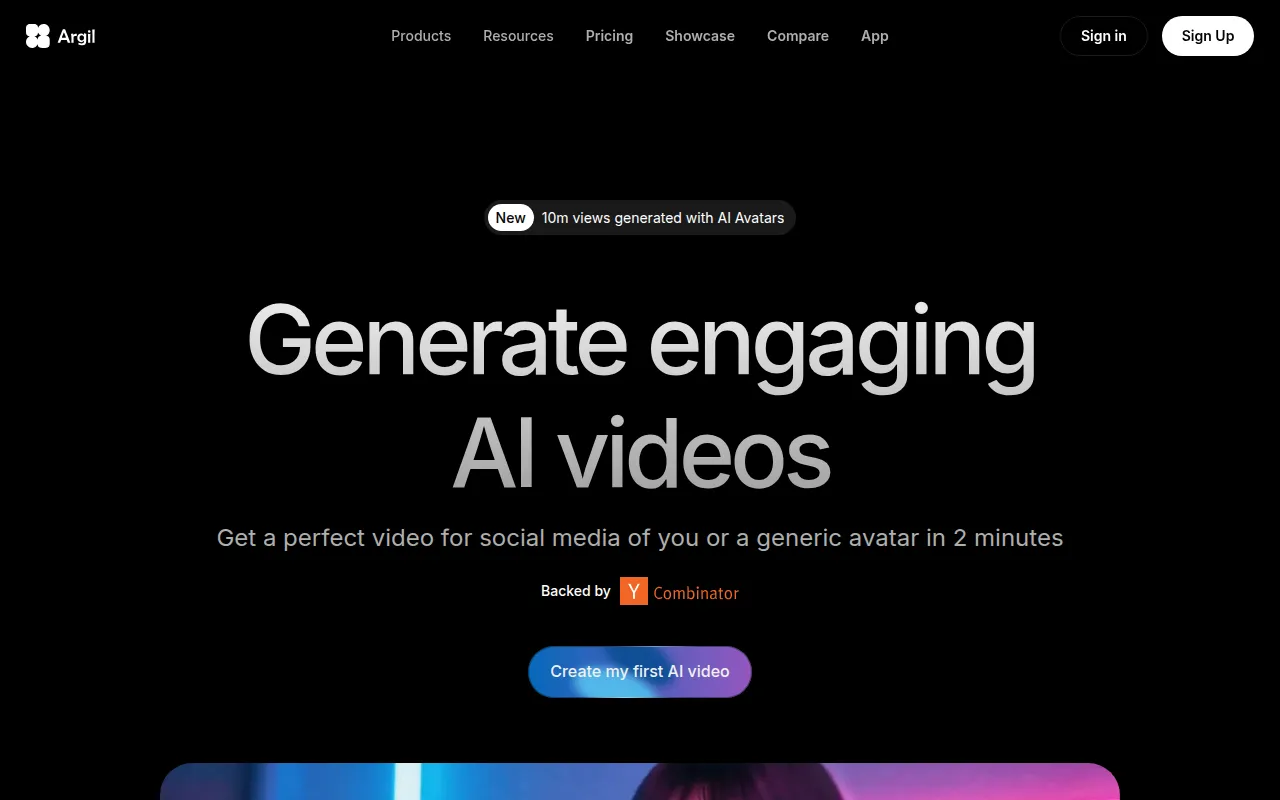 leverages AI to allow users to create engaging videos with customizable avatars, making it particularly appealing to YouTubers looking to add a unique twist to their content. The tool's dynamic editing features and magic video editing capabilities help beginners produce captivating videos quickly, reducing the time spent on cuts and transitions. This is invaluable for creators who may feel overwhelmed by traditional editing methods.
Additionally, Argil's API access enables integration with other platforms, providing flexibility for users who wish to expand their content creation capabilities. This makes it an excellent choice for beginners who are eager to experiment with different styles and formats in their videos.
- AI Avatar Generation: Allows users to create personalized avatars, adding a unique touch to videos.
- Dynamic Editing: Facilitates quick edits, making video creation faster and more efficient.
- Magic Video Editing: Offers automated editing options that simplify the video production process.
- API Access: Enables integration with other software and platforms, expanding creative possibilities.
- Multiple Avatar Styles: Provides versatility in content creation, catering to different audience preferences.
Pricing: Freemium - Argil offers a Classic plan at $39 per month and a Pro plan at $149 per month. Best for: Small businesses looking to create promotional videos, marketing teams producing user-generated content ads, educators creating training videos.
Glam AI - Best for transforming photos into videos
Glam AI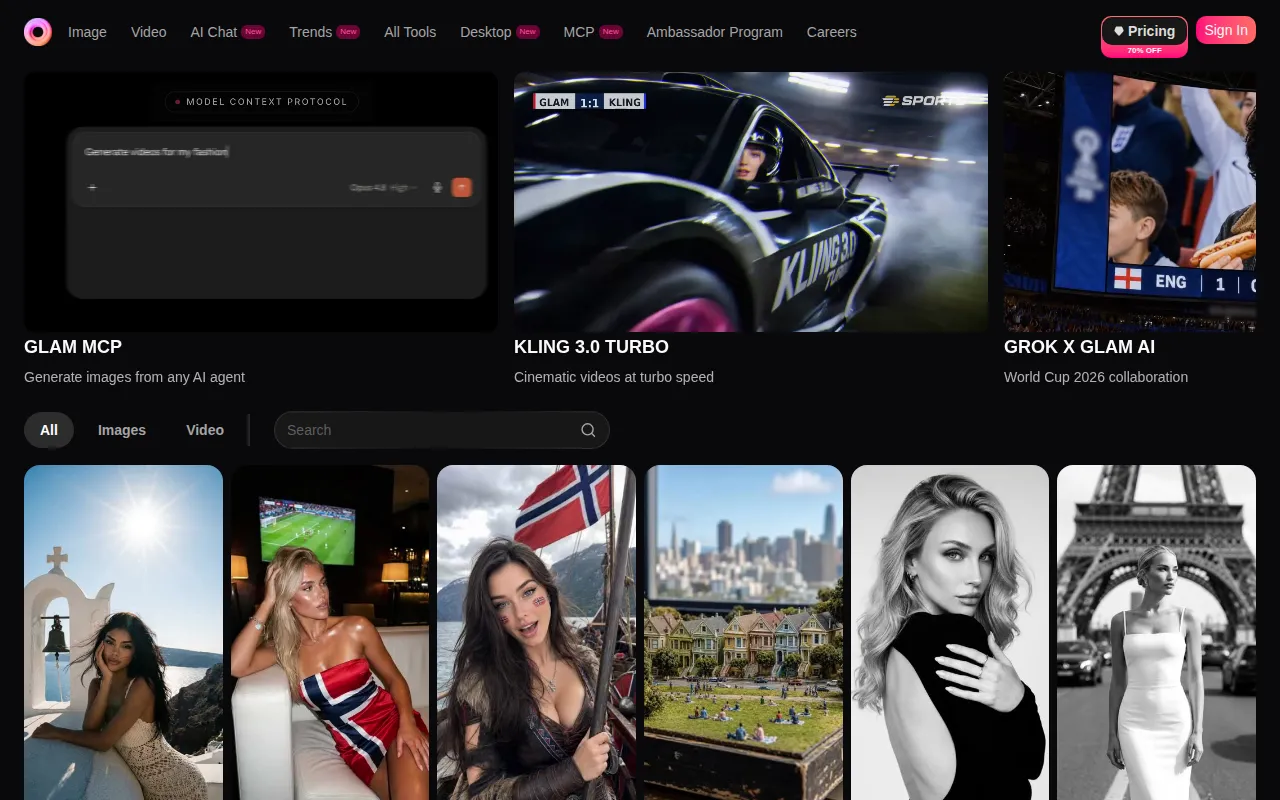 is a cutting-edge tool that specializes in turning photos into engaging AI videos, making it ideal for YouTubers who want to enhance their visual storytelling. The platform's trend-based effects and innovative editing features allow users to create dynamic narratives that capture audience attention. This is particularly beneficial for beginners who may not have extensive video footage but wish to create compelling content from existing images.
With its motion swap functionality, Glam AI enables users to tell stories in a visually captivating way, providing a fresh approach to video editing. This tool is especially suited for social media managers and influencers looking to produce trendy videos that resonate with their followers.
- AI Video Creation: Simplifies the video creation process, making it accessible for beginners.
- Photo to Video Transformation: Allows users to create videos from static images, expanding creative possibilities.
- Trend-Based Effects: Keeps content fresh and engaging by incorporating popular editing trends.
- Motion Swap for dynamic storytelling: Helps to create visually appealing narratives that captivate audiences.
- Multi-Angle Camera functionality: Provides versatility in video production, allowing for different perspectives.
Pricing: Freemium - Pricing information for Glam AI is currently unavailable. Best for: Social media managers looking to enhance their content quickly, influencers wanting to engage their audience with trendy videos, small business owners creating promotional materials.
Instories - Best for quick content production
Instories is an AI-driven video and content creation platform that streamlines video production for various users. Its intuitive interface and easy-to-use video editing tools make it a perfect choice for beginners who want to produce high-quality videos efficiently. With features like background removal and captioning, Instories helps users create polished content without extensive editing experience.
This platform is ideal for small businesses and freelancers looking to enhance their marketing efforts quickly. The ability to generate videos and images seamlessly allows users to create cohesive campaigns that resonate with their target audience.
- AI Video Generator: Automates video creation, making it accessible for beginners.
- Image Generator: Offers additional content creation options, enhancing versatility.
- Video Editing Tools: Simplifies the editing process, allowing users to focus more on creativity.
- Background Removal: Enhances visual quality and professionalism in videos.
- Captioning Features: Improves accessibility and viewer engagement.
Pricing: Freemium - Pricing information for Instories is not explicitly available on the website. Best for: Small businesses looking to enhance their marketing efforts, marketing teams needing quick video content for campaigns, freelancers aiming to produce high-quality videos efficiently.
Swell AI - Best for content repurposing
Swell AI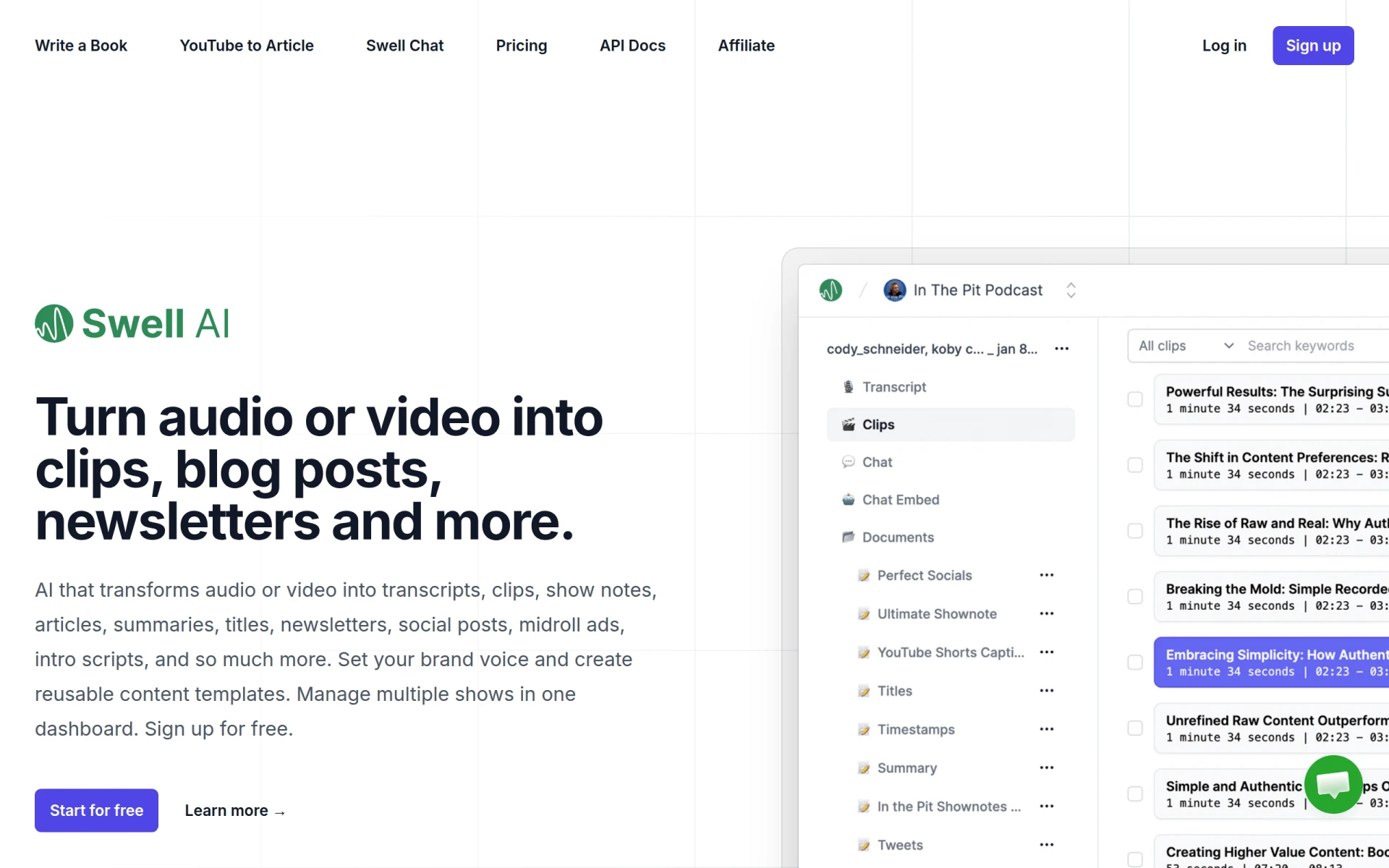 is a powerful tool that transforms audio and video content into various marketing formats, enhancing content creation efficiency. This feature is beneficial for YouTubers who want to repurpose their video content for other platforms, such as blog posts or social media. By simplifying the content generation process, Swell AI allows creators to reach broader audiences without needing to produce entirely new content.
The tool's ability to generate newsletters, show notes, and social media posts from existing content makes it an invaluable resource for busy creators looking to maximize their reach. This is particularly useful for those who may not have the time to create content from scratch.
- Audio and video transcription: Makes it easy to repurpose existing content for different formats.
- Content generation for articles and blog posts: Expands content reach without additional effort.
- Creation of social media posts: Facilitates cross-platform marketing strategies.
- Generation of newsletters and show notes: Ensures consistent audience engagement.
- Midroll ads and intro scripts creation: Simplifies monetization efforts for creators.
Pricing: Freemium - Pricing information is not explicitly provided on the website. Best for: Marketers looking to repurpose content for multiple channels, podcasters wanting to create written content from audio episodes, content creators needing to produce diverse formats from existing media.
SummarAIze - Best for content repurposing and summarization
SummarAIze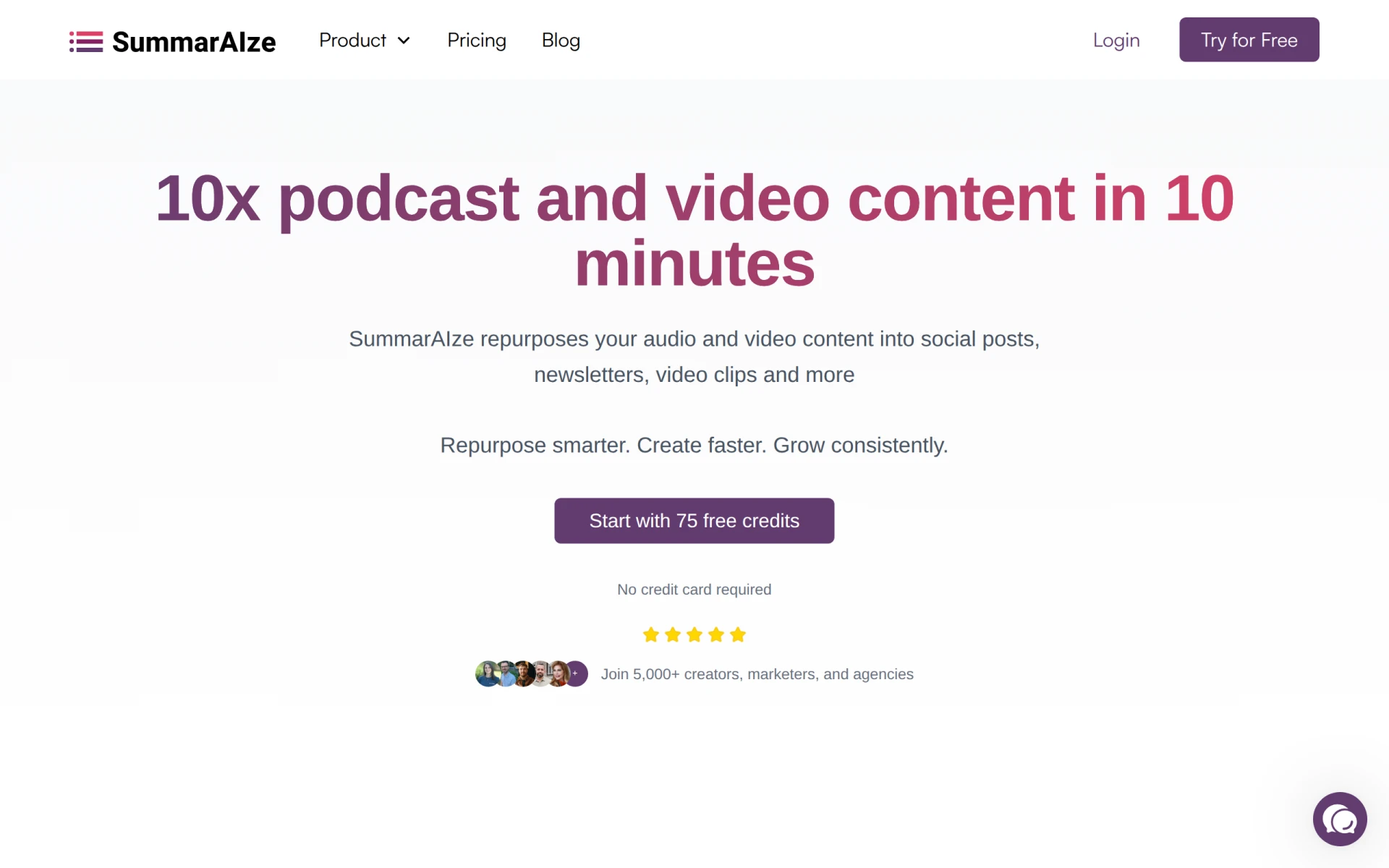 is designed to help creators transform podcasts and videos into engaging social media posts, newsletters, and more. This tool streamlines the content creation process, making it an excellent choice for beginners who want to simplify their workflow. With features like title recommendations and template access, SummarAIze allows users to maintain a consistent brand voice while promoting their content effectively.
The tool's ability to generate summaries and brand kits enhances its utility, providing value to solo creators and small business owners alike. By enabling easy distribution of product information and content, SummarAIze helps users maximize their online presence.
- Content Repurposing: Simplifies the distribution of existing content across multiple platforms.
- Title Recommendations: Assists in optimizing content for better engagement.
- Summaries: Provides quick insights into longer content, making it easier to share.
- Template Access: Ensures consistent branding across all content.
- Brand Kits: Helps maintain a professional appearance in marketing materials.
Pricing: Freemium - SummarAIze offers a subscription model starting at $29 per month for 350 credits. Best for: Solo creators looking to simplify their content creation process, digital marketing agencies aiming to enhance client engagement through repurposed content, small business owners wanting to distribute product information efficiently.
Spotter Studio - Best for professional YouTubers
Spotter Studio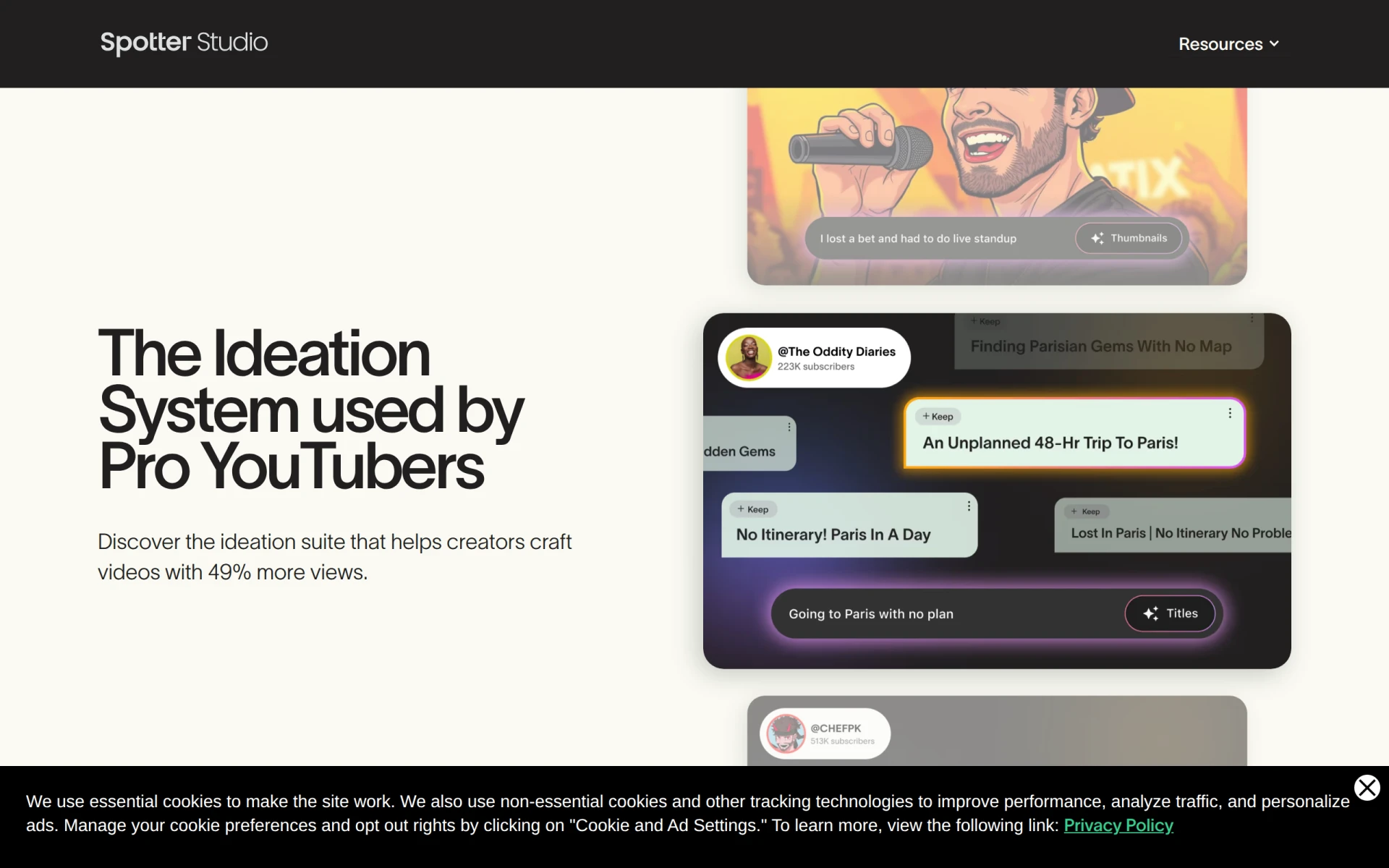 is an ideation system designed for professional YouTubers to enhance video creation and increase views. This tool offers features like video idea generation and analytics dashboards, helping creators understand their audience better. For beginners looking to grow their channels, Spotter Studio provides insights that can inform content strategy and improve viewer engagement.
The collaboration tools and content calendar functionality make it easier for teams to work together, ensuring that video production runs smoothly. This is particularly beneficial for YouTubers who may be working with multiple collaborators or managing a content schedule.
- Video Idea Generation: Provides inspiration and unique content ideas tailored to audience preferences.
- Analytics Dashboard: Helps users track performance and optimize content based on viewer insights.
- Collaboration Tools: Simplifies teamwork, making it easier to produce cohesive video projects.
- Content Calendar: Assists in planning and scheduling video releases effectively.
- Audience Insights: Provides data to help creators tailor their content to viewer interests.
Pricing: Freemium - Pricing details for Spotter Studio are not publicly available. Best for: Professional YouTubers, content creation teams, channel managers.
Taja AI - Best for optimizing video assets
Taja AI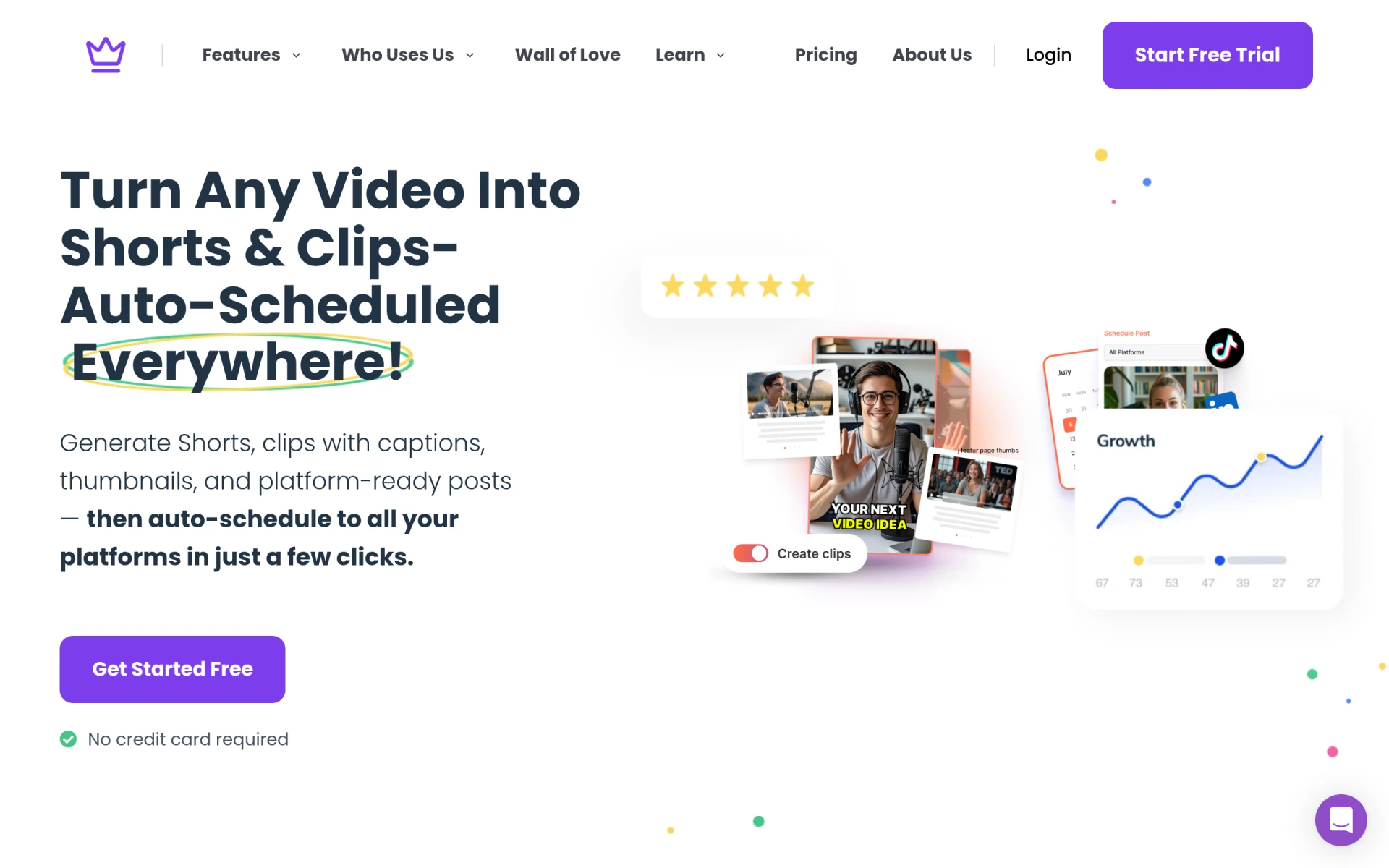 is a robust tool that transforms long-form videos into engaging shorts, blogs, and social media posts, making it a valuable resource for content creators looking to optimize their video assets. The automated processes for generating shorts and clips save time for beginners who wish to create bite-sized content for platforms like TikTok or Instagram.
With features like caption and thumbnail generation, Taja AI ensures that users can maintain quality and consistency across all their content. This tool is perfect for marketing teams wanting to boost their online presence and freelancers needing quick content generation solutions.
- Video upload and optimization: Simplifies the process of preparing videos for different platforms.
- Automated generation of shorts and clips: Helps users create engaging content quickly.
- Caption and thumbnail generation: Ensures appealing visuals and accessibility.
- Multi-platform content scheduling: Allows for strategic posting across various channels.
- Content idea generation: Provides inspiration for new content based on trends.
Pricing: Freemium - Taja AI offers a subscription model with a starter plan starting at $19.99 per month. Best for: Content creators looking to optimize their video assets, marketing teams wanting to boost their online presence, freelancers needing quick content generation solutions.
VideoGen - Best for quick video generation
VideoGen is an AI-powered video generator that enables users to create and edit videos quickly and easily. This tool is particularly appealing for beginners who need a straightforward solution for producing engaging videos without extensive editing skills. With features like AI voiceover integration and image to video conversion, VideoGen makes it easy to create professional-looking content in minimal time.
The platform's AI sound effects and image editing capabilities further enhance the user experience, allowing for creative freedom without the complexity of traditional editing software. This makes VideoGen an excellent choice for small businesses and freelancers looking to create marketing videos efficiently.
- AI Video Generation: Automates video creation, making it accessible for beginners.
- Image to Video Conversion: Provides a quick way to generate videos from existing images.
- AI Voiceover Integration: Adds a professional touch to videos with minimal effort.
- AI Sound Effects: Enhances the audio experience, making videos more engaging.
- AI Image Editing: Simplifies the editing process, allowing users to create visually appealing content.
Pricing: Freemium - VideoGen offers a single pricing plan at $16 per month with additional credits available for purchase. Best for: Small businesses looking to create marketing videos, freelancers offering video services, marketing teams needing quick turnaround for promotional content.
Quick Comparison
| Tool | Best For | Starting Price | Rating |
|---|
| Gling | YouTube content creators | Free | 0.0/5 |
| Wondershare Filmora | Small businesses | Free | 0.0/5 |
| Argil | Small businesses | $39/mo | 0.0/5 |
| Glam AI | Social media managers | Free | 0.0/5 |
| Instories | Small businesses | Free | 0.0/5 |
| Swell AI | Marketers | Free | 0.0/5 |
| SummarAIze | Solo creators | $29/mo | 0.0/5 |
| Spotter Studio | Professional YouTubers | Free | 0.0/5 |
| Taja AI | Content creators | $19.99/mo | 0.0/5 |
| VideoGen | Small businesses | $16/mo | 0.0/5 |
Best Choice for Beginners
For beginners, Gling is the ideal choice due to its AI-driven capabilities and user-friendly interface. It allows creators to focus on their content while automating the more complex aspects of video editing, making it accessible even for those with no prior experience.
Best Choice for Professionals
Wondershare Filmora stands out as the best choice for professionals seeking advanced features without sacrificing ease of use. Its extensive media library, audio editing tools, and motion graphics customization provide the depth needed for polished, professional content.
Best Value Pick
Taja AI offers exceptional value with its affordable pricing and robust features for content optimization. The ability to generate shorts and automate various content formats allows creators to maximize their ROI while maintaining quality.
Conclusion
Choosing the right video editing software is crucial for creating engaging content as a beginner YouTuber. With the right tools at your disposal, you can enhance your video production quality and engage your audience effectively. Don't hesitate to explore these options and find the one that fits your needs best.