Why Look for Alternatives to Autodraw?
While Autodraw is a convenient online drawing tool that utilizes machine learning for quick sketches, it does have its limitations that prompt users to seek alternatives. One of the most significant drawbacks is its lack of advanced features that professional designers often require. Autodraw primarily focuses on simple sketches and quick doodles, making it less suitable for users who need intricate designs or detailed artwork. Furthermore, the platform lacks comprehensive editing tools and customization options that allow for fine-tuning of designs, which can be a considerable limitation for users looking to create polished graphics.
Additionally, Autodraw's capabilities are somewhat limited when it comes to collaborative work. While the tool is great for individual use, it does not offer the real-time collaboration features that many teams need today. This can be a pain point for users who work in design teams or need to share their work with others for feedback and revisions. As a free tool, it is appealing, but the absence of advanced functionalities, extensive design options, and collaborative features drives many users to explore alternatives that can better meet their design needs.
Best Alternatives to Autodraw in 2026
Canva - Best for Comprehensive Design Projects
Canva is an all-encompassing graphic design platform that allows users to create stunning visuals for various applications, including social media posts, presentations, and marketing materials. Unlike Autodraw, which is limited to simple sketches, Canva provides a rich library of templates, graphics, and fonts that cater to both novice and experienced designers. Its user-friendly interface makes it easy for anyone to jump in and start creating professional-looking designs without needing extensive design skills.
One of the standout features of Canva is its collaborative tools, which enable teams to work together in real-time. This is a significant advantage over Autodraw, where collaboration is virtually nonexistent. Users can easily share designs, provide feedback, and make edits simultaneously, making it an excellent choice for businesses and teams. Canva also supports animated graphics and video content, expanding its usability beyond static images and sketches. In this way, it becomes a versatile tool for anyone needing a comprehensive design solution.
- Key Strength: Extensive library of templates and design elements that surpasses Autodraw's basic offerings.
- Key Strength: Real-time collaboration features ideal for teams and group projects.
- Key Strength: Support for animated graphics and video content, enhancing creative possibilities.
- Limitation: Some advanced features require a subscription to Canva Pro.
Pricing: Freemium - Free forever plan, with Canva Pro available at $15/month per person. Best for: Users looking for a comprehensive design solution with collaboration features.
Midjourney - Best for AI-Generated Art
Midjourney stands out as one of the most advanced AI image generation tools available, allowing users to create breathtaking artwork from simple text descriptions. Unlike Autodraw, which relies on user input for sketches, Midjourney leverages sophisticated AI algorithms to interpret and generate images based on the prompts provided. This makes it an ideal choice for artists and designers who want to explore creative possibilities without needing to draw or illustrate manually.
The quality of images produced by Midjourney is exceptional, often surpassing traditional methods of illustration in terms of detail and creativity. Users can experiment with various styles and concepts, making it a powerful tool for generating unique artwork for projects, marketing campaigns, or personal use. While it requires a subscription for full access, the results can be well worth the investment, especially for those heavily involved in digital art or creative industries.
- Key Strength: High-quality AI-generated images that can be customized through text prompts.
- Key Strength: Ability to explore a wide range of artistic styles and concepts effortlessly.
- Key Strength: Continuous updates and improvements to AI algorithms enhance user experience.
- Limitation: Subscription costs may be a barrier for casual users.
Pricing: Paid - Basic $10/month for 200 images, Standard $30/month for unlimited images, Pro $60/month for advanced features. Best for: Artists and designers seeking high-quality, AI-generated artwork.
Figma - Best for Collaborative Design and Prototyping
Figma is a leading collaborative design tool that excels in UI/UX design, allowing teams to design and prototype interfaces in real-time. Unlike Autodraw, which is primarily focused on basic drawing, Figma offers a robust set of features tailored for professional design projects. Users can create interactive prototypes, conduct user testing, and collaborate seamlessly with team members, making it an invaluable resource for product designers and design teams.
What sets Figma apart is its cloud-based platform, which means that all changes are saved in real-time and can be easily accessed from any device. This feature enhances collaboration, as multiple users can work on the same project simultaneously, providing immediate feedback and suggestions. Figma also integrates with various design systems and plugins, allowing for greater customization and functionality compared to Autodraw's limited toolset. Overall, Figma is the ideal choice for teams looking for a comprehensive design solution that promotes collaboration and efficiency.
- Key Strength: Real-time collaboration features that enhance teamwork and feedback.
- Key Strength: Advanced design and prototyping tools tailored for UI/UX projects.
- Key Strength: Extensive integration options with design systems and plugins.
- Limitation: May have a steeper learning curve for beginners compared to more straightforward tools.
Pricing: Freemium - Free for up to 3 projects, Professional at $15/editor/month, Organization at $45/editor/month. Best for: Design teams and professionals focused on UI/UX projects.
Airbrush - Best for High-Quality Image Generation
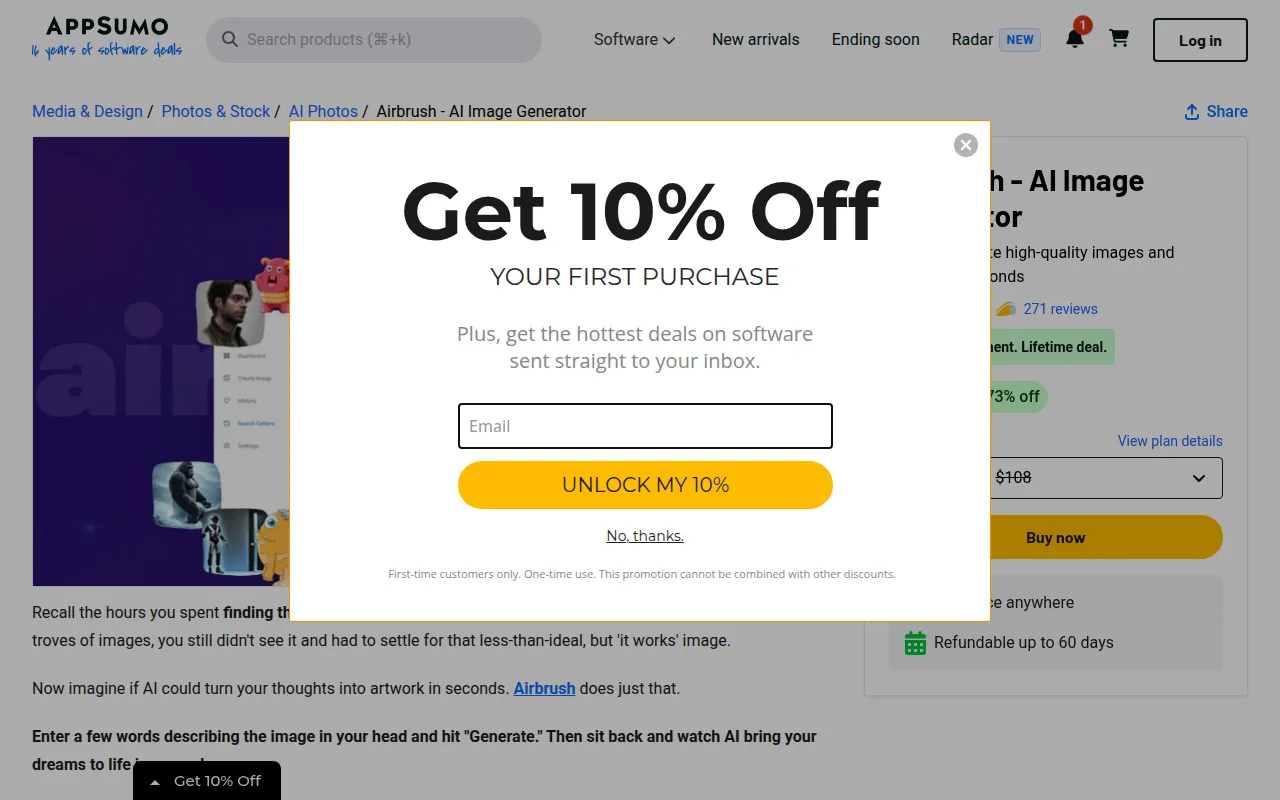
Airbrush is an innovative AI image generator that creates impressive visuals based on user prompts in seconds. This tool is particularly beneficial for users who want to generate high-quality images without the need for extensive design skills. Unlike Autodraw, which focuses on drawing and sketching, Airbrush allows users to produce visually stunning artwork that can be used in various applications, from marketing to personal projects.
The speed and quality of images produced by Airbrush make it stand out in comparison to Autodraw. Users can input specific prompts to guide the AI in generating images that match their vision, making it an excellent choice for those needing customized artwork quickly. The one-time payment model for a lifetime deal is also appealing for users looking for a cost-effective solution without recurring fees, though it's important to note that this may limit updates or new features in the future.
- Key Strength: Fast image generation with high-quality results tailored to user prompts.
- Key Strength: One-time payment model offers lifetime access without ongoing costs.
- Key Strength: User-friendly interface designed for ease of use.
- Limitation: Limited functionality compared to more comprehensive design tools.
Pricing: Paid - One-time payment for a lifetime deal. Best for: Users needing high-quality images without ongoing subscription fees.
AirBrush AI Headshots - Best for Professional Headshots
AirBrush AI Headshots specializes in generating professional AI-driven headshots that enhance your online presence effortlessly. Unlike Autodraw, which is primarily for drawing, AirBrush AI Headshots focuses on a specific use case—creating polished and professional images for resumes, LinkedIn profiles, and other professional settings. This targeted approach makes it an excellent choice for job seekers and professionals looking to improve their image without the hassle of traditional photography.
The AI technology behind AirBrush AI Headshots allows users to create high-quality images quickly and efficiently. This tool simplifies the process of obtaining a professional headshot, eliminating the need for expensive photoshoots or complex editing. While detailed pricing information is currently unavailable, the freemium model suggests that users can access basic features without upfront costs, making it accessible for a wide audience.
- Key Strength: Focus on generating professional headshots tailored for career advancement.
- Key Strength: AI technology produces high-quality images quickly with minimal user input.
- Key Strength: User-friendly interface designed for quick and easy use.
- Limitation: Pricing details are not readily available, which may be a concern for some users.
Pricing: Freemium - Pricing information currently unavailable. Best for: Professionals in need of high-quality headshots for online platforms.
AICarousels - Best for Social Media Content Creation
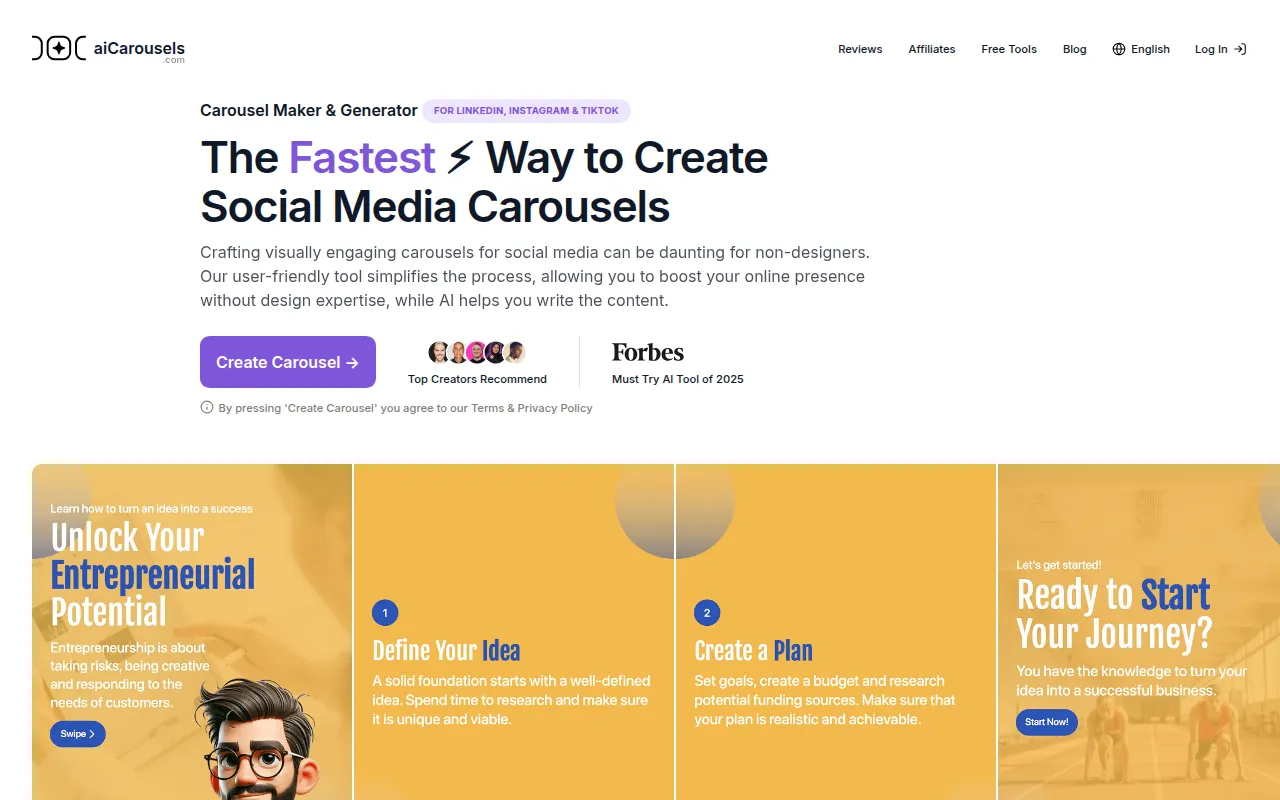
AICarousels is a free, user-friendly tool designed specifically for creating engaging carousel posts for social media without requiring design expertise. Unlike Autodraw, which focuses on basic sketching, AICarousels simplifies the process of creating multi-image posts that can capture audience attention on platforms like Instagram and Facebook. This makes it an ideal tool for marketers and social media managers looking to enhance their content strategy.
The ease of use is one of the main advantages of AICarousels. Users can quickly create visually appealing carousel posts that are optimized for engagement, allowing them to share information in a more dynamic way. This tool also eliminates the need for extensive design skills, making it accessible to anyone looking to improve their social media presence. By providing a straightforward platform to produce high-quality carousel content, AICarousels stands as a specialized alternative to Autodraw for social media applications.
- Key Strength: Simplified process for creating engaging social media carousel posts.
- Key Strength: Free to use with no sign-up required, making it highly accessible.
- Key Strength: Optimized for various social media platforms to enhance user engagement.
- Limitation: Limited to carousel creation, which may not meet broader design needs.
Pricing: Free - No sign-up required. Best for: Social media managers and marketers creating engaging carousel posts.
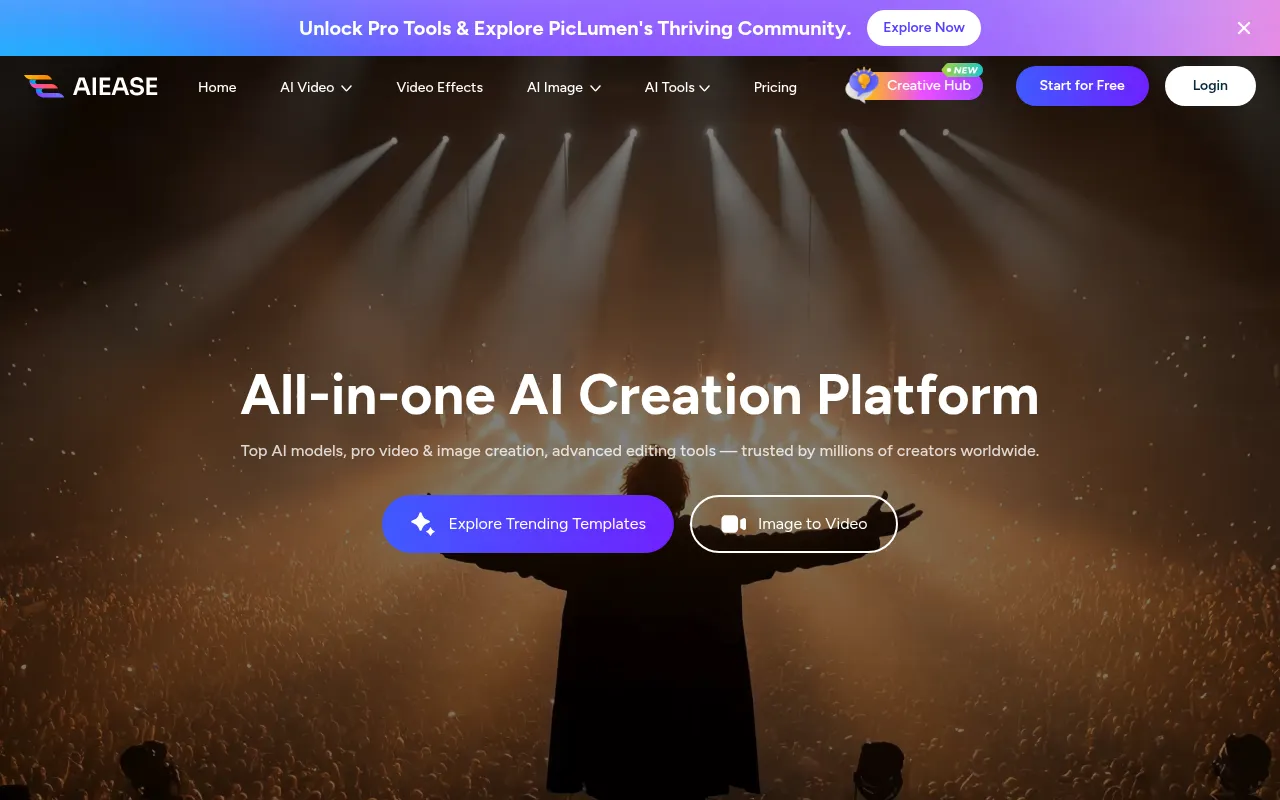
AIEASE - Best for Video and Image Creation
AIEASE is an all-in-one platform designed for video and image creation, making it a versatile alternative to Autodraw. Unlike Autodraw, which is limited to sketching, AIEASE allows users to create dynamic multimedia content that includes both images and videos. This feature makes it an excellent choice for content creators who want to produce engaging materials for various platforms, including social media, websites, and marketing campaigns.
The platform's user-friendly interface and comprehensive toolset enable users to generate high-quality content effortlessly. AIEASE is particularly beneficial for those looking to streamline their content creation process, as it combines multiple functionalities into one platform. While specific pricing information is not readily available, the freemium model suggests that users can access basic features without upfront costs, making it an attractive option for content creators on a budget.
- Key Strength: Comprehensive platform for both video and image creation.
- Key Strength: User-friendly interface designed for quick content generation.
- Key Strength: Combines multiple content creation tools into one platform, enhancing efficiency.
- Limitation: Lack of transparent pricing information may deter potential users.
Pricing: Freemium - Pricing information currently unavailable. Best for: Content creators looking for a versatile platform for video and image creation.
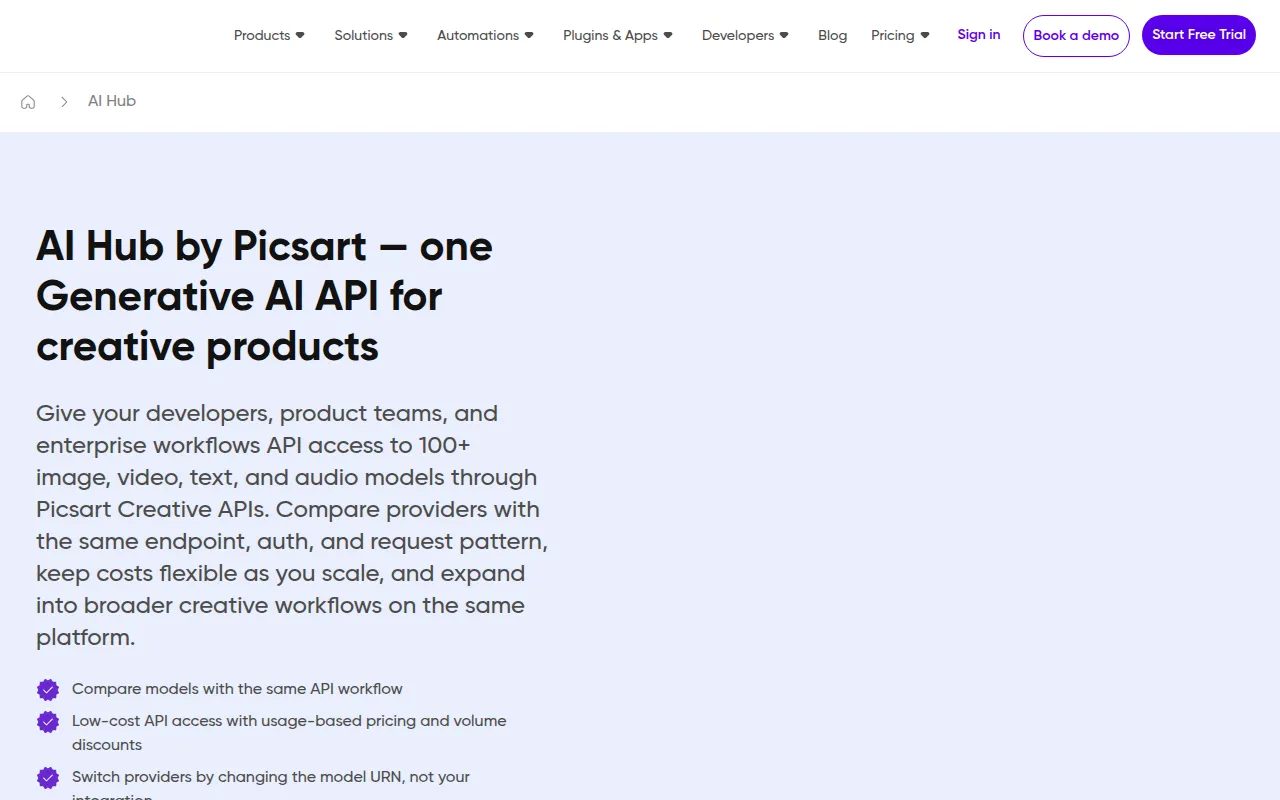
AI HUB by Picsart - Best for Enhanced Creative Workflows
AI HUB by Picsart is a design tool that utilizes AI technology to streamline creative workflows and enhance the design process. Unlike Autodraw, which focuses on basic sketching, AI HUB offers a variety of tools that can assist users in creating polished graphics and artwork. This makes it an excellent choice for both amateur and professional designers looking to improve their creative output.
The platform’s AI capabilities help automate various aspects of the design process, allowing users to focus more on creativity rather than technical details. This can significantly speed up project completion times and enhance overall productivity. While specific pricing information is currently unavailable, the freemium model indicates that users can access essential features without any initial costs, making it accessible for those exploring AI-enhanced design solutions.
- Key Strength: AI-driven tools that enhance and streamline creative workflows.
- Key Strength: Versatile options for both amateur and professional designers.
- Key Strength: Focus on automating technical aspects, allowing for greater creative freedom.
- Limitation: Lack of transparent pricing may be a concern for potential users.
Pricing: Freemium - Pricing information currently unavailable. Best for: Designers seeking to enhance their creative workflows with AI technology.
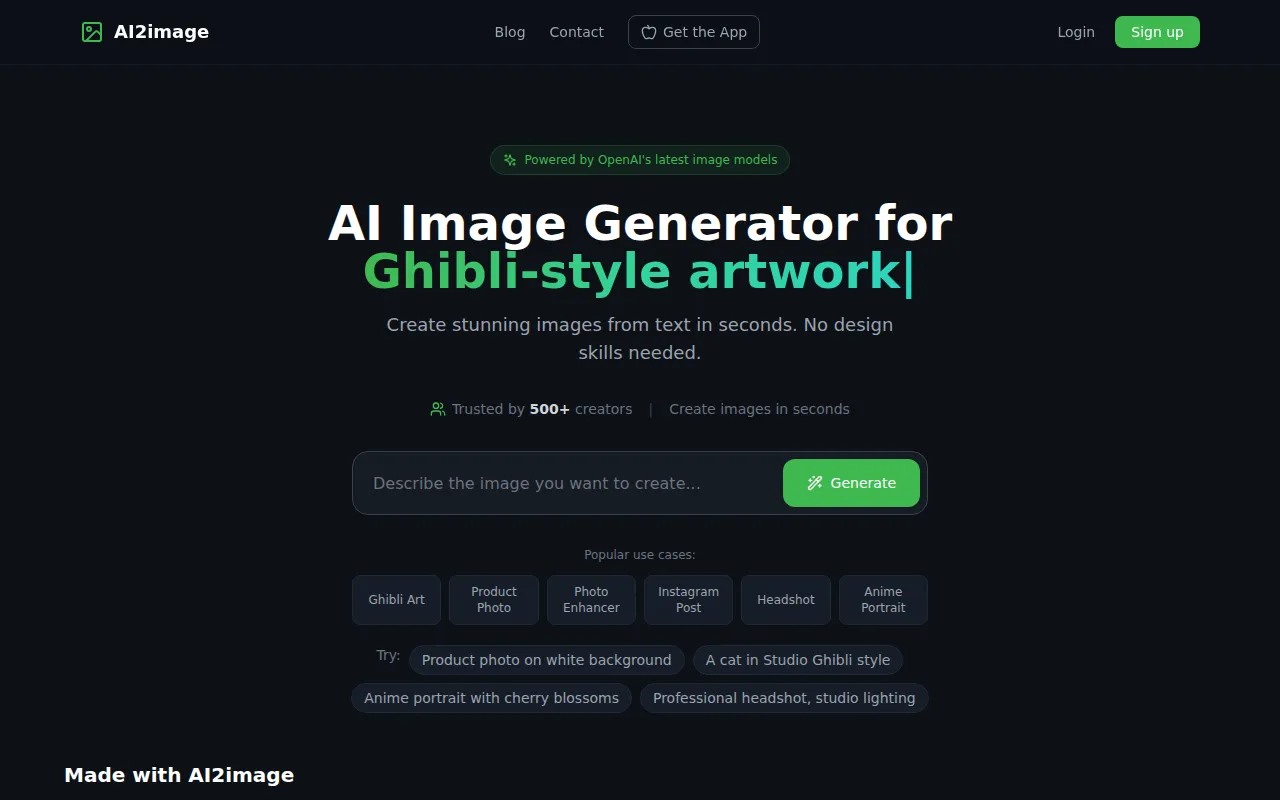
AI2image - Best for Quick and Easy Image Generation
AI2image is a free AI image generator that transforms text prompts into stunning visuals without requiring any sign-up. This tool is particularly beneficial for users who need to generate images quickly and efficiently. Unlike Autodraw, which focuses on sketching, AI2image allows users to create high-quality images based on their specific requests, making it a versatile option for various creative projects.
The convenience of AI2image lies in its accessibility and speed. Users can simply input their text prompts, and the AI generates images in a matter of seconds. This feature makes it an ideal tool for marketers, bloggers, and anyone needing visuals for their content without the need for extensive design skills. While it may lack some of the advanced features of other design tools, its simplicity and effectiveness make it a valuable alternative to Autodraw.
- Key Strength: Fast image generation from text prompts without the need for sign-up.
- Key Strength: High-quality visuals that can be used across various applications.
- Key Strength: User-friendly interface designed for quick access and ease of use.
- Limitation: Limited customization options compared to more complex design tools.
Pricing: Free - No sign-up required. Best for: Users needing quick and easy image generation for various projects.
AI Photo Filter - Best for Unique Image Styling
AI Photo Filter is a tool that transforms images using artificial intelligence, offering users unique styling options effortlessly. Unlike Autodraw, which is more focused on creating drawings, AI Photo Filter allows users to enhance their existing images with various artistic effects and filters. This makes it an excellent choice for photographers and social media enthusiasts looking to elevate their visuals.
The AI-driven features of AI Photo Filter enable users to apply complex styling options to their images quickly, making it easy to create unique and eye-catching visuals. This tool is particularly beneficial for those looking to enhance their social media presence or create engaging content for marketing without requiring extensive editing skills. Although specific pricing information is currently unavailable, the tool's ease of use and creative potential make it a worthwhile alternative to Autodraw.
- Key Strength: Unique AI-driven styling options that enhance existing images.
- Key Strength: Quick and easy to use, making it accessible for all skill levels.
- Key Strength: Ideal for enhancing visuals for social media and marketing purposes.
- Limitation: Lack of clear pricing information may deter potential users.
Pricing: Free - Specific pricing information currently unavailable. Best for: Users looking to enhance their images with unique styling options.
Feature Comparison Table
| Tool | Best For | Starting Price | Free Plan | Standout Feature |
|---|
| Autodraw | Quick sketches and doodles | Free | Yes | Machine learning sketch recognition |
| Canva | Comprehensive design projects | Freemium | Yes | Extensive template library |
| Midjourney | AI-generated art | Paid | No | High-quality AI artwork |
| Figma | Collaborative design and prototyping | Freemium | Yes | Real-time collaboration |
| Airbrush | High-quality image generation | Paid | No | Fast image creation |
| AirBrush AI Headshots | Professional headshots | Freemium | Yes | AI-driven headshot generation |
| AICarousels | Social media content creation | Free | Yes | Easy carousel creation |
| AIEASE | Video and image creation | Freemium | Yes | All-in-one multimedia platform |
| AI HUB by Picsart | Enhanced creative workflows | Freemium | Yes | AI-driven design tools |
| AI2image | Quick and easy image generation | Free | Yes | Fast text-to-image creation |
| AI Photo Filter | Unique image styling | Free | Yes | AI styling options |
How to Choose the Right Alternative to Autodraw
When searching for the right alternative to Autodraw, it's essential to consider your specific needs and the type of projects you typically work on. For users primarily interested in quick sketches and doodles, tools like Canva or AICarousels may provide the simplest solutions while offering a variety of design options. If your focus leans more towards professional graphic design or collaborative projects, Figma would be an excellent choice due to its real-time collaboration features and advanced design capabilities.
On the other hand, if you are looking to generate high-quality images or artwork without the need for drawing skills, Midjourney and Airbrush could be your best bets. Both tools utilize AI to create stunning visuals from text prompts, catering to artists and designers seeking unique artistic expressions. For social media marketers, AICarousels offers a streamlined process for creating engaging content, while AirBrush AI Headshots can assist professionals needing polished headshots without the hassle of traditional photography.
Ultimately, the right alternative will hinge on your particular use case—be it sketching, graphic design, image generation, or social media content creation. Evaluating the features and pricing of each option will help you make an informed decision based on your requirements and budget.
Final Verdict
In conclusion, while Autodraw serves its purpose as a quick sketch tool, its limitations prompt users to explore more robust alternatives. For comprehensive design needs, Canva and Figma are top contenders. For AI-generated artwork, Midjourney and Airbrush excel. Social media marketers should consider AICarousels for engaging posts, while professionals needing headshots might find value in AirBrush AI Headshots. Each tool mentioned here offers unique strengths, catering to various user needs and helping you choose the best fit for your creative projects.