Overview
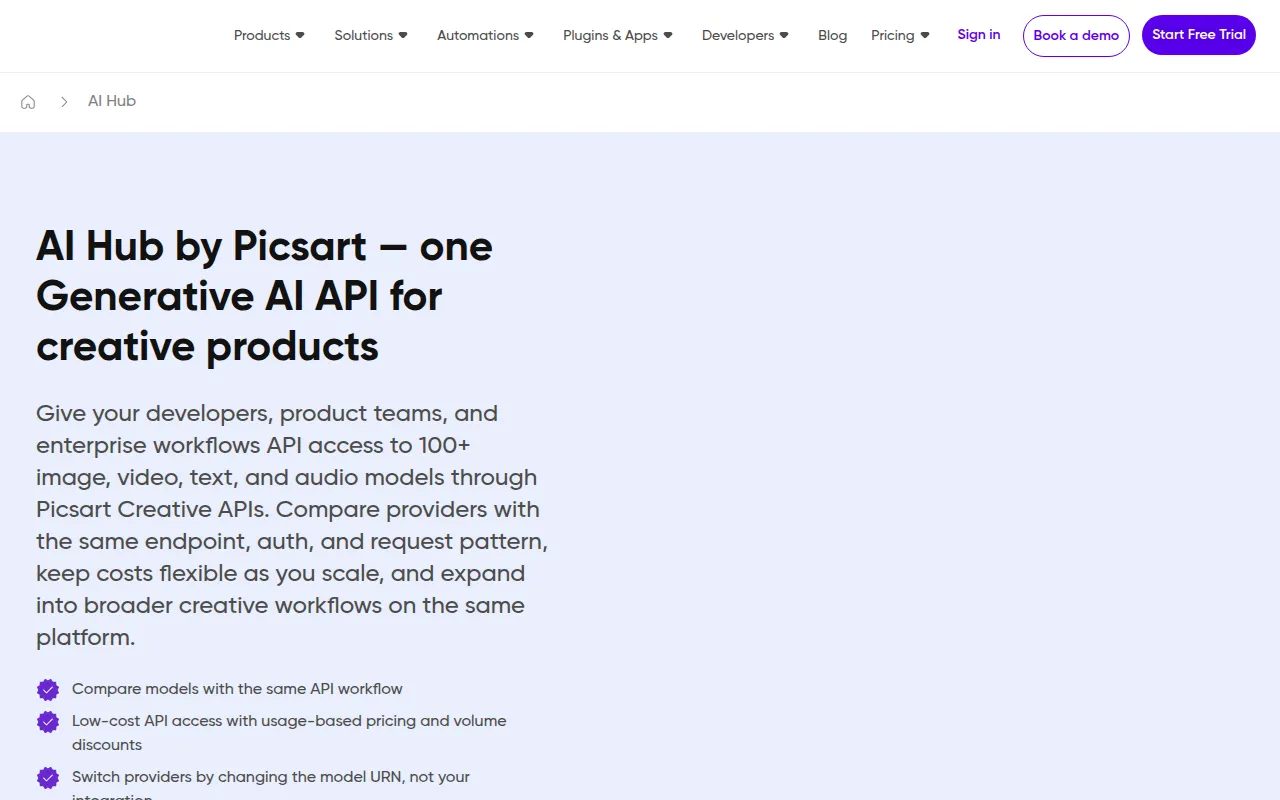
AI HUB by Picsart is an innovative design platform that integrates artificial intelligence to assist users in creating high-quality visual content. Its primary purpose is to simplify design tasks for both novice and experienced users by providing AI-driven tools that enhance creativity and efficiency. The software addresses common design challenges, such as generating unique images, automating repetitive tasks, and improving collaboration among teams.
Key Features
- AI Image Generation
- Background Removal
- Style Transfer
- Text-to-Image Conversion
- Template Library
- Image Editing Tools
- Collaboration Features
- User-Friendly Interface
- Integration with Other Tools
- Multi-format Support
Benefits
The practical advantages of using AI HUB by Picsart include increased productivity due to automated tasks, access to a vast library of templates, and the ability to create unique images without extensive design skills. Users can benefit from improved collaboration features that allow teams to work together seamlessly, making it easier to share and edit projects in real time. The software also empowers users to experiment with different styles and techniques, ultimately leading to more creative output.
Common Use Cases
AI HUB is ideal for marketing teams looking to create engaging visuals for campaigns, freelance designers who need to produce high-quality work quickly, and social media managers who want to generate eye-catching content. For instance, a marketing team can use the AI-powered image generation feature to create promotional materials, while a freelancer might utilize the background removal tool to enhance product images for online catalogs. Additionally, businesses can leverage the collaborative functions to streamline feedback and edits among team members.
Who Should Use It
AI HUB by Picsart is designed for creative professionals, marketers, and businesses of all sizes who require efficient design solutions. It is especially beneficial for those with limited design experience, as the AI tools simplify complex tasks. However, it may not be the best fit for professional graphic designers who prefer more control over intricate design elements or those seeking advanced features found in specialized software.
Pricing Overview
Pricing information for AI HUB by Picsart is currently unavailable. Users are encouraged to visit the official website for the most accurate and up-to-date pricing details.
Conclusion
AI HUB by Picsart presents a user-friendly design solution that harnesses AI technology to enhance creativity and productivity. While it offers numerous features that simplify the design process, potential users should consider their specific needs and whether the software aligns with their design goals before making a decision.