Why Look for Alternatives to Bhava?
While Bhava is an impressive AI-powered diagram editor, there are several limitations that can lead users to explore alternatives. One primary concern is the lack of transparent pricing information, making it difficult for potential users to assess whether Bhava fits within their budget. Users may also find that Bhava does not support certain advanced features that other diagramming tools provide, such as extensive collaboration capabilities, integrations with other software, or more nuanced design options. Additionally, Bhava's user interface may not cater to all user preferences, particularly for those seeking a more intuitive or specialized design experience.
Another common pain point associated with Bhava is its limited functionality for specific use cases, such as creating complex infographics or interactive diagrams. Users looking for a more versatile tool might find that Bhava falls short in these areas, which can be crucial for professionals in fields like marketing or education. Furthermore, the freemium model may not offer enough features in the free tier, pushing users towards paid plans prematurely. These factors can drive users to seek alternatives that better meet their diverse needs and provide a more comprehensive design experience.
Best Alternatives to Bhava in 2026
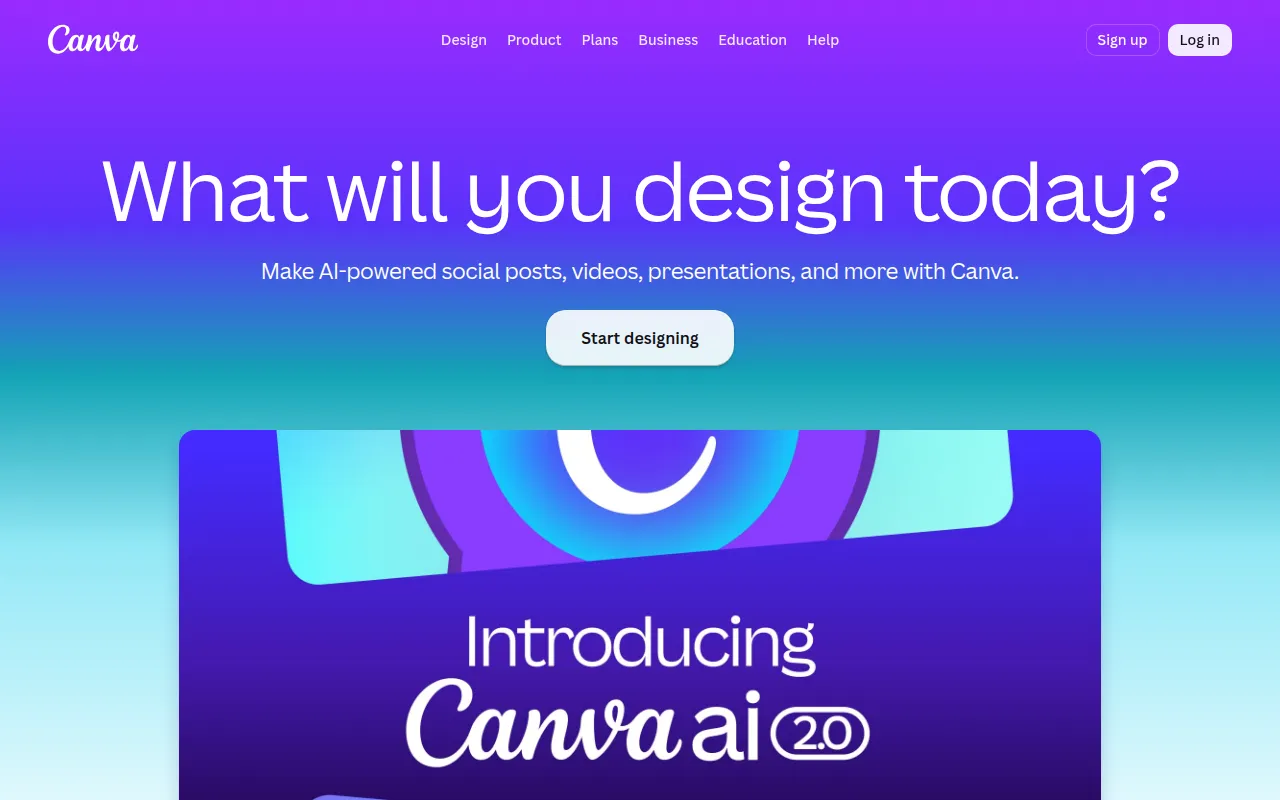
Canva - Best for All-in-One Graphic Design
Canva stands out as one of the most user-friendly graphic design platforms available today. While Bhava focuses on diagram creation, Canva allows users to create a wide range of designs, including social media graphics, presentations, and marketing materials. The intuitive drag-and-drop interface makes it easy for anyone, regardless of design experience, to produce professional-quality visuals quickly. This versatility makes Canva an excellent choice for businesses and individuals looking for a comprehensive design solution that goes beyond simple diagramming.
In comparison to Bhava, Canva offers a vast library of templates and design elements that can significantly enhance the creative process. Users can access a wealth of stock images, vectors, and illustrations that can be easily integrated into their designs. Additionally, Canva's collaboration features allow multiple users to work on a project simultaneously, facilitating teamwork and streamlining the design process. This makes it particularly appealing for marketing teams or educators who need to produce visual content collaboratively.
- Key Strength: Extensive library of templates and design elements that enhance visual creativity.
- Key Strength: Excellent collaboration features for teamwork on projects.
- Key Strength: Intuitive interface that caters to both beginners and advanced users.
- Limitation: Some advanced features are locked behind the paid Canva Pro plan.
Pricing: Free forever plan; Canva Pro at $15/month per person. Best for: Users seeking an all-in-one graphic design solution.
Midjourney - Best for AI Image Generation
Midjourney is at the forefront of AI image generation, allowing users to create stunning artwork and images from text descriptions. Unlike Bhava, which specializes in diagram editing, Midjourney excels in transforming creative ideas into visuals, making it a perfect tool for artists, marketers, and creators looking to generate unique images. The AI technology behind Midjourney leverages advanced algorithms to produce high-quality images that often exceed user expectations, offering a level of creativity that is hard to replicate with standard design tools.
One major advantage of Midjourney over Bhava is its ability to generate a wide variety of styles and formats based on user input. Whether users need abstract art for a project or realistic images for marketing, Midjourney can adapt to different artistic requirements. Additionally, the subscription-based model provides access to various tiers, allowing users to choose a plan that suits their image generation needs. This flexibility is a significant draw for creative professionals who require high-quality visuals but may not have the resources to hire a graphic designer.
- Key Strength: Advanced AI technology that produces high-quality, unique images from simple text prompts.
- Key Strength: Flexibility in generating various artistic styles and formats.
- Key Strength: Subscription tiers that cater to different levels of usage and image requirements.
- Limitation: Requires a learning curve to master the prompt crafting for optimal results.
Pricing: Basic $10/month (200 images), Standard $30/month (unlimited), Pro $60/month. Best for: Artists and creators looking for innovative image generation.
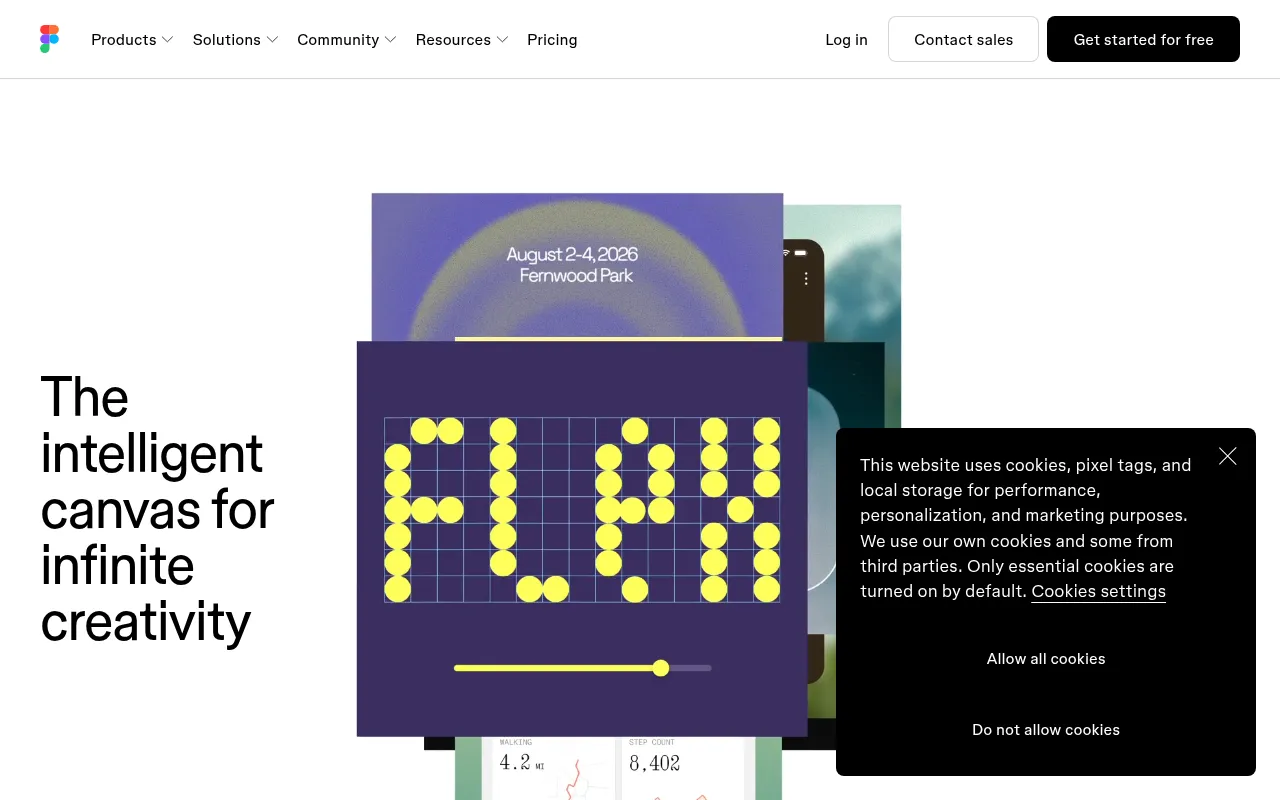
Figma - Best for Collaborative UI/UX Design
Figma is a leading collaborative design tool that excels in UI/UX design, making it a strong alternative to Bhava for teams focused on creating user interfaces. While Bhava is geared towards diagramming, Figma allows users to design, prototype, and collaborate on digital products in real-time. This real-time collaboration capability is a game-changer for design teams, enabling multiple users to work on a project simultaneously, which is essential for iterative design processes.
Compared to Bhava, Figma offers advanced prototyping features that allow designers to create interactive mockups and test user flows seamlessly. This functionality is particularly beneficial for product teams looking to gather feedback on their designs before development. Furthermore, Figma integrates well with other tools and platforms, enhancing its functionality and allowing for a more streamlined workflow. For teams that prioritize user experience and require robust design capabilities, Figma is an excellent choice over Bhava.
- Key Strength: Real-time collaboration for teams, enabling simultaneous design work.
- Key Strength: Advanced prototyping features for interactive mockups.
- Key Strength: Strong integrations with other design and productivity tools.
- Limitation: May have a steeper learning curve for users unfamiliar with UI/UX design.
Pricing: Free for 3 projects; Professional $15/editor/month, Organization $45/editor/month. Best for: Design teams focused on UI/UX collaboration.
Airbrush - Best for High-Quality Image Generation
Airbrush is an AI image generator that focuses on creating high-quality images and artwork based on user prompts. Unlike Bhava, which specializes in diagram editing, Airbrush excels in producing visually appealing images quickly and efficiently. This tool is particularly beneficial for marketers, social media managers, and content creators who require striking visuals without the need for extensive design skills. Users can simply input their prompts, and Airbrush generates impressive images in seconds, making it a time-saving tool for busy professionals.
One of Airbrush's key strengths is its ability to deliver high-resolution images that are ready for various applications, from social media posts to marketing campaigns. The one-time payment model for a lifetime deal is also appealing for users who prefer not to commit to ongoing subscription fees. However, while Airbrush provides exceptional image generation capabilities, it may not offer the same level of customization or diagramming features found in Bhava, making it important for users to assess their specific needs before choosing this tool.
- Key Strength: Quick generation of high-quality images based on user prompts.
- Key Strength: One-time payment for a lifetime deal, avoiding subscription fees.
- Key Strength: User-friendly interface requiring no extensive design skills.
- Limitation: May lack advanced customization options compared to traditional design tools.
Pricing: One-time payment for a lifetime deal. Best for: Users needing quick, high-quality image generation.
AirBrush AI Headshots - Best for Professional Headshots
AirBrush AI Headshots specializes in creating professional AI-generated headshots, making it a valuable alternative for users looking to enhance their online presence. Unlike Bhava, which focuses on diagrams, AirBrush AI Headshots is tailored for individuals and businesses that need high-quality profile images for websites, social media, and professional networking. The tool uses advanced AI technology to generate realistic headshots that can significantly improve a user's online image.
The key advantage of AirBrush AI Headshots over Bhava is its specific focus on headshot generation, allowing users to receive polished, professional images without the need for a photographer. This is particularly beneficial for job seekers, entrepreneurs, and professionals looking to make a strong first impression. However, similar to Bhava, specific pricing information is currently unavailable, which could be a drawback for users wanting to assess the tool's affordability upfront.
- Key Strength: Specializes in generating realistic, professional headshots quickly.
- Key Strength: Enhances users' online presence with high-quality images.
- Key Strength: Easy to use, requiring no photography skills.
- Limitation: Lack of transparent pricing information may deter potential users.
Pricing: Pricing information currently unavailable. Best for: Professionals needing polished headshots for online profiles.
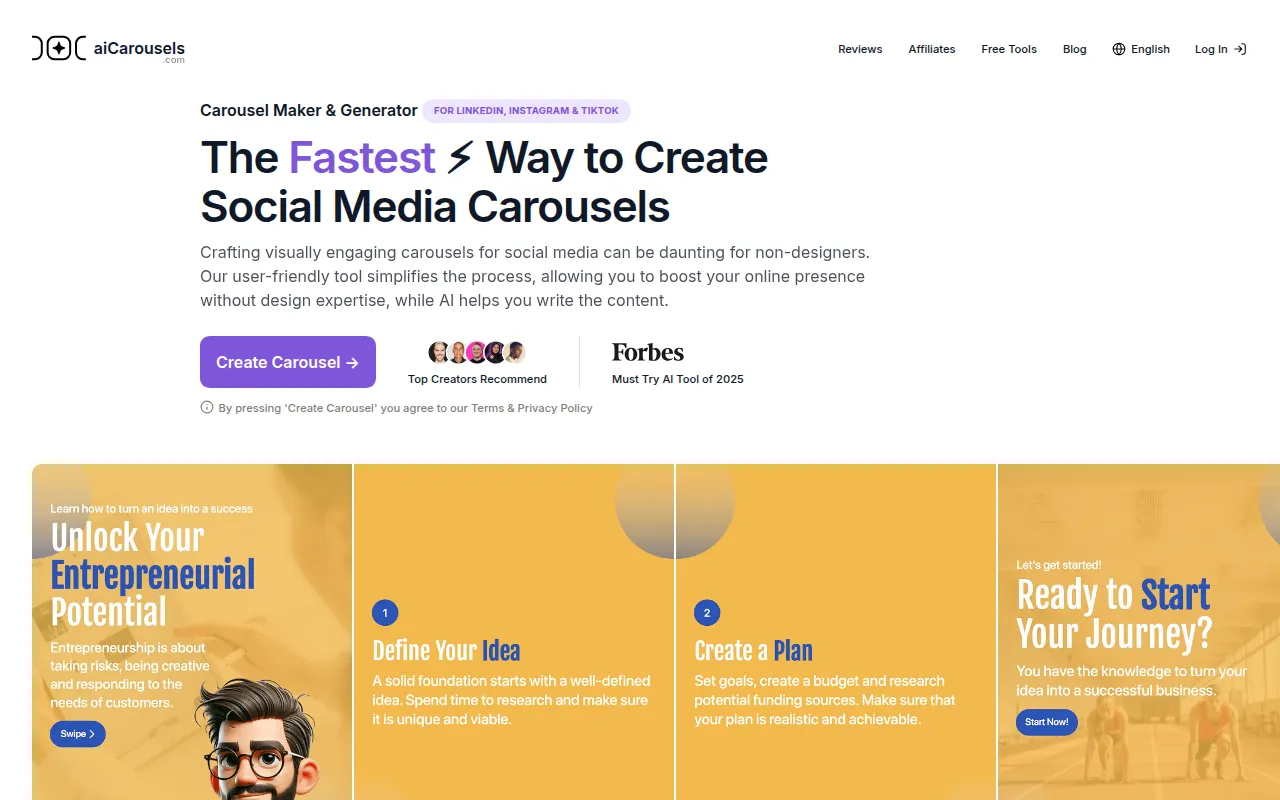
AICarousels - Best for Social Media Engagement
AICarousels is a user-friendly carousel maker designed for creating engaging social media posts without requiring any design expertise. Unlike Bhava, which focuses on diagram creation, AICarousels provides a straightforward solution for businesses and individuals looking to enhance their social media presence with visually appealing content. Users can easily create carousels that capture attention and encourage engagement, making it an excellent choice for marketers and social media managers.
The key strength of AICarousels lies in its simplicity and effectiveness in generating content that resonates with audiences. Users can create beautiful carousels quickly, making it ideal for those who may not have the time or skills to design graphics from scratch. However, while AICarousels excels in social media content creation, it may not offer the same breadth of features for more complex design projects that tools like Bhava provide.
- Key Strength: Easy-to-use interface for creating engaging social media carousels.
- Key Strength: Effective for increasing social media engagement and visibility.
- Key Strength: No design expertise required, making it accessible for all users.
- Limitation: Limited to carousel creation and lacks broader design functionalities.
Pricing: Free to use with no sign-up required. Best for: Marketers and social media managers looking for quick content creation.
AIEASE - Best for Comprehensive Digital Content Creation
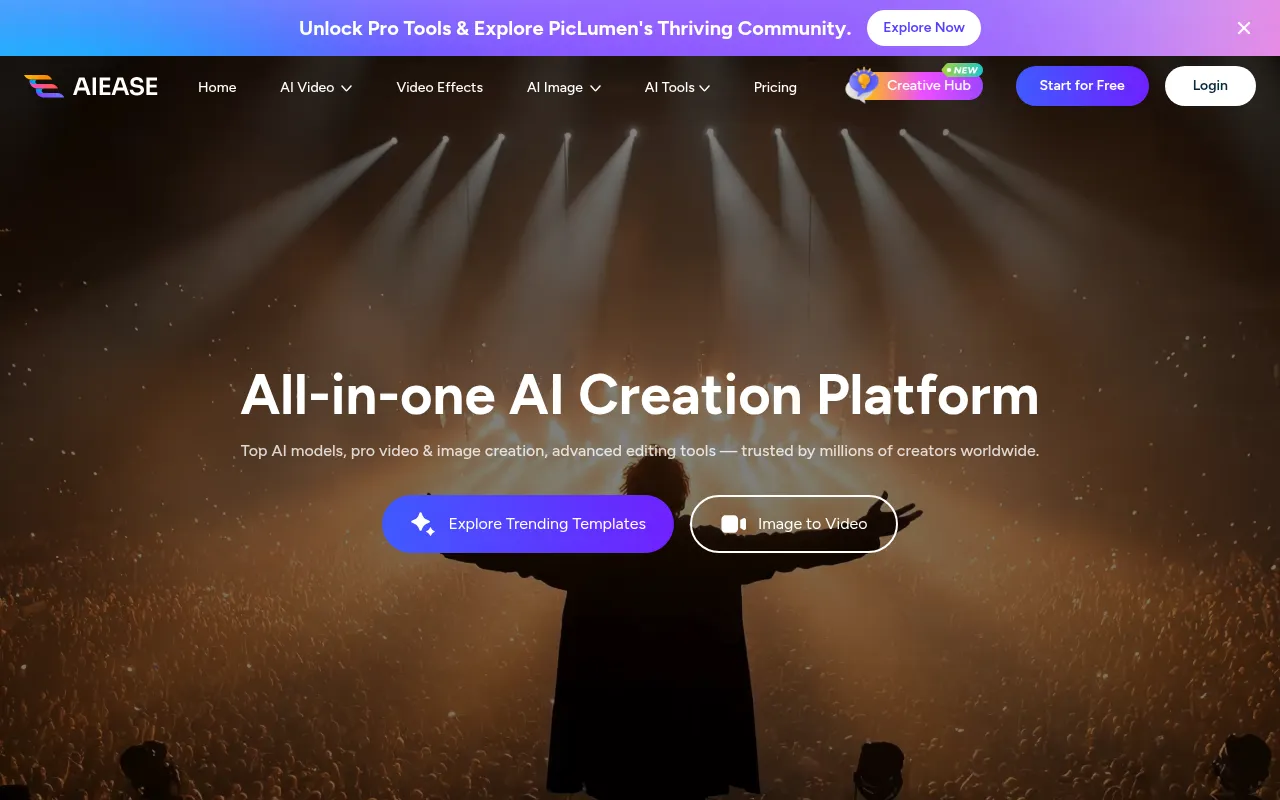
AIEASE is an all-in-one AI video and image creation platform that enhances digital content creation effortlessly. Unlike Bhava, which is primarily focused on diagramming, AIEASE offers a wider range of functionalities that cater to both image and video needs. This makes it a great choice for businesses and creators looking to produce diverse content types, from promotional videos to stunning graphics, all in one place.
One of AIEASE's key strengths is its ability to streamline the content creation process, allowing users to generate high-quality visuals and videos without needing separate tools for each task. This integration can save users time and resources, making it particularly beneficial for small businesses and content creators who need to produce a variety of content quickly. However, the lack of readily available pricing information may pose a challenge for users wanting to evaluate the cost-effectiveness of the platform before committing.
- Key Strength: Comprehensive platform for both image and video creation.
- Key Strength: Streamlines the content creation process, reducing the need for multiple tools.
- Key Strength: High-quality outputs suitable for diverse content types.
- Limitation: Pricing information is not readily available, which can deter potential users.
Pricing: Pricing information not readily available. Best for: Businesses needing an all-in-one content creation tool.
AI HUB by Picsart - Best for Enhanced Creative Workflows
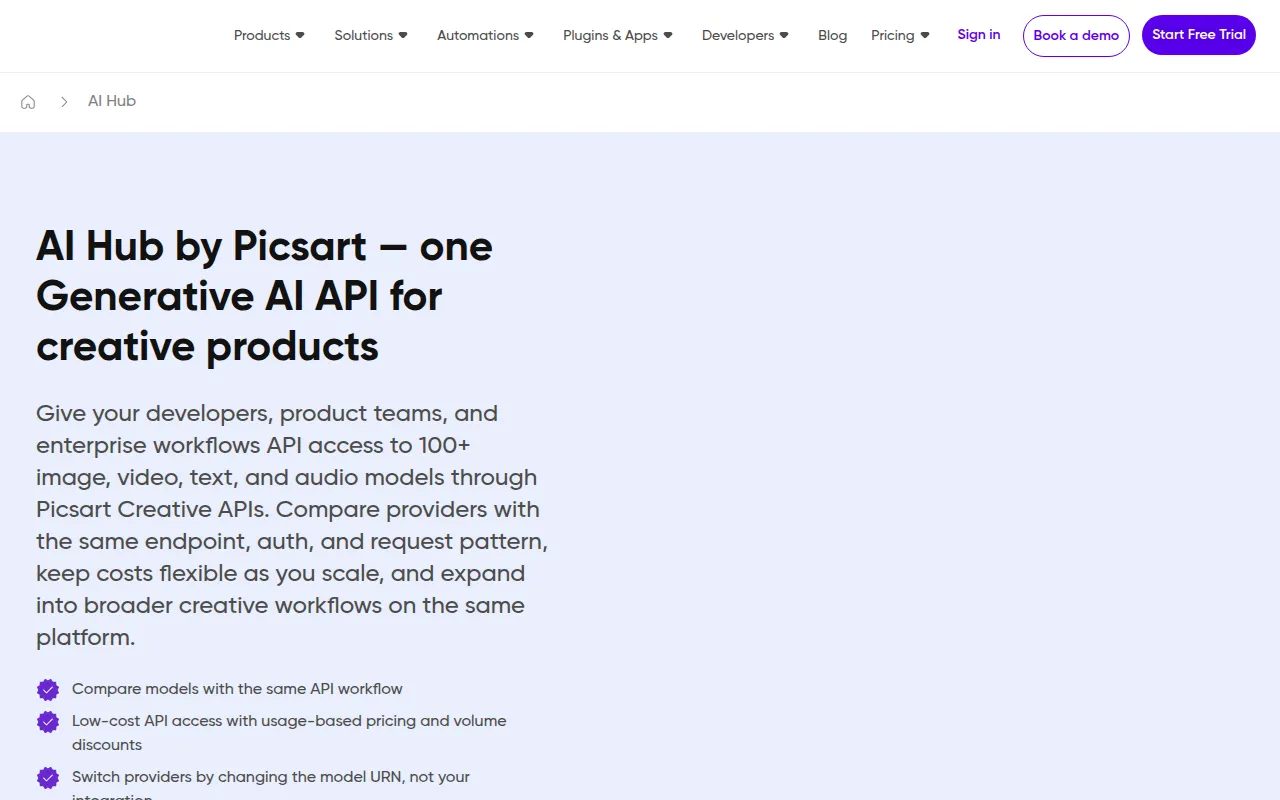
AI HUB by Picsart leverages AI technology to enhance creative workflows and streamline design processes, making it a strong alternative to Bhava. While Bhava focuses on diagramming, AI HUB provides a more comprehensive suite of design tools that cater to different creative needs. This versatility can be incredibly beneficial for users looking to produce various types of content, including graphics, videos, and more, all from a single platform.
One of the standout features of AI HUB is its ability to integrate AI capabilities into traditional design processes, allowing users to enhance their projects with smart features like background removal, style transfer, and automatic enhancements. This can significantly speed up workflows for designers and marketers alike. However, similar to Bhava, the lack of clear pricing information can be a drawback for potential users who want to ensure the tool meets their budgetary requirements.
- Key Strength: Integration of AI features that enhance traditional design processes.
- Key Strength: Versatile platform for creating a variety of content types.
- Key Strength: User-friendly interface that caters to both novice and experienced designers.
- Limitation: Uncertainty regarding pricing may deter potential users from exploring the tool.
Pricing: Pricing information currently unavailable. Best for: Designers looking for an AI-enhanced creative workflow.
AI2image - Best for Simple AI Image Generation
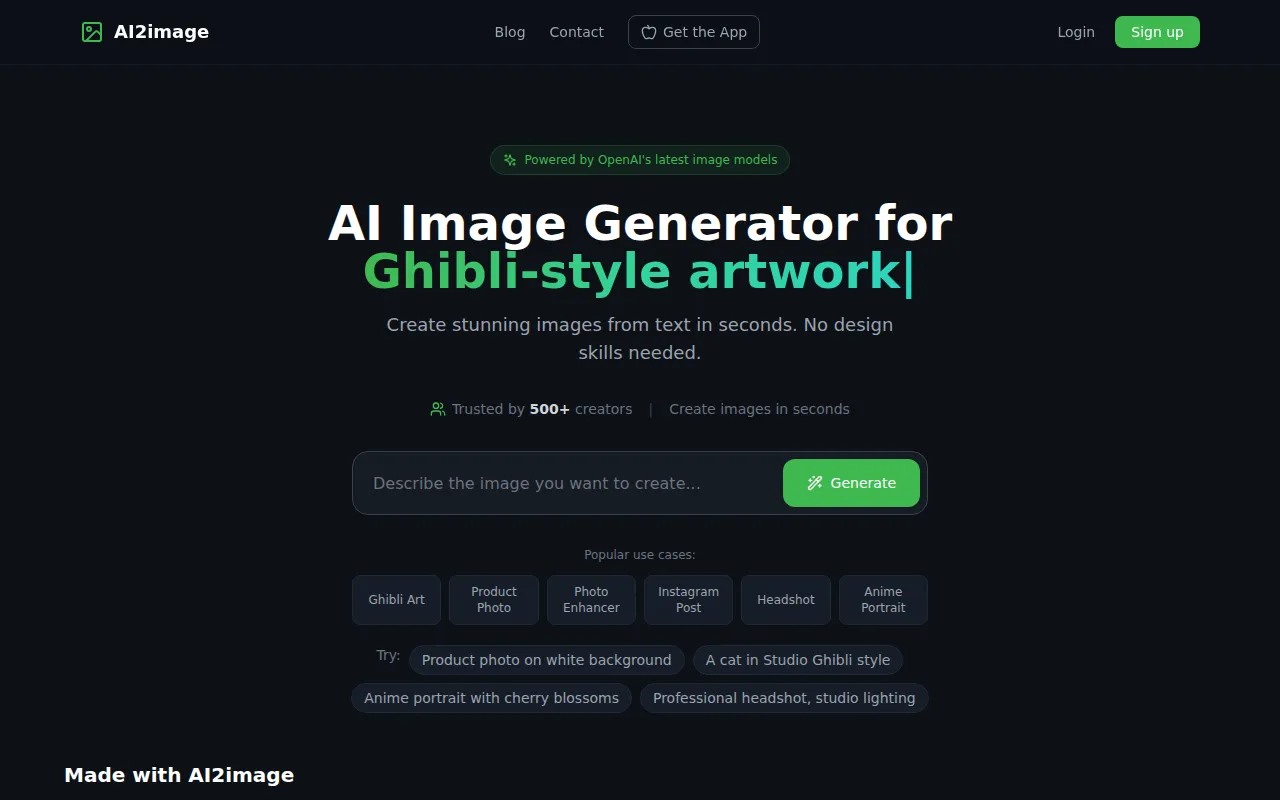
AI2image is a free AI image generator that allows users to transform text prompts into stunning visuals without requiring sign-up. This simplicity sets it apart from Bhava, which is primarily focused on diagramming and may not cater to users looking for quick image generation. AI2image is particularly useful for individuals and businesses that need fast visual content for social media, blogs, or marketing materials without the hassle of complex design software.
The main advantage of AI2image is its accessibility and ease of use. Users can generate images instantly, making it a valuable tool for those who require quick visuals for various applications. However, while AI2image excels in generating images from text, it may not offer the same level of customization and advanced features that users might find in a more comprehensive design tool like Bhava.
- Key Strength: Quick and easy image generation from text prompts without sign-up.
- Key Strength: Completely free service, making it accessible for all users.
- Key Strength: Ideal for creating visuals for social media and marketing.
- Limitation: Limited customization options compared to more advanced design tools.
Pricing: Free service with no sign-up required. Best for: Users needing quick image generation without commitment.
AI Photo Filter - Best for Unique Image Styling
AI Photo Filter is a tool that utilizes artificial intelligence to transform images, offering users unique styling options effortlessly. Unlike Bhava, which is focused on creating diagrams, AI Photo Filter caters to those who wish to enhance their photos with artistic effects and filters. This can be particularly useful for photographers, social media managers, and content creators looking to add a creative touch to their images without requiring extensive editing skills.
The standout feature of AI Photo Filter is its ability to apply various artistic filters and transformations to images in just a few clicks. This can significantly enhance the visual appeal of photos, making it an excellent choice for users looking to create eye-catching content quickly. However, like Bhava, the lack of specific pricing information may be a drawback for users wanting to evaluate the tool's cost-effectiveness before diving in.
- Key Strength: Easy application of artistic filters to enhance photos.
- Key Strength: User-friendly interface that requires no prior editing experience.
- Key Strength: Fast processing times for quick enhancements.
- Limitation: Limited to photo transformation and lacks broader design functionalities.
Pricing: Pricing information currently unavailable. Best for: Users wanting to enhance their images with artistic filters.
Feature Comparison Table
| Tool | Best For | Starting Price | Free Plan | Standout Feature |
|---|
| Bhava | Diagram creation | Freemium | Yes | AI-powered diagram editing |
| Canva | All-in-one graphic design | Free forever; Pro at $15/mo | Yes | Extensive library of templates |
| Midjourney | AI image generation | Basic $10/mo | No | High-quality artwork from text |
| Figma | Collaborative UI/UX design | Free for 3 projects; Pro at $15/editor/mo | Yes | Real-time collaboration |
| Airbrush | High-quality image generation | One-time payment | No | Quick generation of images |
| AirBrush AI Headshots | Professional headshots | Unavailable | No | AI-generated realistic headshots |
| AICarousels | Social media engagement | Free | Yes | Easy carousel creation |
| AIEASE | Comprehensive content creation | Unavailable | No | All-in-one platform for images and videos |
| AI HUB by Picsart | Enhanced creative workflows | Unavailable | No | AI integration in design processes |
| AI2image | Simple AI image generation | Free | Yes | Instant image generation from prompts |
| AI Photo Filter | Unique image styling | Unavailable | No | Artistic filter application |
How to Choose the Right Alternative to Bhava
When evaluating alternatives to Bhava, it is essential to consider your specific needs and the type of projects you will be working on. If you require a versatile design tool that can handle a variety of graphic design tasks, Canva is likely the best choice. Its extensive library of templates and collaborative features make it ideal for marketers and businesses looking to create diverse content. Conversely, if your primary focus is on generating high-quality images from text prompts, Midjourney or Airbrush may be more suitable. Both tools excel in producing stunning visuals quickly and efficiently.
For teams that prioritize collaboration and user interface design, Figma is the clear winner. Its real-time collaboration features and advanced prototyping capabilities make it essential for design teams working on UI/UX projects. On the other hand, if your primary requirement is creating engaging social media content, AICarousels offers a straightforward solution for producing visually appealing carousels without any design expertise. Ultimately, understanding your specific use case and desired features will guide you in selecting the best alternative to Bhava.
Final Verdict
In conclusion, while Bhava is a competent diagram editor, various alternatives offer specialized features that may better suit your needs. For comprehensive graphic design, Canva is the top choice, while Midjourney and Airbrush excel in image generation. Figma is ideal for collaborative UI/UX design, and AICarousels is perfect for social media content creation. Assess your requirements carefully, and choose the tool that aligns with your creative goals.