Why Look for Alternatives to Blockode AI Photo Studio?
Blockode AI Photo Studio is a robust tool designed to generate 360° environments and skyboxes using artificial intelligence, which is particularly appealing for game developers and designers. However, despite its unique features, users often encounter limitations that prompt them to seek alternatives. One significant drawback is the lack of specific pricing details, which can deter potential users who are budget-conscious or looking for clear cost expectations. Moreover, while Blockode excels in creating dynamic environments, it may not cater to other design needs, such as social media graphics or traditional image editing, which are crucial for many modern design workflows.
Additionally, the tool's freemium model, while enticing, does not provide a comprehensive experience without significant investment. Users may find that certain key features, like collaborative options or extensive customization capabilities, are missing or limited in the free version. These pain points often compel individuals and teams to explore other design tools that offer a wider range of functionalities, more transparent pricing, and better overall value for their specific use cases.
Best Alternatives to Blockode AI Photo Studio in 2026
Canva - Best for Social Media and Marketing Designs
Canva is widely recognized as one of the easiest graphic design platforms available, making it an excellent alternative for users who require high-quality visuals for social media, presentations, and marketing materials. Unlike Blockode AI Photo Studio, which focuses on 360° environments, Canva provides a diverse range of templates and design elements that cater to various needs, from social media posts to infographics. Its user-friendly interface allows both beginners and seasoned designers to create stunning designs quickly, making it a versatile tool for a broad audience.
Moreover, Canva’s collaborative features enable teams to work together in real-time, a significant advantage over Blockode AI Photo Studio's more isolated design process. Users can invite team members to edit designs simultaneously and leave comments, streamlining the review process and enhancing productivity. This makes Canva particularly appealing for businesses and content creators who need to produce engaging marketing materials efficiently.
- Key Strength: Extensive library of templates and design elements that simplifies the design process.
- Key Strength: Real-time collaboration features for team projects.
- Key Strength: Freemium model with a free tier that provides substantial functionality.
- Limitation: Limited capabilities for 3D environment design compared to Blockode.
Pricing: Free forever plan. Canva Pro at $15/month per person. Best for: Marketers and social media managers looking for an all-in-one design solution.
Midjourney - Best for Artistic Image Generation
Midjourney stands out as one of the most advanced AI image generation tools, allowing users to create stunning artwork and images from text descriptions. This makes it an exceptional alternative for users who need high-quality visuals but do not necessarily require the 360° environments that Blockode AI Photo Studio specializes in. Midjourney's ability to turn imaginative prompts into vivid images puts it in a different league, appealing particularly to artists, illustrators, and creative professionals seeking unique visual content.
Unlike Blockode, which is more focused on specific design niches, Midjourney excels in generating diverse artistic styles and interpretations based on user input. This flexibility allows creatives to explore various artistic directions without the constraints of traditional design tools. However, it is important to note that while Midjourney provides unlimited usage in its higher tiers, the costs can add up quickly for users needing extensive image generation.
- Key Strength: Advanced AI algorithms that produce high-quality, artistic images from text prompts.
- Key Strength: Flexibility in style and interpretation, catering to various artistic needs.
- Key Strength: Community-driven approach that fosters collaboration and inspiration among users.
- Limitation: Higher pricing tiers may not be suitable for casual users.
Pricing: Basic $10/month (200 images), Standard $30/month (unlimited), Pro $60/month. Best for: Artists and creatives looking for high-quality image generation.
Figma - Best for UI/UX Design
Figma is a leading collaborative design tool that focuses on UI/UX design, making it an ideal alternative for teams involved in web and app development. Unlike Blockode AI Photo Studio, which is tailored for environment creation, Figma excels in prototyping, allowing designers to create interactive user interfaces and share them with stakeholders for feedback. Its real-time collaboration allows multiple users to work on the same project, which is invaluable for design teams working in agile environments.
Another significant advantage of Figma over Blockode is its comprehensive design system capabilities, which enable the creation of reusable components and styles. This is particularly beneficial for maintaining consistency across larger projects and teams. Figma's extensive integration with other design and development tools further enhances its usability, making it a favorite among professional designers and development teams.
- Key Strength: Real-time collaboration for design teams enhances productivity.
- Key Strength: Powerful prototyping tools for creating interactive designs.
- Key Strength: Comprehensive design system capabilities for consistency across projects.
- Limitation: It may not be suitable for users primarily focused on 3D environments.
Pricing: Free for 3 projects, Professional $15/editor/month, Organization $45/editor/month. Best for: UI/UX designers and teams working on web and app projects.
Airbrush - Best for Quick Image Generation
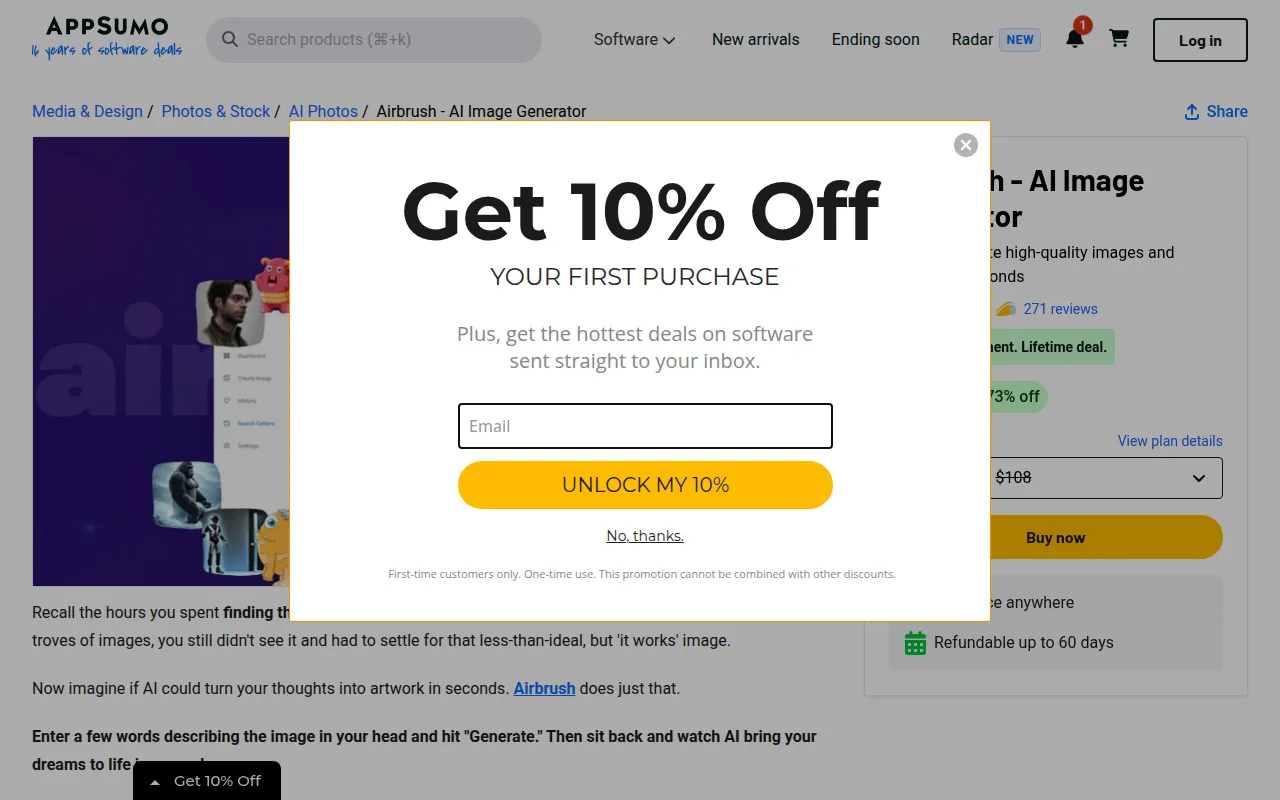
Airbrush is an innovative AI image generator that allows users to create high-quality images and artwork based on user prompts in seconds. This tool serves as a strong alternative for those who need rapid image creation without the extensive features of Blockode AI Photo Studio. Airbrush is particularly suited for users who require quick visuals for blogs, social media, or marketing campaigns. Its straightforward interface ensures that users can generate images quickly, making it accessible to both beginners and professionals.
In contrast to Blockode's focus on 360° environments, Airbrush emphasizes speed and simplicity, making it ideal for users who prioritize fast turnaround times for visual content. With its one-time payment model, users can access the full range of features without worrying about monthly subscriptions, appealing to those who prefer a straightforward pricing structure.
- Key Strength: Instant image generation based on user prompts.
- Key Strength: User-friendly interface designed for quick access.
- Key Strength: One-time payment model for lifetime access.
- Limitation: Limited customization options compared to more comprehensive design tools.
Pricing: Available for a one-time payment providing a lifetime deal. Best for: Users who need quick and simple image generation without ongoing costs.
AirBrush AI Headshots - Best for Professional Headshots
AirBrush AI Headshots specializes in creating professional AI-generated headshots that enhance your online presence effortlessly. This tool is particularly useful for job seekers, professionals, and anyone needing high-quality images for platforms like LinkedIn, portfolios, or personal websites. Unlike Blockode AI Photo Studio, which focuses on dynamic environments, AirBrush AI Headshots is tailored specifically for producing polished and professional images with minimal effort.
The tool’s intuitive interface allows users to generate headshots quickly, making it an ideal choice for those who do not have the resources or time to arrange professional photography sessions. While Blockode serves a niche market in game design, AirBrush AI Headshots fills a vital gap for individuals looking to improve their professional image efficiently.
- Key Strength: Quick generation of professional-quality headshots.
- Key Strength: User-friendly interface designed for effortless use.
- Key Strength: Ideal for enhancing professional online presence.
- Limitation: Limited to headshot generation, lacking broader design capabilities.
Pricing: Pricing information is currently unavailable. Best for: Professionals looking for high-quality headshots without the hassle of traditional photography.
AICarousels - Best for Engaging Social Media Posts
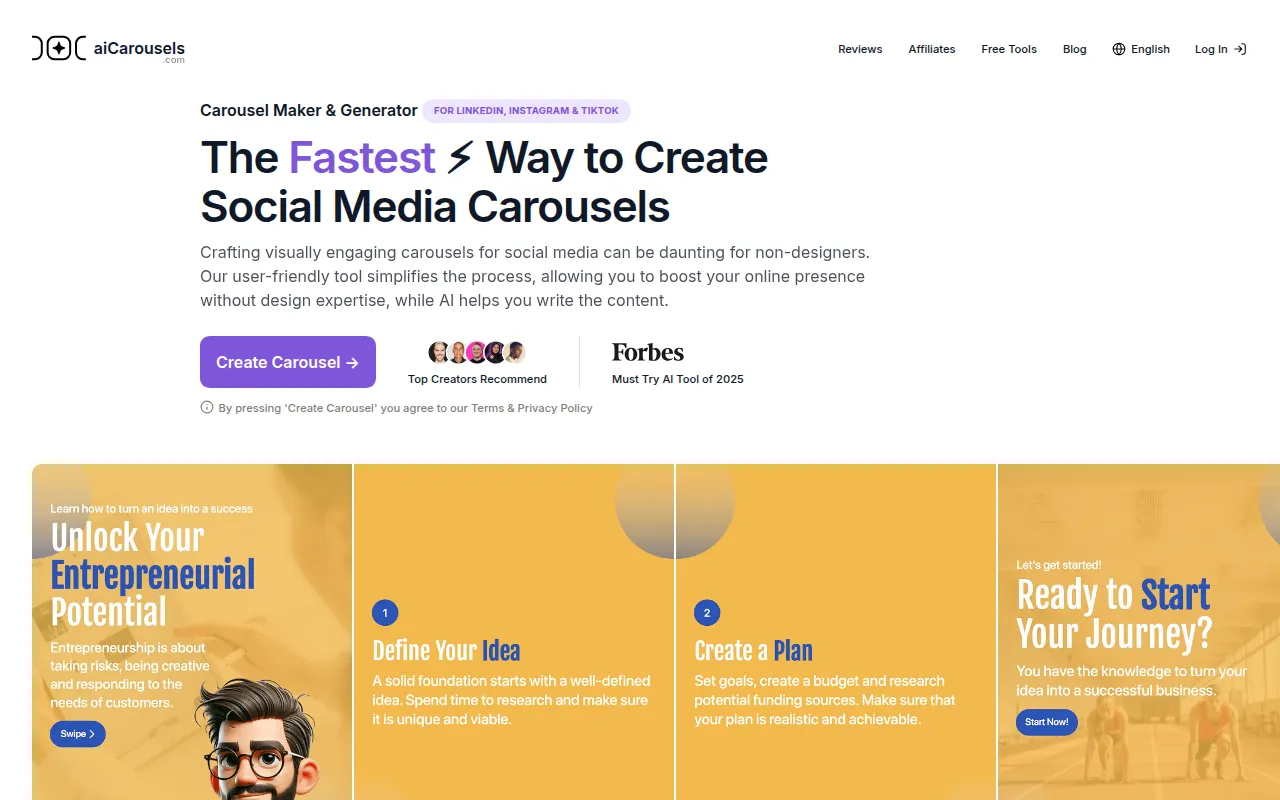
AICarousels is a user-friendly carousel maker designed for creating engaging social media posts without requiring extensive design expertise. This tool serves as an excellent alternative for users who need to produce visually appealing content for platforms like Instagram or Facebook but do not require the advanced capabilities of Blockode AI Photo Studio. AICarousels allows users to create dynamic carousels that can capture attention and increase engagement, which is vital in today’s crowded social media landscape.
With its straightforward interface and lack of sign-up requirements, AICarousels is perfect for marketers, influencers, and small business owners who need to generate captivating content quickly. While Blockode focuses on 360° environments, AICarousels offers a niche solution that addresses the specific need for social media marketing tools, making it a valuable resource for content creators.
- Key Strength: Simple interface that allows quick carousel creation.
- Key Strength: Free to use with no sign-up required.
- Key Strength: Engaging designs tailored for social media platforms.
- Limitation: Limited to carousel creation, lacking broader design features.
Pricing: Free to use with no sign-up required. Best for: Social media marketers and content creators looking for simple, engaging post formats.
AIEASE - Best for All-in-One Content Creation
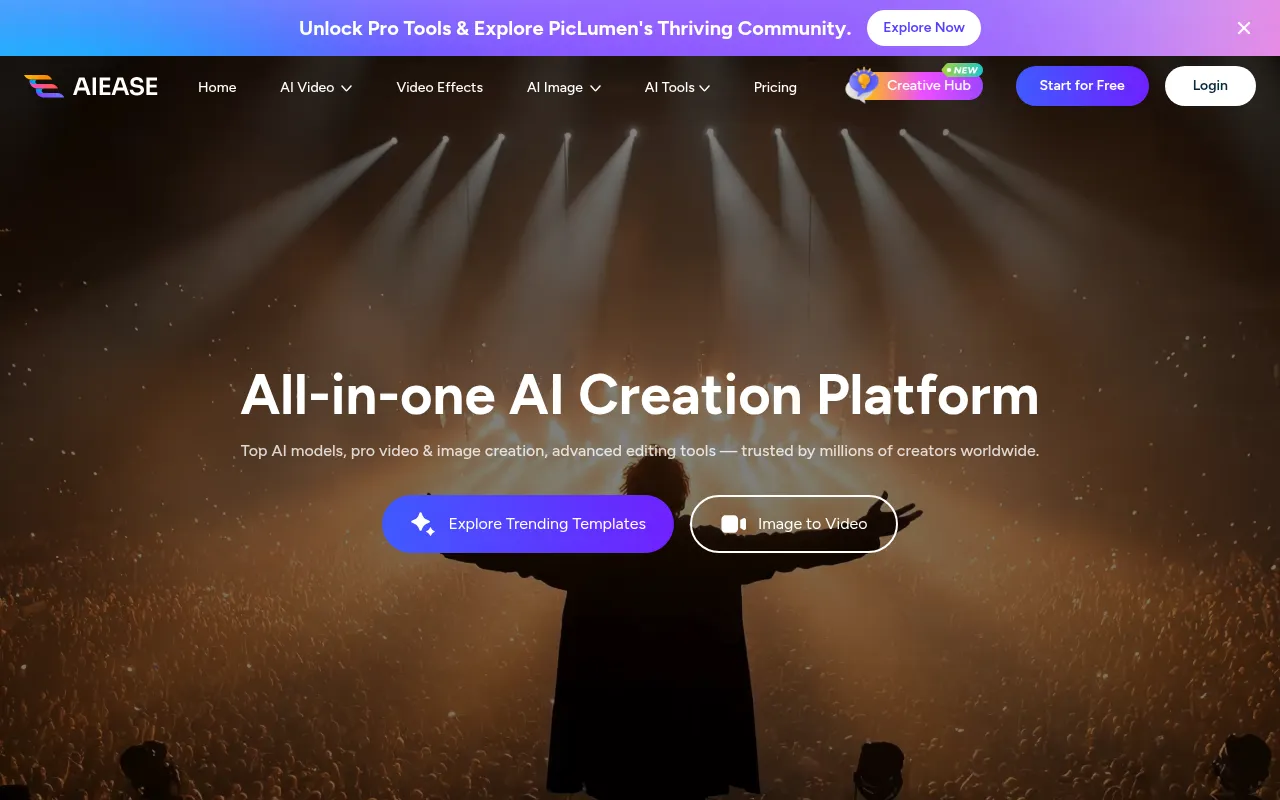
AIEASE is an all-in-one AI video and image creation platform designed to enhance digital content creation effortlessly. This tool serves as a compelling alternative to Blockode AI Photo Studio by offering a broader range of capabilities, including video creation, which Blockode does not provide. AIEASE is ideal for users who need to produce varied digital content quickly, making it attractive to marketers, educators, and content creators aiming for comprehensive digital strategies.
With its user-friendly interface and diverse feature set, AIEASE allows users to create a variety of content types in one place, streamlining the content creation process. This is particularly beneficial for users who might feel constrained by the specific focus of Blockode on 3D environments and are looking for more versatile tools to meet their design needs.
- Key Strength: Comprehensive platform for both video and image creation.
- Key Strength: User-friendly interface that simplifies the content creation process.
- Key Strength: Versatile tool that caters to various digital content needs.
- Limitation: Pricing information is not readily available, which may deter potential users.
Pricing: Pricing information is not readily available. Best for: Users seeking a comprehensive platform for diverse digital content creation.
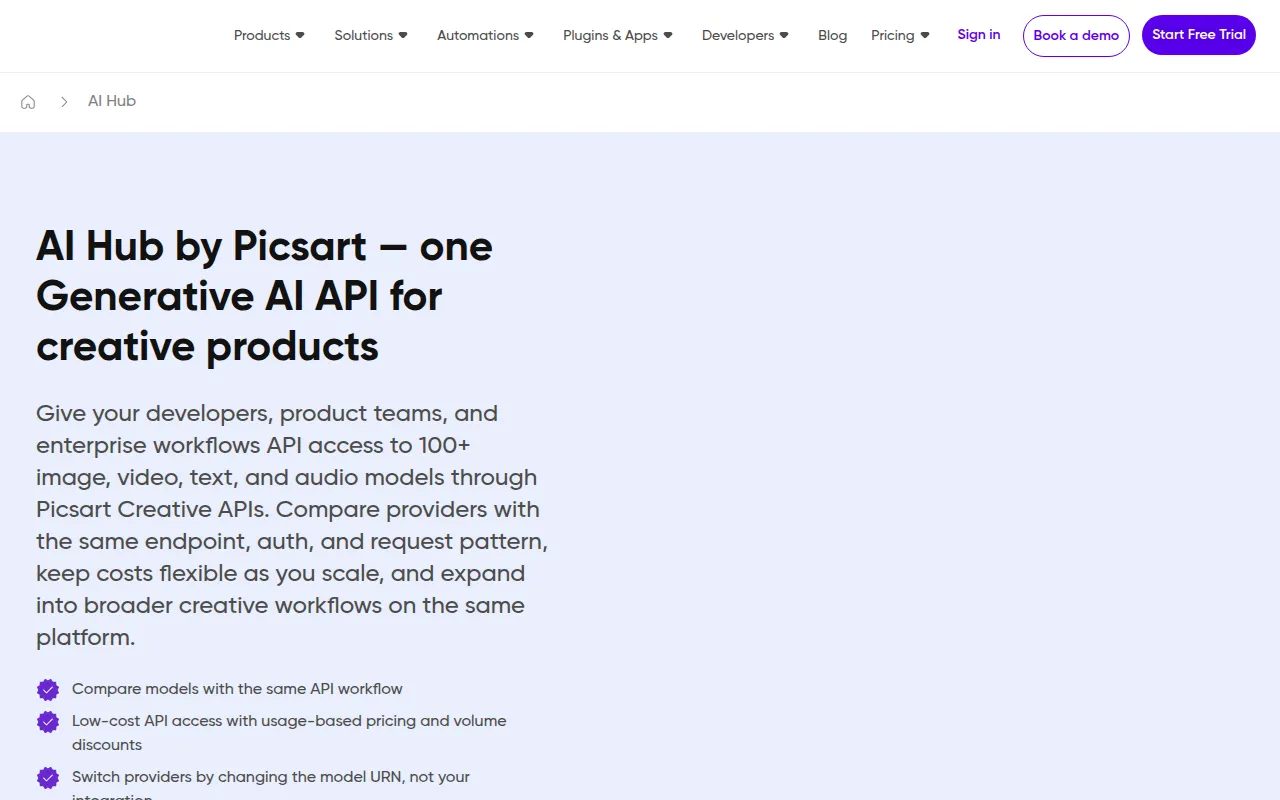
AI HUB by Picsart - Best for Creative Workflows
AI HUB by Picsart leverages AI technology to enhance creative workflows and streamline design processes. This tool is ideal for users who require a versatile design tool that can adapt to different creative needs, making it a solid alternative to Blockode AI Photo Studio. While Blockode focuses on generating specific 3D environments, AI HUB allows users to explore a range of creative possibilities, from photo editing to graphic design.
The platform's AI-powered features help users save time and improve efficiency, making it suitable for both individuals and teams looking to enhance their creative output. AI HUB's integration with other Picsart tools also allows for a seamless experience, enabling users to switch between different types of content creation effortlessly, something Blockode cannot offer.
- Key Strength: AI-powered features that enhance design efficiency.
- Key Strength: Versatile platform suitable for a variety of creative tasks.
- Key Strength: Integration with other Picsart tools for a seamless workflow.
- Limitation: Pricing information is currently unavailable, which may hinder decision-making.
Pricing: Pricing information is currently unavailable. Best for: Creative professionals looking for a versatile design tool to enhance workflows.
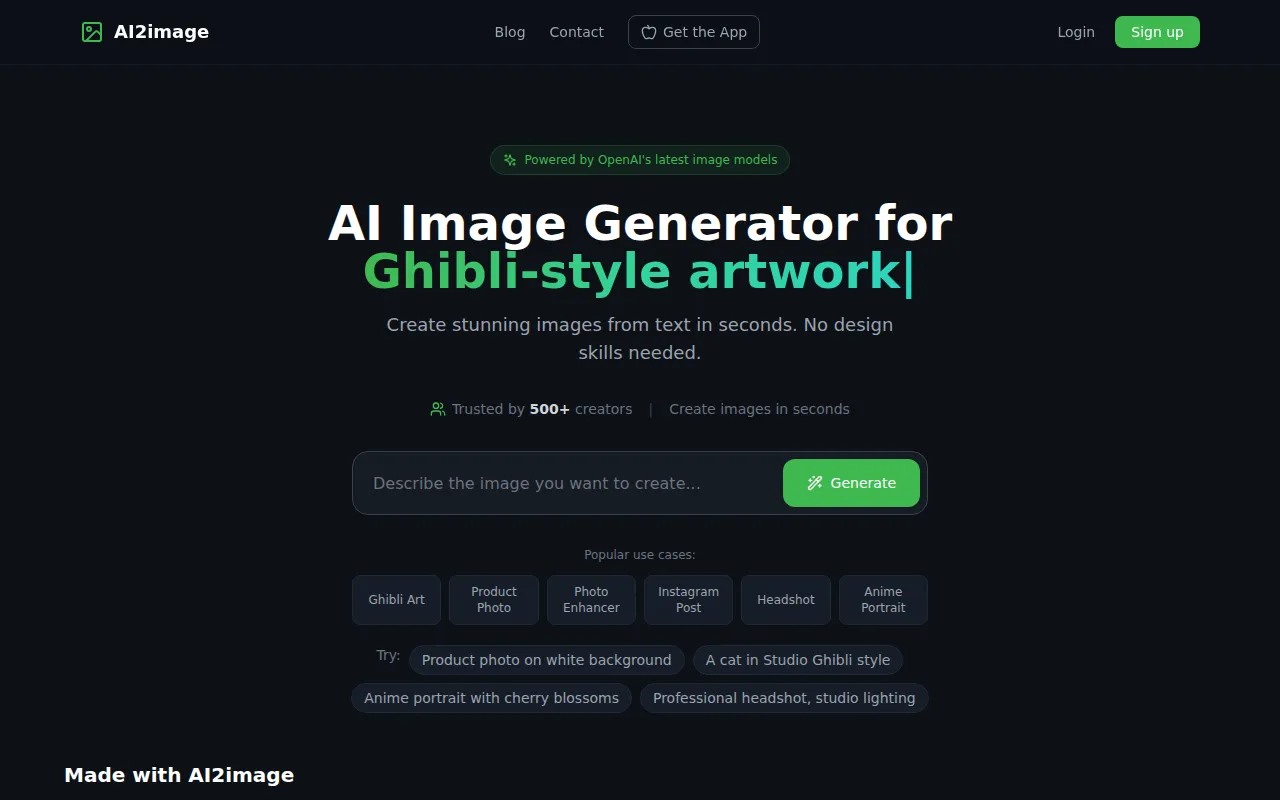
AI2image - Best for Quick Image Generation
AI2image is a free AI image generator that transforms text prompts into stunning visuals without requiring sign-up. This tool is an effective alternative for users who need quick and straightforward image generation without the complexities associated with tools like Blockode AI Photo Studio. AI2image allows users to generate images rapidly, making it a suitable option for bloggers, marketers, and anyone needing visuals on short notice.
Its free access model makes it particularly appealing for casual users or those experimenting with AI-generated imagery. While it does not offer the 3D environment capabilities of Blockode, the ability to generate high-quality images from text prompts can satisfy many users' needs for engaging visuals without the commitment of a paid subscription.
- Key Strength: Completely free image generation with no sign-up required.
- Key Strength: Instant transformation of text prompts into images.
- Key Strength: Simple and accessible for all users.
- Limitation: Limited features compared to more comprehensive design tools.
Pricing: Free with no sign-up required. Best for: Casual users needing quick and free image generation.
AI Photo Filter - Best for Unique Image Styling
AI Photo Filter allows users to transform images using artificial intelligence, offering unique styling options effortlessly. This tool serves as a solid alternative for users who want to enhance their existing images rather than create new ones from scratch, contrasting with Blockode's focus on generating environments. AI Photo Filter is particularly useful for photographers, social media users, and anyone looking to add a creative touch to their images without extensive editing skills.
With its simple interface and AI-driven capabilities, this tool makes it easy for users to apply various filters and effects, enhancing their photos with minimal effort. While Blockode offers specialized features for 3D environments, AI Photo Filter fills the gap for users who prioritize stylistic enhancements for traditional images.
- Key Strength: Easy application of unique filters and effects to enhance images.
- Key Strength: User-friendly interface designed for simple usage.
- Key Strength: Ideal for users looking to improve existing images quickly.
- Limitation: Limited to image styling, lacking broader design capabilities.
Pricing: Specific pricing information is currently unavailable. Best for: Users looking to enhance existing images with unique styles.
Feature Comparison Table
| Tool | Best For | Starting Price | Free Plan | Standout Feature |
|---|
| Blockode AI Photo Studio | 360° environment creation | Freemium | Yes | High-quality 3D environments |
| Canva | Social media and marketing designs | Free forever | Yes | Extensive library of templates |
| Midjourney | Artistic image generation | Basic $10/mo | No | Advanced AI artwork generation |
| Figma | UI/UX design | Free for 3 projects | Yes | Real-time collaboration |
| Airbrush | Quick image generation | One-time payment | No | Instant image generation |
| AirBrush AI Headshots | Professional headshots | Unavailable | Yes | Effortless headshot creation |
| AICarousels | Engaging social media posts | Free | Yes | Simple carousel creation |
| AIEASE | All-in-one content creation | Unavailable | Yes | Comprehensive content solution |
| AI HUB by Picsart | Creative workflows | Unavailable | Yes | AI-enhanced design features |
| AI2image | Quick image generation | Free | Yes | Text to image generation |
| AI Photo Filter | Unique image styling | Unavailable | Yes | Transformative filters |
How to Choose the Right Alternative to Blockode AI Photo Studio
When deciding on an alternative to Blockode AI Photo Studio, it's essential to consider your specific needs and the type of content you aim to create. If your primary focus is on generating 360° environments or immersive designs, you may want to look for tools that specialize in similar capabilities. However, if you require a broader range of design functionalities, platforms like Canva or Figma could be more beneficial due to their diverse offerings and collaborative features.
For users who prioritize quick image generation, tools like Airbrush or AI2image provide instant results without the need for extensive setup or learning curves. Conversely, if your needs extend beyond image creation to include video content, AIEASE may be the best choice for an all-in-one solution. Ultimately, understanding your unique requirements will guide you in selecting the most appropriate tool for your projects.
Final Verdict
In conclusion, while Blockode AI Photo Studio offers specialized capabilities for creating 360° environments, a variety of alternatives cater to different design needs. For social media and marketing materials, Canva is the go-to option. For artistic image generation, Midjourney excels, while Figma is unmatched for collaborative UI/UX design. Each alternative has its strengths, ensuring that users can find the perfect tool tailored to their specific requirements.