Why Look for Alternatives to BrainyPDF?
Despite BrainyPDF being a user-friendly PDF editor, several limitations may prompt users to seek better alternatives. One concern is its freemium model, which lacks transparent pricing details, leaving potential customers uncertain about potential costs as they explore features. Users often find themselves frustrated when they cannot access essential functionalities without spending more than anticipated. Additionally, while BrainyPDF offers basic editing tools, it may fall short in advanced features such as robust collaboration capabilities, which are increasingly essential for teams working on shared documents.
Another common pain point is the editing limitations. Users have reported challenges when trying to make extensive modifications to complex documents. Features such as OCR (optical character recognition) for scanned documents, advanced form creation, and comprehensive annotation tools are not well-implemented in BrainyPDF. These deficiencies can hinder productivity, particularly for professionals who rely on dynamic document management solutions. As such, many users are on the lookout for alternatives that provide a more comprehensive feature set, better collaboration tools, and clearer pricing structures.
Best Alternatives to BrainyPDF in 2026
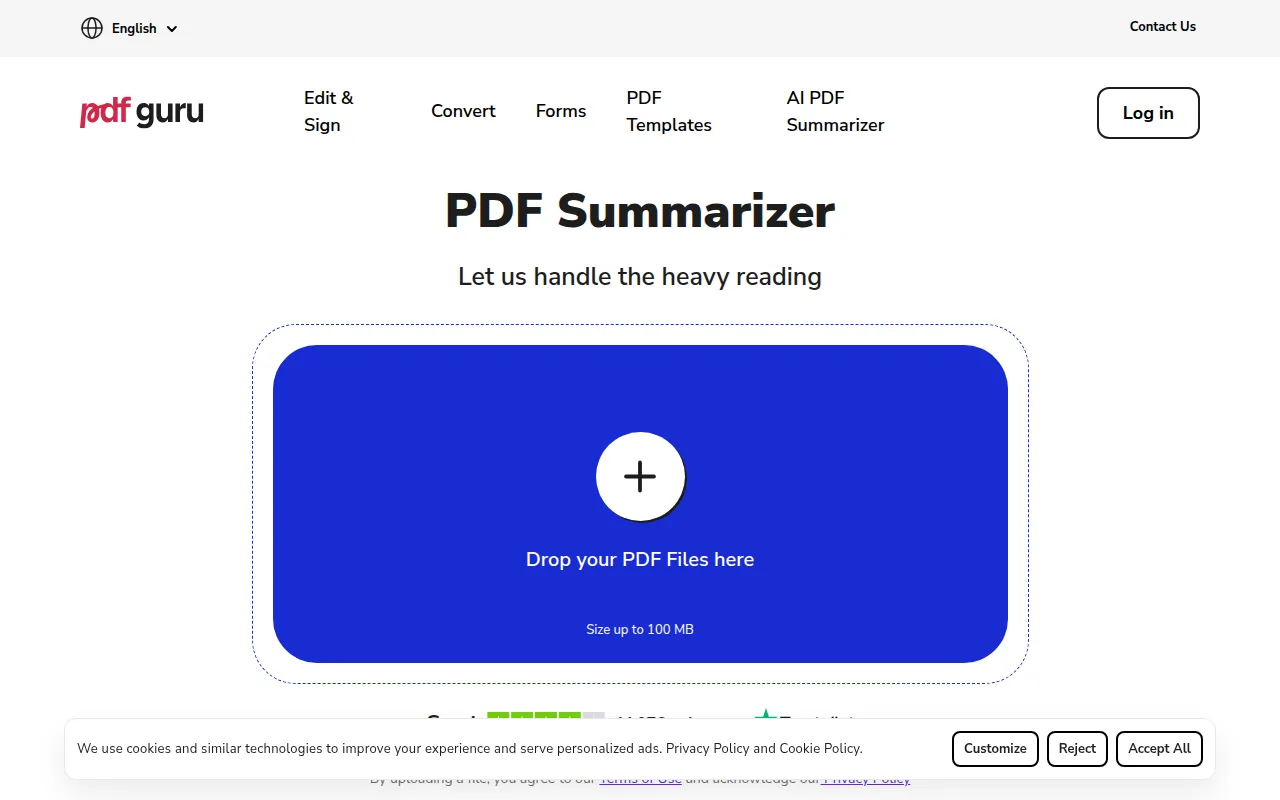
AI PDF Summarizer by PDF Guru - Best for Quick Document Insights
AI PDF Summarizer by PDF Guru is an innovative tool designed for users who need to extract key information from lengthy PDF documents with minimal effort. Unlike BrainyPDF, which focuses on editing, this tool specializes in summarizing content, allowing users to quickly grasp the main points of a document without going through the entire text. For professionals, students, and researchers who frequently handle extensive PDFs, this summarization capability can save a significant amount of time and enhance productivity.
Furthermore, this tool leverages artificial intelligence to ensure that the summaries generated are not only accurate but also contextually relevant. Users can input a document, and the AI quickly identifies critical information, providing a summary that captures the essence of the content. This feature is especially beneficial for those who need to analyze multiple documents in a short period. While BrainyPDF is great for editing, it does not offer similar summarization features, making AI PDF Summarizer a compelling alternative for targeted use cases.
- Key Strength: AI-driven summarization that efficiently captures essential document content.
- Key Strength: Quick turnaround time, allowing users to save valuable time on document analysis.
- Key Strength: Simple user interface designed specifically for summarization tasks.
- Limitation: Lacks comprehensive editing tools for users who need to modify the document itself.
Pricing: Freemium with limited features available for free. Best for: Professionals and students needing quick summaries of lengthy documents.
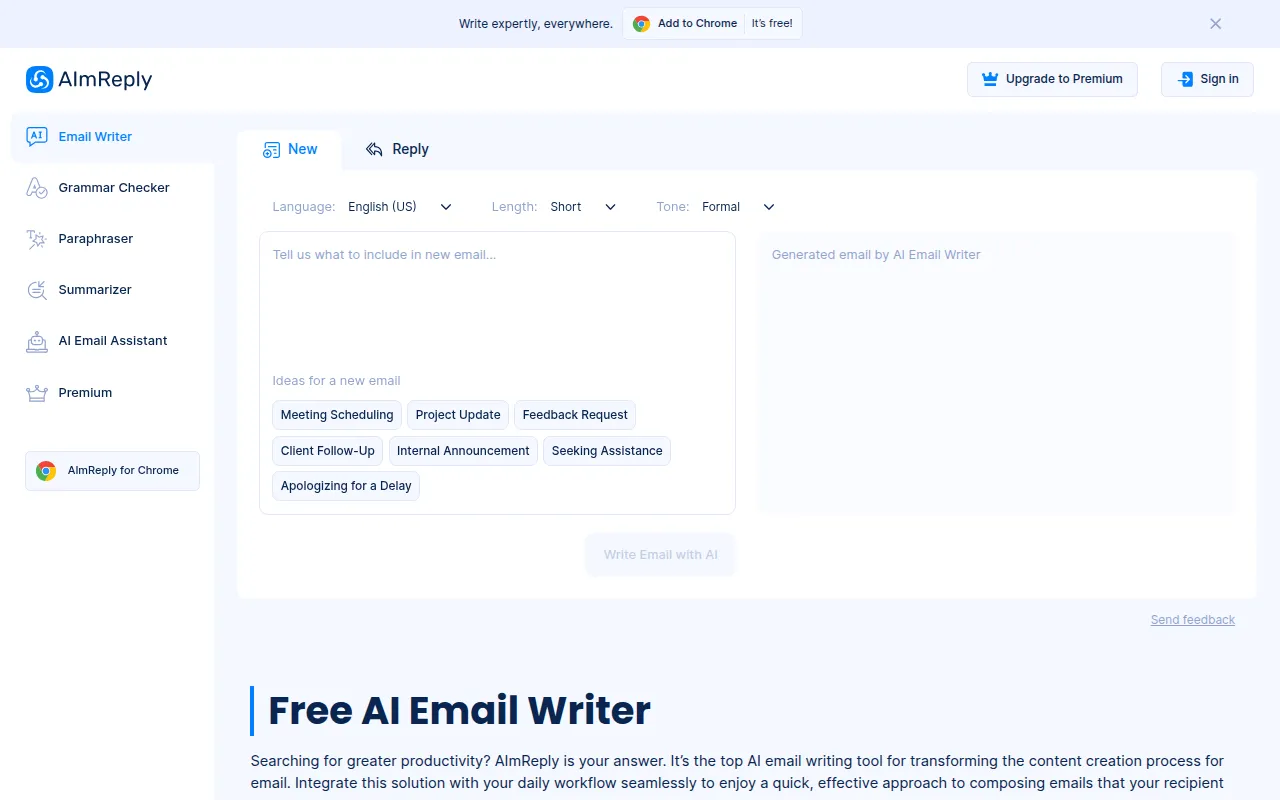
AImReply - Best for Email Productivity
AImReply is an AI-powered email writing tool that helps streamline communication for both individuals and teams. Unlike BrainyPDF, which focuses solely on document editing, AImReply enhances email productivity by providing smart suggestions, formatting options, and personalized templates. This tool is ideal for users who spend significant time managing their email correspondence and need a more efficient way to draft and respond to emails.
With its AI capabilities, AImReply analyzes the content and context of emails, suggesting responses that maintain a professional tone while saving users from the hassle of starting from scratch. This is particularly useful for teams collaborating on projects where timely and clear communication is crucial. While BrainyPDF does not cater to email writing, AImReply fills this gap, making it an excellent alternative for professionals seeking to improve their email communication efficiency.
- Key Strength: AI-driven suggestions that help users craft professional emails quickly.
- Key Strength: Templates and formatting options designed to enhance email clarity and effectiveness.
- Key Strength: User-friendly interface that requires minimal training to use effectively.
- Limitation: Limited to email writing and not suitable for document management tasks.
Pricing: Freemium with limited features available for free. Best for: Professionals and teams looking to boost their email productivity.
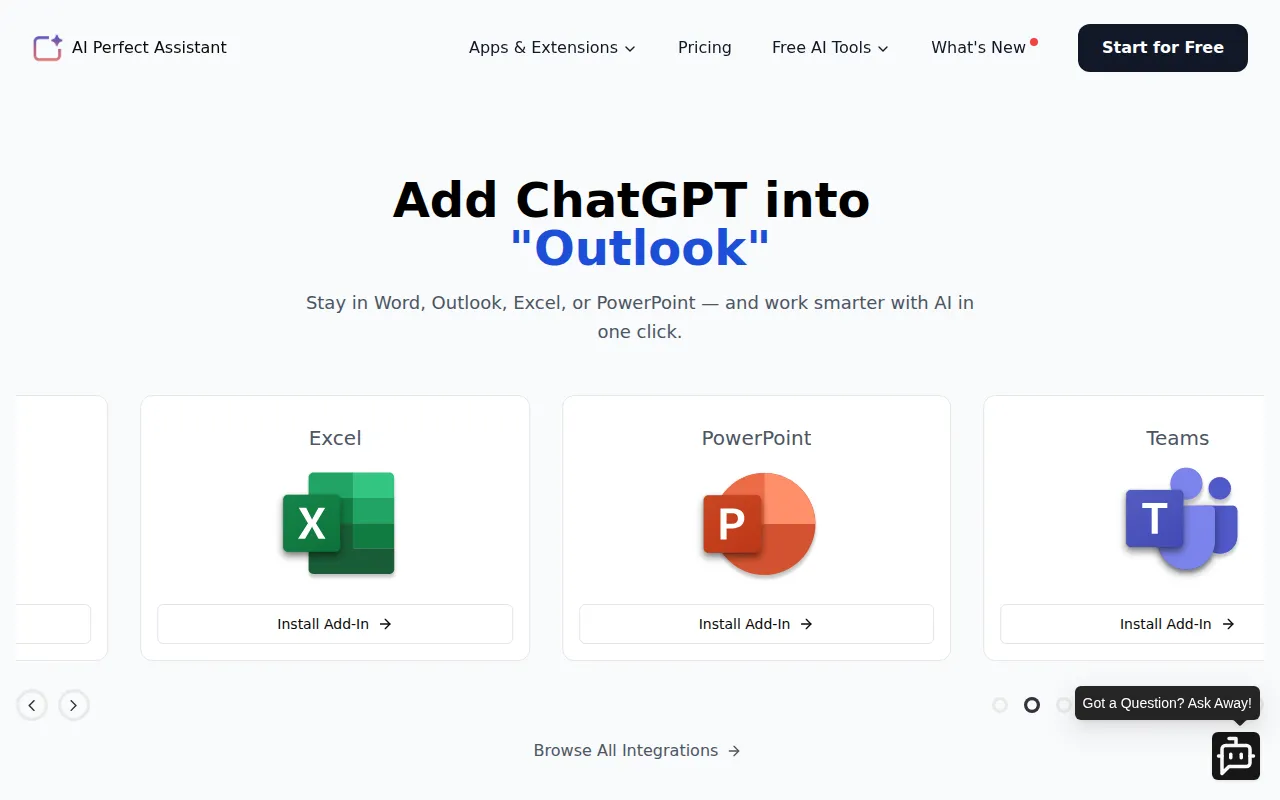
AI Perfect Assistant - Best for Integrated Office Suite Support
AI Perfect Assistant is a robust productivity tool that integrates seamlessly with popular office applications like Word, Excel, PowerPoint, Outlook, and OneNote. This integration offers users a comprehensive solution for enhancing their productivity across various platforms. Unlike BrainyPDF, which focuses on PDF editing, AI Perfect Assistant provides a wide range of AI-driven writing support that can significantly improve document creation and management. This makes it an excellent choice for those who frequently work with multiple types of documents.
The tool enhances the writing experience by offering grammar checks, style suggestions, and content ideas, which can be particularly beneficial for users who need to produce high-quality documents efficiently. The premium subscription also unlocks additional features, such as advanced writing analytics and tailored feedback, which are not available in BrainyPDF. Therefore, users who require an all-in-one productivity tool that supports document creation across different formats should consider AI Perfect Assistant as a strong alternative.
- Key Strength: Seamless integration with popular office tools, enhancing overall productivity.
- Key Strength: Comprehensive writing support that goes beyond basic editing.
- Key Strength: Tailored feedback and analytics for improving writing quality.
- Limitation: Monthly subscription fee may deter users looking for free options.
Pricing: Freemium with a premium subscription at $25.99 per month. Best for: Professionals needing integrated writing support across multiple office applications.
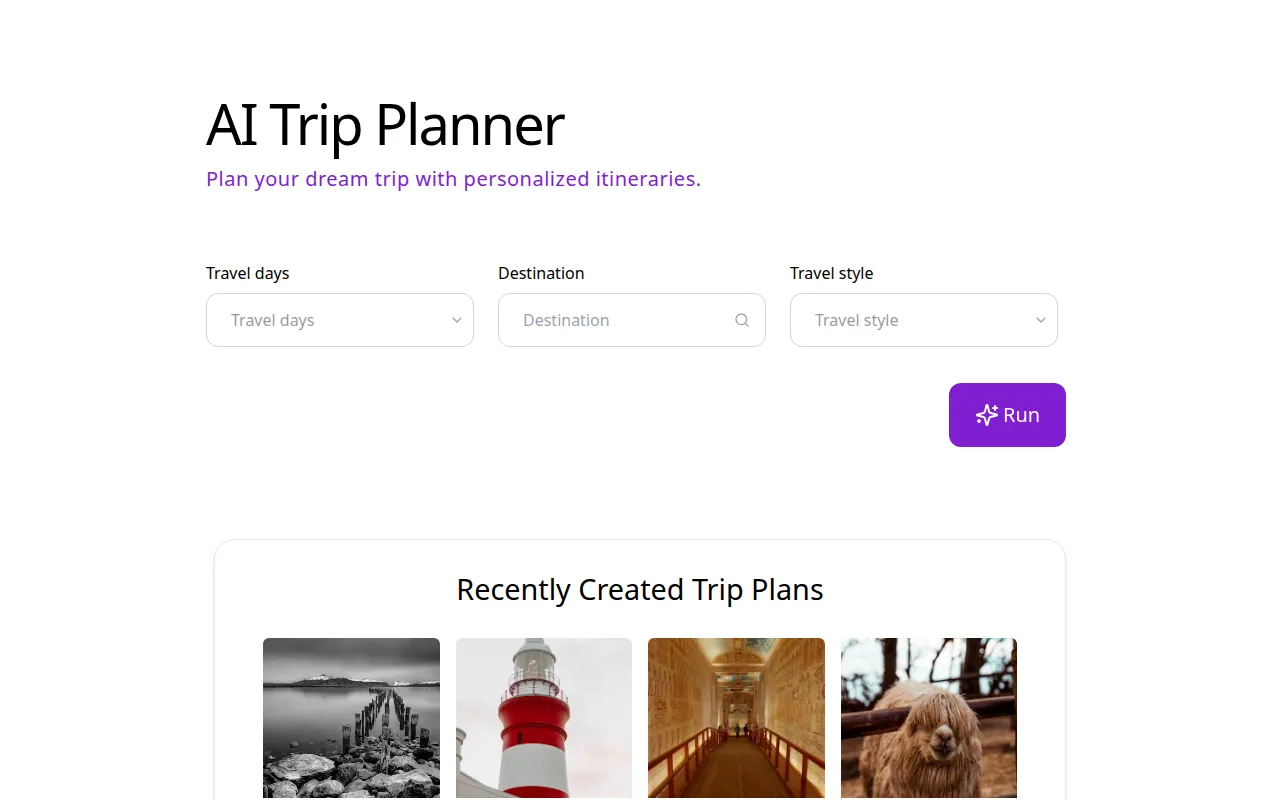
AI Trip Planner - Best for Vacation Planning
AI Trip Planner is an innovative productivity tool specifically designed to assist users in planning their travel efficiently. Unlike BrainyPDF, which does not cater to travel planning needs, AI Trip Planner employs artificial intelligence to offer personalized travel itineraries based on user preferences, budgets, and travel dates. This makes it an ideal choice for anyone looking to streamline their travel arrangements without the hassle of manual research.
The tool's AI algorithms analyze various travel options, including flights, accommodations, and activities, presenting users with tailored suggestions that suit their needs. This is particularly advantageous for busy professionals or families who want to maximize their vacation experiences without spending hours on planning. While BrainyPDF is excellent for PDF editing, it lacks any features that aid in trip planning, making AI Trip Planner a valuable alternative for users focused on travel.
- Key Strength: AI-driven personalized travel itineraries that simplify the planning process.
- Key Strength: Comprehensive analysis of travel options to help users make informed decisions.
- Key Strength: User-friendly interface designed for quick input and easy navigation.
- Limitation: Limited features for users who may need to manage other aspects of their travel, such as budgeting.
Pricing: Freemium with limited features available for free. Best for: Travelers seeking a streamlined planning process for vacations.
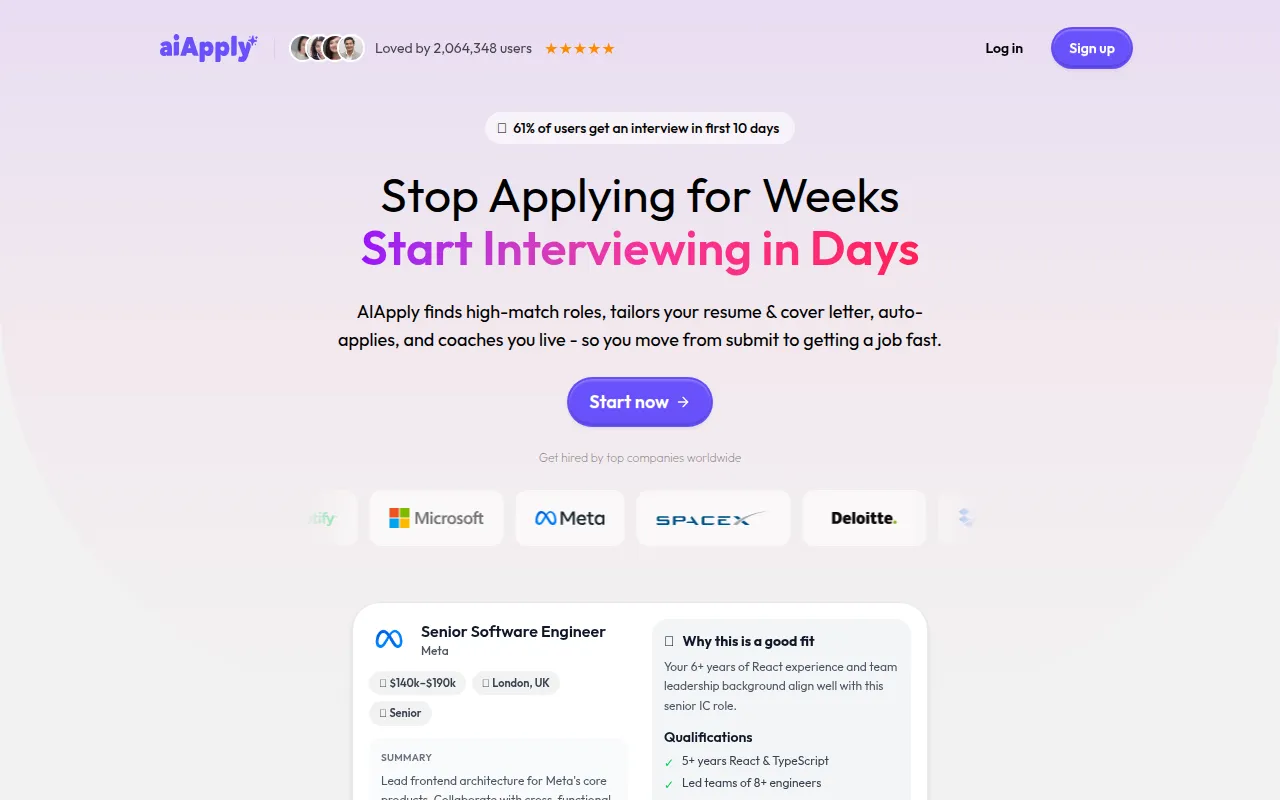
AIApply - Best for Job Seekers
AIApply is a specialized tool that helps users create tailored resumes and cover letters, along with providing auto-apply features for job listings. This tool stands out from BrainyPDF, which is focused on document editing, by targeting a niche audience of job seekers who need assistance in crafting effective job application materials. With AIApply, users can input their information, and the tool generates professional documents that align with industry standards.
The auto-apply feature is particularly useful, as it allows users to quickly submit applications to multiple job openings without having to manually customize each document. This can save significant time and increase the chances of job placement. While BrainyPDF does not offer any job application tools, AIApply is designed specifically for this purpose, making it a strong alternative for users in the job market.
- Key Strength: Tailored resume and cover letter creation that meets industry standards.
- Key Strength: Auto-apply features that streamline the job application process.
- Key Strength: User-friendly interface that guides users through the application creation.
- Limitation: Limited features for users who may require additional career coaching or interview preparation.
Pricing: Freemium with limited features available for free. Best for: Job seekers needing assistance with application materials.
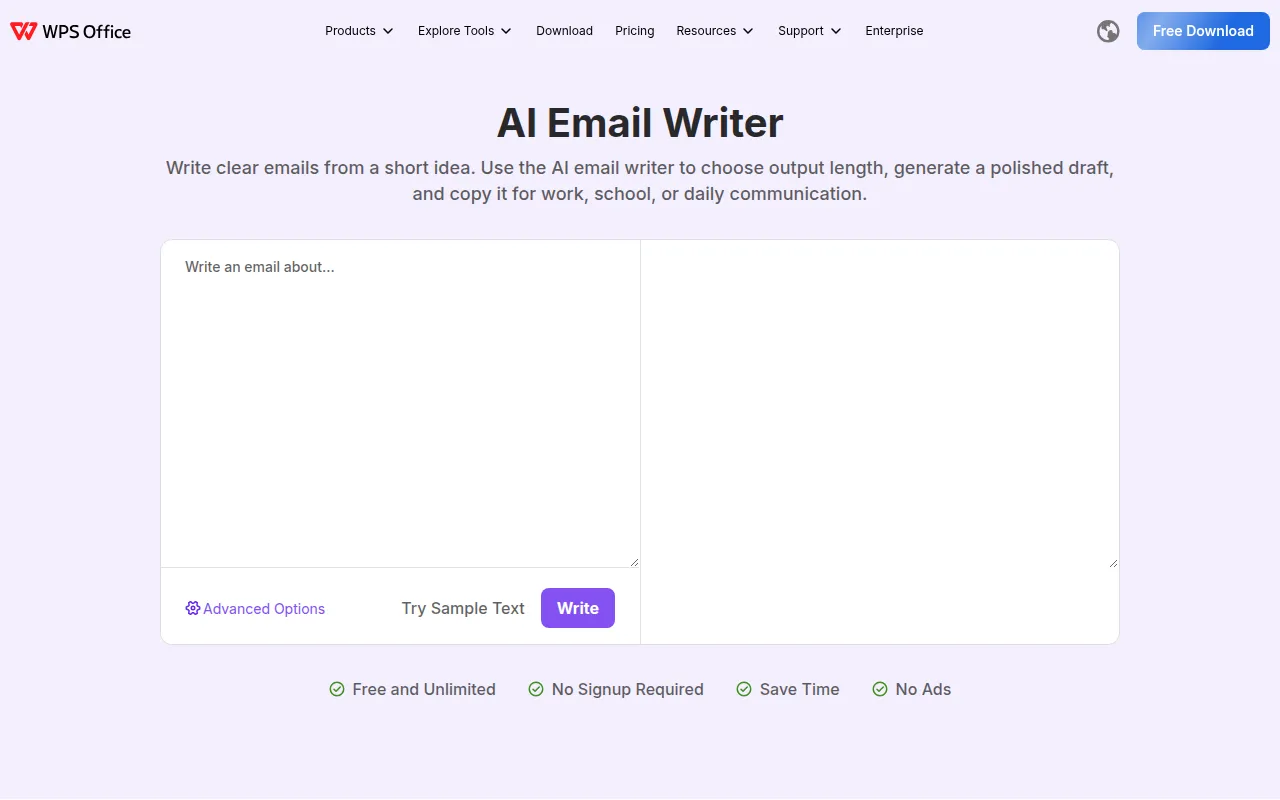
AI Email Writer - Best for Quick Email Drafting
AI Email Writer is a free tool designed to help users draft clear and concise emails based on brief ideas or prompts. Unlike BrainyPDF, which focuses on PDF editing, AI Email Writer streamlines the email drafting process, making it an ideal choice for individuals who want to enhance their communication efficiency. The tool automatically generates email content that effectively conveys the user's thoughts, which can be especially helpful for busy professionals juggling multiple tasks.
With its free access, AI Email Writer ensures that users can draft emails without incurring extra costs, making it accessible for everyone. This can be particularly beneficial for small business owners, freelancers, or anyone who frequently communicates via email. While BrainyPDF does not cater to email writing, this tool offers a straightforward solution for users looking to enhance their email productivity.
- Key Strength: Fast email drafting capabilities based on user prompts.
- Key Strength: Completely free to use with no hidden costs.
- Key Strength: Simple interface that is easy to navigate.
- Limitation: Limited customization options for users wanting more control over email tone and style.
Pricing: Free with no hidden costs. Best for: Individuals needing a quick and efficient way to draft emails.
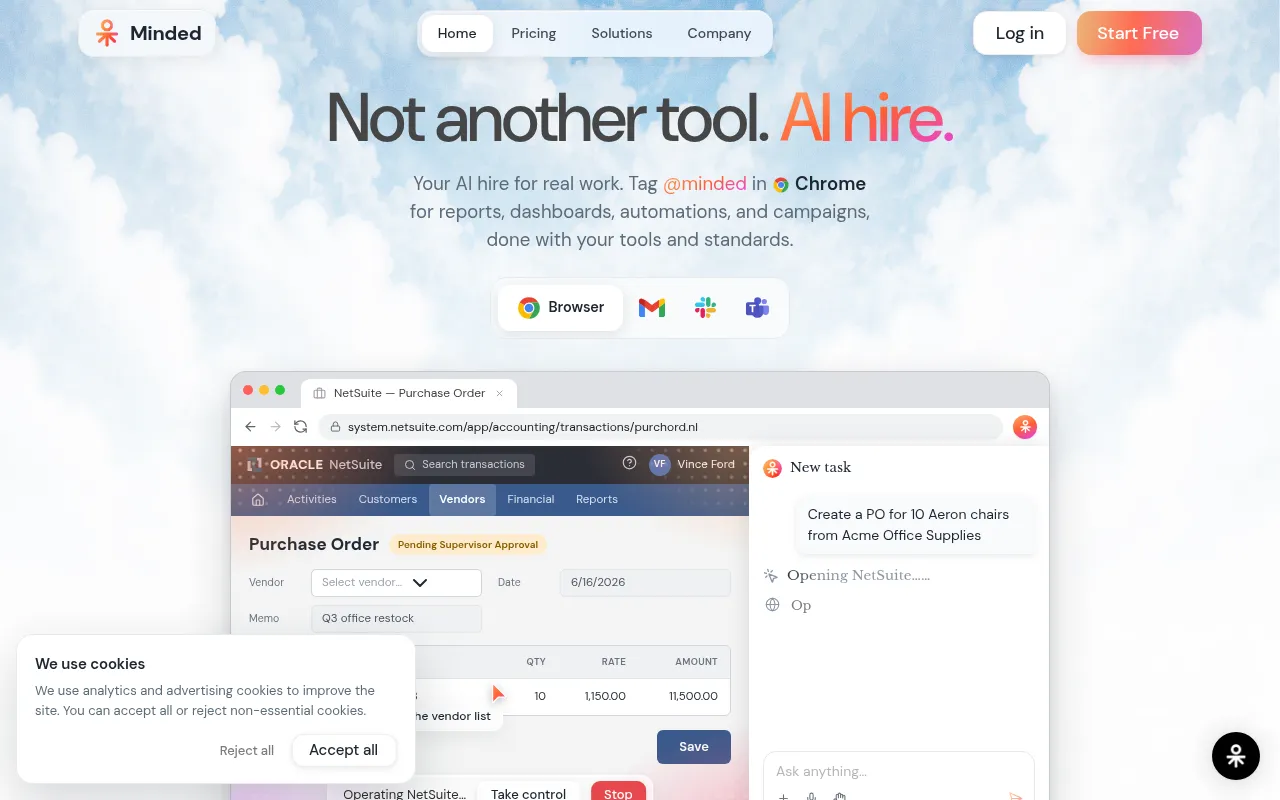
AgentsForce - Best for Workflow Automation
AgentsForce is an AI-driven workflow automation tool that streamlines reporting and task management across various platforms. Unlike BrainyPDF, which is focused on PDF editing, AgentsForce simplifies the management of tasks and improves team productivity by automating routine processes. This tool is particularly valuable for teams that rely on collaboration and need to keep track of multiple projects simultaneously.
With its credit-based pricing model, AgentsForce allows users to try the platform with free trial credits, making it accessible for teams that want to test its capabilities before committing. Moreover, the automation features reduce the time spent on repetitive tasks, allowing teams to focus on more critical aspects of their projects. While BrainyPDF does not offer automation capabilities, AgentsForce provides a unique solution for users looking to enhance their workflow efficiency.
- Key Strength: AI-driven automation that streamlines task management and reporting.
- Key Strength: Credit-based pricing model with free trial credits for new users.
- Key Strength: Integration with various platforms for seamless workflow management.
- Limitation: May require a learning curve for new users unfamiliar with automation tools.
Pricing: Freemium with credit-based pricing starting with free trial credits. Best for: Teams needing to streamline workflow and task management.
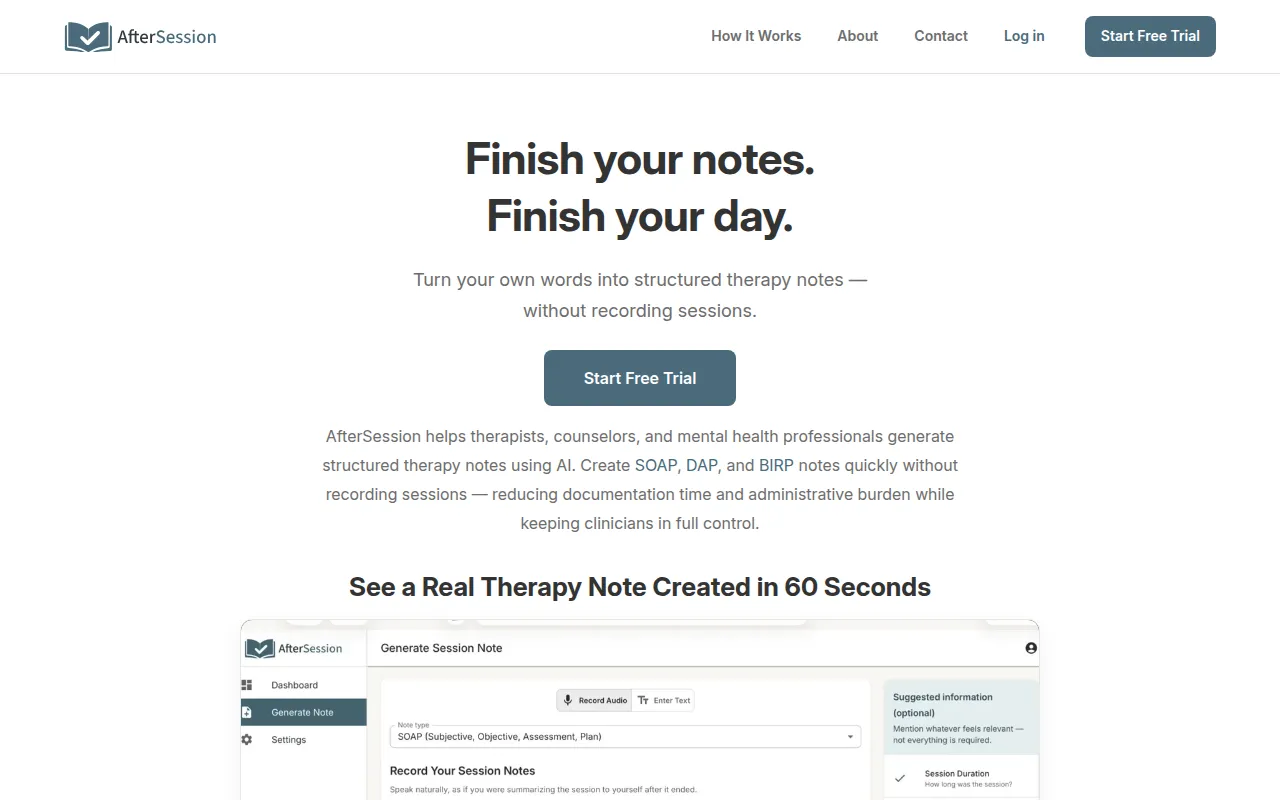
AfterSession - Best for Mental Health Professionals
AfterSession is a specialized tool designed for mental health professionals to create structured therapy notes quickly and securely. Unlike BrainyPDF, which is focused on general document editing, AfterSession caters specifically to the needs of therapists and counselors, providing a tailored solution that enhances their workflow. This tool allows professionals to document client sessions efficiently without the need for recording, which can be crucial for maintaining confidentiality.
The structured note-taking feature ensures that therapists can capture essential details during or after sessions, which supports better client care and improves overall documentation quality. With a starting price of $29.95 for the Founding Clinician plan, AfterSession provides a cost-effective solution for mental health professionals looking to enhance their documentation process. While BrainyPDF does not offer specialized features for mental health documentation, AfterSession serves as a strong alternative for users in this field.
- Key Strength: Structured note-taking designed specifically for mental health professionals.
- Key Strength: Enhances client confidentiality by avoiding session recordings.
- Key Strength: User-friendly interface tailored for mental health practitioners.
- Limitation: May not cater to users outside the mental health profession.
Pricing: Starting at $29.95 for the Founding Clinician plan with a free trial available. Best for: Mental health professionals seeking efficient documentation solutions.
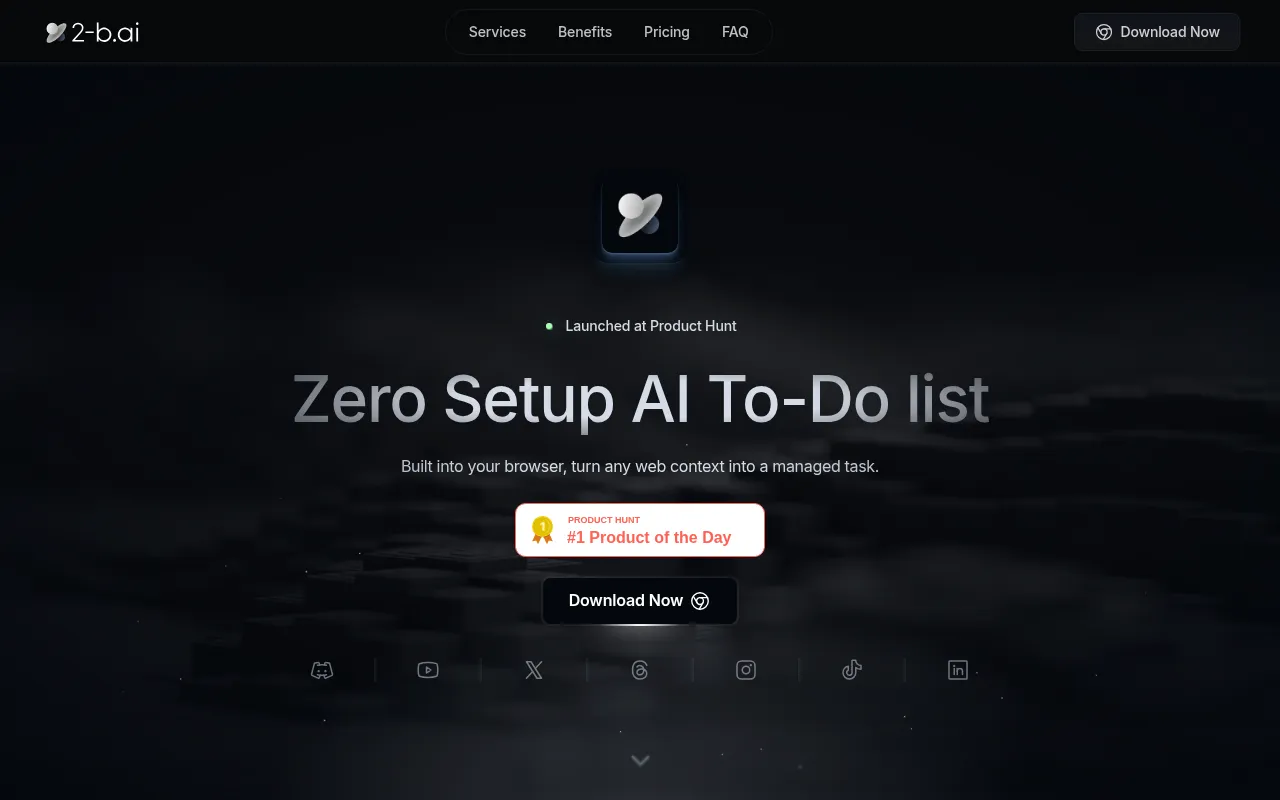
2-b.ai - Best for Task Management
2-b.ai is a modern task management tool that utilizes AI to streamline to-do lists and prioritize tasks effectively. Unlike BrainyPDF, which focuses on PDF editing, 2-b.ai helps users manage their workload by capturing what matters most and optimizing their task management. This tool is particularly beneficial for individuals and teams looking to enhance their productivity and ensure that critical tasks are completed on time.
The AI capabilities of 2-b.ai analyze user behavior to suggest task prioritization, helping users focus on what is most important. This feature can be especially advantageous for professionals in fast-paced environments where time management is crucial. While BrainyPDF does not offer task management features, 2-b.ai provides a valuable alternative for users seeking to improve their organizational skills and productivity.
- Key Strength: AI-driven task prioritization that helps users focus on critical tasks.
- Key Strength: User-friendly interface that simplifies task management.
- Key Strength: Integration capabilities with other productivity tools for seamless workflow.
- Limitation: Pricing information is currently unavailable, which may deter potential users.
Pricing: Freemium with limited features available for free. Best for: Individuals and teams needing effective task management solutions.
40h - Best for Time Management
40h is a time management tool designed to help users track and optimize their work hours effectively. Unlike BrainyPDF, which focuses on PDF editing, 40h provides users with insights into their time usage, helping them identify areas for improvement and enhance productivity. This tool is ideal for individuals who want to manage their time more efficiently and ensure that they are making the most of their work hours.
With features that allow users to log their hours, set goals, and analyze their time usage, 40h enables individuals to create a more balanced and productive work schedule. While BrainyPDF does not cater to time management needs, 40h offers a specialized solution that can help users maximize their productivity. This makes it an excellent alternative for those looking to take control of their time.
- Key Strength: Comprehensive time tracking capabilities that provide insights into work habits.
- Key Strength: Goal-setting features that help users optimize their time usage.
- Key Strength: User-friendly interface designed for easy navigation.
- Limitation: Pricing information is currently unavailable, which may create uncertainty for potential users.
Pricing: Freemium with limited features available for free. Best for: Individuals seeking to improve their time management skills.
Feature Comparison Table
| Tool | Best For | Starting Price | Free Plan | Standout Feature |
|---|
| BrainyPDF | Document editing | Freemium | Yes | User-friendly PDF editing tools |
| AI PDF Summarizer by PDF Guru | Quick document insights | Freemium | Yes | AI-driven document summarization |
| AImReply | Email productivity | Freemium | Yes | Smart email suggestions |
| AI Perfect Assistant | Integrated office support | $25.99/mo | Yes | AI-driven writing support |
| AI Trip Planner | Vacation planning | Freemium | Yes | Personalized travel itineraries |
| AIApply | Job seekers | Freemium | Yes | Auto-apply for jobs |
| AI Email Writer | Quick email drafting | Free | No | Fast email drafting capabilities |
| AgentsForce | Workflow automation | Freemium | Yes | AI-driven task management |
| AfterSession | Mental health documentation | $29.95/mo | Yes | Structured therapy notes |
| 2-b.ai | Task management | Freemium | Yes | AI-driven task prioritization |
| 40h | Time management | Freemium | Yes | Comprehensive time tracking |
How to Choose the Right Alternative to BrainyPDF
When selecting an alternative to BrainyPDF, it is essential to consider what specific features you need. If you primarily require PDF editing capabilities, you might want to look at tools that offer robust editing and annotation features. However, if your needs extend into areas like summarization, email productivity, or task management, then the alternatives listed above provide specialized solutions tailored to those requirements. For instance, professionals who need to draft effective emails quickly should consider AImReply, while those focused on travel should explore AI Trip Planner.
It's also important to evaluate pricing structures. Some alternatives offer freemium models that allow users to access basic features for free, while others have premium subscriptions with enhanced functionalities. Assess your budget and how much you are willing to invest in a tool that meets your needs. Additionally, consider the user interface and ease of use. A tool that is intuitive and straightforward can significantly enhance your productivity and reduce the learning curve associated with adopting new software.
Final Verdict
Ultimately, the best alternative to BrainyPDF depends on your specific use case. For users needing quick document insights, AI PDF Summarizer is an excellent choice, while AImReply is perfect for enhancing email productivity. For those focused on job applications, AIApply stands out, and mental health professionals will benefit from AfterSession's specialized features. Assess your requirements carefully to make an informed decision that enhances your productivity.