ChatGPT Folders
Freemium
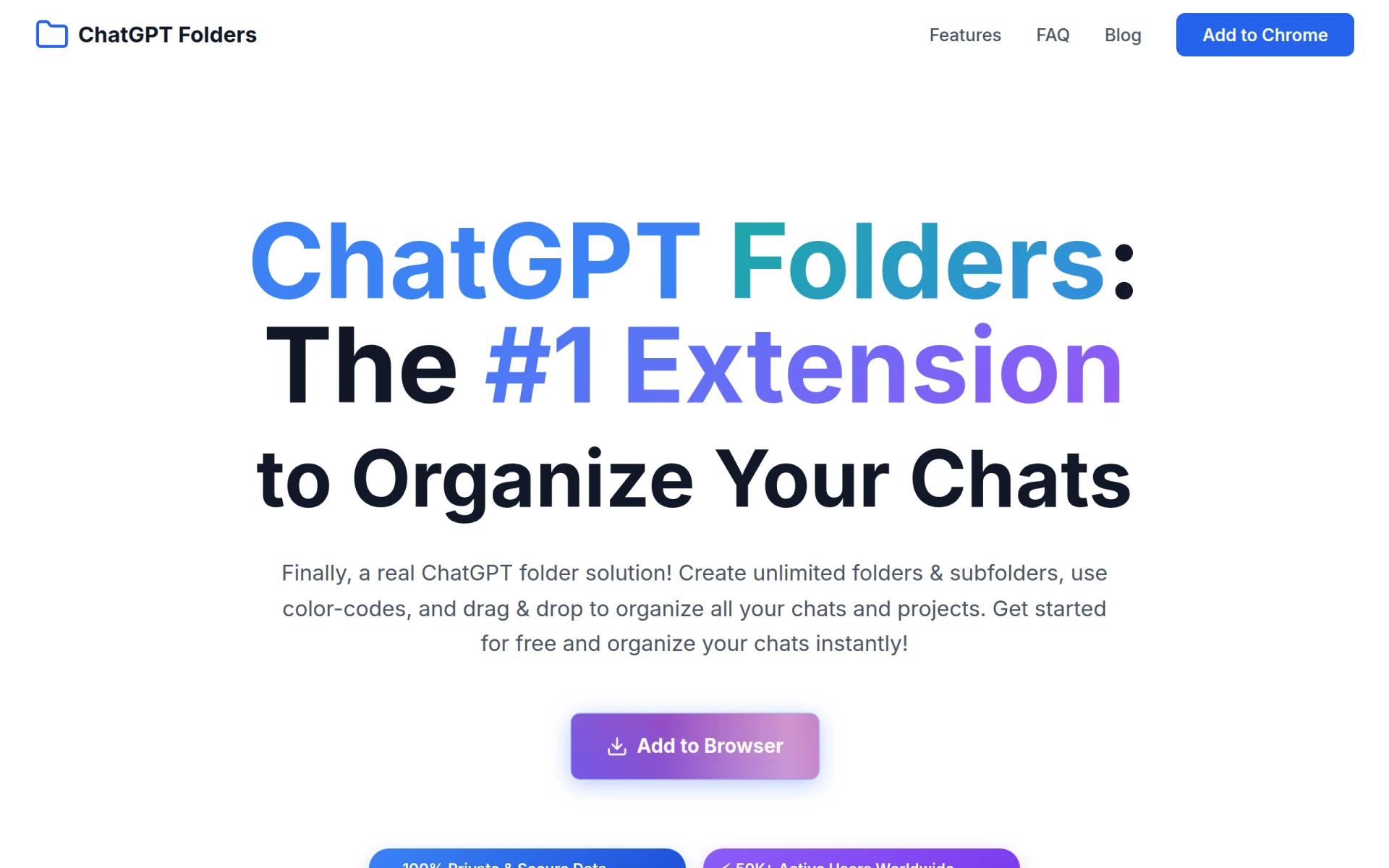
ChatGPT Folders allows users to organize their ChatGPT conversations with customizable folders and color-coding.
 A
A
AI Perfect Assistant provides ChatGPT integrations for Word, Excel, PowerPoint, Outlook, and OneNote, enhancing productivity through AI-driven writing support.
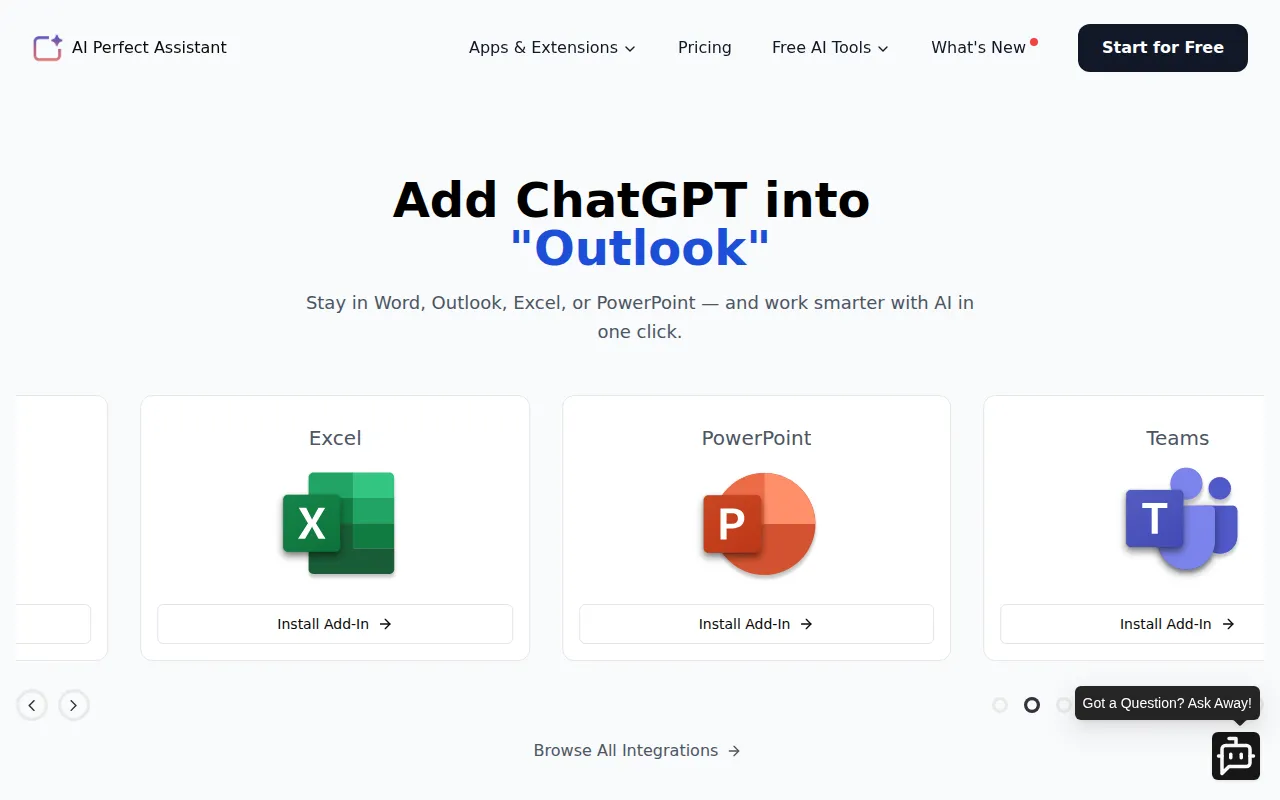
AI Perfect Assistant is a productivity tool designed to integrate AI capabilities into popular Microsoft Office applications such as Word, Excel, PowerPoint, Outlook, and OneNote. Its primary purpose is to facilitate writing and content generation directly within these applications, helping users to create documents, presentations, and spreadsheets more efficiently. The software addresses common challenges related to writer's block, content consistency, and time constraints in document creation.
AI Perfect Assistant provides practical advantages by eliminating common writing hurdles, thus enhancing productivity for users in various sectors. By integrating AI directly into tools users are already familiar with, it streamlines the writing process and reduces the time spent on drafting and editing content. Additionally, its collaborative features foster teamwork and improve the quality of deliverables across different user roles. The ability to select from various AI models allows users to tailor their writing assistant according to their specific requirements, ensuring optimal performance.
AI Perfect Assistant is useful in several realistic situations:
Ideal users of AI Perfect Assistant include:
However, it may not be suitable for users who prefer standalone AI writing tools or those who work outside the Microsoft ecosystem.
AI Perfect Assistant offers a free plan and a premium subscription at $25.99 per month, with a discounted annual rate of $16.99 per month.
AI Perfect Assistant effectively enhances productivity by integrating AI writing capabilities into Microsoft Office applications. While it offers significant benefits such as improved efficiency and collaborative features, potential users should consider their specific needs and existing tools before making a decision. Overall, it serves as a valuable asset for teams and individuals who frequently write and edit documents within the Microsoft Office suite.
ChatGPT Folders allows users to organize their ChatGPT conversations with customizable folders and color-coding.
Chart Advantage is a project management tool that aids in visualizing project timelines and dependencies through various charting methods.
CalPerks is a task management tool designed to enhance team collaboration and productivity.
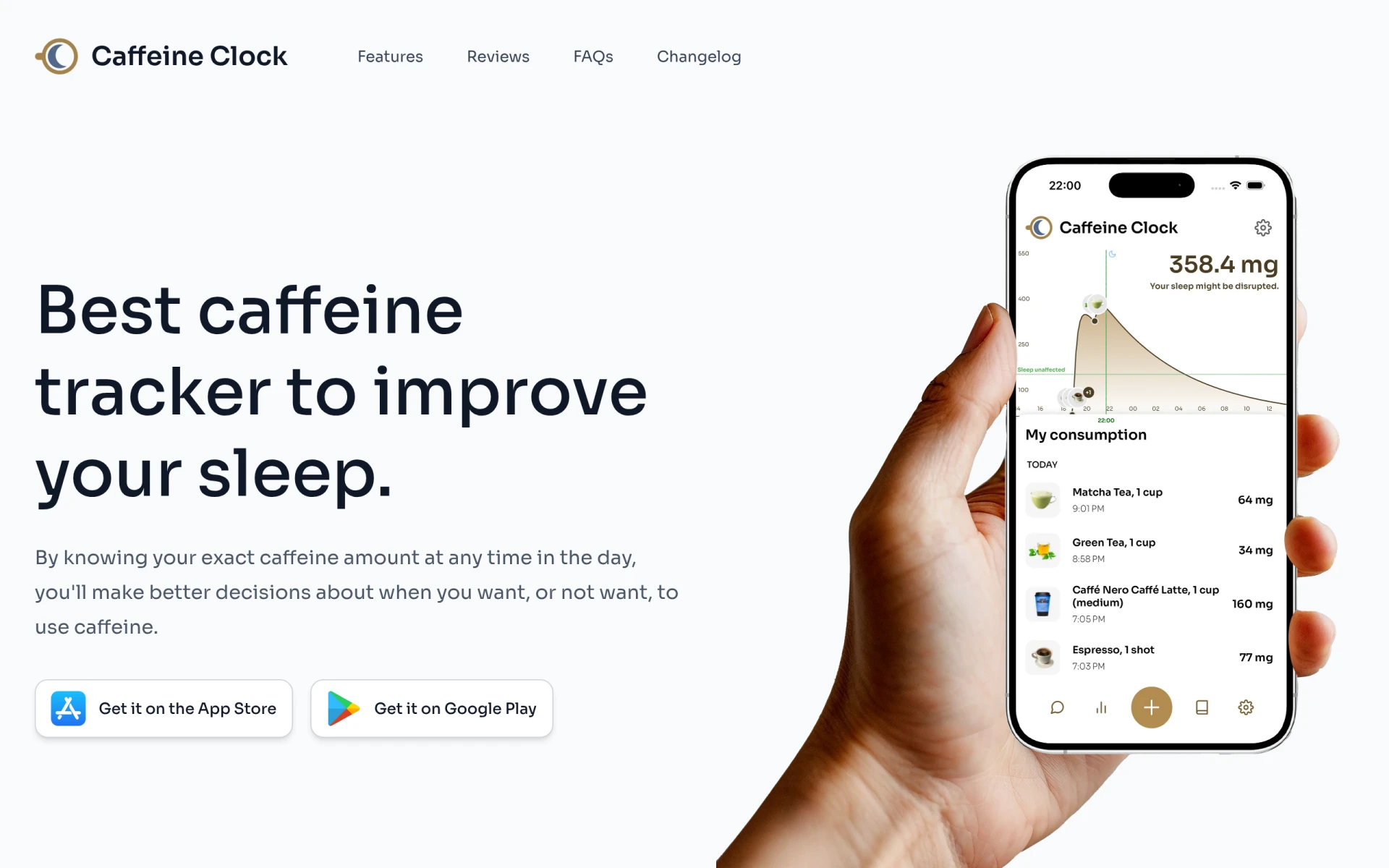
Caffeine Clock helps track your caffeine intake to enhance sleep quality and make informed consumption decisions.
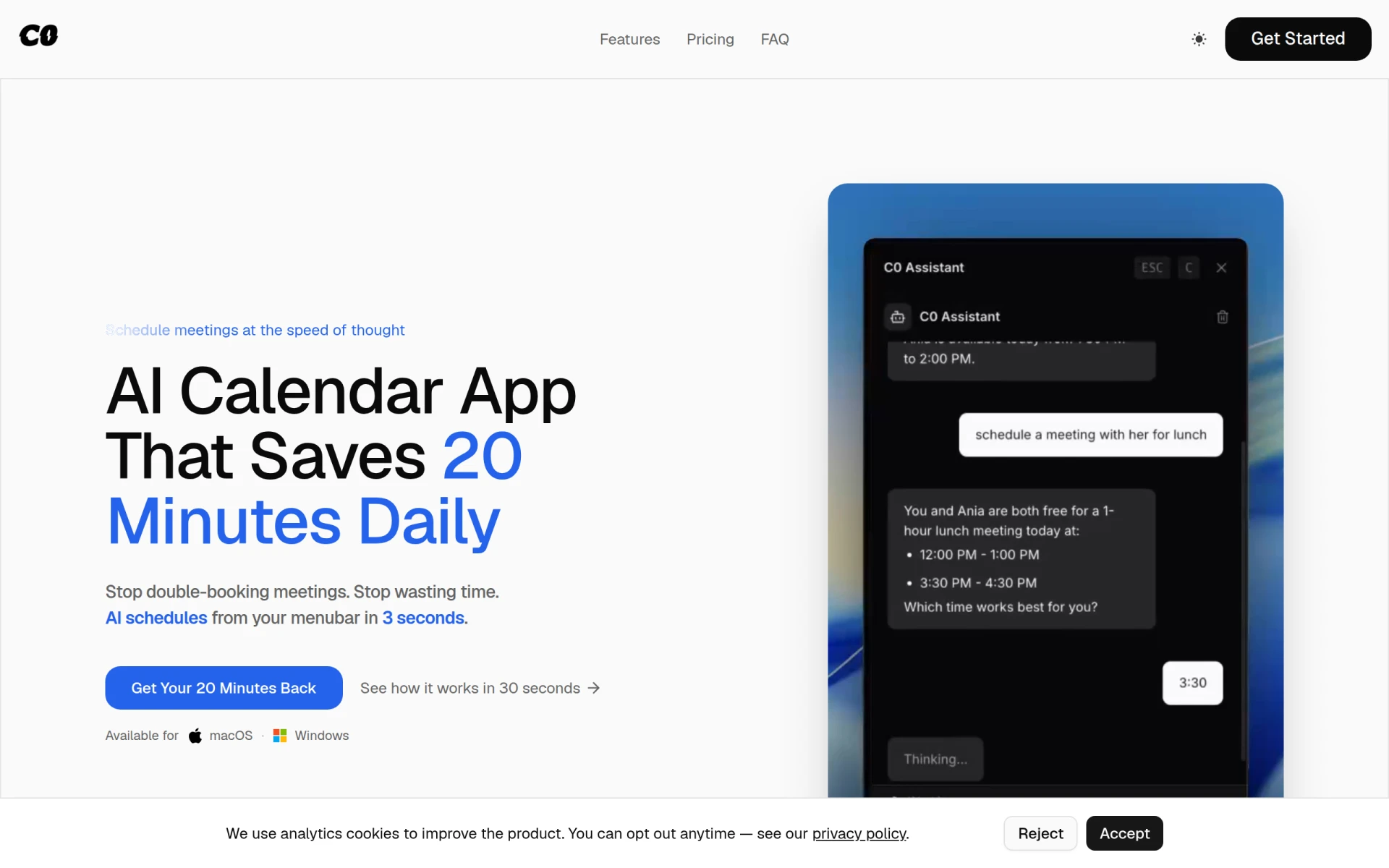
Calendar0 is an AI-driven appointment scheduling tool that simplifies calendar management directly from your menubar.
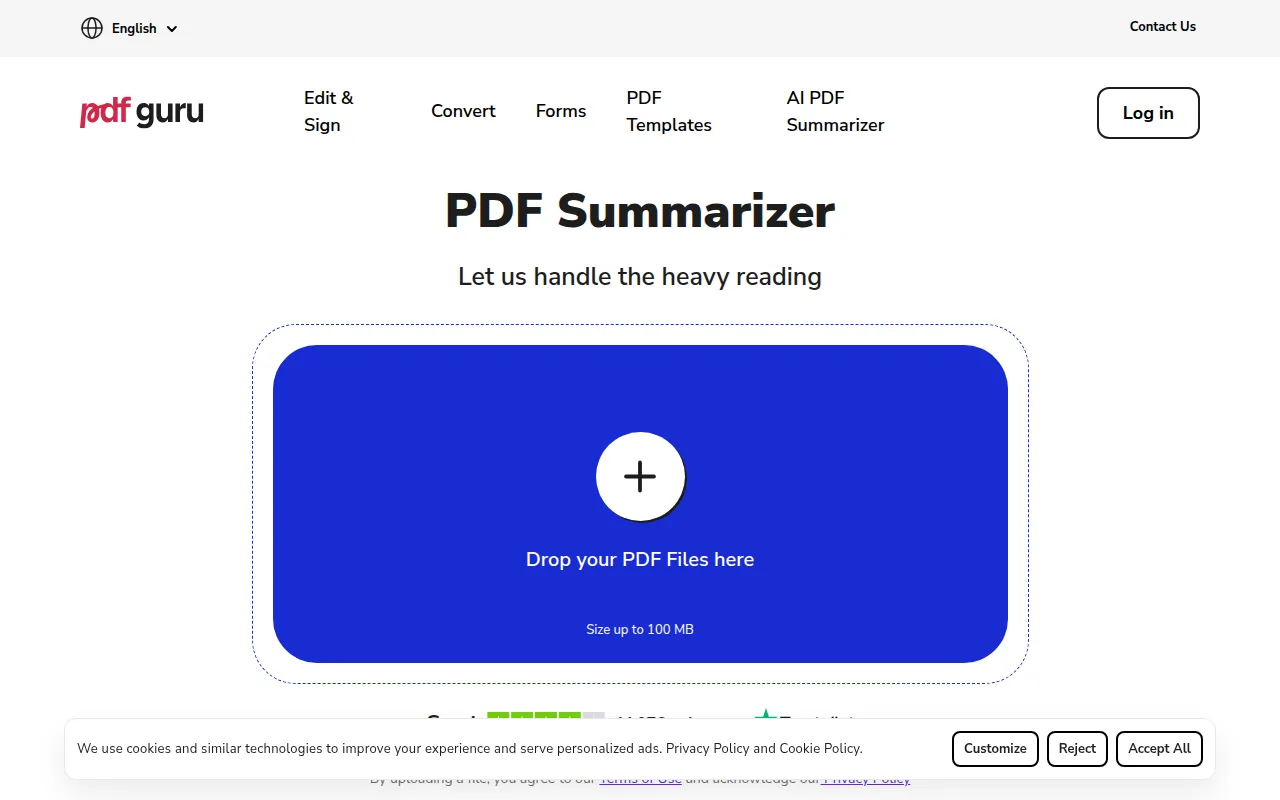
AI PDF Summarizer by PDF Guru simplifies PDF summarization, enabling users to quickly grasp document content.
Weekly roundup of new AI tools, launches, and trending software. No spam — unsubscribe anytime.
No credit card required · Cancel anytime
Weekly roundup of new AI tools, launches, and trending software. No spam — unsubscribe anytime.
No credit card required · Cancel anytime