Why Look for Alternatives to Clearword?
While Clearword is a solid choice for meeting note-taking and management, many users find it lacking in certain areas that can hinder their productivity. One of the primary concerns is the absence of transparent pricing information, which can make it difficult for potential users to gauge whether it fits their budget. Additionally, some users report that Clearword does not integrate well with other productivity tools they use, leading to a disjointed workflow. This lack of compatibility can be a significant pain point for teams that rely on seamless integration for project management and communication.
Moreover, Clearword's feature set may not cover all the needs of modern teams. For instance, it lacks advanced AI functionalities that can automate repetitive tasks or streamline project workflows. Users looking for more comprehensive solutions might find themselves frustrated with its limitations in areas such as task delegation, integration with CRM software, or advanced analytics. Consequently, many are seeking alternatives that not only offer better pricing structures but also provide a more robust set of features to enhance their productivity and collaboration.
Best Alternatives to Clearword in 2026
Mindy - Best for Workflow Automation
Mindy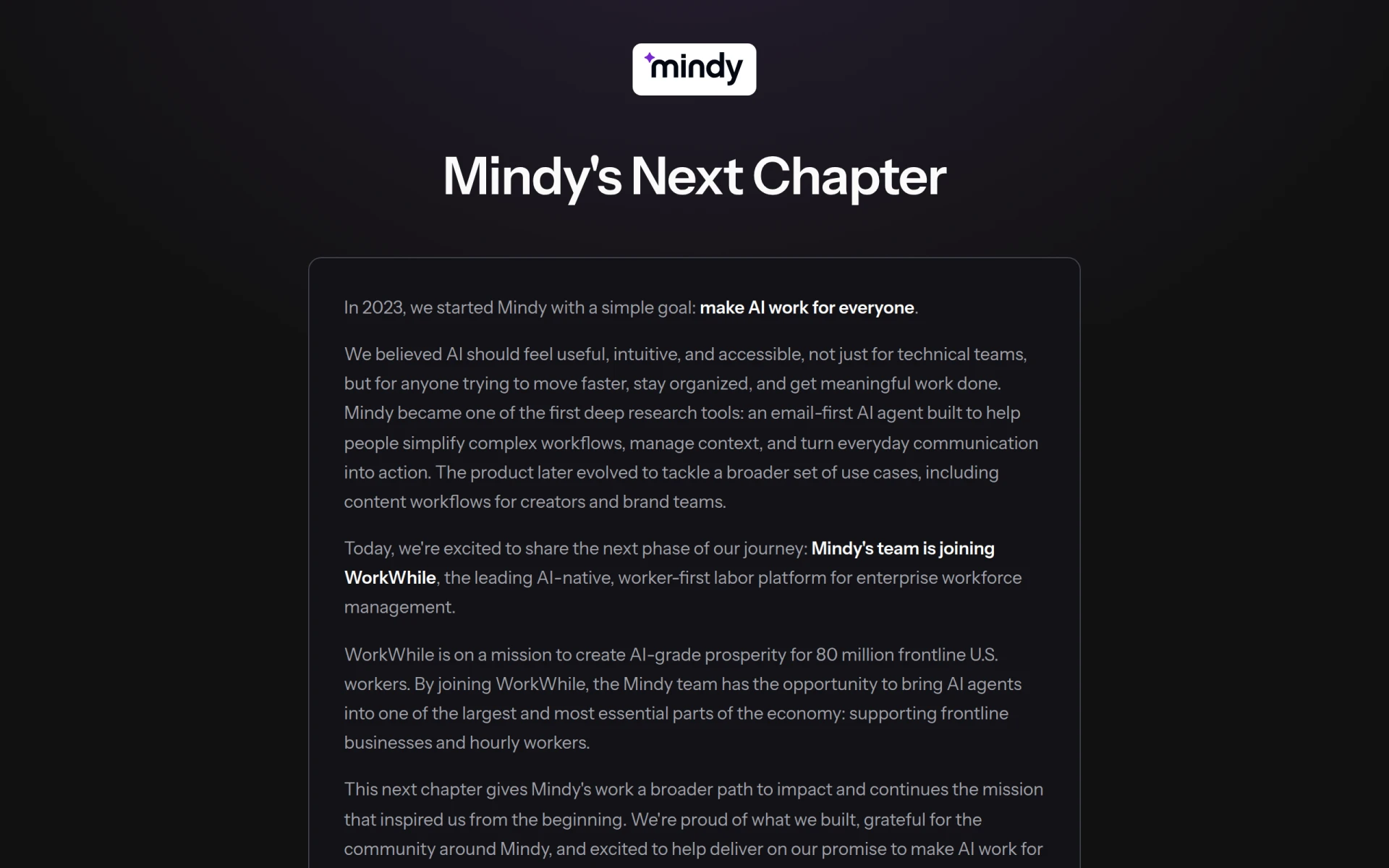 is an AI-driven workflow automation tool that offers a unique approach to enhancing productivity. Unlike Clearword, which focuses primarily on note-taking, Mindy automates complex tasks, allowing users to concentrate on more strategic activities. This makes it an ideal choice for teams or individuals looking to streamline their operations. Mindy’s powerful AI capabilities can analyze workflows and suggest optimizations, which sets it apart from Clearword’s more static feature set. Users looking for an intelligent assistant to manage their tasks effectively will find Mindy to be a superior alternative.
- Key Strength: Advanced AI-driven task automation features that Clearword lacks.
- Key Strength: Seamless integration with multiple productivity tools.
- Key Strength: User-friendly interface designed for non-technical users.
- Limitation: Pricing information is not readily available, which may discourage some users.
Pricing: Contact for details. Best for: Teams seeking workflow automation solutions.
Cal.ai - Best for Enterprise Scheduling
Cal.ai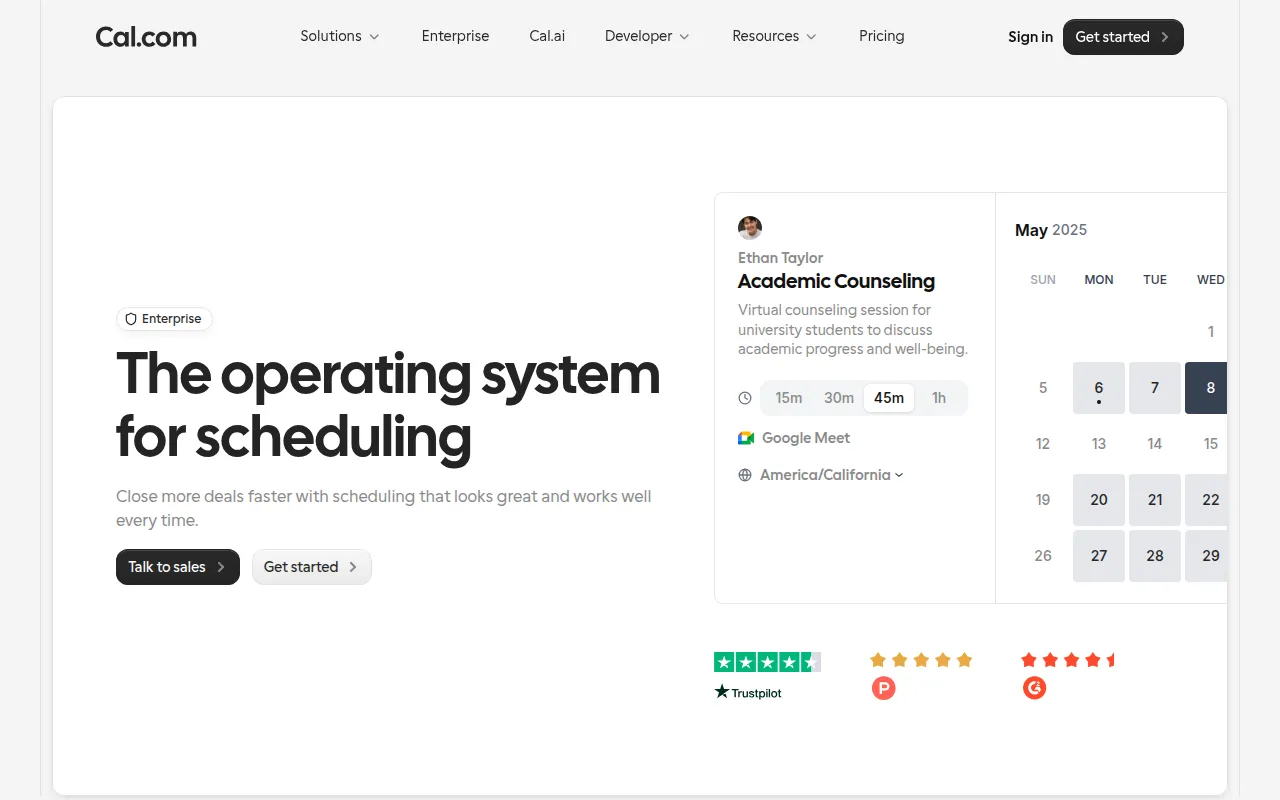 stands out as a robust scheduling tool tailored for enterprises. When compared to Clearword, which primarily focuses on note-taking, Cal.ai offers a more comprehensive suite of features aimed at managing appointments and workflows. Its customizable options allow users to tailor the scheduling experience to their specific needs, making it particularly useful for businesses that require stringent organization. The secure nature of Cal.ai also appeals to enterprises looking to protect sensitive information while managing schedules efficiently.
- Key Strength: Customizable scheduling solutions tailored for enterprise needs.
- Key Strength: Enhanced security features for managing sensitive information.
- Key Strength: Streamlined meeting coordination capabilities.
- Limitation: Pricing details are not publicly disclosed, which can be a drawback.
Pricing: Contact for details. Best for: Enterprises needing robust scheduling solutions.
Hyprnote - Best for Organized Note-Taking
Hyprnote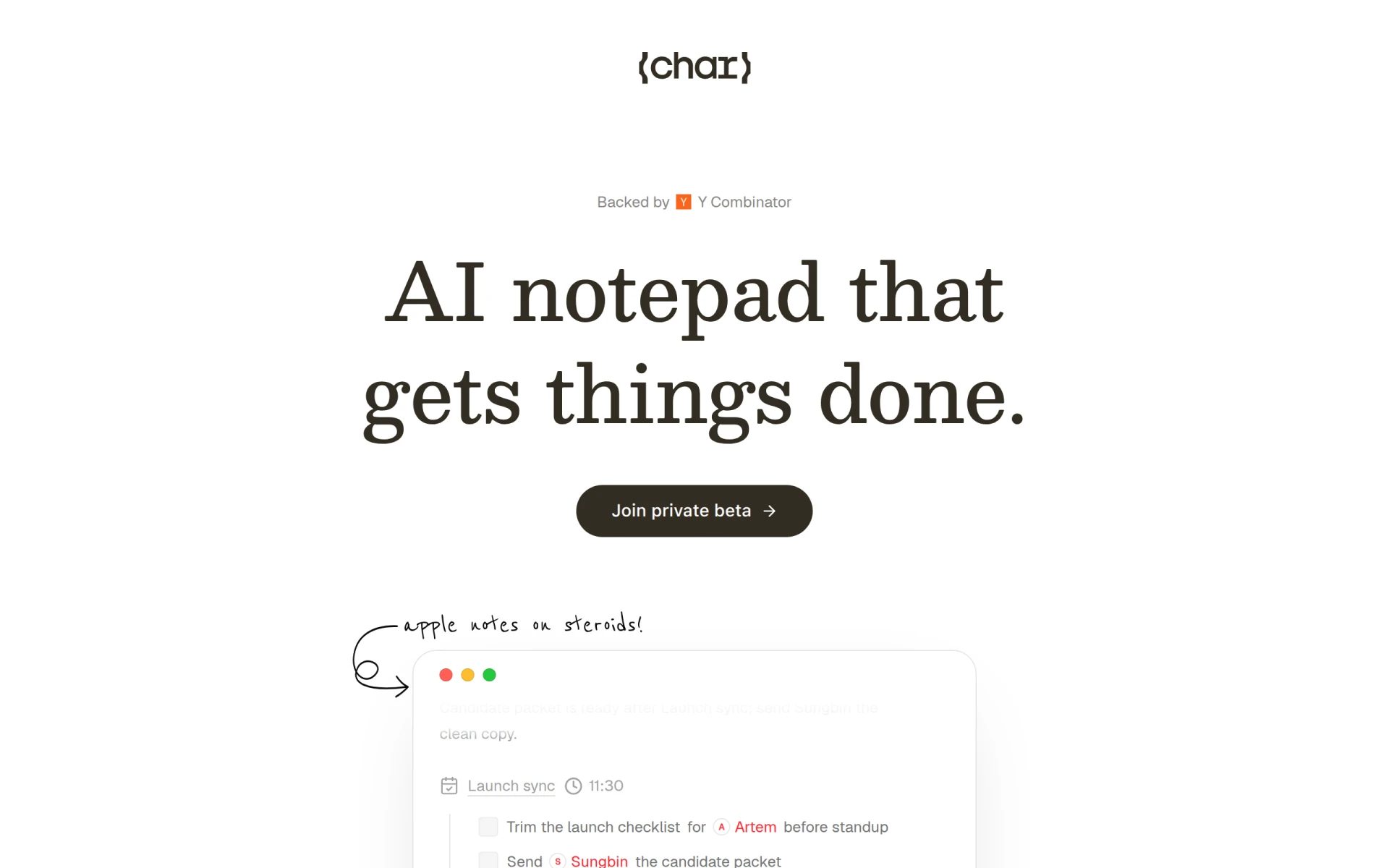 is a dedicated note-taking tool that emphasizes organization and efficiency. In contrast to Clearword, which may not provide the level of detail or structure some users desire, Hyprnote allows for a more organized approach to note-taking. Its features are designed to help users categorize and manage information effectively, making it easier to retrieve notes when needed. This is particularly beneficial for students or professionals who rely heavily on structured note organization.
- Key Strength: Advanced organizational features for efficient note management.
- Key Strength: User-friendly interface that simplifies the note-taking process.
- Key Strength: Custom tagging and categorization options for easy retrieval.
- Limitation: Freemium model may limit some features for free users.
Pricing: Freemium. Best for: Students and professionals needing structured note organization.
Notedly.ai - Best for Efficient Note Organization
Notedly.ai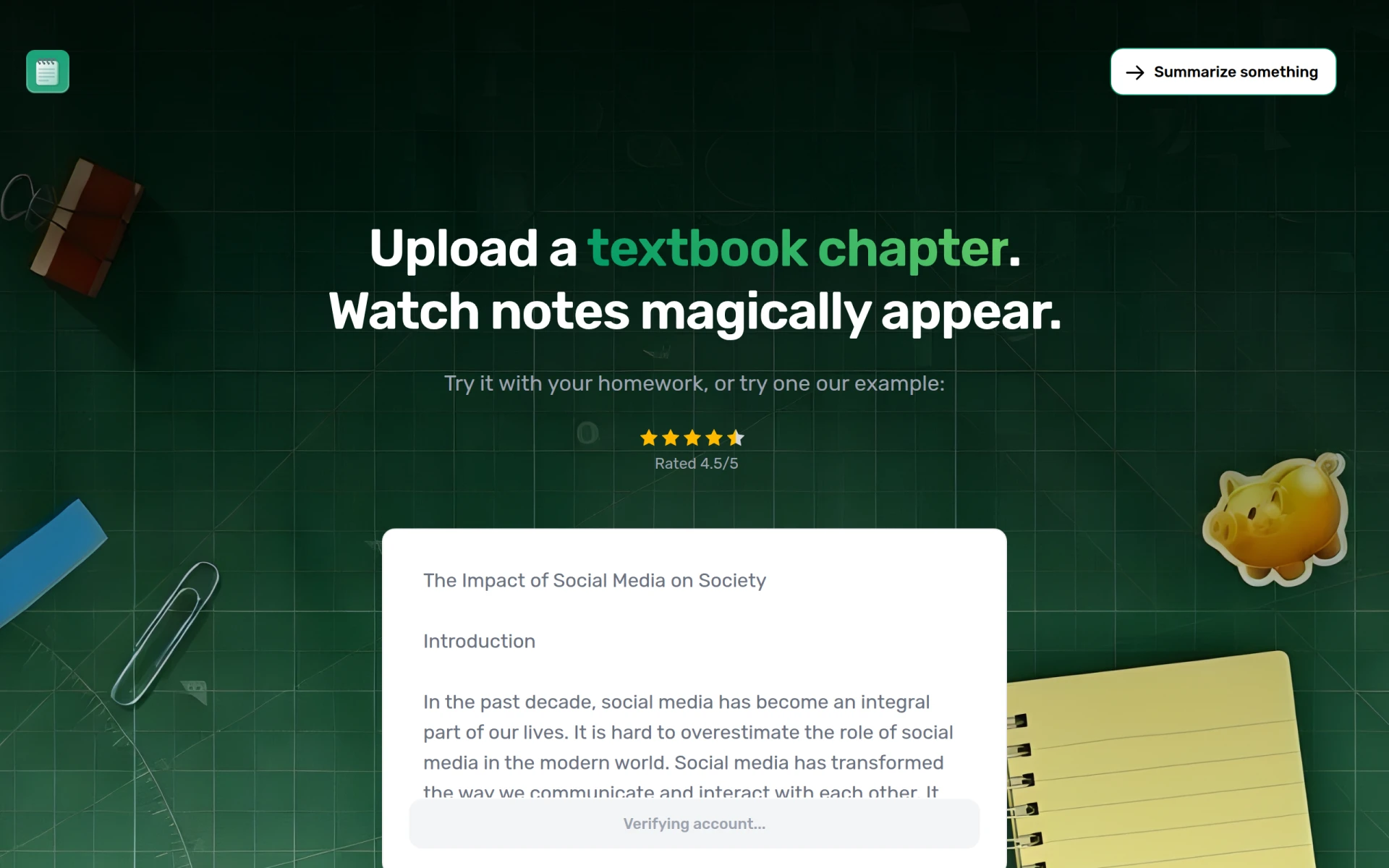 is another productivity tool focused on efficient note-taking and organization. While Clearword offers basic note-taking capabilities, Notedly.ai takes it a step further by integrating AI to help users manage and retrieve their notes efficiently. The platform is designed for those who want to maintain a well-organized repository of information that is easy to access. Notedly.ai's smart categorization features allow users to find relevant notes quickly, which is a significant advantage over Clearword.
- Key Strength: AI-enhanced note retrieval and organization capabilities.
- Key Strength: Clean interface that focuses on user experience.
- Key Strength: Collaborative features for team sharing and insights.
- Limitation: Freemium model may limit certain functionalities for free users.
Pricing: Freemium. Best for: Teams needing collaborative note-taking solutions.
Checkfirst - Best for AI-Powered Scheduling
Checkfirst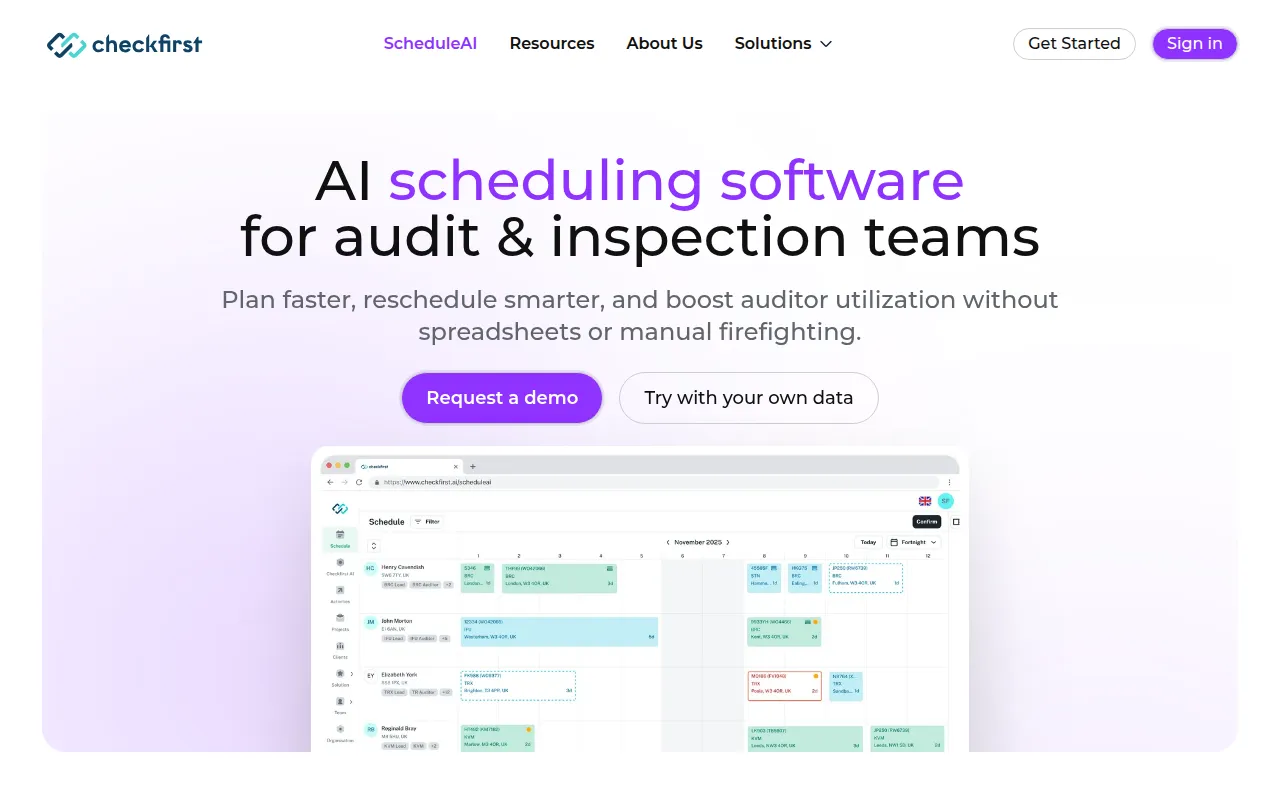 , with its ScheduleAI feature, offers a specialized solution for audit and inspection teams. This tool leverages AI to enhance scheduling efficiency, setting it apart from Clearword's focus on note-taking. Businesses that require precise scheduling for audits will benefit from Checkfirst's tailored features. The AI-driven approach allows teams to streamline their scheduling processes while ensuring compliance and thoroughness, a necessity in the audit environment.
- Key Strength: AI-enhanced scheduling specifically designed for audit and inspection teams.
- Key Strength: Robust reporting features for analyzing scheduling efficiency.
- Key Strength: Comprehensive solutions that prioritize compliance and thoroughness.
- Limitation: Pricing information is not publicly available, which may deter potential users.
Pricing: Contact for details. Best for: Audit and inspection teams requiring specialized scheduling.
Incredible - Best for Task Management
Incredible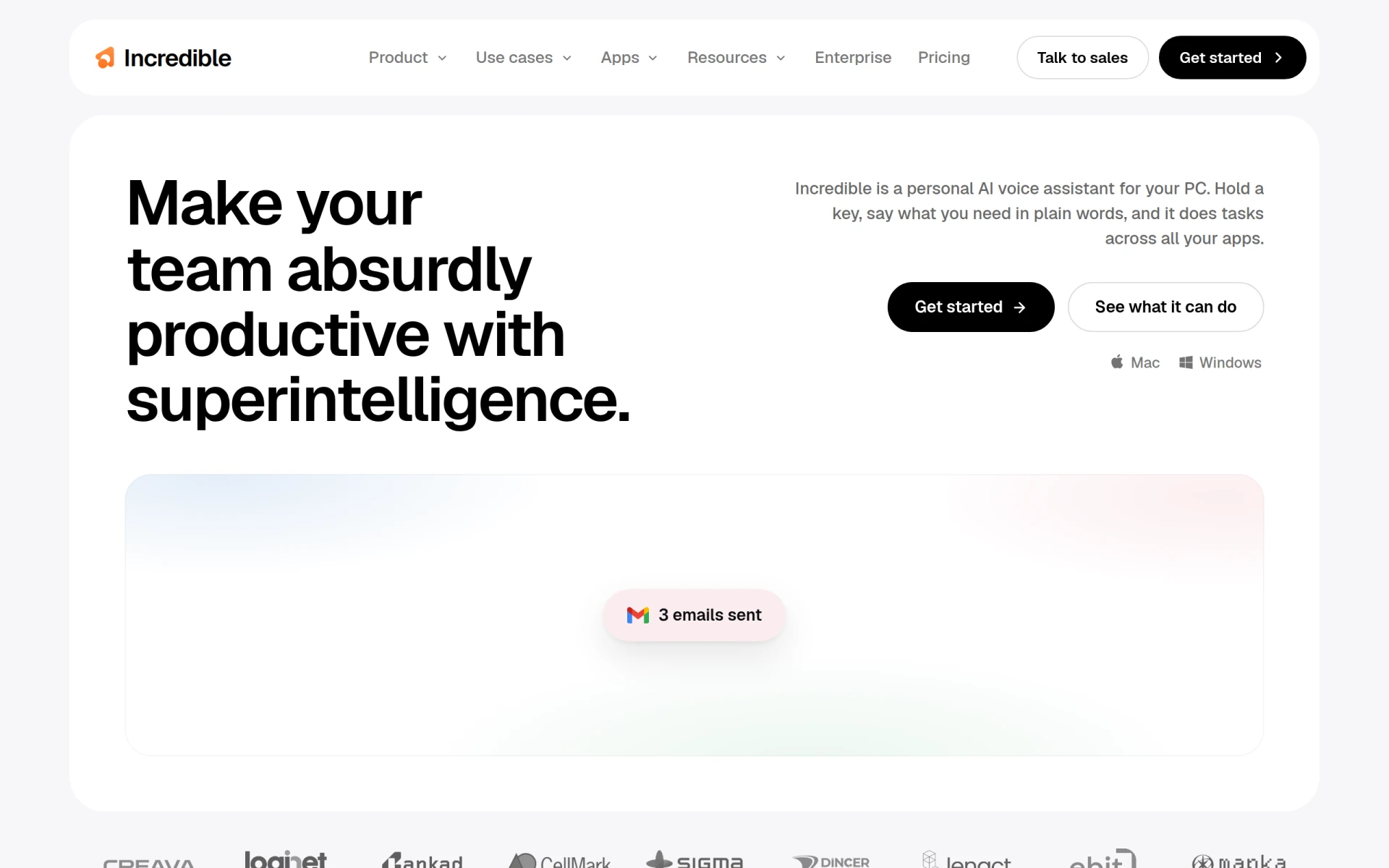 is an AI-powered executive assistant that excels in streamlining tasks across various applications. This tool offers a more holistic approach to productivity than Clearword, which focuses primarily on note-taking. Incredible's ability to manage tasks across different platforms makes it ideal for users who juggle multiple responsibilities and need a centralized tool to keep everything organized. The AI capabilities allow for automation of repetitive tasks, which can significantly save time and effort.
- Key Strength: Comprehensive task management across multiple applications.
- Key Strength: AI-driven automation of repetitive tasks.
- Key Strength: Seamless integration with other productivity tools.
- Limitation: Pricing information is not readily available, which may cause hesitation.
Pricing: Contact for details. Best for: Users needing a comprehensive task management solution.
Project Mirage - Best for Online Meetings
Project Mirage is a workflow automation tool designed to enhance online meetings and development processes. Unlike Clearword, which may not fully address the complexities of virtual collaboration, Project Mirage offers features that streamline meeting preparation and execution. Its focus on improving online meeting efficiency makes it ideal for remote teams that require a robust solution for managing discussions and follow-ups.
- Key Strength: Advanced features for managing online meetings effectively.
- Key Strength: Automated reminders and post-meeting summaries to enhance productivity.
- Key Strength: Focus on improving virtual collaboration.
- Limitation: Pricing information is not currently available, which may deter potential users.
Pricing: Contact for details. Best for: Remote teams needing effective meeting management tools.
Copilot for Microsoft 365 - Best for Integrated Productivity
Copilot for Microsoft 365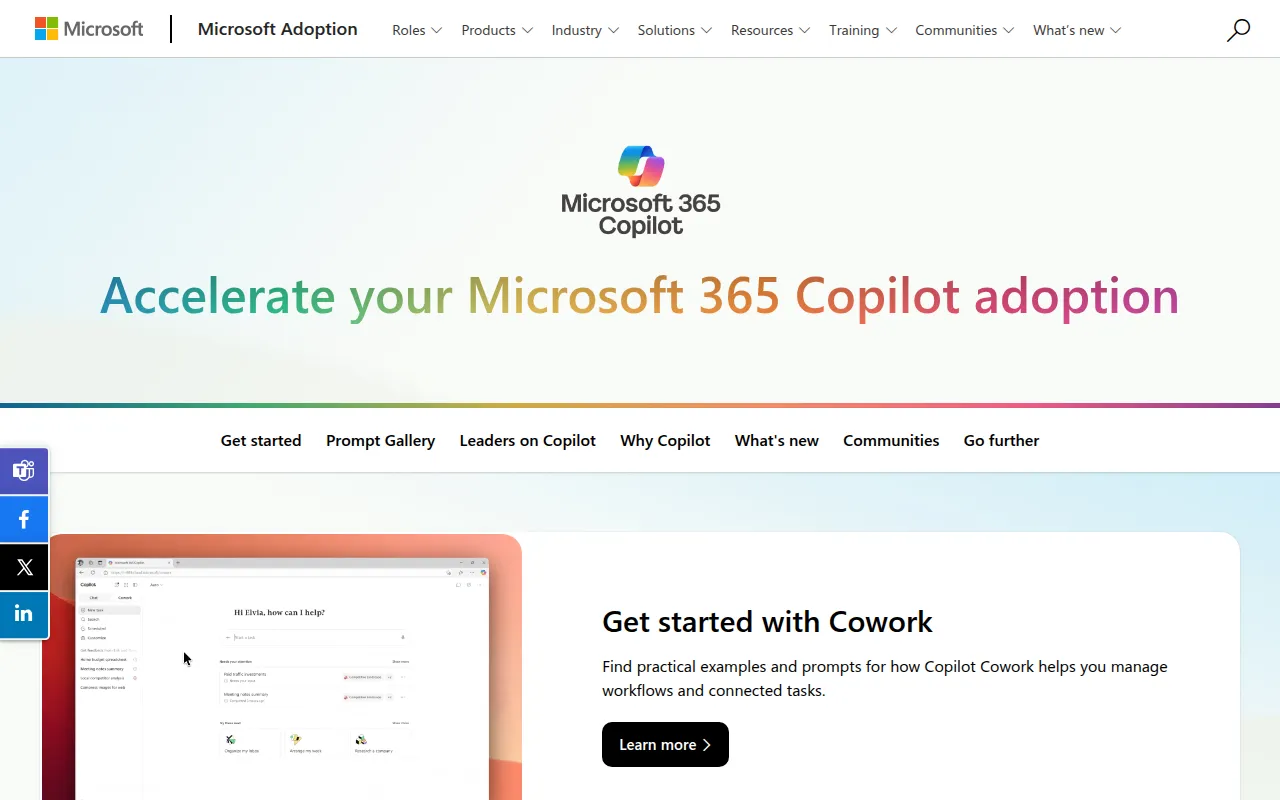 enhances productivity by integrating AI writing capabilities into Microsoft 365 applications. This tool offers a different approach compared to Clearword, which focuses on note-taking alone. With Copilot, users can leverage AI to draft documents, emails, and more, significantly improving their efficiency. The integration with the Microsoft ecosystem allows for a seamless experience, making it particularly appealing for organizations that already use Microsoft products.
- Key Strength: AI-driven writing assistance integrated within Microsoft 365 applications.
- Key Strength: Seamless experience for users already in the Microsoft ecosystem.
- Key Strength: Enhanced collaboration features for document creation.
- Limitation: Pricing information is not readily available, which may deter potential users.
Pricing: Contact for details. Best for: Teams using Microsoft 365 looking for enhanced writing features.
Jitera - Best for Team Collaboration
Jitera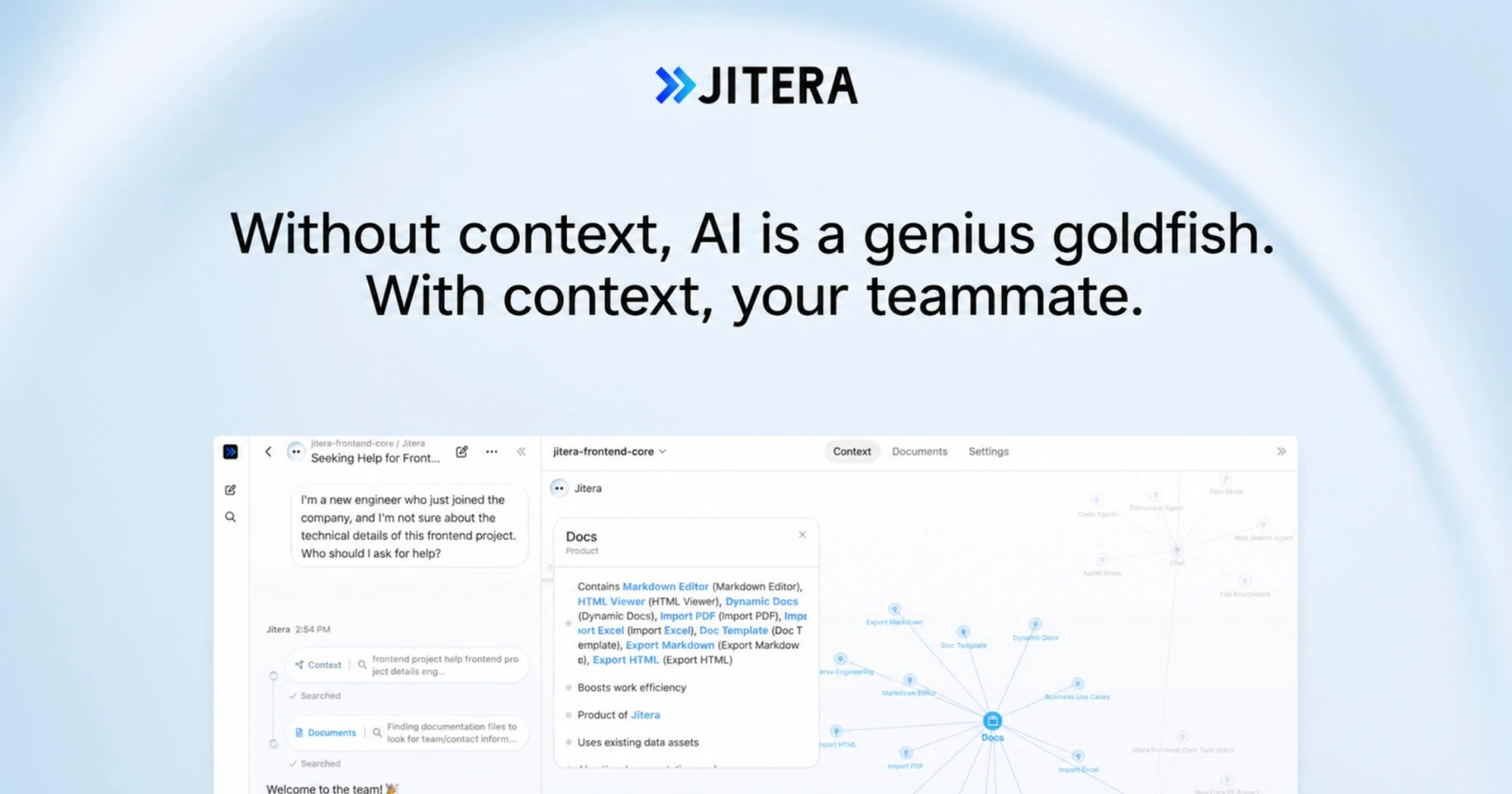 is an AI workspace specifically designed to enhance team collaboration by integrating AI agents that manage context and information flow. Unlike Clearword, which primarily focuses on note-taking, Jitera provides a comprehensive solution for teams looking to improve their collaborative efforts. Its AI capabilities offer insights and suggestions that can streamline communication and keep projects on track, making it a great alternative for teams that need more than just a note-taking tool.
- Key Strength: AI integration for context management and information flow.
- Key Strength: Enhanced collaborative features for team projects.
- Key Strength: Insights and suggestions to improve decision-making.
- Limitation: Pricing information is not publicly available, which may deter potential users.
Pricing: Contact for details. Best for: Teams needing advanced collaboration tools.
Clevis - Best for Workflow Automation
Clevis is a workflow automation tool designed to optimize productivity by integrating various applications and automating repetitive tasks. Unlike Clearword, which is primarily focused on note-taking, Clevis provides a broader range of automation capabilities that can significantly enhance team productivity. Its ability to streamline workflows across different platforms makes it ideal for teams looking to reduce manual workload and improve efficiency.
- Key Strength: Comprehensive automation features that enhance productivity.
- Key Strength: Ability to integrate with multiple applications.
- Key Strength: Freemium model offers flexibility for users.
- Limitation: Pricing information for premium features is not available.
Pricing: Freemium. Best for: Teams looking for workflow automation solutions.
Supernormal - Best for Meeting Summaries
Supernormal is designed to generate meeting notes and summaries efficiently, making it a strong alternative to Clearword for users who prioritize effective meeting documentation. Unlike Clearword, which focuses on basic note-taking, Supernormal automates the process of generating summaries, allowing teams to save time and enhance productivity. The tool is particularly beneficial for those who attend numerous meetings and struggle to keep track of notes and action items.
- Key Strength: Automated meeting note generation and summarization.
- Key Strength: Seamless integration with various platforms.
- Key Strength: Focus on enhancing productivity through effective documentation.
- Limitation: Freemium model may limit some features for free users.
Pricing: Freemium. Best for: Teams needing efficient meeting documentation tools.
Libretto - Best for Project Management
Libretto is a project management tool that enhances team collaboration and streamlines task organization. In comparison to Clearword, which primarily focuses on note-taking, Libretto provides a more comprehensive project management solution that caters to teams looking to improve their workflow. Its features allow for detailed task assignments, progress tracking, and collaborative planning, making it an ideal choice for project-based teams.
- Key Strength: Comprehensive project management features for task organization.
- Key Strength: Enhanced collaboration tools for team planning.
- Key Strength: User-friendly interface that simplifies task management.
- Limitation: Freemium model may limit some features for free users.
Pricing: Freemium. Best for: Project-based teams needing advanced management tools.
Sahara AI - Best for Task Automation Across Applications
Sahara AI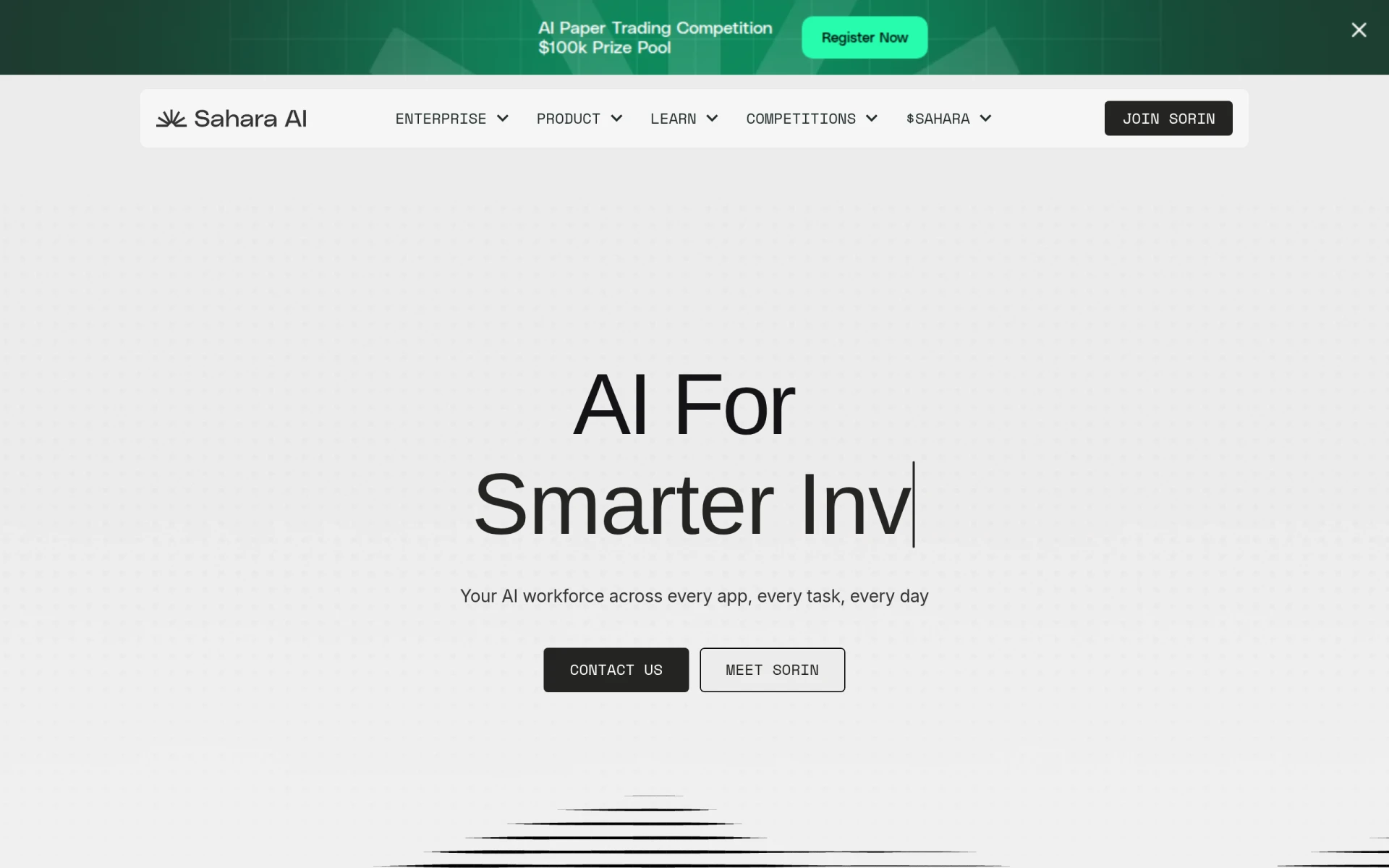 offers an AI workforce that automates tasks across various online applications efficiently. Unlike Clearword, which is primarily focused on note-taking, Sahara AI provides a broader scope of automation that can significantly enhance productivity for users who manage multiple applications. Its capabilities allow users to automate tasks such as data entry, report generation, and workflow management, reducing the manual workload.
- Key Strength: Comprehensive task automation across multiple applications.
- Key Strength: Flexibility to integrate with various platforms.
- Key Strength: Significant reduction in manual workload.
- Limitation: Pricing information is not publicly available, which may deter potential users.
Pricing: Contact for details. Best for: Teams needing extensive task automation solutions.
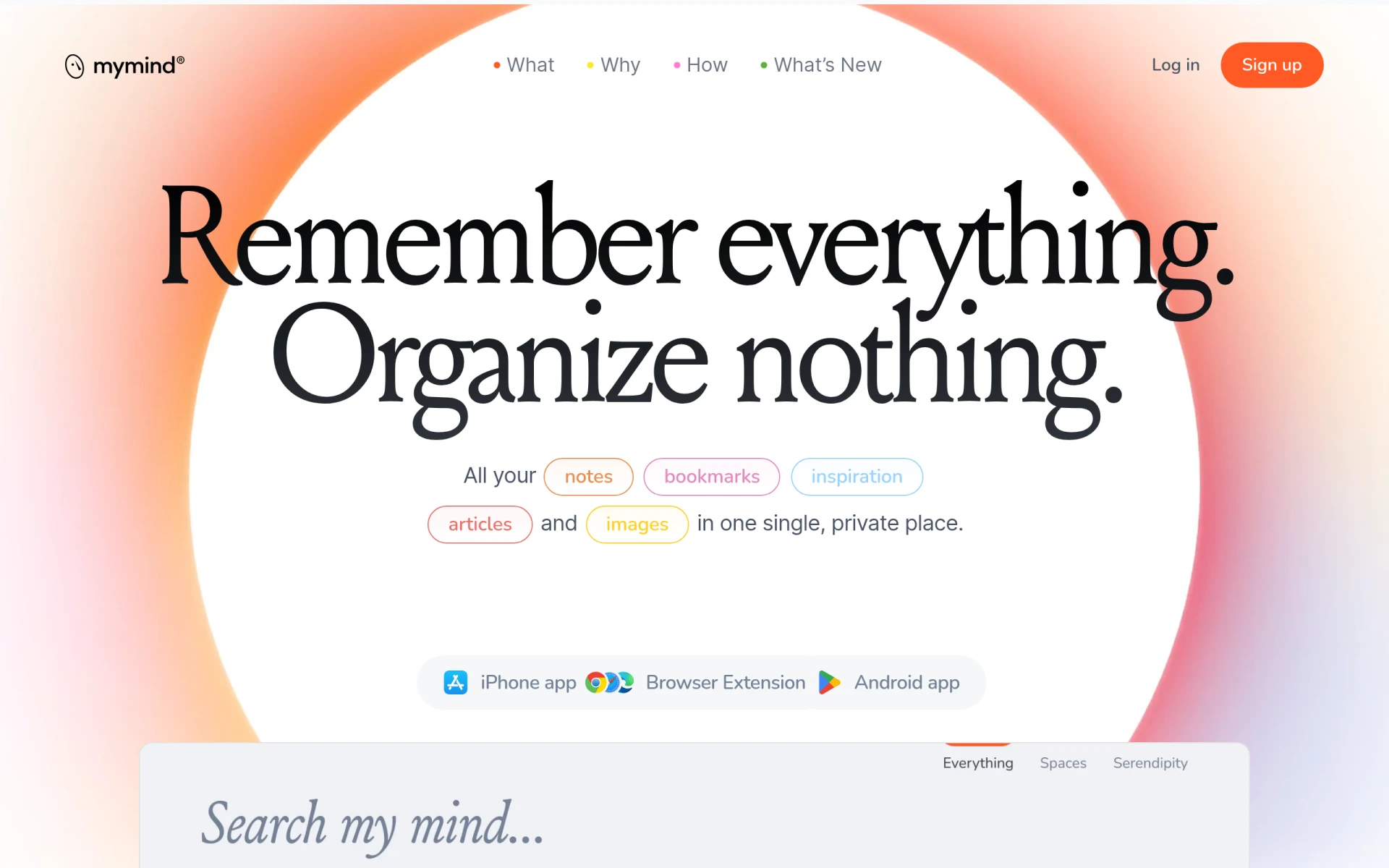
mymind - Best for Personal Note Management
mymind is a private space for saving notes, images, and quotes, enhanced by AI for effortless retrieval. Unlike Clearword, which is geared towards meeting notes, mymind focuses on personal organization and knowledge management. Its AI capabilities allow users to tag and categorize their saved content intelligently, making it easy to find information when needed. This personalized approach is ideal for individuals who want to maintain a comprehensive and organized repository of ideas and insights.
- Key Strength: AI-enhanced tagging and categorization for easy information retrieval.
- Key Strength: Focus on personal organization and knowledge management.
- Key Strength: Simple interface that is user-friendly.
- Limitation: Subscription model may not suit all users.
Pricing: $7.99 per month or $79 per year. Best for: Individuals needing personal note management solutions.
Folderr - Best for File Management
Folderr is a file management tool designed to help users organize and share files efficiently. Unlike Clearword, which focuses on note-taking, Folderr provides a more comprehensive solution for users who need to manage files across various projects. Its organizational features allow users to create folders, share files easily, and maintain a clear structure, which is essential for teams handling a large volume of documents.
Furthermore, Folderr's user-friendly design simplifies the file management process, ensuring that users can quickly access and share files without unnecessary complications. This can be particularly beneficial for teams that find Clearword’s capabilities limited when it comes to document management. For those seeking a dedicated file management solution, Folderr offers a robust alternative to Clearword.
- Key Strength: Comprehensive file organization and sharing capabilities.
- Key Strength: User-friendly interface that simplifies access to files.
- Key Strength: Designed to handle large volumes of documents efficiently.
- Limitation: Pricing information is not publicly available, which may deter potential users.
Pricing: Freemium. Best for: Teams needing efficient file management tools.
Feature Comparison Table
| Tool | Best For | Starting Price | Free Plan | Standout Feature |
|---|
| Clearword | Meeting note-taking | Contact for pricing | No | Basic note management |
| Mindy | Workflow automation | Contact for pricing | No | AI-driven task automation |
| Cal.ai | Enterprise scheduling | Contact for pricing | No | Customizable scheduling solutions |
| Hyprnote | Organized note-taking | Freemium | Yes | Advanced organization features |
| Notedly.ai | Efficient note organization | Freemium | Yes | AI-enhanced note retrieval |
| Checkfirst | AI-powered scheduling | Contact for pricing | No | Specialized scheduling for audits |
| Incredible | Task management | Contact for pricing | No | AI-driven task management |
| Project Mirage | Online meetings | Contact for pricing | No | Enhanced meeting management |
| Copilot for Microsoft 365 | Integrated productivity | Contact for pricing | No | AI writing assistance |
| Jitera | Team collaboration | Contact for pricing | No | AI integration for context management |
| Clevis | Workflow automation | Freemium | Yes | Comprehensive automation features |
| Supernormal | Meeting summaries | Freemium | Yes | Automated meeting note generation |
| Libretto | Project management | Freemium | Yes | Advanced project management features |
| Sahara AI | Task automation | Contact for pricing | No | AI-driven task automation |
| mymind | Personal note management | $7.99/mo or $79/yr | Yes | AI-enhanced tagging |
| Folderr | File management | Freemium | Yes | Efficient file organization |
How to Choose the Right Alternative to Clearword
When selecting an alternative to Clearword, it is essential to consider your specific needs and how you plan to use the tool. If your primary requirement is automated task management, Mindy or Incredible may be the best options due to their advanced AI-driven features. For users focused on scheduling, Cal.ai and Checkfirst provide specialized solutions that can cater to enterprise needs effectively. If note-taking and organization are your main priorities, Hyprnote and Notedly.ai offer enhanced features that surpass Clearword’s capabilities.
Additionally, think about the collaborative aspects of your work. Tools like Jitera and Supernormal emphasize team collaboration and communication, making them excellent choices for teams that require robust project management and meeting documentation. Ultimately, the right alternative will depend on your specific use case, desired features, and whether you prefer a freemium model or are willing to pay for premium capabilities.
Final Verdict
In summary, while Clearword offers basic note-taking capabilities, users seeking more comprehensive solutions may find better options among the alternatives listed. For automation and task management, Mindy and Incredible shine, while Cal.ai and Checkfirst excel in scheduling. For efficient note organization, Hyprnote and Notedly.ai are strong contenders. Ultimately, the best choice will depend on your specific needs and workflow requirements.