Overview
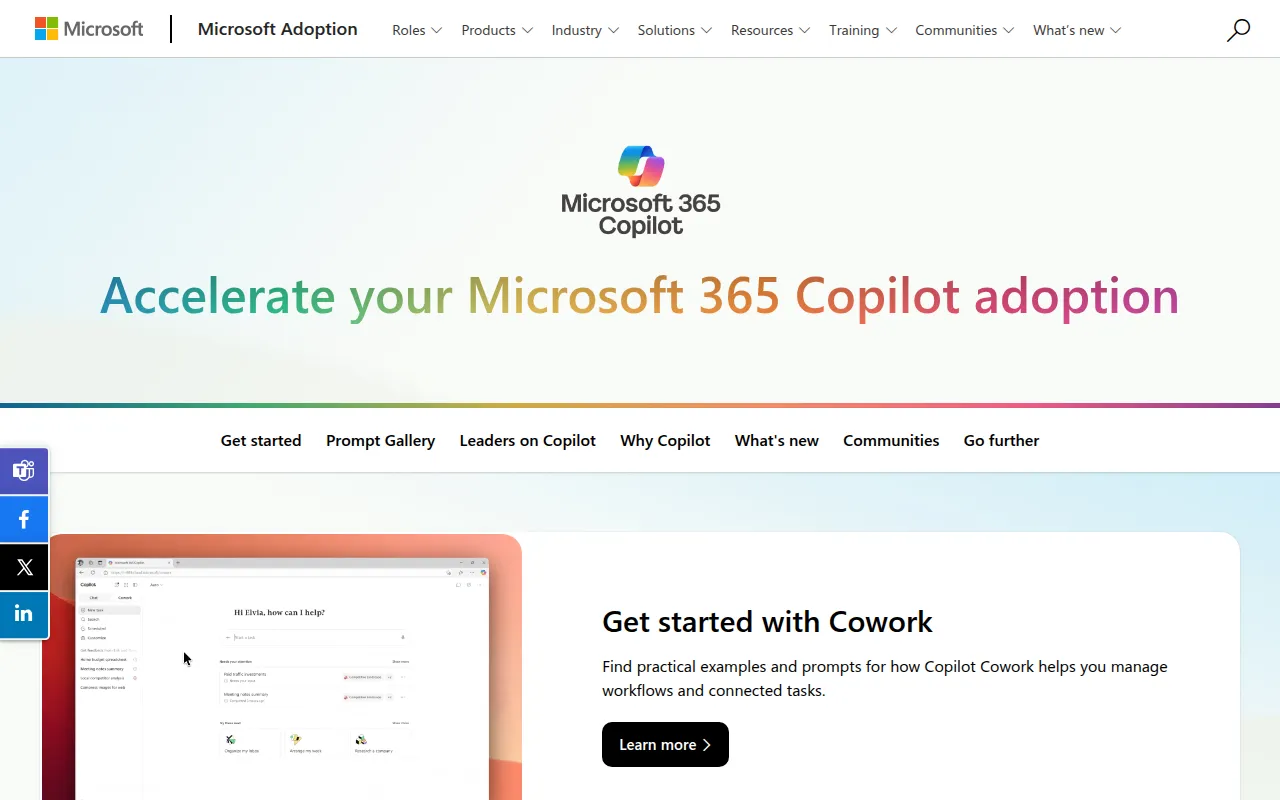
Copilot for Microsoft 365 is an AI-driven productivity tool designed to streamline writing and content creation within the Microsoft 365 ecosystem. This software integrates seamlessly with applications such as Word, Excel, and Outlook, providing users with intelligent suggestions and writing enhancements. Its primary purpose is to assist users in generating high-quality written content quickly and efficiently, addressing common challenges like writer's block, time constraints, and the need for polished communication.
The problems Copilot solves include reducing the time spent on drafting documents, improving content quality, and enhancing collaboration among teams. By leveraging AI technology, Copilot enables users to focus more on their ideas and less on the mechanics of writing, thus fostering a more productive work environment.
Key Features
- AI Writing Assistance
- Contextual Suggestions
- Content Generation
- Document Summarization
- Style and Tone Adjustments
- Integration with Microsoft Teams
- Real-time Collaboration Tools
- Customizable Templates
- Grammar and Spell Check
- Multi-language Support
- Personalized Writing Insights
- Data Analysis Support
- Task Automation Features
- Enhanced Search Capabilities
- Accessibility Features
Benefits
The practical advantages of using Copilot for Microsoft 365 are numerous. Firstly, it improves the speed at which users can create and finalize documents, allowing for faster project turnarounds. Secondly, the AI suggestions help maintain a consistent and professional tone across communications, which is essential for branding and client interaction. Additionally, the tool can enhance collaboration by enabling multiple users to work on documents simultaneously, thus improving team productivity.
Furthermore, Copilot's ability to analyze data and generate insights can help users make informed decisions based on the content they create. By automating mundane writing tasks, Copilot frees up time for users to engage in more strategic activities, ultimately driving business value.
Common Use Cases
Copilot for Microsoft 365 is particularly useful in various scenarios. For example, marketing teams can leverage it to create compelling campaign content or social media posts quickly. Project managers can use the tool to draft project proposals or status updates with ease. Sales teams may find it beneficial for crafting personalized emails to clients, thereby enhancing customer engagement.
Additionally, educators can utilize Copilot to generate lesson plans or educational materials efficiently, while researchers can streamline the process of writing reports and papers. The versatility of this tool makes it suitable for a wide range of professional settings.
Who Should Use It
Ideal users of Copilot for Microsoft 365 include professionals in content creation, marketing, sales, project management, and education. It is especially beneficial for individuals who frequently produce written materials or collaborate on documents with others. However, it may not be the best fit for users who require highly specialized writing tools for niche industries or those who prefer a more traditional writing process without AI assistance.
Pricing Overview
At this time, specific pricing information for Copilot for Microsoft 365 is not publicly available. Interested users should consult the Microsoft website for details on subscription plans and pricing models.
Conclusion
Copilot for Microsoft 365 represents a significant advancement in AI writing technology, providing users with valuable tools to enhance their productivity and writing quality. While it offers numerous benefits, including time savings and improved collaboration, potential users should consider their specific needs and whether the tool aligns with their workflow. As organizations increasingly rely on digital solutions for productivity, Copilot stands out as a noteworthy option within the Microsoft 365 suite.