Why Look for Alternatives to ClickUp?
While ClickUp is marketed as a comprehensive project management tool, many users find that it has certain limitations that can hinder productivity. One of the most common complaints is its steep learning curve. New users often report feeling overwhelmed by the numerous features and customization options available. This complexity can lead to inefficiencies, as teams may struggle to fully leverage the platform's capabilities. Additionally, while ClickUp offers a freemium model, its pricing can escalate quickly with added features, making it less economical for small teams or startups that need robust project management tools without breaking the bank.
Another pain point is the performance of ClickUp, especially when handling larger projects. Users have noted slow loading times and occasional glitches, which can disrupt workflow and frustrate team members. Furthermore, some users find that specific use cases—like real-time collaboration during video calls or streamlined automation workflows—are not as effective in ClickUp compared to other alternatives. As teams search for solutions that better meet their unique needs, exploring alternatives becomes a necessary step in optimizing their productivity and collaboration.
Best Alternatives to ClickUp in 2026
Tana - Best for Real-Time Collaboration
Tana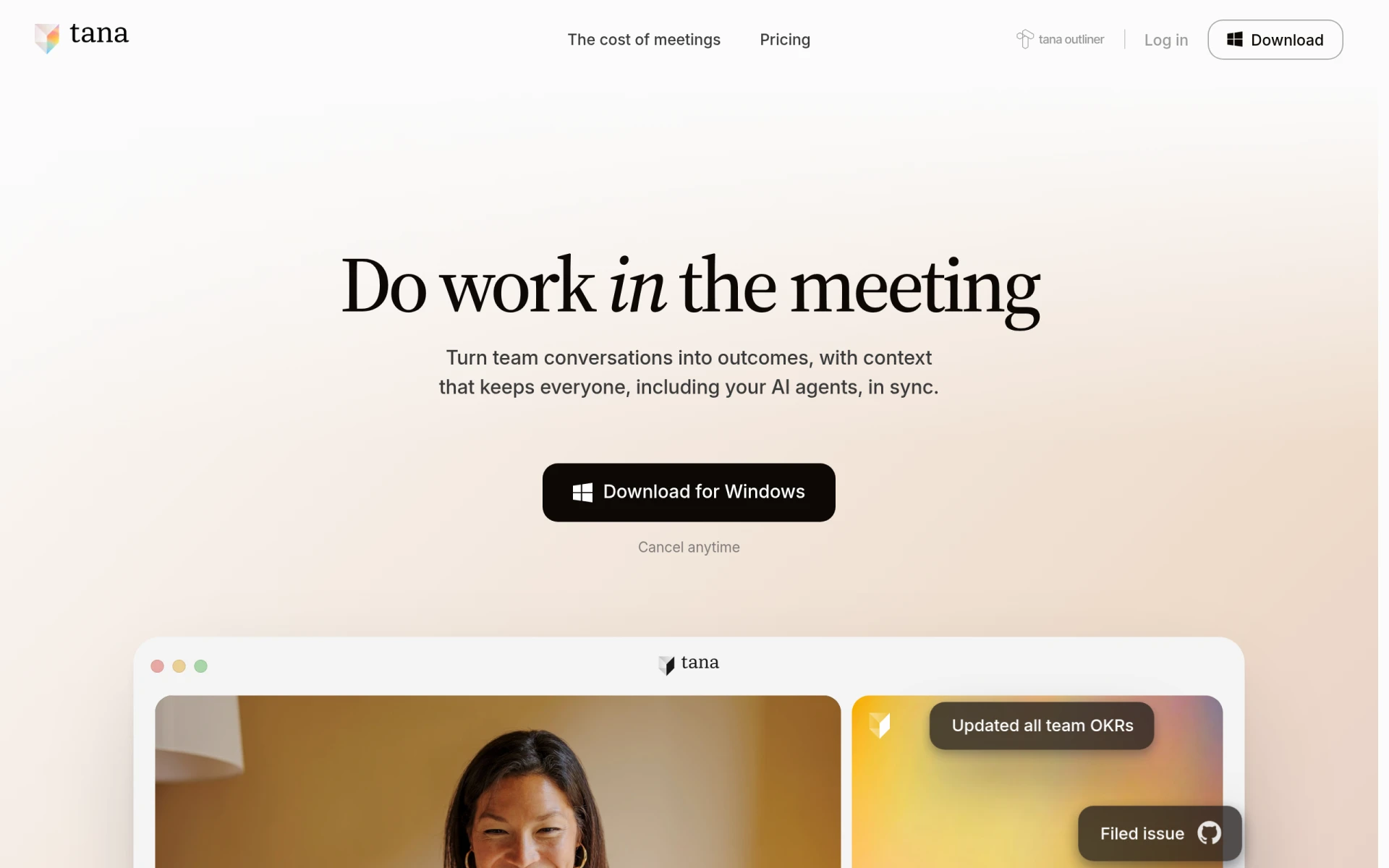 stands out as an innovative meeting platform that enhances productivity during video calls by allowing users to work in real-time. Unlike ClickUp, which primarily focuses on task management, Tana integrates meeting functionality with collaborative tools to ensure that teams can take action as discussions unfold. Its unique approach to combining video conferencing with task execution makes it ideal for teams that rely heavily on remote communication and collaborative decision-making. If your team frequently holds virtual meetings and needs a space to capture ideas instantly, Tana could offer a more engaging and productive environment.
The platform's interface is designed to minimize distractions during meetings while maximizing participation. This is particularly beneficial in scenarios where brainstorming sessions or strategic planning is involved. With Tana, you can immediately assign tasks or share documents during calls, a feature that ClickUp lacks in its traditional project management setup. This real-time capability makes Tana an excellent choice for teams looking to streamline their workflows while maintaining effective communication.
- Key Strength: Real-time collaborative features during video calls.
- Key Strength: User-friendly interface that minimizes distractions.
- Key Strength: Immediate task assignment and document sharing capabilities.
- Limitation: Limited project management features compared to ClickUp.
Pricing: Freemium with a Pro plan at $20 per user per month. Best for: Teams that prioritize real-time collaboration during meetings.
Smartsheet - Best for Complex Project Management
Smartsheet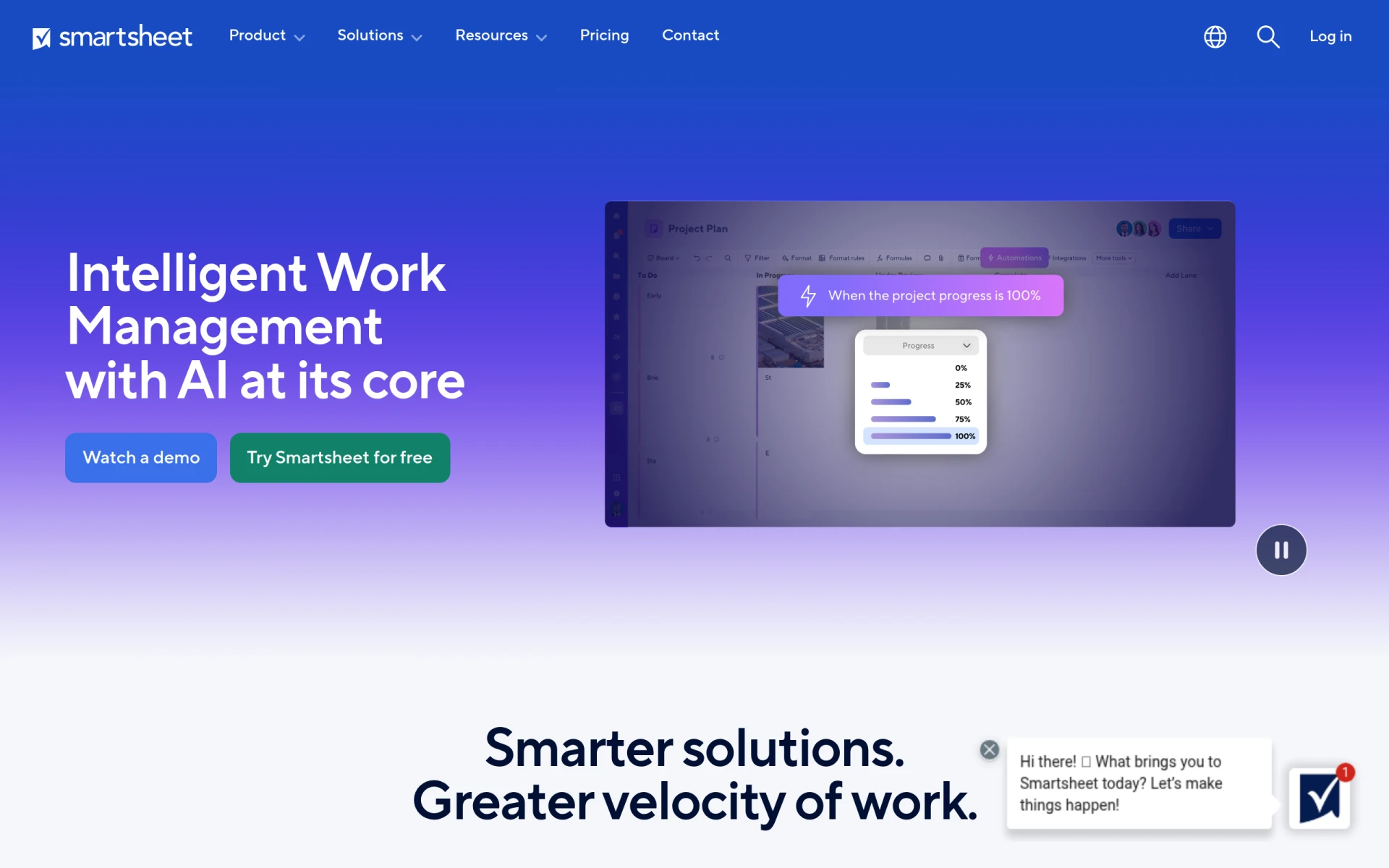 is an intelligent work management platform that excels in handling complex projects and workflows. Its spreadsheet-like interface makes it easier for users familiar with Excel to adapt quickly, unlike ClickUp's more intricate layout. Smartsheet offers robust tools for project tracking, reporting, and resource management, making it suitable for larger teams or organizations that need to manage multifaceted projects effectively. Users who require detailed project timelines and Gantt charts will find Smartsheet's capabilities superior to ClickUp's offerings.
In addition to its project management features, Smartsheet provides extensive collaboration options, including automated alerts, feedback loops, and integration capabilities with various third-party applications. This makes it an excellent choice for teams needing a comprehensive solution that can adapt to various project requirements. Although ClickUp offers flexibility, Smartsheet’s focus on structured project management may be more beneficial for teams that thrive on organization and detailed oversight.
- Key Strength: User-friendly spreadsheet interface for project tracking.
- Key Strength: Advanced reporting and resource management tools.
- Key Strength: Extensive integration capabilities with third-party apps.
- Limitation: Higher starting price compared to ClickUp.
Pricing: Starts at $129 per member per month. Best for: Larger teams managing complex projects requiring detailed oversight.
Clevis - Best for Workflow Automation
Clevis is a workflow automation tool designed to optimize productivity by integrating various applications and automating repetitive tasks. Unlike ClickUp, which is more focused on project and task management, Clevis enables users to streamline their workflows by connecting different tools, making it ideal for teams looking to eliminate manual processes. With its straightforward automation capabilities, Clevis is perfect for organizations that want to reduce the time spent on routine tasks and improve overall efficiency.
Its ability to integrate with numerous applications provides users with a seamless experience when managing workflows. For instance, tasks can be triggered automatically based on certain criteria, which can significantly speed up processes that would otherwise require manual intervention. While ClickUp does offer automation features, Clevis's focus on creating a cohesive workflow across various applications can be more advantageous for teams that rely on multiple tools for their daily operations.
- Key Strength: Strong integration capabilities with various applications.
- Key Strength: Focus on automating repetitive tasks to boost productivity.
- Key Strength: User-friendly interface for setting up automations.
- Limitation: Limited project management features compared to ClickUp.
Pricing: Pricing information is currently not available. Best for: Teams looking to automate workflows and reduce manual tasks.
Heyday - Best for Simplified Task Management
Heyday is designed to enhance productivity by simplifying task management and collaboration. Unlike ClickUp, which offers a plethora of features that can sometimes overwhelm users, Heyday prioritizes a clean interface and straightforward task management. This makes it an excellent choice for smaller teams or those who prefer a more focused approach to project management. With Heyday, users can easily create, assign, and track tasks without the distractions of unnecessary features.
The platform includes intuitive collaboration tools that facilitate communication among team members, ensuring everyone stays on the same page. Users can comment on tasks, share updates, and receive notifications, all within a single platform. While ClickUp provides extensive customization options, Heyday's simplicity can be a significant advantage for teams that want to get started quickly and focus on execution rather than setup.
- Key Strength: Clean and intuitive user interface for task management.
- Key Strength: Strong collaboration features within tasks.
- Key Strength: Quick onboarding process for new users.
- Limitation: Limited advanced features compared to ClickUp.
Pricing: Specific pricing details are not available. Best for: Small teams looking for a straightforward task management solution.
Manus - Best for AI-Driven Automation
Manus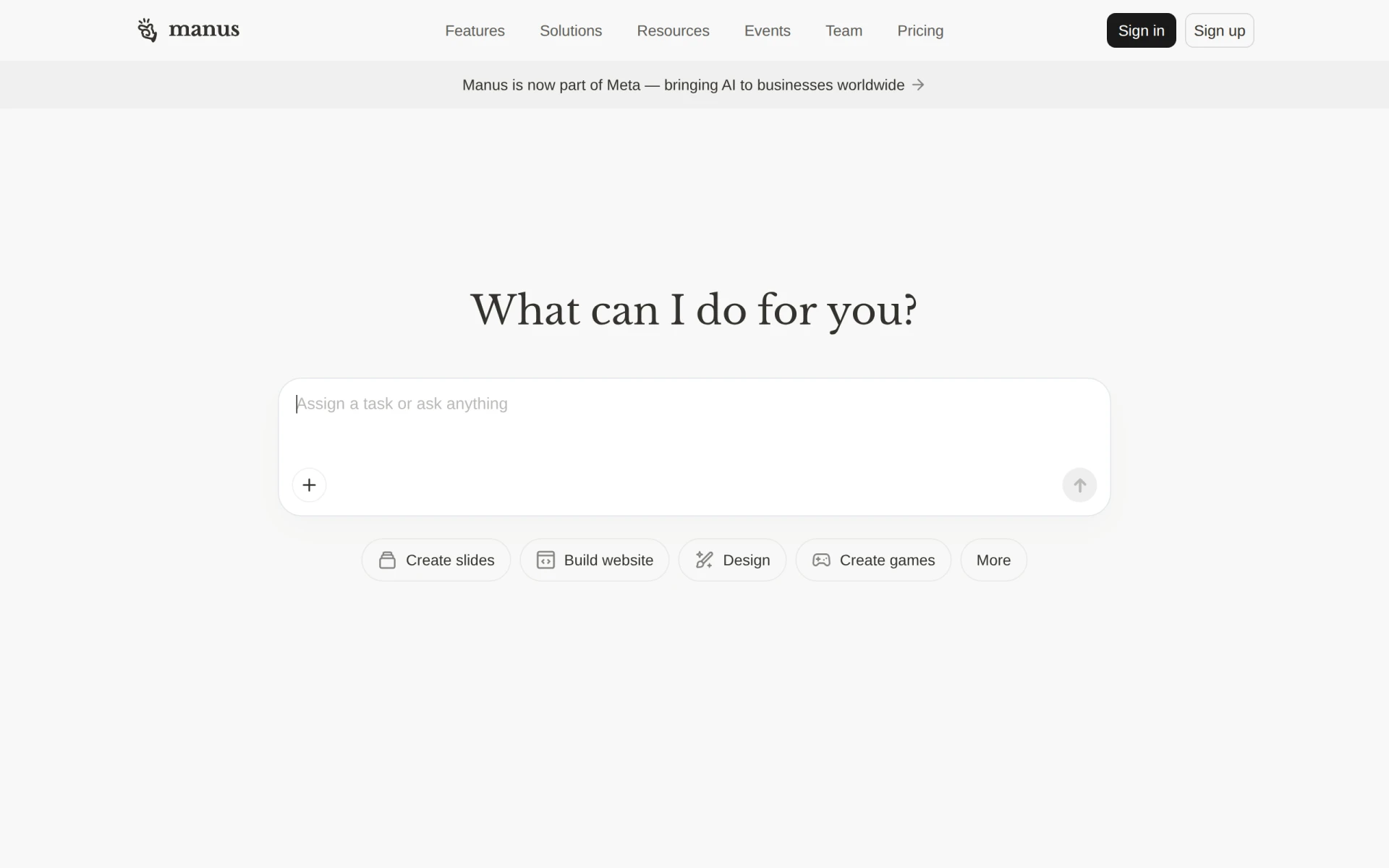 is an AI-driven tool designed to automate workflows and execute tasks, making it an excellent choice for teams looking to leverage artificial intelligence for productivity enhancements. Unlike ClickUp, which requires manual setup for many of its features, Manus offers a more automated experience that can handle routine tasks without extensive user input. This can save teams significant time and effort, allowing them to focus on more strategic initiatives.
Manus employs advanced AI algorithms to understand user behavior and optimize workflows accordingly. This means that as users engage with the platform, Manus learns and adapts to their preferences, continually improving efficiency. For teams that require a high level of automation and want to reduce manual oversight, Manus presents a compelling alternative to ClickUp's more traditional project management approach.
- Key Strength: Advanced AI capabilities for workflow optimization.
- Key Strength: Reduces manual intervention in task execution.
- Key Strength: Adapts to user behavior for continuous improvement.
- Limitation: Pricing information is not publicly available.
Pricing: Pricing information is not publicly available. Best for: Teams seeking advanced automation through AI.
Motion - Best for AI-Powered Task Management
Motion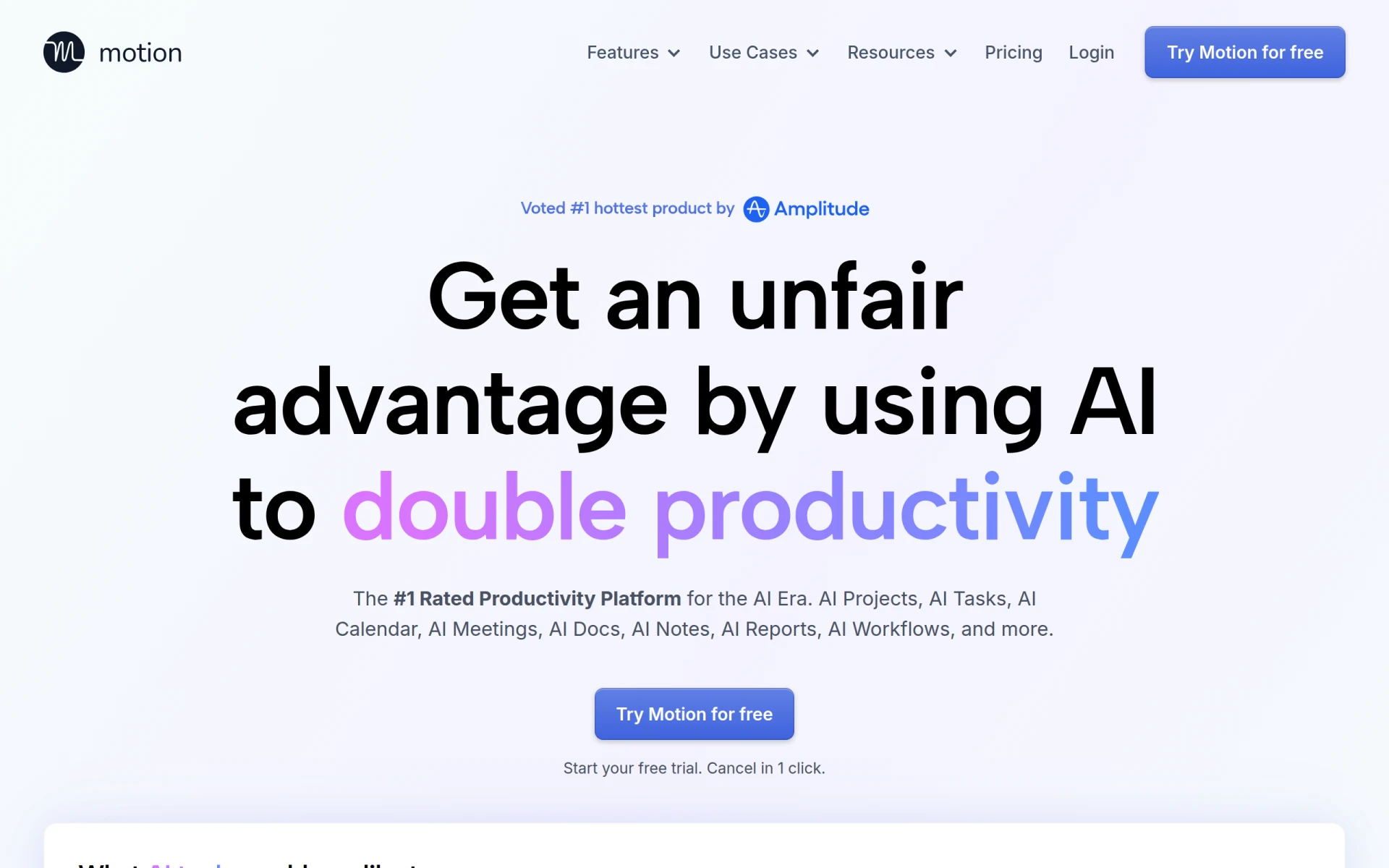 is an AI-powered productivity platform that excels in streamlining task management and enhancing team collaboration. Unlike ClickUp, which can become cumbersome with its extensive features, Motion focuses on integrating AI to prioritize tasks and manage schedules dynamically. This means that users can rely on Motion to automatically adjust their task lists based on deadlines, priorities, and even their workload, significantly reducing the effort needed to manage time effectively.
The platform’s intelligent scheduling and task organization can help teams stay on track without the need for constant manual updates. This is particularly beneficial for busy teams that juggle multiple projects simultaneously. While ClickUp provides broad task management capabilities, Motion’s unique AI-driven approach can lead to improved productivity and a more organized workflow for users who prefer a more automated experience.
- Key Strength: Intelligent task prioritization and scheduling.
- Key Strength: Dynamic adjustment of task lists based on user workload.
- Key Strength: Enhanced team collaboration features.
- Limitation: Freemium model may limit access to some features.
Pricing: Freemium with monthly and annual subscription plans. Best for: Teams seeking an automated approach to task management.
GanttPRO - Best for Gantt Chart Lovers
GanttPRO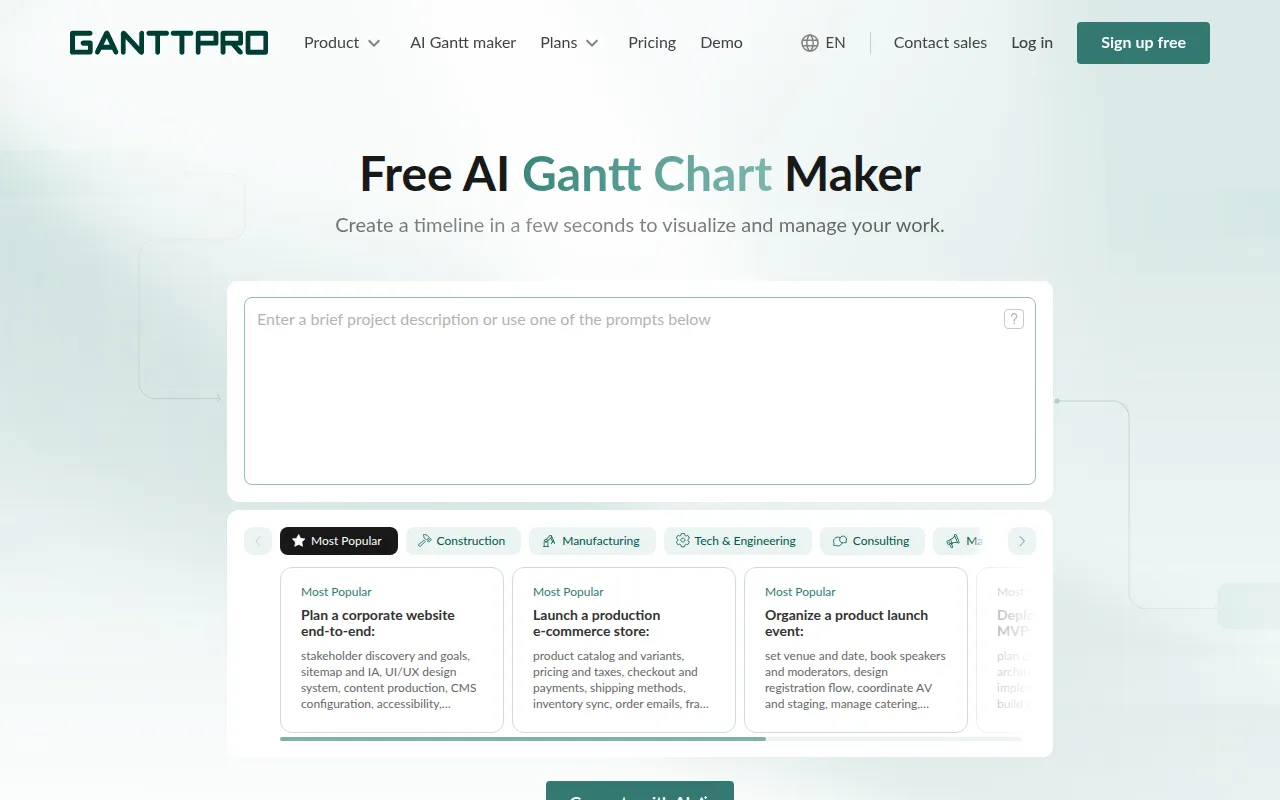 is a specialized project management tool offering an AI-powered Gantt chart maker that is ideal for teams that prioritize visual project tracking. Unlike ClickUp, which provides a range of project views, GanttPRO focuses specifically on Gantt charts, allowing users to plan, schedule, and manage projects visually. This can be a significant advantage for teams that prefer a straightforward way to see project timelines and dependencies at a glance.
The platform’s intuitive drag-and-drop interface makes it easy for users to create and adjust project plans, ensuring that timelines remain accurate and up-to-date. While ClickUp does offer Gantt chart functionality, users may find GanttPRO’s dedicated approach to visual planning more effective for complex project management. For teams that thrive on visual representations of their projects, GanttPRO could offer a more tailored experience.
- Key Strength: Dedicated focus on Gantt chart project management.
- Key Strength: Intuitive drag-and-drop interface for easy planning.
- Key Strength: Clear visualization of project timelines and dependencies.
- Limitation: Limited functionality outside of Gantt chart features.
Pricing: Pricing information is not provided. Best for: Teams focused on visual project management through Gantt charts.
Ninja AI - Best for Intelligent Task Management
Ninja AI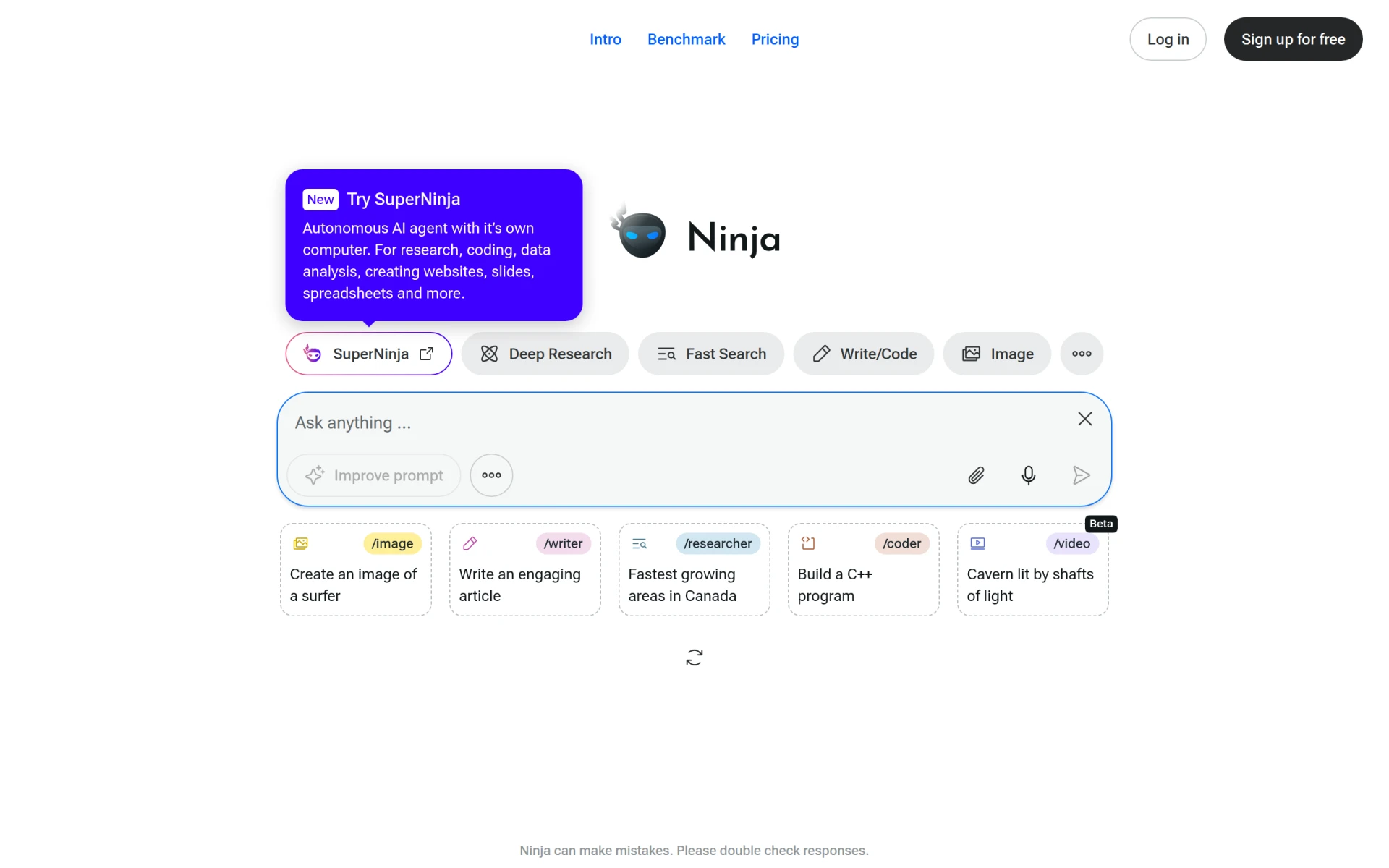 is an all-in-one AI agent designed to enhance productivity through intelligent task management and automation. Unlike ClickUp, which requires manual setup for tasks and workflows, Ninja AI takes an innovative approach by using AI to streamline task execution and optimize project management processes. This can be particularly beneficial for teams looking for a more hands-off approach to managing their workloads.
With its advanced AI capabilities, Ninja AI can help teams prioritize tasks, set reminders, and even automate follow-ups, allowing users to focus on high-value activities rather than getting bogged down in routine administration. While ClickUp provides extensive project management tools, Ninja AI’s focus on intelligent automation can offer a substantial productivity boost for teams seeking a more efficient way to manage their tasks.
- Key Strength: Advanced AI for intelligent task management and automation.
- Key Strength: Reduces manual task execution efforts.
- Key Strength: Focus on optimizing workflows for better productivity.
- Limitation: Pricing information is currently unavailable.
Pricing: Pricing information is currently unavailable. Best for: Teams in need of intelligent task automation.
Kanwas - Best for Centralizing Team Strategies
Kanwas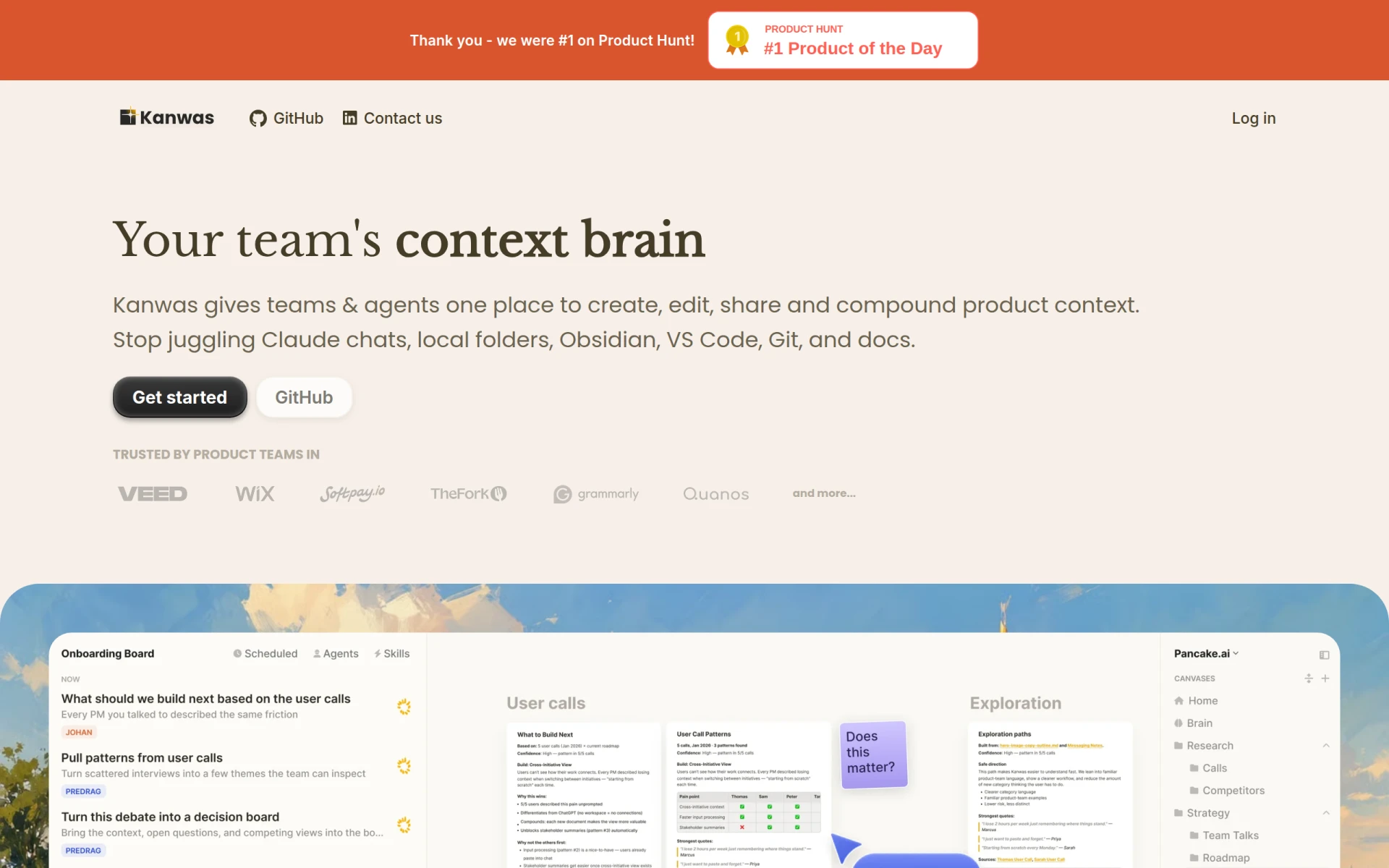 is a shared context board designed for teams to centralize product strategy, market insights, and workflows. Unlike ClickUp, which is more focused on task management, Kanwas provides a visual and collaborative space for teams to brainstorm and strategize together. This makes it particularly useful for teams that need to align their efforts on product development or marketing strategies while keeping all relevant information accessible in one place.
With its unique approach to visual collaboration, Kanwas allows users to create boards that represent various aspects of their projects, from market research to product roadmaps. This flexibility can lead to improved team alignment and more effective brainstorming sessions. While ClickUp offers various project management features, the collaborative capabilities of Kanwas make it an excellent choice for teams looking to enhance their strategic planning processes.
- Key Strength: Visual collaboration for centralizing product strategy.
- Key Strength: Flexible board creation for various project aspects.
- Key Strength: Enhanced alignment among team members.
- Limitation: Limited project management features compared to ClickUp.
Pricing: Pricing information is not explicitly available. Best for: Teams focused on collaborative strategy development.
Mindra - Best for AI Agent Teams
Mindra assembles AI agent teams to manage tasks across your operations, offering a unique approach to collaborative execution without manual oversight. Unlike ClickUp, which requires users to manually manage tasks, Mindra utilizes AI to automate task execution and streamline workflows. This can be particularly beneficial for organizations looking to enhance productivity while minimizing the need for constant human intervention.
The platform's ability to coordinate AI agents for various tasks can significantly reduce the workload on team members, allowing them to focus on strategic initiatives rather than operational details. While ClickUp provides a comprehensive project management solution, Mindra's focus on AI-driven teamwork offers a distinctive advantage for teams seeking to optimize their operational efficiency.
- Key Strength: Automated task management through AI agent teams.
- Key Strength: Reduces manual oversight of tasks.
- Key Strength: Focus on collaborative execution for enhanced productivity.
- Limitation: Pricing information is not publicly available.
Pricing: Offers a free option with credits and scalable monthly credit plans. Best for: Teams looking to leverage AI for operational efficiency.
Setapp - Best for Diverse App Needs
Setapp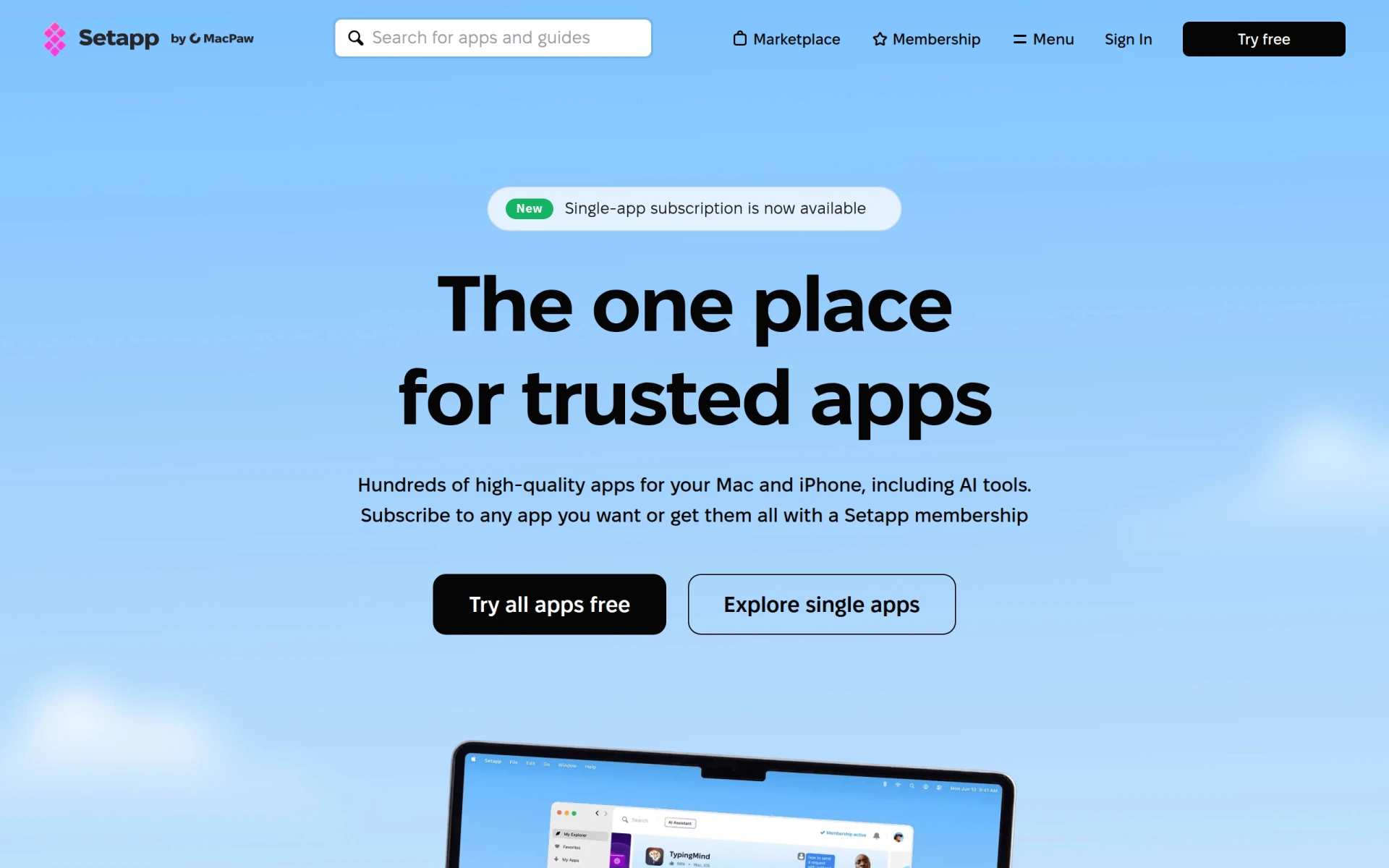 offers a curated collection of Mac and iOS apps designed to enhance daily productivity and workflow efficiency. Unlike ClickUp, which focuses on project management, Setapp provides users with access to a range of applications tailored to various productivity needs. This makes it an excellent choice for individuals or teams that require versatile tools for different aspects of their workflow, from task management to creative design.
The subscription model allows users to explore and utilize multiple applications without committing to individual software purchases. This flexibility can be particularly advantageous for teams seeking to experiment with various tools to find the ones that best fit their workflow. While ClickUp provides a single platform for project management, Setapp's diverse app offerings enable users to customize their productivity toolkit according to their specific needs.
- Key Strength: Access to a wide range of productivity applications.
- Key Strength: Flexible subscription model for exploring different tools.
- Key Strength: Tailored solutions for various workflow needs.
- Limitation: Limited project management capabilities compared to ClickUp.
Pricing: Follows a subscription pricing model for access to all applications. Best for: Individuals or teams seeking a diverse collection of productivity apps.
FuseBase AI - Best for AI Productivity Assistance
FuseBase AI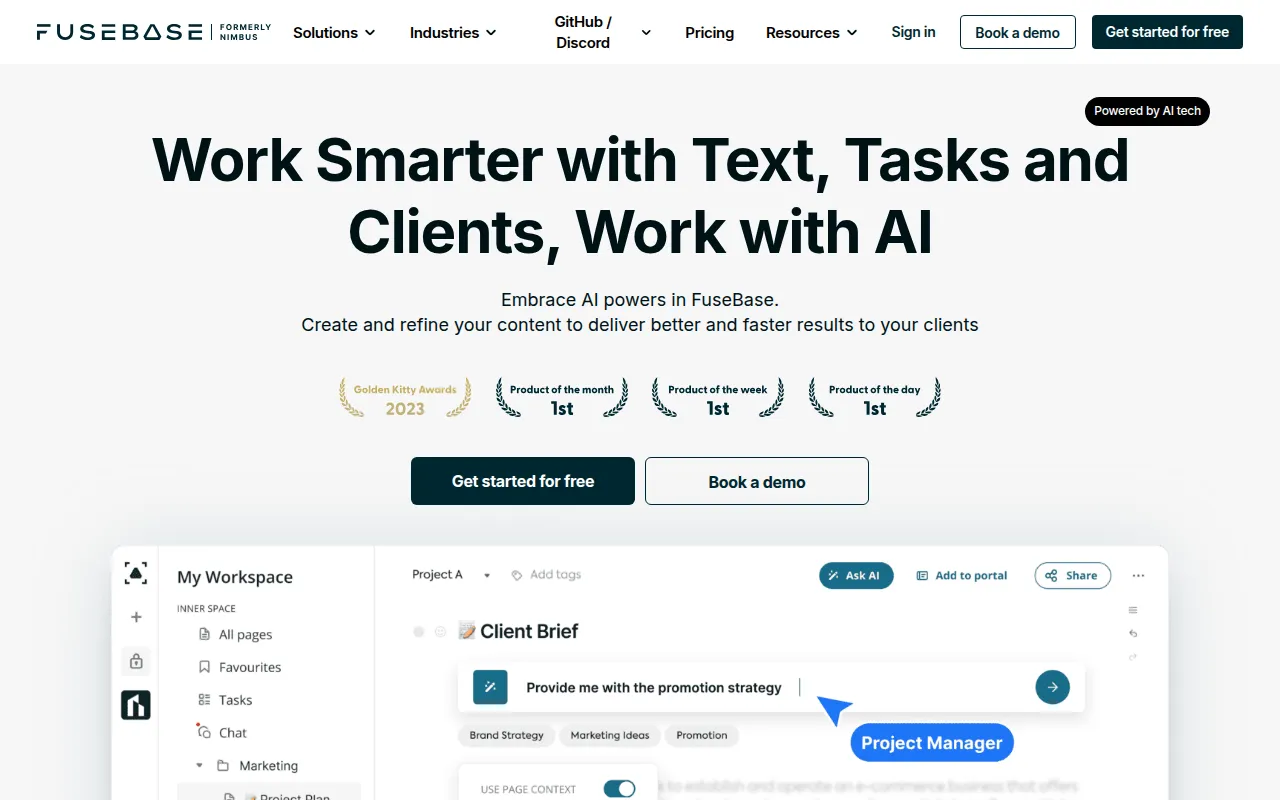 is a productivity-focused AI assistant designed to enhance workplace efficiency and collaboration. Unlike ClickUp, which primarily serves as a project management tool, FuseBase AI integrates artificial intelligence to assist users with their tasks and enhance their overall productivity. This can be particularly valuable for teams looking for intelligent solutions to streamline workflows and improve task execution.
The AI capabilities of FuseBase AI can help users prioritize tasks, manage schedules, and even automate follow-ups, allowing for a more organized approach to productivity. While ClickUp provides a robust platform for project management, FuseBase AI’s focus on intelligent assistance can offer a significant advantage for teams seeking to optimize their workflows and reduce the time spent on routine tasks.
- Key Strength: AI-driven productivity assistance for enhanced efficiency.
- Key Strength: Helps prioritize tasks and manage schedules effectively.
- Key Strength: Automation of routine follow-ups and task management.
- Limitation: Pricing information is currently unavailable.
Pricing: Pricing information is currently unavailable. Best for: Teams seeking AI assistance to enhance productivity.
Off/Script - Best for Streamlined Task Management
Off/Script is a workflow automation tool designed to enhance productivity through streamlined task management. Unlike ClickUp, which can sometimes overwhelm users with its extensive features, Off/Script focuses on simplifying the task management process, making it an excellent alternative for teams that prioritize ease of use. The platform allows users to automate various aspects of their workflows, reducing the manual effort required to manage tasks.
With its intuitive design, Off/Script enables users to quickly set up automated workflows that can trigger task assignments and reminders based on specific criteria. This can be particularly beneficial for teams looking to save time and improve efficiency. While ClickUp provides a comprehensive project management solution, Off/Script's focus on automation can offer a more straightforward approach for teams that want to enhance their productivity without unnecessary complexity.
- Key Strength: Focus on simplifying task management through automation.
- Key Strength: User-friendly interface for quick setup.
- Key Strength: Reduces manual effort in managing tasks.
- Limitation: Limited project management features compared to ClickUp.
Pricing: Pricing information is not publicly available. Best for: Teams looking for a straightforward task management solution.
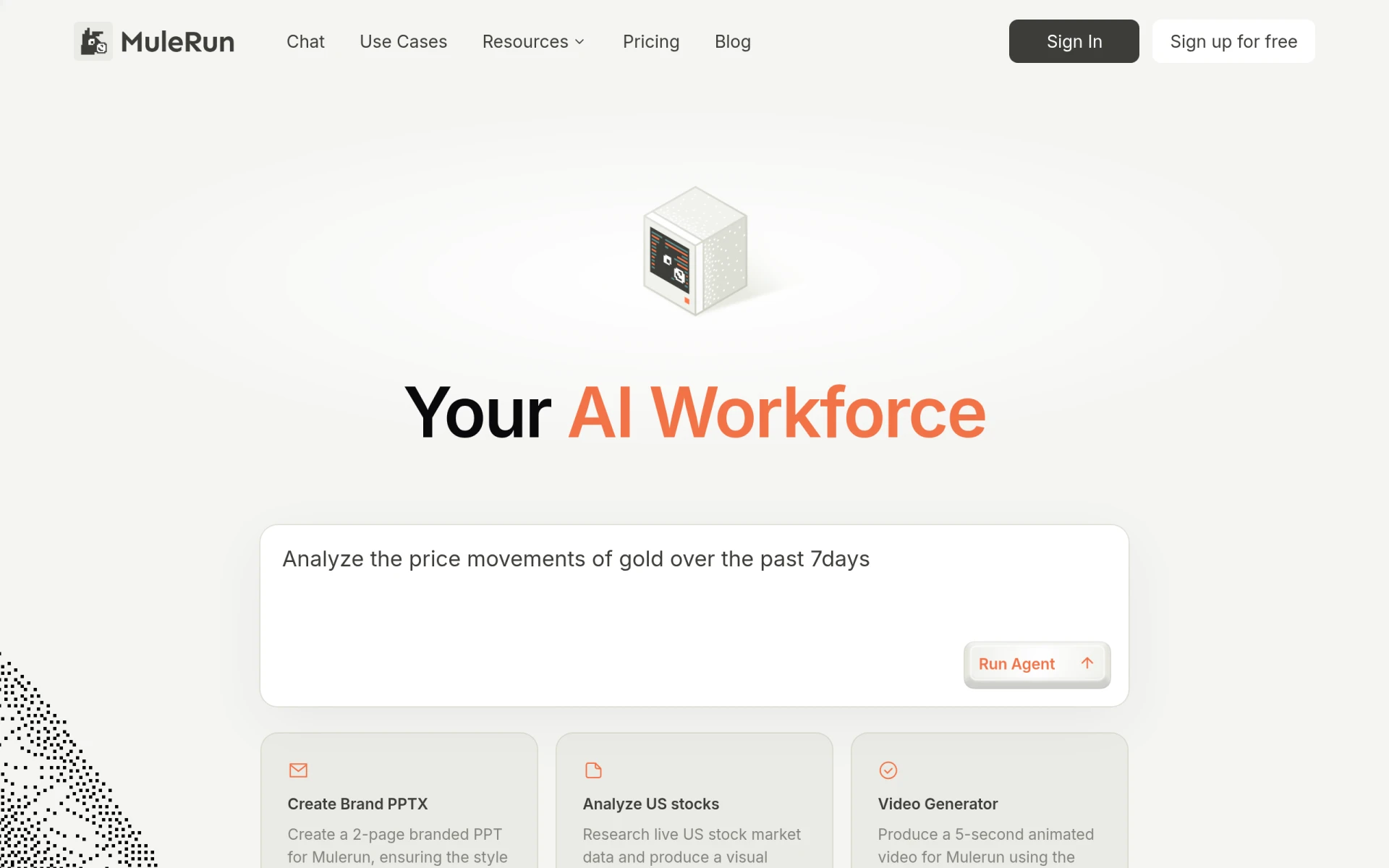
MuleRun - Best for Efficient Task Management
MuleRun is an AI-driven workflow automation tool that enhances productivity by managing tasks efficiently. Unlike ClickUp, which requires manual input for many of its features, MuleRun automates various aspects of task management, allowing teams to focus on higher-value projects. This can be particularly advantageous for organizations that need to streamline their operations and reduce manual workload.
The platform offers a free tier along with paid plans, making it accessible for teams of all sizes. MuleRun's emphasis on automation can significantly enhance productivity by minimizing the time spent on routine tasks. While ClickUp provides a broad range of project management capabilities, MuleRun's streamlined approach to task management through AI can be a game-changer for teams looking for efficiency.
- Key Strength: AI-driven automation for efficient task management.
- Key Strength: Free tier available for teams to explore the platform.
- Key Strength: Focus on reducing manual workload through automation.
- Limitation: Limited project management features compared to ClickUp.
Pricing: Offers a free tier and paid plans starting at $16 per month when billed annually. Best for: Teams seeking efficient task management through automation.
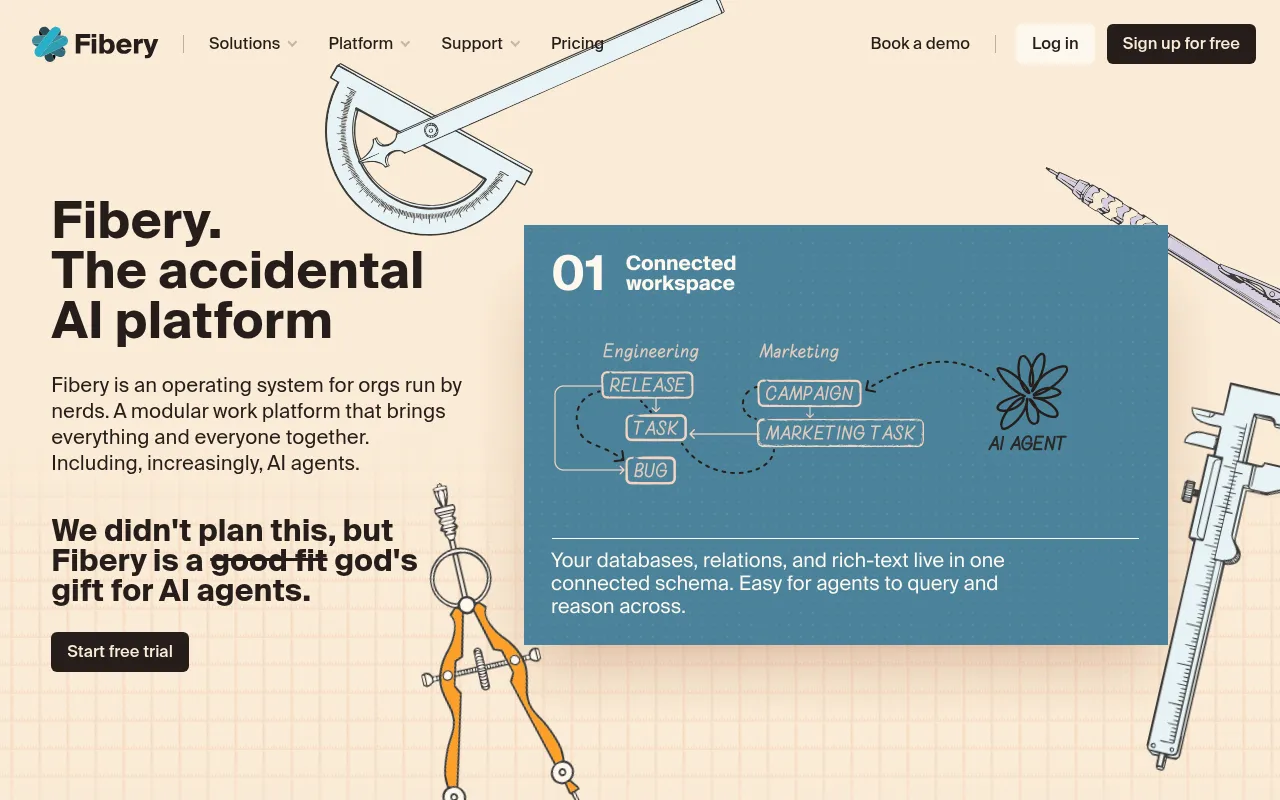
Fibery Ai - Best for Modular Work Management
Fibery Ai is a modular work management platform designed to integrate various workflows and enhance team collaboration. Unlike ClickUp, which offers a more traditional project management setup, Fibery Ai allows users to customize their workflows according to their specific needs. This modular approach can be particularly beneficial for teams that require flexibility in managing their projects and tasks.
The platform’s ability to adapt to different workflows means that teams can create tailored solutions that fit their unique operational requirements. While ClickUp provides a comprehensive set of features, Fibery Ai’s focus on modularity can offer a more personalized experience for teams looking to optimize their work processes. This adaptability makes Fibery Ai a compelling alternative for organizations seeking a customized work management solution.
- Key Strength: Customizable workflows to fit unique operational needs.
- Key Strength: Modular approach to work management for enhanced flexibility.
- Key Strength: Strong team collaboration features.
- Limitation: Pricing information is not publicly available.
Pricing: Pricing information is not publicly available. Best for: Teams seeking a customizable work management solution.
Feature Comparison Table
| Tool | Best For | Starting Price | Free Plan | Standout Feature |
|---|
| ClickUp | Comprehensive project management | $9/mo | Yes | Extensive customization options |
| Tana | Real-time collaboration | $20/mo | Yes | Real-time work during video calls |
| Smartsheet | Complex project management | $129/mo | Yes | Spreadsheet-like interface |
| Clevis | Workflow automation | N/A | Yes | Integration with various applications |
| Heyday | Simplified task management | N/A | Yes | User-friendly interface |
| Manus | AI-driven automation | N/A | Yes | Automated workflow management |
| Motion | AI-powered task management | N/A | Yes | Dynamic task scheduling |
| GanttPRO | Gantt chart lovers | N/A | Yes | AI-powered Gantt chart maker |
| Ninja AI | Intelligent task management | N/A | Yes | AI-driven task automation |
| Kanwas | Centralizing team strategies | N/A | Yes | Visual collaboration |
| Mindra | AI agent teams | N/A | Yes | Automated task execution |
| Setapp | Diverse app needs | N/A | Yes | Access to a wide range of apps |
| FuseBase AI | AI productivity assistance | N/A | Yes | Task prioritization and management |
| Off/Script | Streamlined task management | N/A | Yes | Simplified workflow automation |
| MuleRun | Efficient task management | $16/mo | Yes | AI-driven automation |
| Fibery Ai | Modular work management | N/A | Yes | Customizable workflows |
How to Choose the Right Alternative to ClickUp
Choosing the right alternative to ClickUp depends heavily on your team's specific needs and workflow preferences. If your team requires advanced task automation and is looking to minimize manual workload, tools like Manus and MuleRun should be at the top of your list. Their AI-driven capabilities can streamline operations and enhance productivity, making them suitable for organizations that prioritize efficiency.
For teams that thrive on visual project management, GanttPRO offers a dedicated focus on Gantt charts, providing a more intuitive way to manage project timelines compared to ClickUp's broader approach. On the other hand, if real-time collaboration during meetings is essential, Tana’s unique blend of meeting and task management features can significantly enhance your team’s productivity.
Ultimately, the best alternative will hinge on your team's size, project complexity, and specific use cases. Assess your priorities and consider trialing a few options to determine which platform aligns best with your workflow and enhances your overall productivity.
Final Verdict
In conclusion, while ClickUp offers a robust platform for project management, its complexity and pricing structure may not suit every team. For those seeking real-time collaboration, Tana is an excellent choice, while Smartsheet excels in managing complex projects. If AI-driven automation is your priority, consider Manus or MuleRun. Ultimately, the best alternative will depend on your specific needs and preferences, so take the time to evaluate each option carefully to find the right fit for your team.