Stunning
Freemium
AI
Stunning is a full stack app builder that accelerates the development process using AI technology.
Explore the best Create alternatives! Discover top tools with unique features and pricing. Find the right fit for your development needs now.

Looking for alternatives to
Create is an AI app builder that turns user ideas into functional applications through simple descriptions.
View Create Profile →Create offers a streamlined approach to app development, allowing users to turn their ideas into functional applications with minimal effort. However, despite its user-friendly interface and AI-driven capabilities, many users encounter limitations that prompt them to seek alternatives. One of the most significant drawbacks is the pricing structure. While Create offers a freemium model, users may find that the features necessary for more complex applications are only available in the paid plans starting at $19 per month. This can be a barrier for small businesses or individual developers who are constrained by budget considerations.
Additionally, Create's functionality may not cover all use cases for aspiring developers. For instance, users looking for more specialized features such as multimedia content generation or intricate design specifications may find Create lacking. The reliance on simple descriptions can sometimes lead to oversimplification of ideas, resulting in applications that do not fully meet user expectations. These pain points highlight the need for alternatives that not only address these limitations but also provide a more comprehensive set of features tailored to diverse development needs.
Stunning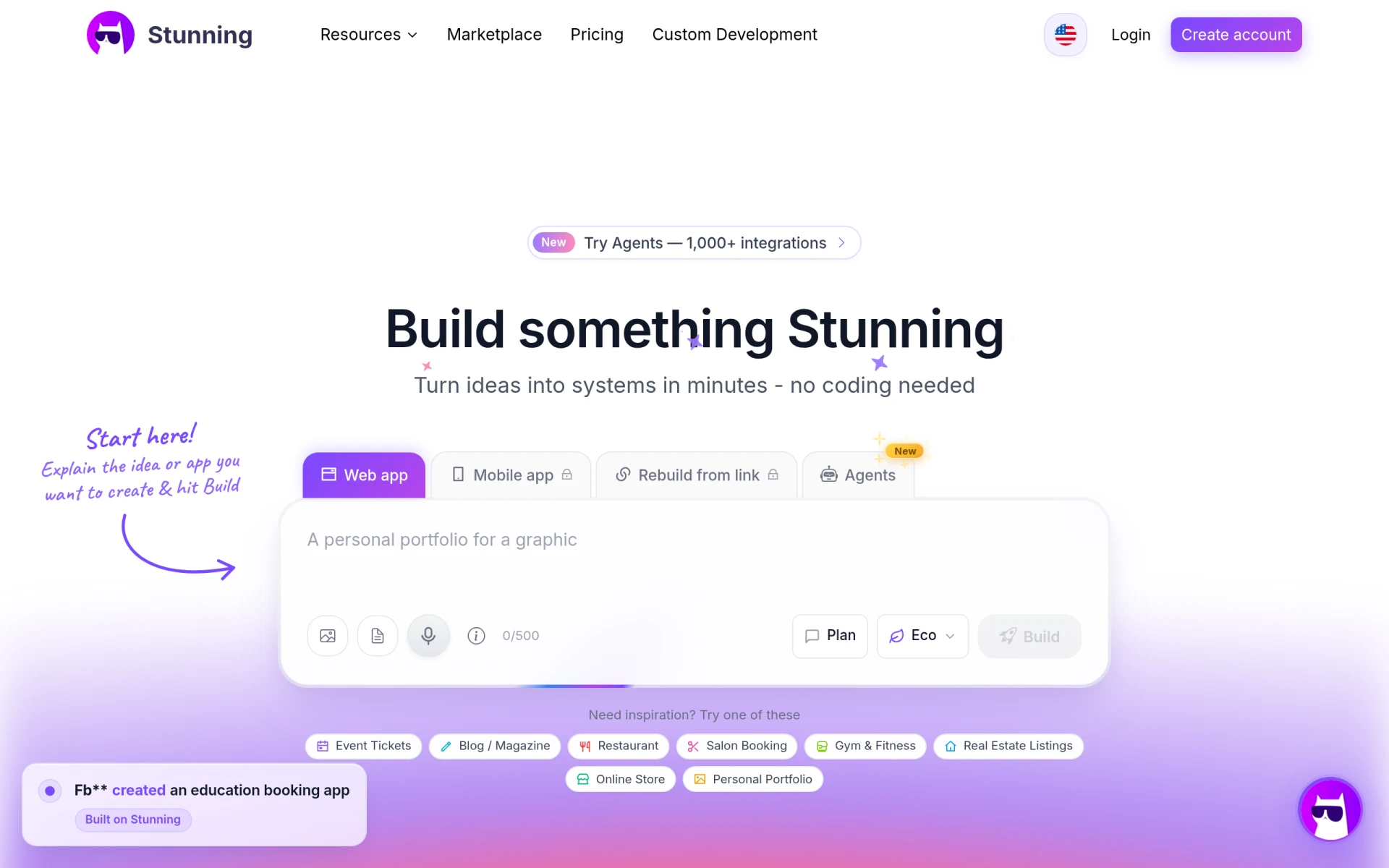 is a full-stack app builder that leverages AI technology to accelerate the development process. Unlike Create, which primarily focuses on transforming simple descriptions into applications, Stunning offers a more robust framework that supports complex features and integrations. This makes it an excellent choice for developers who need to build applications quickly without compromising on functionality. Stunning's AI capabilities allow users to streamline their workflows and generate applications that are not only functional but also scalable.
For those who require a rapid development cycle, Stunning's intuitive interface and pre-built components stand out. Users can easily drag and drop elements, customize their applications, and test them in real-time. This level of flexibility is particularly beneficial for startups and businesses that need to pivot quickly in response to market changes. However, it is essential to note that while Stunning excels in speed, it may not be as user-friendly for those who are completely new to app development, as the learning curve can be steeper compared to Create.
Pricing: Freemium model, specific pricing details are currently not available. Best for: Developers who need to build applications rapidly.
Omniflow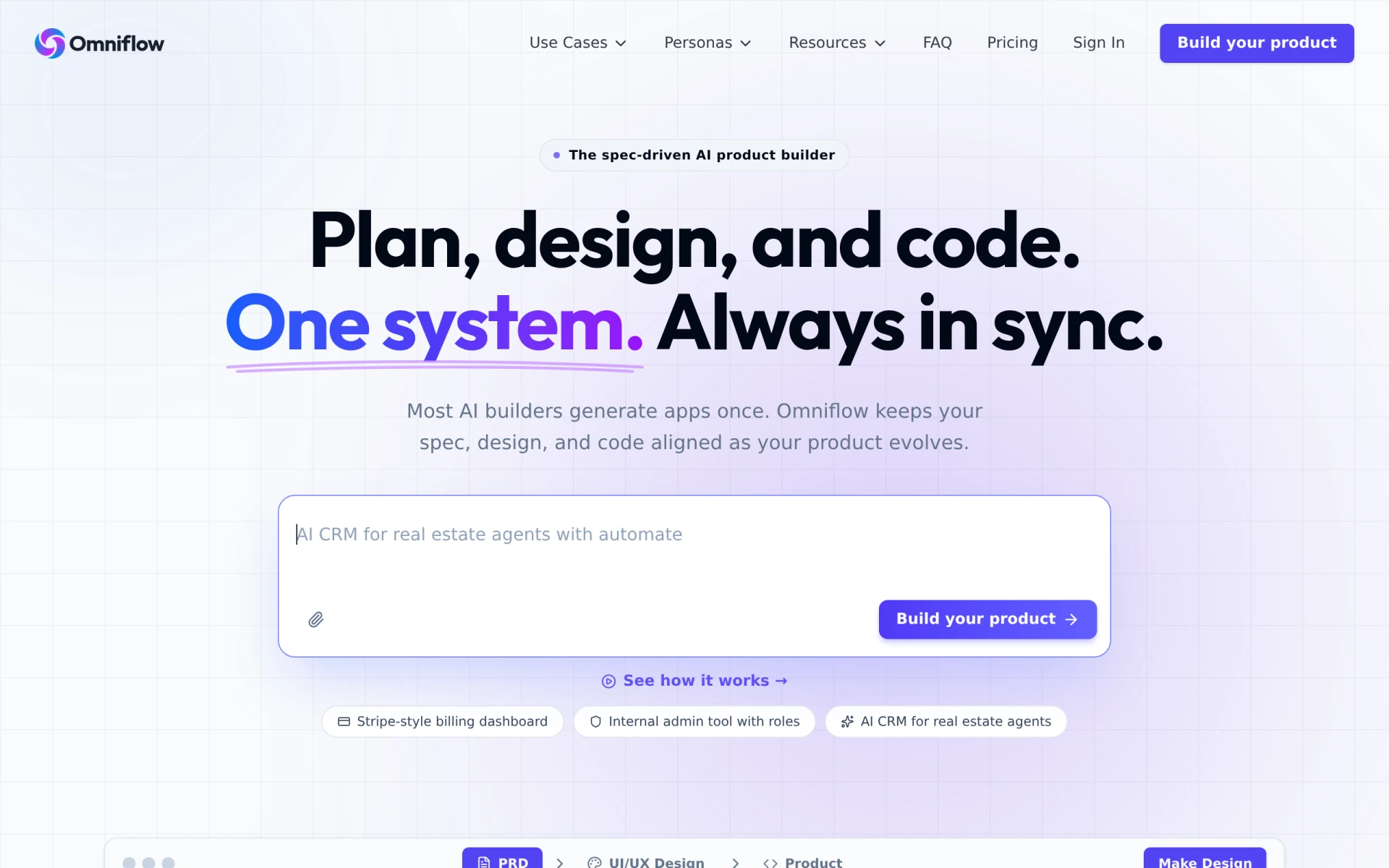 is a spec-driven AI app builder that excels in aligning product design with evolving specifications. This makes it a compelling alternative to Create for teams that prioritize adherence to design specifications throughout the development process. Unlike Create, which is more focused on user input, Omniflow allows for more structured development, making it suitable for larger teams or projects where multiple stakeholders are involved. Its ability to integrate with design tools and maintain consistency across various iterations is a significant advantage.
Furthermore, Omniflow’s tiered pricing model accommodates teams of different sizes, allowing for scalability as project requirements evolve. The collaborative features support real-time updates and feedback, ensuring that all team members are on the same page. However, this specialization in spec-driven development may not be ideal for individual developers or small teams that require a more generalist approach, as they might find the tool's features overwhelming for simpler projects.
Pricing: Freemium model with tiered pricing options for teams. Best for: Teams working on specification-heavy projects.
Pollinations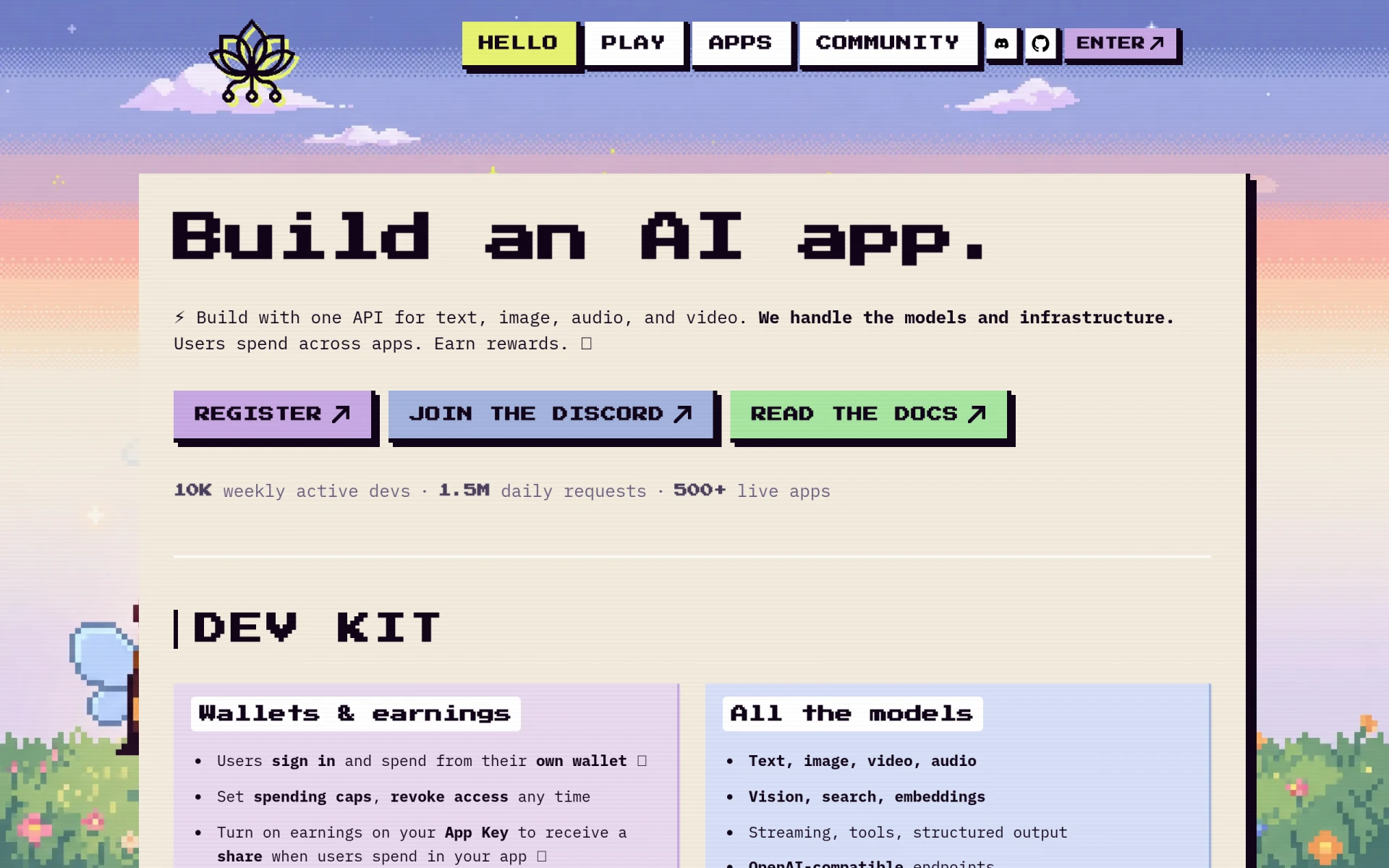 is a unique app builder tailored for developers looking to create AI applications that generate multimedia content effortlessly. This tool stands out when compared to Create, which primarily focuses on basic app functionalities without addressing the multimedia aspect. Pollinations enables users to utilize easy APIs for generating images, audio, and video content, making it a perfect fit for developers interested in creative applications, such as marketing tools or educational resources.
The ease of integrating multimedia capabilities into applications sets Pollinations apart, providing users with the flexibility to create engaging and interactive experiences. This is particularly valuable for businesses aiming to enhance their digital presence or for educational developers looking to create immersive learning environments. However, it is important to note that Pollinations may not be the best choice for those seeking to build more traditional applications, as its focus on multimedia could lead to a lack of support for other standard functionalities.
Pricing: Freemium model, specific pricing details are currently unavailable. Best for: Developers focused on creating multimedia-rich applications.
Sketch2App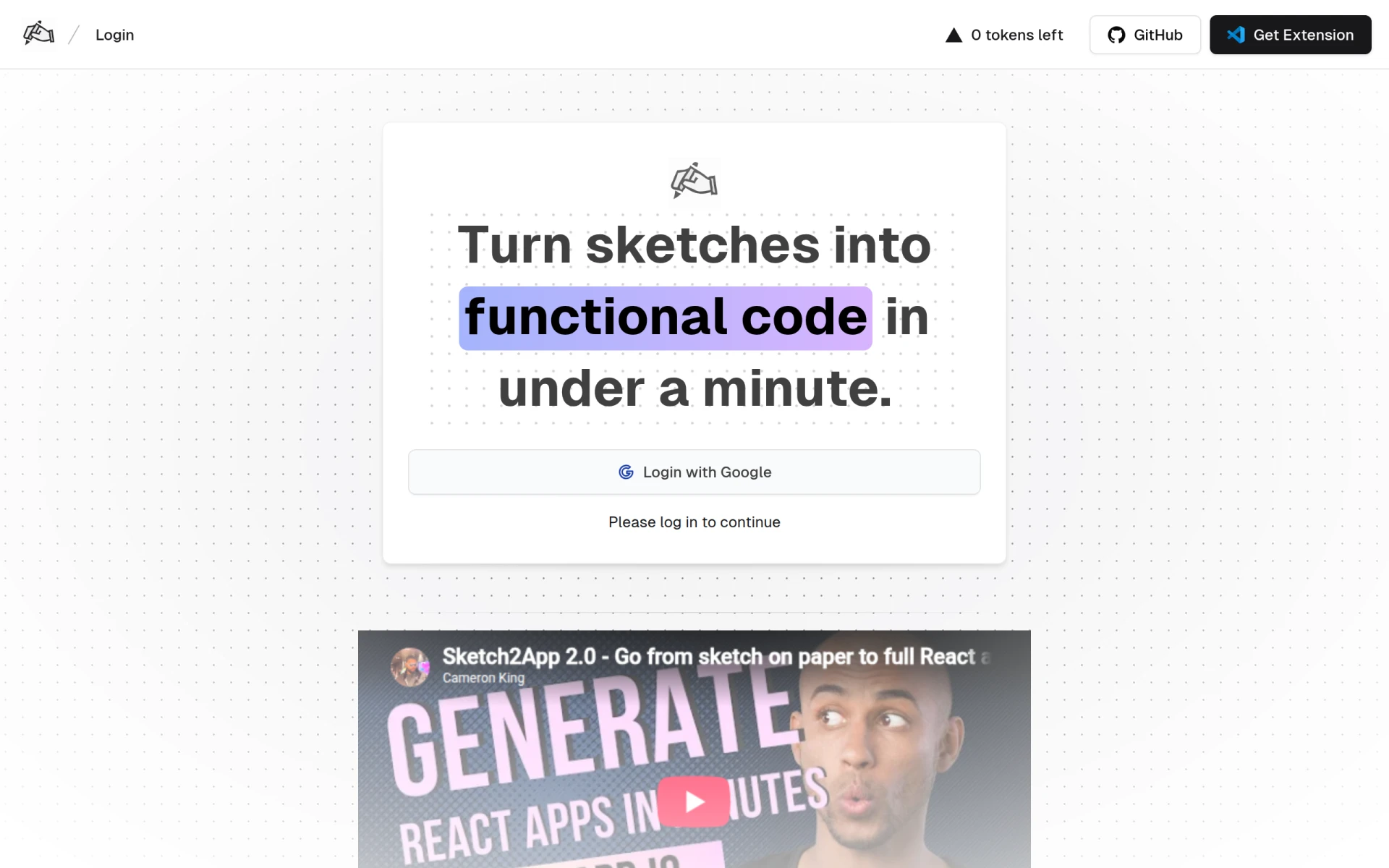 leverages AI technology to convert hand-drawn sketches into functional code, making it an excellent option for designers and visual creators. Unlike Create, which relies on textual descriptions, Sketch2App allows users to start their projects from a visual standpoint, translating their artistic ideas directly into applications. This feature is particularly appealing for designers who may not have extensive coding knowledge but have a wealth of design concepts they wish to bring to life.
This tool provides a unique bridge between design and development, allowing for quicker iterations by turning sketches into prototypes almost instantly. This can significantly speed up the design process, making it a fantastic option for startups and individual developers looking to validate ideas with rapid prototyping. However, the reliance on sketches may pose a limitation for developers who prefer a more traditional coding approach or who want to build applications from scratch without the initial visual input.
Pricing: Freemium model, specific pricing details are currently unavailable. Best for: Designers and visual creators looking to prototype quickly.
Rosebud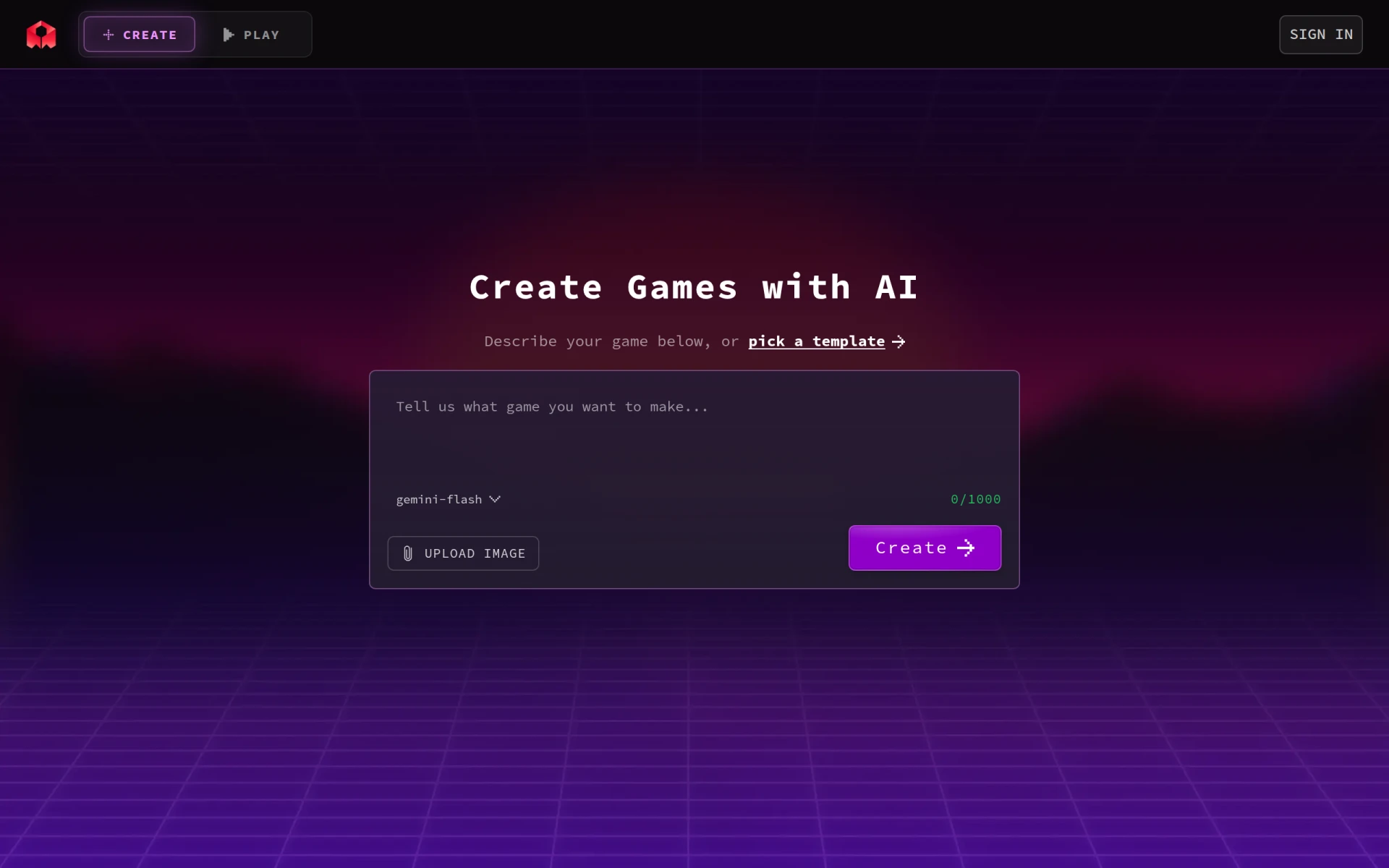 is an AI-powered game development tool that allows users to create playable games without any coding experience. This sets it apart from Create, which primarily focuses on traditional app development. Rosebud is specifically designed for those interested in entering the gaming industry, providing a user-friendly interface that simplifies the game creation process. Users can easily customize characters, levels, and gameplay mechanics, allowing for a comprehensive game development experience.
The ability to create games without coding is a significant draw for aspiring game developers who may not have the technical skills required for traditional programming. Rosebud's emphasis on accessibility enables a wider audience to engage with game development, fostering creativity and innovation in the gaming space. However, while it offers ease of use, the lack of coding capabilities may limit experienced developers who wish to implement more complex game mechanics or integrations.
Pricing: Freemium model, specific pricing information is not explicitly available. Best for: Aspiring game developers without coding experience.
Warp AI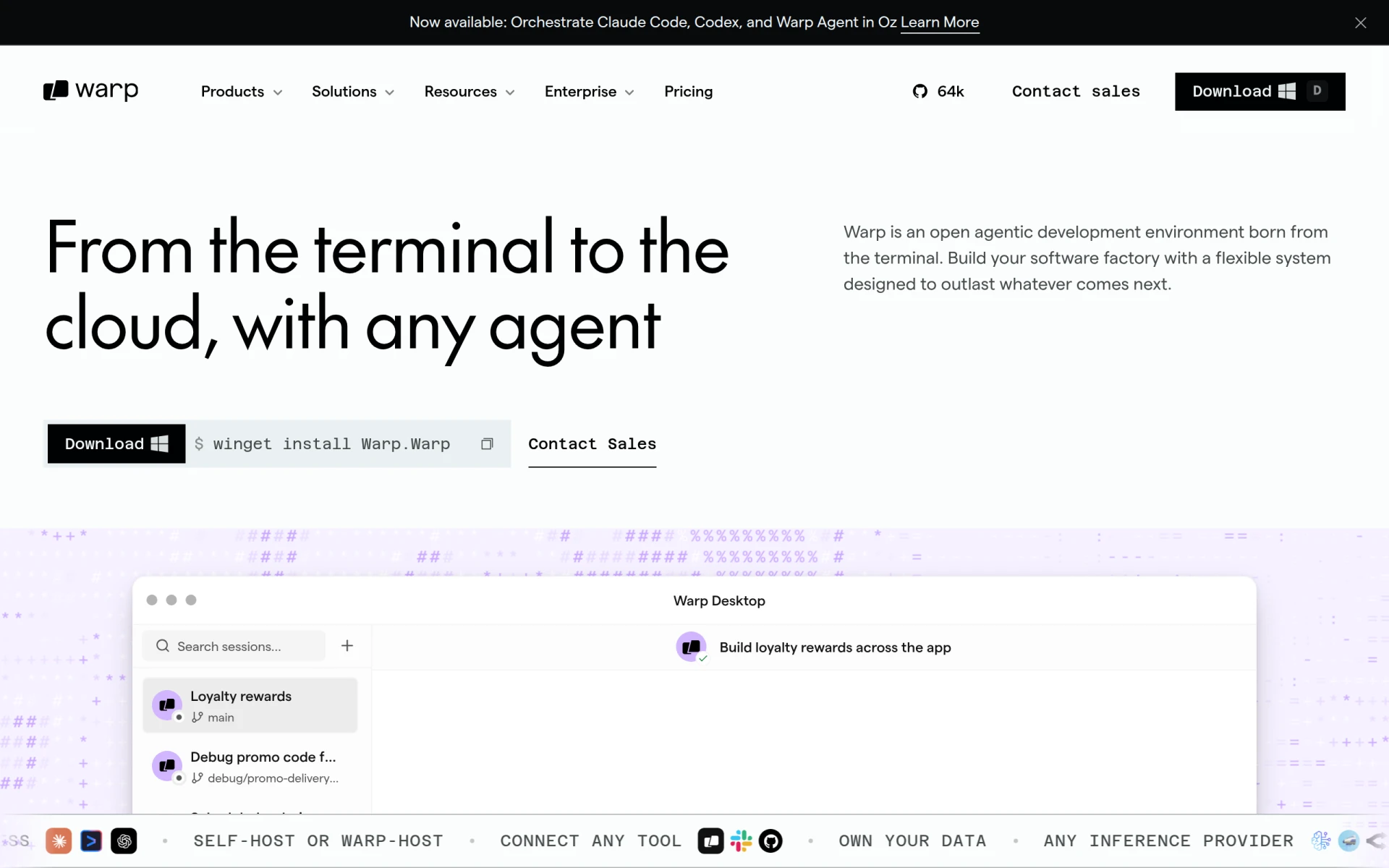 is a modern AI terminal designed to enhance developer efficiency through agentic control and flexibility. It provides a unique approach compared to Create, which focuses on application development from a conceptual standpoint. Warp AI streamlines the coding process by allowing developers to interact with the terminal in a more intuitive manner, significantly reducing the time spent on repetitive coding tasks. This tool is ideal for experienced developers looking to optimize their workflow and improve productivity.
One of the standout features of Warp AI is its ability to learn from user behavior, offering personalized suggestions and automating common tasks. This level of customization can lead to a more efficient coding experience, allowing developers to focus on problem-solving and innovation rather than mundane tasks. However, the complexity of the tool might be overwhelming for novice developers who are still learning the basics of coding, making it less suitable for those just starting their programming journey.
Pricing: Freemium model with options for scaling as team needs increase. Best for: Experienced developers seeking to optimize their workflow.
Tabnine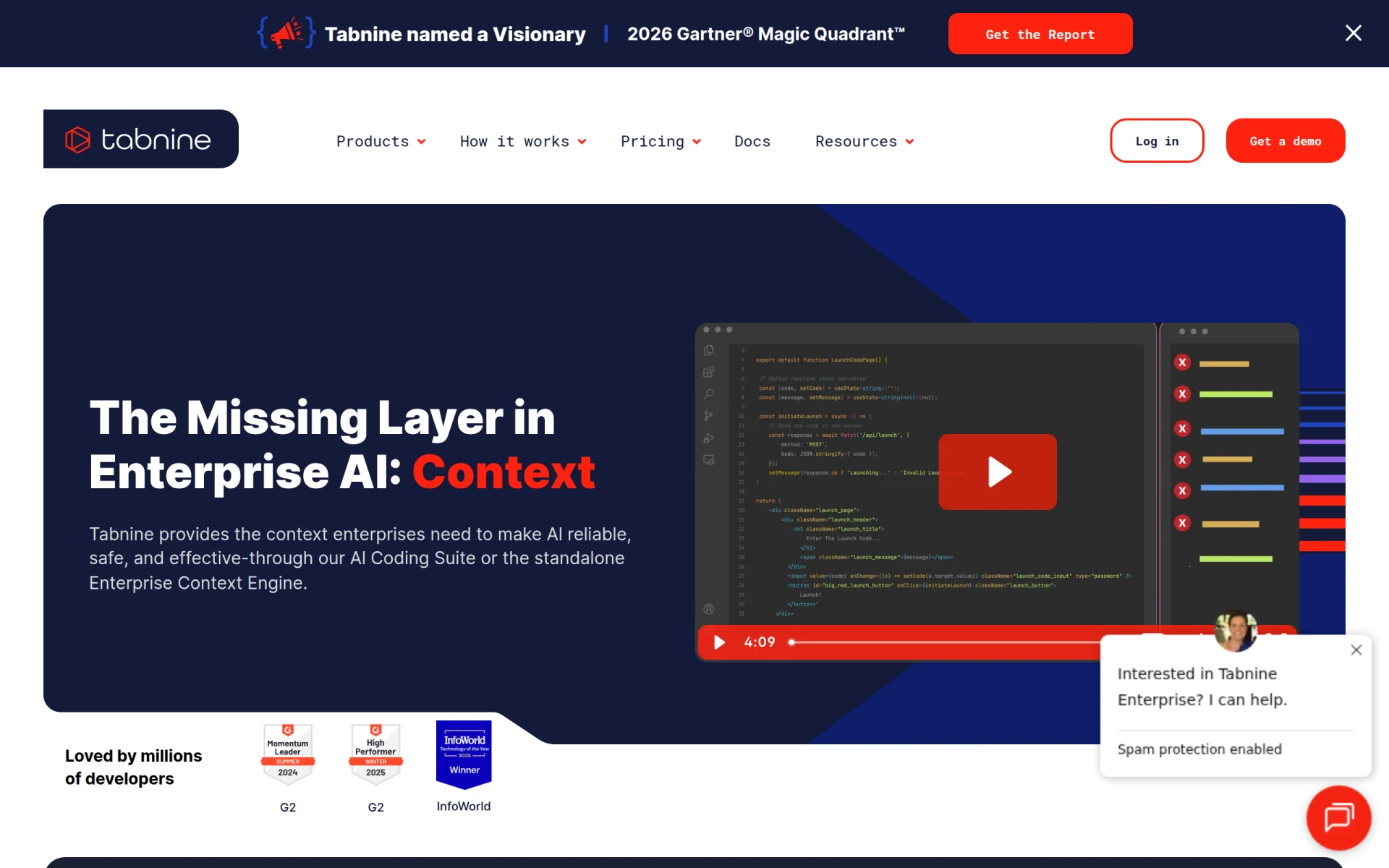 is an AI code assistant designed to enhance coding efficiency by providing real-time suggestions and code completions. This tool differs from Create, which primarily focuses on app development, as it specifically targets improving the coding process itself. Tabnine integrates seamlessly into various IDEs, offering contextual code suggestions that help developers write code faster and with fewer errors. This makes it an invaluable tool for both novice and experienced developers alike.
One of Tabnine's key strengths is its adaptability to individual coding styles, allowing it to provide relevant suggestions based on the developer's unique coding patterns. This personalization not only enhances productivity but also encourages best practices in coding. However, while Tabnine is excellent for code assistance, it does not replace the need for a comprehensive app development platform like Create, as it cannot directly create applications from scratch.
Pricing: Freemium model with various pricing plans for individuals and enterprises. Best for: Developers seeking enhanced coding assistance.
Codev is an AI app builder that specializes in transforming text descriptions into production-ready web applications quickly and efficiently. This tool offers a similar premise to Create but goes several steps further by providing more advanced functionalities. Codev allows developers to create applications based on detailed descriptions, enabling a more comprehensive and tailored development experience. This makes it a great alternative for users who want to ensure their applications meet specific requirements.
The speed at which Codev can turn text inputs into fully functional applications is a significant advantage, particularly for businesses needing to launch products quickly. Additionally, Codev's focus on production-ready applications ensures that users can deploy their projects with confidence. However, users should be aware that the complexity and quality of the output can depend heavily on the clarity and detail of the input descriptions, which may require a more thoughtful approach compared to Create.
Pricing: Freemium model with a Plus plan starting at $19 per month. Best for: Developers looking for a text-to-app solution.
Build0 is an innovative platform that enables users to create AI-powered internal applications quickly and securely without requiring any coding experience. This positions it as a strong alternative to Create, which is more geared towards external application development. Build0 is particularly advantageous for organizations seeking to streamline their internal processes and enhance operational efficiency through customized applications.
The no-code aspect of Build0 allows users from various departments, including HR, finance, and operations, to build applications that meet their specific needs without relying heavily on IT resources. This democratization of app development can lead to increased innovation within organizations. However, while Build0 is excellent for internal applications, it may not be ideal for developers looking to create consumer-facing apps that require a more complex feature set.
Pricing: Freemium model with a paid team plan at $35 per month. Best for: Organizations looking to build internal applications without coding.
Caffeine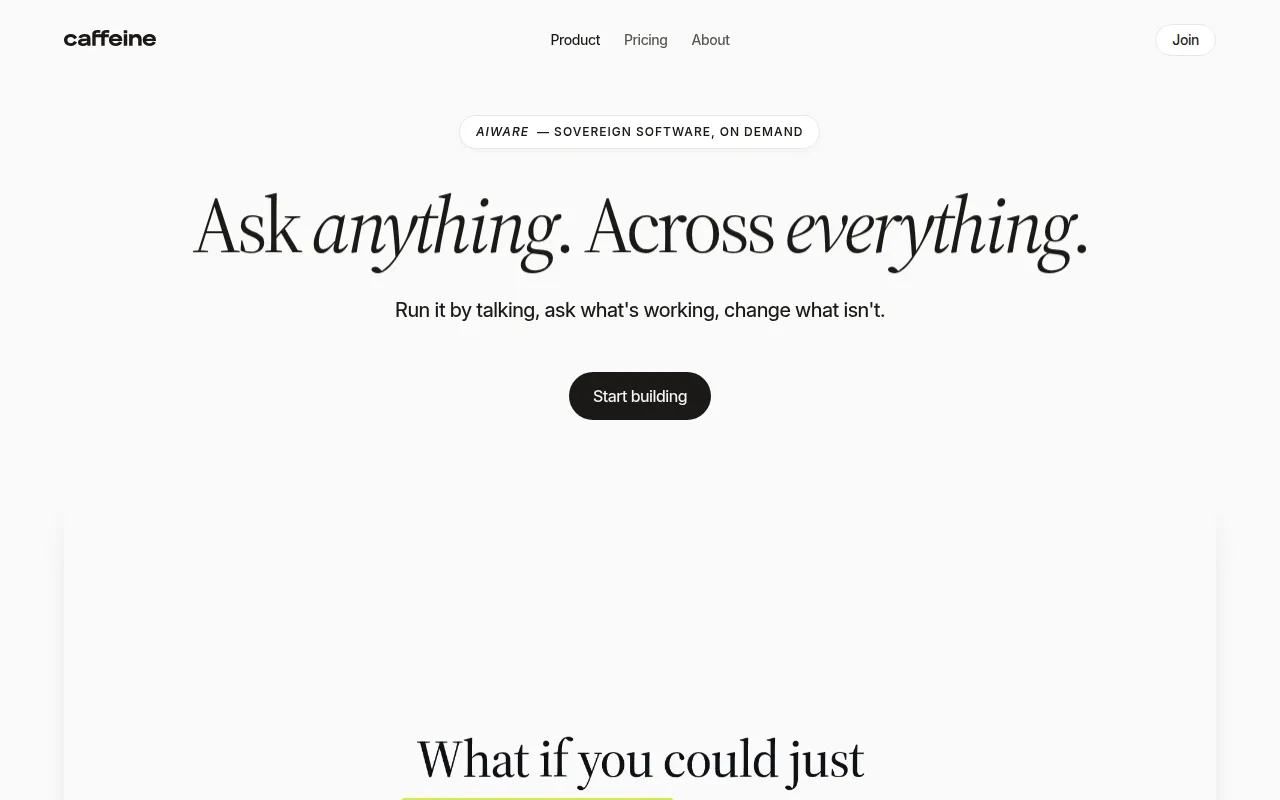 is an AI writing tool that enables developers to create applications and websites through a conversational interface. This approach differs from Create, which relies on written descriptions to guide app development. With Caffeine, users can interact with the tool in a more conversational manner, making the development process more intuitive and engaging. This is especially beneficial for developers who may find traditional coding methods challenging or cumbersome.
The conversational interface allows for a more dynamic development experience, enabling users to iterate on ideas and receive immediate feedback from the tool. This can lead to faster prototyping and a more collaborative development atmosphere. However, while Caffeine's conversational approach is innovative, it may not suit all developers, particularly those who prefer a more structured and traditional development environment.
Pricing: Freemium model, specific pricing information is currently unavailable. Best for: Developers seeking a conversational app development experience.
Zoer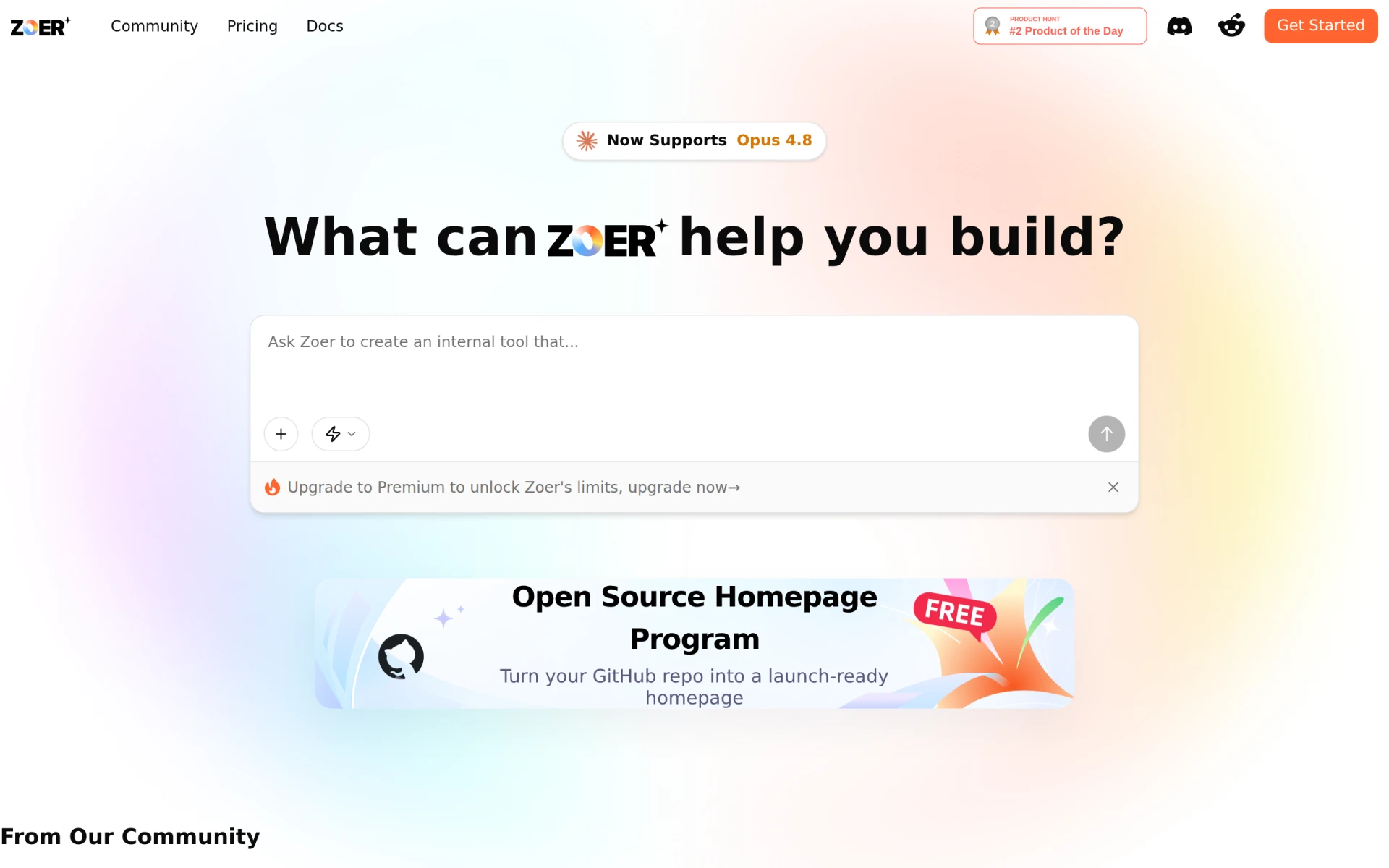 is an AI-driven app builder that allows users to transform their ideas into fully functional web applications without needing any coding skills. This positions it as a strong competitor to Create, which also focuses on simplifying the app development process. Zoer stands out with its emphasis on user experience, providing a straightforward interface that guides users through the app creation process. This makes it particularly appealing for entrepreneurs and small business owners looking to bring their ideas to life without the burden of technical skills.
Zoer’s ability to create fully functional web applications without coding makes it an attractive alternative for those who need to launch quickly and efficiently. The platform offers various templates and customization options, allowing users to tailor their applications to meet specific needs. However, while Zoer excels in usability, it may not be as feature-rich as other platforms, which could be a drawback for users looking for advanced functionalities.
Pricing: Freemium model, specific pricing details are not clearly available. Best for: Entrepreneurs and small business owners looking to create web applications without coding.
GitFluence is an AI-driven Git command generator that simplifies the process of finding the right Git commands based on user descriptions. While Create focuses on app development, GitFluence addresses a different but equally important aspect of software development: version control. This tool is particularly useful for developers who may struggle with remembering complex Git commands or who are new to using Git altogether. By providing command suggestions based on natural language input, GitFluence removes the barrier of language and syntax that often intimidates new developers.
The ability to streamline Git operations can significantly improve workflow efficiency, especially for teams working on collaborative projects. GitFluence enhances productivity by allowing developers to focus more on coding and less on command memorization. However, it is essential to recognize that while GitFluence is a valuable tool for version control, it does not provide any app development features, making it unsuitable for users looking for an all-in-one solution.
Pricing: Freemium model, specific pricing information is currently not available. Best for: Developers needing to simplify Git command usage.
Heex is a workflow automation tool designed to improve efficiency for developers and teams by simplifying repetitive tasks. This focus on automation distinguishes it from Create, which is centered around app development. Heex allows users to automate mundane tasks, such as data entry and report generation, thereby freeing up valuable time for more strategic activities. This can be particularly beneficial for teams looking to enhance their overall productivity and streamline their workflows.
One of Heex’s strengths lies in its adaptability across various development and business environments, making it suitable for a wide range of industries. By integrating with existing tools and platforms, Heex can provide a seamless automation experience. However, while it excels in automating workflows, it does not offer app development capabilities, making it less relevant for users focused on building applications.
Pricing: Freemium model, specific pricing information is not publicly available. Best for: Teams looking to automate workflows and improve efficiency.
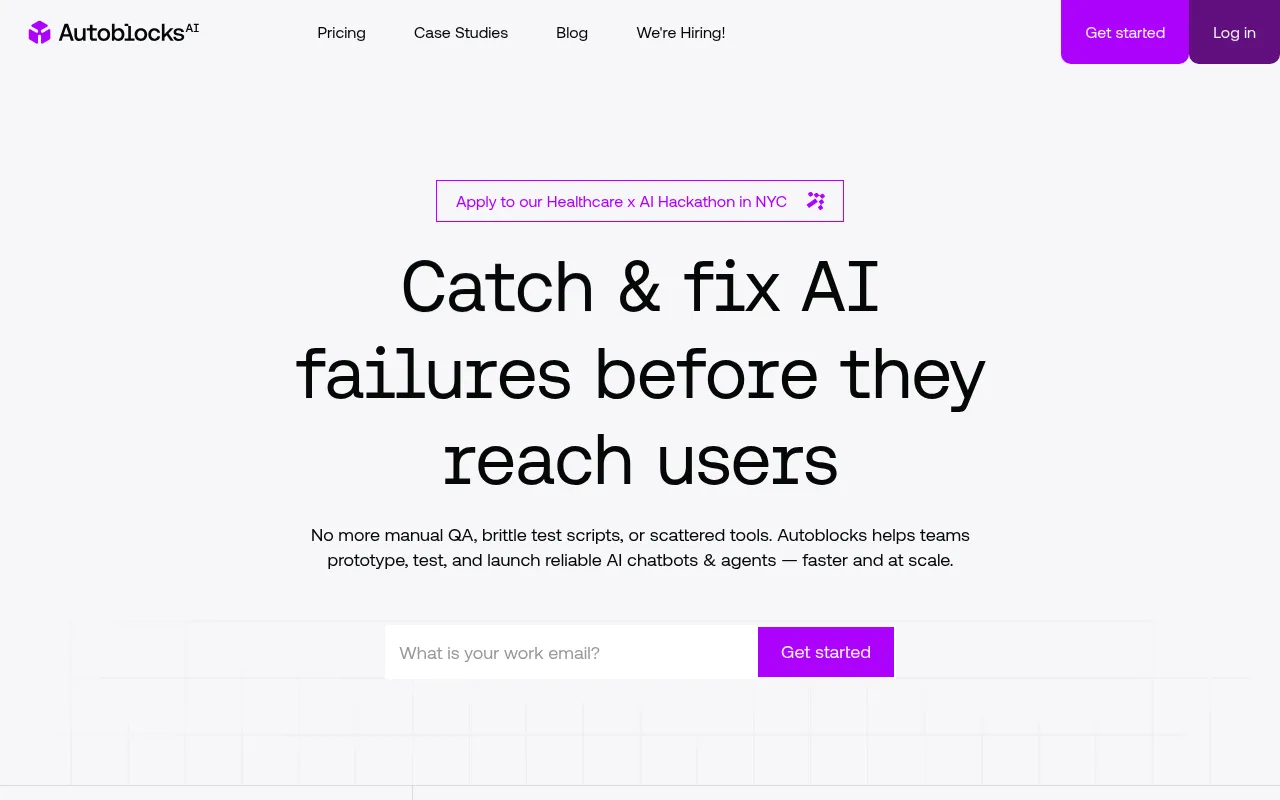
Autoblocks AI helps teams build and deploy reliable AI applications with tools for collaboration and quality assurance. This positions it as a unique alternative to Create, which is more focused on individual app development. Autoblocks AI emphasizes teamwork, enabling multiple users to collaborate on projects simultaneously while ensuring that the applications meet quality standards. This makes it particularly appealing for organizations that require robust collaborative efforts in their AI development processes.
With features that support version control and testing, Autoblocks AI provides a comprehensive environment for teams to experiment and iterate on their applications. This collaborative approach can lead to higher quality outputs as multiple perspectives contribute to the development process. However, the complexity of the platform may not be suitable for solo developers or small teams that prefer a more straightforward app-building experience.
Pricing: Freemium model, specific pricing information is currently unavailable. Best for: Teams focused on collaborative AI application development.
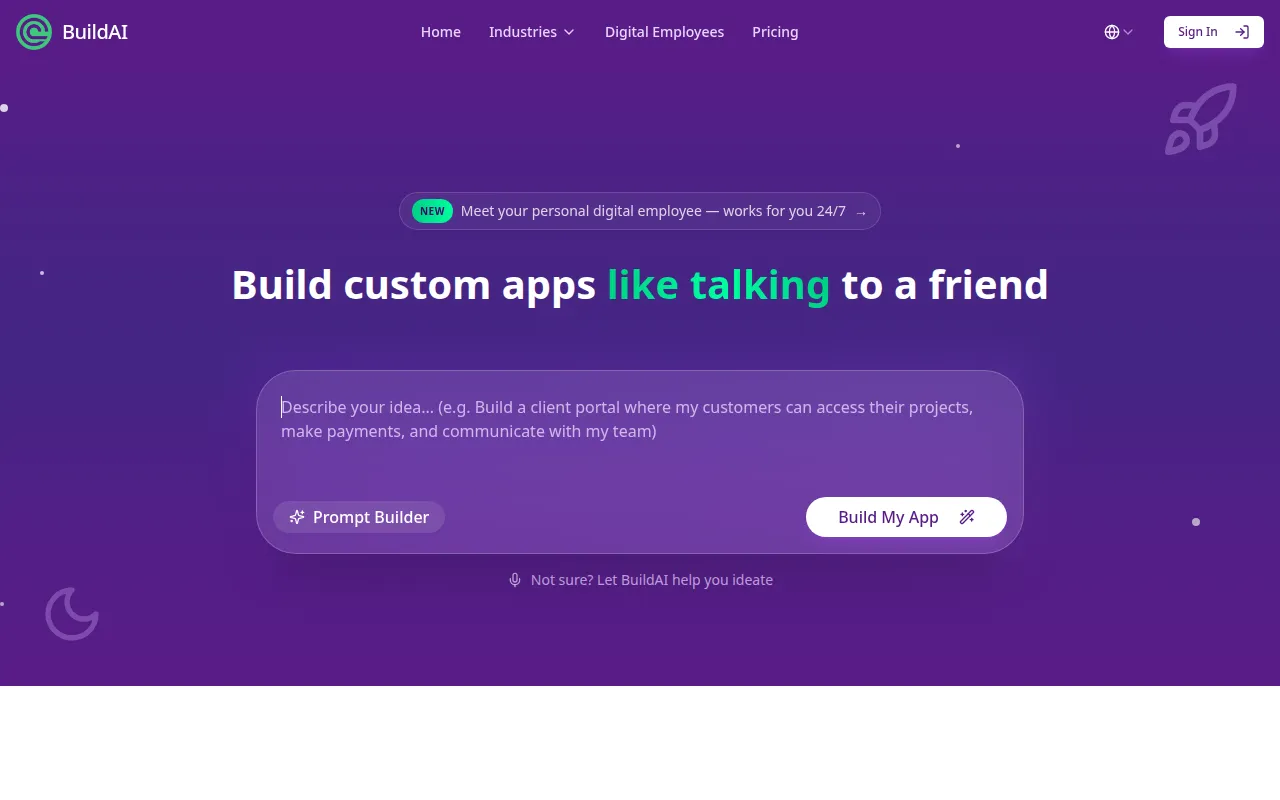
Build AI is a no-code platform that allows users to create AI applications quickly and efficiently, streamlining the app development process. This makes it a strong alternative to Create, particularly for those who wish to develop applications without diving into code. Build AI offers a user-friendly interface that simplifies the entire process, making it accessible to a broader audience, including those with limited technical skills. This no-code approach enables individuals and teams to bring their ideas to life without the need for extensive programming knowledge.
The platform also emphasizes rapid development, allowing users to prototype and deploy their applications swiftly. This is particularly beneficial for startups and businesses that need to respond to market demands quickly. However, while Build AI excels in accessibility and speed, users should consider whether it provides the specific functionalities they require, as some advanced features may not be available compared to more traditional coding platforms.
Pricing: Freemium model with a free trial and several paid plans. Best for: Users looking for rapid no-code application development.
| Tool | Best For | Starting Price | Free Plan | Standout Feature |
|---|---|---|---|---|
| Create | Basic app development | Free / $19/mo | Yes | Simple description-based app building |
| Stunning | Rapid development | Free | Yes | Pre-built components for quicker assembly |
| Omniflow | Spec-driven development | Free | Yes | Integration with design tools |
| Pollinations | Multimedia content generation | Free | Yes | Easy APIs for multimedia |
| Sketch2App | Visual creators | Free | Yes | Converts sketches to code |
| Rosebud | Game development | Free | Yes | No coding required for games |
| Warp AI | Developer efficiency | Free | Yes | AI-powered terminal |
| Tabnine | Code assistance | Free | Yes | Real-time code suggestions |
| Codev | Text-to-app development | Free / $19/mo | Yes | Transforms text into apps |
build0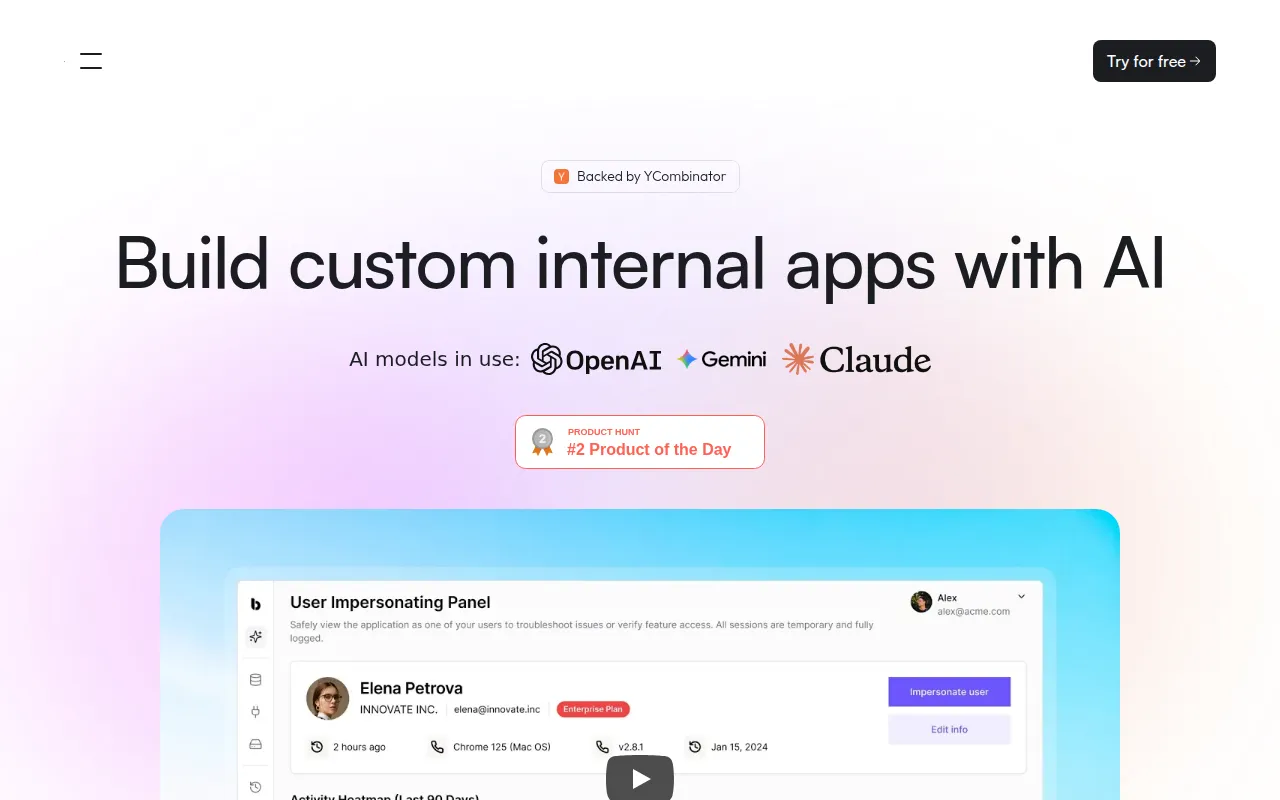 | No-code internal applications | Free / $35/mo | Yes | No coding required for internal apps |
| Caffeine | Conversational development | Free | Yes | Conversational interface |
| Zoer | No-code web applications | Free | Yes | Build web apps without coding |
| GitFluence | Git command simplification | Free | Yes | Natural language command generation |
| Heex | Workflow automation | Free | Yes | Automates repetitive tasks |
| Autoblocks AI | Collaborative AI development | Free | Yes | Collaboration tools for teams |
| Build AI | Rapid no-code development | Free | Yes | Fast no-code app creation |
When considering alternatives to Create, it is crucial to assess your specific needs and the type of applications you wish to develop. If you require rapid development with a focus on scalability, Stunning may be the best choice due to its pre-built components and efficient workflow. However, for teams that need to adhere strictly to design specifications, Omniflow's spec-driven approach will likely serve you better. Remember to evaluate the skill level within your team; tools like Rosebud and Sketch2App are excellent for those with limited coding experience, while Warp AI and Tabnine cater to more experienced developers looking to enhance their coding efficiency.
For those focused on creating multimedia content, Pollinations stands out, while Build0 is ideal for organizations looking to build internal applications without coding. Conversely, if you are an individual developer looking for a no-code solution, Zoer provides an easy way to create functional web applications. Ultimately, your choice should align with your project requirements, team capabilities, and the specific functionalities that are most important to you.
In conclusion, while Create offers a solid foundation for app development, its limitations may lead users to seek alternatives that better suit their needs. For rapid development, Stunning is a strong contender, while Omniflow excels in spec-driven projects. For multimedia applications, Pollinations stands out. Depending on your specific use case, there is a wealth of alternatives available that can provide enhanced functionalities and streamline your development process.
Stunning is a full stack app builder that accelerates the development process using AI technology.
Omniflow is a spec-driven AI app builder that aligns product design and code with evolving specifications.
Pollinations enables developers to create AI applications with easy APIs for generating multimedia content.
Sketch2App is an AI-powered tool that converts hand-drawn sketches into functional code for mobile and web apps.
Rosebud is an AI-powered game development tool that allows users to create playable games without coding.
Warp AI is a modern AI terminal designed for developers, enabling efficient coding through agentic control and flexibility.
Tabnine is an AI code assistant designed to enhance coding efficiency while maintaining code security and compliance.
Codev is an AI app builder that transforms text descriptions into production-ready web applications quickly and efficiently.
Build0 enables users to create AI-powered internal applications quickly and securely without any coding experience.
Caffeine is an AI writing tool that enables developers to create applications and websites through a conversational interface.
Zoer is an AI-driven app builder that transforms your ideas into fully functional web applications without coding.
GitFluence is an AI-driven Git command generator that simplifies finding the right Git commands based on user descriptions.
Heex is a workflow automation tool designed to improve efficiency for developers and teams by simplifying repetitive tasks.
Autoblocks AI helps teams build and deploy reliable AI applications with tools for collaboration and quality assurance.
BuildAI is a no-code platform that enables users to create AI applications quickly and easily, streamlining the app development process.
Many users look for alternatives to Create due to its pricing structure and feature limitations in the freemium model. If your project requires advanced functionalities, alternatives may provide better value.
One of the best overall alternatives to Create is Appgyver, which offers a robust set of features for free. It allows for more complex app development without the limitations of paid plans.
Pricing for alternatives varies widely. While Create starts at $19 per month for advanced features, many alternatives like Adalo and Thunkable offer competitive pricing or free tiers that can accommodate different budgets.
Yes, several alternatives provide free options, such as Glide and Kodular, which allow users to create functional apps without upfront costs, making them ideal for startups or individual developers.
When migrating from Create, start by documenting your app's current features and functionalities. This will help you identify which alternative best meets your needs. Additionally, explore tutorials and community forums of the new platform for a smoother transition.
A common concern is the potential loss of data and app functionality during the transition. To mitigate this, ensure you back up your app data and carefully assess the capabilities of the new platform to match your previous setup.
Weekly roundup of new AI tools, launches, and trending software. No spam — unsubscribe anytime.
No credit card required · Cancel anytime
Weekly roundup of new AI tools, launches, and trending software. No spam — unsubscribe anytime.
No credit card required · Cancel anytime