Overview
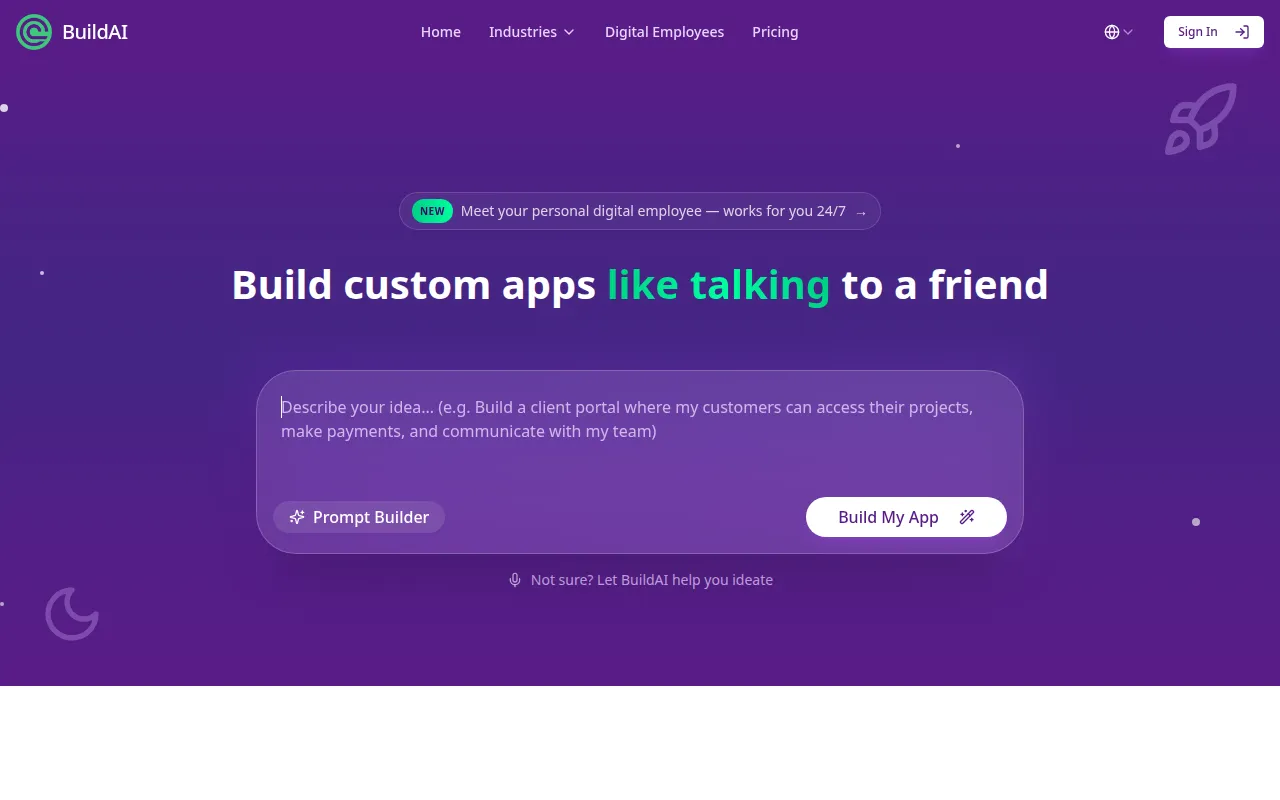
BuildAI is a no-code application development platform designed to empower users to create AI-driven applications without any programming knowledge. Its primary purpose is to simplify the process of turning ideas into functional applications, allowing users to focus on innovation rather than technical barriers. By eliminating the need for coding, BuildAI addresses the common challenges faced by individuals and businesses who want to develop unique software solutions quickly.
Key Features
- No-Code Development: Create apps without writing a single line of code.
- AI Integration: Utilize artificial intelligence capabilities in your applications seamlessly.
- Prompt Builder: Easily generate prompts to guide app functionality and user interactions.
- Digital Employee: Automate tasks and improve efficiency with a personal digital assistant.
- App Publishing: Launch your applications directly from the platform.
- Customization Options: Tailor the look and feel of your apps to match your brand.
- User-Friendly Interface: Navigate the platform easily with an intuitive design.
- Support for Multiple Platforms: Build applications that can run on various devices and operating systems.
- Built-in Analytics: Track usage and performance metrics to optimize your apps.
- Community Support: Access resources and assistance from a community of users.
Benefits
BuildAI provides significant advantages for users looking to create applications without the need for technical expertise. By allowing for rapid development, users can bring their ideas to life in a fraction of the time it would typically take with traditional coding methods. This efficiency can lead to faster market entry and reduced development costs. Additionally, the focus on AI integration means users can leverage advanced technologies to enhance functionality and user experience.
Common Use Cases
BuildAI is particularly useful for entrepreneurs who want to launch a startup without hiring a development team. For example, a small business owner can create a customer service chatbot without any coding knowledge, allowing them to enhance customer interaction. Marketing teams can also utilize BuildAI to develop promotional apps quickly, tailoring them to specific campaigns without significant investment in resources.
Who Should Use It
Ideal users of BuildAI include entrepreneurs, small business owners, and marketing professionals who need to create applications efficiently. Freelancers looking to offer app development services without deep technical skills will also find it beneficial. However, larger enterprises with complex software needs or those requiring significant customization might find BuildAI's no-code approach limiting.
Pricing Overview
BuildAI offers a tiered pricing model starting with a free trial. Paid plans include various features and capabilities, allowing businesses to choose a plan that aligns with their growth and needs. The pricing structure is designed to be transparent, catering to different user requirements.
Conclusion
BuildAI presents a viable option for those seeking to develop AI applications without coding knowledge. Its user-friendly interface and robust features make it suitable for various users, particularly small business owners and entrepreneurs. While it may not meet the needs of larger organizations with more complex requirements, it excels in providing a straightforward solution for rapid app development.