Why Look for Alternatives to Lutra AI?
While Lutra AI offers robust features for automating workflows by connecting various applications, it is not without its limitations. Users have reported concerns regarding the platform's pricing structure, particularly for businesses with fluctuating usage needs. The freemium model might seem attractive at first, but as teams scale and require additional usage credits, costs can escalate quickly. Moreover, some users have found that Lutra AI lacks certain integrations that are critical for their business processes, particularly with niche industry software. This can lead to frustration, especially when users expect seamless connectivity across their tools.
Additionally, the learning curve associated with Lutra AI can be a barrier for users who are not technically inclined. While it automates workflows, some users feel that the initial setup and configuration can be cumbersome and time-consuming. As such, teams may find themselves looking for alternatives that either offer better integration capabilities, a more straightforward user interface, or a more predictable pricing model. These pain points are significant motivators for users seeking solutions that can better accommodate their specific workflow needs and budget considerations.
Best Alternatives to Lutra AI in 2026
IBM BPM - Best for Large Enterprises
IBM Business Automation Workflow (BPM) is an enterprise-level solution designed to automate and optimize digital workflows across various environments. Unlike Lutra AI, which primarily focuses on app connections, IBM BPM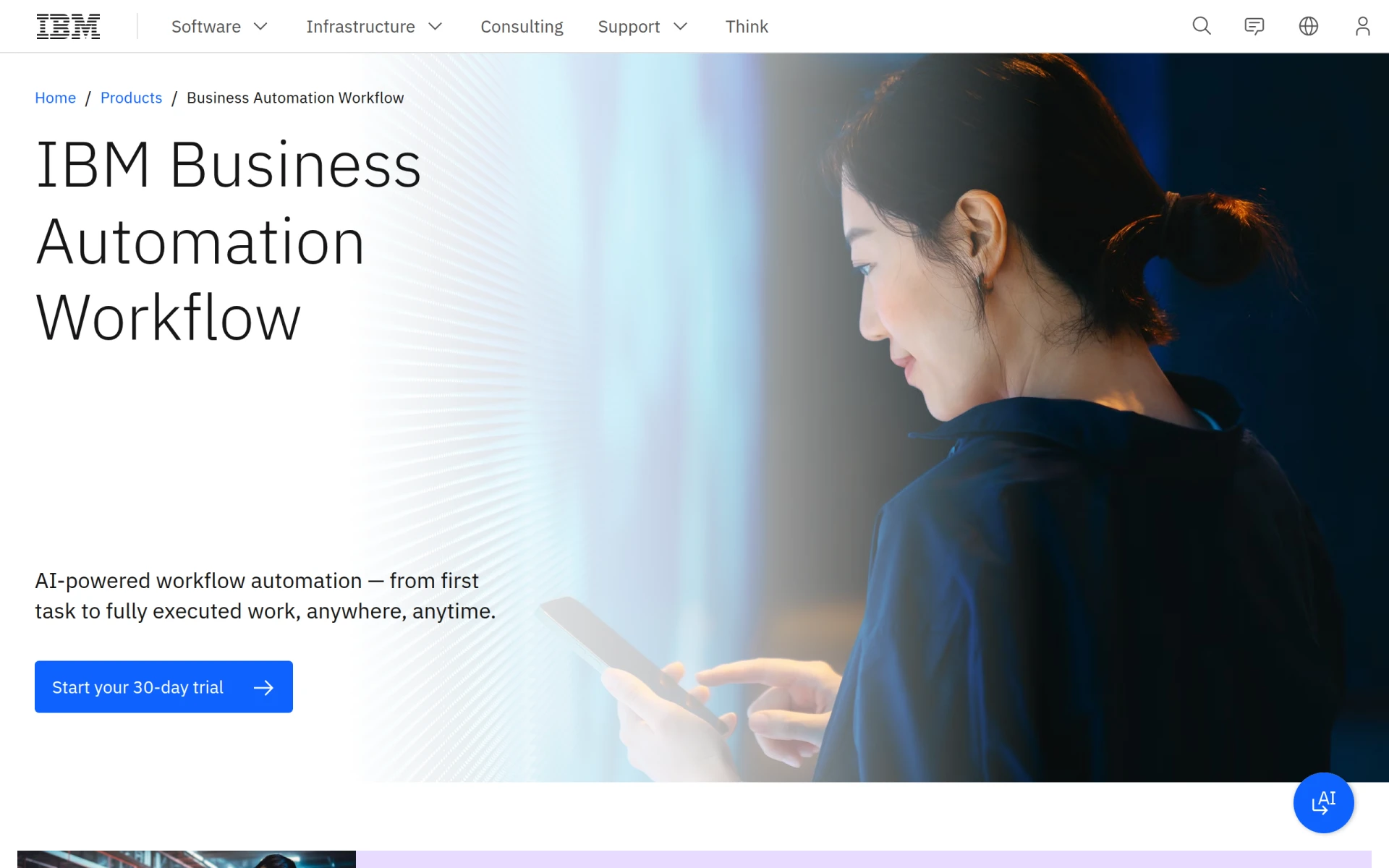 offers a comprehensive suite of features tailored for large organizations needing to enhance productivity on a broader scale. Its ability to integrate deeply with other IBM products and services makes it ideal for companies already embedded in the IBM ecosystem. Users can expect advanced analytics, sophisticated process modeling, and robust reporting capabilities that go beyond what Lutra AI offers.
IBM BPM shines particularly in environments where compliance and governance are paramount, providing extensive tracking and auditing features. This makes it a strong choice for industries such as finance and healthcare, where regulatory adherence is critical. Companies that require intricate workflows with multiple stakeholders will find that IBM BPM provides the flexibility and control necessary to manage complex operations effectively, something that may be challenging with Lutra AI.
- Key Strength: Advanced analytics and process modeling capabilities surpassing those of Lutra AI.
- Key Strength: Seamless integration with other IBM services, ideal for existing IBM customers.
- Key Strength: Comprehensive compliance and governance features for regulated industries.
- Limitation: Higher complexity and potentially steeper learning curve for new users.
Pricing: Freemium, details obtained directly from IBM. Best for: Large enterprises needing advanced automation and compliance features.
Octoparse AI - Best for Non-Coders
Octoparse AI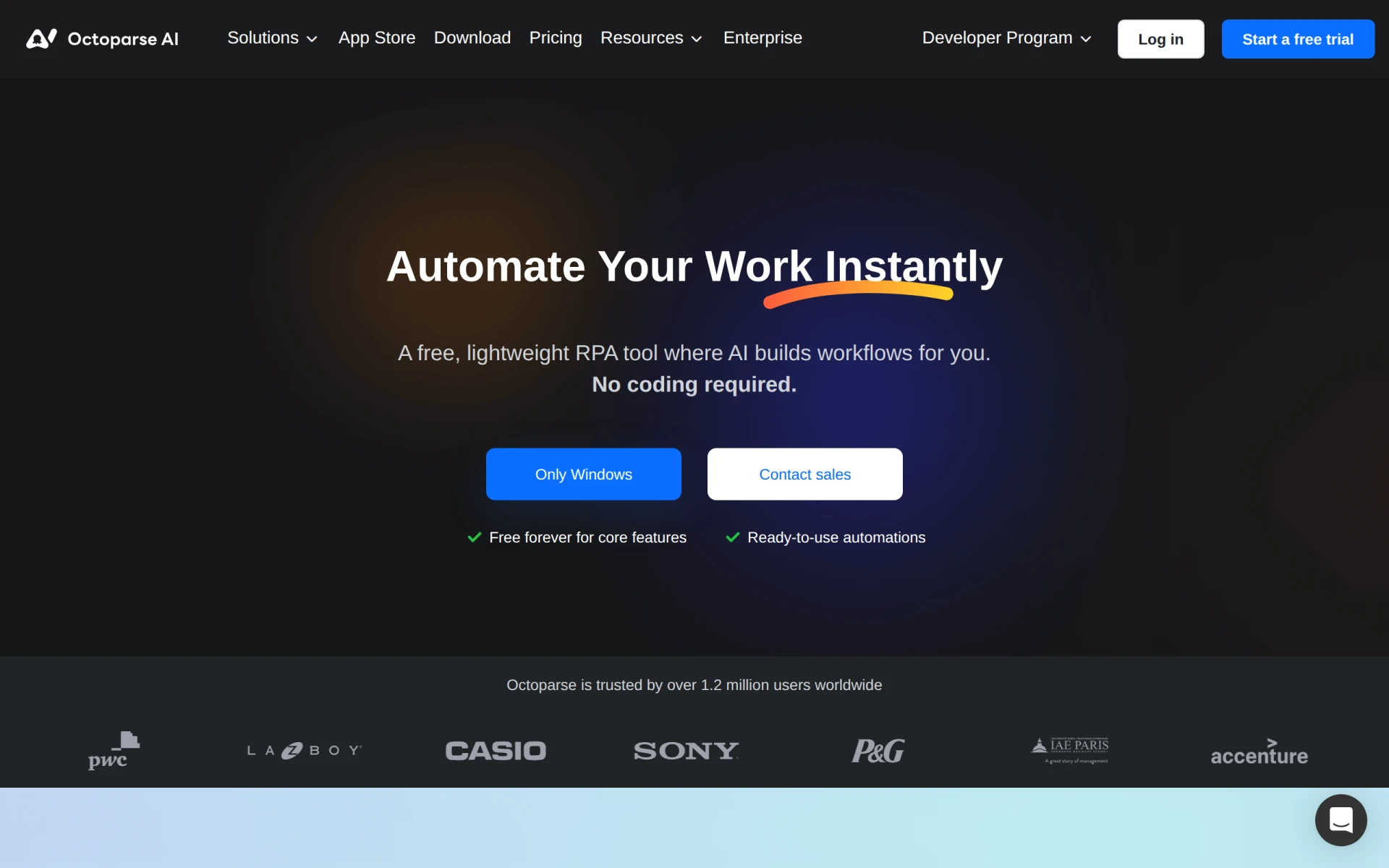 is a free Robotic Process Automation (RPA) tool that allows users to automate workflows without any coding knowledge, making it a great alternative for teams that lack technical resources. Unlike Lutra AI, which may require some degree of technical expertise for efficient use, Octoparse provides a user-friendly interface that simplifies the automation process. This makes it ideal for small to medium-sized businesses or individuals looking to streamline tasks quickly without the overhead of hiring technical staff.
One of the standout features of Octoparse AI is its ability to extract data from websites, which can be incredibly useful for market research, competitor analysis, and gathering information from various online sources. The platform allows users to automate data extraction seamlessly, providing a level of functionality that Lutra AI does not focus on. For teams needing to gather and process data regularly, Octoparse can significantly enhance productivity and efficiency.
- Key Strength: No coding required, making automation accessible for all users.
- Key Strength: Powerful data extraction capabilities from websites.
- Key Strength: Intuitive user interface that simplifies the setup process.
- Limitation: May lack some advanced features required for complex workflow automation.
Pricing: Free plan available, paid subscription starting at $29 per month. Best for: Non-coders and small businesses looking for easy automation solutions.
Autopilot - Best for Visual Workflow Mapping
Autopilot is a workflow automation tool that excels in visual mapping, making it easier for users to visualize their processes compared to Lutra AI. The platform allows users to create automated workflows using a simple drag-and-drop interface, which makes designing complex automations more intuitive. This visual aspect can be particularly beneficial for teams that collaborate on process design, as it fosters better communication and understanding of workflows among non-technical stakeholders.
Additionally, Autopilot provides strong capabilities for customer journey mapping, which can be particularly useful for marketing teams looking to automate lead nurturing and customer engagement processes. The tool’s ease of use and focus on visual representation can help teams quickly implement and adjust workflows, making it an effective alternative for organizations that prioritize user-friendliness in their automation tools.
- Key Strength: Visual workflow mapping that simplifies process design and communication.
- Key Strength: Strong capabilities for customer journey automation.
- Key Strength: User-friendly interface that facilitates quick setup and adjustments.
- Limitation: Limited advanced features compared to more robust automation platforms.
Pricing: Freemium, pricing information not publicly available. Best for: Teams that prioritize visual workflow design and customer journey automation.
Activepieces - Best for AI-Driven Automation
Activepieces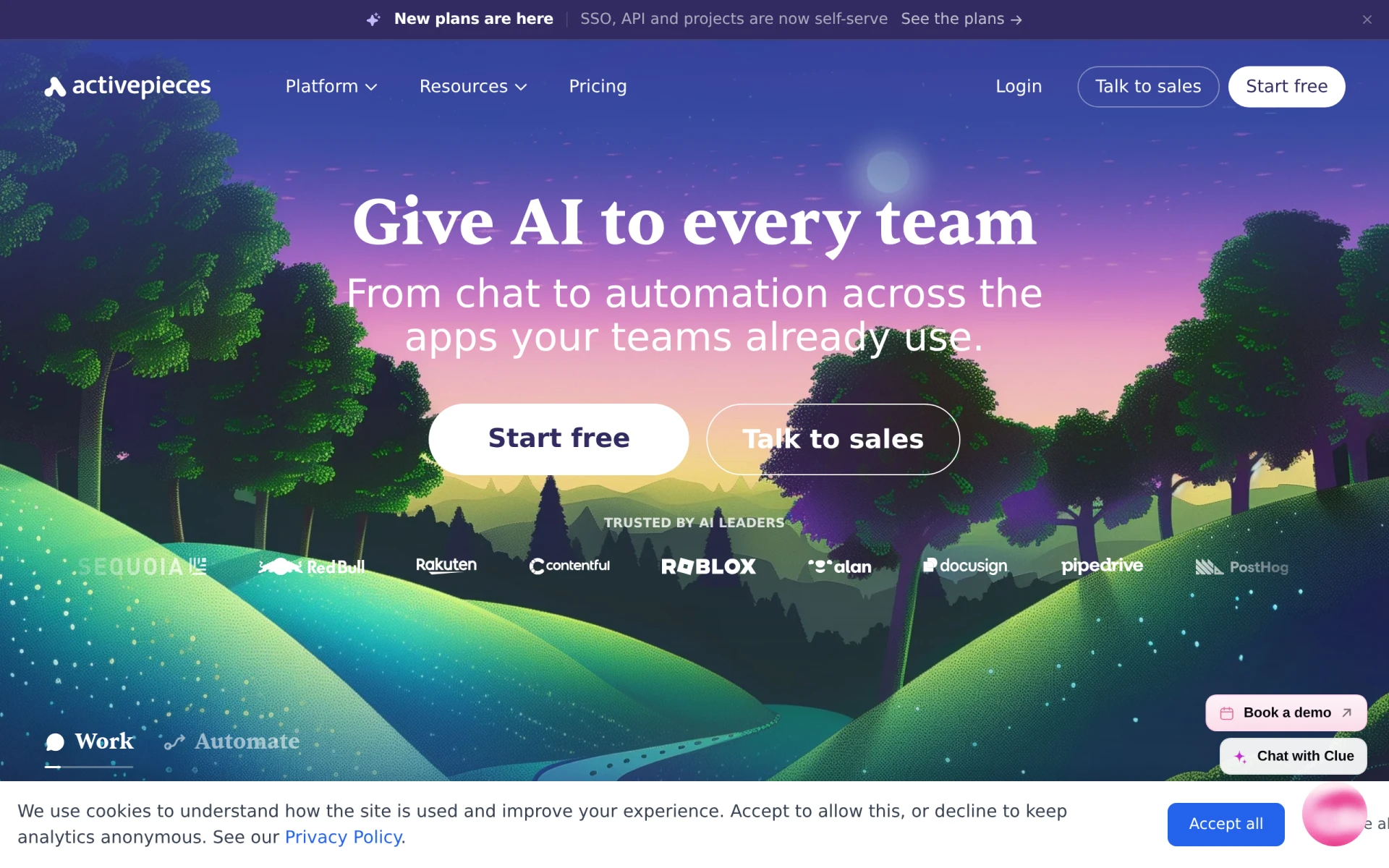 is an AI-first workflow automation tool that empowers teams to automate tasks across various applications without needing extensive coding knowledge. This tool sets itself apart from Lutra AI by integrating AI capabilities directly into its automation processes, enabling users to create smarter workflows that adapt to changing data and inputs. Activepieces is perfect for organizations looking to harness AI to improve efficiency and reduce manual intervention in repetitive tasks.
One of the key advantages of Activepieces is its affordability, with a free forever plan that allows users to get started without any financial commitment. This makes it accessible to startups and small businesses that may be wary of investing heavily in automation tools. Moreover, the platform's focus on ease-of-use ensures that teams can quickly adopt and benefit from the tool, allowing for rapid implementation of automation strategies.
- Key Strength: AI-driven automation that adapts to changing inputs and data.
- Key Strength: Free forever plan that provides value to startups and small businesses.
- Key Strength: User-friendly interface that requires minimal technical expertise.
- Limitation: May lack some advanced integrations available in more established platforms.
Pricing: Free forever plan, paid tier starting at $16 per month. Best for: Organizations looking to leverage AI for smarter automation without high costs.
Microsoft Power Automate - Best for Microsoft Ecosystem Users
Microsoft Power Automate is a cloud-based automation tool that enables users to create automated workflows between various applications and services, particularly within the Microsoft ecosystem. For businesses already using Microsoft products such as Office 365, SharePoint, or Dynamics, Power Automate provides a seamless integration experience that enhances productivity without the need for extensive configuration. This is a significant advantage over Lutra AI, which may not offer the same level of integration for Microsoft tools.
Power Automate allows users to automate repetitive tasks and create complex workflows using pre-built templates, which can significantly reduce the time required to get automation projects off the ground. Its strong focus on connecting Microsoft services makes it a go-to choice for organizations heavily reliant on those applications. Furthermore, the platform's scalability can accommodate businesses of all sizes, from small teams to large enterprises, making it a versatile alternative.
- Key Strength: Seamless integration with Microsoft products, ideal for existing Microsoft users.
- Key Strength: Extensive library of pre-built templates for quick automation setup.
- Key Strength: Scalability that accommodates businesses of all sizes.
- Limitation: Pricing details are not explicitly provided, which can lead to confusion for potential users.
Pricing: Freemium, pricing details not publicly available. Best for: Organizations already using Microsoft products looking for integrated automation solutions.
Creatio - Best for No-Code Development
Creatio is an AI-powered no-code platform that facilitates workflow automation and application creation efficiently. Unlike Lutra AI, which primarily focuses on automating existing workflows, Creatio allows users to build customized applications without coding, making it ideal for organizations looking to innovate their processes. This flexibility enables teams to tailor solutions that fit their specific needs, leading to enhanced productivity and a more agile response to changing business requirements.
One of the standout features of Creatio is its focus on customer relationship management (CRM), allowing businesses to automate workflows that directly impact customer engagement and satisfaction. The no-code development environment empowers non-technical users to contribute to the automation process, fostering a culture of innovation and collaboration within teams. However, potential users should be aware that pricing information is not readily available, and inquiries are needed for quotes, which may complicate budgeting decisions.
- Key Strength: No-code application development that enhances customization capabilities.
- Key Strength: Strong focus on CRM workflows to boost customer engagement.
- Key Strength: AI-powered features that enhance automation and decision-making.
- Limitation: Pricing information is not publicly available, creating potential budgeting challenges.
Pricing: Freemium, users should contact for pricing details. Best for: Organizations looking for customizable no-code solutions that enhance customer engagement.
Make - Best for Versatile Automation Needs
Make (formerly Integromat) is a versatile workflow automation tool that connects apps and services to streamline processes and enhance productivity. It stands out from Lutra AI by offering a more flexible environment for creating complex workflows with multiple triggers and actions. Users can build intricate automations that cater to their specific business needs without being constrained by predefined templates, making it ideal for teams that have unique or evolving requirements.
Additionally, Make provides an extensive library of integrations covering a wide array of applications, allowing users to connect with both mainstream and niche tools easily. This level of versatility ensures that businesses can automate various processes effectively, whether they are in marketing, sales, or operations. However, potential users should note that the pricing details are not explicitly listed, which may require further investigation before committing to the platform.
- Key Strength: Flexible and powerful workflow creation capabilities for complex automations.
- Key Strength: Extensive library of integrations covering numerous applications.
- Key Strength: Ability to customize workflows extensively based on unique business needs.
- Limitation: Pricing details are not readily available, which can complicate cost assessment.
Pricing: Freemium, pricing details not publicly available. Best for: Teams needing versatile automation solutions that cater to unique requirements.
Integrately - Best for Simple Automation
Integrately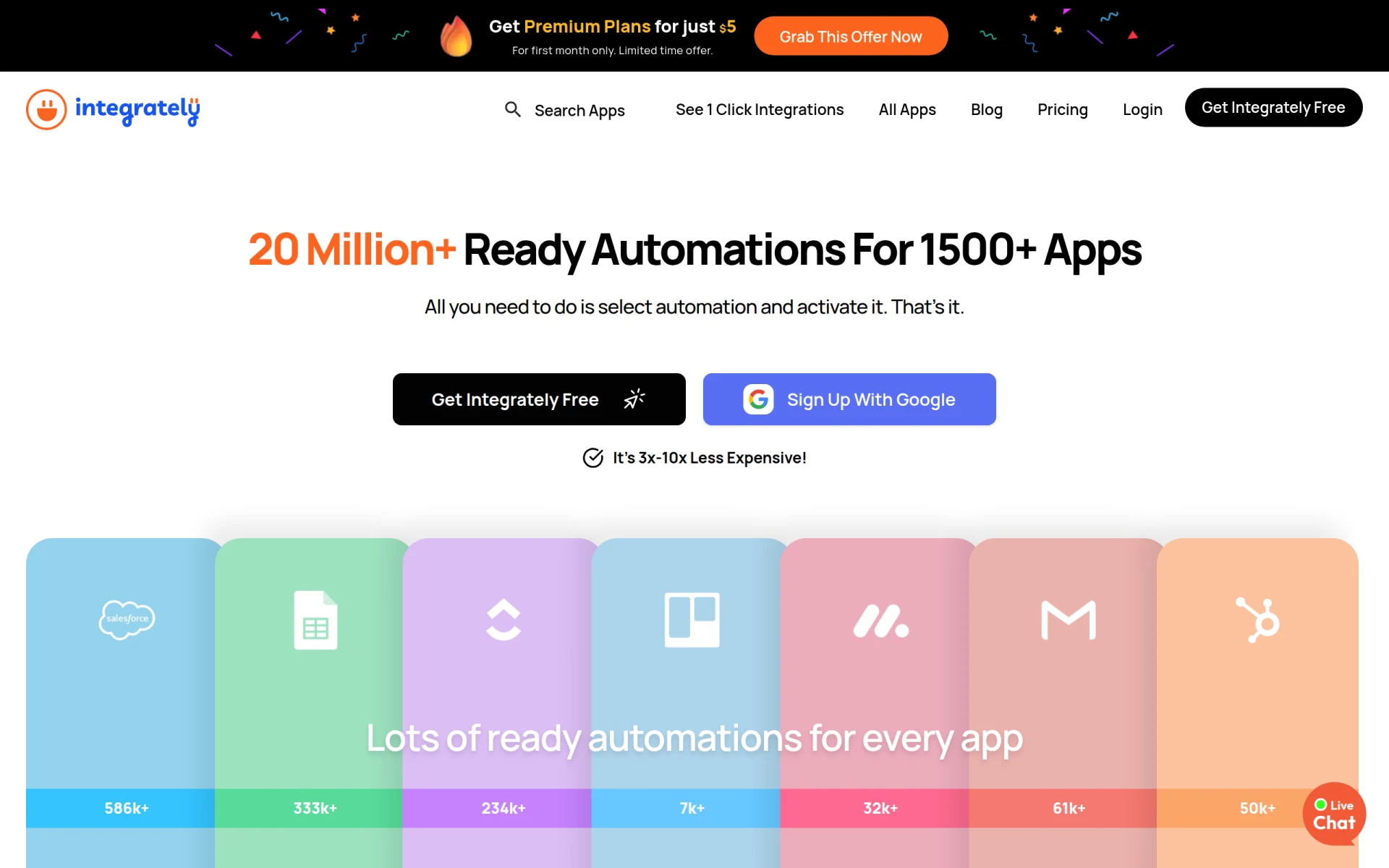 is an automation tool designed to enable users to connect over 1500 apps with ready-to-use automations, requiring no technical skills. This focus on simplicity and ease-of-use distinguishes it from Lutra AI, which may require more setup and configuration for effective use. Integrately offers a straightforward onboarding experience that allows users to create automations quickly, making it ideal for small businesses and individuals who need to streamline their workflows without a steep learning curve.
With a plethora of pre-built automation templates, Integrately allows users to get started immediately, reducing the time it takes to implement solutions. This feature is particularly beneficial for those who may feel overwhelmed by the complexity of other automation tools. Integrately's pricing is also very attractive, starting at just $5 for the first month, making it a cost-effective alternative for budget-conscious users.
- Key Strength: Extensive library of ready-to-use automation templates for quick deployment.
- Key Strength: Extremely user-friendly interface that requires no technical skills.
- Key Strength: Very affordable pricing structure, especially for new users.
- Limitation: May lack advanced features for users needing more complex automations.
Pricing: Free plan available, premium plans starting at $5 for the first month. Best for: Users seeking simple and cost-effective automation solutions.
Automata - Best for Streamlined Business Processes
Automata is a workflow automation tool designed specifically to streamline business processes and enhance team productivity. It offers a robust set of features that allow users to automate repetitive tasks efficiently, similar to Lutra AI. However, Automata's interface is designed for ease of use, enabling teams to implement automation strategies quickly without extensive technical knowledge. This makes it an excellent choice for small to medium-sized businesses looking to optimize their operations.
One of the key benefits of Automata is its focus on improving collaboration among team members. The platform encourages team engagement in the automation process, ensuring that workflows align closely with actual business practices. While Automata provides solid automation capabilities, users should note that specific pricing information is not readily available, requiring potential users to reach out directly for quotes, which could complicate the decision-making process.
- Key Strength: User-friendly interface designed for quick implementation of automation strategies.
- Key Strength: Focus on enhancing collaboration and alignment among team members.
- Key Strength: Solid capabilities for automating repetitive tasks.
- Limitation: Pricing information is not publicly available, making budgeting challenging.
Pricing: Freemium, users should contact for pricing details. Best for: Small to medium-sized businesses looking to enhance productivity through streamlined processes.
Flokzu - Best for Process Management
Flokzu is a workflow automation tool that focuses on process management, helping organizations streamline and improve their business processes. Unlike Lutra AI, which primarily emphasizes app connectivity, Flokzu offers a comprehensive approach to designing, executing, and monitoring workflows. This process-centric view makes it particularly valuable for organizations that need to manage complex workflows with multiple steps and approvals, providing greater visibility and control over operations.
The platform allows users to customize workflows easily, ensuring they can adapt to specific business needs. Flokzu’s robust reporting and analytics capabilities enable organizations to track performance metrics and identify bottlenecks in real-time, fostering continuous improvement. However, potential users should be aware that pricing information is not publicly available and inquiries are necessary to obtain quotes, which may be a barrier for some businesses.
- Key Strength: Focus on process management, providing greater control and visibility over workflows.
- Key Strength: Customizable workflows that adapt to specific business needs.
- Key Strength: Robust reporting and analytics for continuous improvement.
- Limitation: Pricing information is not publicly available, requiring inquiries for quotes.
Pricing: Freemium, users should contact for pricing details. Best for: Organizations needing a strong focus on process management and workflow visibility.
Celigo - Best for Integration-Heavy Workflows
Celigo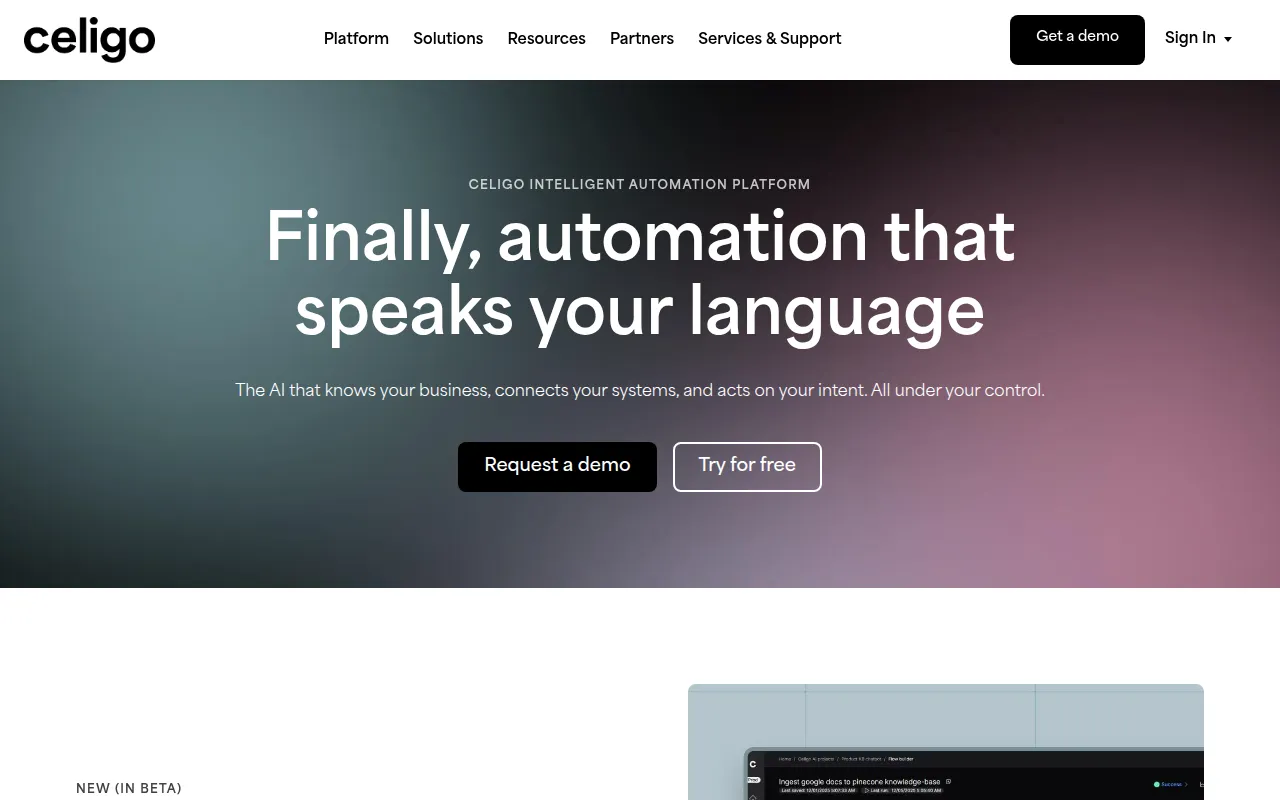 is an intelligent automation platform that focuses on integrating data, applications, and workflows to enhance business operations. Unlike Lutra AI, which primarily connects various applications, Celigo's strength lies in its ability to facilitate complex integrations across a wide range of tools and systems. This makes it particularly well-suited for organizations that rely heavily on multiple software solutions and require seamless data flow between them.
Celigo's platform offers a user-friendly interface and pre-built integration templates, allowing businesses to implement solutions quickly and efficiently. Its extensive library of connectors covers numerous applications, making it easy for users to automate workflows that span multiple tools. However, potential users should note that Celigo operates on a flat-rate pricing model based on the number of endpoints and flows, which may not be as flexible as other pricing structures.
- Key Strength: Strong focus on complex integrations for data and workflow automation.
- Key Strength: User-friendly interface with pre-built integration templates for quick deployment.
- Key Strength: Extensive library of connectors covering various applications.
- Limitation: Pricing model may not be as flexible as competitors, potentially leading to higher costs for some users.
Pricing: Freemium, flat-rate pricing based on endpoints and flows. Best for: Organizations needing complex integrations across multiple applications.
Feature Comparison Table
| Tool | Best For | Starting Price | Free Plan | Standout Feature |
|---|
| Lutra AI | Workflow automation | Freemium | Yes | App connectivity |
| IBM BPM | Large Enterprises | Freemium | No | Advanced analytics |
| Octoparse AI | Non-Coders | $29/mo | Yes | Data extraction |
| Autopilot | Visual Mapping | Freemium | No | Visual workflow design |
| Activepieces | AI-Driven Automation | $16/mo | Yes | AI integration |
| Microsoft Power Automate | Microsoft Ecosystem Users | Freemium | No | Integration with Microsoft apps |
| Creatio | No-Code Development | Freemium | No | No-code application creation |
| Make | Versatile Automation Needs | Freemium | No | Flexible workflow design |
| Integrately | Simple Automation | $5/mo | Yes | Pre-built templates |
| Automata | Streamlined Processes | Freemium | No | Ease of use |
| Flokzu | Process Management | Freemium | No | Workflow visibility |
| Celigo | Integration-Heavy Workflows | Freemium | No | Complex integrations |
How to Choose the Right Alternative to Lutra AI
When selecting the right alternative to Lutra AI, it is crucial to consider your specific needs and use cases. For organizations heavily reliant on Microsoft products, Microsoft Power Automate may be the best choice due to its seamless integration capabilities. If your team lacks technical expertise and requires an intuitive interface, tools like Octoparse AI or Integrately could help you quickly implement automation without a steep learning curve. On the other hand, if your focus is on complex integrations, Celigo or IBM BPM might be more appropriate due to their advanced capabilities.
For businesses aiming to leverage AI for smarter workflows, Activepieces stands out as a strong contender. Its AI-driven automation combined with an affordable pricing structure makes it an attractive option for startups and small businesses. If your organization values visual mapping and easy collaboration, Autopilot offers a user-friendly approach to workflow design. Overall, the right choice depends on the balance between your budget, the complexity of your workflows, and your team's technical proficiency.
Final Verdict
In 2026, there are numerous alternatives to Lutra AI catering to various user needs. For large enterprises, IBM BPM provides powerful automation and analytics, while non-coders can benefit from the simplicity of Octoparse AI. For those seeking no-code development, Creatio offers robust features, and teams looking for customer journey mapping will find Autopilot to be the best fit. Ultimately, consider your specific requirements to choose the alternative that best aligns with your automation goals.