Why Look for Alternatives to Make?
While Make is a versatile workflow automation tool that connects various applications and services to enhance productivity, it does have certain limitations that may drive users to seek alternatives. One of the primary concerns is its pricing model, which, although freemium, lacks transparency regarding the costs associated with premium features. Users often find themselves confused about the specific functionalities available at different pricing tiers, leading to unexpected costs. Additionally, for teams looking to scale their operations, Make may not offer the advanced features or integrations required to support complex workflows effectively.
Furthermore, some users have reported challenges with the usability of Make's interface, particularly when it comes to setting up intricate automations. This can be a deterrent for teams without technical expertise, as they may struggle to fully leverage the tool's capabilities. The absence of certain integrations with industry-specific applications can also limit its appeal, especially for businesses that rely on niche software solutions. As users navigate these pain points, exploring alternatives to Make becomes a viable option for enhancing their workflow automation strategy.
Best Alternatives to Make in 2026
Automata - Best for Streamlined Business Processes
Automata is a robust workflow automation tool designed to simplify and streamline business processes. It provides a user-friendly interface that allows teams to automate repetitive tasks easily. Compared to Make, Automata focuses heavily on enhancing team collaboration and productivity, making it an ideal choice for businesses that prioritize teamwork in their operations. With Automata, users can create workflows that integrate seamlessly with various applications, ensuring that tasks are completed efficiently and without unnecessary delays.
What sets Automata apart from Make is its emphasis on process optimization. The tool provides a comprehensive set of features, including detailed analytics and reporting capabilities that help teams identify bottlenecks and improve workflow efficiency. This makes Automata particularly appealing for organizations looking to enhance their operational performance. While Automata may not have as extensive a library of app integrations as Make, its focus on user experience and collaboration tools can lead to better productivity outcomes for teams.
- Key Strength: User-friendly interface that simplifies workflow creation.
- Key Strength: Enhanced team collaboration features that improve productivity.
- Key Strength: Comprehensive analytics for process optimization.
- Limitation: Limited integrations compared to Make's extensive library.
Pricing: Freemium - Pricing information is not readily available. Best for: Teams seeking to optimize collaboration and streamline processes.
Microsoft Power Automate - Best for Microsoft Ecosystem Integration
Microsoft Power Automate is a leading cloud-based automation tool that allows users to create automated workflows across various applications and services. Its strong integration with the Microsoft ecosystem, including Office 365, SharePoint, and Dynamics 365, makes it an excellent choice for organizations already invested in Microsoft products. Compared to Make, Power Automate offers a more structured approach to workflow automation, with pre-built templates that can save users significant time and effort in setting up workflows.
One of the standout features of Power Automate is its ability to handle complex workflows involving multiple applications. This is particularly beneficial for business processes that require integration across different systems. Furthermore, the tool's AI capabilities, such as predictive analytics and automated decision-making, enhance its functionality beyond basic automation. While Make offers flexibility, Power Automate's strength lies in its seamless integration and sophisticated features, making it ideal for larger organizations with complex automation needs.
- Key Strength: Deep integration with Microsoft applications.
- Key Strength: Pre-built templates that expedite workflow setup.
- Key Strength: Advanced AI capabilities for complex workflows.
- Limitation: May be overwhelming for users unfamiliar with Microsoft products.
Pricing: Freemium - Pricing details are not explicitly provided. Best for: Organizations heavily using Microsoft products.
Autopilot - Best for Visual Workflow Mapping
Autopilot is a unique workflow automation tool that simplifies business processes through visual mapping and automation. It stands out by providing a highly visual interface that allows users to design workflows intuitively. This feature makes Autopilot particularly appealing for teams that may struggle with traditional automation tools that rely heavily on coding or complex configurations. Compared to Make, Autopilot's focus on visual workflow design can significantly reduce the learning curve for new users.
In addition to its user-friendly design, Autopilot offers powerful automation features that enable businesses to streamline their operations effectively. Users can create multi-step workflows that connect various applications, automating tasks with minimal manual intervention. This can lead to time savings and increased efficiency. While Autopilot may not match Make's extensive integration options, its visual approach and ease of use make it a compelling alternative for teams looking to enhance their workflow without the need for technical expertise.
- Key Strength: Intuitive visual workflow mapping interface.
- Key Strength: Streamlined automation of multi-step workflows.
- Key Strength: Low barrier to entry for non-technical users.
- Limitation: Fewer integrations compared to Make's capabilities.
Pricing: Freemium - Pricing information is currently unavailable. Best for: Teams that prefer a visual approach to workflow design.
Integrately - Best for Quick and Simple Automations
Integrately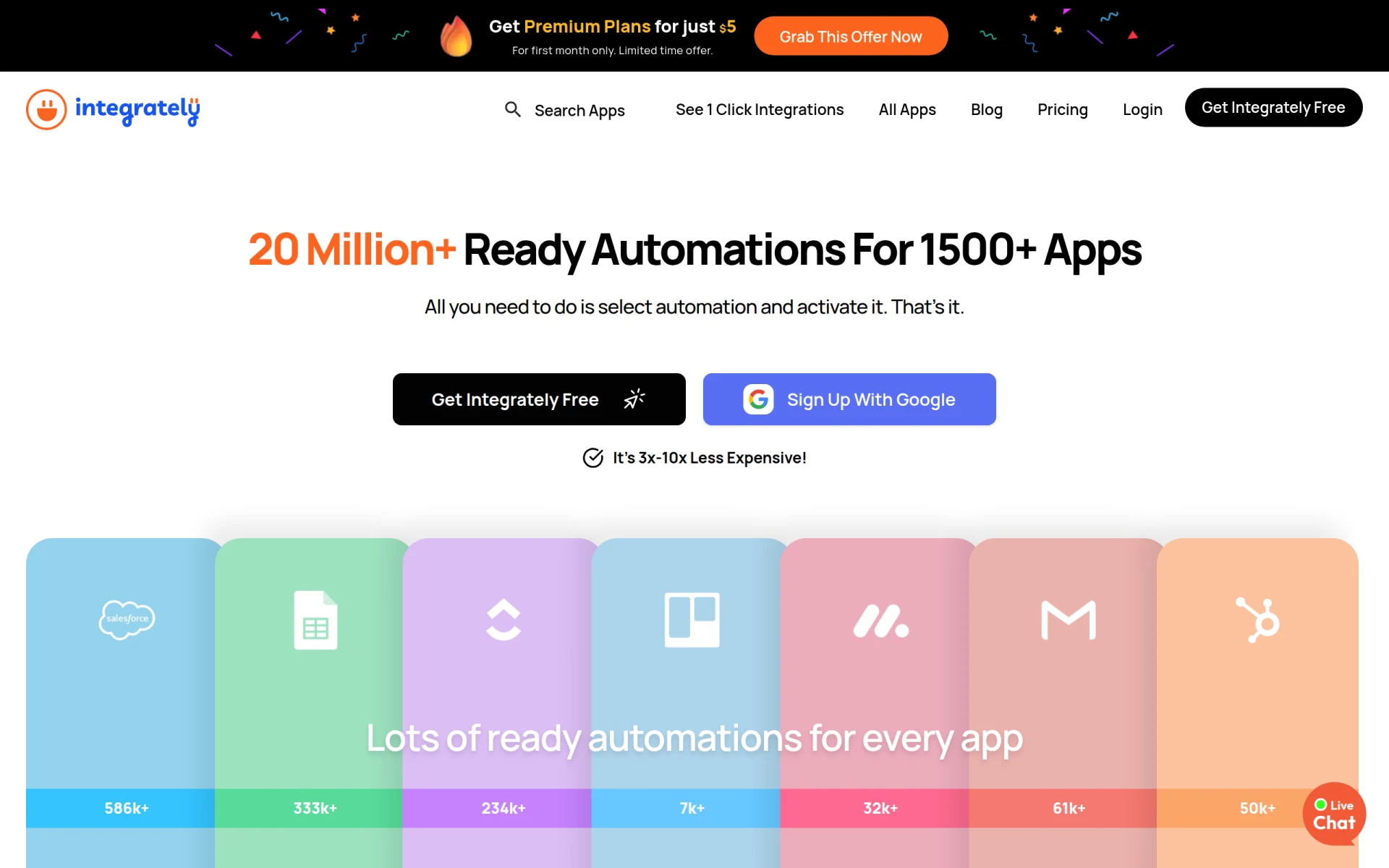 is an automation tool that allows users to connect over 1500 applications with ready-to-use automations. Designed for individuals and small teams, Integrately simplifies the automation process by providing a user-friendly interface and pre-built workflows. Compared to Make, Integrately focuses on ease of use and quick setup, making it ideal for users who want to implement automation without extensive technical knowledge. Users can easily create and customize automations with just a few clicks.
One of Integrately's key strengths is its extensive library of pre-built integrations, which allows users to find automation solutions for common use cases rapidly. This can be particularly beneficial for small businesses or startups looking to optimize their operations without investing significant time in setup. While Make offers more advanced customization options, Integrately's simplicity and extensive app connections make it a strong contender for users seeking straightforward automation solutions.
- Key Strength: Extensive library of pre-built automations for quick setup.
- Key Strength: User-friendly interface that requires no technical skills.
- Key Strength: Supports integration with over 1500 applications.
- Limitation: May lack advanced features for complex automation needs.
Pricing: Freemium - Free plan available, premium plans starting at $5 for the first month. Best for: Small teams or individuals looking for quick and easy automation solutions.
Activepieces - Best for AI-Driven Automation
Activepieces is an AI-first workflow automation tool designed to help teams automate tasks across various applications with minimal coding knowledge. This makes it an attractive option for users who want to leverage artificial intelligence to enhance their workflows. Compared to Make, Activepieces emphasizes AI capabilities, enabling users to automate not only repetitive tasks but also complex decision-making processes. This can significantly boost productivity for teams that require intelligent automation solutions.
Another key advantage of Activepieces is its flexibility. The tool allows users to build custom automations tailored to their specific needs, making it suitable for a wide range of industries. The intuitive interface ensures that even users with little technical expertise can create effective workflows. While Make offers a variety of integrations and automation options, Activepieces' focus on AI-driven solutions and customizable workflows positions it as a strong alternative for teams looking to innovate their automation strategies.
- Key Strength: AI-driven automation capabilities for enhanced decision-making.
- Key Strength: Flexibility in creating custom workflows.
- Key Strength: User-friendly interface suitable for non-technical users.
- Limitation: May require more setup time for advanced customizations.
Pricing: Freemium - Free forever plan available, paid tier starting at $16 per month. Best for: Teams looking to leverage AI in their automation processes.
Lutra AI - Best for Efficient Data Processing
Lutra AI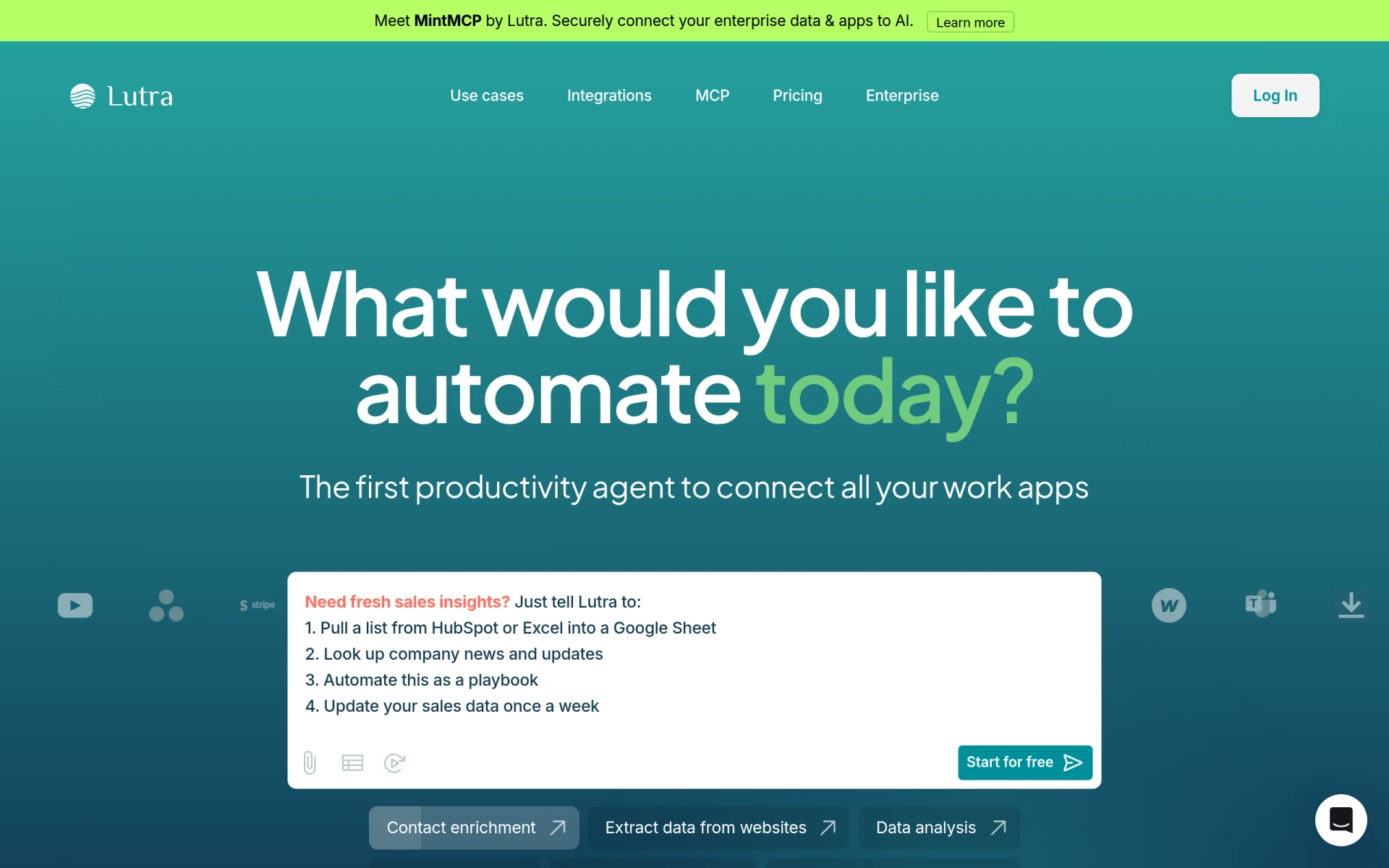 is a cutting-edge automation tool that focuses on connecting various applications and processing data efficiently. It aims to automate workflows by streamlining data handling and integration. Compared to Make, Lutra AI places a strong emphasis on data-centric processes, making it an excellent choice for businesses that rely heavily on data management and analysis. Users can automate data flows between applications, ensuring that information is processed accurately and efficiently.
Additionally, Lutra AI provides a transparent pricing model based on subscriptions and usage credits, allowing businesses to scale their automation efforts without unexpected costs. The tool's focus on data efficiency is complemented by its ability to integrate with multiple applications seamlessly. While Make offers broader integration options, Lutra AI's specialized approach to data processing makes it a valuable alternative for organizations that prioritize data-centric workflows.
- Key Strength: Strong focus on data processing and integration.
- Key Strength: Transparent pricing model based on usage.
- Key Strength: Efficient automation of data-centric workflows.
- Limitation: May not offer as wide a range of integrations as Make.
Pricing: Freemium - Simple and transparent pricing based on subscriptions and usage credits. Best for: Businesses that prioritize data management and processing in their automation efforts.
AutoLaunched - Best for Seamless Automation
AutoLaunched offers seamless workflow automation designed for businesses looking to optimize their processes effortlessly. The tool focuses on providing a straightforward user experience, enabling users to create automations without the need for extensive technical skills. Compared to Make, AutoLaunched prioritizes simplicity and efficiency, making it a suitable choice for small to medium-sized enterprises that require effective automation solutions without overwhelming complexity.
Furthermore, AutoLaunched emphasizes quick setup and ease of use, allowing teams to implement automation rapidly. While Make provides a comprehensive range of features, AutoLaunched's streamlined approach can lead to faster results for businesses that need to automate their workflows quickly. However, potential users should note that detailed pricing information is currently unavailable, which may present challenges in evaluating its cost-effectiveness.
- Key Strength: User-friendly interface that facilitates easy automation.
- Key Strength: Emphasizes quick setup for immediate results.
- Key Strength: Focus on seamless integration of workflows.
- Limitation: Lack of detailed pricing information may hinder decision-making.
Pricing: Freemium - Pricing information is currently unavailable. Best for: Businesses seeking straightforward and efficient automation solutions.
Flokzu - Best for Business Process Management
Flokzu is a workflow automation tool specifically designed to streamline business processes and improve efficiency. It provides users with the ability to model, automate, and monitor their workflows effectively. In comparison to Make, Flokzu places a strong emphasis on business process management, offering features that allow organizations to define their processes clearly and automate them accordingly. This makes it an appealing choice for companies that need to ensure compliance and maintain control over their workflows.
Flokzu’s robust reporting and monitoring capabilities enable teams to track their workflows' performance in real-time, providing insights that can lead to further optimization. This process-oriented approach distinguishes Flokzu from Make, which may cater more to general automation needs. However, users should be aware that Flokzu's pricing information is not publicly available, which could complicate budget planning for interested organizations.
- Key Strength: Strong focus on business process management and compliance.
- Key Strength: Real-time reporting and monitoring capabilities.
- Key Strength: Ability to model complex workflows accurately.
- Limitation: Pricing information not publicly available for potential users.
Pricing: Freemium - Pricing information requires direct inquiry for a quote. Best for: Organizations emphasizing compliance and business process management.
Creatio - Best for No-Code Application Development
Creatio is an AI-powered no-code platform designed to automate workflows and create applications efficiently. It offers a unique combination of workflow automation and application development capabilities, making it an excellent choice for organizations looking to innovate their processes. Compared to Make, Creatio provides extensive no-code features that empower users to build custom applications tailored to their specific needs without requiring technical expertise. This flexibility can be particularly beneficial for businesses that need to adapt their workflows quickly.
Moreover, Creatio's AI capabilities enhance its automation features, allowing users to optimize their workflows intelligently. The platform's focus on no-code development sets it apart, enabling users to create complex applications and automations without relying on IT resources. While Make excels in general automation tasks, Creatio's emphasis on application development makes it a compelling alternative for teams seeking a more customized and innovative approach to automation.
- Key Strength: No-code platform for custom application development.
- Key Strength: AI-driven features for intelligent workflow optimization.
- Key Strength: Flexibility to adapt workflows quickly.
- Limitation: Pricing information not publicly available; requires inquiry for details.
Pricing: Freemium - Pricing information requires direct inquiry for a quote. Best for: Organizations looking for no-code solutions and custom application development.
Pabbly Connect - Best for Budget-Conscious Users
Pabbly Connect is an automation tool designed to enable users to integrate applications and automate repetitive tasks without coding. It stands out for its affordability, making it an excellent option for budget-conscious users. Compared to Make, Pabbly Connect offers more competitive pricing structures, allowing users to access automation features without breaking the bank. This can be particularly appealing for small businesses or startups looking to optimize their operations on a tight budget.
In addition to its cost-effectiveness, Pabbly Connect provides a user-friendly interface that simplifies the automation process. Users can create workflows quickly and efficiently, with a focus on integrating popular applications. While Make may offer more advanced features and integrations, Pabbly Connect’s affordability and straightforward design make it a strong contender for users who prioritize budget and ease of use in their automation efforts.
- Key Strength: Competitive pricing suitable for budget-conscious users.
- Key Strength: User-friendly interface for quick workflow creation.
- Key Strength: Focus on integrating popular applications efficiently.
- Limitation: Fewer advanced features compared to Make's offerings.
Pricing: Freemium - $79/month or $249 for a lifetime access plan. Best for: Small businesses or startups with budget constraints.
Pipefy - Best for No-Code Workflow Management
Pipefy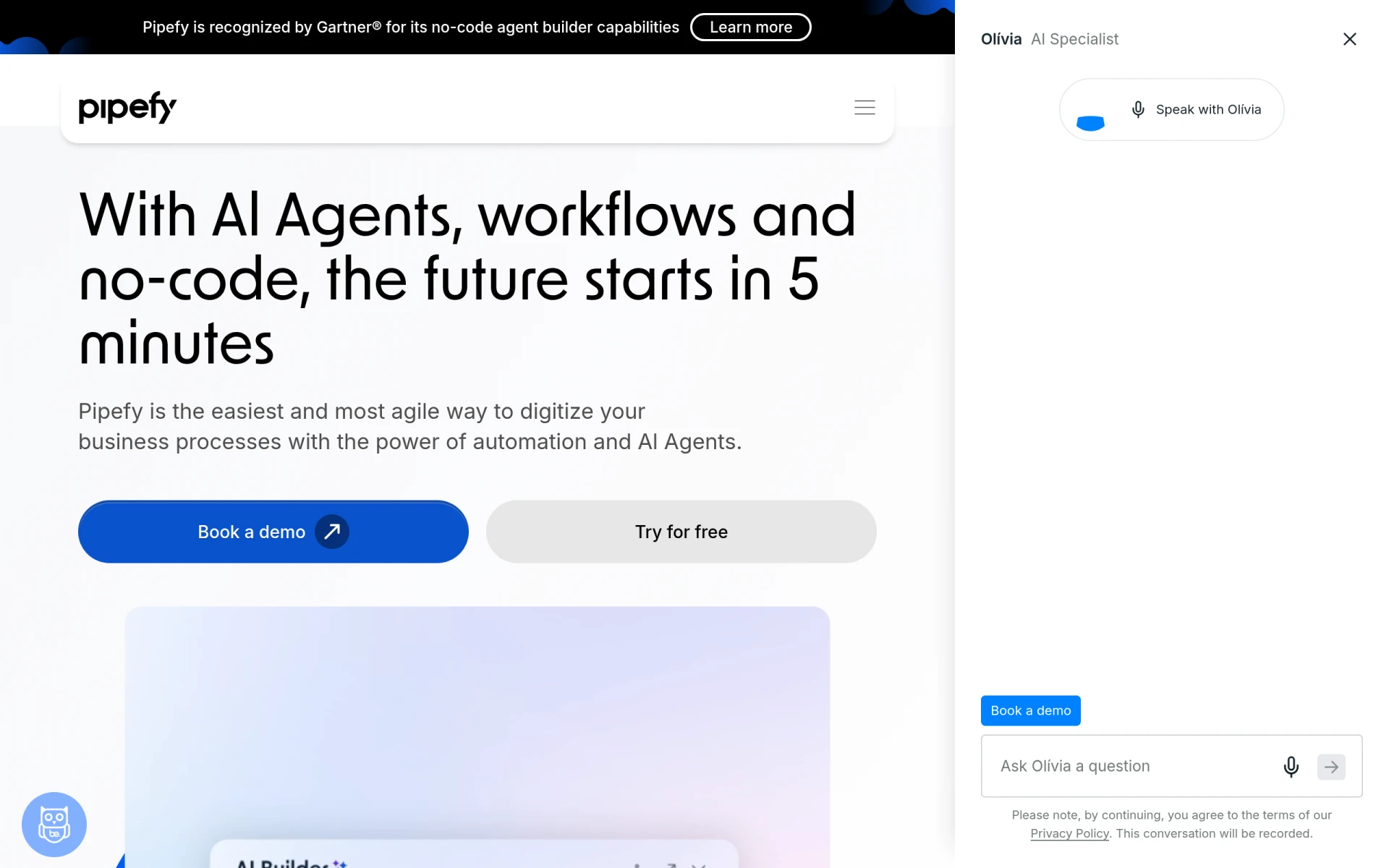 is a no-code workflow automation platform that enables teams to streamline processes using AI Agents. It focuses on providing an intuitive interface for users to create and manage workflows without requiring extensive technical knowledge. Compared to Make, Pipefy's no-code capabilities make it particularly appealing for organizations looking to implement automation solutions quickly and effectively. Users can design workflows that adapt to their specific needs, ensuring flexibility in process management.
Moreover, Pipefy offers AI-driven features that enhance workflow efficiency by automating repetitive tasks and providing intelligent insights. This can significantly improve productivity for teams by allowing them to focus on higher-value activities. Although Make offers a wider range of integrations, Pipefy’s emphasis on no-code development and AI capabilities positions it as a strong alternative for users seeking to optimize their workflows without the need for coding skills.
- Key Strength: No-code platform for easy workflow management.
- Key Strength: AI-driven features for intelligent process automation.
- Key Strength: Flexibility to adapt workflows to specific organizational needs.
- Limitation: May not offer as extensive an integration library as Make.
Pricing: Freemium - Free plan available; additional pricing options available through direct inquiries. Best for: Teams seeking no-code solutions for workflow management.
Celigo - Best for Intelligent Automation
Celigo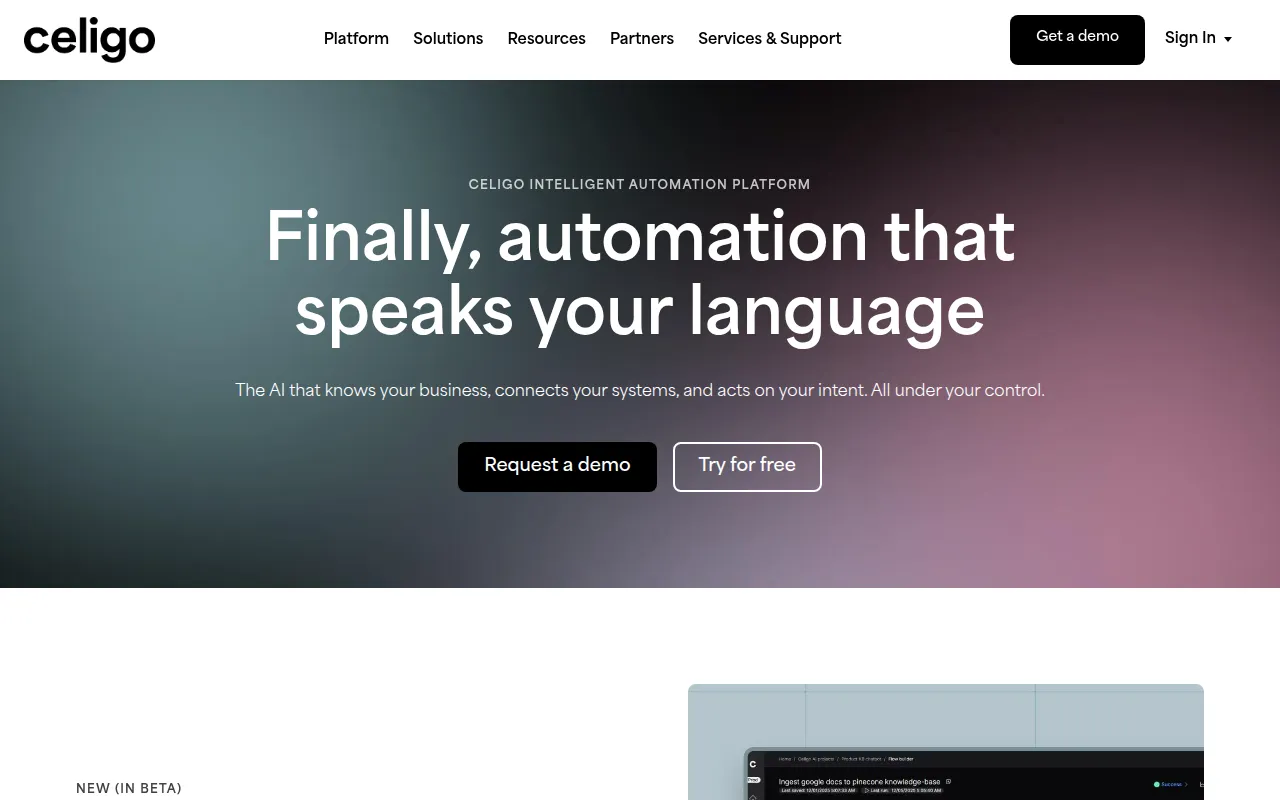 is an intelligent automation platform that connects data, applications, and workflows to enhance business operations. It provides users with the tools needed to automate complex processes effectively, making it an excellent choice for organizations looking to streamline their operations. Compared to Make, Celigo offers a more sophisticated approach to automation, with features designed for integrating data and applications seamlessly. This can be particularly beneficial for businesses with complex operational needs that require a high level of customization.
One of the standout features of Celigo is its flat-rate pricing model, which can offer transparency and predictability in budgeting for automation solutions. The platform's intelligent automation capabilities allow users to create workflows that not only automate tasks but also enhance data accuracy and efficiency. While Make offers flexibility, Celigo's focus on intelligent automation and data integration can provide a more robust solution for organizations looking to enhance their operational efficiency.
- Key Strength: Intelligent automation features for complex processes.
- Key Strength: Flat-rate pricing model for budgeting predictability.
- Key Strength: Strong focus on data integration and accuracy.
- Limitation: May be more complex to set up compared to Make.
Pricing: Freemium - Operates on a flat-rate pricing model. Best for: Organizations with complex automation needs and a focus on data integration.
Feature Comparison Table
| Tool | Best For | Starting Price | Free Plan | Standout Feature |
|---|
| Make | General workflow automation | Free | Yes | Extensive app integrations |
| Automata | Streamlined business processes | Freemium | Yes | User-friendly interface |
| Microsoft Power Automate | Microsoft ecosystem integration | Freemium | Yes | Pre-built workflow templates |
| Autopilot | Visual workflow mapping | Freemium | No | Intuitive visual design |
| Integrately | Quick and simple automations | Freemium | Yes | Extensive pre-built automations |
| Activepieces | AI-driven automation | Freemium | Yes | AI-first capabilities |
| Lutra AI | Efficient data processing | Freemium | Yes | Data-centric automation |
| AutoLaunched | Seamless automation | Freemium | No | Quick setup |
| Flokzu | Business process management | Freemium | No | Real-time monitoring |
| Creatio | No-code application development | Freemium | No | No-code platform |
| Pabbly Connect | Budget-conscious users | $79/month | Yes | Affordable pricing |
| Pipefy | No-code workflow management | Freemium | Yes | No-code capabilities |
| Celigo | Intelligent automation | Freemium | No | Flat-rate pricing |
How to Choose the Right Alternative to Make
When selecting the right alternative to Make, it's essential to consider your specific automation needs and the features that matter most to your organization. For example, if you are heavily invested in the Microsoft ecosystem, Microsoft Power Automate may be the best option due to its seamless integration with other Microsoft products. Conversely, if your focus is on visual workflow design, Autopilot or Pipefy may be better suited to your needs, providing a user-friendly interface that enables quick and easy setup.
For teams that prioritize budget considerations, Pabbly Connect offers a competitive pricing structure that can help organizations implement automation without significant financial strain. If your team values AI capabilities, Activepieces and Celigo stand out for their intelligent automation features, allowing you to leverage AI for enhanced decision-making and efficiency. Ultimately, the best choice will depend on your organization's unique requirements, existing technology stack, and the specific outcomes you wish to achieve through automation.
Final Verdict
In conclusion, while Make offers a versatile platform for workflow automation, several strong alternatives cater to different use cases and needs. For teams seeking straightforward, user-friendly solutions, Integrately or Autopilot may be ideal. On the other hand, organizations looking for advanced features and AI-driven capabilities should consider Activepieces or Celigo. The right choice ultimately hinges on your specific requirements, budget, and existing technology infrastructure.