

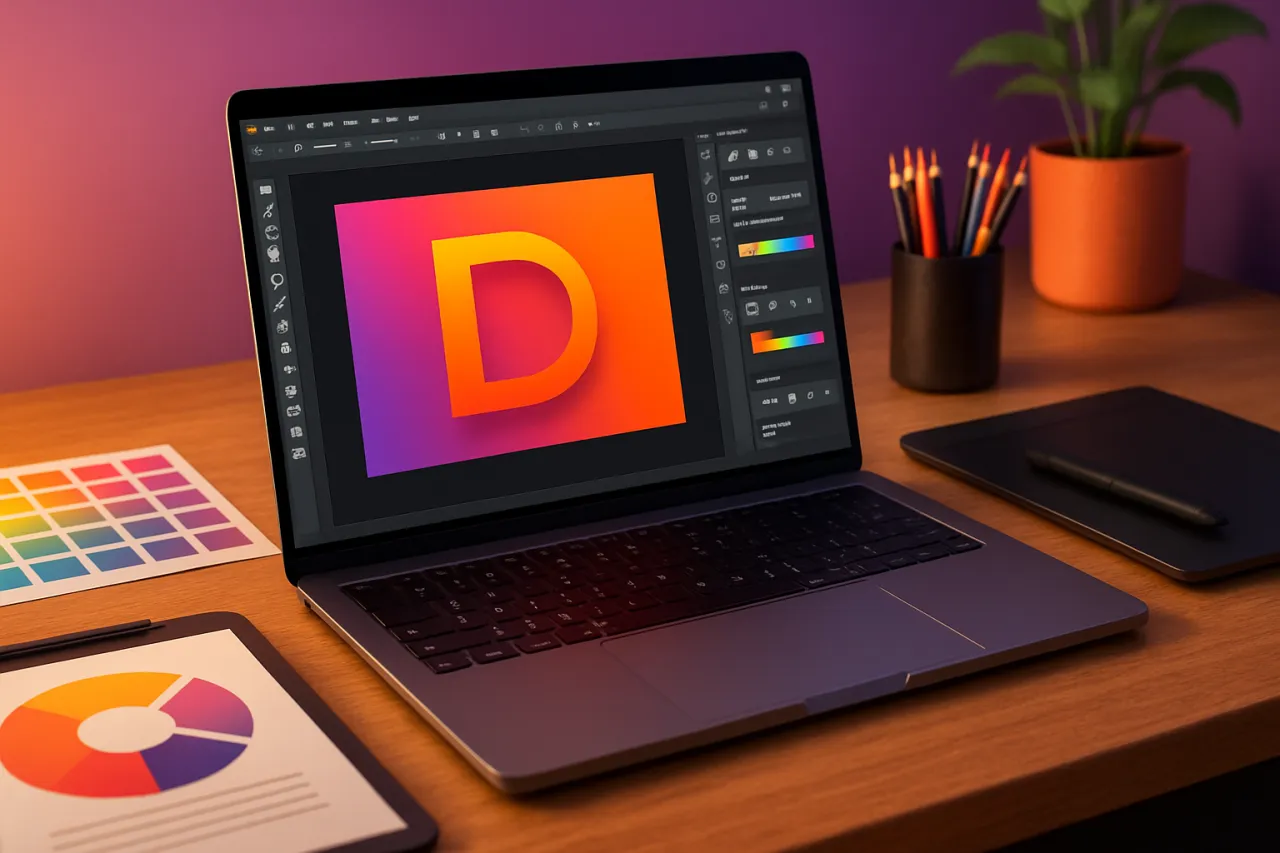
Comparing the Best Graphic Design Tools for Small Businesses
Introduction
In today's visually-driven marketplace, graphic design plays a pivotal role in establishing a brand's identity. For small businesses, the challenge lies not only in creating appealing designs but also in doing so within budget constraints. This article aims to compare the best graphic design tools that cater specifically to the needs of small businesses, helping them make informed decisions about their branding and marketing efforts.
Small businesses often operate with limited resources, making it crucial to select design software that is both affordable and user-friendly. Whether you are creating marketing materials, social media graphics, or a logo, the right tools can significantly impact your brand's perception. In this comparison, we'll outline key features, pricing, and testimonials from small business owners about their experiences with various graphic design tools.
What Are Graphic Design Tools?
Graphic design tools are software applications that enable users to create, edit, and manipulate visual content. These tools range from simple online platforms ideal for beginners to advanced software suited for professional designers. For small businesses, selecting the right graphic design tool is essential, as it can streamline the design process, enhance creativity, and contribute to effective branding.
Why It Matters
Choosing the right graphic design tool can have a lasting impact on a small business's branding strategy. Effective design not only attracts customers but also establishes credibility and professionalism. As the demand for high-quality visuals grows, small businesses need to leverage the right tools to stand out in a competitive landscape. This article will provide a detailed comparison of top graphic design tools, focusing on their strengths, limitations, and suitability for small businesses.
Best Software / Methods / Strategies
Canva
Overview
Canva is a web-based graphic design tool that allows users to create stunning visuals through an intuitive drag-and-drop interface. Its extensive library of templates and design elements makes it accessible for users with no prior design experience.
Strengths
- User-friendly interface
- Extensive template library
- Collaboration features for team projects
- Free tier available
Limitations
- Limited customization compared to advanced tools
- Some features require a paid subscription
Best for
Beginners and small teams looking for an easy-to-use solution for marketing materials.
Pricing overview
Free with limited features; Pro plan starts at $12.99/month.
Adobe Photoshop
Overview
Adobe Photoshop is a powerful graphic design tool renowned for its advanced editing capabilities. While it is more complex than many alternatives, it offers unparalleled flexibility and control over designs.
Strengths
- Comprehensive editing tools
- Extensive plugin support
- Industry-standard software
Limitations
- Steep learning curve for beginners
- Higher cost compared to other tools
Best for
Businesses needing high-end photo editing and design capabilities.
Pricing overview
Starts at $20.99/month for individuals. Learn more about Adobe Photoshop.
Affinity Designer
Overview
Affinity Designer is a vector graphic design tool that combines precision with a user-friendly interface. It is a cost-effective alternative to Adobe Illustrator, catering to designers of all skill levels.
Strengths
- One-time payment model
- Excellent vector editing capabilities
- Fast performance
Limitations
- Fewer resources and tutorials compared to Adobe products
- Limited integration with other software
Best for
Small businesses aiming for quality vector design without a subscription model.
Pricing overview
One-time purchase of $54.99.
Figma
Overview
Figma is a cloud-based design tool ideal for collaborative projects. It allows multiple users to work on designs simultaneously, making it a favorite among design teams.
Strengths
- Real-time collaboration
- Cross-platform compatibility
- Strong prototyping features
Limitations
- Requires internet access for full functionality
- Steeper learning curve for beginners
Best for
Teams requiring collaborative design workflows.
Pricing overview
Free tier available; Professional plan starts at $12/month per editor.
How to Choose the Right Solution
When selecting a graphic design tool, consider the following criteria:
- Ease of Use: Look for tools with intuitive interfaces and learning resources.
- Features: Assess the design capabilities necessary for your branding needs.
- Budget: Determine how much you can invest in design software.
- Support and Resources: Evaluate the availability of tutorials and customer support.
Common Mistakes
- Overlooking User Experience: Choosing complex tools without considering ease of use can hinder productivity.
- Ignoring Budget Constraints: Not balancing features with cost can lead to overspending on unnecessary tools.
- Neglecting Collaboration Needs: Underestimating the importance of collaboration can affect team dynamics in design projects.
Frequently Asked Questions
1. What is the best graphic design tool for beginners?
Canva is often recommended for its user-friendly interface and vast template options.
2. Are there free graphic design tools available?
Yes, tools like Canva and Figma offer free tiers with essential features.
3. How much should a small business spend on design software?
It varies, but budgeting between $10 to $50 per month is common for small businesses.
4. Can I use graphic design tools for social media marketing?
Absolutely! Most graphic design tools cater specifically to creating engaging social media content.
5. What features should I look for in a graphic design tool?
Look for user-friendliness, collaboration features, and a variety of templates suited for your branding needs.
Conclusion
Choosing the right graphic design tool is crucial for small businesses aiming to enhance their branding and marketing efforts. By evaluating options like Canva, Adobe Photoshop, Affinity Designer, and Figma, businesses can find a solution that fits their budget and design needs. Remember to consider your specific requirements and team dynamics when making a choice to ensure your graphic design efforts are both effective and efficient.
About the Author
Content Strategist
Zainab Raza brings 9 years of industry experience to every review. Specializing in No-Code Tools, She cuts through the marketing noise to deliver honest, practical insights.


