Overview
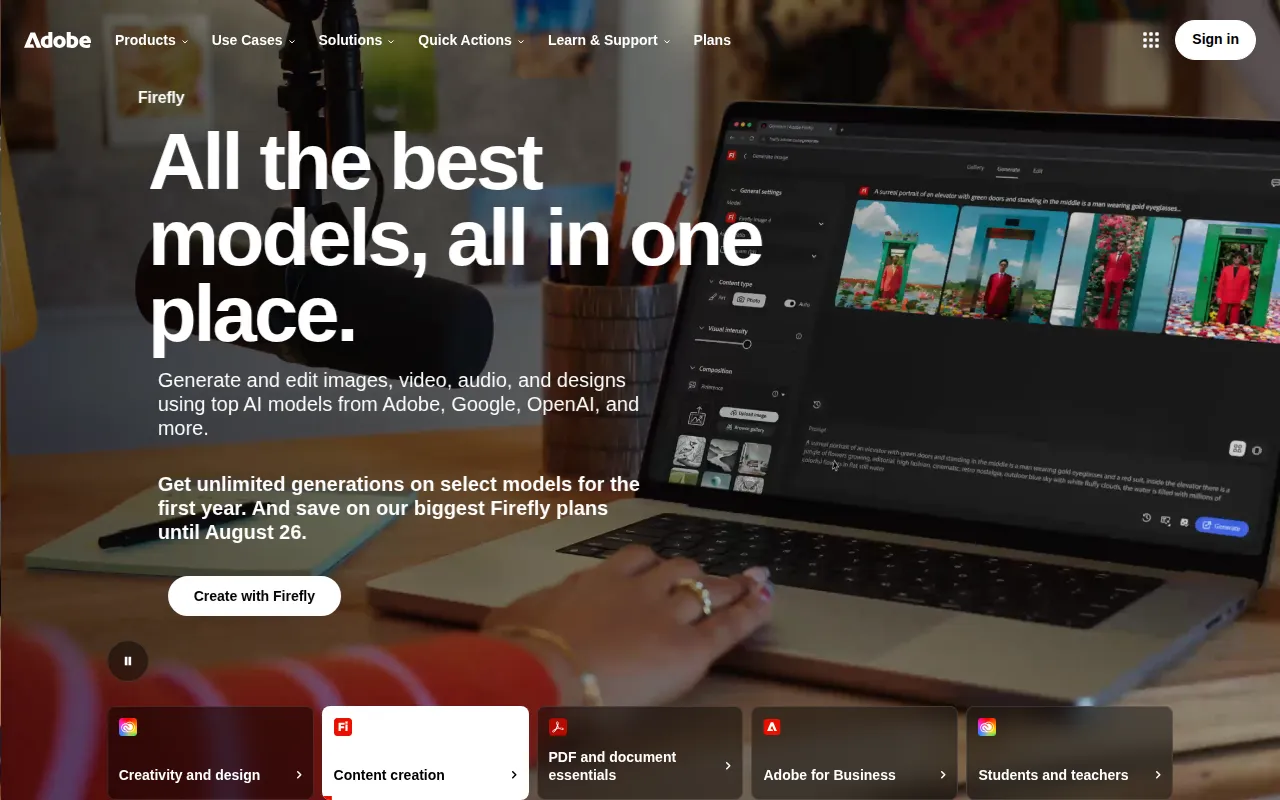
Adobe Photoshop is a powerful graphic design software developed by Adobe Systems. It is primarily used for photo editing and graphic design, offering a comprehensive set of tools for creating, manipulating, and enhancing images. Photoshop is widely recognized in various industries, including marketing, photography, and web design. The software addresses common challenges such as image quality, design consistency, and creative limitations by providing users with advanced features and flexibility in their design processes.
Key Features
- Image Editing: High-quality editing tools for adjusting color, contrast, and exposure.
- Layer Management: Organize images in layers for non-destructive editing.
- Graphic Design: Create graphics and layouts for web and print media.
- Photo Retouching: Advanced tools for removing imperfections and enhancing portraits.
- Vector Graphics: Support for creating and editing vector shapes and paths.
- Text Tools: Customizable text options for adding typography to designs.
- Filters and Effects: A variety of built-in filters for stylizing images.
- 3D Design: Tools for creating and editing 3D objects and text.
- Integration: Seamless integration with other Adobe products and third-party applications.
- Custom Brushes: Create and use personalized brushes for unique effects.
Benefits
Adobe Photoshop provides significant practical advantages for users. It allows for precise image manipulation, which is crucial for professionals in photography and design. The software's extensive toolset enables creative expression and enhances productivity through features like layer management and customizable brushes. Users benefit from a supportive community and a wealth of tutorials, making it easier to learn and master the software. Furthermore, its integration with other Adobe tools enhances workflow efficiency, particularly for teams collaborating on projects.
Common Use Cases
Adobe Photoshop is commonly used in a variety of scenarios, including:
- A photographer enhancing the quality of portraits by adjusting lighting and colors.
- A graphic designer creating marketing materials like posters and social media graphics.
- A web designer optimizing images for website use to improve loading times.
- An artist producing digital illustrations or concept art with advanced drawing tools.
- A marketing team developing visual content for campaigns that require high-quality imagery.
Who Should Use It
Adobe Photoshop is ideal for professional photographers, graphic designers, web designers, and digital artists who require advanced image editing capabilities. It is also suitable for marketing teams and content creators who need to produce high-quality visuals. However, casual users or those looking for basic editing tools may find it overly complex and costly compared to simpler alternatives.
Pricing Overview
Adobe Photoshop is available through a subscription model, typically as part of the Adobe Creative Cloud. Pricing varies based on the plan selected, including options for individuals, students, and teams. Specific prices can be found on Adobe's official website.
Conclusion
Adobe Photoshop remains a leading software choice for graphic design and photo editing due to its extensive feature set and flexibility. While it offers powerful tools and capabilities, potential users should consider their specific needs and whether the software aligns with their skill level and budget. For those who require comprehensive image editing solutions, Adobe Photoshop is undoubtedly worth considering.