Best Project Management Software for Startups in 2026
Introduction
In the fast-paced world of startups, effective project management is crucial for success. Startups often operate with limited resources and tight deadlines, making it essential to choose the right tools that fit their unique needs. The right project management software can streamline workflows, enhance collaboration, and provide valuable insights into project progress.
This article explores the best project management software options for startups in 2026. We will discuss key features, strengths, limitations, and user testimonials to help you make informed decisions. By understanding the various options available, you can select the tools that will enable your startup to thrive.
What Is Project Management Software?
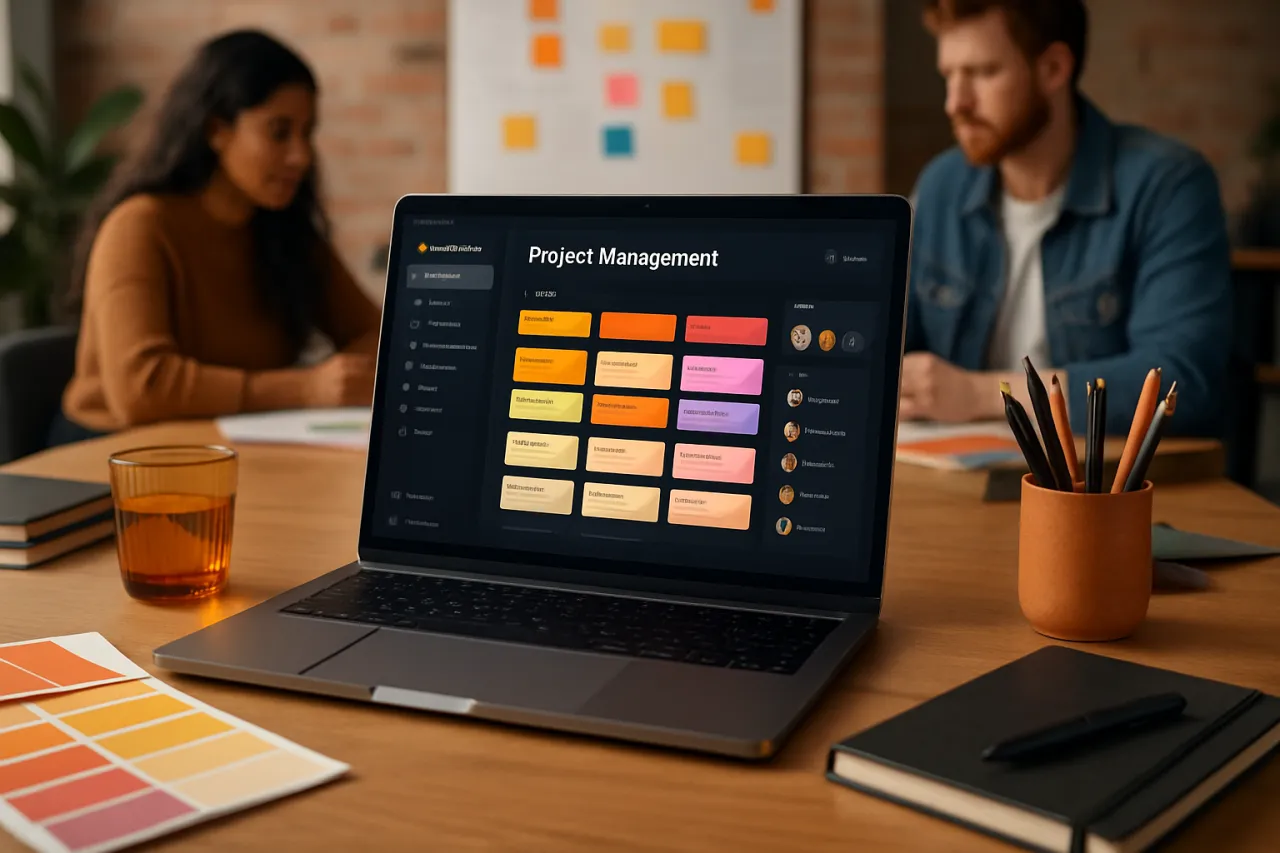
Project management software encompasses a suite of tools designed to assist in planning, executing, and monitoring projects. These platforms facilitate task assignment, resource allocation, time tracking, and communication among team members, ensuring that projects are completed on time and within budget. For startups, which often juggle multiple projects simultaneously, effective project management software can serve as the backbone of their operations.
Why It Matters
Startups operate in a highly competitive environment where every decision can impact their chances of success. Choosing the right project management software not only improves efficiency but also enhances team collaboration and accountability. Moreover, it provides tools for tracking progress and adapting to changes quickly, which is critical for startups that must pivot or scale rapidly.
Best Software / Methods / Strategies
1. Trello
- Overview: Trello uses a visual board approach to project management, allowing users to organize tasks using cards and lists. It is particularly well-suited for teams that prefer a straightforward, visual layout.
- Strengths: User-friendly interface, highly customizable boards, and excellent integration capabilities with other tools.
- Limitations: May lack advanced features such as time tracking and reporting that are available in more robust platforms.
- Best for: Small teams or startups looking for a simple, visual task management tool.
- Pricing overview: Free basic plan available; paid plans start at approximately $10 per user per month.
2. Asana
- Overview: Asana is a comprehensive project management tool that allows teams to plan, organize, and track their work. Its features include task assignments, deadlines, and project timelines.
- Strengths: Rich feature set, including timelines, workload management, and reporting capabilities.
- Limitations: Can be overwhelming for new users due to its many features; some users report a steep learning curve.
- Best for: Startups that require a detailed project management solution with advanced features.
- Pricing overview: Free plan available; premium plans start at around $10.99 per user per month.
3. Monday.com
- Overview: Monday.com offers a flexible platform that adapts to various workflows. Users can create custom templates and dashboards to fit their needs.
- Strengths: Highly customizable, visually appealing interface, and strong automation features.
- Limitations: Higher learning curve for customization; pricing can become expensive as team size increases.
- Best for: Startups with diverse project management needs looking for a customizable solution.
- Pricing overview: Plans start at $8 per user per month, with a free trial available.
4. ClickUp
- Overview: ClickUp is an all-in-one project management tool that combines tasks, docs, goals, and chat in one platform. It aims to replace multiple productivity tools.
- Strengths: Tailored solutions for different teams, extensive features including time tracking, and a wide array of integrations.
- Limitations: Some features may be overly complex for smaller teams; the interface can feel cluttered.
- Best for: Startups aiming to consolidate tools into one platform for improved efficiency.
- Pricing overview: Free plan available; premium plans start at $5 per user per month.
5. Basecamp
- Overview: Basecamp is a straightforward project management tool that combines task management with team collaboration features.
- Strengths: Simple to use, unified communication tools, and a flat pricing structure that can be cost-effective for larger teams.
- Limitations: Less customizable and fewer advanced features compared to competitors; may not suit complex project management needs.
- Best for: Startups looking for a no-frills solution to manage projects and team communications.
- Pricing overview: Flat fee of $99 per month for unlimited users.
How to Choose the Right Solution
When selecting project management software for your startup, consider the following criteria:
- Team size and budget: Evaluate how many users will need access and your budget constraints.
- Feature requirements: Identify essential features your team needs, such as task tracking, reporting, or time management.
- User experience: Opt for software with an intuitive interface to minimize the learning curve and improve adoption.
- Integration capabilities: Ensure the software can integrate with other tools your startup uses, such as CRM or communication platforms.
- Scalability: Choose software that can grow with your startup's needs as you expand your team and projects.
Common Mistakes
- Choosing based on price alone: While budget is important, consider features and usability that fit your team’s needs.
- Ignoring team feedback: Involve your team in the decision-making process to ensure the selected software meets their requirements.
- Overloading on features: Avoid complex tools with unnecessary features that can complicate project management instead of simplifying it.
Frequently Asked Questions
-
What is project management software?
Project management software helps teams plan, execute, and monitor projects effectively. It includes tools for task assignments, resource management, and team communication. -
How do I know which project management software is right for my startup?
Assess your team's size, budget, required features, and integration needs to choose the right software. -
Are there free project management tools available?
Yes, many platforms offer free versions or trials, including Trello and ClickUp, which can be suitable for startups. -
What are the key features to look for in project management software?
Important features include task management, time tracking, reporting, collaboration tools, and integration capabilities. -
Can project management software help with remote teams?
Yes, project management software enhances collaboration among remote teams by providing a central platform for communication and task management.
Conclusion
Selecting the right project management software is vital for startups aiming to improve efficiency, collaboration, and project tracking. By understanding the strengths and limitations of various tools, you can make an informed decision that aligns with your startup’s unique needs. Avoid common pitfalls by involving your team in the selection process and focusing on features that will genuinely benefit your workflow. As you navigate these choices, remember that the best tool for your startup is one that not only meets your current needs but can also adapt as you grow.
About the Author
Tech Blogger
Ashley Moore is a tech blogger with 3+ years of experience reviewing and testing Cybersecurity software. She helps businesses find the right digital tools to scale their operations.