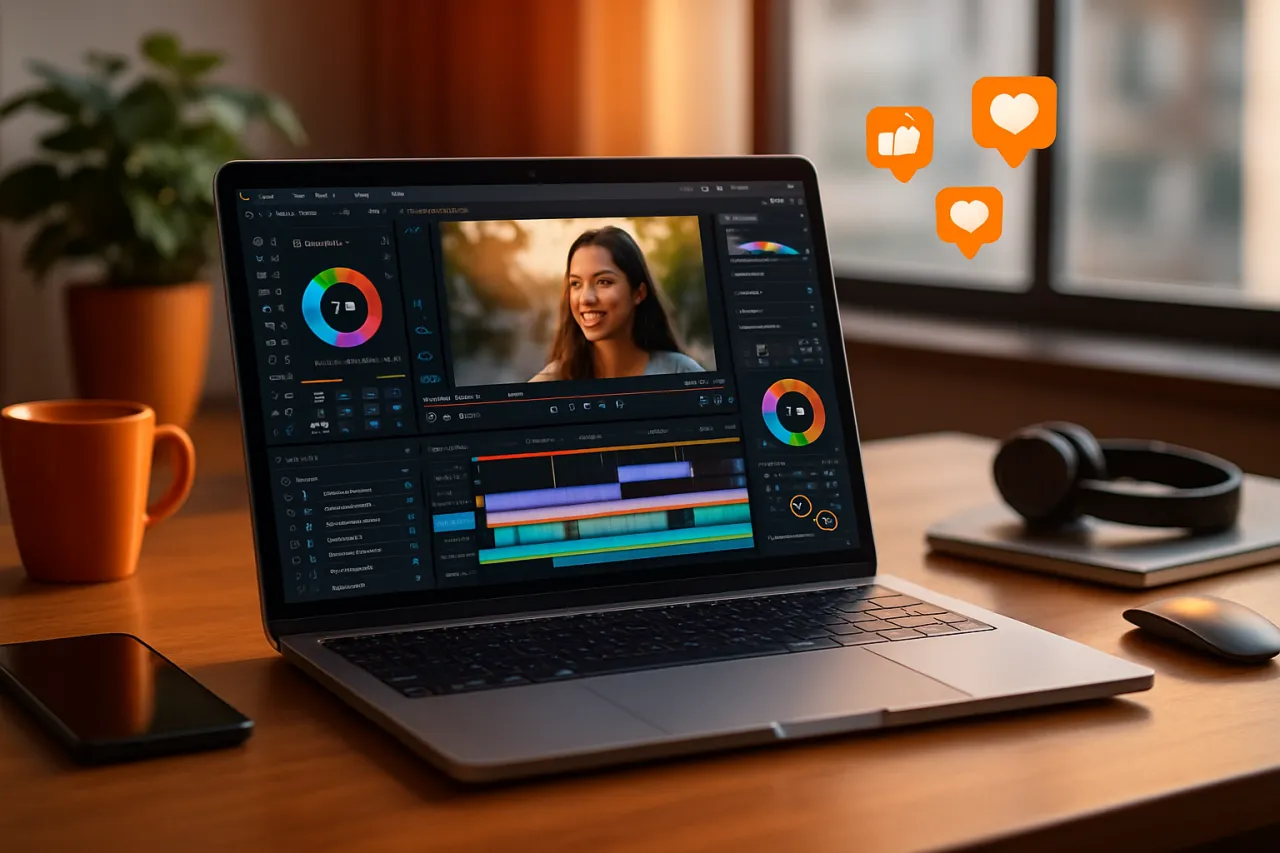
Best Video Editing Tools for Social Media Managers: Enhance Your Content Strategy
Introduction
In today's fast-paced digital landscape, social media managers face the challenge of consistently producing engaging video content. With the rise of platforms like TikTok, Instagram, and YouTube, effective video editing has become a crucial skill. However, time-consuming editing tasks can hinder a manager's ability to execute a comprehensive content strategy. In this article, we will explore the best video editing tools tailored for social media managers, focusing on their user-friendliness, features, and pricing. By the end, you will have a clear understanding of which tools can enhance your content strategy while saving you valuable time.
What Are Video Editing Tools?
Video editing tools are software applications designed to manipulate and enhance video footage. They allow users to cut, trim, and merge clips, add effects, insert text, and modify audio tracks, among other functionalities. These tools cater to various skill levels, from beginners using simple drag-and-drop interfaces to advanced users seeking professional-grade editing capabilities. For social media managers, the ideal video editing tool should not only be intuitive but also equipped with features that facilitate rapid content creation and customization.
Why It Matters
Effective video content can significantly boost engagement rates across social media platforms. According to recent studies, video posts receive 48% more views than static images and are shared 1,200% more than text and images combined. Therefore, having the right video editing tools can enhance both the quality and quantity of your content, helping you to connect with your audience more effectively. Furthermore, streamlined workflows reduce burnout and allow for more creative freedom, making video editing less of a chore and more of an enjoyable process.
Best Software for Social Media Managers
1. Adobe Premiere Rush
Overview
Adobe Premiere Rush is a simplified version of Adobe Premiere Pro, tailored for quick video edits on the go. It offers a mix of powerful features and user-friendly design, making it suitable for social media managers who need to create videos efficiently.
Strengths
- Intuitive interface with easy drag-and-drop functionality.
- Built-in templates and presets specifically for social media platforms.
- Cross-device compatibility, allowing edits on desktop and mobile.
Limitations
- Limited advanced features compared to Adobe Premiere Pro.
- Requires a monthly subscription for full access.
Best for
Users looking for a straightforward editing tool that integrates well within the Adobe ecosystem.
Pricing overview
Starts at $9.99/month.
2. InVideo
Overview
InVideo is an online video editing platform that provides a library of templates and an extensive media library, making it easy to create professional-looking videos without prior editing experience.
Strengths
- Extensive library of customizable templates.
- Collaboration features for team-based projects.
- Quick export options for social media formats.
Limitations
- The free version includes watermarks on videos.
- Some users may find the interface overwhelming initially.
Best for
Teams needing a collaborative platform with rich template options.
Pricing overview
Plans start at $15/month.
3. Canva Video Editor
Overview
Canva is widely known for graphic design, but its video editing capabilities are robust enough for social media managers looking to create eye-catching videos with minimal effort.
Strengths
- User-friendly interface with drag-and-drop functionality.
- A vast library of stock images, videos, and music.
- Ability to create branded content easily.
Limitations
- Limited advanced editing features compared to dedicated video editing software.
- Some features require a Canva Pro subscription.
Best for
Users who prioritize a simple design experience with integrated video editing.
Pricing overview
Free with limited features; Pro plan at $12.99/month.
4. Lumen5
Overview
Lumen5 leverages AI to transform text content into engaging videos, making it an excellent choice for social media managers aiming to repurpose blog posts or articles.
Strengths
- AI-driven content creation for quick video production.
- Strong focus on storytelling through visuals.
- Easy integration with various social media platforms.
Limitations
- Limited customization options for advanced users.
- Free version has watermarks and lower resolution.
Best for
Content creators who want to convert written content into video format quickly.
Pricing overview
Basic plan starts at $19/month.
How to Choose the Right Solution
When selecting a video editing tool, consider the following criteria:
- User Experience: Ensure the interface is intuitive and easy to navigate, especially if you are new to video editing.
- Features: Look for tools that offer templates, effects, and automation features that cater specifically to social media platforms.
- Collaboration: If you work in a team, choose a tool that allows multiple users to collaborate on projects efficiently.
- Pricing: Assess whether the tool fits within your budget, considering the features included at each pricing tier.
Common Mistakes
- Overcomplicating Edits: Avoid adding too many effects or transitions that can distract from the main message of your video.
- Ignoring Platform Specifications: Each social media platform has its own optimal video specifications; ensure your videos are formatted appropriately.
- Neglecting Analytics: Monitor engagement metrics to understand what types of video content resonate with your audience.
Frequently Asked Questions
- What is the best video editing tool for beginners?
- Tools like Canva Video Editor and Adobe Premiere Rush are user-friendly for beginners.
- Are there free video editing tools available?
- Yes, options like Canva and InVideo offer free versions with limited features.
- Can I edit videos on my mobile device?
- Many tools, including Adobe Premiere Rush, support mobile editing.
- How do I choose the right video editing tool for my needs?
- Consider user experience, features, collaboration capabilities, and pricing.
- What types of videos perform best on social media?
- Engaging, short videos that tell a story or provide value tend to perform best.
Conclusion
Choosing the right video editing tool is essential for social media managers looking to enhance their content strategy. By understanding the strengths and limitations of each software, you can select the best fit for your needs, ensuring a smoother workflow and more engaging videos. Whether you need a simple interface or advanced features, the tools discussed here offer a variety of options to help you succeed in your social media efforts. Take the time to evaluate your specific requirements, and don't hesitate to explore multiple tools before making your final choice.
About the Author
SaaS Analyst
A seasoned saas analyst, Danielle Sanchez focuses on making tech accessible to everyday users. She covers Cloud Computing tools, comparisons, and buying guides on Softedin.