How to Choose the Right CRM for Small Businesses: A Comprehensive Buying Guide
Introduction
Choosing a Customer Relationship Management (CRM) system is a critical decision for small businesses. With many options available, it can be overwhelming to select the best one that aligns with your unique needs. A well-chosen CRM can enhance customer interactions, streamline processes, and ultimately drive growth. In this buying guide, we aim to help small business owners navigate the diverse CRM landscape by outlining key considerations, essential features, and practical recommendations.
In today's fast-paced business environment, effective customer management is crucial. Small businesses often face challenges in managing customer data, tracking interactions, and fostering relationships. This guide will answer common questions about CRM features, integration capabilities, and costs while providing a clear comparison of options tailored to small business scenarios.
What Is a CRM?
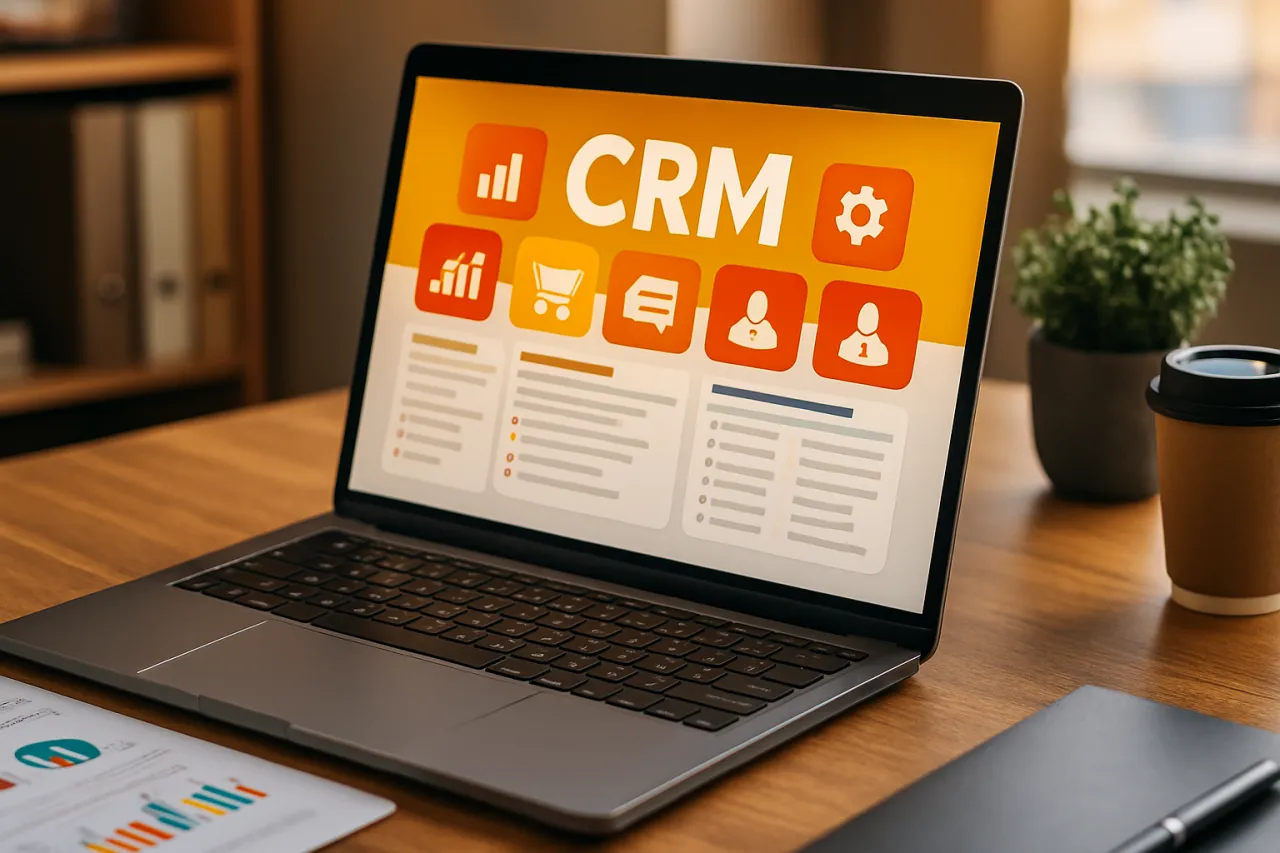
A Customer Relationship Management (CRM) system is software that helps businesses manage interactions with current and potential customers. By consolidating customer information, tracking sales, and facilitating communication, CRMs enable companies to improve customer relationships and increase sales efficiency. For small businesses, a CRM can be a game-changer, allowing them to compete more effectively in their markets.
Why It Matters
Investing in the right CRM is essential for small businesses because it can significantly enhance customer satisfaction and retention. A well-implemented CRM can lead to better data organization, improved communication, and increased sales opportunities. Additionally, as small businesses grow, a scalable CRM will support their evolving needs, making it crucial to choose wisely from the start.
Best Software / Methods / Strategies
1. HubSpot CRM
Overview
HubSpot CRM is a popular choice for small businesses, offering a free tier with essential features and paid plans for advanced functionalities.
Strengths
- User-friendly interface
- Extensive integration options
- Free version available
- Comprehensive marketing tools
Limitations
- Limited customization in the free version
- Pricing can escalate with additional features
Best for
- Small businesses looking for a robust free option that scales with their needs.
Pricing overview
- Free for basic features; paid plans start at $50/month.
2. Zoho CRM
Overview
Zoho CRM provides a range of features tailored for small businesses, including sales automation, analytics, and marketing tools.
Strengths
- Affordable pricing
- Highly customizable
- Strong automation capabilities
Limitations
- Some users report a steep learning curve
- Limited customer support for lower-tier plans
Best for
- Businesses needing extensive customization and automation.
Pricing overview
- Plans start at $14/month per user.
3. Salesforce Essentials
Overview
Salesforce Essentials is designed specifically for small businesses, providing access to Salesforce's powerful tools at a more manageable scale.
Strengths
- Robust feature set
- Excellent integration capabilities
- Strong customer support
Limitations
- Higher cost than some competitors
- Can be complex for non-tech-savvy users
Best for
- Small businesses that anticipate rapid growth and need advanced capabilities.
Pricing overview
- Starting at $25/month per user.
4. Pipedrive
Overview
Pipedrive is a sales-focused CRM that helps small businesses manage their sales pipeline effectively.
Strengths
- Intuitive visual sales pipeline
- Strong focus on sales activities
- Easy to use
Limitations
- Limited features outside of sales management
- Less suitable for businesses needing marketing automation
Best for
- Sales-driven businesses focused on managing leads and deals.
Pricing overview
- Plans start at $15/month per user.
5. Freshsales
Overview
Freshsales is a CRM solution from Freshworks that combines sales automation, email tracking, and a user-friendly interface.
Strengths
- Affordable pricing
- Good email integration
- AI-based insights
Limitations
- Limited third-party integrations compared to others
- Some advanced features may require higher-tier plans
Best for
- Small businesses seeking a cost-effective solution with essential features.
Pricing overview
- Plans start at $15/month per user.
How to Choose the Right Solution
Selecting the right CRM involves assessing your business needs, budget, and future growth plans. Here are some key evaluation criteria:
- Features: Identify the core functionalities you require, such as contact management, email integration, and reporting.
- Usability: Ensure the CRM is user-friendly and offers adequate training resources.
- Integration: Check compatibility with existing tools, such as email platforms, accounting software, and marketing tools.
- Scalability: Choose a CRM that can grow with your business, allowing for additional features or more users as needed.
- Cost: Consider your budget and the total cost of ownership, including hidden fees for add-ons or support.
Common Mistakes
When selecting a CRM, small businesses often make several common mistakes:
- Overlooking user feedback: Involving team members in the selection process can provide valuable insights into usability and needs.
- Focusing solely on price: While budget is important, prioritizing features and long-term benefits is crucial.
- Neglecting integration needs: Ensure the CRM can work with your existing tools to avoid disruption.
- Ignoring scalability: Choose a solution that fits not just your current needs but also future growth.
Frequently Asked Questions
1. What is the main purpose of a CRM?
A CRM helps businesses manage customer relationships, streamline processes, and improve sales efficiency.
2. How much does a CRM typically cost?
Costs vary widely, with basic options starting from free to paid plans ranging from $15 to $150 per user per month.
3. Can CRMs be customized for specific business needs?
Yes, many CRMs offer customization options to tailor features and workflows to suit your business.
4. How long does it take to implement a CRM?
Implementation time varies but typically ranges from a few days to several weeks, depending on the complexity of setup and training.
5. Are there free CRMs available?
Yes, several CRMs like HubSpot offer free versions with essential features for small businesses.
Conclusion
Choosing the right CRM for your small business is a vital step toward enhancing customer relationships and supporting growth. By understanding your specific needs, evaluating various options, and considering key features such as usability and integration, you can make a more informed decision. Remember to involve your team in the process and avoid common mistakes to set your business up for success in managing customer interactions effectively.
About the Author
Tech Blogger
Sana Javed is a tech blogger with 8+ years of experience reviewing and testing Email Marketing software. She helps businesses find the right digital tools to scale their operations.