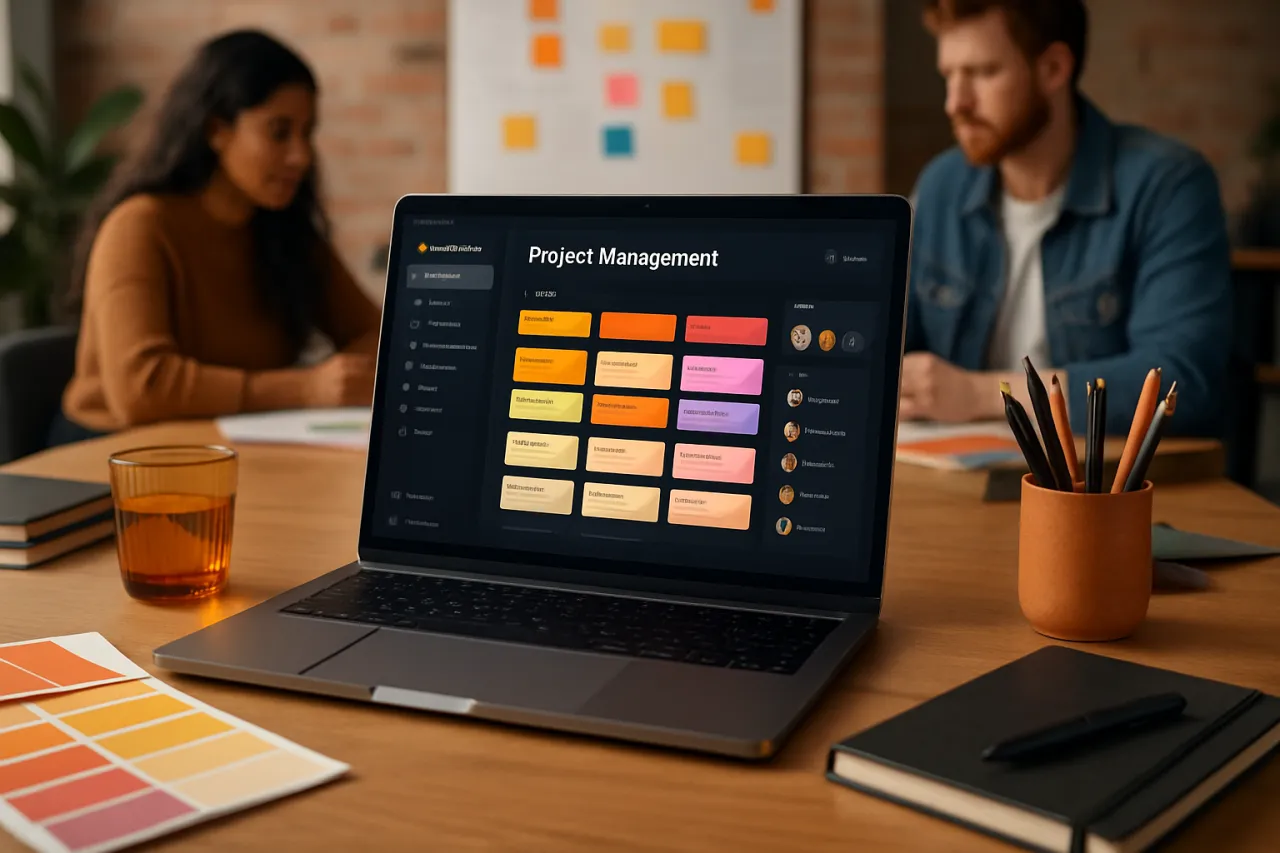
How to Choose the Right Project Management Software
Introduction
Choosing the right project management software can feel like navigating a labyrinth filled with options. With countless tools available, each boasting unique features and promises, how do you determine which one aligns best with your team's needs? This guide demystifies the software selection process by helping you understand the key features to consider based on your specific requirements, such as team size and project complexity.
By the end of this article, you'll be equipped with the insights needed to evaluate various project management tools effectively, avoid common pitfalls, and implement the chosen software seamlessly into your workflow.
What Is Project Management Software
Project management software is a digital tool designed to assist teams in planning, executing, and monitoring projects. These platforms streamline collaboration, enhance productivity, and provide visibility into project status and performance. They often include features like task management, time tracking, resource allocation, and reporting capabilities.
The core purpose of project management software is to facilitate communication among team members and ensure that projects are completed on time and within budget. As teams grow in size and complexity, these tools become essential for maintaining organization and efficiency.
Why It Matters
The right project management software can significantly impact your team's productivity and the success of your projects. Selecting a tool that fits your specific workflow can lead to improved collaboration, clearer communication, and a more structured approach to managing tasks. On the other hand, choosing the wrong software can lead to frustration, inefficiencies, and wasted resources.
Understanding the features and capabilities of various tools will not only help you avoid common mistakes but also ensure that your team can work at its best.
Best Software / Methods / Strategies
1. Trello
- Overview: Trello is a visual project management tool that organizes tasks using boards, lists, and cards, making it intuitive and easy to use.
- Strengths: User-friendly interface, flexible customization options, and excellent collaboration features.
- Limitations: May lack advanced functionalities needed for complex projects.
- Best for: Small to medium teams and simple project workflows.
- Pricing overview: Free tier available; paid plans start from $10 per user/month.
2. Asana
- Overview: Asana offers a comprehensive platform for task management and project tracking with customizable workflows.
- Strengths: Robust task management features, timeline view, and strong integration capabilities with other tools.
- Limitations: Can be overwhelming for new users due to its extensive features.
- Best for: Medium to large teams with complex project needs.
- Pricing overview: Free tier available; premium plans start at $13.49 per user/month.
3. Monday.com
- Overview: Monday.com is a highly customizable project management solution that provides visual project tracking and automation features.
- Strengths: Versatile workflows, visual data representation, and automation to reduce manual tasks.
- Limitations: Pricing can become expensive as team size increases.
- Best for: Teams looking for a customizable solution that can adapt to different project types.
- Pricing overview: Plans start at $8 per user/month, with advanced features available in higher tiers.
4. ClickUp
- Overview: ClickUp combines project management, task management, and document collaboration in one platform.
- Strengths: All-in-one solution with extensive features and a high degree of customization.
- Limitations: Steeper learning curve due to its multiple functionalities.
- Best for: Teams that require a comprehensive tool for managing various aspects of their projects.
- Pricing overview: Free tier available; paid plans begin at $5 per user/month.
How to Choose the Right Solution
When selecting project management software, consider the following criteria:
- Team Size: Larger teams may benefit from tools that offer advanced reporting and collaboration features.
- Project Complexity: Assess whether your projects are simple or require advanced planning and tracking capabilities.
- Integration Needs: Ensure that the software can integrate with other tools your team uses, such as communication platforms and file storage solutions.
- User Experience: Opt for a tool that is intuitive and easy for your team to adopt; a complicated interface can hinder productivity.
- Budget: Consider the total cost of ownership, including subscription fees, training costs, and potential scalability expenses.
Common Mistakes
- Choosing Based on Features Alone: Focus on how the software fits your workflow instead of just the features it offers.
- Overlooking Team Input: Involve your team in the selection process to ensure that the chosen tool meets their needs and preferences.
- Ignoring Scalability: Select a solution that can grow with your team and projects to avoid switching tools frequently.
- Neglecting Training: Ensure that team members receive proper training to maximize the software’s potential and avoid frustration.
Frequently Asked Questions
1. What features should I look for in project management software?
Look for task management, collaboration tools, time tracking, reporting, and integration capabilities.
2. How much does project management software cost?
Pricing varies widely; free options exist, while paid plans can range from $5 to $20 per user/month based on features and team size.
3. Can project management software help remote teams?
Yes, many tools are designed specifically for remote collaboration, offering features like real-time updates and communication tools.
4. How do I transition my team to a new project management tool?
Start with a pilot program, provide training, and allow team members to gradually adopt the tool for their projects.
5. Is it worth using project management software for small teams?
Absolutely; even small teams can benefit from improved organization and clarity in project tasks.
Conclusion
Choosing the right project management software is a crucial decision that can greatly influence your team's efficiency and project outcomes. By understanding your specific needs, evaluating various tools, and avoiding common pitfalls, you can make a decision that enhances collaboration and productivity. Remember to involve your team in the selection process, consider scalability, and ensure proper training to maximize the benefits of your chosen software.
About the Author
Senior Tech Writer
With a background in Design Tools, Gregory Morris brings hands-on expertise to evaluating the latest Design Tools tools. He has reviewed hundreds of SaaS products for startups and enterprises alike.